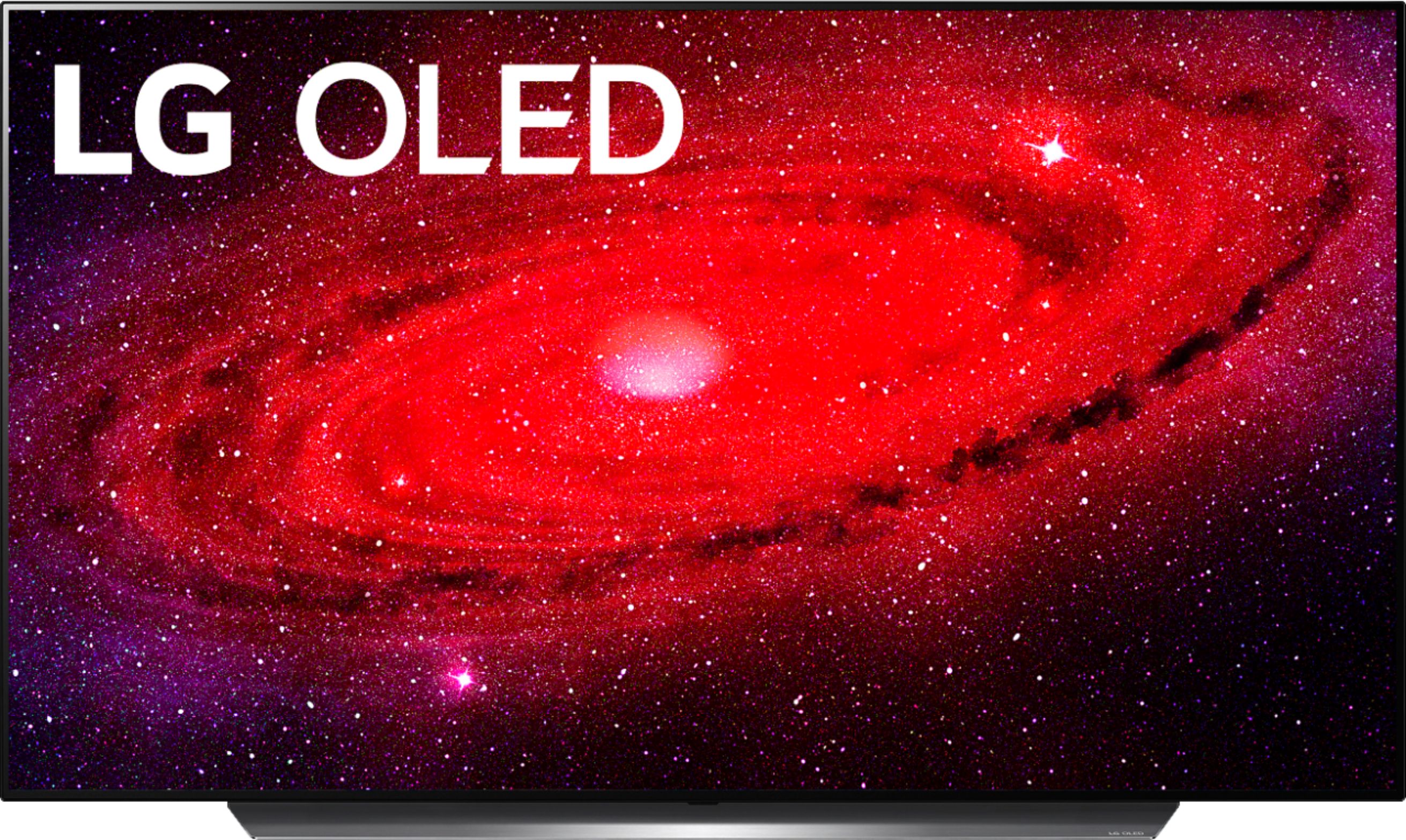
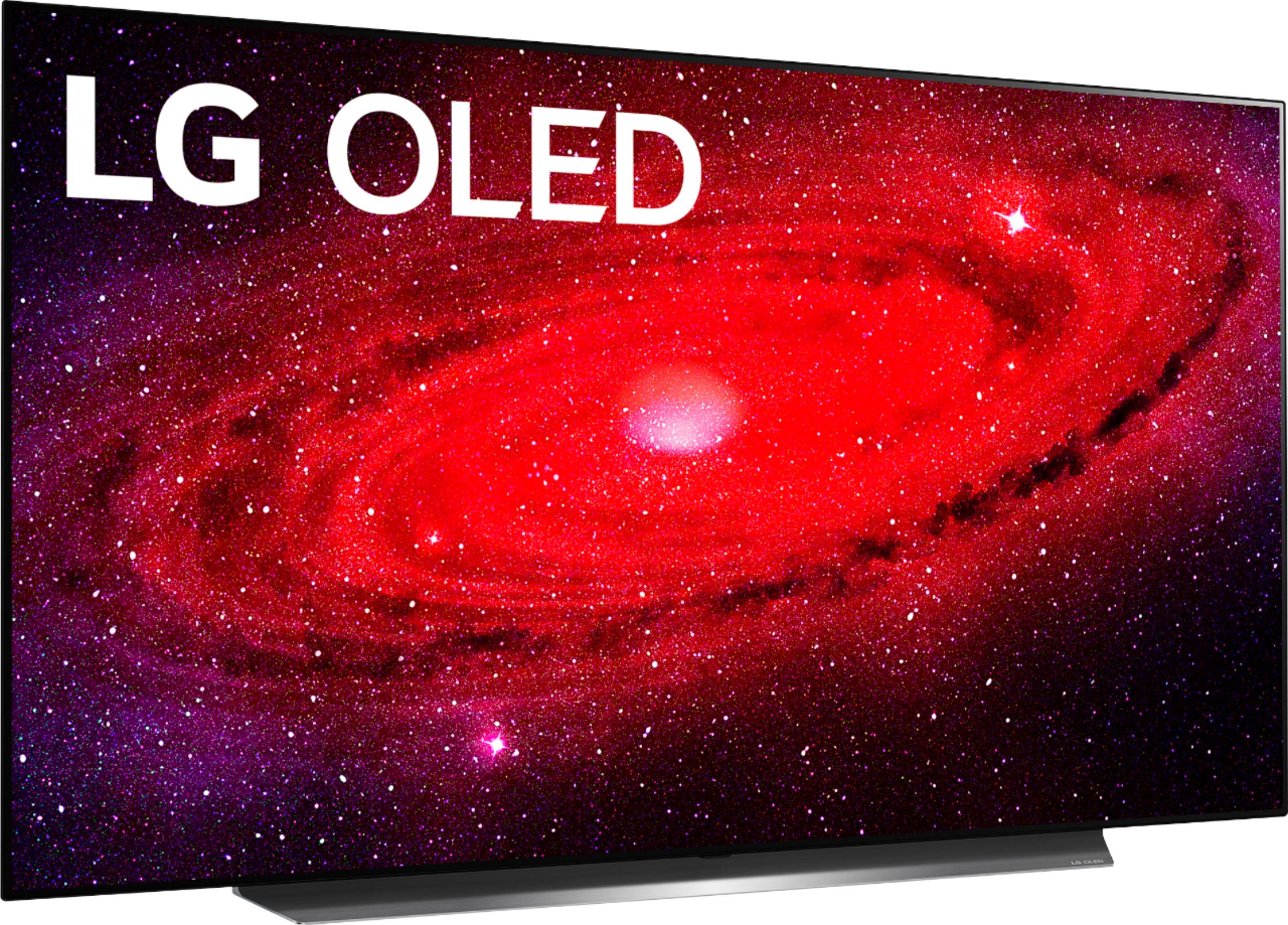
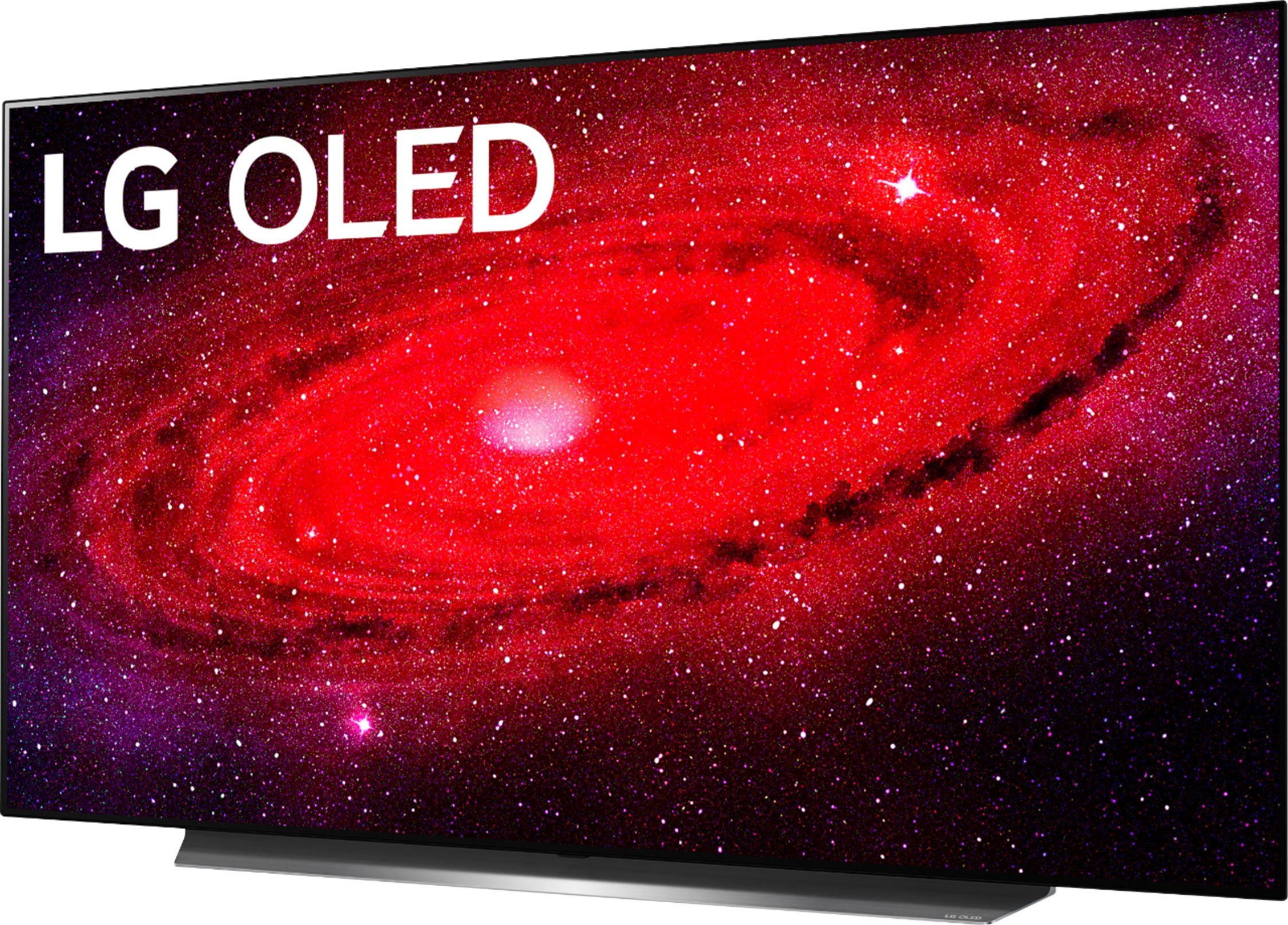
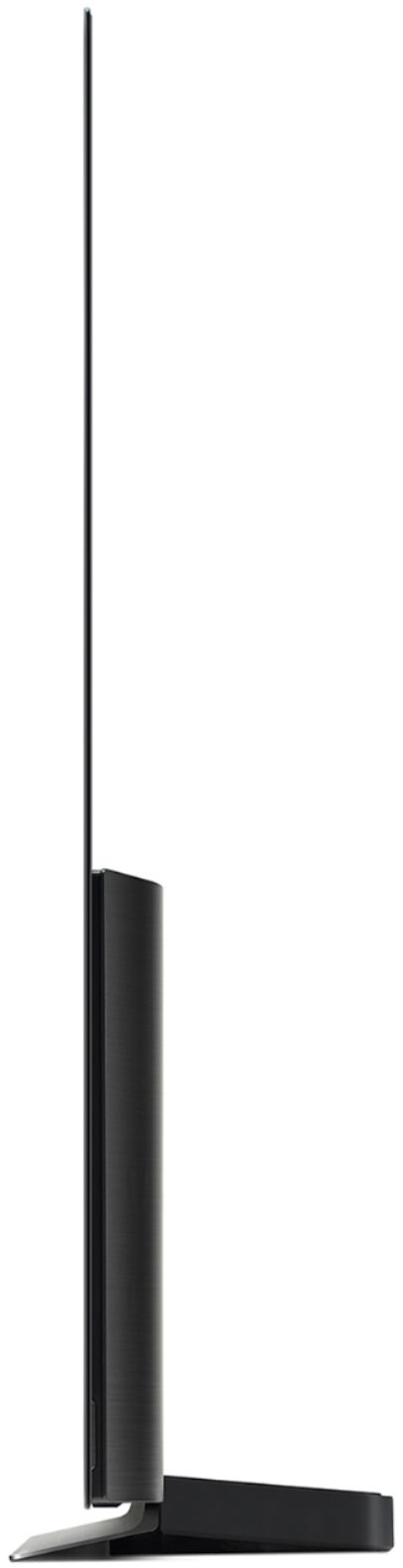
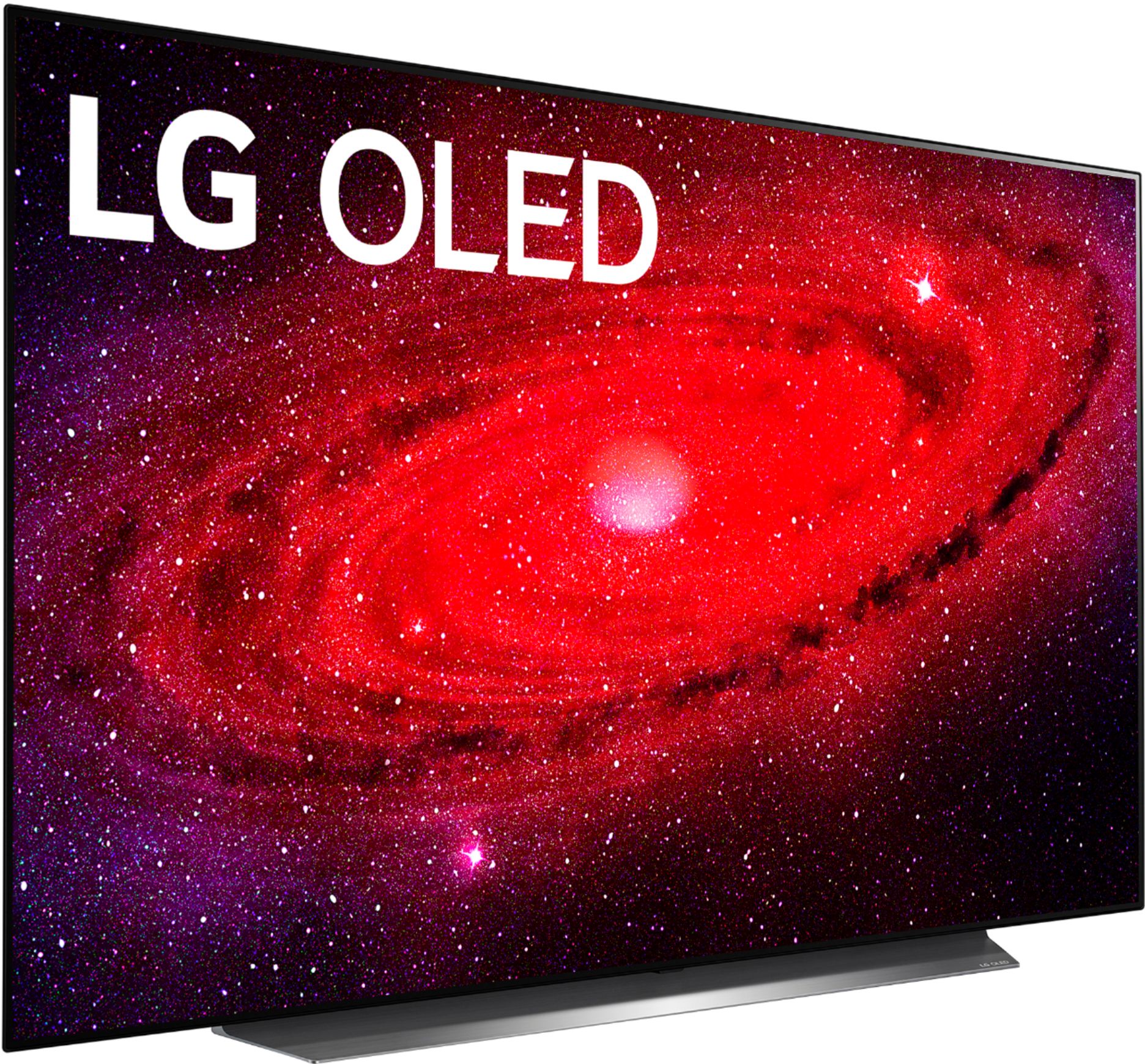
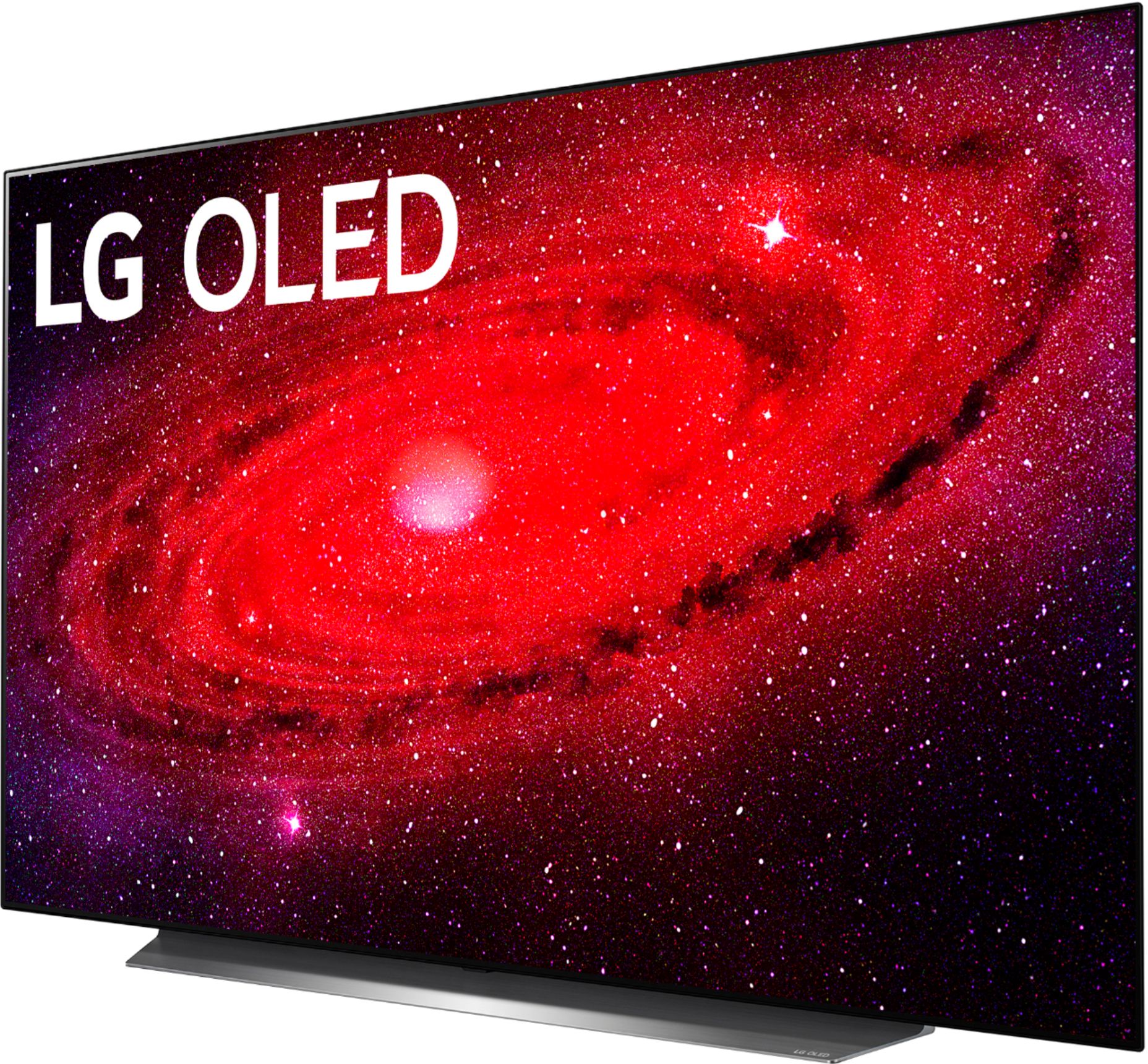
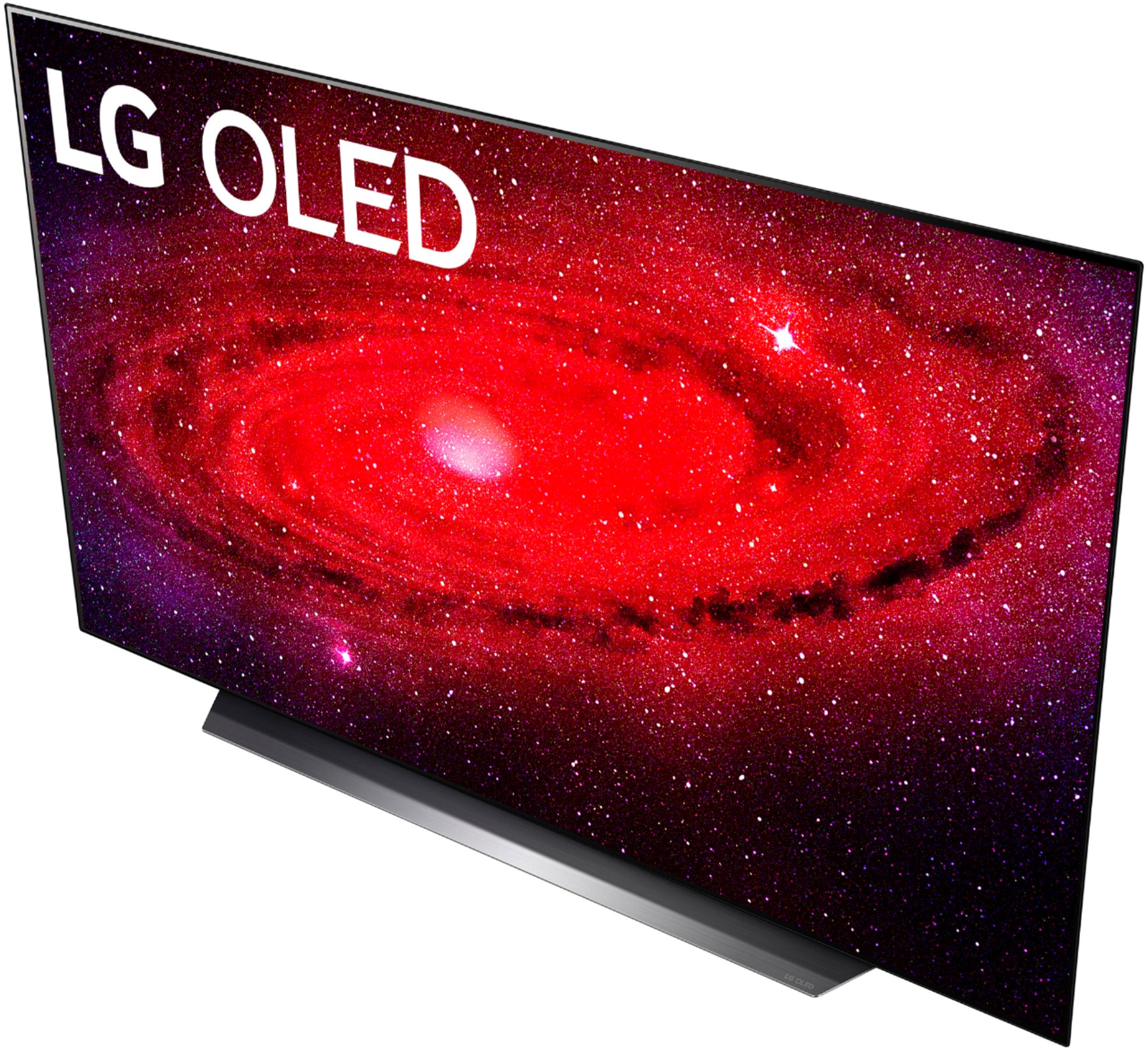
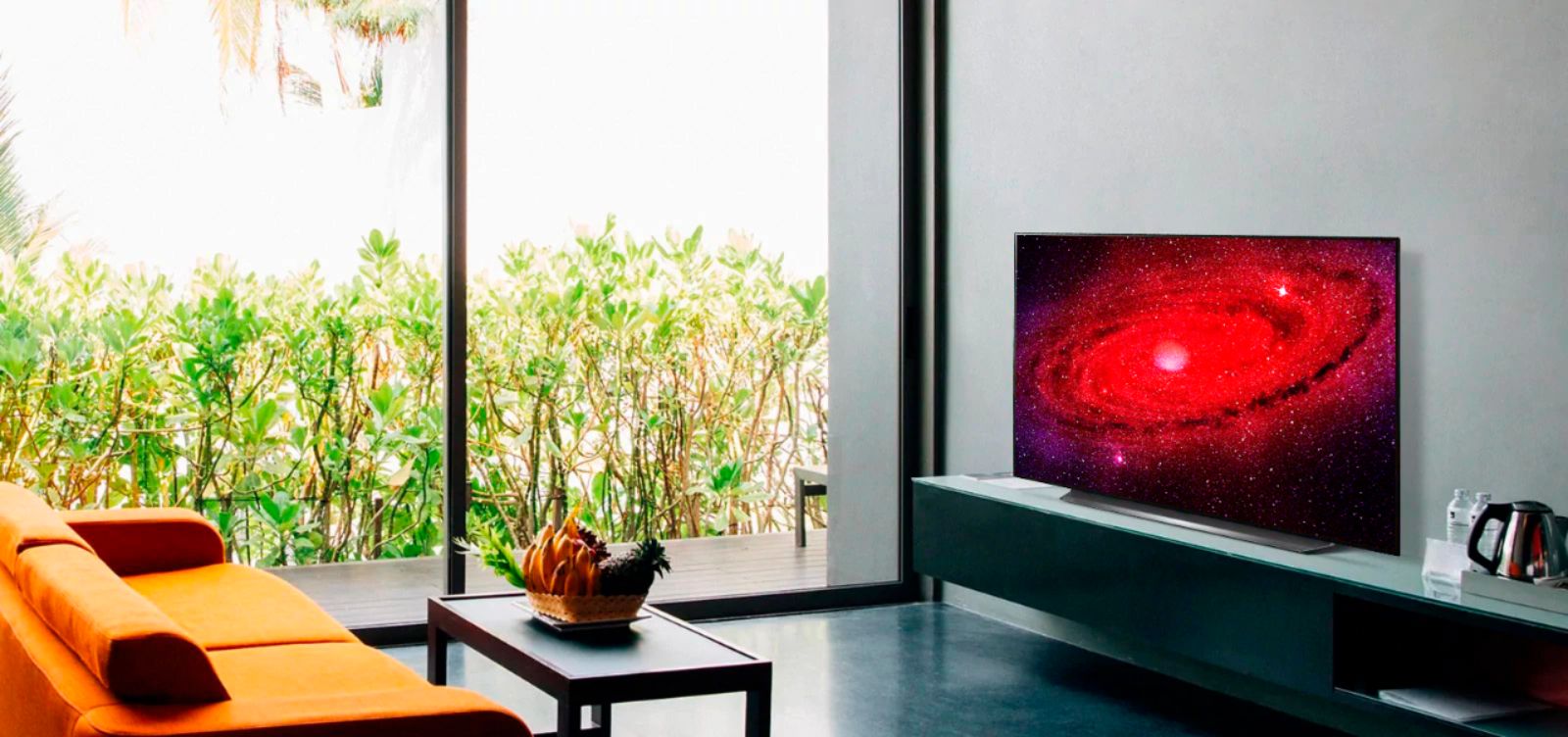
A:AnswerThe width of the shipping carton for the LG CX 55 inch Class 4K Smart OLED TV w/ AI ThinQ® (54.6'' Diag), Model # OLED55CXPUA is 55.3" as listed on the LG site and the height should be 32.9"...^IFV
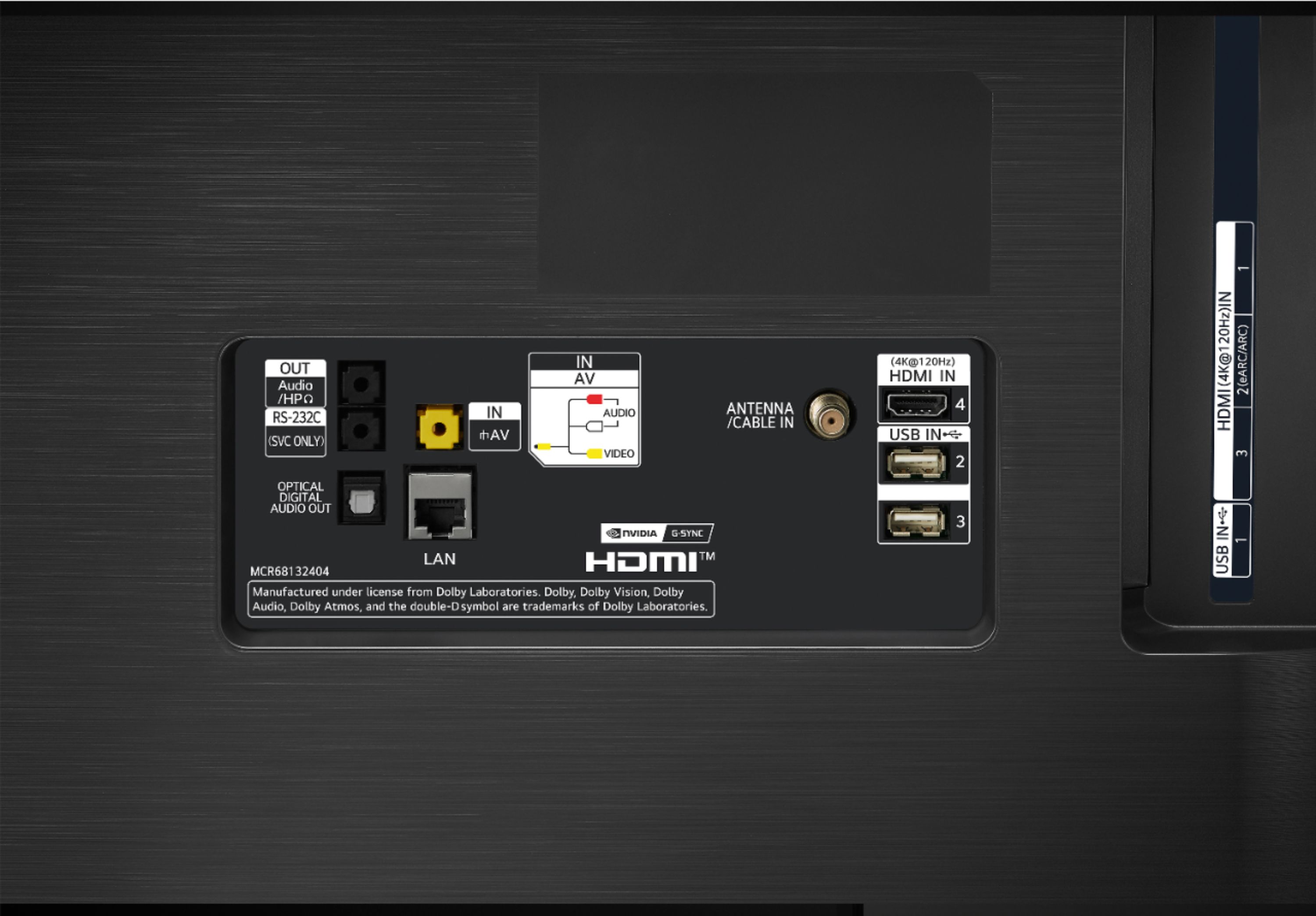
A:AnswerYes, all 4 of them are and go to 4k/120hz. Port 2 has eARC/ARC. Or you can go digital out. I haven't utilized eARC/ARC. The tv settings automatically takes away the ability to use tv speakers if it is set up to use eARC/ARC. I have Xbox one X (last version), Panasonic 820 4k player, Oppo Digital 93 (I know,old) and Apple 4k 32gb version connecting through Denon AVR x1600H. I play Call of Duty all the time and it looks great on the tv. 4k movies look awesome, My previous tv was Panasonic VT25 (plasma). I decided to upgrade to take advantage of 4K. I bought the 55" LG CX last month and really like it. I am not a fan of the controller, and the tv takes some tweaking .. my suggestions; turn off the following in Picture Options: True Motion, Real Cinema, Noise Reduction, MPEG Noise Reduction,Smooth Gradation, Motion Eye Care. ..i have Black Level set to Low. In Advance Controls: turn off Dynamic Contrast, Super Resolution set to Low,. Color Gamut is auto, Gamma. 2.2. White Balance change color Temperature to Warm 2,. I left alone Color Management System,. Turned off Peak Brightness (unless you are in a bright /sunny room).
OLED light setting is cool, cuz it will increase and decrease Brightness of the whole screen without messing with the picture settings. I am not in a real bright room, so I usually have the OLED light set at 90.
Using Apple 4 TV, it will Automatically go into HDR mode, I think the only change I have made with this mode is reducing the OLED.
When I play a game using Xbox the setting will go into game mode. I changed the White Balance setting.. color Temperature to warm 2 and decreased the OLED light to 90.
The TV has more picture settings than my plasma, so it took me 3-5 days to get full grasp how all the picture settings work together. Eventually I like to get it calibrated.
RTing.com has recommended picture settings as well, I think most of mine matches their recommended settings.
A:AnswerThere is not a PBS app in the LG Content Store. PBS Video app is available free of charge for iOS, Android, Amazon Fire, Roku, Amazon Fire TV, Android TV, Samsung TV, and Apple TV. This TV has a webOS platform. Our webOS platform offers over 600 apps including streaming content and games - including over 180 free streaming channels via the LG Channels (on select models) app. For a complete listing of available apps, please visit: https://us.lgappstv.com/main/tvapp. ^Daphane
A:AnswerThe label can be changed. You first click on the inputs icon button on the remote control, just below the wheel. Then you go down to the bottom of the list that appears on the TV, on the right, and select “all inputs”. When “inputs” screen comes up, you select one of the active inputs on the left, then select “input label” on the right and you can change the label. ^Daphane
A:AnswerThere is an automatic setting you can enable for screen savers to pop on and constantly change the static image so it reduces the chances of burn in.I wouldn't be to concerned about burn though Unless you accidentally leave a bright static image on the screen while your out for the day or over night.
A:AnswerLG's webOS 3.5 TV Platform is for our 2016 LG Smart TVs. The LG CX 55 inch Class 4K Smart OLED TV w/ AI ThinQ® (54.6'' Diag), Model # OLED55CXPUA is a 2020 model running on the latest LG webOS TV Platform (webOS 5.0) and the Peacock app is a compatible app that can be downloaded and installed on the TV from the LG Content Store (App Store)...^IFV
A:AnswerWhen LG first started manufacturing OLED TVs in 2013, their lifespan was some 36,000 hours. Technological development has extended that to 100,000 hours now which is equal to 30 years if a use watches an LG OLED for 10 hours a day. OLED TVs undergo a rigorous “two-track inspection procedure”. The first test takes place on the conveyer belt where each panel is examined for 15 minutes to identify potential color or general panel errors. The second check takes place after the TV has been packaged. A person unpacks every TV, which is done in part to get a feel for the customer’s experience. Each TVs is then tested for a period of 72 hours at normal room temperature. For new OLED models the period is extended to 168 hours. Random sampling tests are not allowed, so all OLED TVs should be under the same thorough inspection processes...^IFV
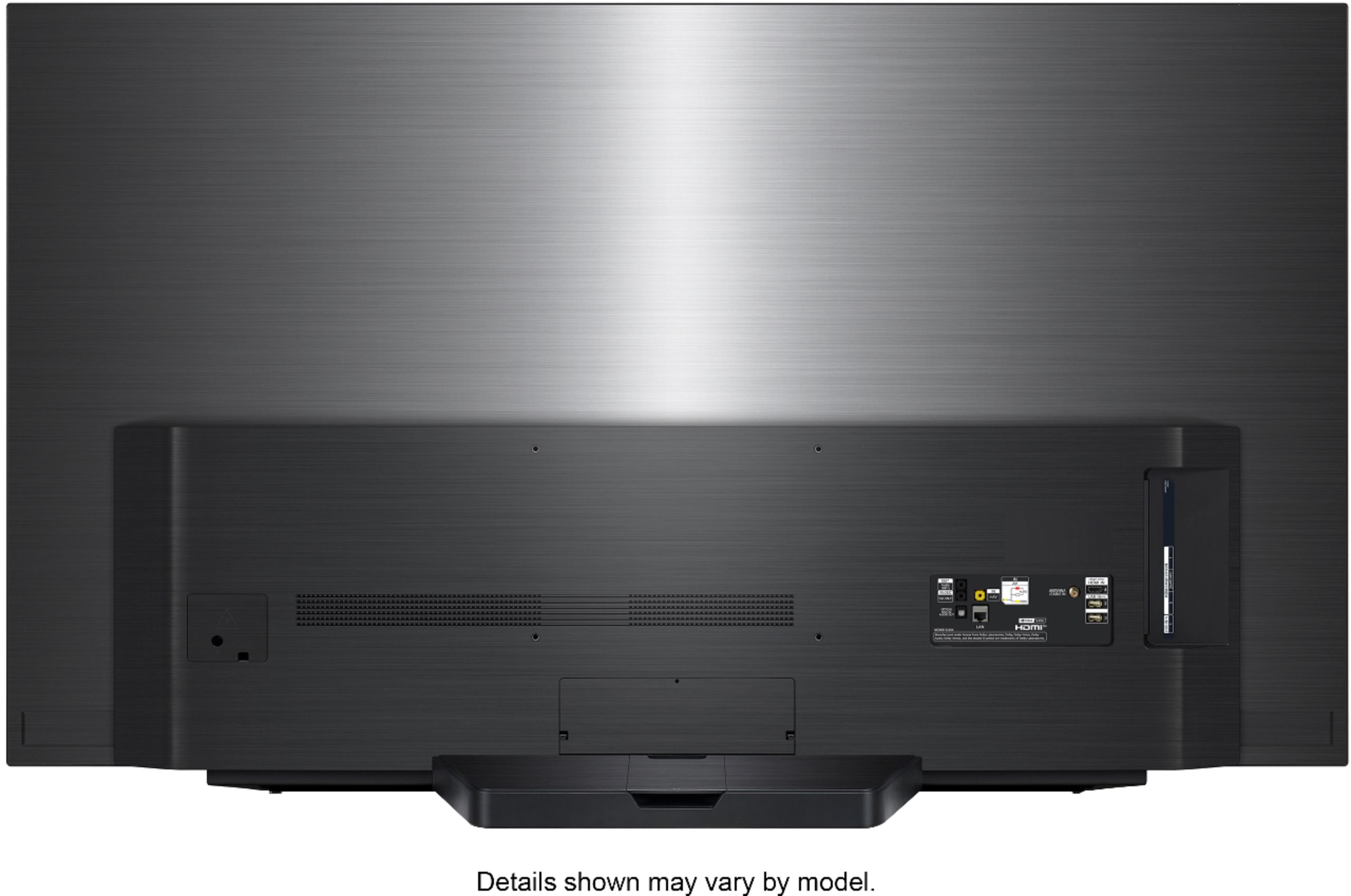
A:AnswerThe VESA Mount Bolt Holes in the back of the TV can be used with Anti-Tip Safety straps that have bolts that will fit into them. The type of screws that will fit into the bolt holes on the TV are M6 Phillips pan head screws...^IFV
A:AnswerIt’s suppose to get an update to add freesync at some point. It also supports vrr which is essentially the same and the ps5 will support that, the xbox one x already does and it works well. Gsync is already on there and works as well
A:AnswerThe difference from CX to C1 is that processor has been upgraded, the new webOS 6.0 with new user interface with the aim of being more intuitive and user friendly and newly redesigned Magic remote. Please see the link for a side by side comparison of both model, https://www.lg.com/us/compare?bizType=B2C. ^Daphane
A:AnswerIt is not required. By registering your product, you create an account where you can manage your registered products and get helpful information. ^Daphane
A:AnswerNo,unfortunately you’ll be safe from a distance unless you’re using it as a monitor then definitely get a blue filtered glasses that I got for my kids
A:AnswerYes it does! Hold the settings button on remote for a few seconds. Go to connection. Then select device connection settings. You will then see simplink which is LG's name for hdmi cec
A:AnswerThe TV should be mounted using VESA Mounting interface pattern 300 x 200 (W x H). You can see photos of the back of the unit if you look through the images of the TV. ^Daphane