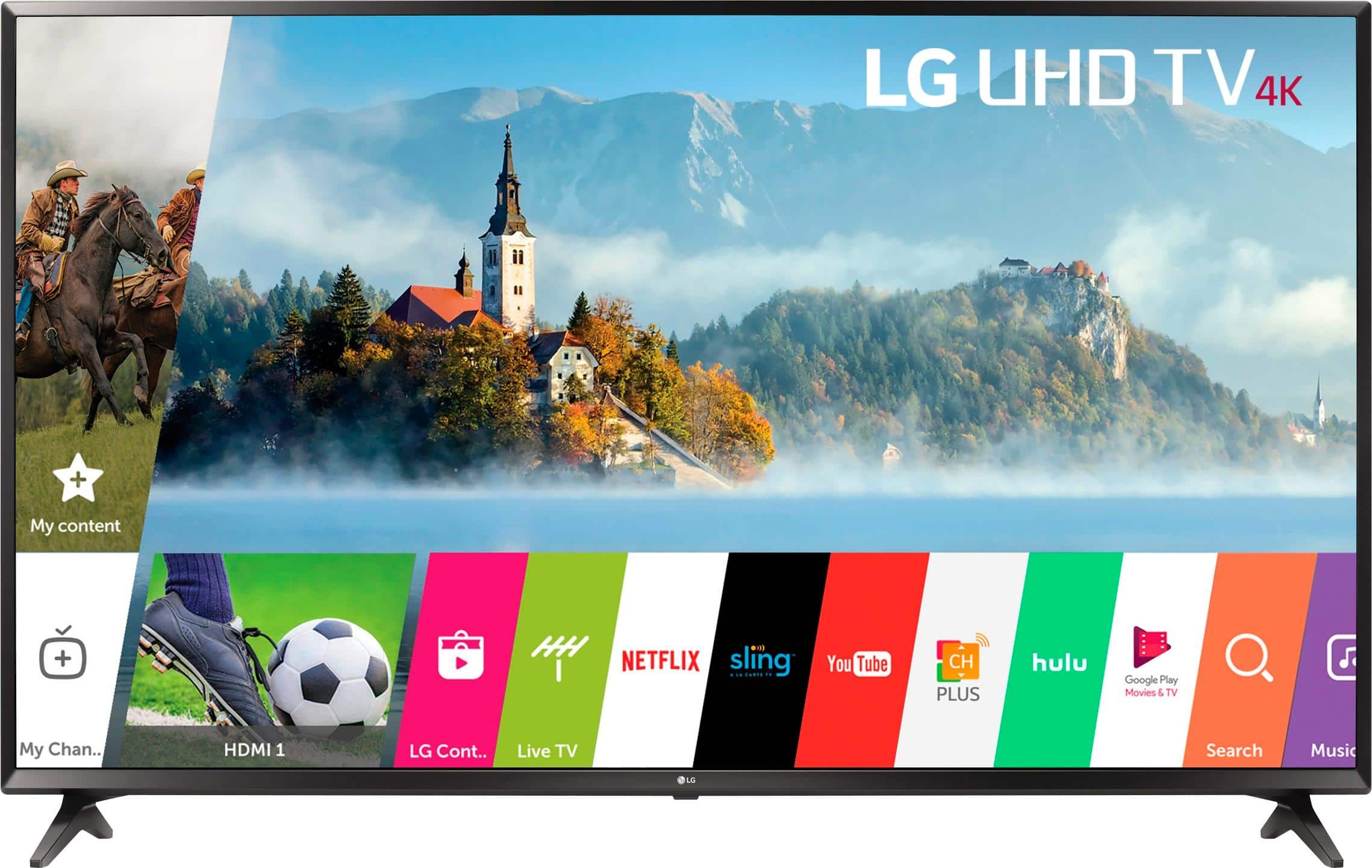
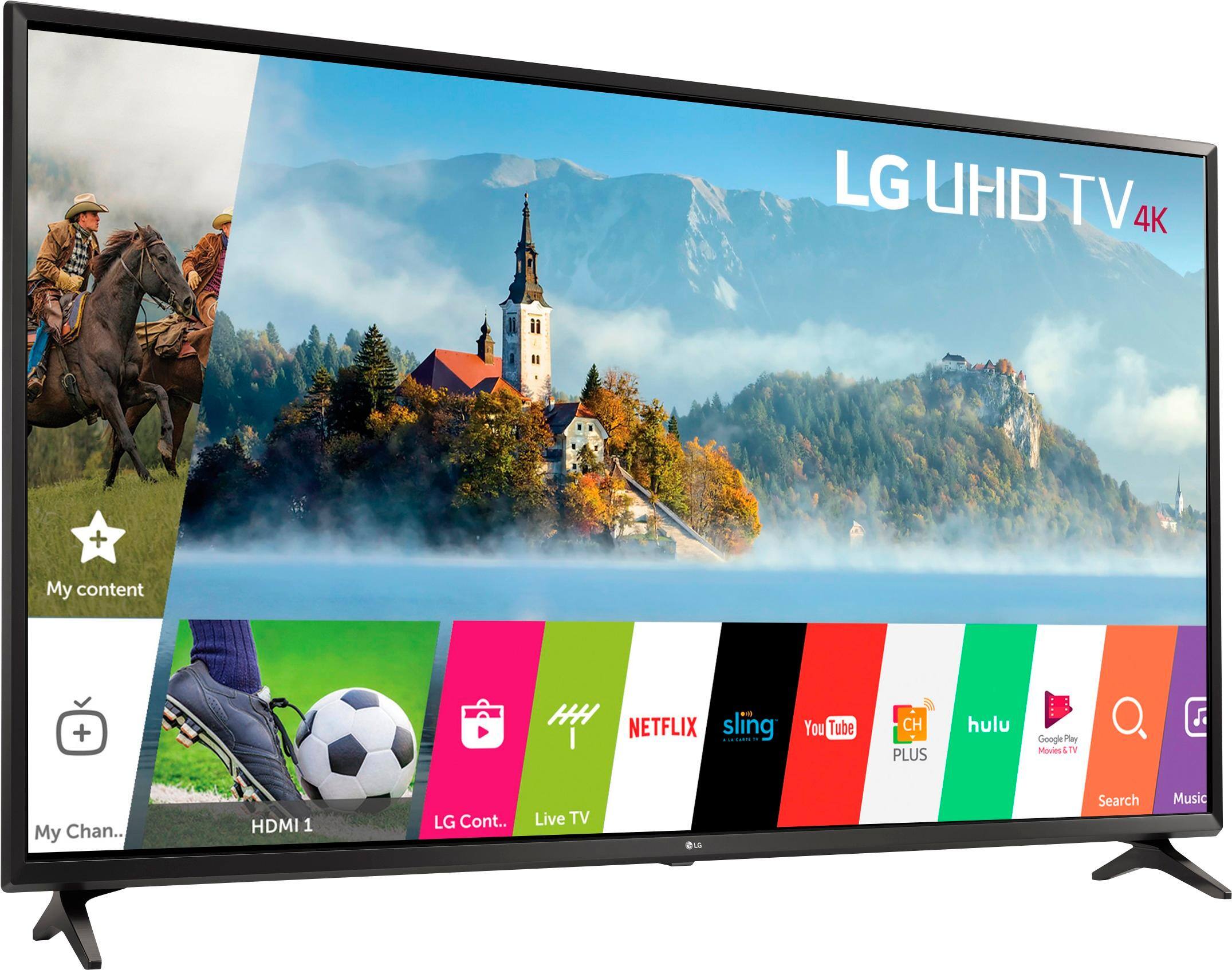
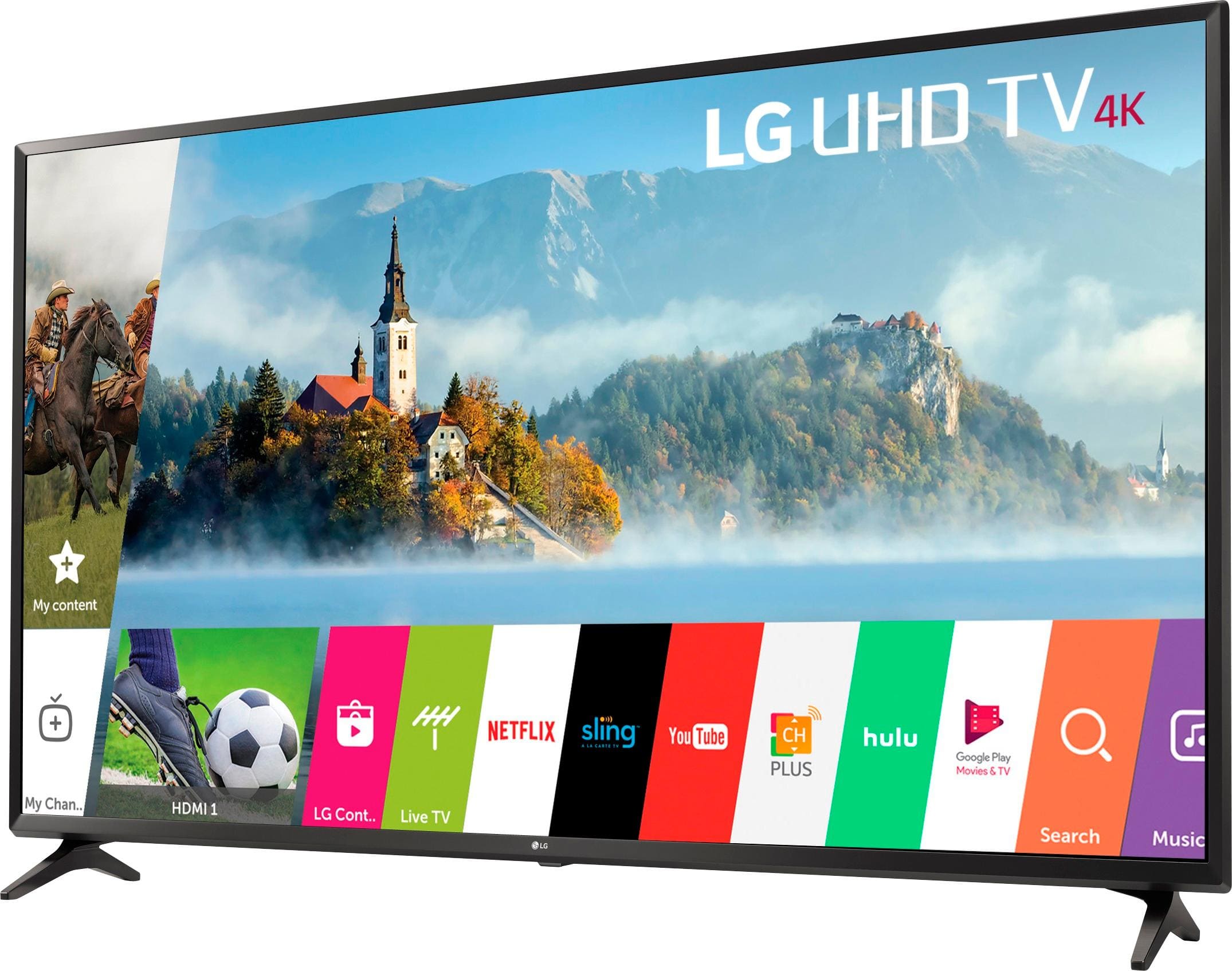
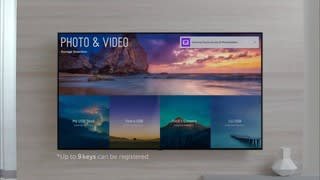
A:AnswerMy tv stand is 47.5 inches and just barely fits. If you're gonna get this tv, then you'll need a bigger stand. Unless you want to get free standing tv mount.
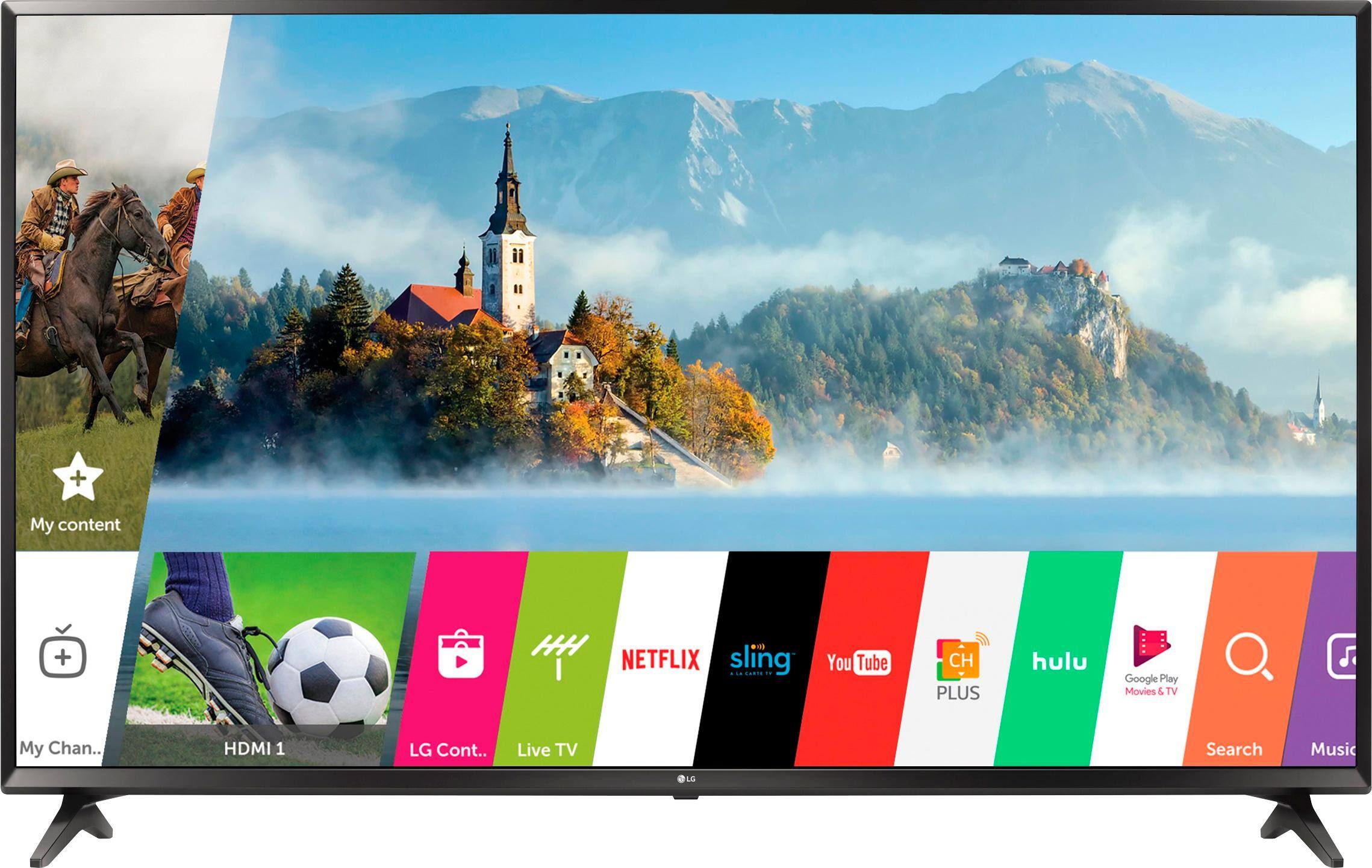
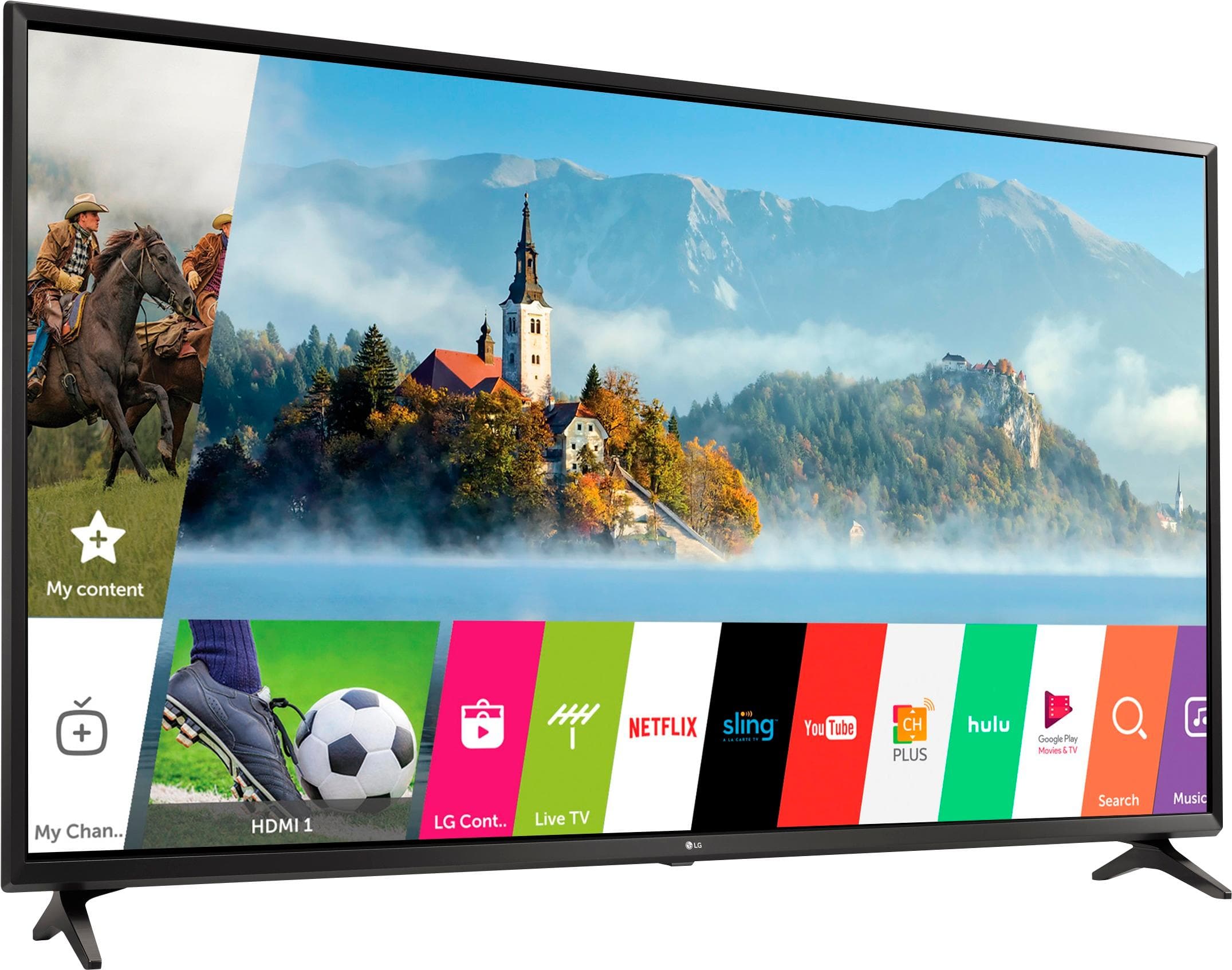
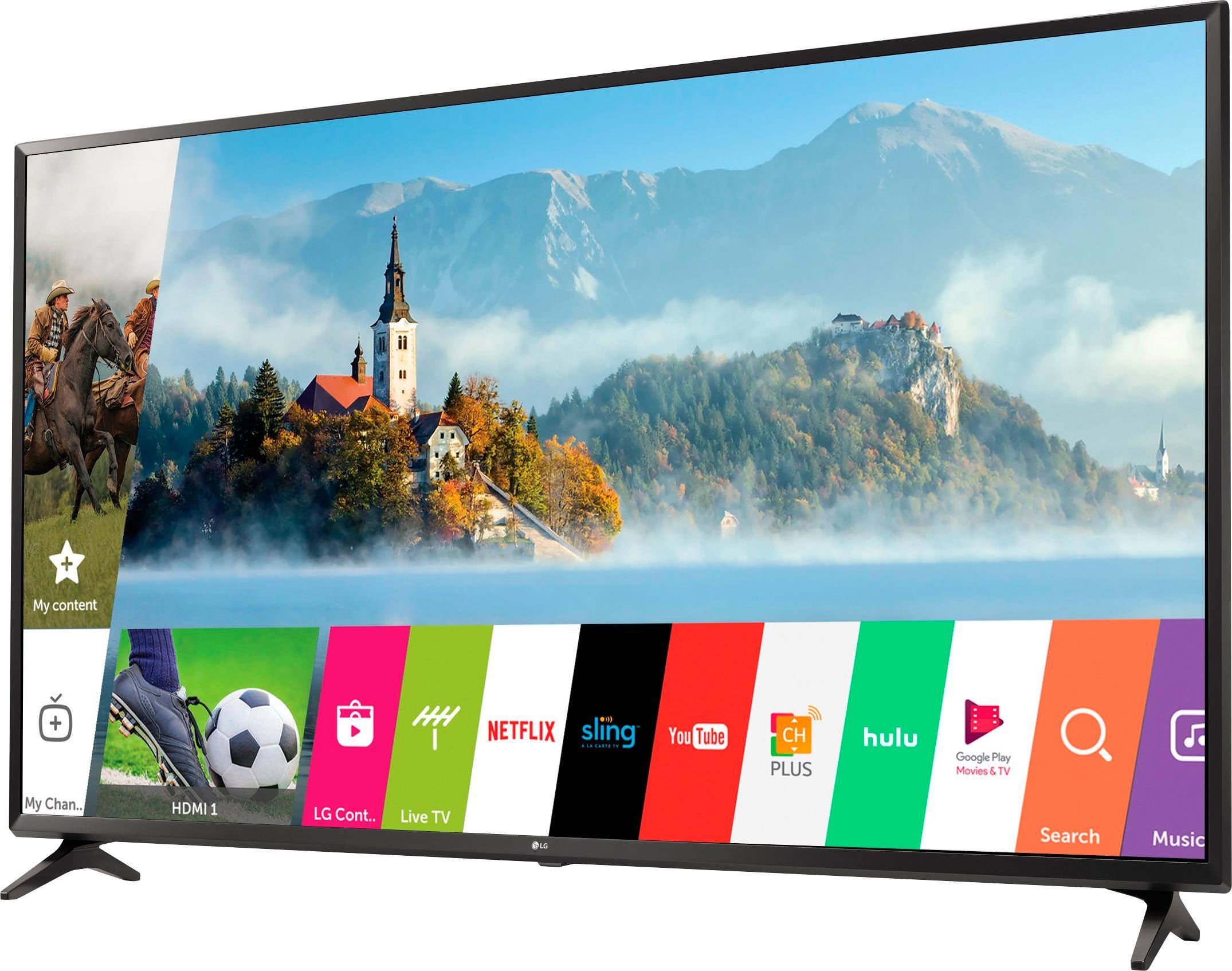
A:AnswerThe LG 4K UHD HDR Smart LED TV - 55" Class (54.6" Diag), Model # 55UJ6300 has a full web browser and an LG Content Store (App Store) that you can use to search for and download compatible apps...^IFV
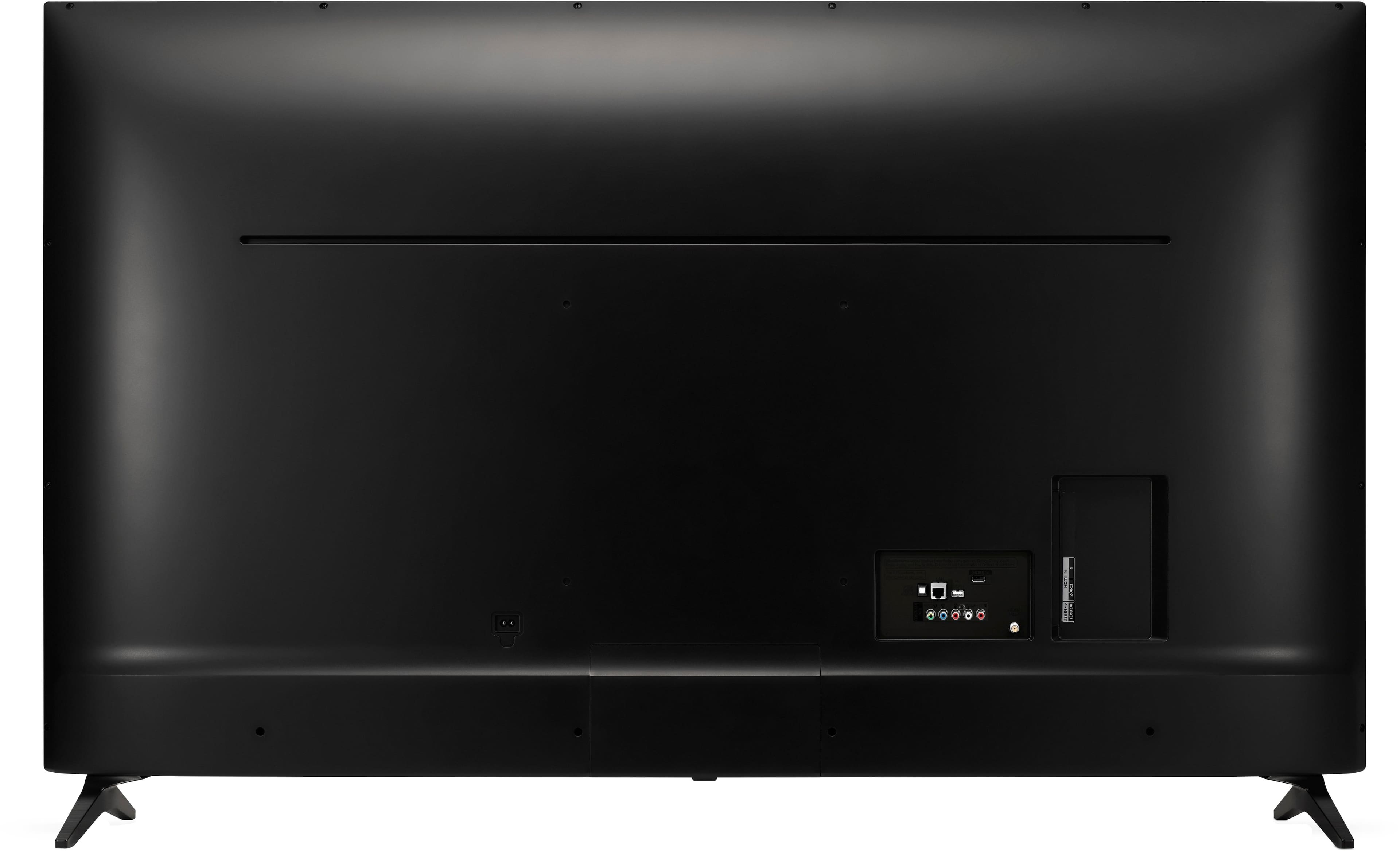
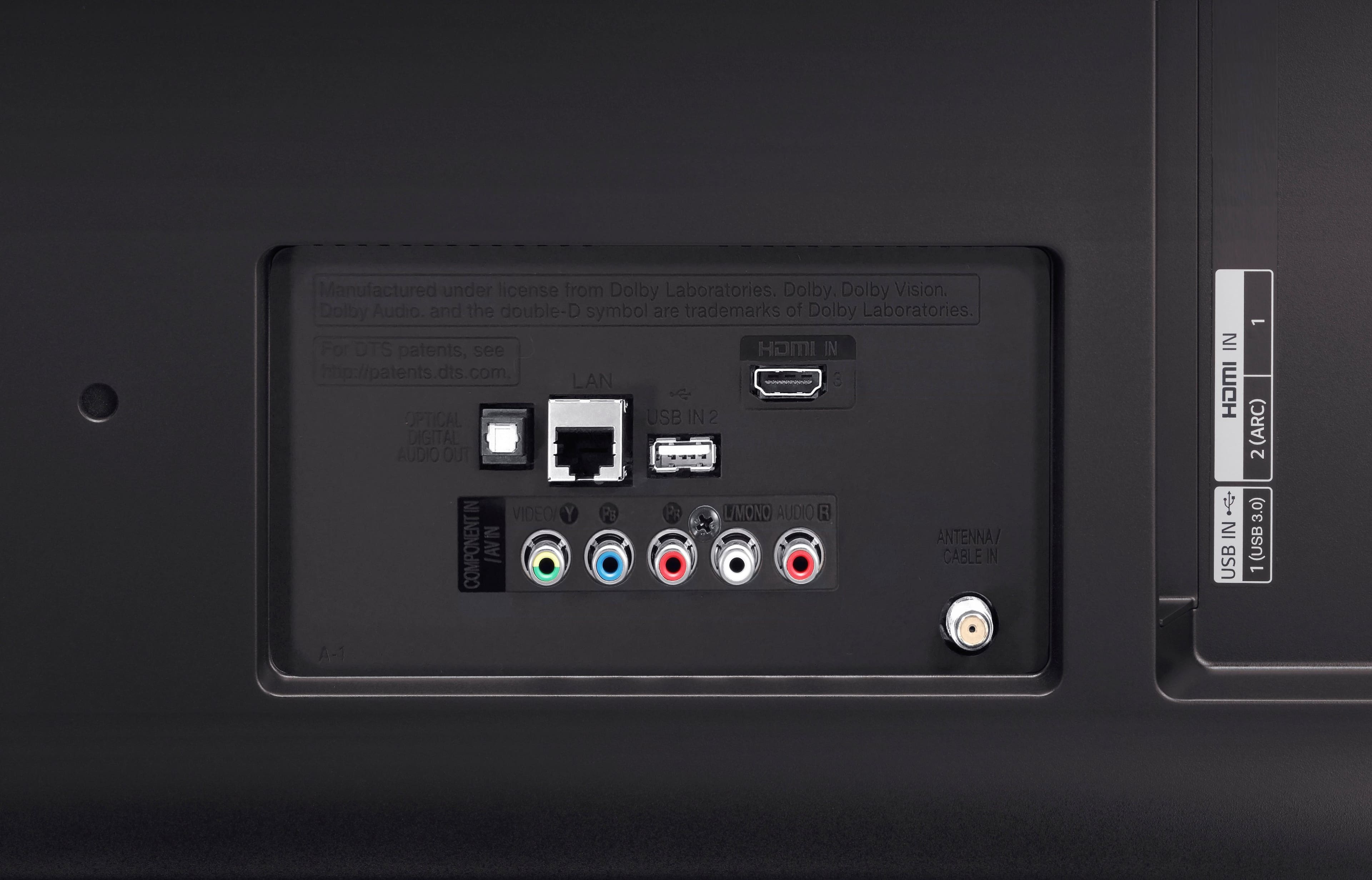
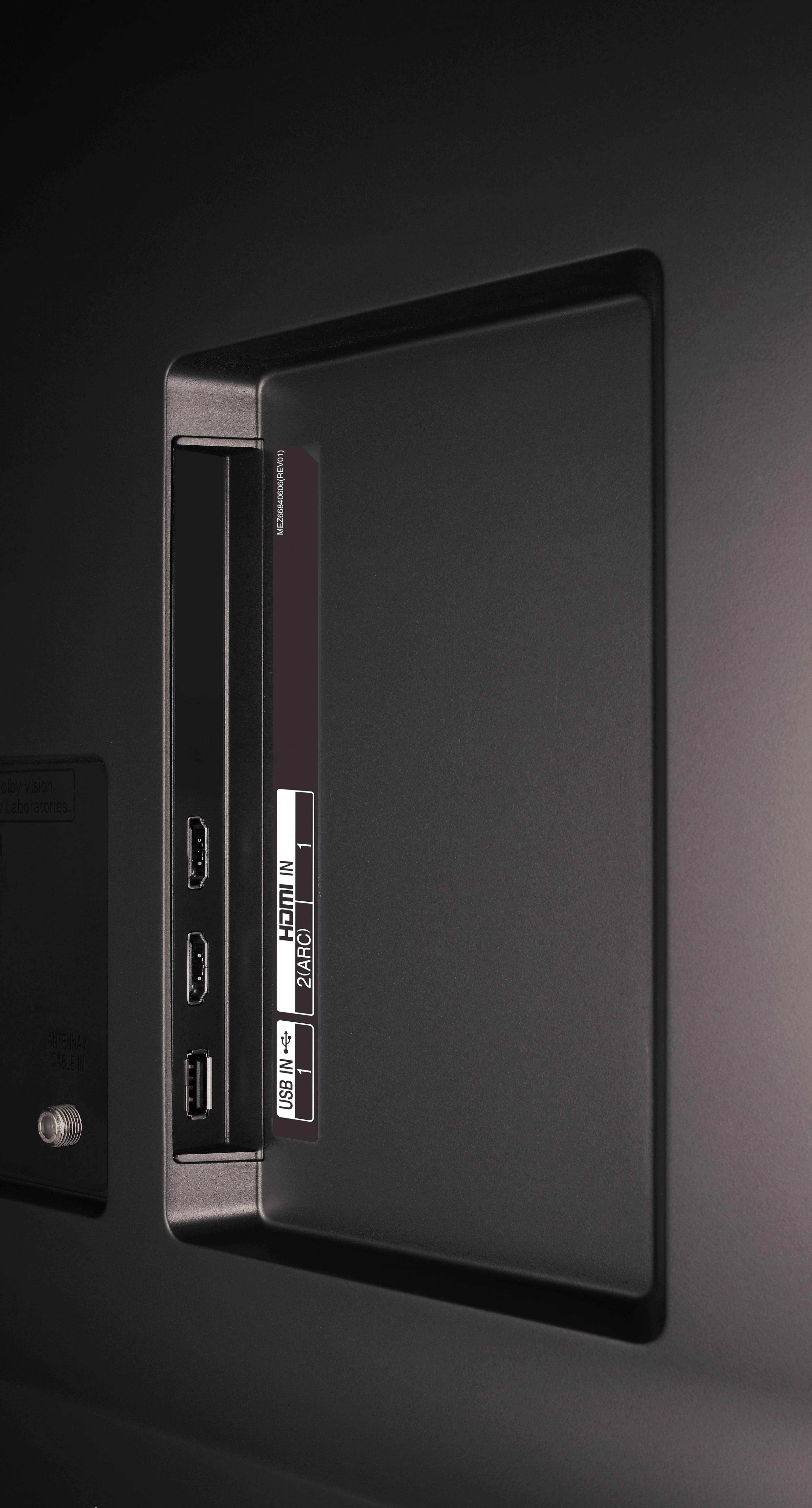
A:AnswerI called LG myself for this specific model because I have it and was trying to pair my Bluetooth sound bar and they advised tv is only compatible Bluetooth with a headset only which is dumb. They said you can either use The HDMI ARC output for audio or the optical digital audio out port. You would think by it being a smart TV it could pair with a sound bar wirelessly.
A:AnswerLG Magic Remotes use Bluetooth technology and are only compatible with TVs that support Bluetooth. The LG 4K UHD HDR Smart LED TV - 55" Class (54.6" Diag), Model # 55UJ6300 does not support Bluetooth so it will not be compatible with LG Magic Remotes...^IFV
A:AnswerLG Magic Remotes are Bluetooth devices and since the LG 4K UHD HDR Smart LED TV - 55" Class (54.6" Diag), Model # 55UJ6300 does not support Bluetooth, it will not be compatible with LG Magic Remotes nor are you able to use wireless Keyboards with it. The only wireless keyboards that have been tested for compatibility with our TVs that are Bluetooth enabled are the LOGITECH K360, LOGITECH K400, LOGITECH K750, and LG Electronics MKS-1200...^IFV
A:AnswerTVs are not heat resistant, but they do have optimal operating temperatures that if exceeded, can shorten what should be a lively and reliably long life. Worse, if the soot from the fire gets inside the TV, it will damage it beyond repair.If you don't actually use the fireplace, that will not be an issue but ther are other issues you will need to consider. The LG 4K UHD HDR Smart LED TV - 55" Class (54.6" Diag), Model # 55UJ6300, has an operating temperature of 0 °C to 40 °C (32 °F to 104 °F), so if you use the fireplace, you'll need to measure the temperature for where you intend to mount the TV to determine if the heat will be a factor or not, but keep in mind that you also have to consider the soot from the fireplace. Bottom line is that you may not be able to watch TV and have a fire going at the same time. If you don't use the fireplace, mounting it up and out of the way above a fireplace seems logical, convenient, and undeniably cool. However, there are serious issues with such placement. Ideally, the TV should be mounted at eye level to prevent straining your neck and getting a sore neck from staring up at the screen. If you're planning on watching the TV occasionally, that might not be an issue, but if this is your main TV and you're going to be watching it more than a few minutes at a time, that is something you'll need to consider. That issue can be remedied by using a tilting wall mount so you can tilt the TV down to avoid neck strain. This will also take care of the off-axis issue. LED LCD TVs don't look that great when viewed off-axis. This TV is a an IPS panel which gives you a wider viewing angle, but depending on just how much mounting the TV takes it off-axis will be something else you need to consider. There are other issues, but if you are having the mounting done professionally, the installers will be able to advise you on those issues...^IFV
A:AnswerLG's Tech Specs (http://www.lg.com/us/tvs/lg-55UJ6300-4k-uhd-tv) reflect nothing related to bluetooth. So I do not understand how Sweetpea could affirm that it does have bluetooth.
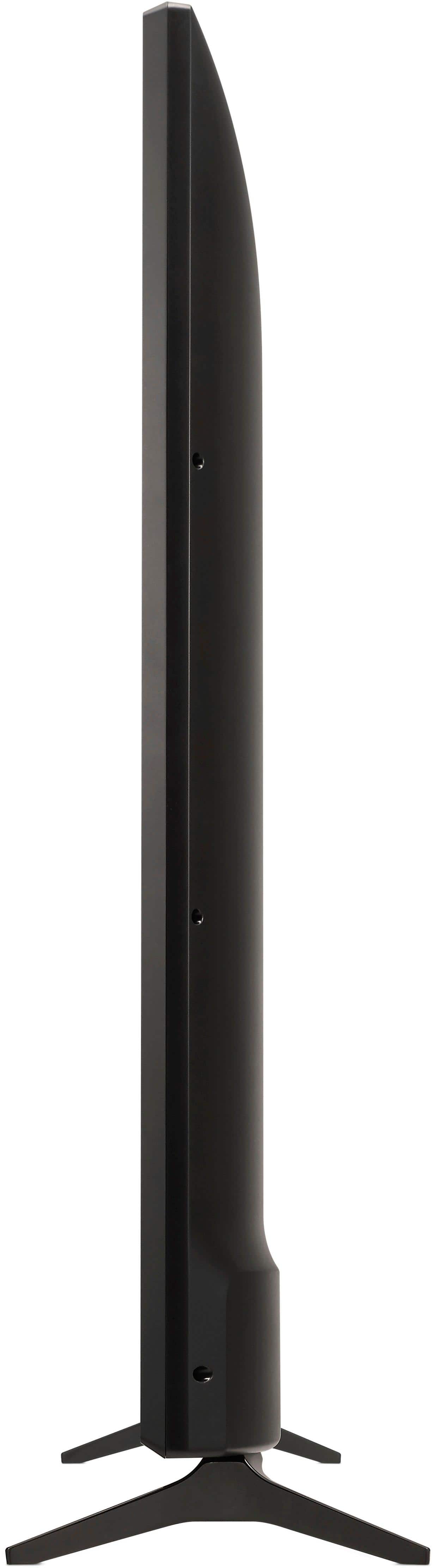
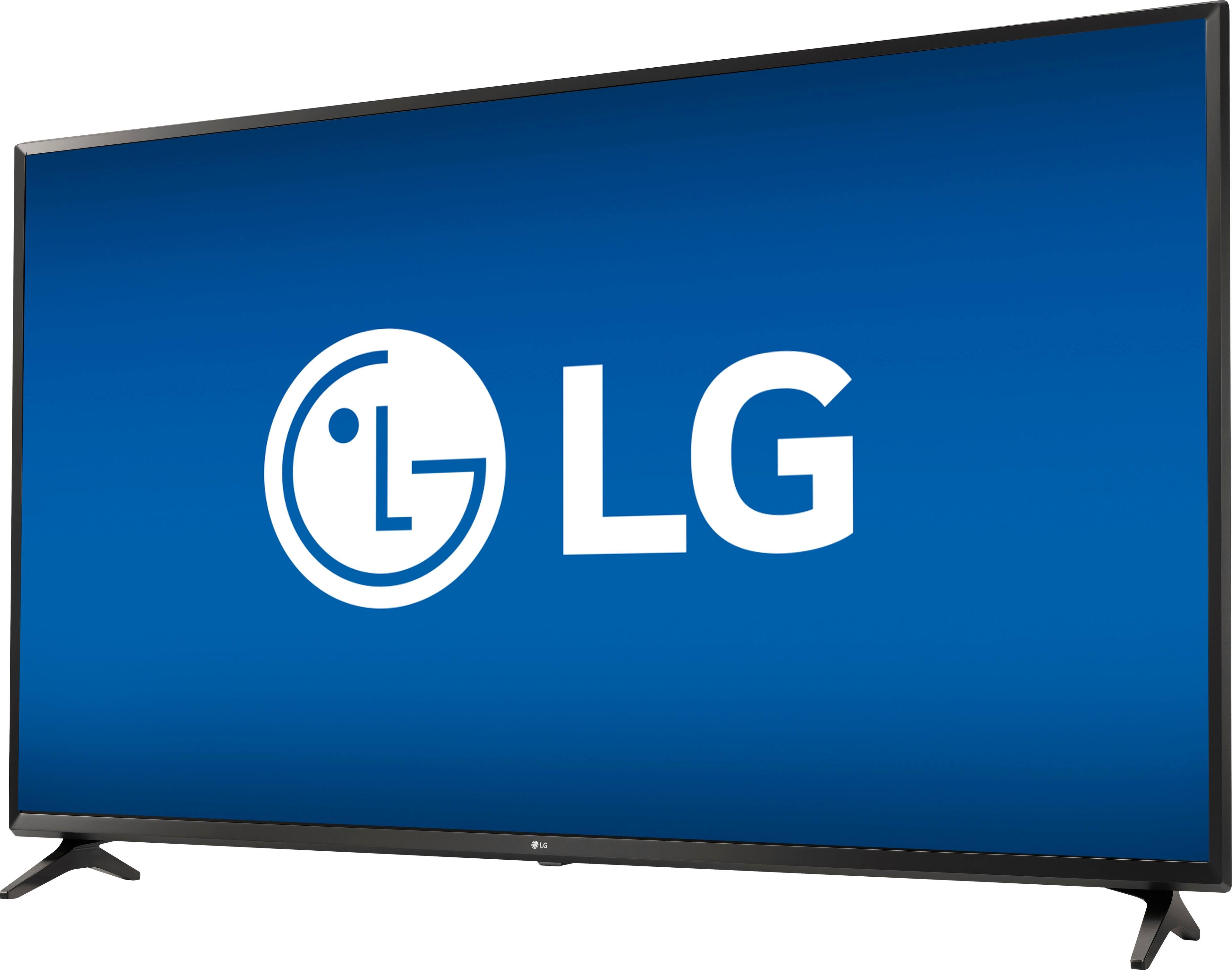
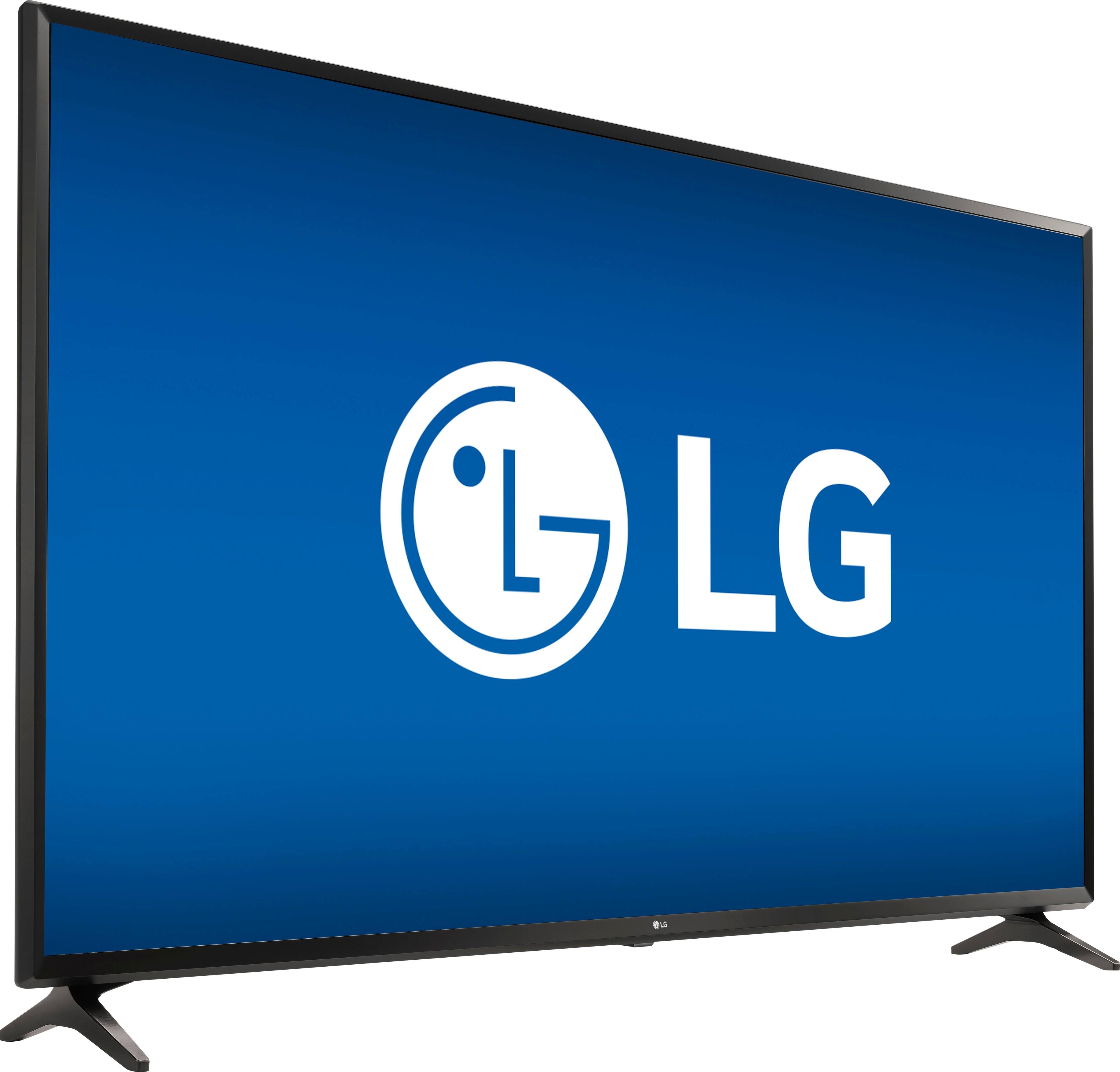
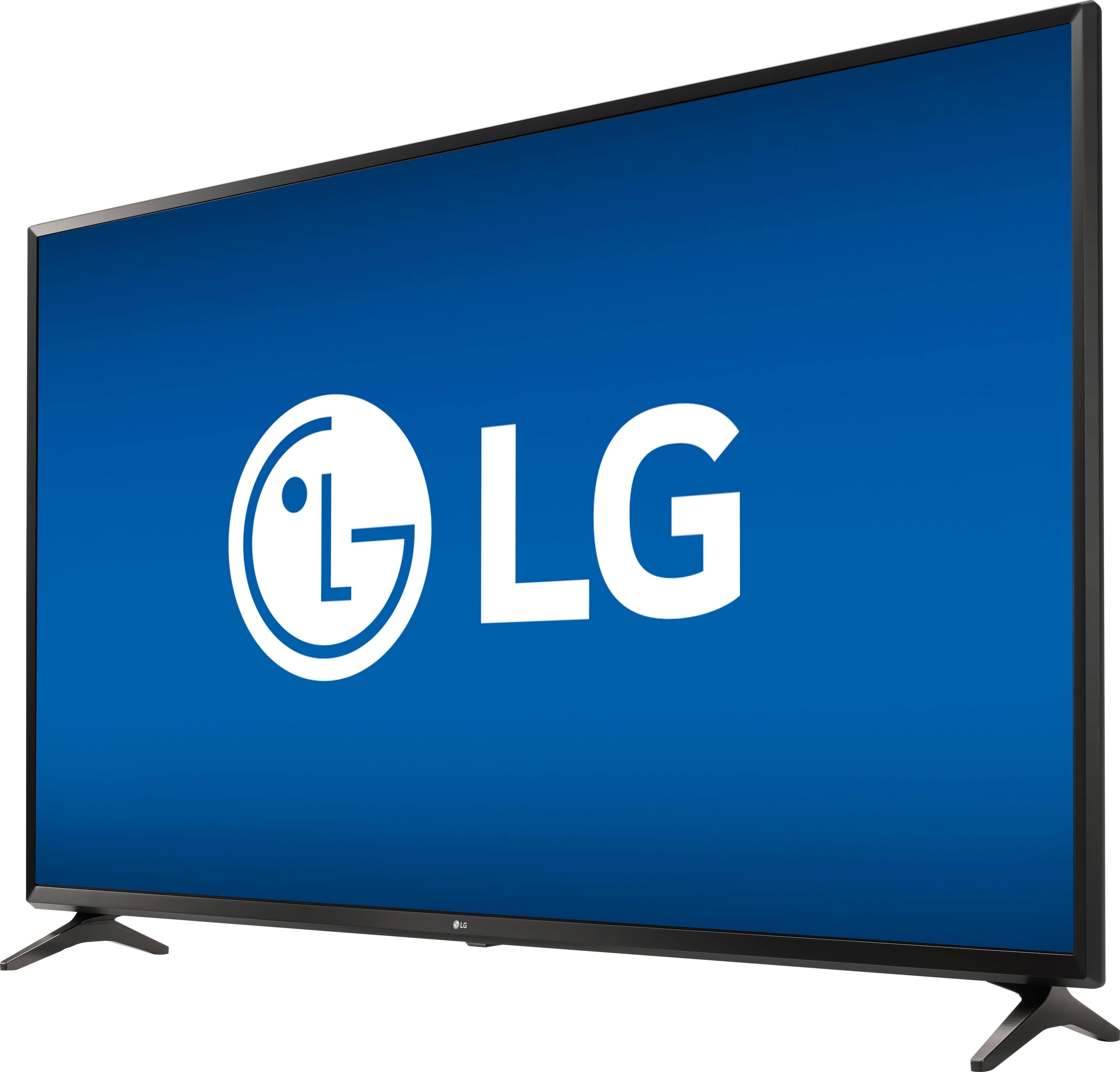
A:AnswerThe footprint for the stand legs on the LG 4K UHD HDR Smart LED TV - 55" Class (54.6" Diag), Model # 55UJ6300 is 37.2" ((W) and 9.4" (D)...^IFV
A:AnswerAccording to comments posted by LG to similar questions. That TV is not able to use the Magic Remote. The Magic Remote is only used on higher series models than tis 6300 models.
A:AnswerHand tighten the screws that are used to attach the legs to the TV set all the way in, until they stop turning. If the screws are not turned all the way in, the set may wobble