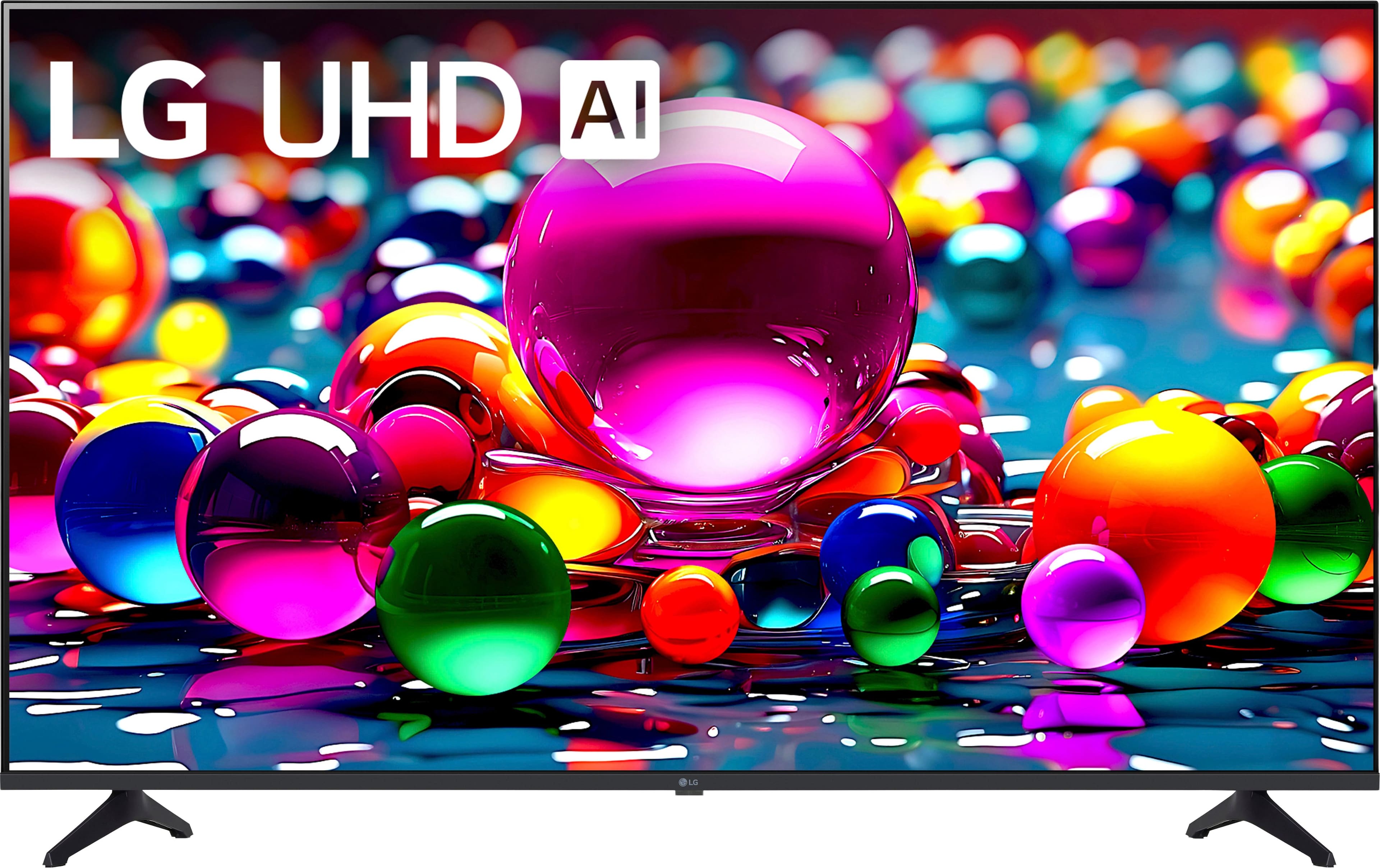
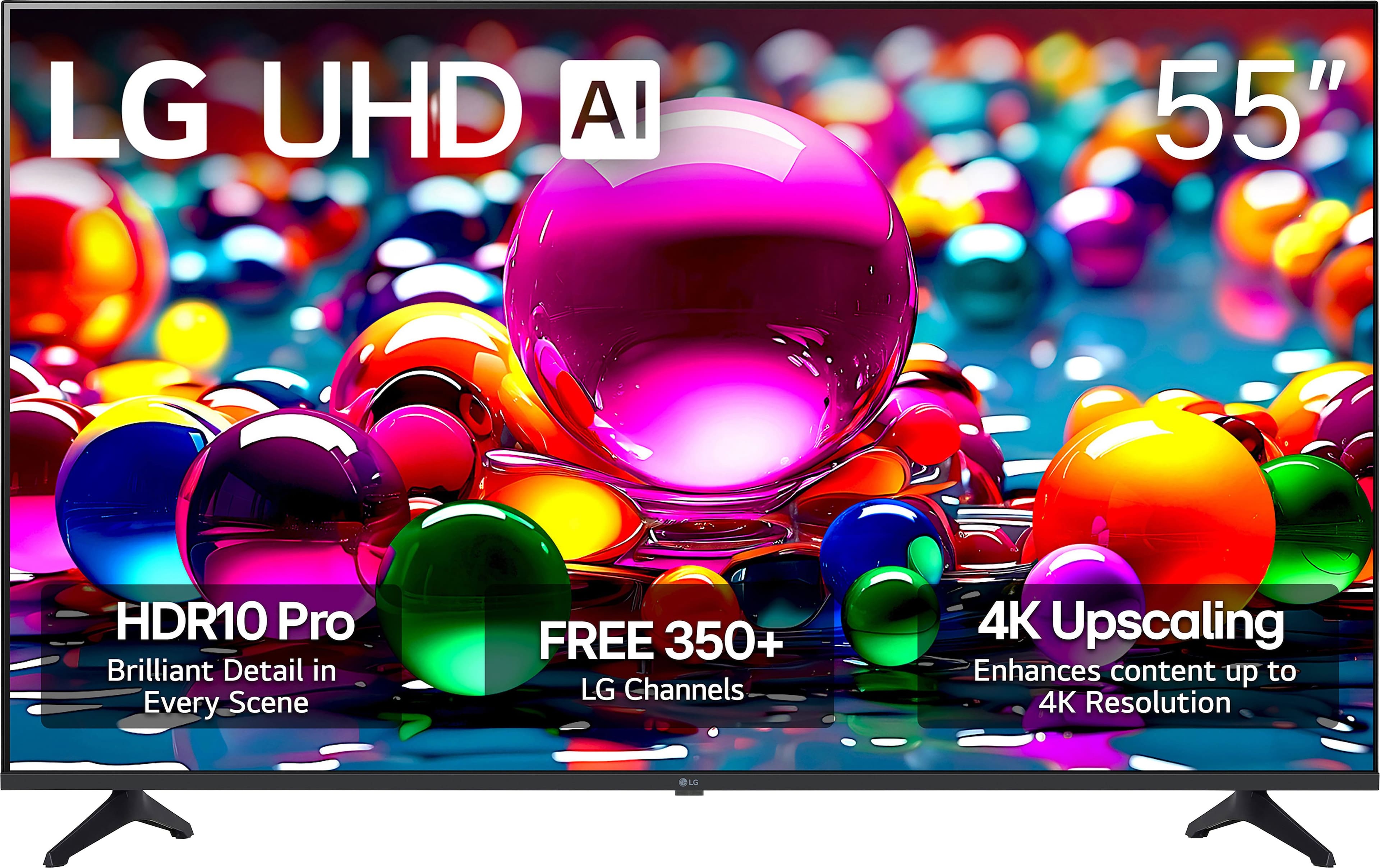
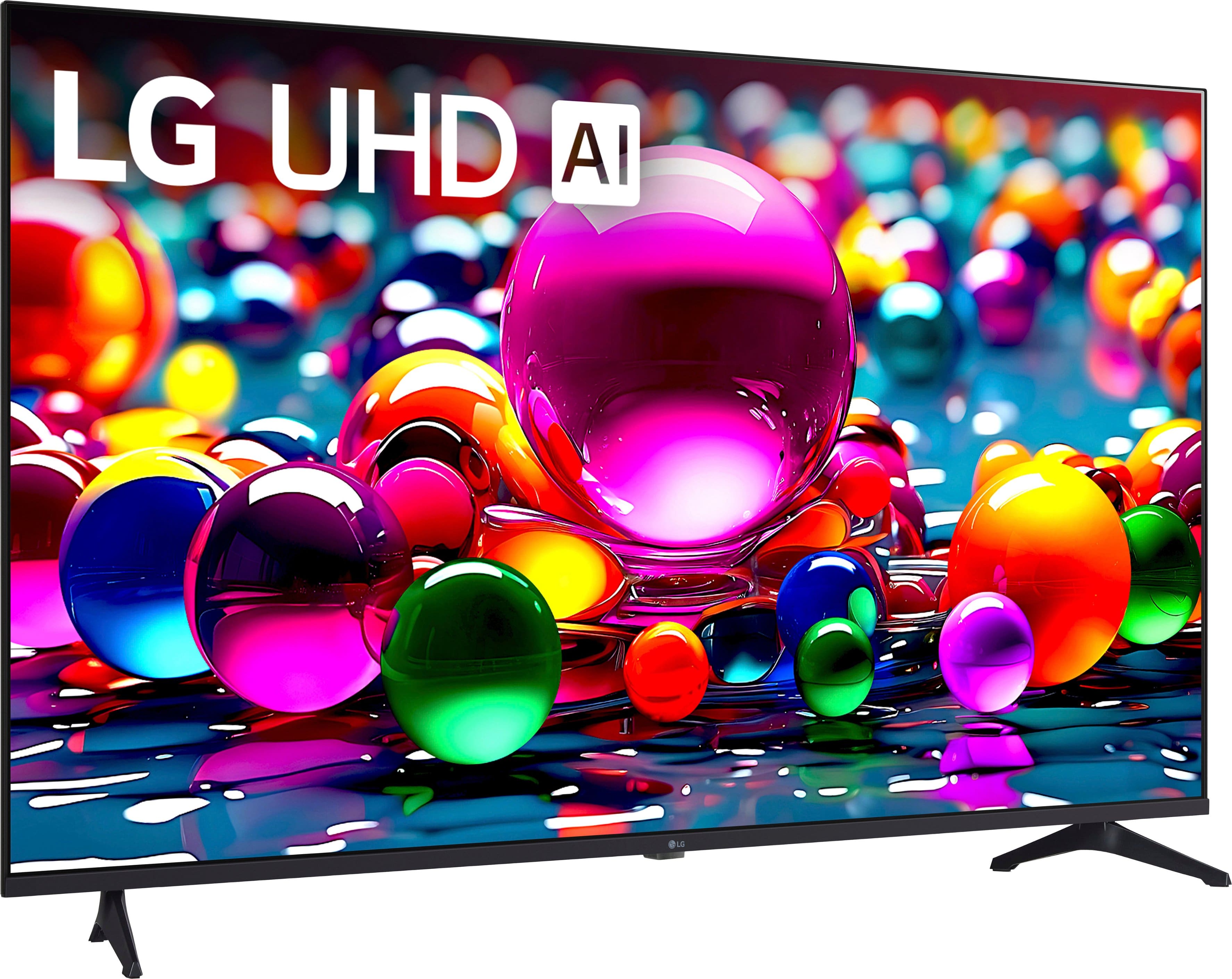
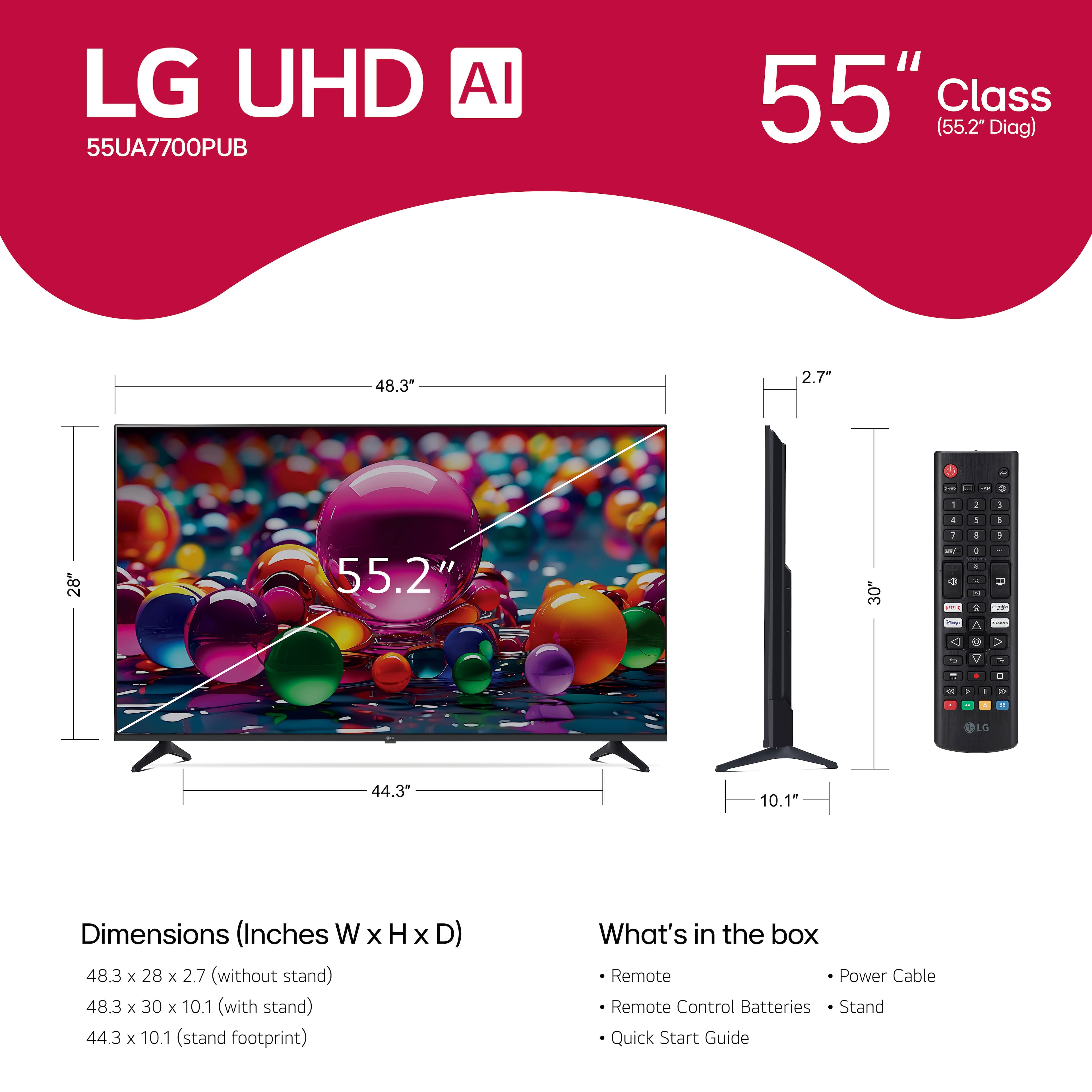
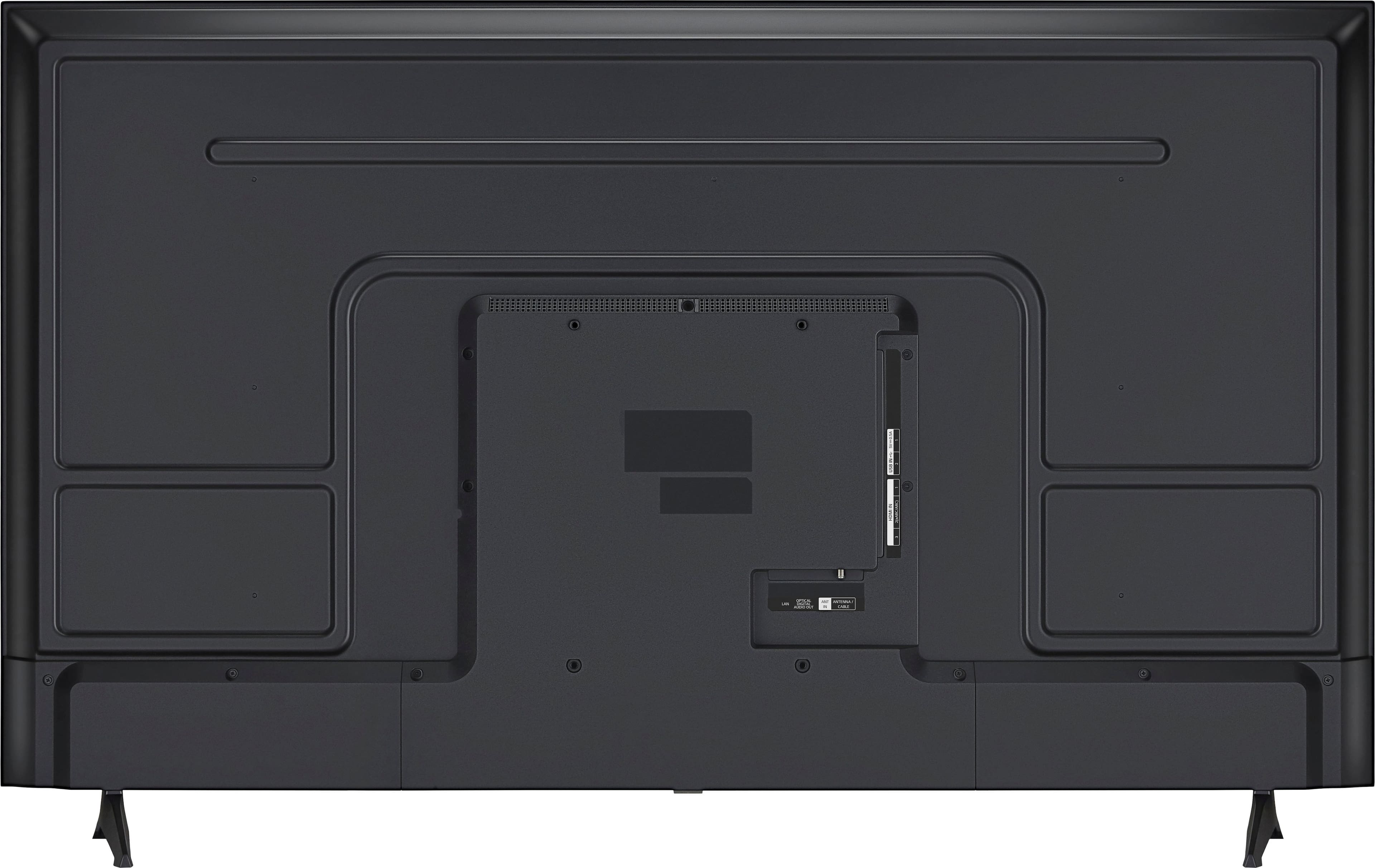
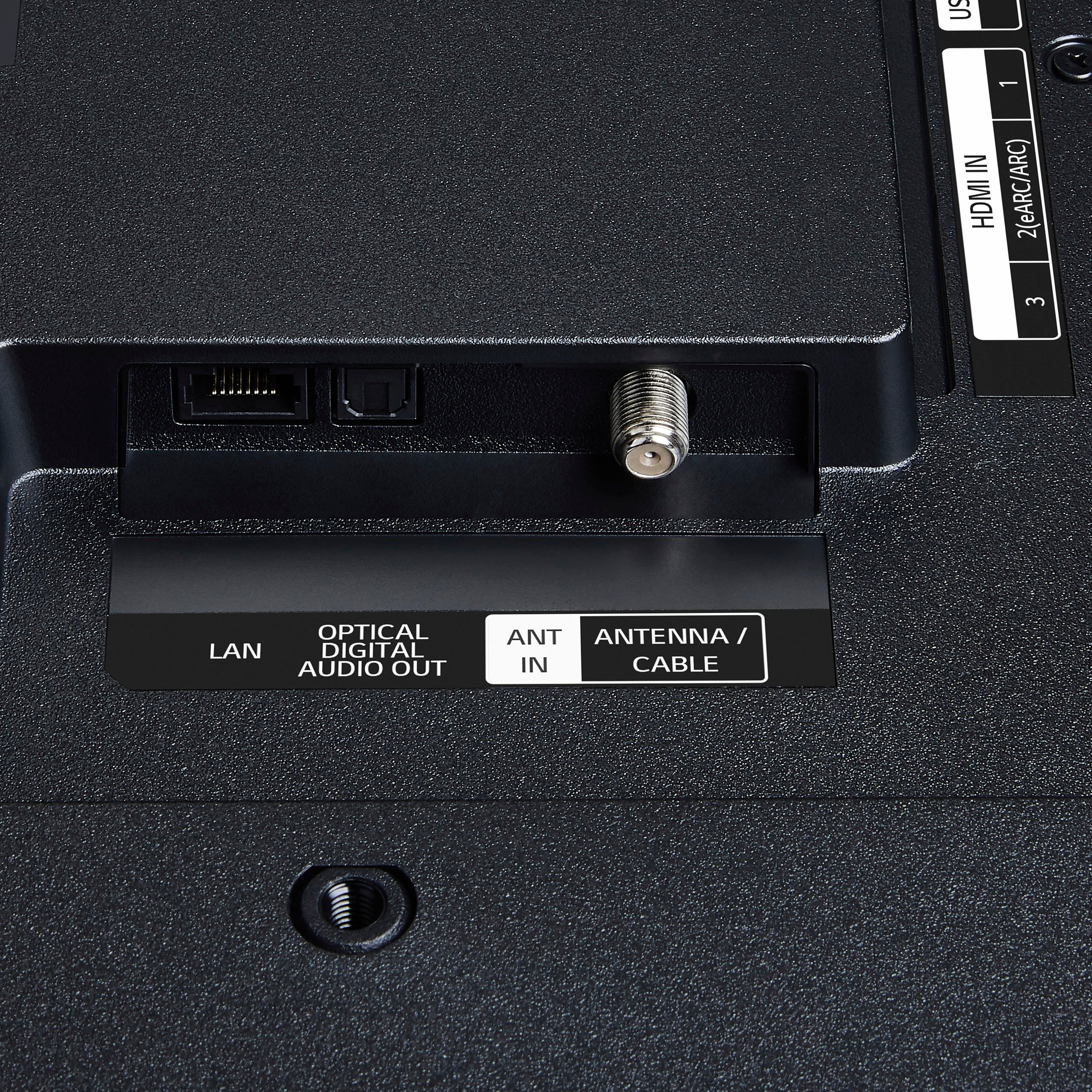
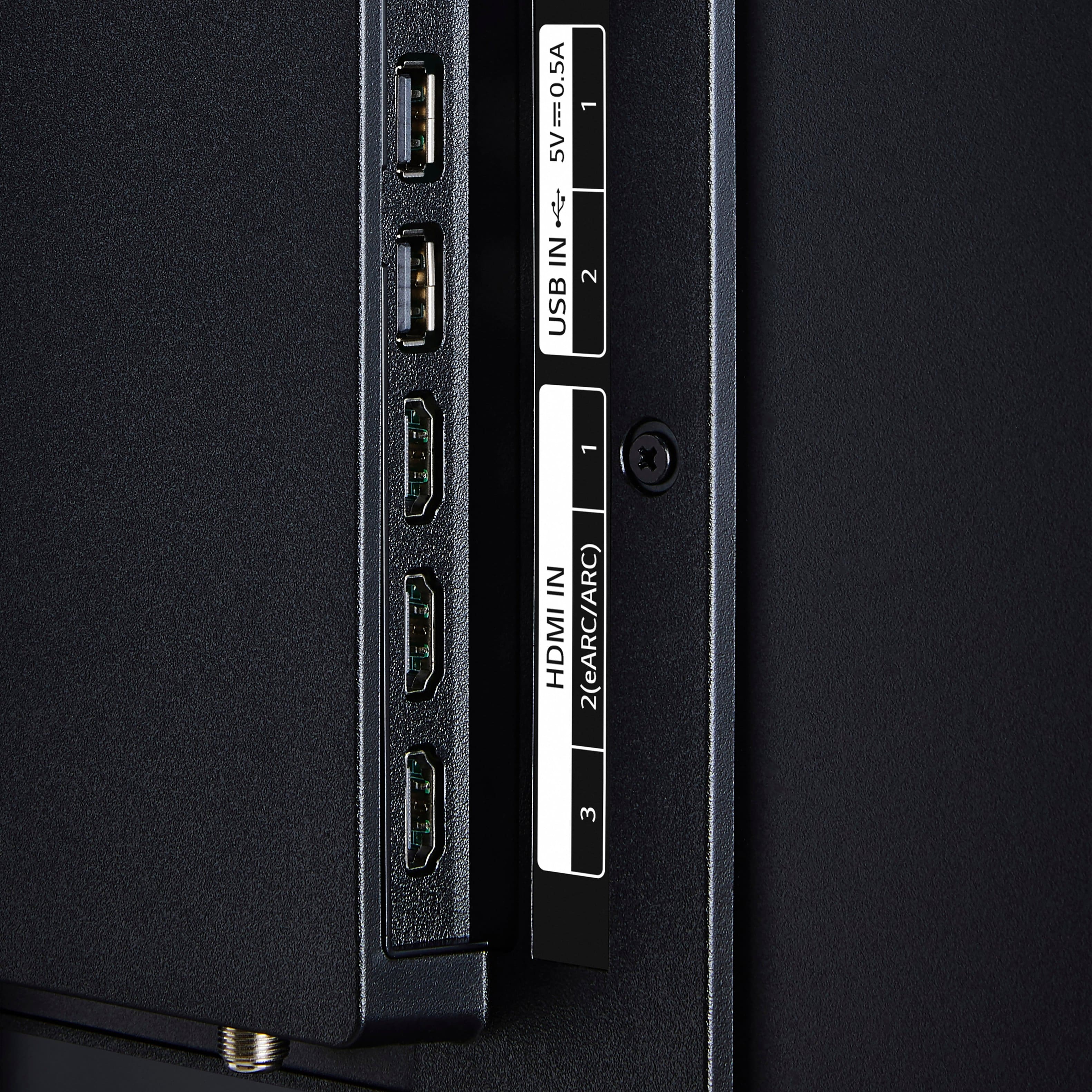
A:AnswerHello there. Thank you for reaching out to us. We understand your inquiry regarding connecting an LG Soundbar to your 55UA7700PUB TV. Yes, you can definitely attach an LG Soundbar to this model. You can connect it using the HDMI eARC port (HDMI 2), the Optical Digital Audio Out port, or wirelessly via Bluetooth. It also features LG Sound Sync and Wow Orchestra for enhanced compatibility with supported LG audio devices.
https://www.bestbuy.com/product/lg-55-class-ua77-series-led-ai-4k-uhd-smart-webos-tv-2025/JJ8VPZT6FH
If you have any further questions about its features, please contact us on [email protected], and our team will be more than happy to assist you. —Renzo
A:AnswerDON'T buy the LG: 1. The remote is very difficult, compared to my old, off-brand TV, whose remote I could operate from memory, no extra light required. This one is impossible to do that, no matter how much usage.
2. Also, if you require captions, this TV requires programming them on EVERY EPISODE OR PROGRAM; the master CC setting DOES NOT WORK.
3.The LG Channels we tried did NOT have captions; you have to go to a different app, like Tubi.
A:AnswerHi there. Thank you for your interest in the LG 55UA7700PUB. We understand your inquiry regarding the installation of this unit in an outdoor setting. Based on the specifications for this model, it is designed primarily for indoor use and does not feature the weather-resistant protection required for outdoor environments, even in a covered area. Exposure to extreme temperature fluctuations and humidity levels often found outdoors may affect the unit's performance and longevity.
https://www.bestbuy.com/product/lg-55-class-ua77-series-led-ai-4k-uhd-smart-webos-tv-2025/JJ8VPZT6FH
If you have further questions about the operating temperature ranges or need recommendations for your setup, please send us a private message on Social Media @LGUSSupport, and our team will be more than happy to assist you. —Renzo
A:AnswerHello there, Notatechie. Thank you for your inquiry regarding the 55UA7700PUB. We understand your inquiry about disabling the Alexa feature on your TV. Yes, there is a way to turn this off. You can typically do this by opening the Alexa App from your Home Dashboard or App List, navigating to the Settings within the app, and selecting the option to Sign Out or unlink the account. Additionally, you can check under Settings > General > AI Service to manage your voice assistant preferences.
https://www.bestbuy.com/product/lg-55-class-ua77-series-led-ai-4k-uhd-smart-webos-tv-2025/JJ8VPZT6FH
If you have any further questions about its features, please send us a private message on Social Media @LGUSSupport, and our team will be more than happy to assist you. —Renzo
A:AnswerThe LG 55” Class UA77 Series LED AI 4K UHD Smart webOS TV (2025), Model # 55UA7700PUB, is designed for viewing in landscape mode. It does not have settings orientation to portrait mode...^Ivan.

A:AnswerHi there. Thank you for sharing your experience with us. We understand your inquiry about the 55UA7700PUB TV's ability to display a still picture. While the TV can display still images, we recommend using the screen saver or turning off the display when not actively viewing content to help prevent image retention.
https://www.bestbuy.com/product/lg-55-class-ua77-series-led-ai-4k-uhd-smart-webos-tv-2025/JJ8VPZT6FH
If you have any further questions about its features, please send us a private message on Social Media @LGUSSupport, and our team will be more than happy to assist you. —Renzo
A:AnswerThe LG 55” Class UA77 Series LED AI 4K UHD Smart webOS TV (2025), Model # 55UA7700PUB, features three HDMI inputs that carry audio and video. HDMI 2 is an HDMI eARC port, which is a bi-directional feature that allows both audio and video to be transmitted over the HDMI cable. This means that HDMI eARC can send audio from the TV to a soundbar or AV receiver, but it can also send video from the AV receiver to the TV. This dual functionality simplifies the setup and reduces the number of cables needed in your AV system.
The TV also features an Optical Digital Audio Output that can be connected to an Optical Digital Audio Input on an AV receiver, soundbar or a Home Theater System using an optical cable...^Ivan.

+5
A:AnswerBacklight bleed is a common issue in LED TVs, but it is not necessarily normal. While some degree of backlight bleed is expected and can be a byproduct of the manufacturing process, on the LG
55” Class UA77 Series LED AI 4K UHD Smart webOS TV (2025), Model# 55UA7700PUB, it can also be caused by factors such as temperature changes, overtightened screws, or manufacturing.
If you notice significant backlight bleed on the TV, it may be worth contacting our Customer Support on social media (Twitter, Facebook, instagram, YouTube etc.,) using our handle @LGUSSUPPORT for a warranty service, or to discuss potential repair options...^Ivan.
6
A:AnswerThe LG 55” Class UA77 Series LED AI 4K UHD Smart webOS TV (2025), Model # 55UA7700PUB, is not a dual voltage (or free voltage TV as some call it), and it will not work on 220~240V.
It has a power requirement of 120VAC, 50/60Hz...^Ivan.
A:AnswerThe WETA + PBS, Cascade PBS, PBS Charlotte, Rocky Mountain PBS +, PBS KVIE, and Nashville PBS apps are compatible with the webOS 25 TV Platform that the LG 55” Class UA77 Series LED AI 4K UHD Smart webOS TV (2025), Model # 55UA7700PUB runs on and they can be downloaded and installed on the TV through the LG Content Store (App Store) feature on the TV. If the streaming apps support subtiltles, you will be able to turn then on on the TV...^Ivan.
A:AnswerAre you asking about the Xbox Cloud Gaming app, which allows users to stream games from their Xbox console to various devices?
All of our 2025 LG Smart TVs support Xbox Cloud Gaming and you can access the Xbox app on the LG 55” Class UA77 Series LED AI 4K UHD Smart webOS TV (2025), Model # 55UA7700PUB, through the LG Gaming portal to start gaming instantly.
To use Xbox Cloud Gaming, you need an Xbox Game Pass Ultimate subscription, which provides access to a library of games...^Ivan.