A:AnswerWe make it easy to get rid of old products. If you're ordering a new TV, major appliance or piece of fitness equipment, we can haul away your old product for a small charge. If you're not purchasing a product, you can order our Standalone Haul-Away service. With that said, LG Electronics provides take-back program for all LG Electronics-branded packaging at no cost for the consumers.~Tanisha
A:AnswerYes! If you add Totaltech membership to your cart, you will be eligible for the free haul-away and recycling of your old TV as well as the free delivery, mounting, and setup for most TVs. Free haul-away applies when a haul-away is part of a scheduled delivery and/or installation. -Cazz
A:AnswerHello there! Nice question! The model OLED65B2AUA has an EVO display while the OLED65B2PUA does not. To compare these LG 65 Inch Class B2 OLED 4K UHD Smart webOS 22 w/ ThinQ AI TV, you may check out this link: https://www.lg.com/us/compare?bizType=B2C ^Jolly
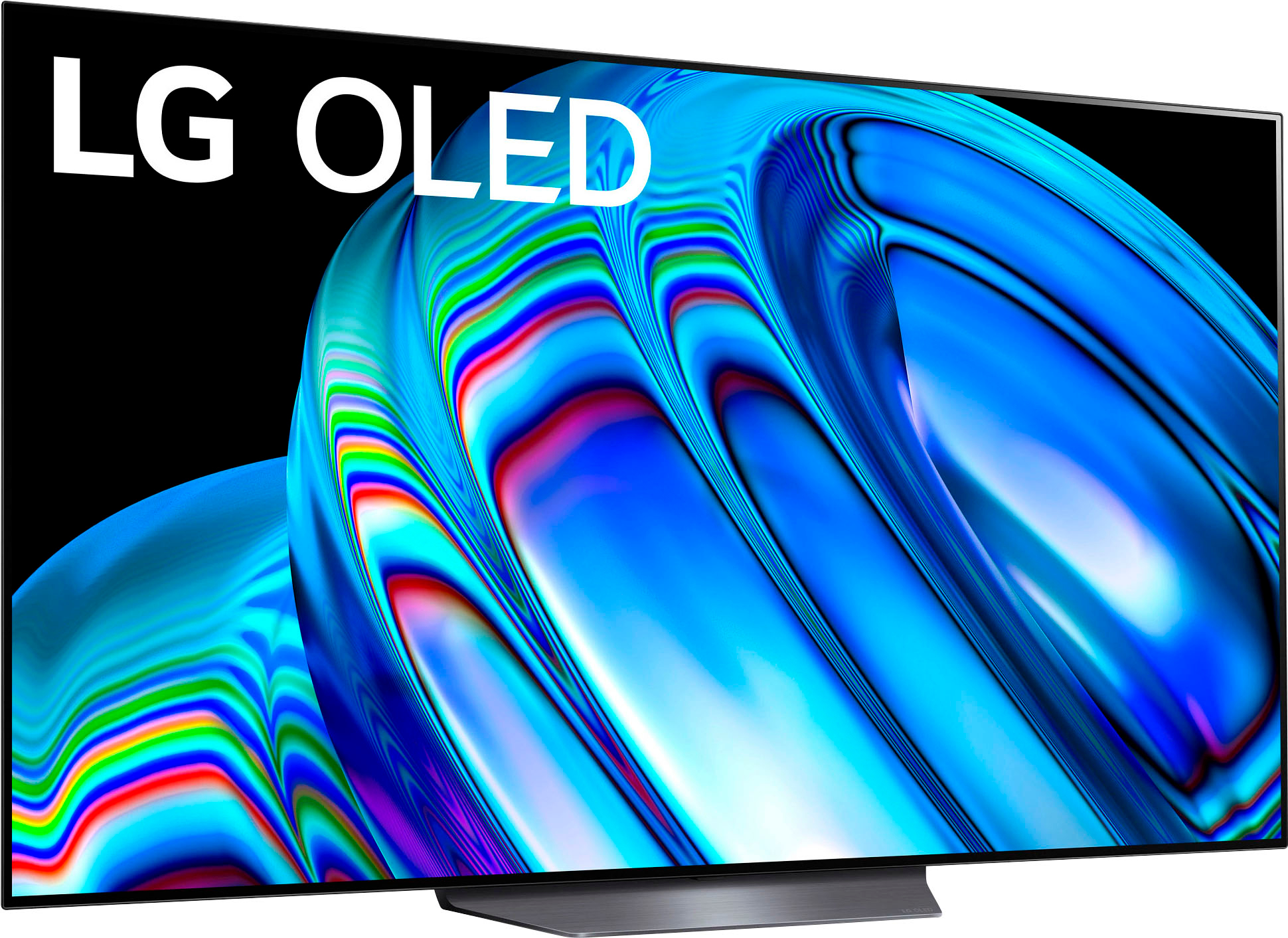
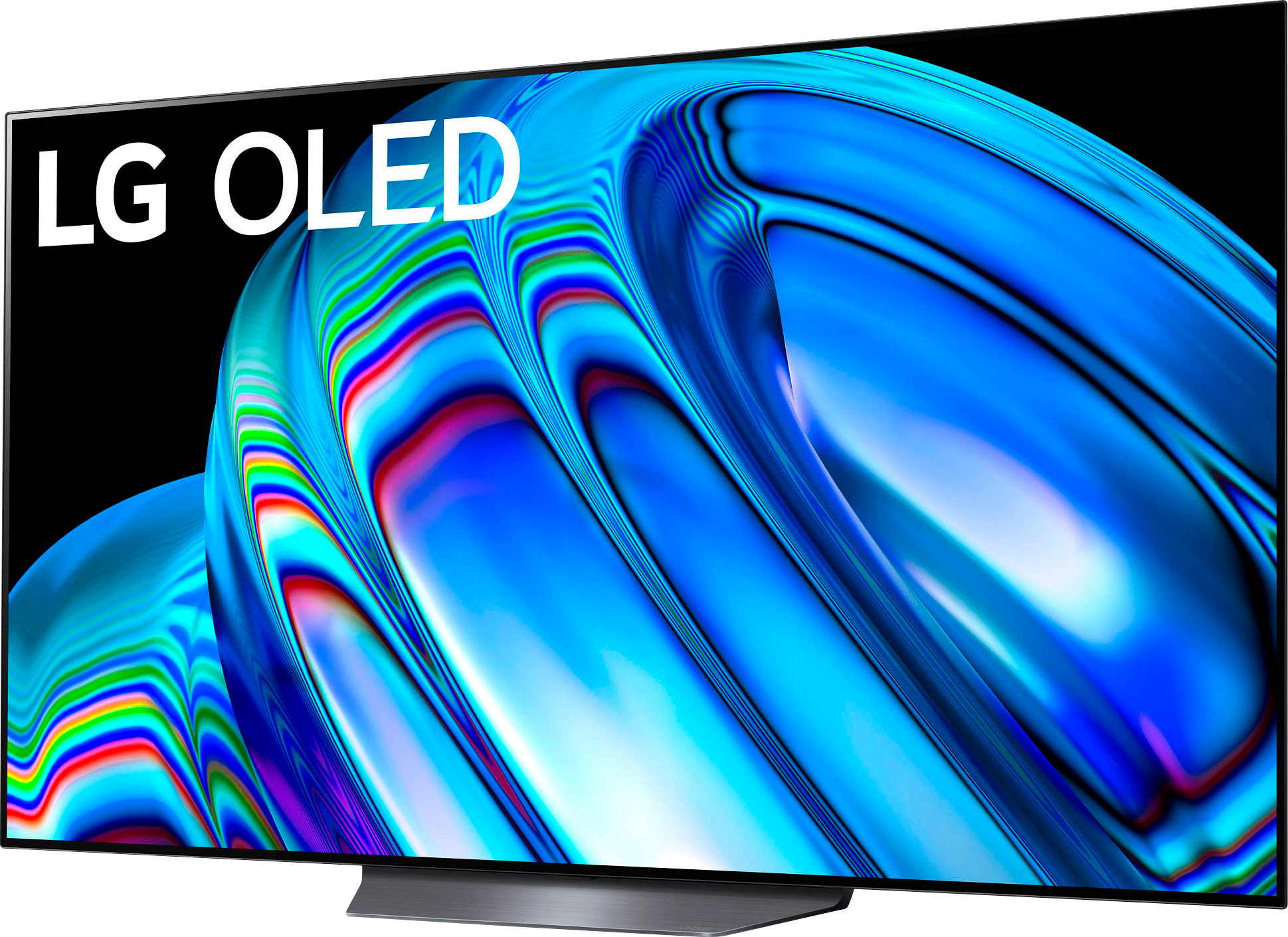
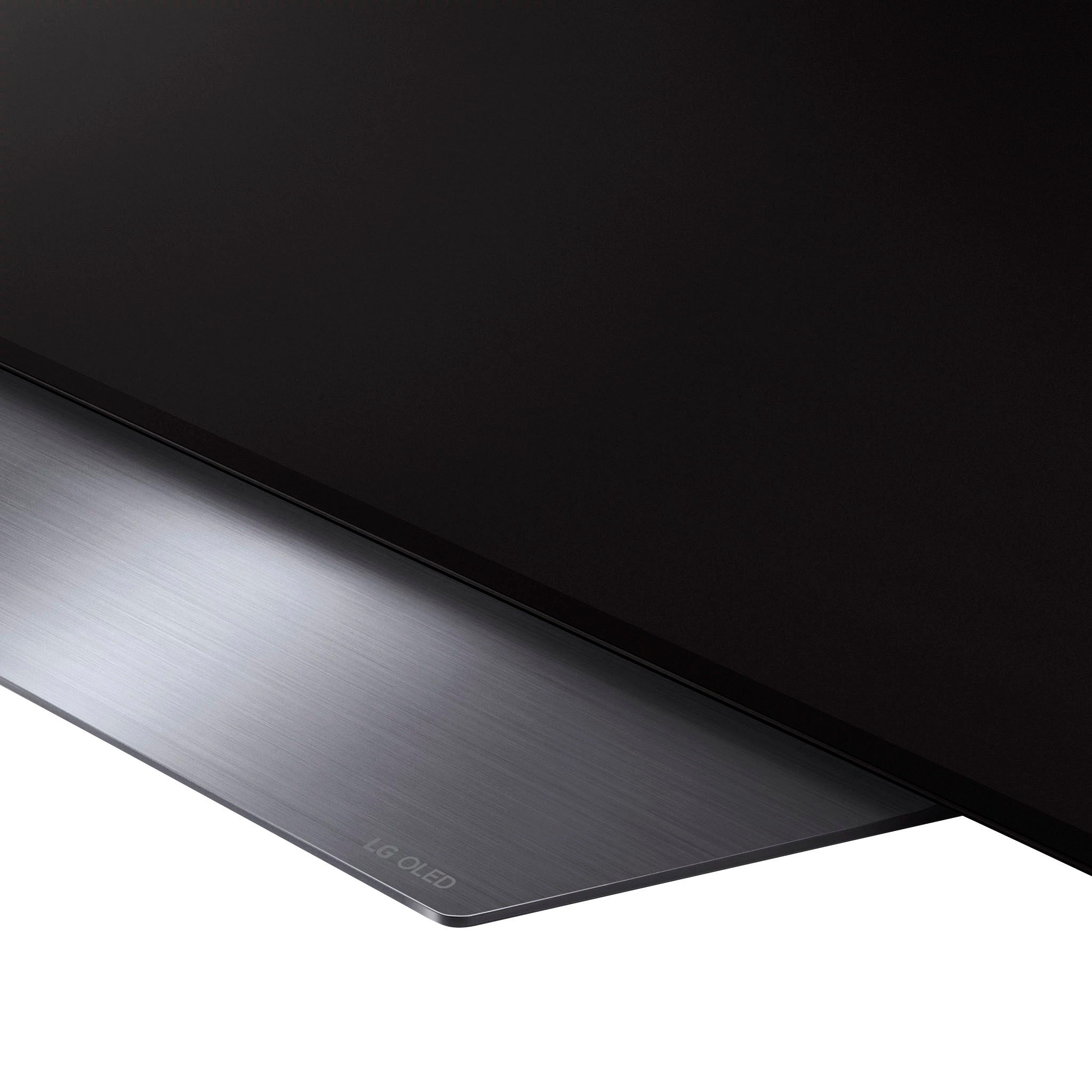
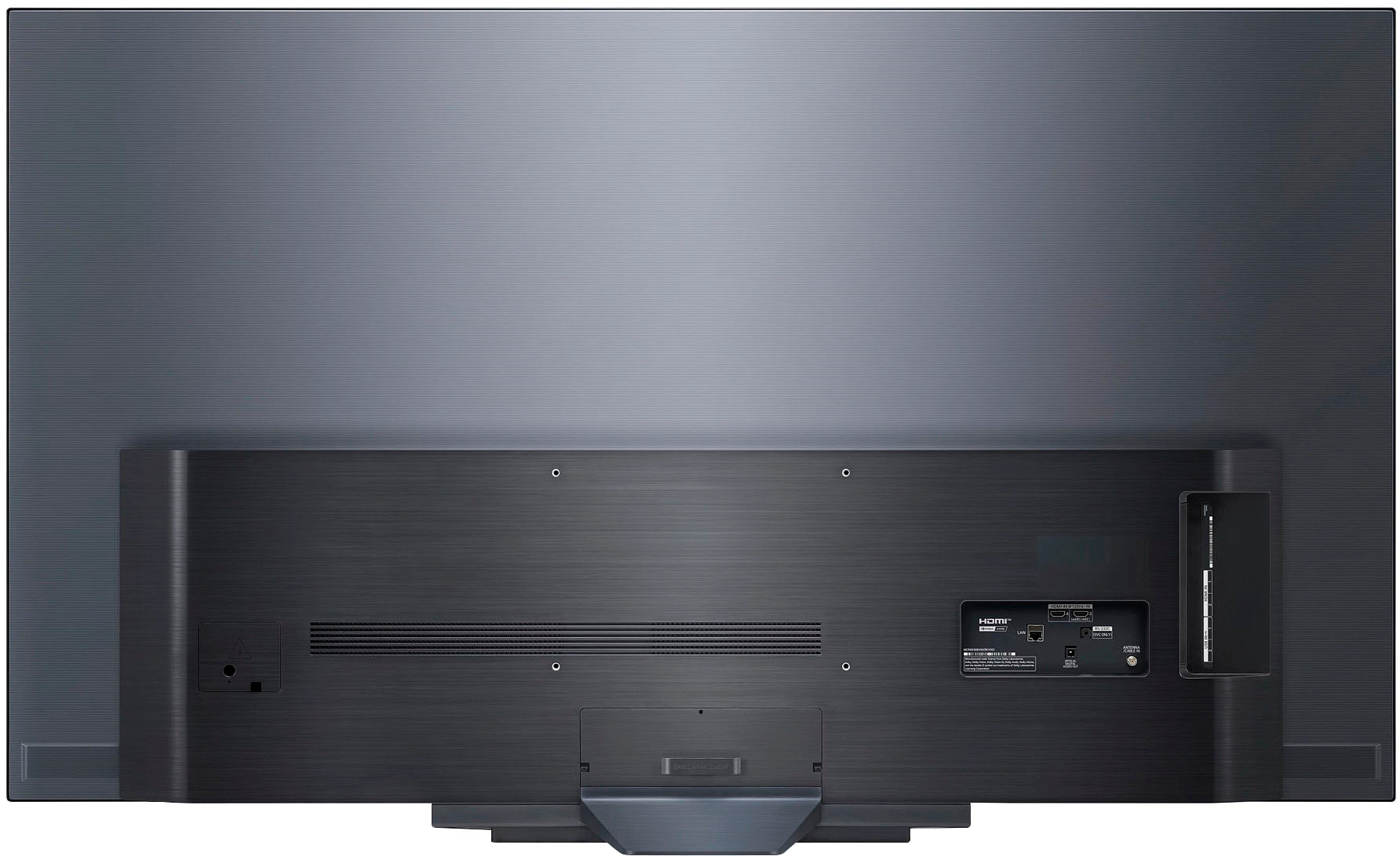
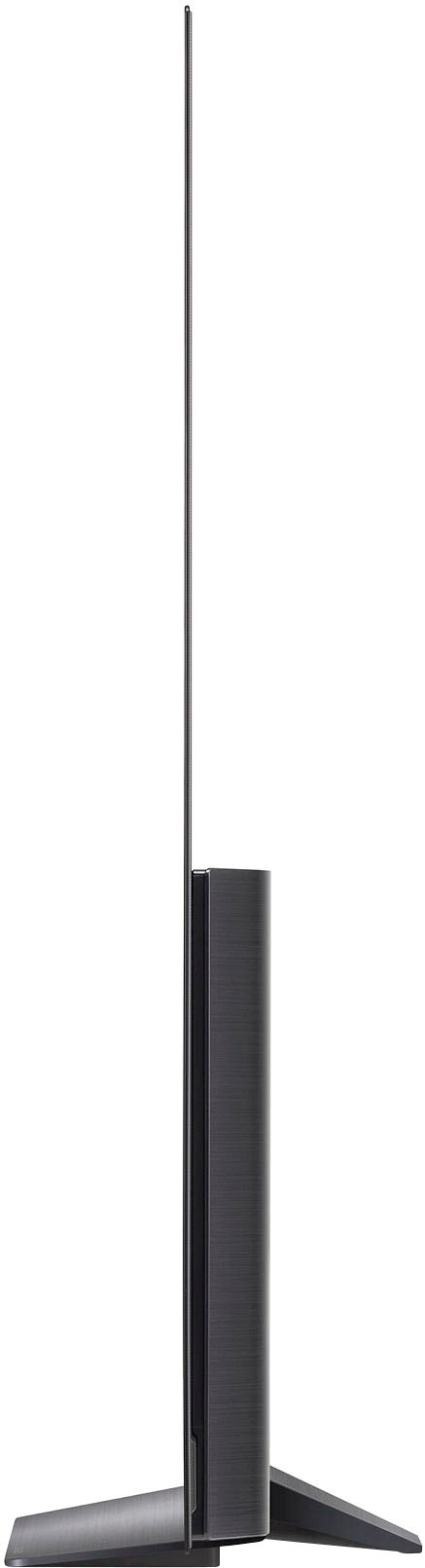
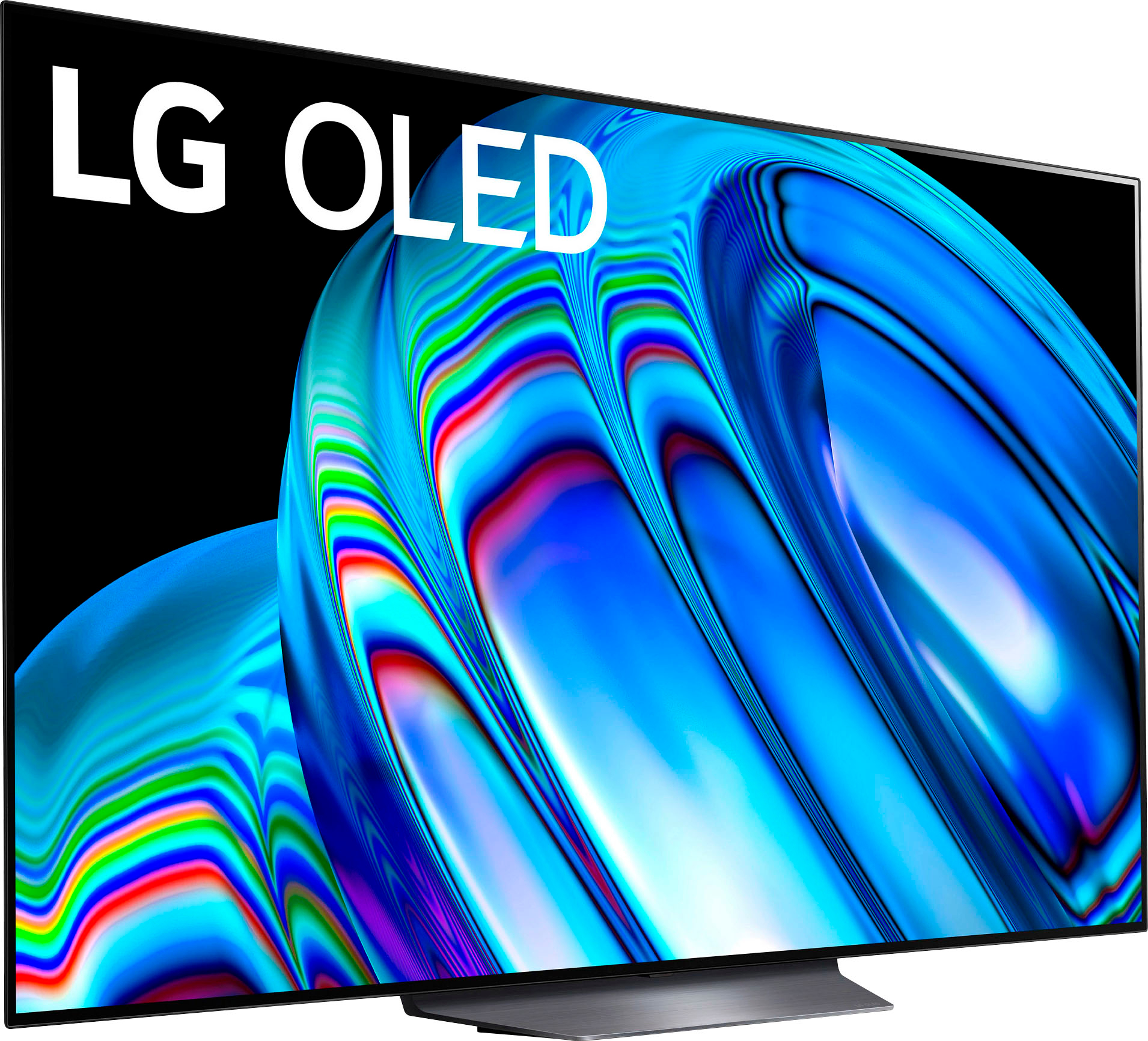
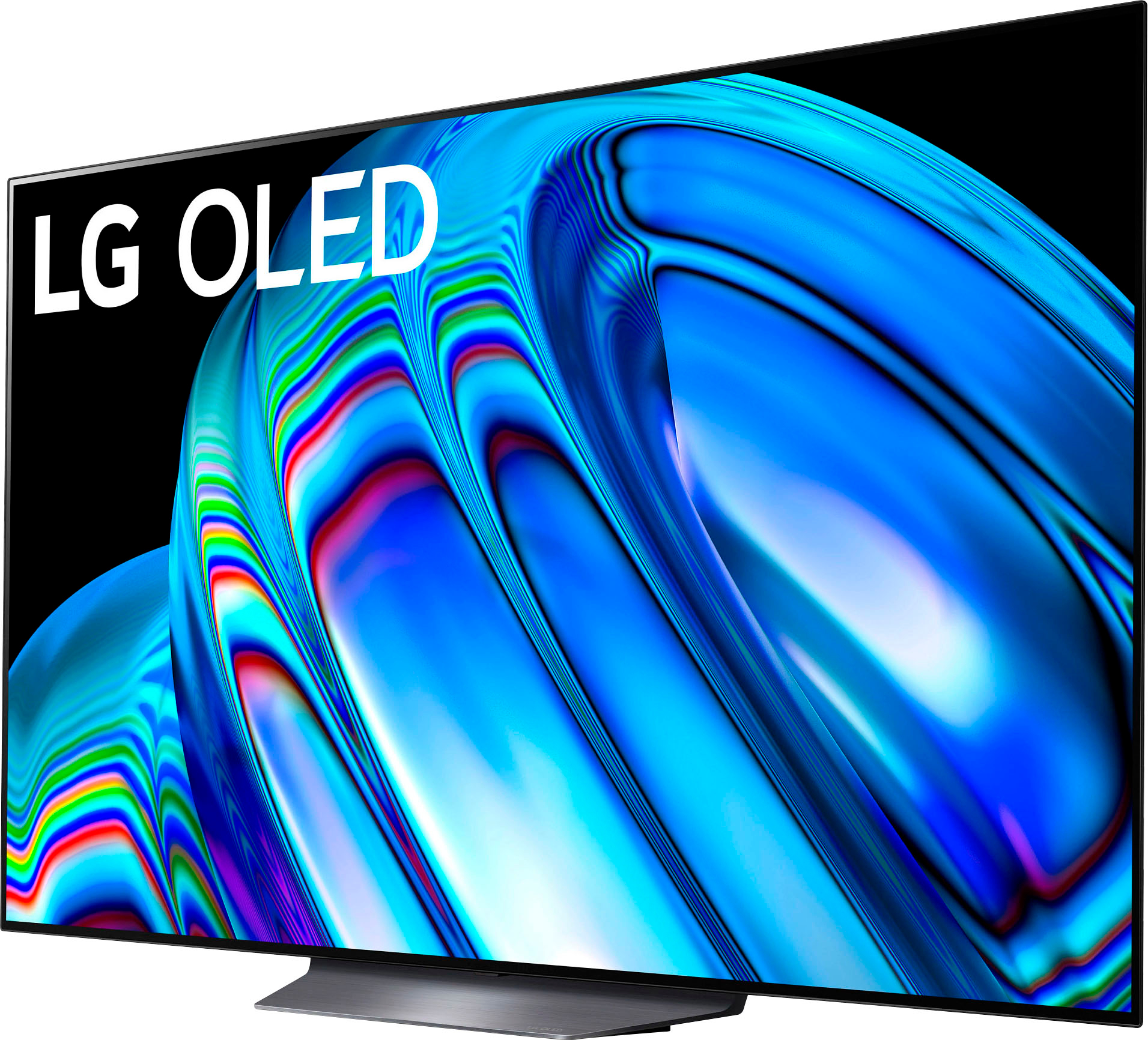
A:AnswerThe LG 65" Class B2 Series OLED 4K UHD Smart webOS 22 model OLED65B2PUA dimensions with stand are 57.0" x 34.2" x 9.7" (WxHxD). If you need any assistance, you can reach us at our customer service line at (800) 243-0000 or send us a private message through Facebook or Twitter using @LGUSSupport, including your product's model number and your contact information. It would be our pleasure to assist you. ^Danee
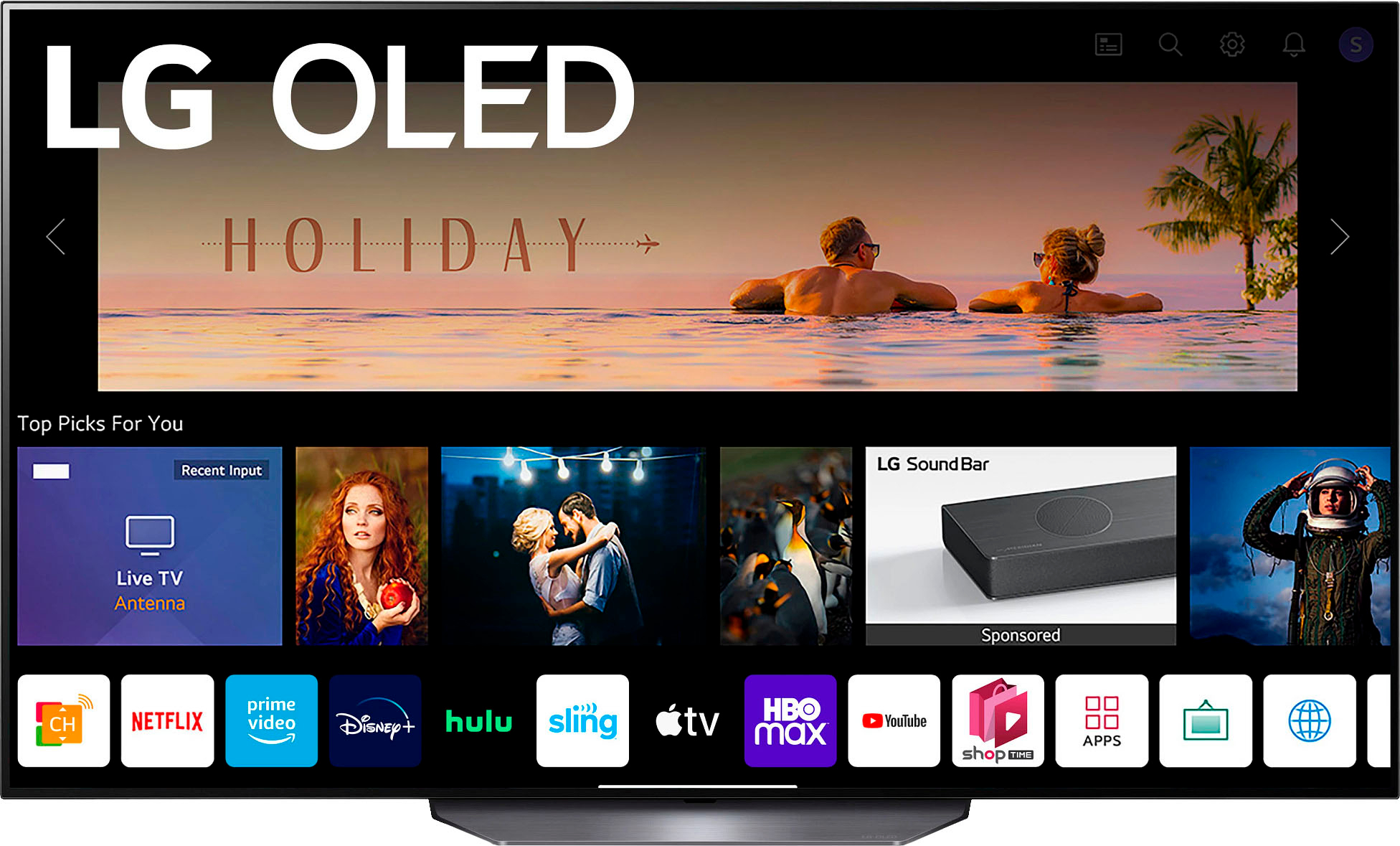
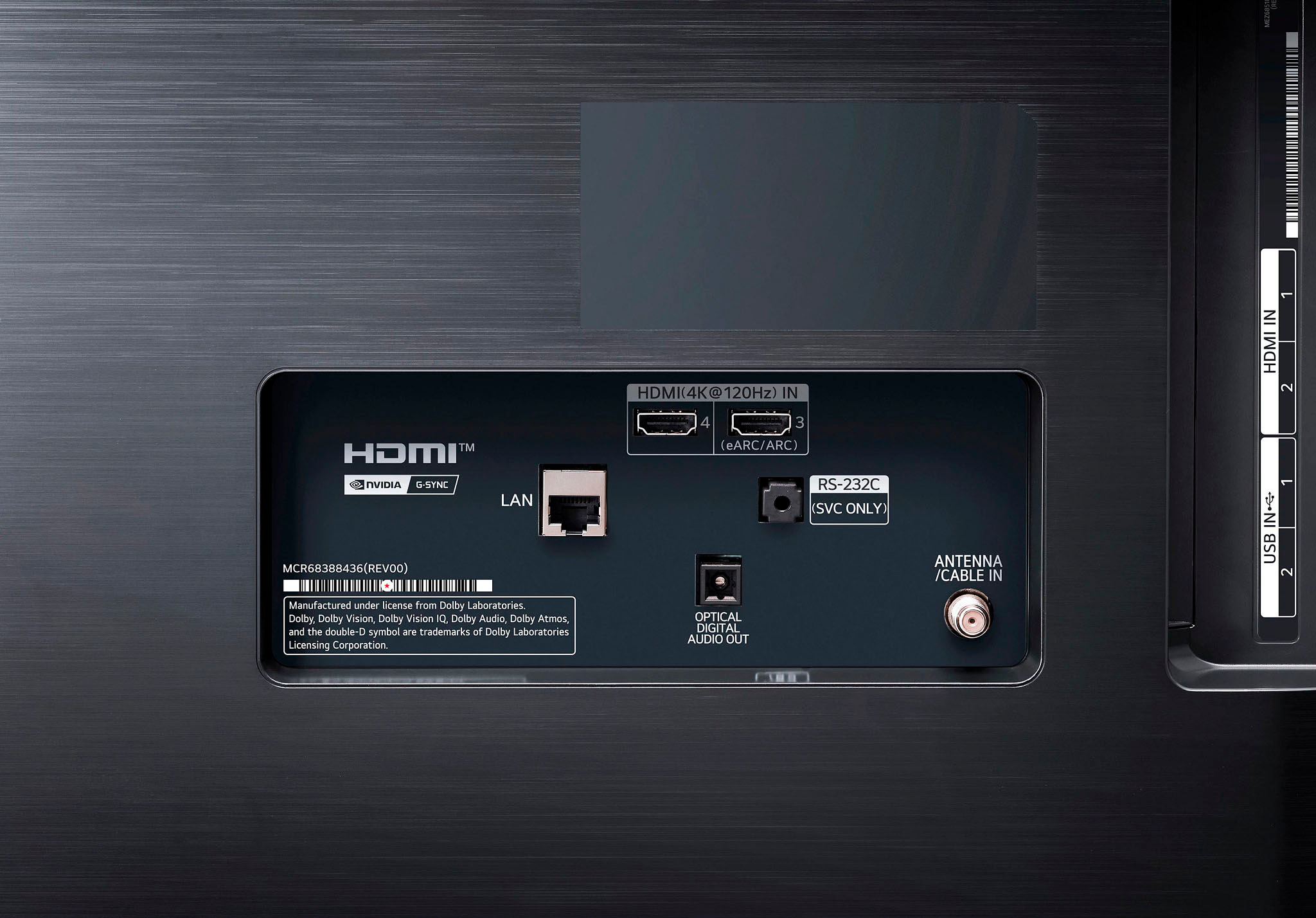
A:AnswerHi Flojo. The Spectrum app is not compatible with the webOS 22 TV Platform (Operating System) that this LG 65 Inch Class B2 OLED 4K UHD Smart webOS 22 w/ ThinQ AI TV, Model # OLED65B2PUA runs on. So if you are looking to download and install the app on the TV, you cannot, it is not available for download and installation on our TVs. Apps does not download and install via HDMI. Compatible apps can only be downloaded and installed on our TVs through the LG Content Store (App Store) feature on the home screen on our TVs. If Spectrum is providing you with a cable Set-Top box for their services, depending on what connections their Set-Top box has, you can connect it to the TV's HDMI ports or to the TV's F-Type, 75-Ohm, Coaxial connector on the back of the TV labeled 'Antenna/Cable In'...^Ivan
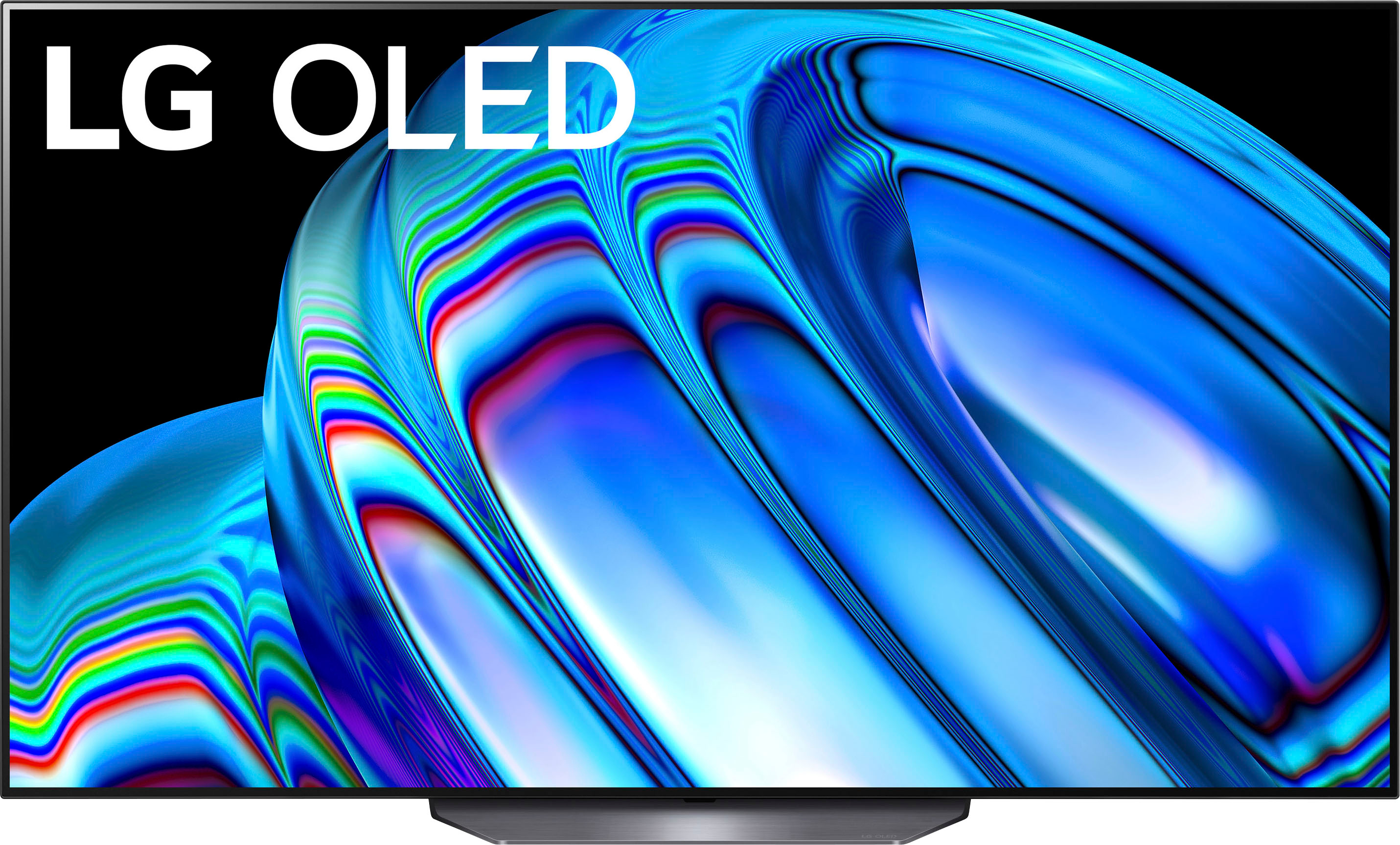
A:AnswerHi, OLED65B2AUA this is newer and this OLED65B2AUA has Cloud Gaming: Google STADIA / NVIDIA GEFORCE NOW, Display Type: Self-Lighting OLED Evo Display. ^Vanessa
A:AnswerHi, We have a lot of streaming app where you can find it here on LG content store https://us.lgappstv.com/main and you can also connect a streaming devices/sticks. ^Vanessa


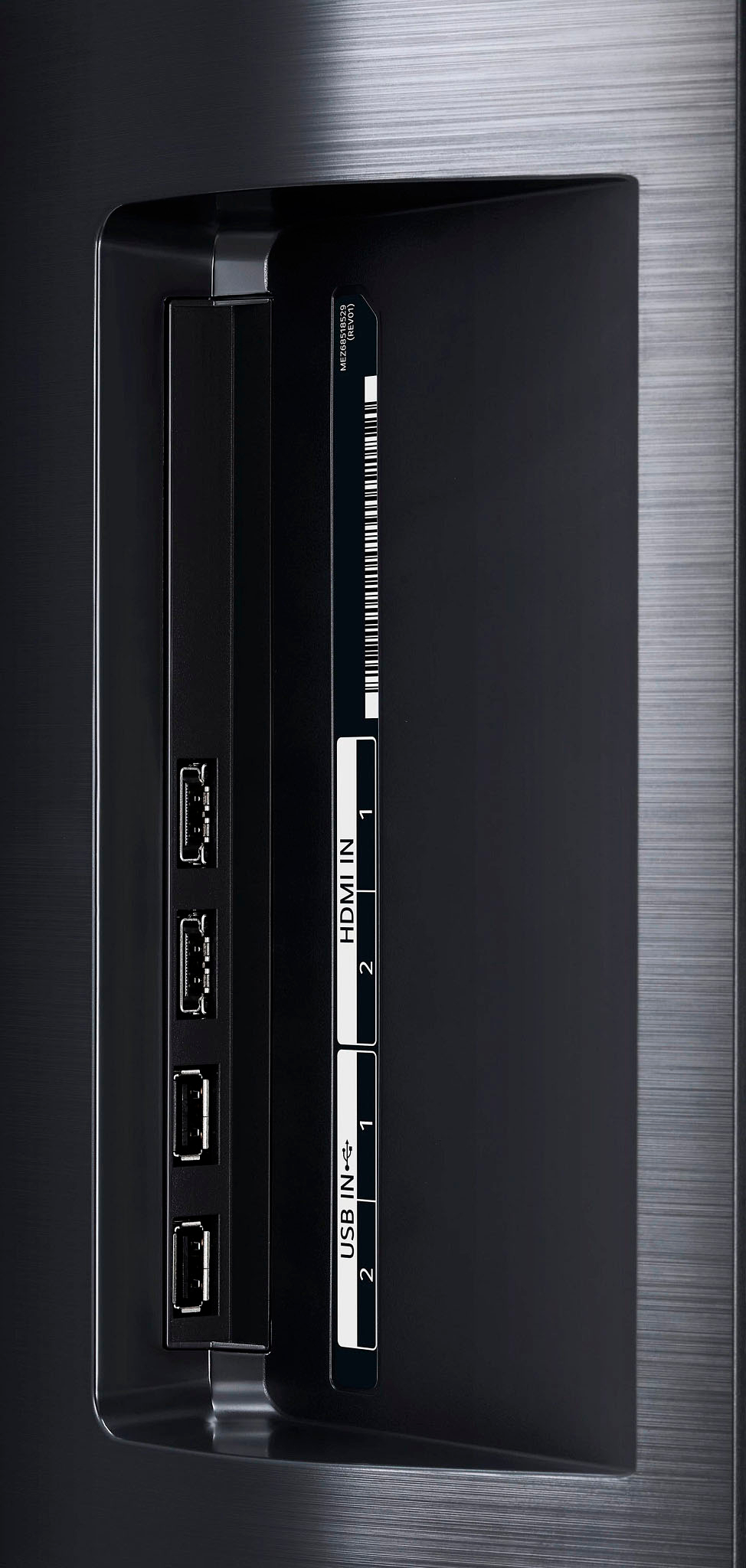
A:AnswerHi, Please check the Specs and port. This model has USB 2.0 Ports, has ARC, HDMI2.1 inputs and standard HDMI This has bluetooth /wireless feature version 5.0 ^Vanessa
A:AnswerHi, Will! The LG C2 OLED is a higher-end TV than the LG B2 OLED, so it performs better overall. They have the same SDR peak brightness, but in HDR is where the C2 stands out as it gets brighter and highlights pop more. The C2 also has better gradient handling, resulting in less distracting banding while watching HDR content.. ~Rita
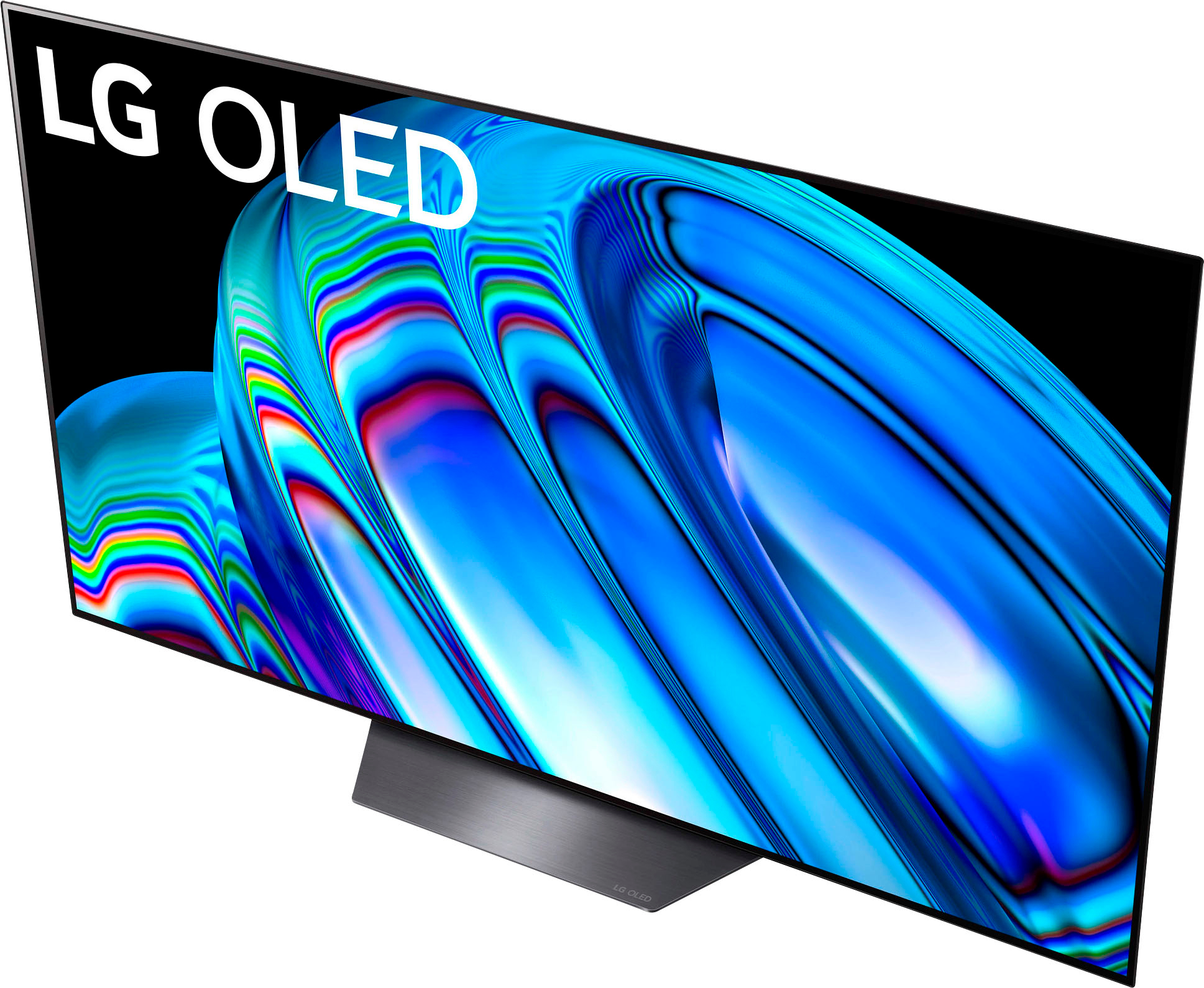
A:AnswerCorrect. There's very little distance between the bottom of the TV and the stand. I have a soundbar that I put on top of it, secured with a $5 stand I picked up at home depot.