A:AnswerHi there! Thank you for your question about the OLED65C3PUA. We understand that unfamiliar cords can be a bit confusing.
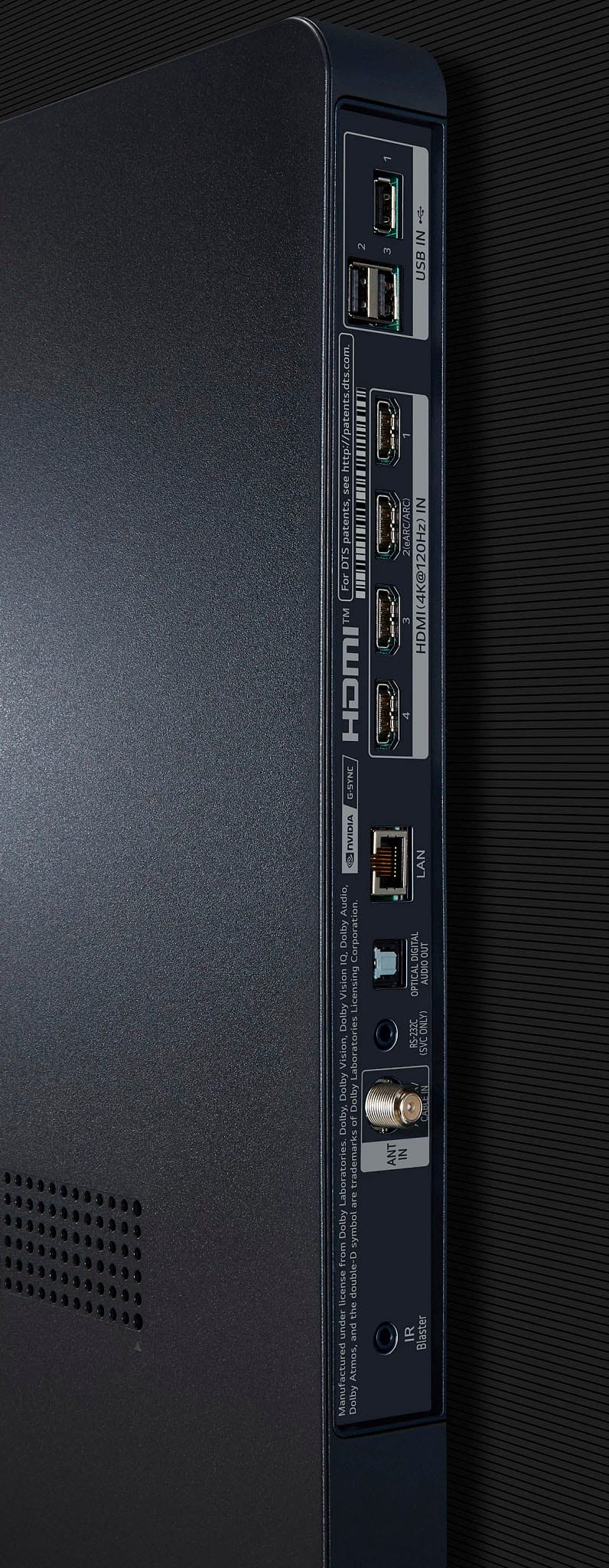
The cord you’re describing is likely the power cable or possibly an HDMI cable with a unique connector. The "funny looking ends" are typically designed to fit specific ports on the TV or other devices. The other end of the cable connects to a power source or another device for audio and video transfer.
If you have any further questions or need assistance with the connections, please don’t hesitate to send us a private message on Social Media @LGUSSupport. Our team is more than happy to help! We appreciate your patience. —Avril
A:AnswerNot common at all and has not been common since 2020. You will purposely have to go out of your way and spend a very extreme amount of time to get burning on modern day OLEDs. Even with accelerated burning tests from Rtings it has taken a year just to get some image retention. That is with an extreme accelerated test. So basically you would have to watch the same exact thing with no changes everyday at the highest brightness with all the safe guards like Pixel shift Logo dimming and Pixel cleaning for at least 2 years just to image retention. Rtings dont even mention burn ins on their ratings anymore
A:AnswerHello there! Thank you for your inquiry about the OLED65C3PUA. We understand how important it is to have versatile features on your TV.
Yes, the OLED65C3PUA allows you to browse the internet through its built-in web browser. You can access various websites and stream content directly from the TV. Additionally, you can download apps that enhance your browsing experience, such as streaming services and social media platforms.
If you have any further questions or need assistance with browsing or setting up apps, please feel free to send us a private message on Social Media @LGUSSupport. Our team is here to help you! We appreciate your patience. —Avril
A:AnswerHello there, thank you for reaching out with your question about the packaging for the LG OLED65C3PUA. The box dimensions are approximately 63" x 38.2" x 7.9". We recommend measuring the available space in your Durango to ensure it will fit, and remember to lay the box flat for safe transport.
If you need any further help or have more questions, please send us a private message on Social Media @LGUSSupport. We’re happy to assist you!
—Avril
A:AnswerHello there, Doug! Thank you for your inquiry about the OLED65C3PUA. This model features both a cable and an antenna input, allowing you to connect them separately without sharing the same input connection. This should provide you with flexibility in your viewing options. If you have any further questions or need assistance, please send us a private message on Social Media @LGUSSupport, and our team will be glad to help!
Thank you for choosing LG!
—Avril
A:AnswerHi there! Thank you for your question. The LG OLED65C3PUA TV does not run on Google TV or Android TV. Instead, it operates on LG’s webOS platform.
webOS offers a user-friendly interface with a wide range of streaming apps, smart features, and voice assistants like Google Assistant and Alexa built-in. While it’s not Android-based, you can still access many popular apps, such as YouTube, Netflix, and others, directly through the webOS system.
If you need more details or assistance with setup, feel free to send us a private message on Social Media @LGUSSupport. We're here to help!
—Renzo
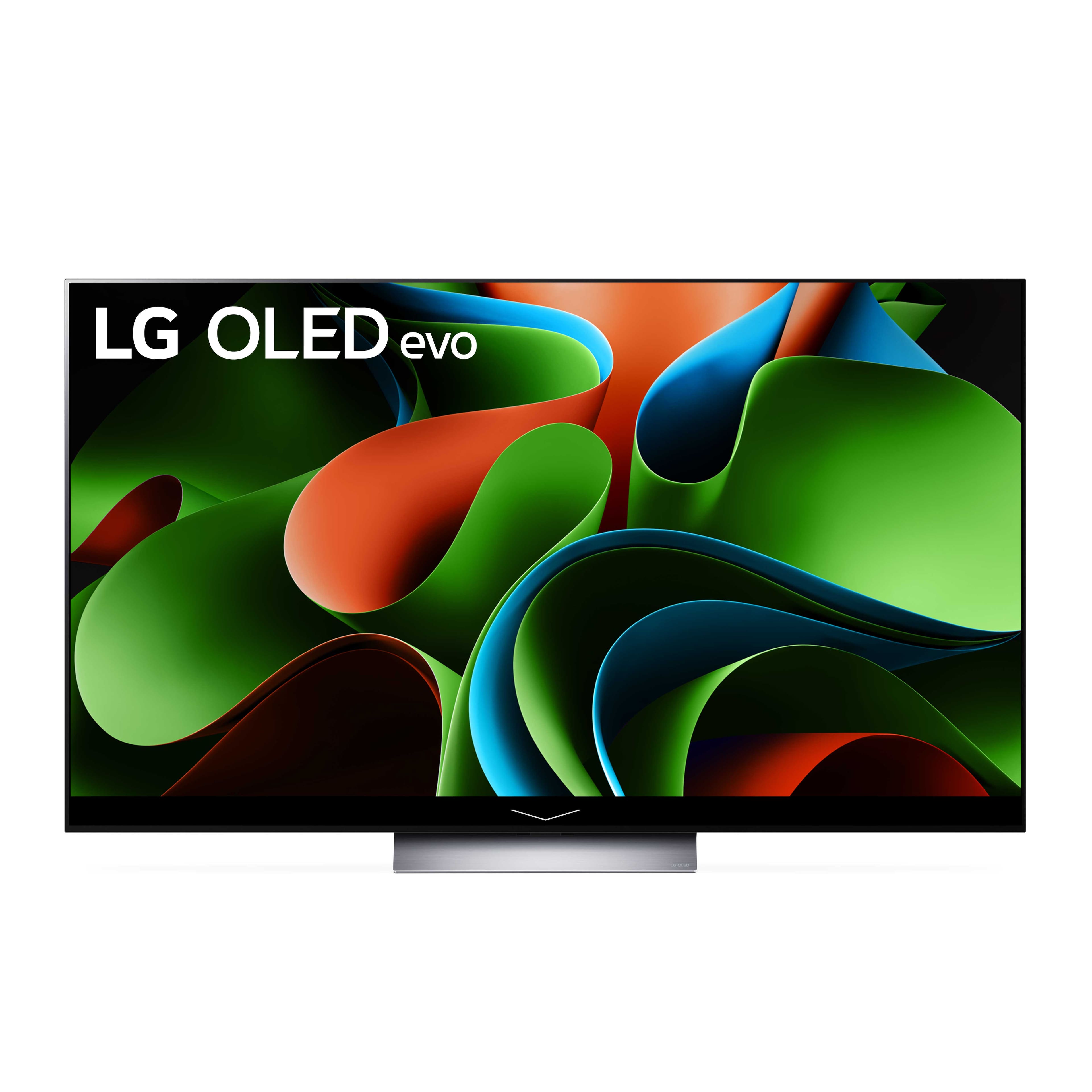
A:AnswerHi there. Thank you for reaching out. The LG model OLED65C3PUA is a smart TV and does come with built-in streaming capabilities.
Built-In Streaming Apps: The OLED65C3PUA includes a range of pre-installed streaming apps such as Netflix, Prime Video, Disney+, and others. You can access these apps directly from the TV’s home screen or app launcher.
LG Content Store: Additionally, you can download more streaming apps from the LG Content Store, which is accessible through the TV’s menu. This allows you to customize your streaming options based on your preferences.
If you need assistance with setting up or using the streaming apps, please send us a private message on Social Media @LGUSSupport, and our team will be happy to help. We appreciate your patience. —Renzo
A:AnswerHi there! Congratulations on your new LG OLED Evo TV! You can still receive local cable programming with your LG OLED65C3PUA. The TV is equipped with a built-in tuner that allows you to connect a cable or antenna directly to the TV for accessing over-the-air channels and cable programming.
To get your local cable channels, simply connect your cable service to the TV using the appropriate cable input. You can then scan for channels in the TV’s settings menu to access your local programming. Streaming apps are an additional feature that provides access to a variety of online content, but they do not replace traditional cable or antenna services.
If you need any more help or have further questions, please send us a private message on Social Media @LGUSSupport, and our team will be happy to assist you. We appreciate your understanding. —Renzo
A:AnswerI doubt the warranty would cover the cracked screen unless you got some type of extended warranty that explicitly states this which you would probably pay more for. I am sure they would cover the pixels under the warranty because that is a manufacturer defect.
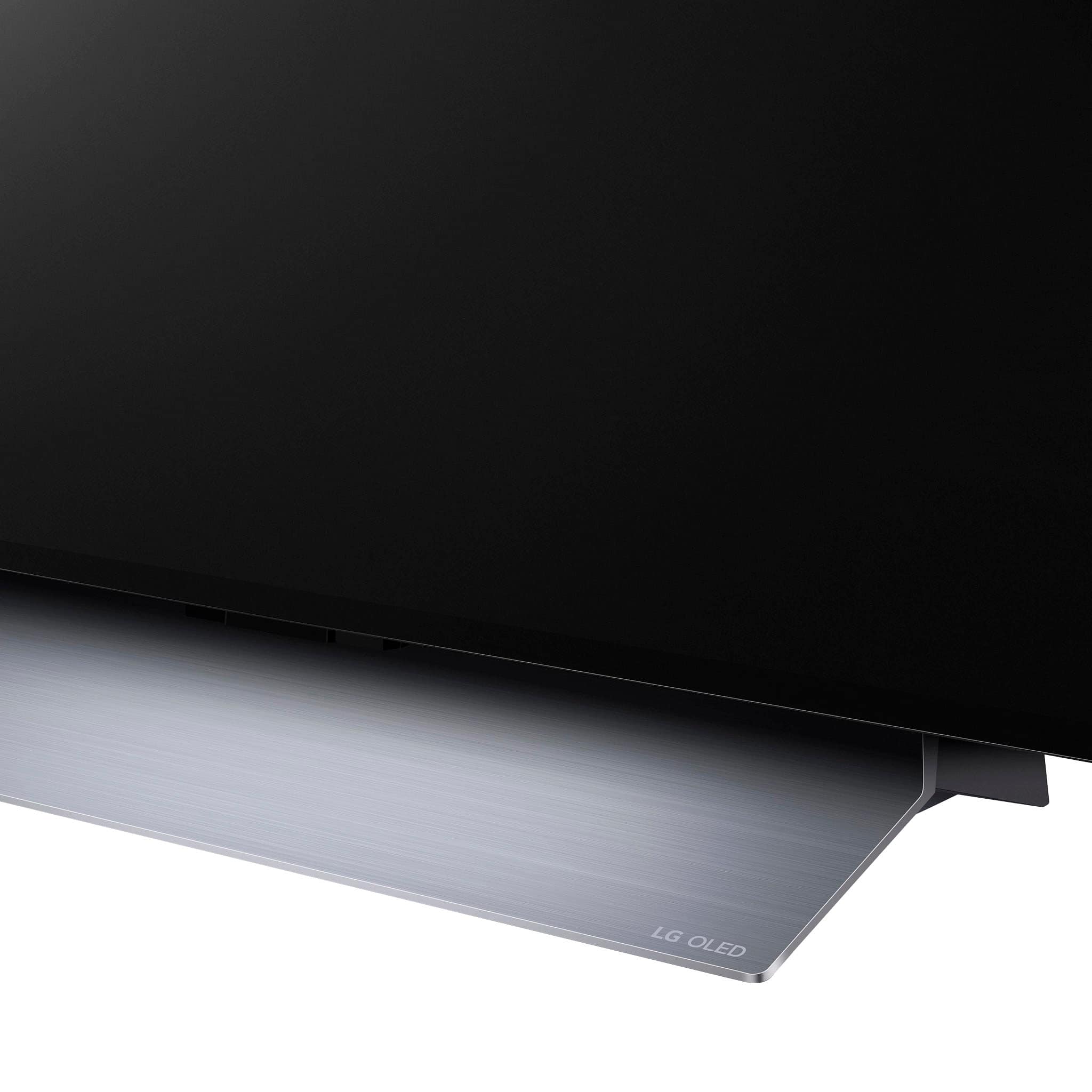
A:AnswerThank you for reaching us regarding LG Smart webOS TV. The LG OLED65C3PUA TV weighs 40.7 pounds with the stand attached and 36.5 pounds without the stand. You can download its owner's manual through this link for more information: https://www.lg.com/us/support/product/lg-OLED65C3PUA.AUS. For additional assistance, please reach out to us on social media @LGUSSupport so we can help you further. ^Cris
A:AnswerWidth (inches) 56-3/4
Height with Stand (inches) 34-5/8
Height without Stand (inches) 32-5/8
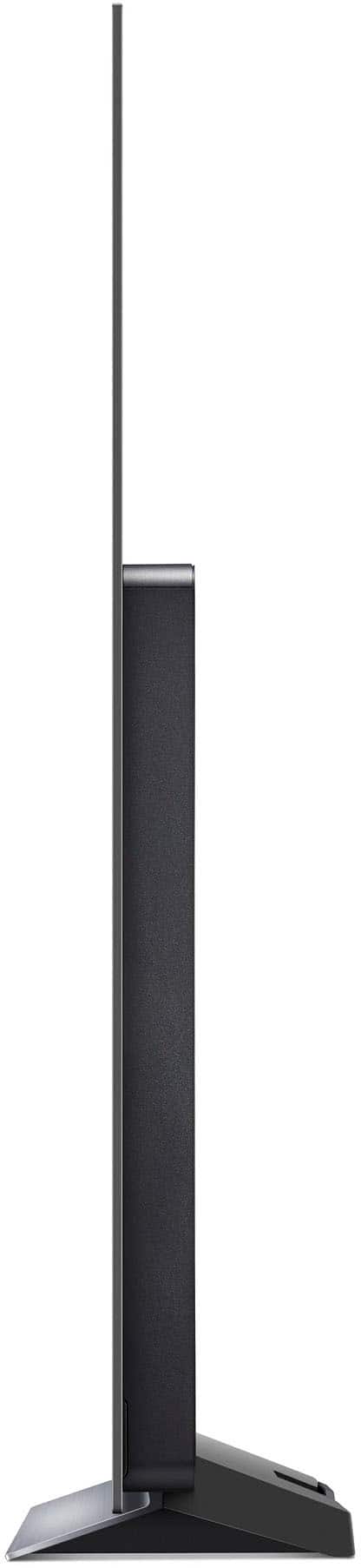
Depth with Stand (inches) 9-1/8
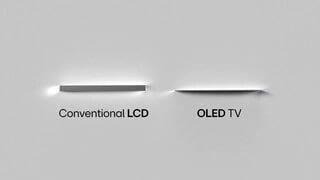
Depth without Stand (inches) 1-7/8
Stand Width (inches) 18-5/8
Weight with Stand 40.7 lbs
Weight without Stand 36.5 lbs
A:AnswerThank you for your interest in the LG Smart webOS TV. With regards to your installation concern, kindly coordinate with the dealer where you'll buy your LG appliance. In your case, on BestBuy. ^Cris
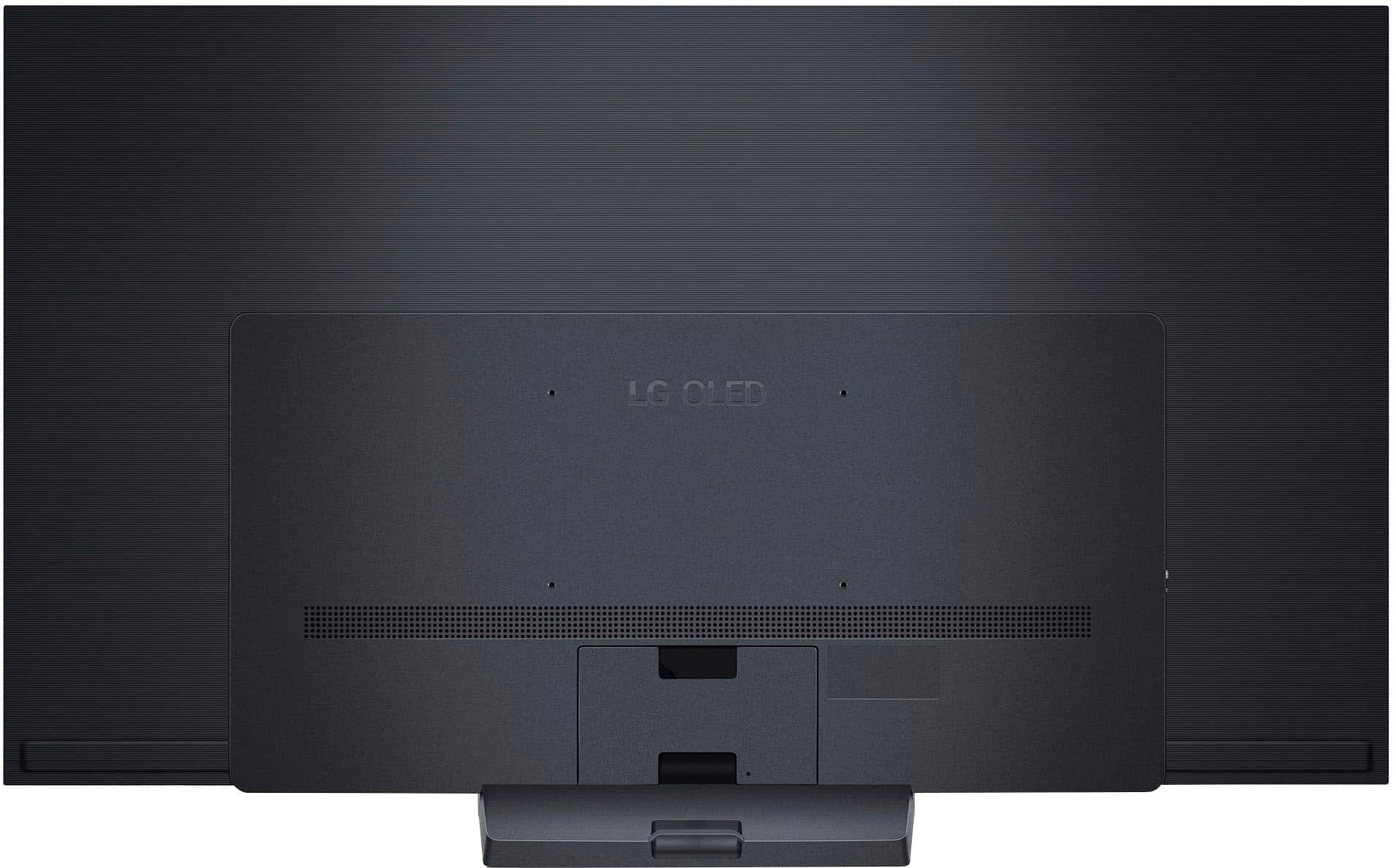
A:AnswerHi there! Thank you for your question about the OLED65C3PUA TV. This model requires a VESA-compatible wall mount, specifically with a 300 x 200 mm mounting pattern. While many standard wall mounts for 65-inch TVs will work, it's essential to ensure that the mount you choose supports the VESA specifications and weight capacity for this model.
If you have any further questions or need assistance in selecting a suitable wall mount, please feel free to send us a private message on Social Media @LGUSSupport. Our team is here to help! Thank you for choosing LG!
—Avril
A:AnswerThank you for reaching us regarding LG Smart webOS TV. Here are the dimensions of the box for the LG OLED65C3PUA (65" OLED TV):
• Height: 38.18 inches (970 mm)
• Width: 62.99 inches (1600 mm)
• Depth: 7.87 inches (201 mm)
You can download its owner's manual through this link for more information: https://www.lg.com/us/support/product/lg-OLED65C3PUA.AUS. For additional assistance, please reach out to us on social media @LGUSSupport so we can help you further. ^Cris