A:AnswerHello there, Hamasdegh. Thank you for reaching out!
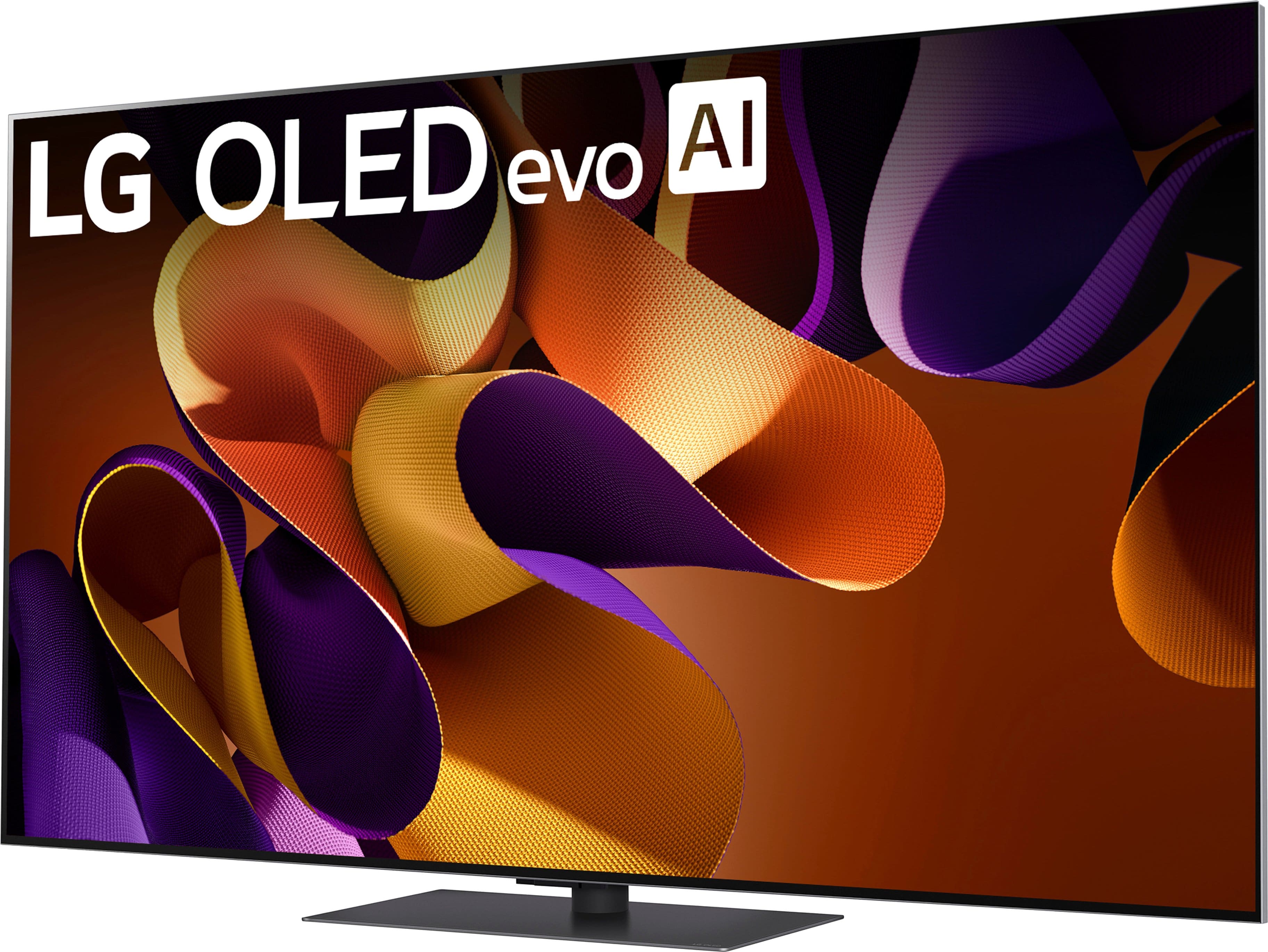
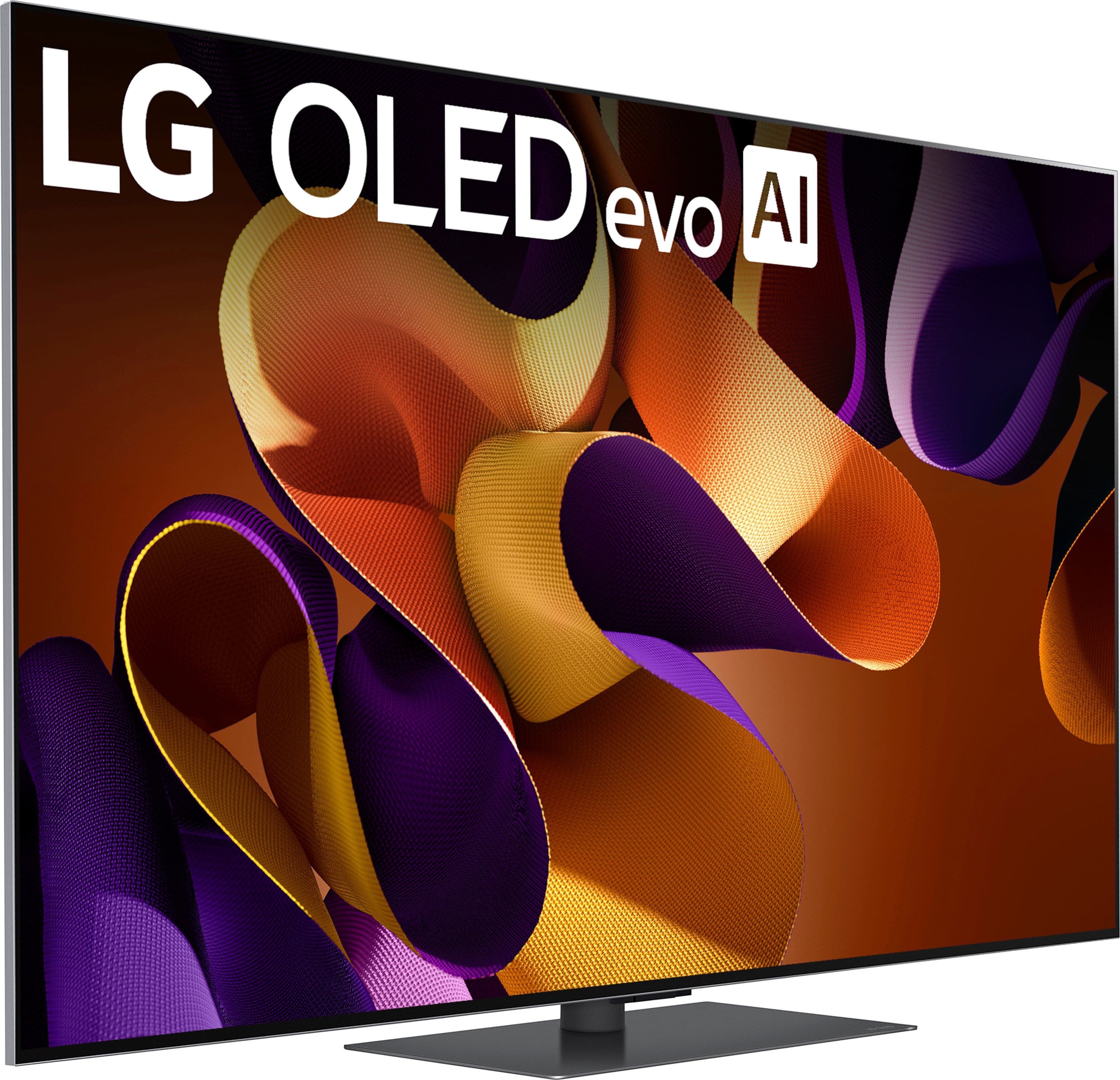
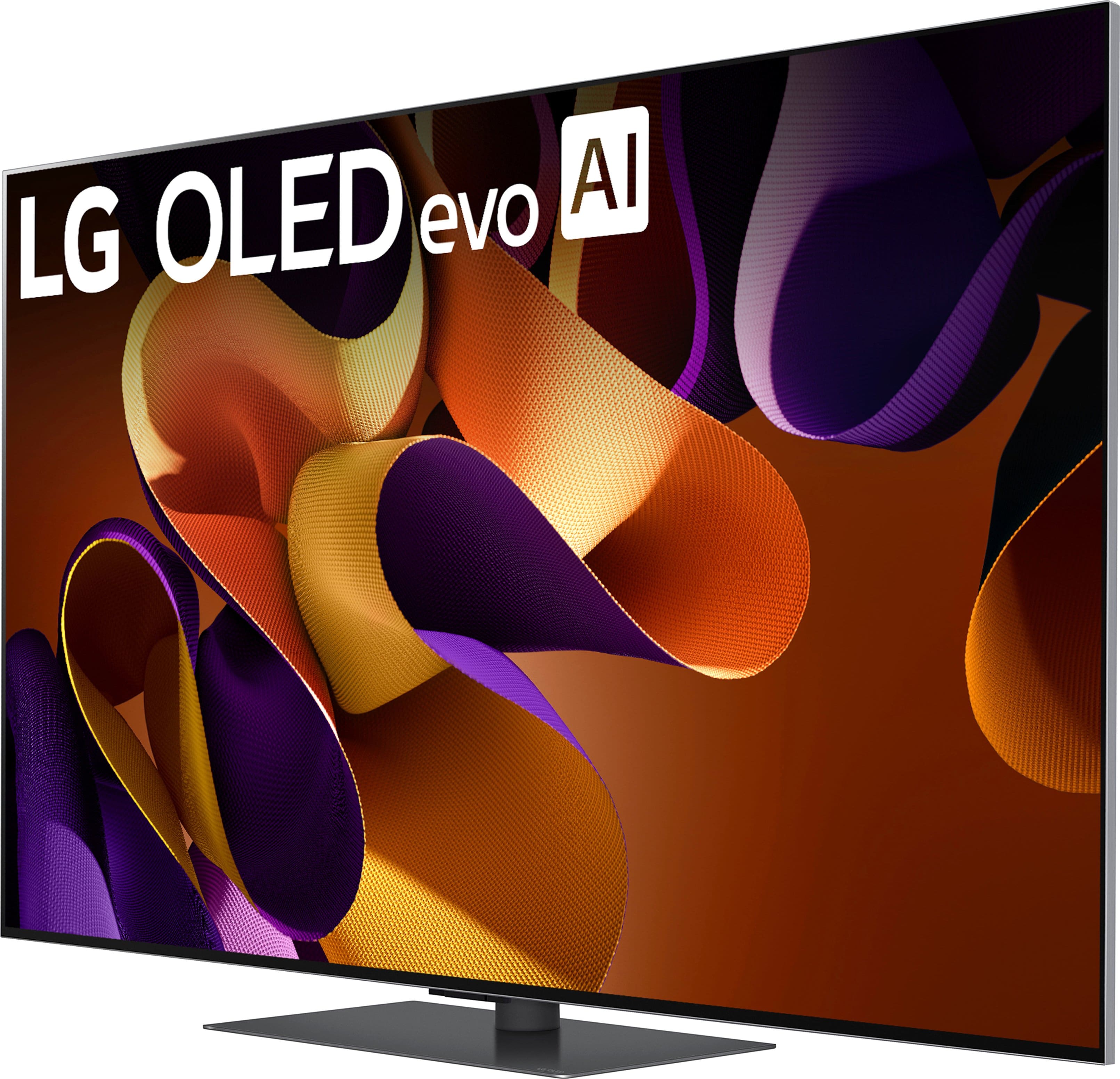
The LG OLED65G4SUB 4K OLED TV offers several exceptional features that make it stand out from other brands. Here's why it's considered a top-tier option:
Special Features:
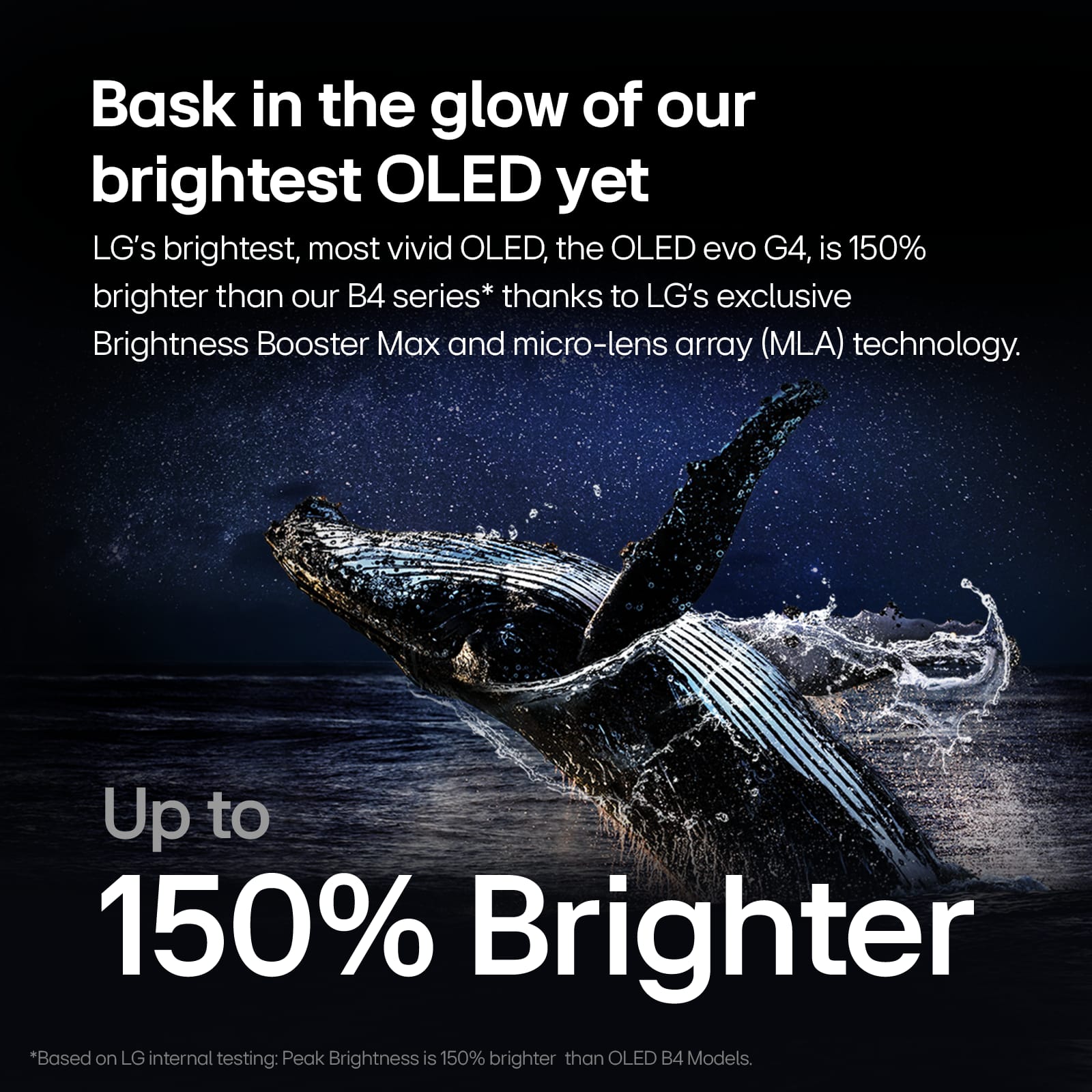
Brightness Booster Max & Perfect Black: LG’s OLED technology allows each pixel to turn on and off independently, achieving perfect blacks and vibrant colors, while the Brightness Booster enhances brightness for a more vivid experience.
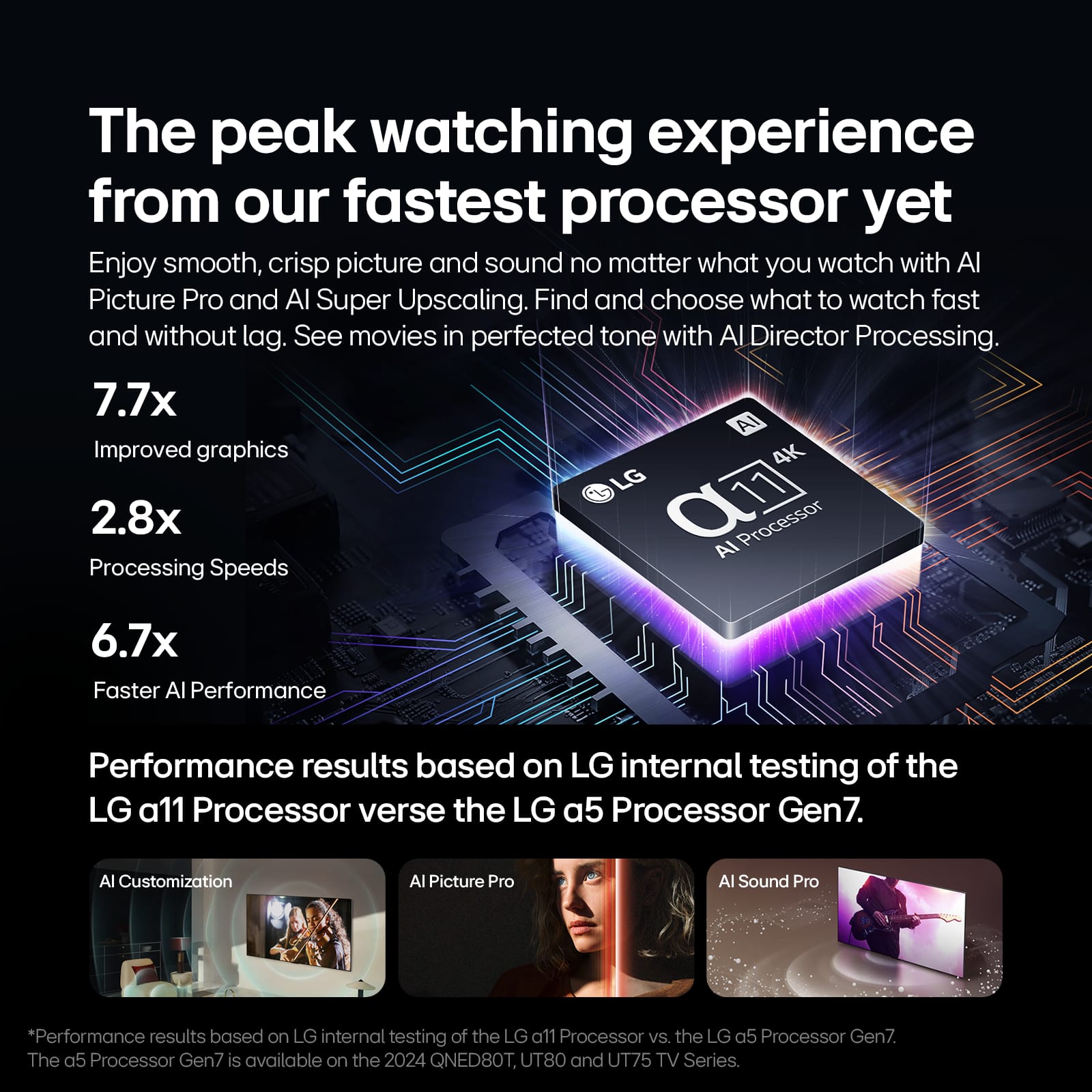
α11 AI Processor 4K: This advanced processor optimizes picture quality, offering AI Upscaling for improved visuals and Dynamic Tone Mapping for stunning HDR content.
OLED Motion: Ensures smooth motion clarity, making it perfect for fast-paced content like sports or gaming.
Dolby Vision and HDR10: The TV supports Dolby Vision for cinematic picture quality and a wide color gamut, enhancing brightness, contrast, and color accuracy.
Variable Refresh Rate (VRR) & G-Sync Compatibility: Ideal for gamers, the OLED65G4SUB offers a 120Hz native refresh rate, VRR, FreeSync, and G-Sync compatibility, ensuring smooth gameplay with minimal screen tearing.
AI Sound Pro: This feature gives you virtual 11.1.2 surround sound by up-mixing audio, creating an immersive listening experience. Additionally, Dolby Atmos support adds depth to the sound.
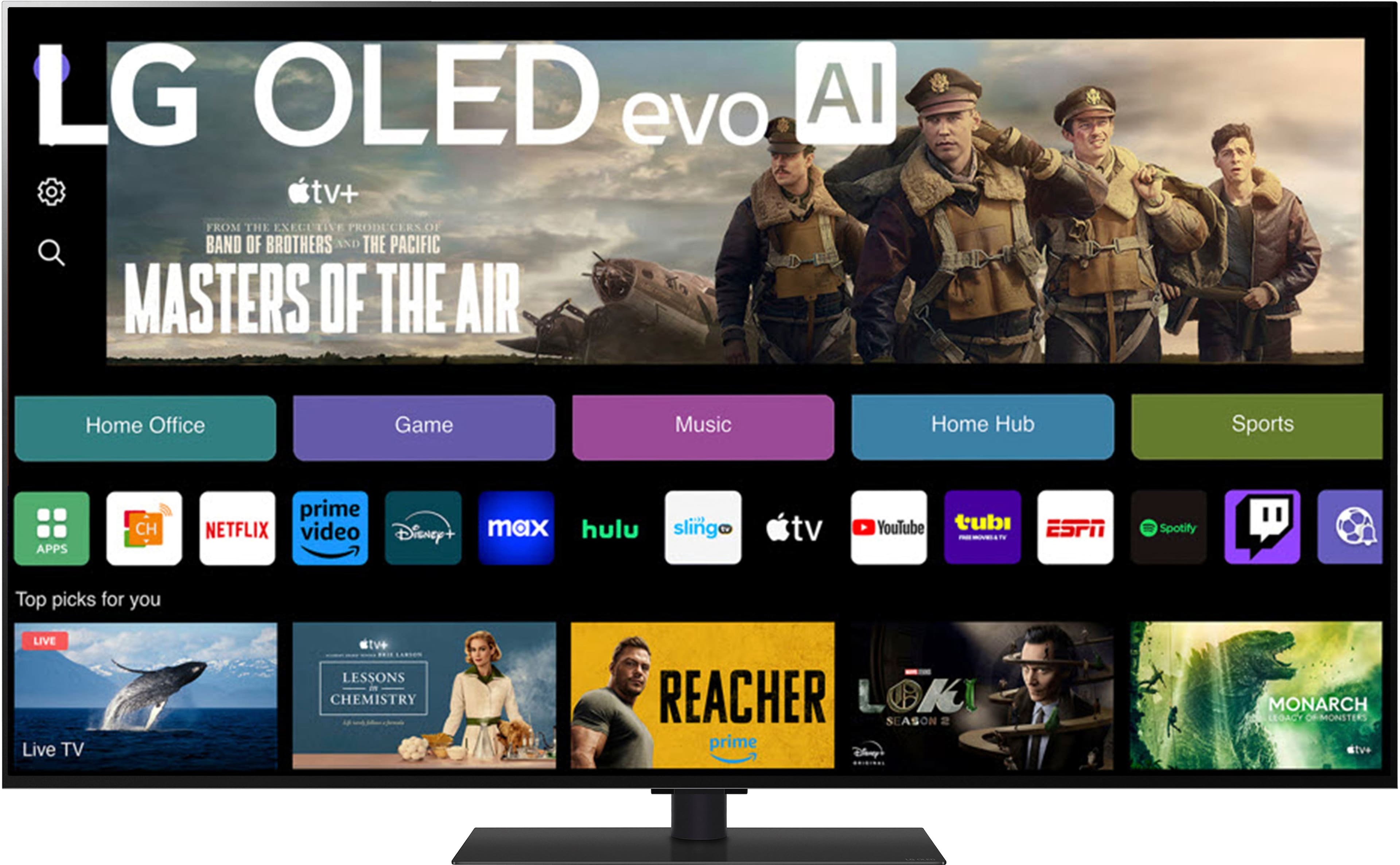
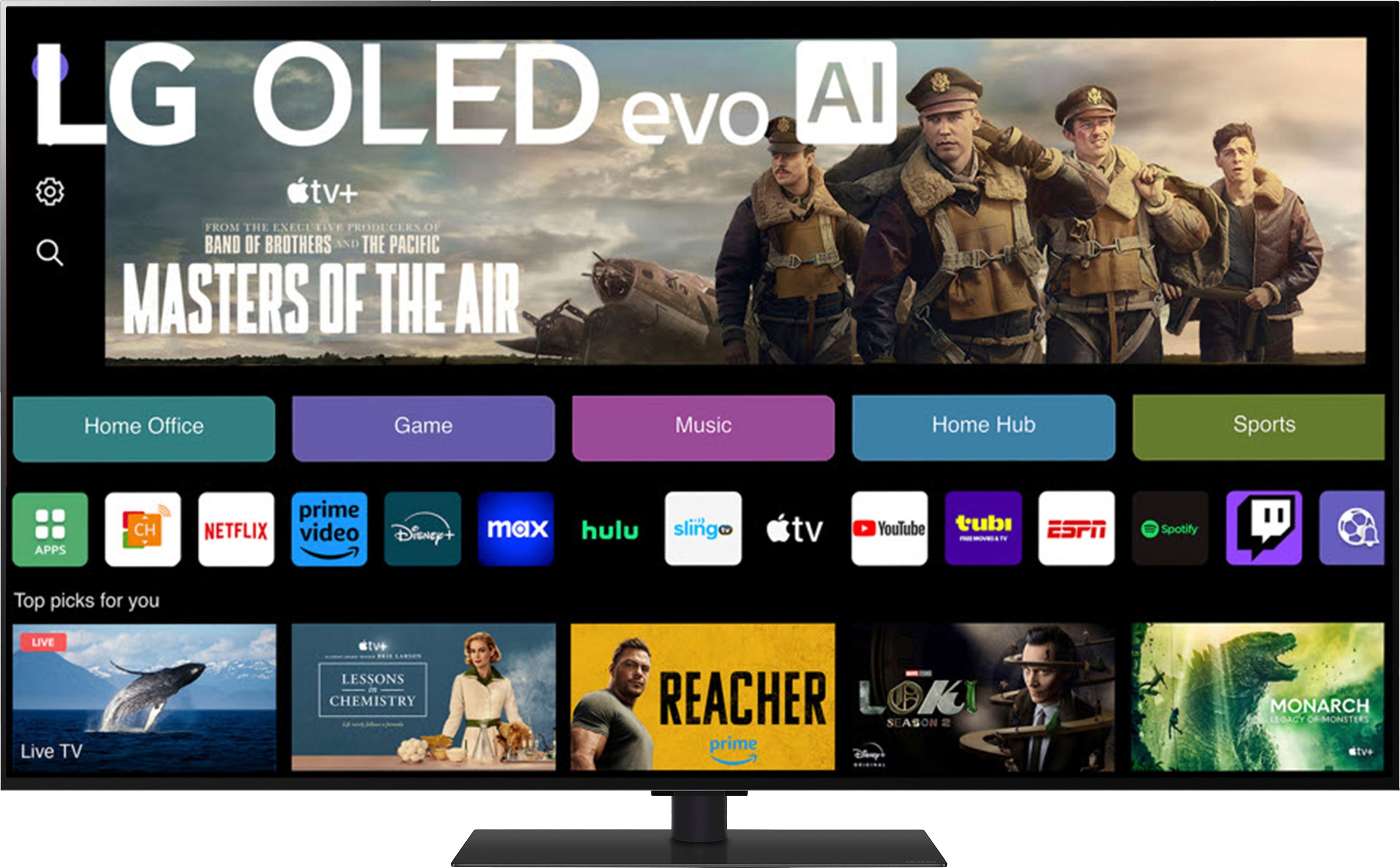
Smart Features & ThinQ® Technology: With webOS 24, you get access to streaming services like Netflix, Disney+, and YouTube, plus smart home compatibility with Amazon Alexa, Google Assistant, and Apple Airplay 2.
Why It's Better than Other Brands:
Perfect Black and Infinite Contrast: LG OLED TVs deliver true black levels and infinite contrast, giving you superior picture quality compared to LED and QLED TVs, which can’t achieve true black.
120Hz Native Refresh Rate: This, combined with VRR and ALLM, makes it an ideal choice for gaming, providing a competitive edge with fast and fluid visuals.
AI-Powered Picture & Sound: With its AI Picture and AI Sound technologies, the TV automatically adjusts content for the best picture and sound, ensuring optimal viewing and listening experiences.
Superb Gaming Features: With G-Sync and FreeSync, the OLED65G4SUB is perfect for gamers looking for the best visuals and the smoothest gameplay.
https://www.lg.com/us/tvs/lg-oled65g4sub-oled-4k-tv#pdp_specs
If you have any further questions or need help with anything else, feel free to reach out on social media @LGUSSupport!
We hope you enjoy the premium viewing experience this TV provides! —Renzo
A:AnswerYou can register the LG 65-inch Class LG OLED evo G4 4K Smart TV 2024 with Supplied TV Stand, Model # OLED65G4SUB on our site at Register My Product [https://www.lg.com/us/support/product-registration]...^Ivan.
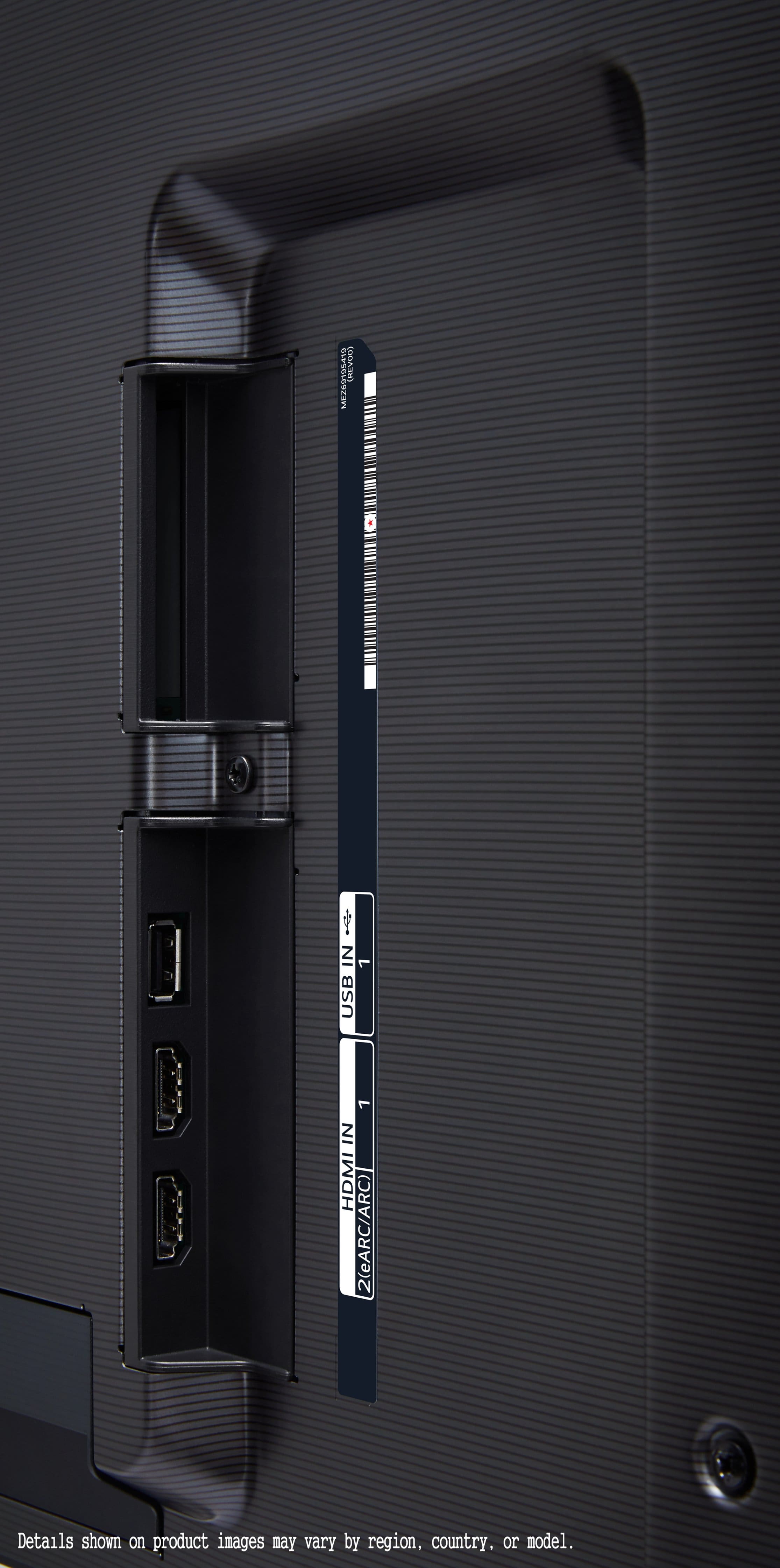
A:AnswerHello there! Yes, the LG G4 OLED65G4SUB TV is compatible with the Sonos Arc soundbar. Both devices support HDMI ARC (Audio Return Channel) or HDMI eARC (Enhanced Audio Return Channel), which are standard connections for transmitting audio from the TV to the soundbar. -Junel
A:AnswerHi there. Thank you for asking about the OLED65G4SUB. We understand your inquiry regarding trading up your TV. Since exchange and trade-in policies are managed by the retailer, we recommend contacting Best Buy directly for assistance with your request. Your satisfaction is important to us, and we'd like to assist you further.
https://www.bestbuy.com/product/lg-65-class-g4-series-oled-evo-4k-uhd-smart-webos-tv-2024/JJ8VPZQ5KW
If you have any further questions about its features, please contact us on [email protected], and our team will be more than happy to assist you. —Renzo
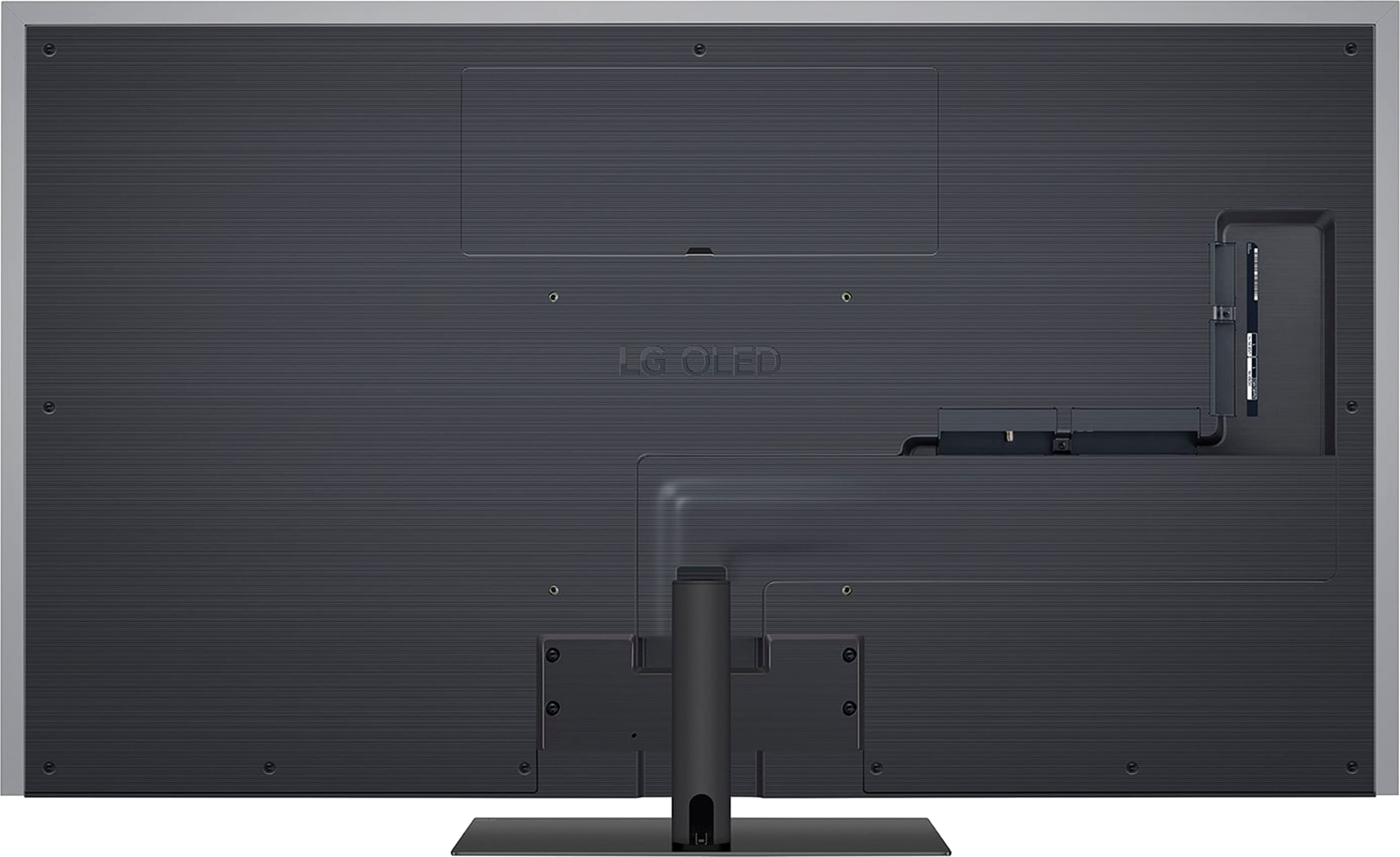
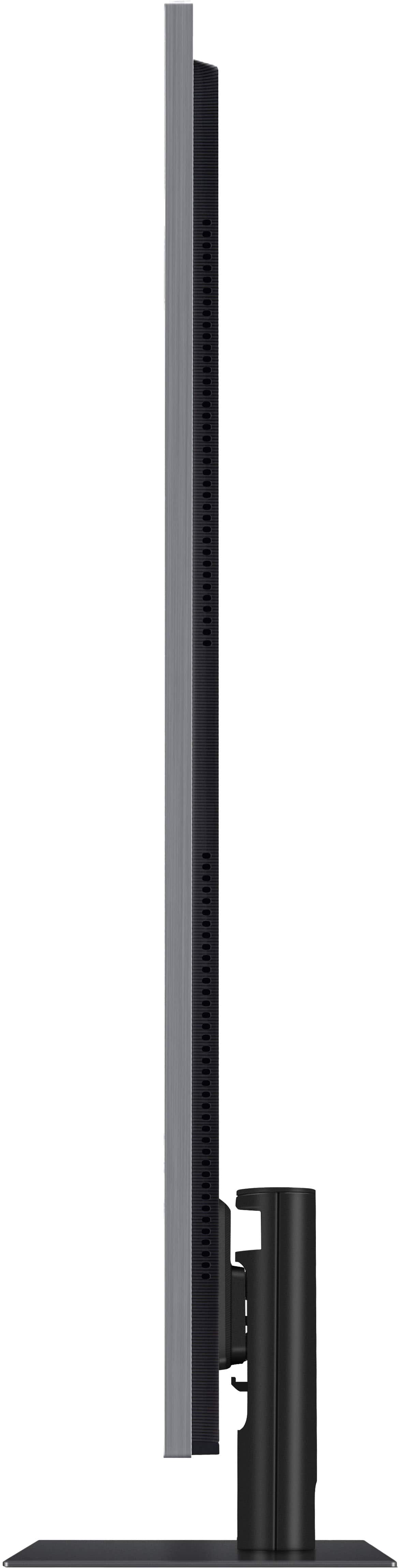
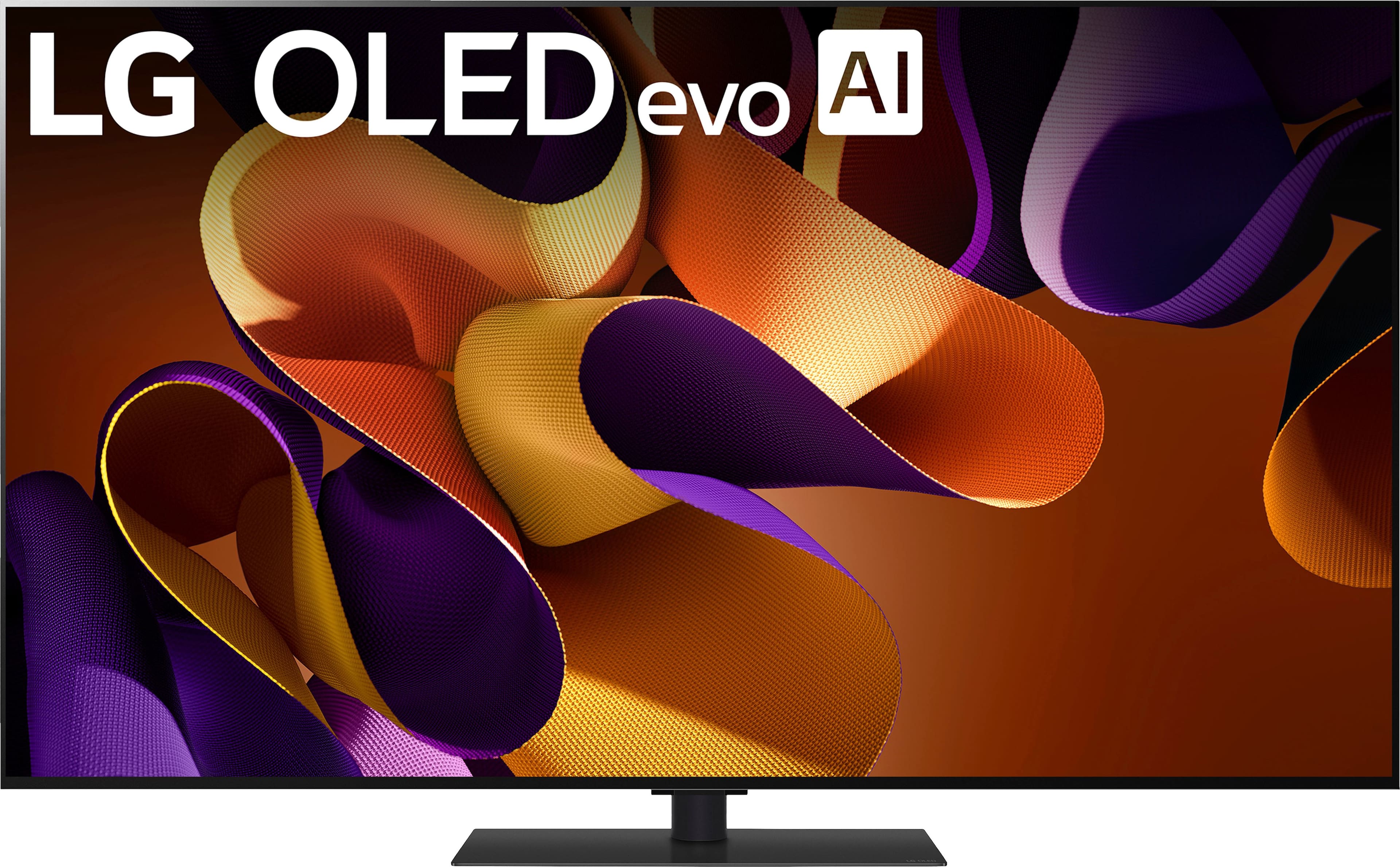
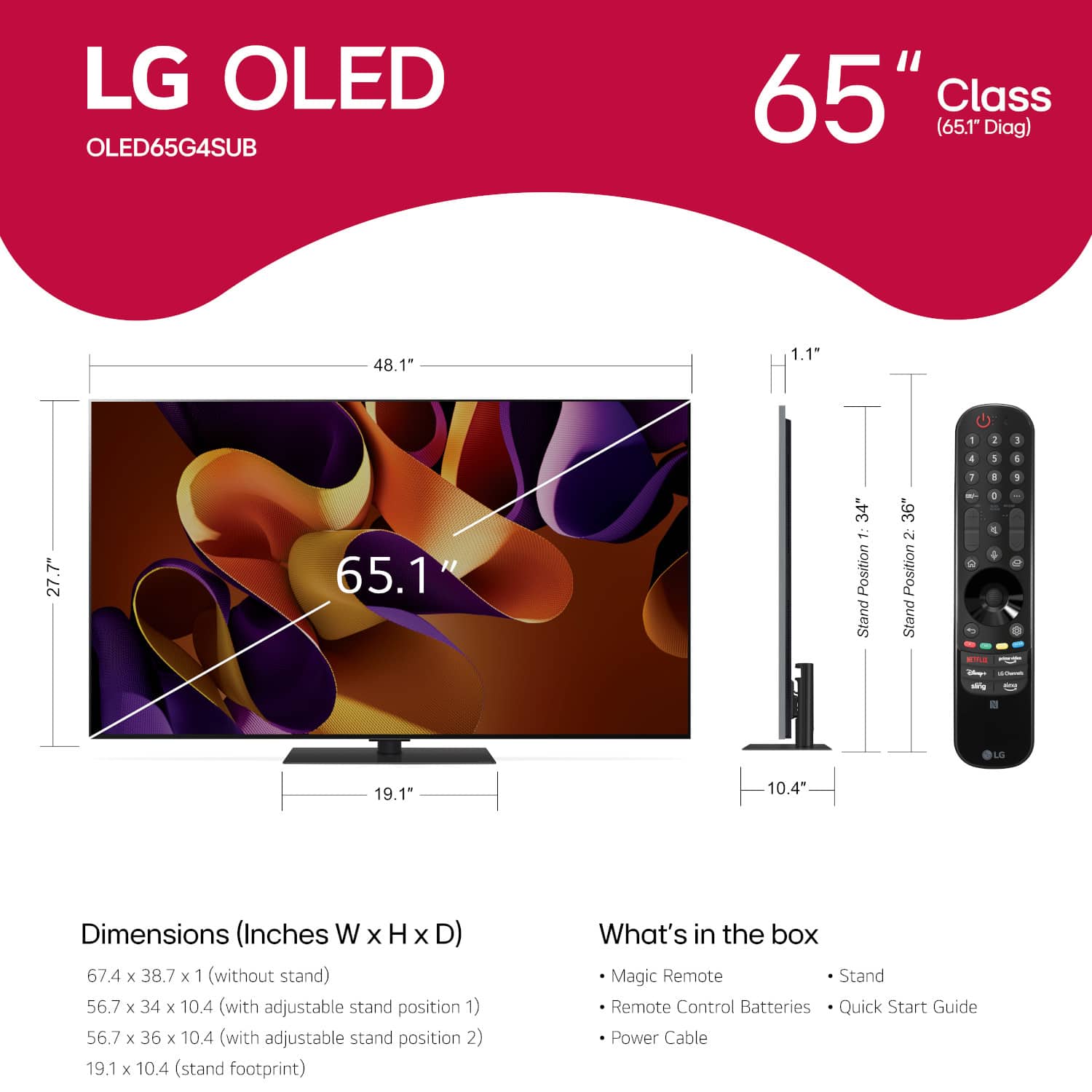
A:AnswerHello there. Thank you for your question. We understand your inquiry regarding the stand clearance of the OLED65G4SUB. The stand for this unit is adjustable with two height settings; based on the dimensions, the clearance from the surface to the bottom of the TV is approximately 3.5 inches in Position 1 and 1.5 inches in Position 2.
https://www.bestbuy.com/product/lg-65-class-g4-series-oled-evo-4k-uhd-smart-webos-tv-2024/JJ8VPZQ5KW
If you have any further questions about its features, please contact us on [email protected], and our team will be more than happy to assist you. —Renzo
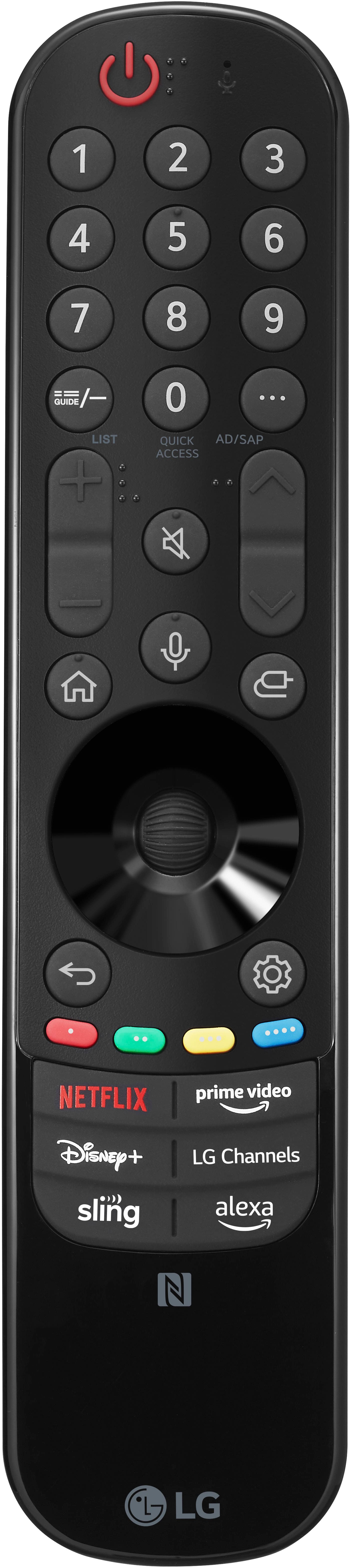
A:AnswerYou can press the Home button on the magic remote for the LG G4 65-inch Class OLED evo AI 4K Smart TV 2024 - Model # OLED65G4SUB, then navigate to the Settings option, select All Settings, choose General, select Alexa, and toggle the switch to turn off Alexa on the TV...^Ivan.
A:AnswerHello there, Jess. Thank you for sharing your experience with us regarding your OLED65G4SUB TV. We understand your inquiry about controlling your Dish Network with your Dish remote after the recent update.
The most likely cause is that the TV's software update may have reset the communication settings between the TV and your connected Dish device. This is often controlled by a feature called HDMI-CEC, which LG refers to as Simplink.
As a first troubleshooting step, we recommend checking your Simplink setting on the TV:
Go to Settings (Gear icon on the remote).
Select All Settings, then Connection or General.
Go to HDMI Device Settings.
Ensure that SIMPLINK (HDMI-CEC) is set to On. If it is already on, try turning it Off, waiting 20 seconds, and then turning it On again.
https://www.bestbuy.com/product/lg-65-class-g4-series-oled-evo-4k-uhd-smart-webos-tv-2024/JJ8VPZQ5KW
If this simple step does not immediately restore the remote function, we would be happy to help you further with a more detailed look at your settings, including re-registering the Dish set-top box in the Universal Control settings. Please send us a private message on Social Media @LGUSSupport, and our team will be more than happy to assist you.
—Renzo
A:AnswerHello there, Kragoth. Thank you for sharing your inquiry with us regarding the LG OLED65G4SUB TV. We understand your question about Wi-Fi 6E support.
Yes, the LG OLED65G4SUB TV does support Wi-Fi 6E (802.11ax).
https://www.bestbuy.com/site/lg-65-class-g4-series-oled-evo-4k-uhd-smart-webos-tv-2024/6578150.p?skuId=6578150
If you have any further questions or need additional assistance, please send us a private message on Social Media @LGUSSupport and our team will be more than happy to explore possible solutions. We appreciate your patience. —Renzo
.](https://pisces.bbystatic.com/image2/BestBuy_US/images/products/a2c81e15-ccb1-41b4-b702-c6bedffe82e5.png)