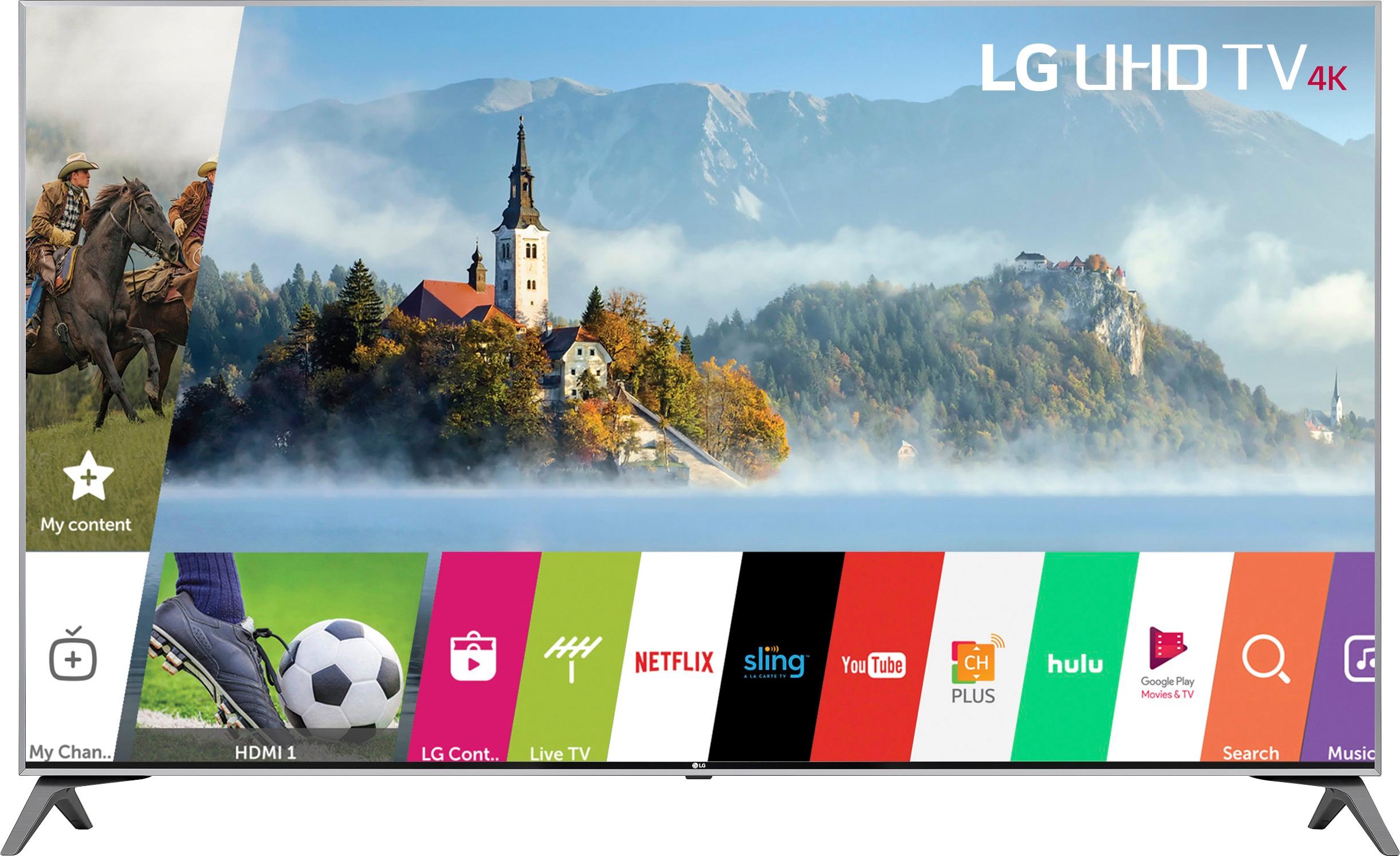
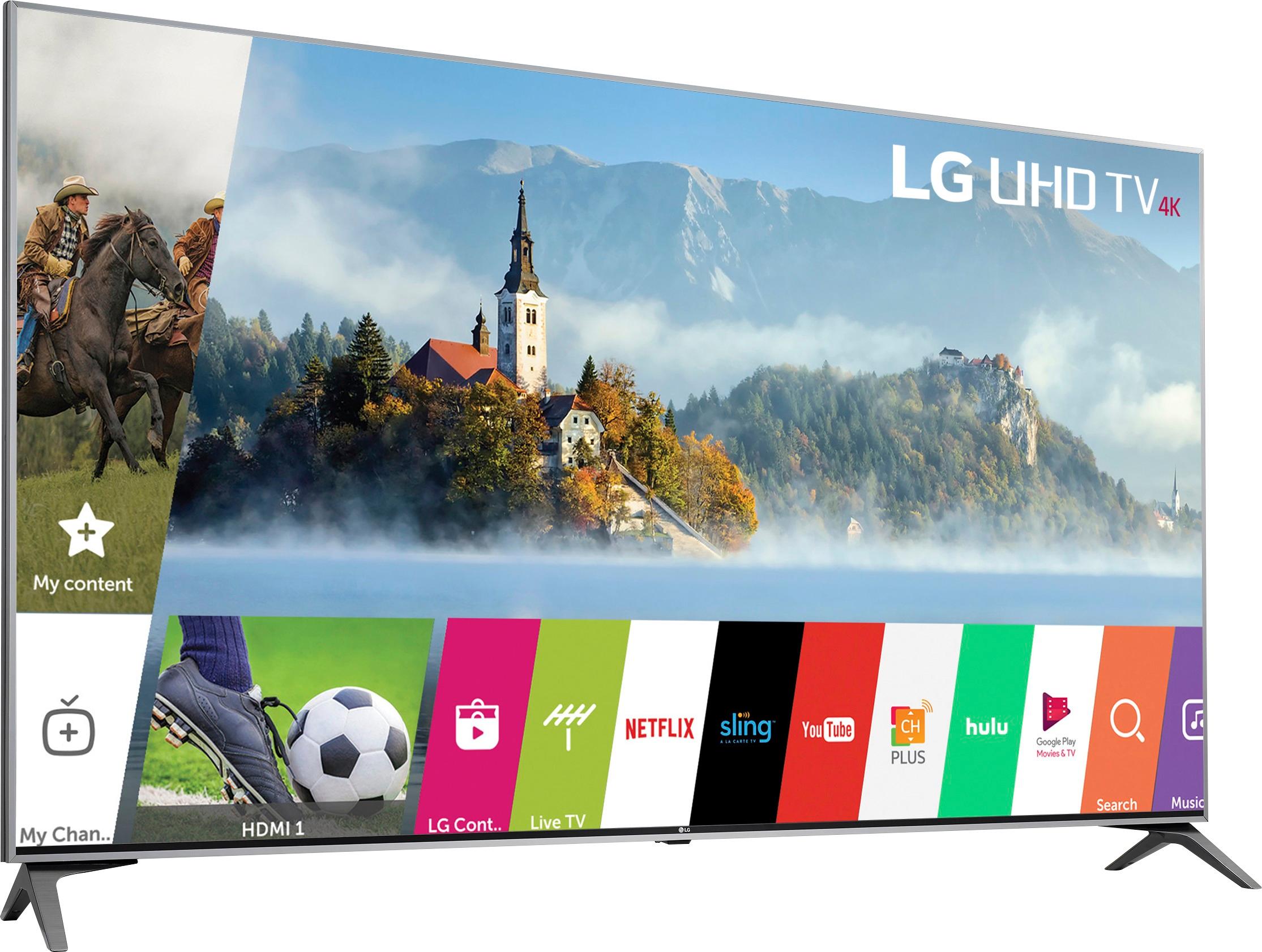
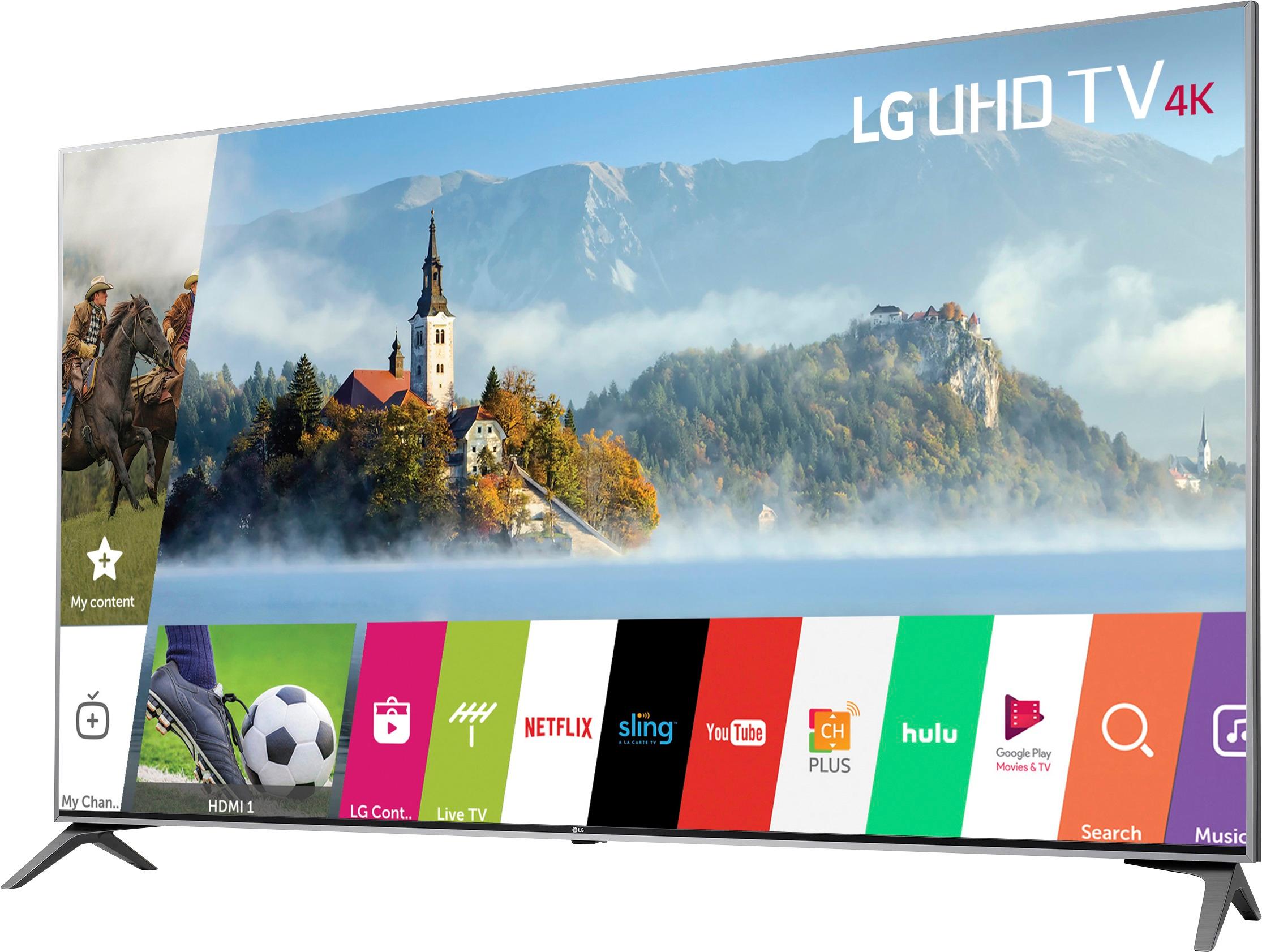
A:AnswerThis TV can connect wirelessly to headsets via Wireless Sound Sync technology. It would not be able to connect to your iphone or macbook via bluetooth. ^CP
A:AnswerCall the manufacturer customer service they will get you the exact remote. I find universal remotes have missing features. There are also free apps for phone or tablet that I use when I lose my remote.
A:AnswerI don't see why it wouldn't if the PS4 Pro supports 4k. I have just a regular PS4 which supports 1080p and it is upscaled to 4k, but I don't know how the HDR works in regards to upscaled content. I really don't really know what the Pro version has over the regular version. I don't recall if the Pro version was out when I bought my PS4, or if it was just the price difference that I didn't want to pay.
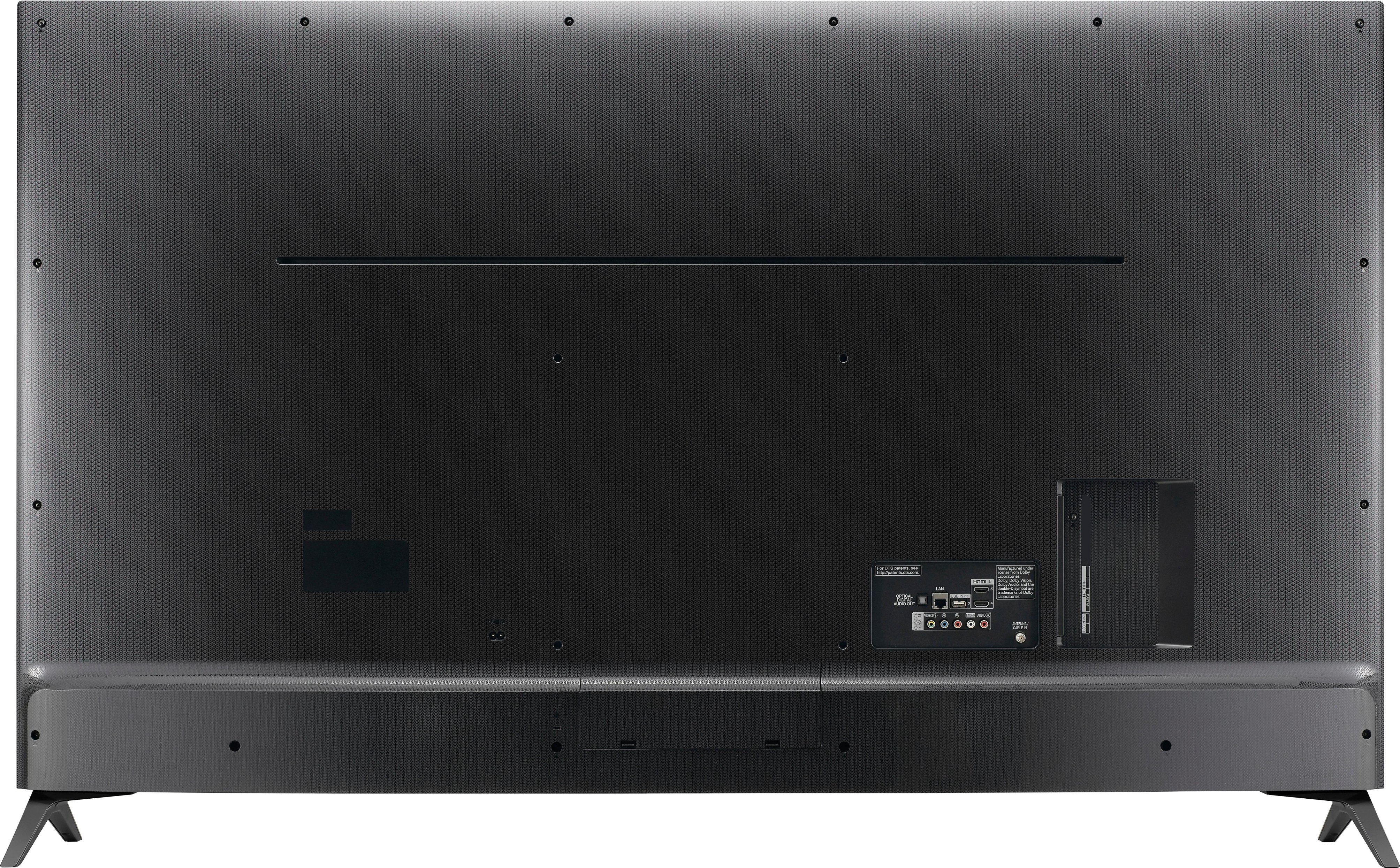
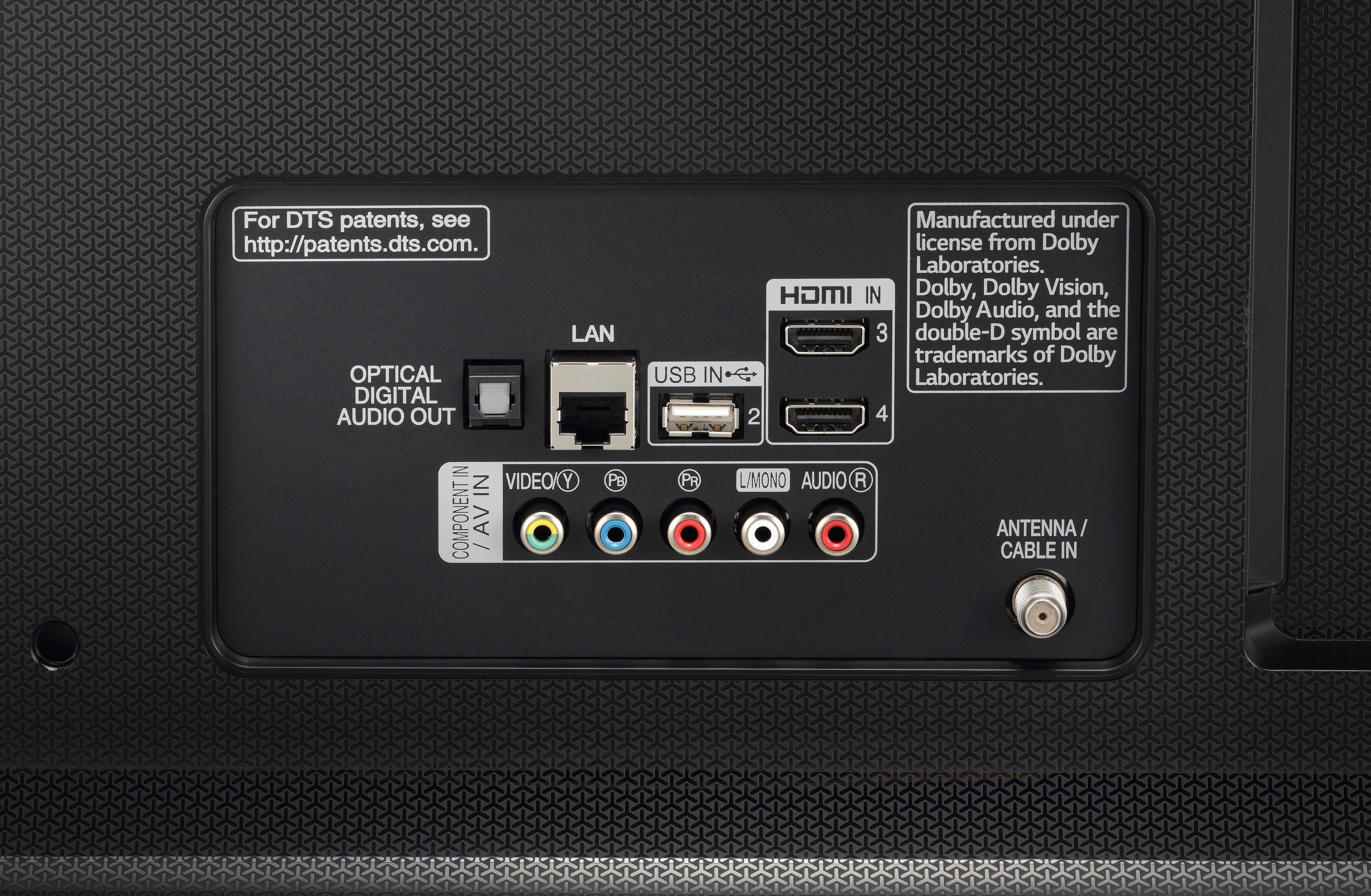
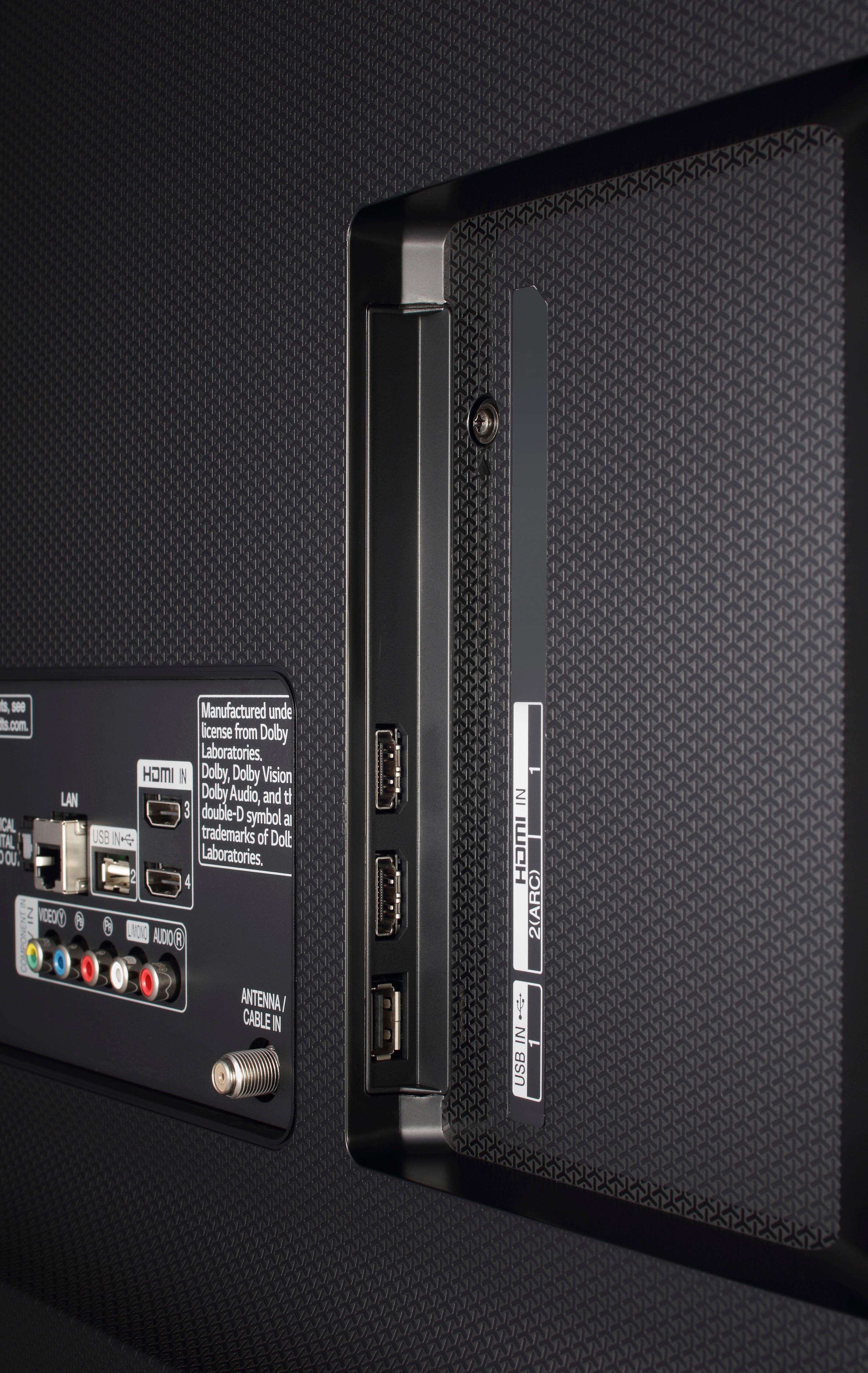
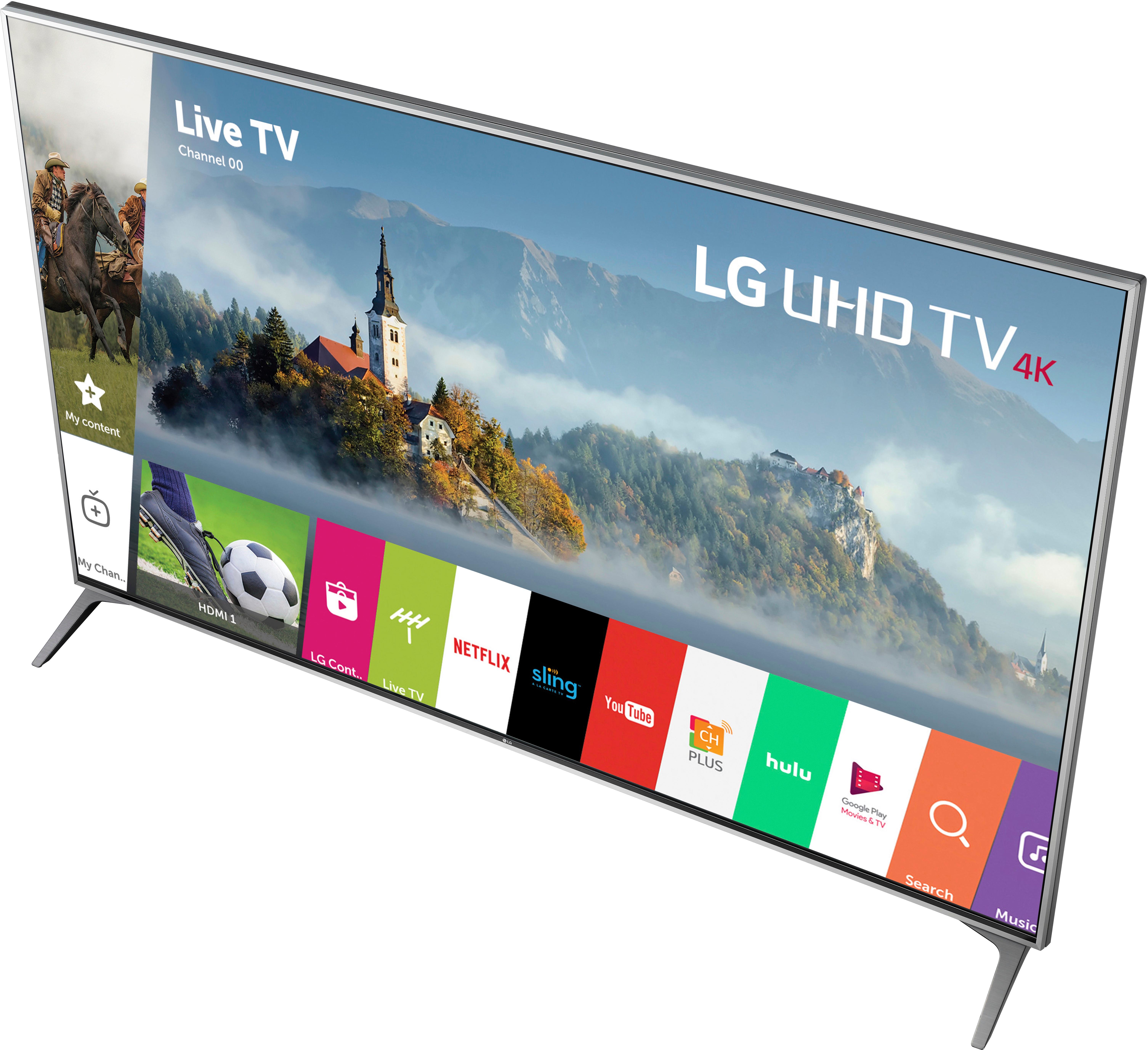
A:AnswerAll the HDMI ports on the LG 4K UHD HDR Smart LED TV - 65" Class (64.5" Diag), Model # 65UJ7700 are HDMI version 2.0a and all are HDCP 2.2 compliant. The TV supports 4K @ 60 Hz (Chroma Samplings of 4:4:4, 4:2:2, and 4:2:0) with the HDMI ULTRA HD Deep Color turned on and 4K @ 60 Hz 8-bit (Chroma Sampling of 4:2:0) when the HDMI ULTRA HD Deep Color is turned off. Check to see what your streaming media device's compatibility requirements are to verify that it will work with this TV...^IFV
A:AnswerIf your cable box has settings for the sound output, check to make sure the sound is selected to be output through the HDMI. If that doesn't help, then power down everything (unplug or turn off power strip) and power back up. That second step fixed my blueray player sound output. Before I bought this TV, I was outputting sound from the blueray directly to a home theater amplifier using the coaxial digital audio output. I disconnected the coax digital and connected the HDMI to the TV. But I powered the blueray up before the TV. Powering everything back down and re-booting allowed the blueray to "find" the TV audio through the HDMI connection.
A:AnswerI use this TV as a 4K gaming monitor for my Alienware 17 (2017) and it works great. You shouldn't have any issues at all as a conference room monitor.
A:AnswerHi John. We would need some clarification on what you consider as being a "regular HDMI cord". In terms of picture quality, there’s no difference between HDMI cables, they are digital so it's all or nothing. Cables are rated by speed, and there are only two certifications: The original HDMI 1.0 Standard cable, designed for the first HD transition, so 720p, 1080i support, which are very rare now. With the introduction of HDMI 1.3 the bandwidth was doubled from about 4.9 Gigabits per second to over 10 Gbps, and these cables are called ‘High Speed HDMI’ cables. Any cable that claims to be high speed must support the full bandwidth. HDMI 2.0 makes the signaling method more efficient, so with the old method, a High Speed HDMI cable could handle 10.2 Gbps; now it can handle 18 Gbps which means that existing High Speed HDMI cables, which should always be labeled as “High Speed,” both on the packaging and the cable itself, can handle 4K content at 60 frames per second. If you’re buying a new 4K TV and you already have a High Speed HDMI cable, then there’s no need to buy a new one. There are some HDMI cables out now that will upscale 1080p to 4K that may require a USB port to draw power from. 4K at up to 30fps has always been supported from back in 2009. As for using AV Adapter with your phone, you will need to inquire about the adapter from its manufacturer. MHL, also known as Mobile High-Definition Link, allows you to connect your smartphone to an HDTV to share video, music, photos and even games in high definition. Your phone would need to be an MHL compatible phone so you can check with the manufacturer about that...^IFV
A:AnswerWe purchased a display tv. The box was missing, had to go back to the store for the remote and the power cord which they forgot to wrap. We liked the picture and the price and we're told the model was on back order and no date for delivery could be confirmed. The TV is awesome.