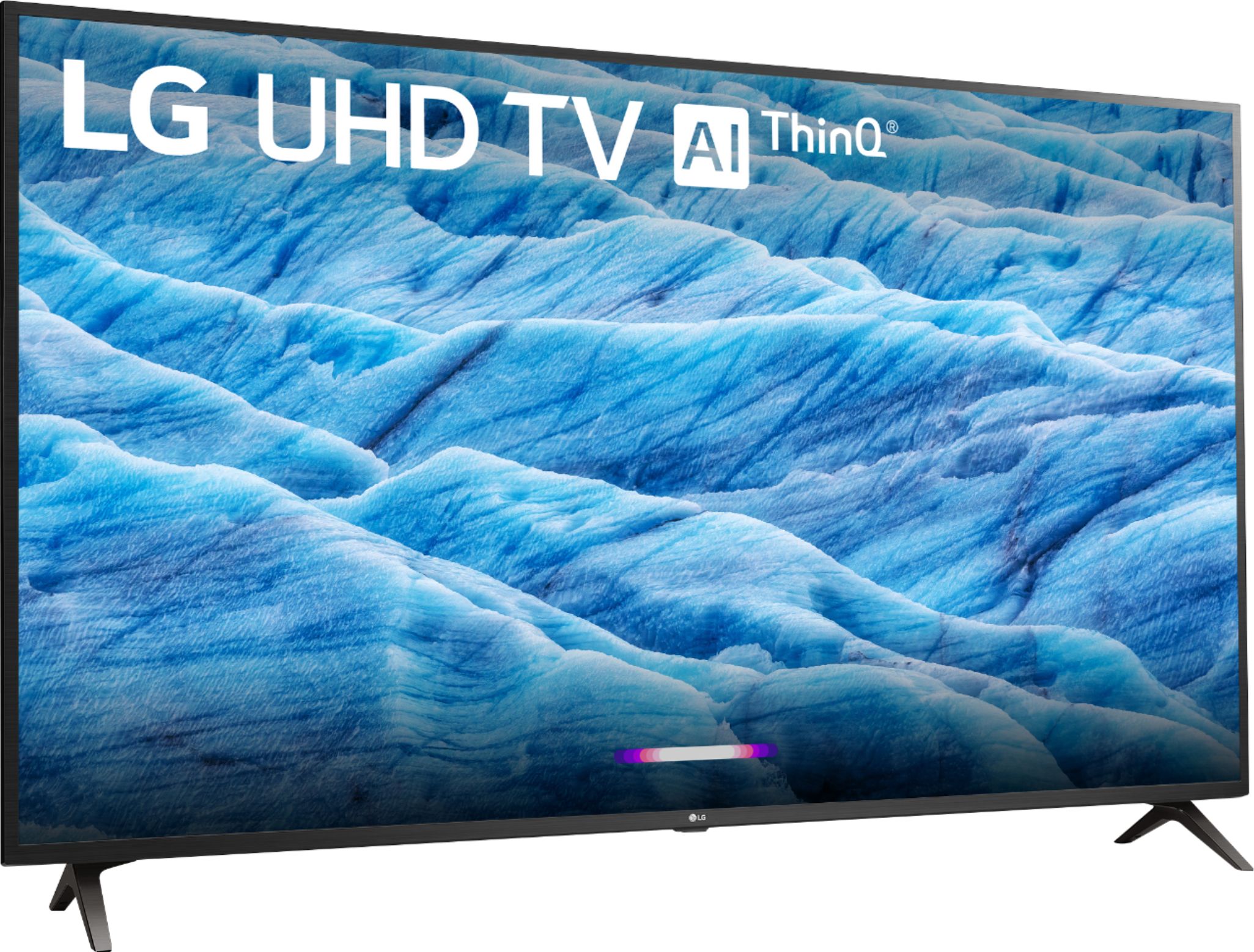
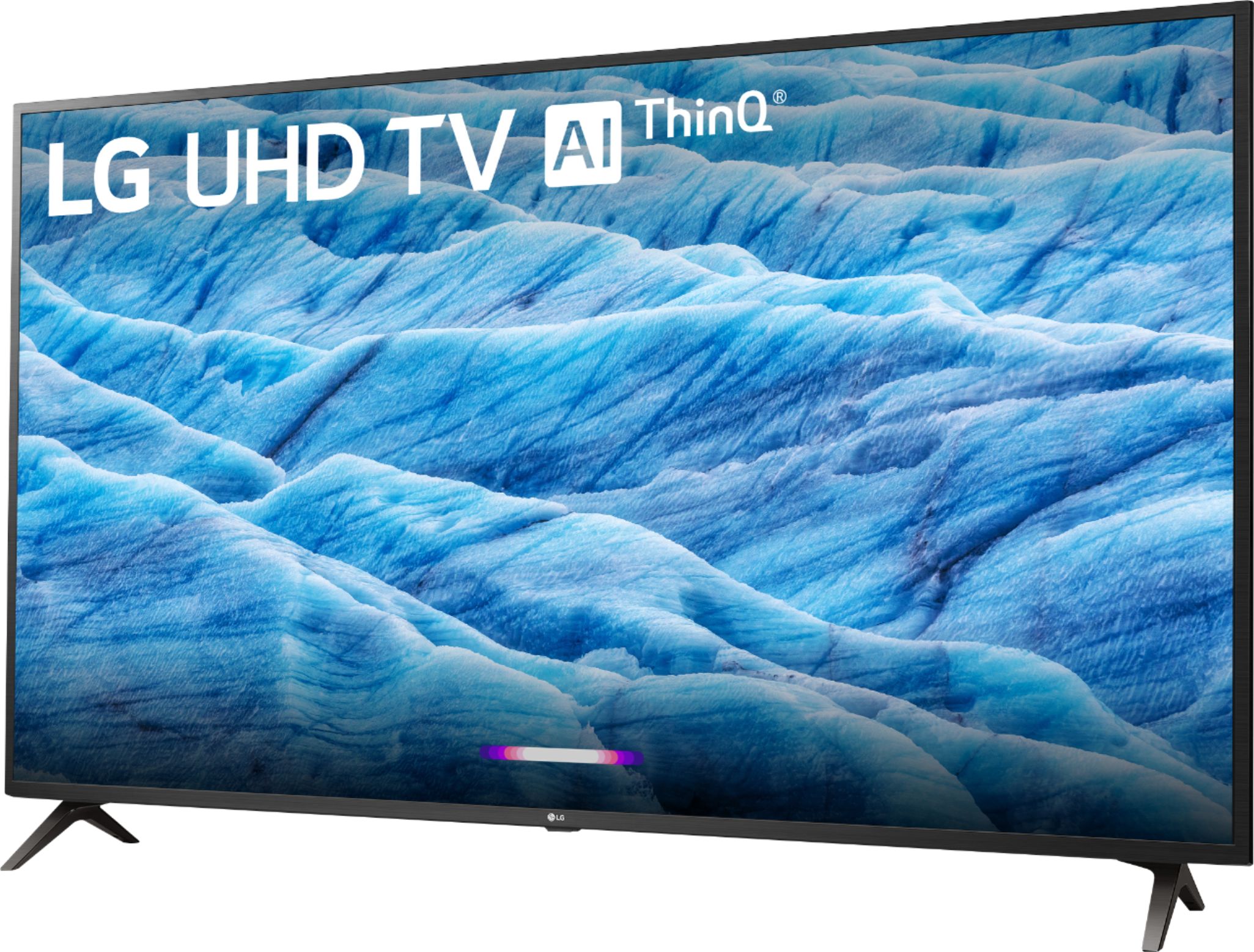
A:AnswerThe ESPN+ app is not a compatible app that is available on the LG 65 inch Class 4K Smart UHD TV w/AI ThinQ® (64.5'' Diag), Model # 65UM7300PUA nor is it a compatible app that can be downloaded and installed on the TV from the LG Content Store (App Store). The Hulu app is a preinstalled app in the TV and Hulu ESPN, along with ESPN2, ESPN College Extra, ESPN U, and ESPN News . Watching ESPN on Hulu requires at least a Basic Hulu + Live TV account...^IFV
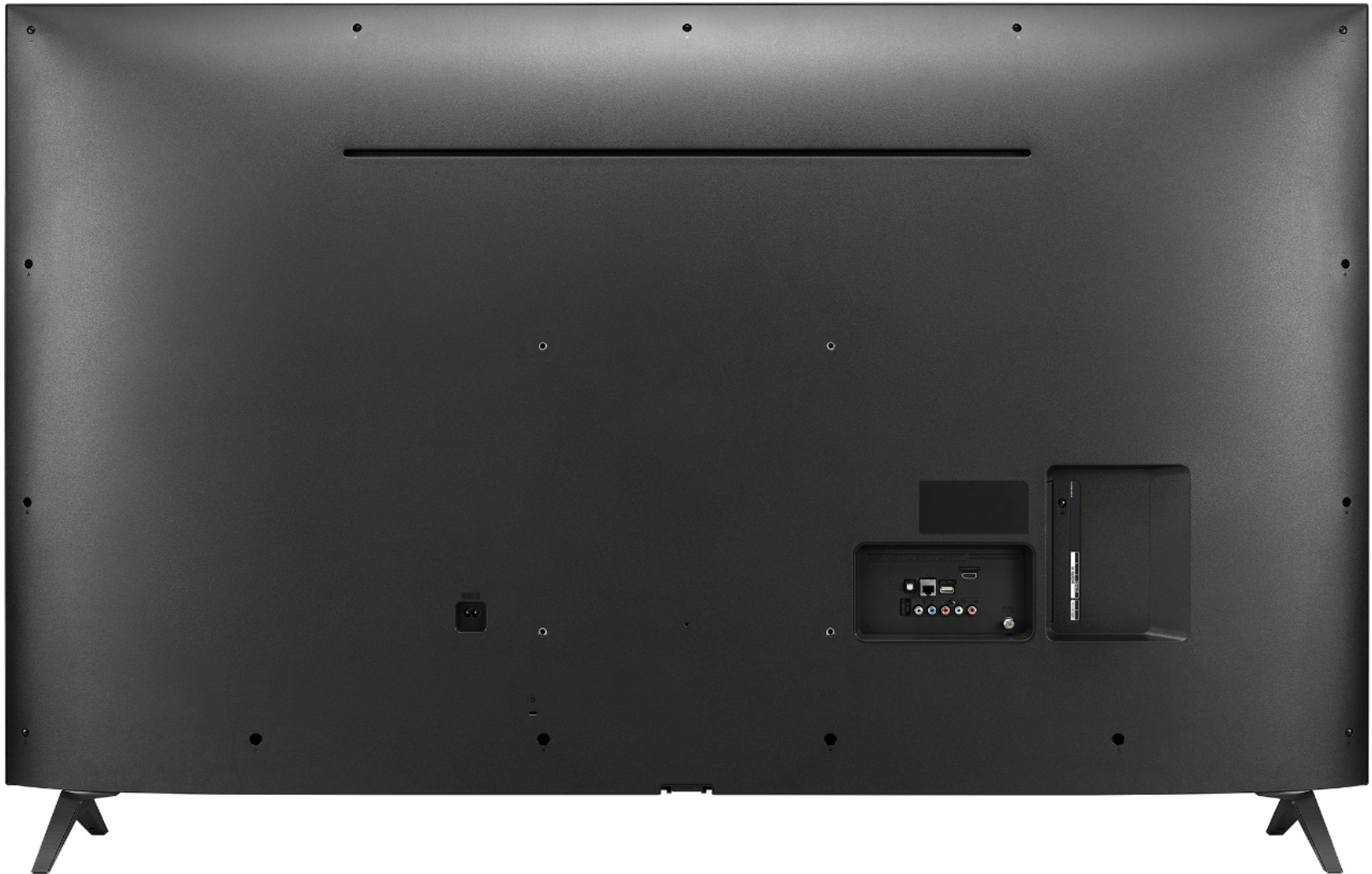
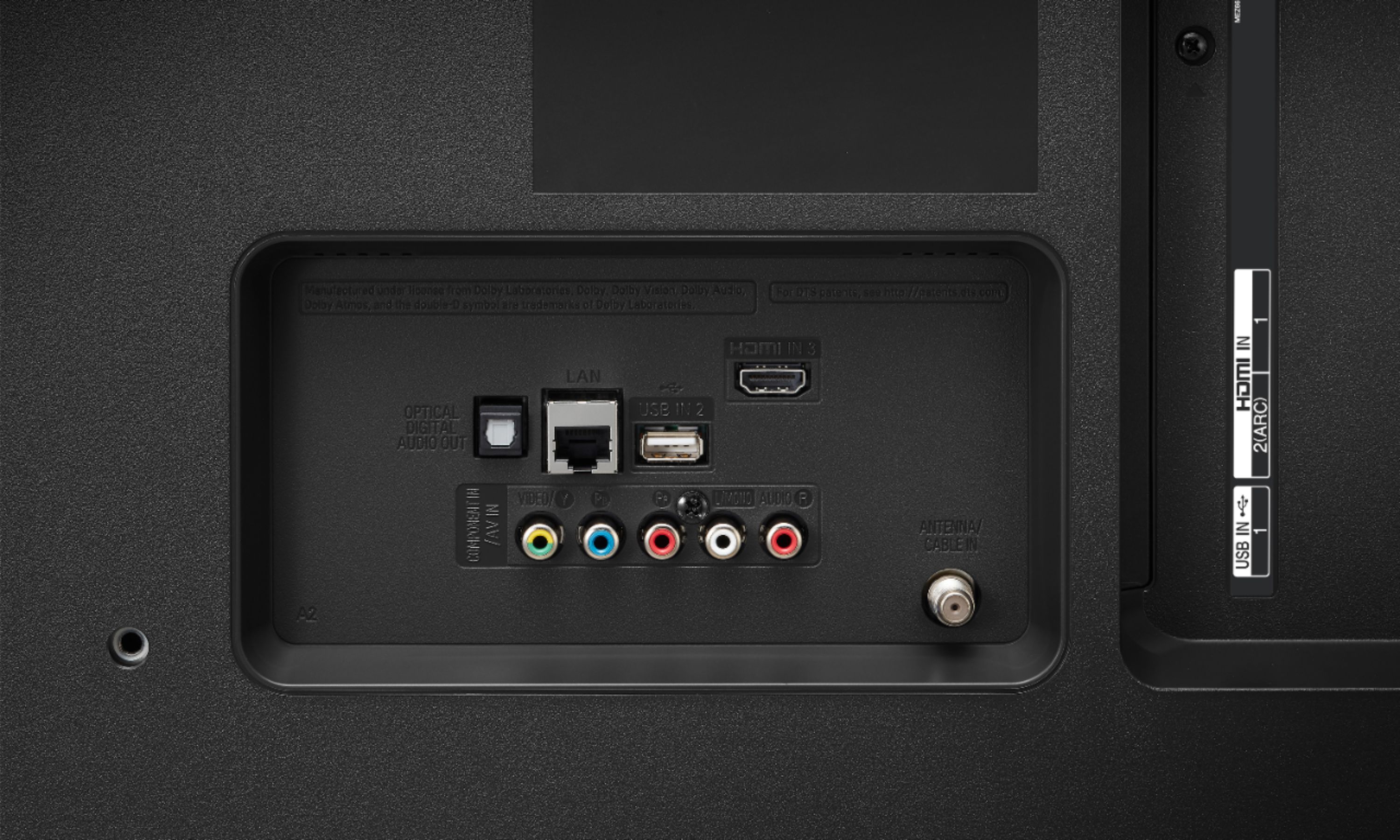
A:AnswerHi Marc. The only audio output on the LG 65 inch Class 4K Smart UHD TV w/AI ThinQ® (64.5'' Diag), Model # 65UM7300PUA is the Optical Digital Audio Output. The TV does not have any Analog Stereo RCA Audio Outputs on it, so you cannot hook up a wired headset to it. The TV does support Bluetooth so it can be paired with a Bluetooth Wireless Headset for a wireless Bluetooth connection...^IFV
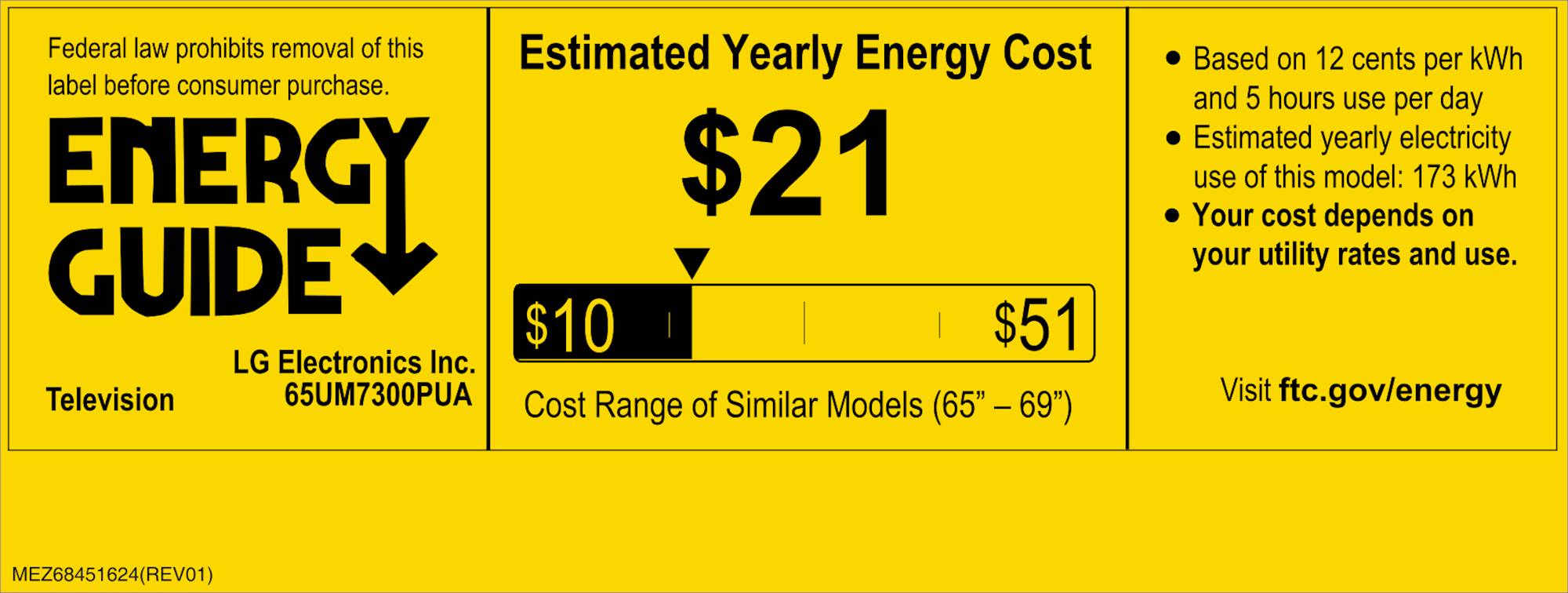
A:AnswerThe LG 65 inch Class 4K Smart UHD TV w/AI ThinQ® (64.5'' Diag), Model # 65UM7300PUA is not a dual voltage TV. It has a power requirement of 120 VAC, 50/60Hz...^IFV
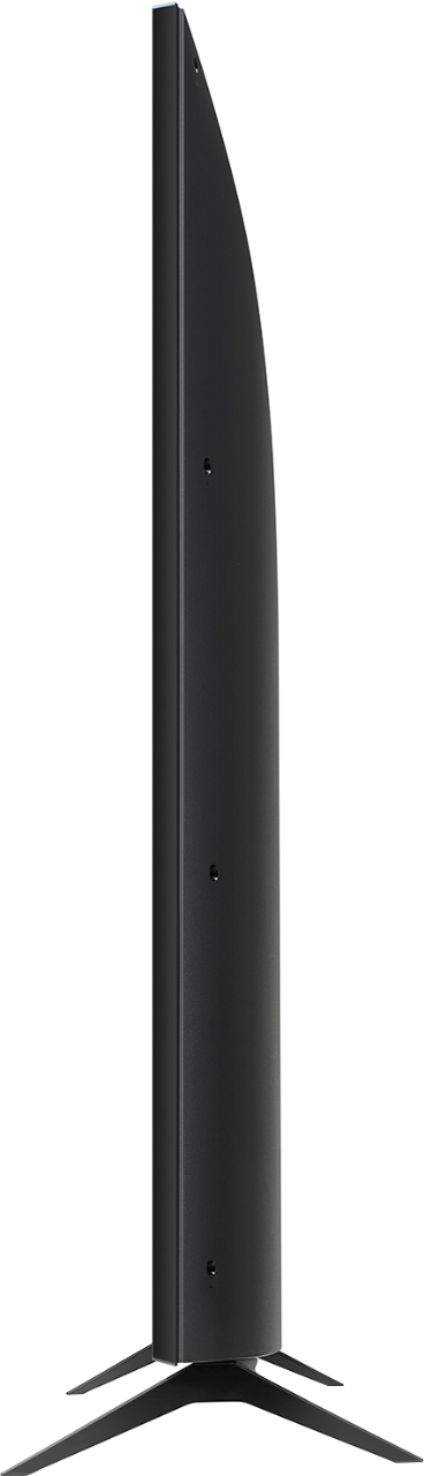
A:AnswerHi Kampee. We just wanted some clarification that the "separate table top stand' that you are inquiring about is the TV stand that has a VESA complaint bracket that you can mount the TV on? The TV has a VESA Wall Mount Interface Pattern of 300 x 300 mm and any VESA compliant Wall Mount Bracket or TV Stand with a VESA Compliant bracket that supports the VESA Wall Mount Interface Pattern on the TV can be used to mount the TV. You can do a search for TV Stands with an Integrated Mount on the Best Buy site or contact their Customer Support for assistance...^IFV
A:AnswerYou can launch the LG Content Store (App Store) feature from the home screen on the LG 65 inch Class 4K Smart UHD TV w/AI ThinQ® (64.5'' Diag), Model # 65UM7300PUA to search for the Xfinity Stream Beta app and download and install it on the TV from the LG Content Store. It is a compatible app that is available from the LG Content Store...^IFV
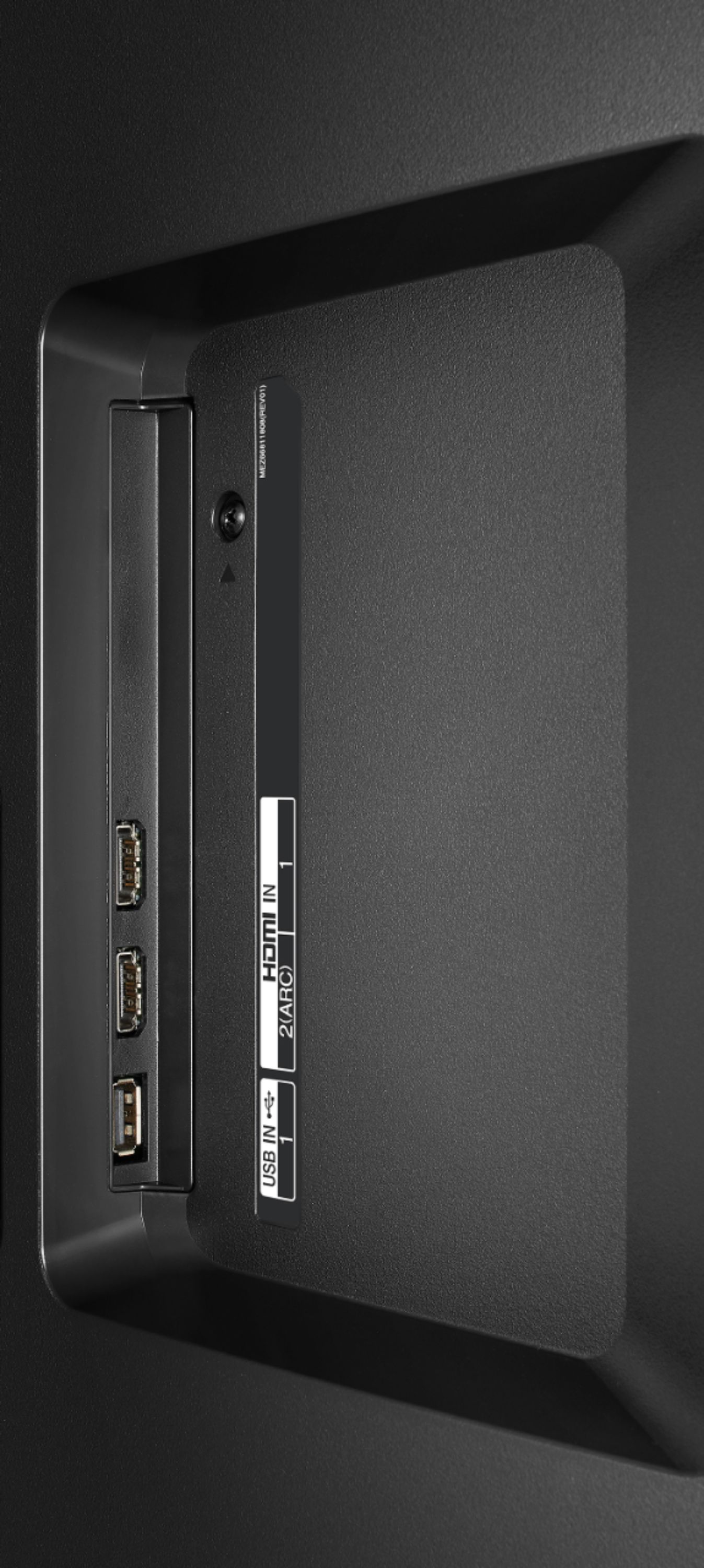
A:AnswerThat will depend on what connections your karaoke system has. The LG 65 inch Class 4K Smart UHD TV w/AI ThinQ® (64.5'' Diag), Model # 65UM7300PUA has 3 x HDMI inputs and a Shared Composite/Component Video port with the associated RCA Stereo Audio inputs. Regrettably, without any details about your karaoke system, we cannot determine if or how it can be hooked up to the TV...^IFV
A:AnswerYou can set the Picture Mode to HDR Effect in the settings menu for the LG 65 inch Class 4K Smart UHD TV w/AI ThinQ® (64.5'' Diag), Model # 65UM7300PUA, however, keep in mind that by doing so, you will not be able to use some of Picture Mode Settings...^IFV
A:AnswerHi Kristin. You don't have to be good with measurements because VESA Compliance makes it easy to know which Wall Mount to use with the TV. The LG 65 inch Class 4K Smart UHD TV w/AI ThinQ® (64.5'' Diag), Model # 65UM7300PUA is a VESA compliant TV that has a VESA Wall Mount Interface Pattern (i.e a VESA mounting bolt hole pattern) of 300 x 300 mm. Wall Mounts come in three types, Fixed Wall Mount, Tilting Wall Mounts or Full Motion Wall Mounts. VESA Compliance guarantees that as long as the Wall Mount you select is VESA compliant, regardless of type, brand or manufacturer, and as long as it supports the VESA Wall Mount Interface Pattern on the TV, you can use it to mount the TV. Our LG EZ Slim Wall Mount for 2019 LG OLED, NanoCell and UHD TVs, Model # OLW480B is a Full Motion Wall Mount that is VESA Compliant and supports the pattern on the TV so it can be used to mount the TV...^IFV
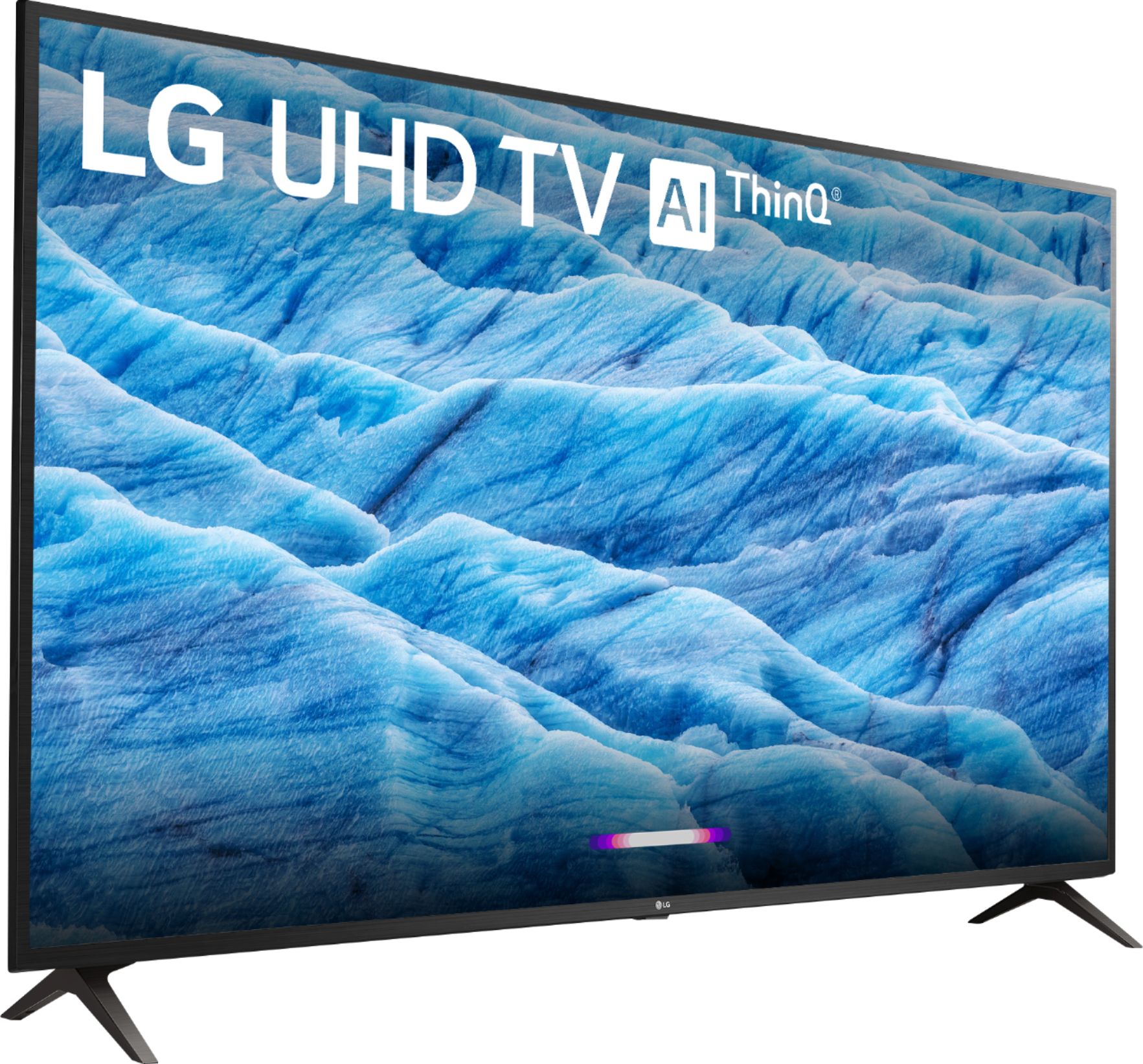
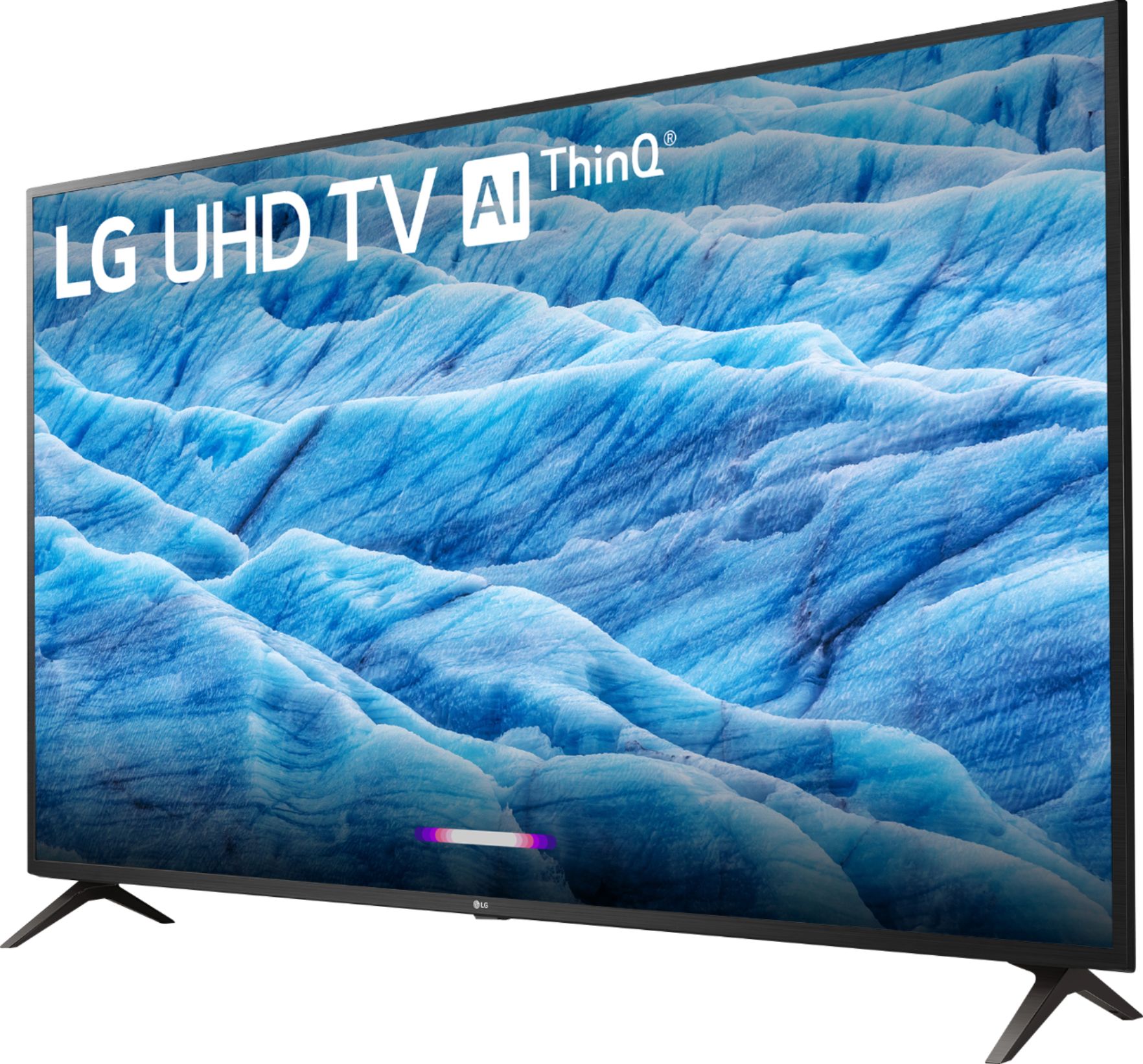
A:AnswerThe LG 65 inch Class 4K Smart UHD TV w/AI ThinQ® (64.5'' Diag), Model # 65UM7300PUA has both Google Assistant and Alexa built-in. It supports Intelligent Voice Recognition and comes with an included LG Magic Remote that has a built-in microphone that you can use voice commands with...^IFV

A:AnswerThe LG 65 inch Class 4K Smart UHD TV w/AI ThinQ® (64.5'' Diag), Model # 65UM7300PUA comes with preinstalled apps and you can download and install additional compatible apps on it through the LG Content Store (App Store). It does not have Fire TV preinstalled...^IFV