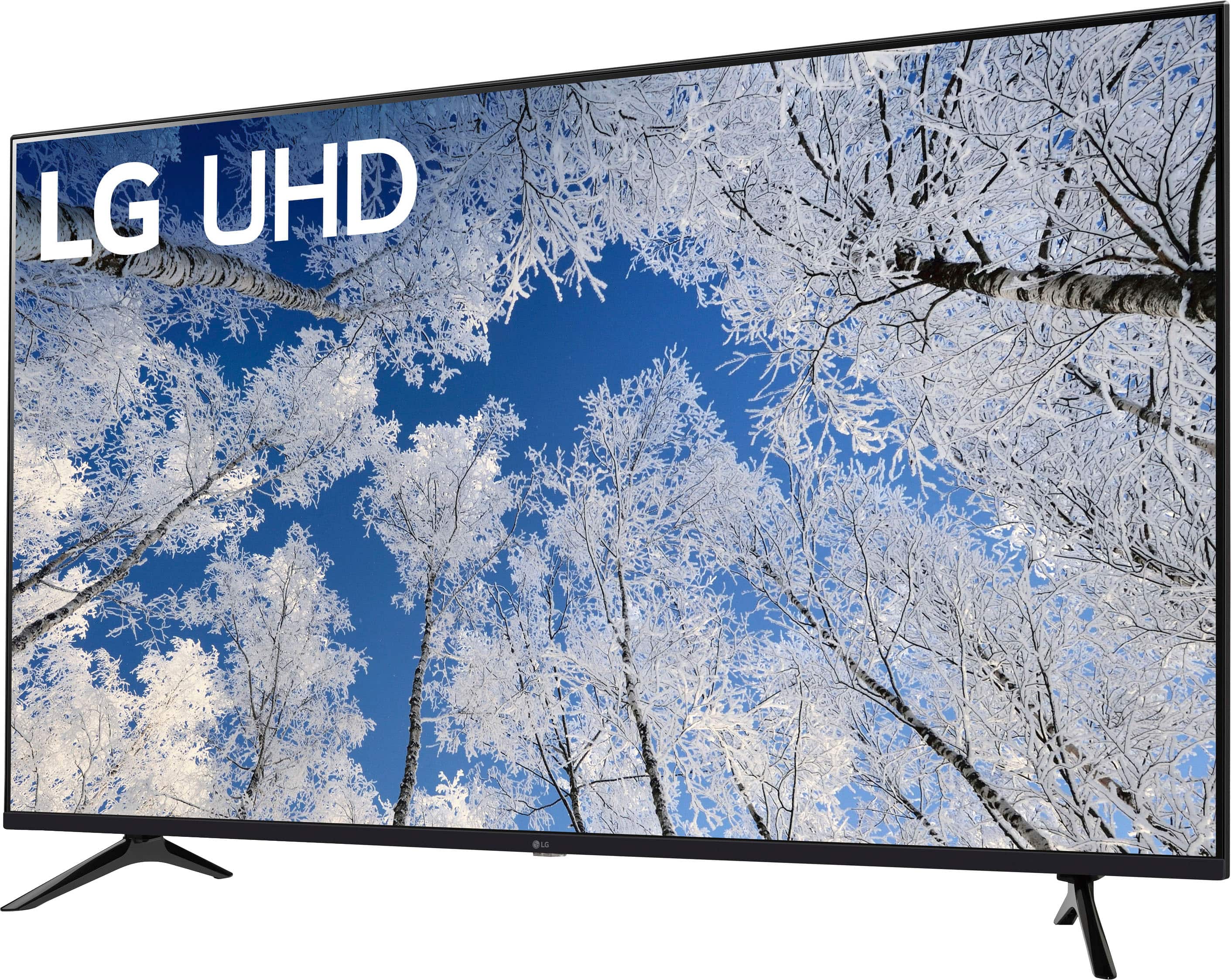
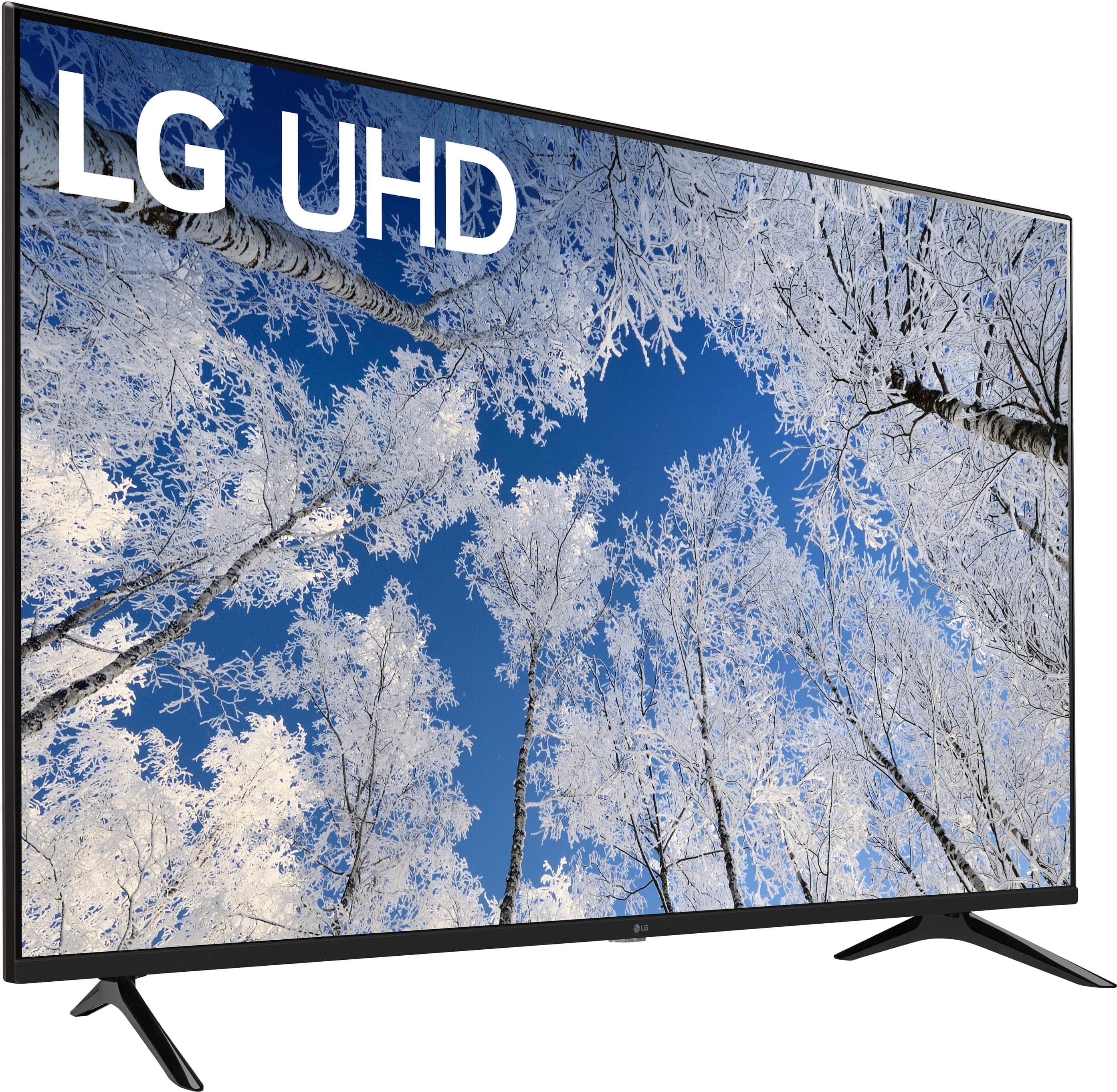
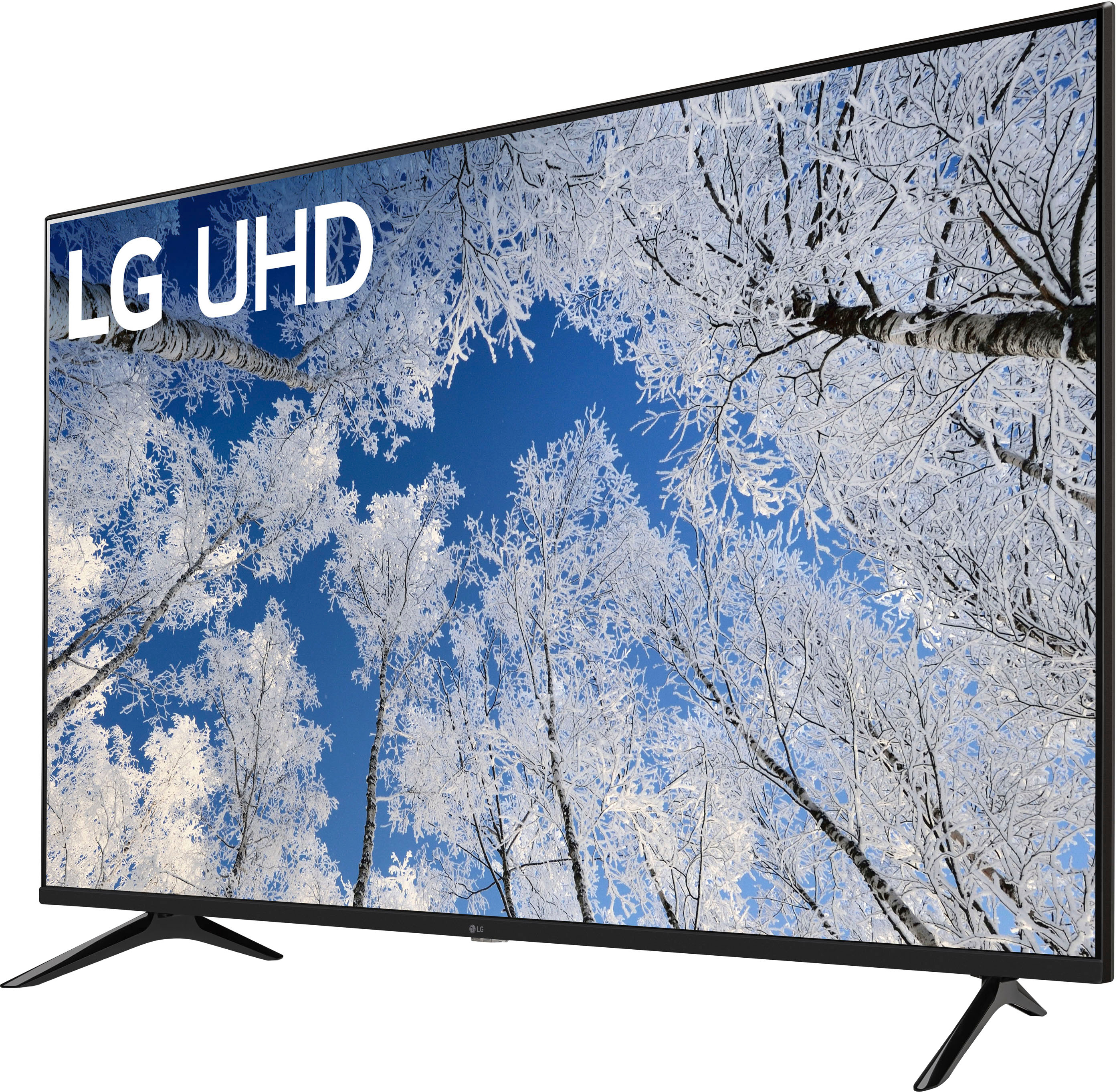
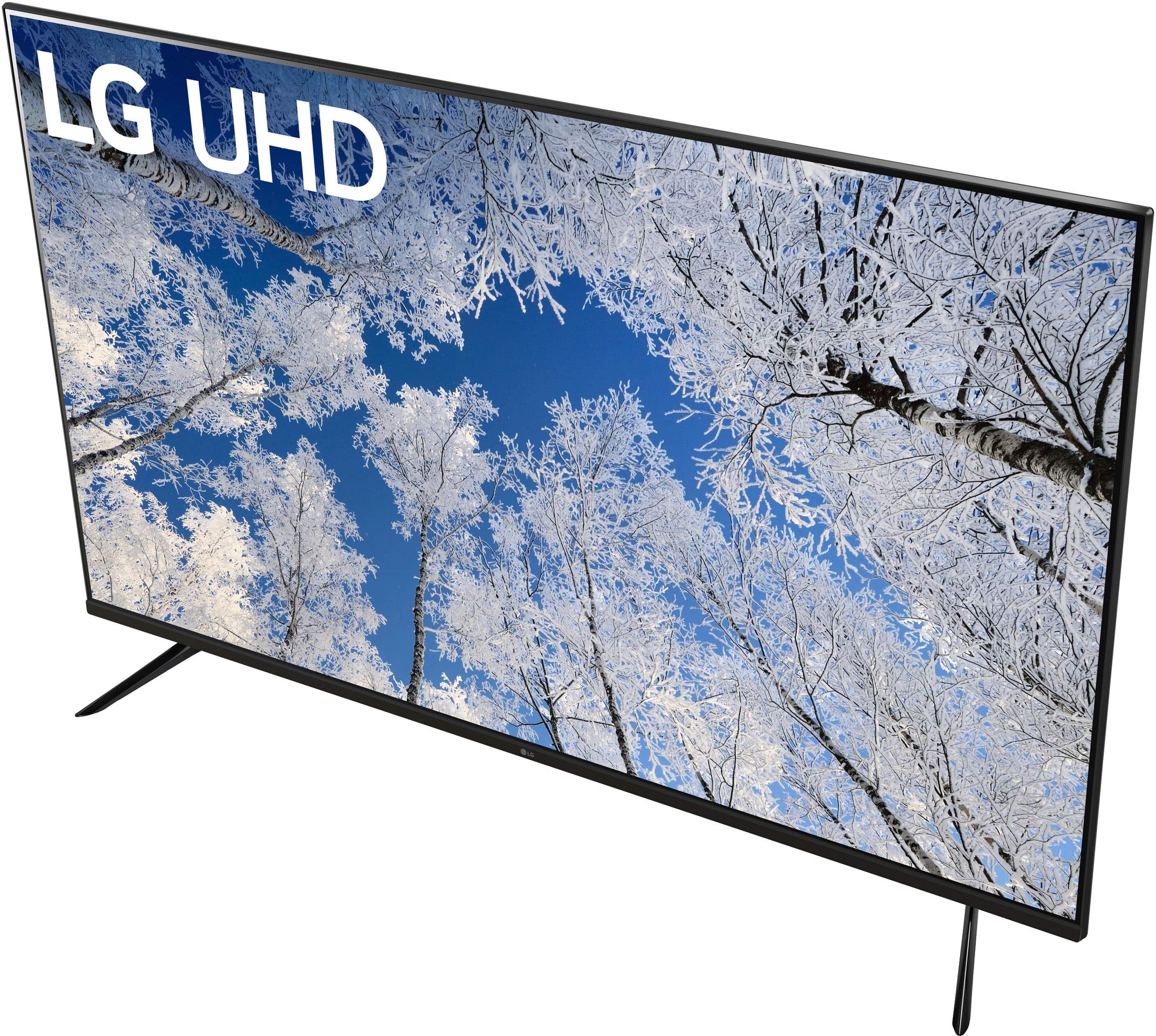
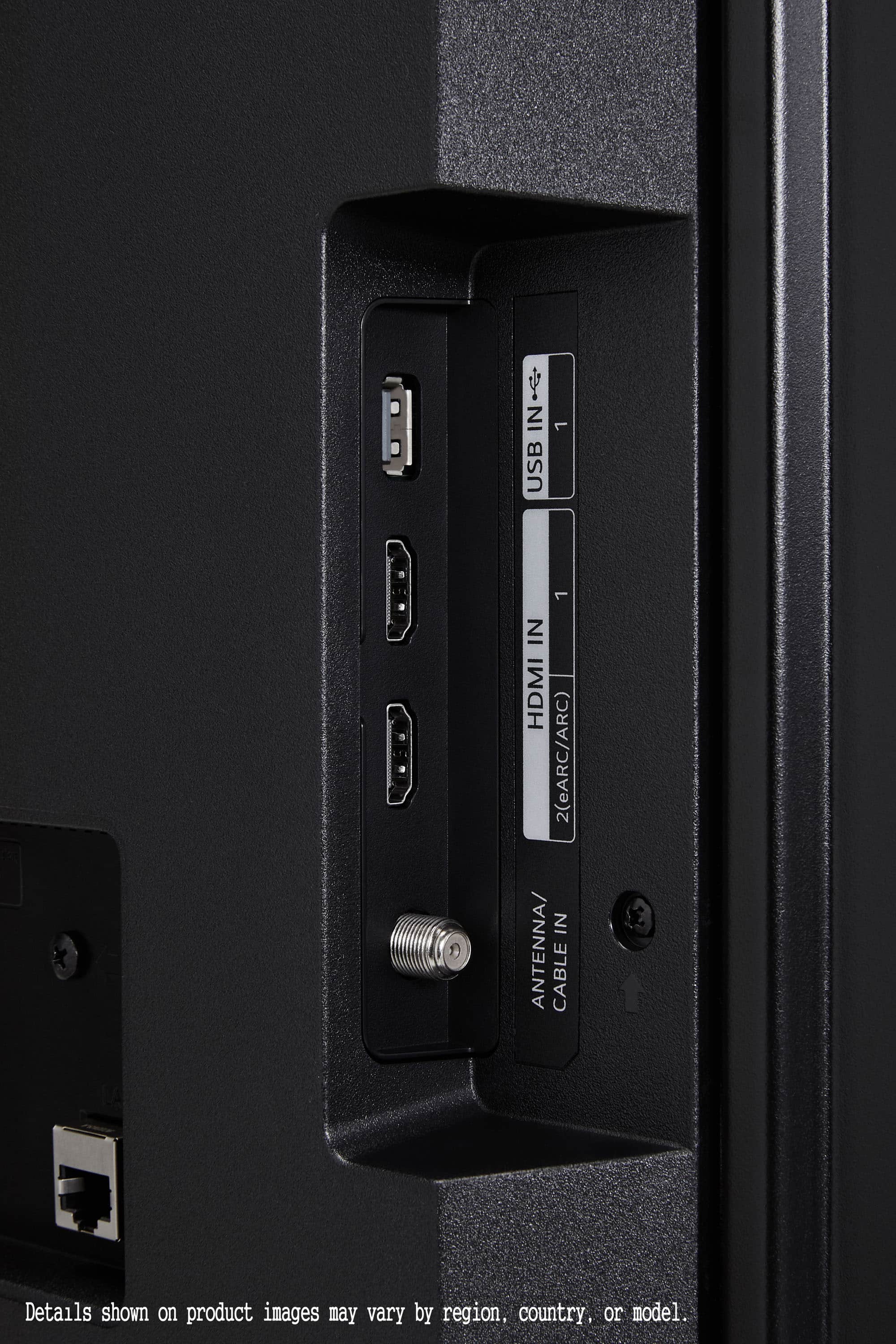
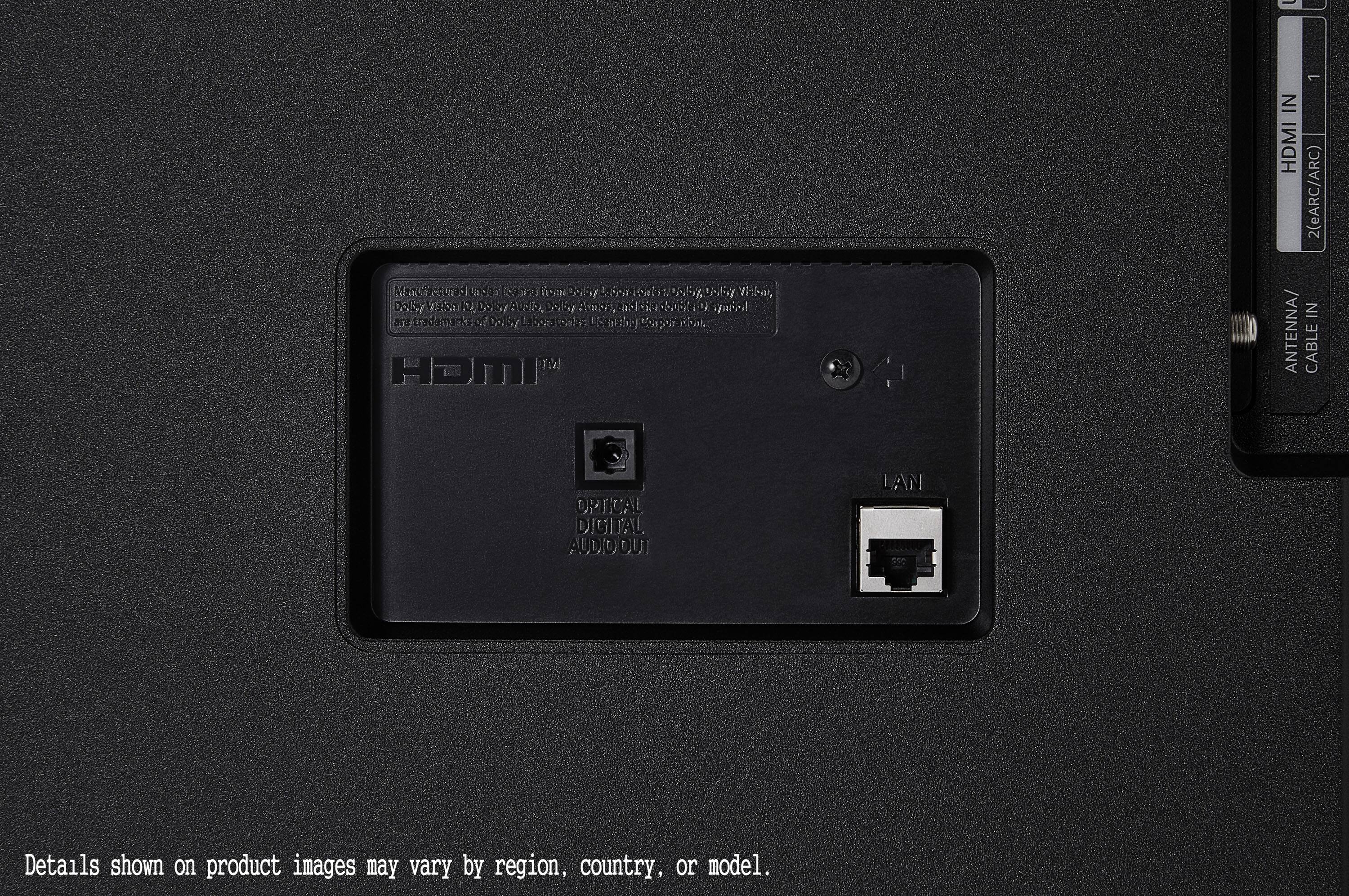
A:AnswerHi there! Thank you for your question about the 65UQ7050ZUD. This model does not run on Tizen; instead, it uses LG's webOS platform for smart features. If you have any further questions or need assistance, please send us a private message on Social Media @LGUSSupport, and our team will be happy to help you. We appreciate your engagement! —Avril
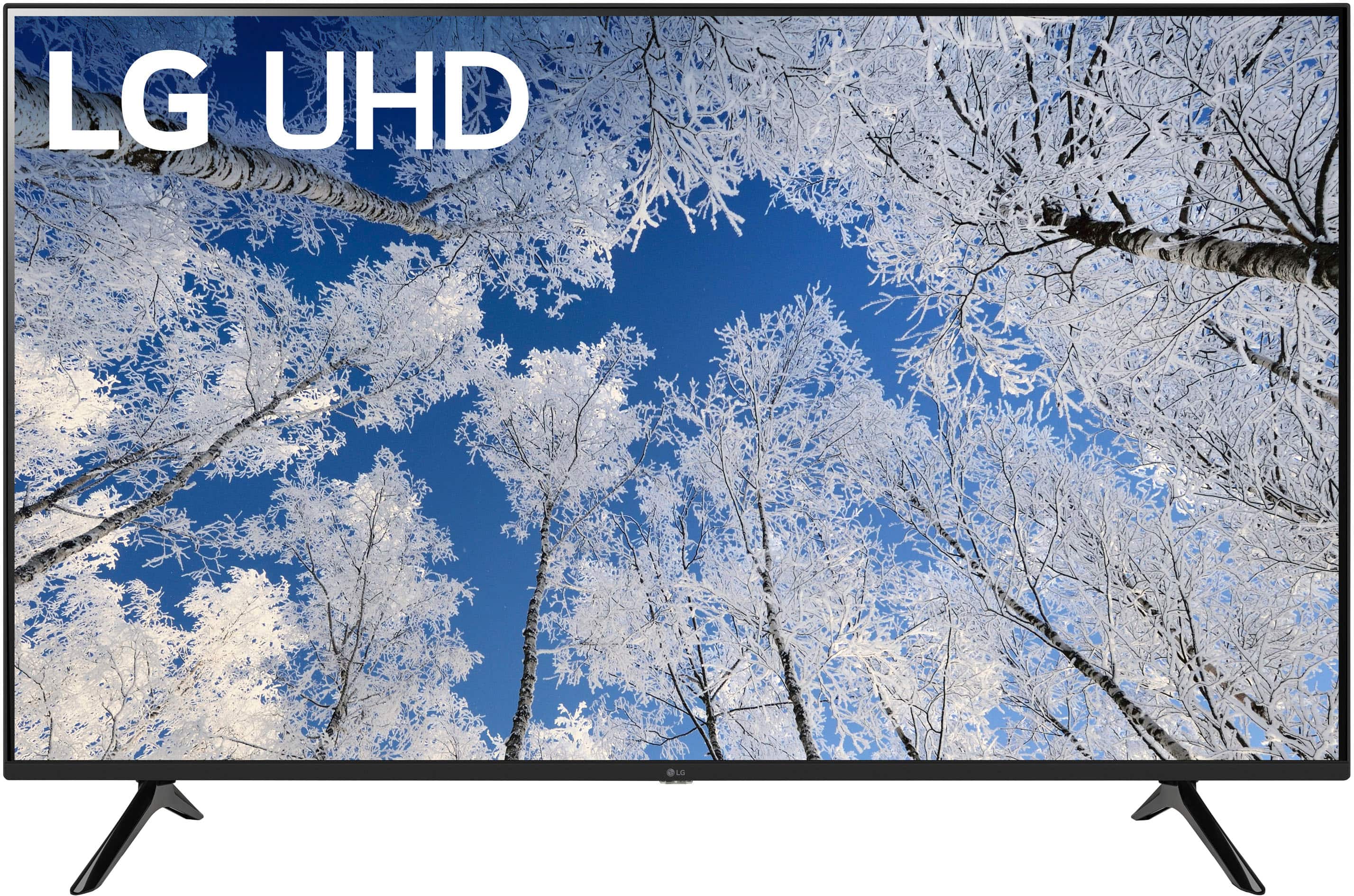
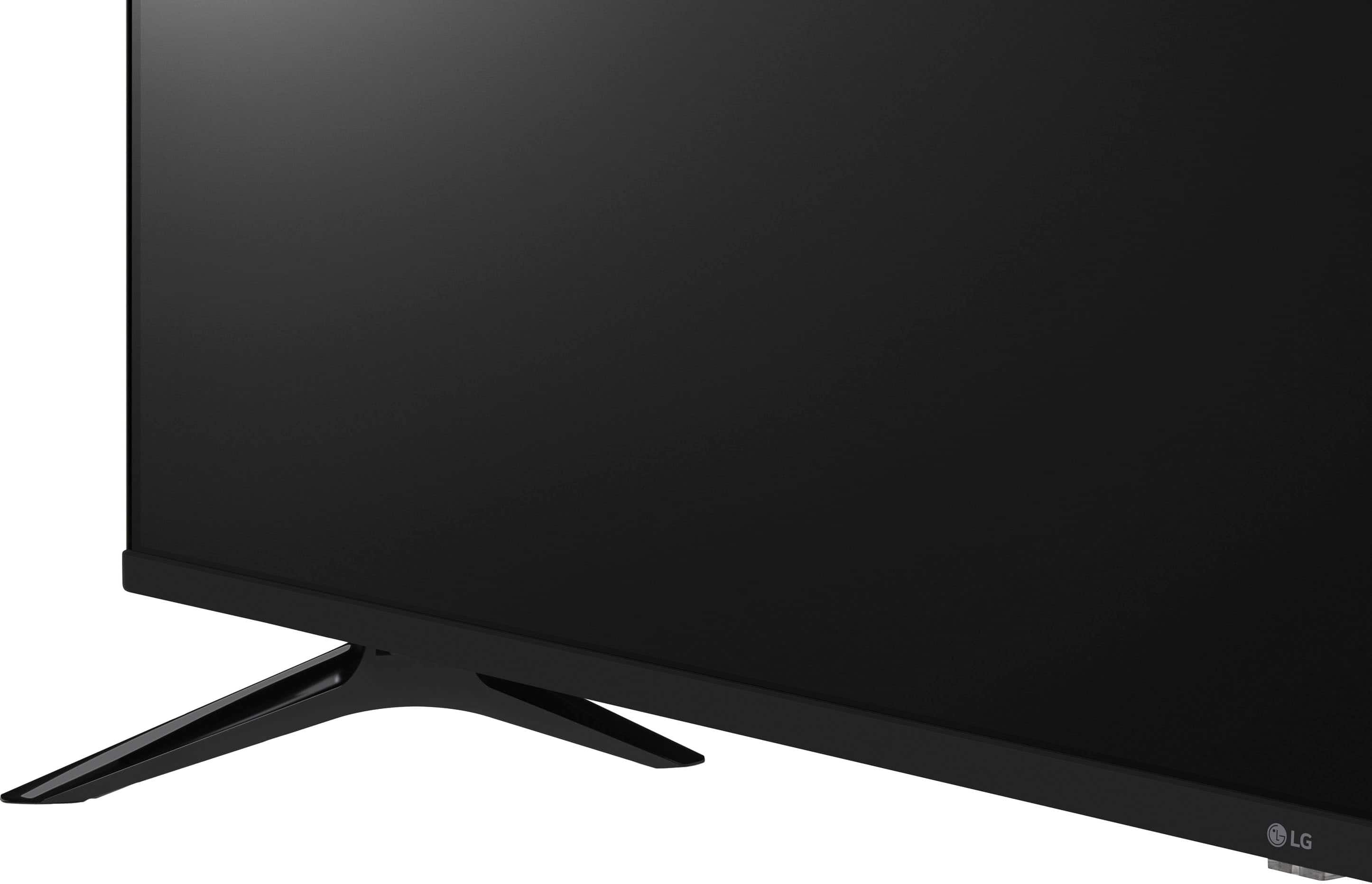
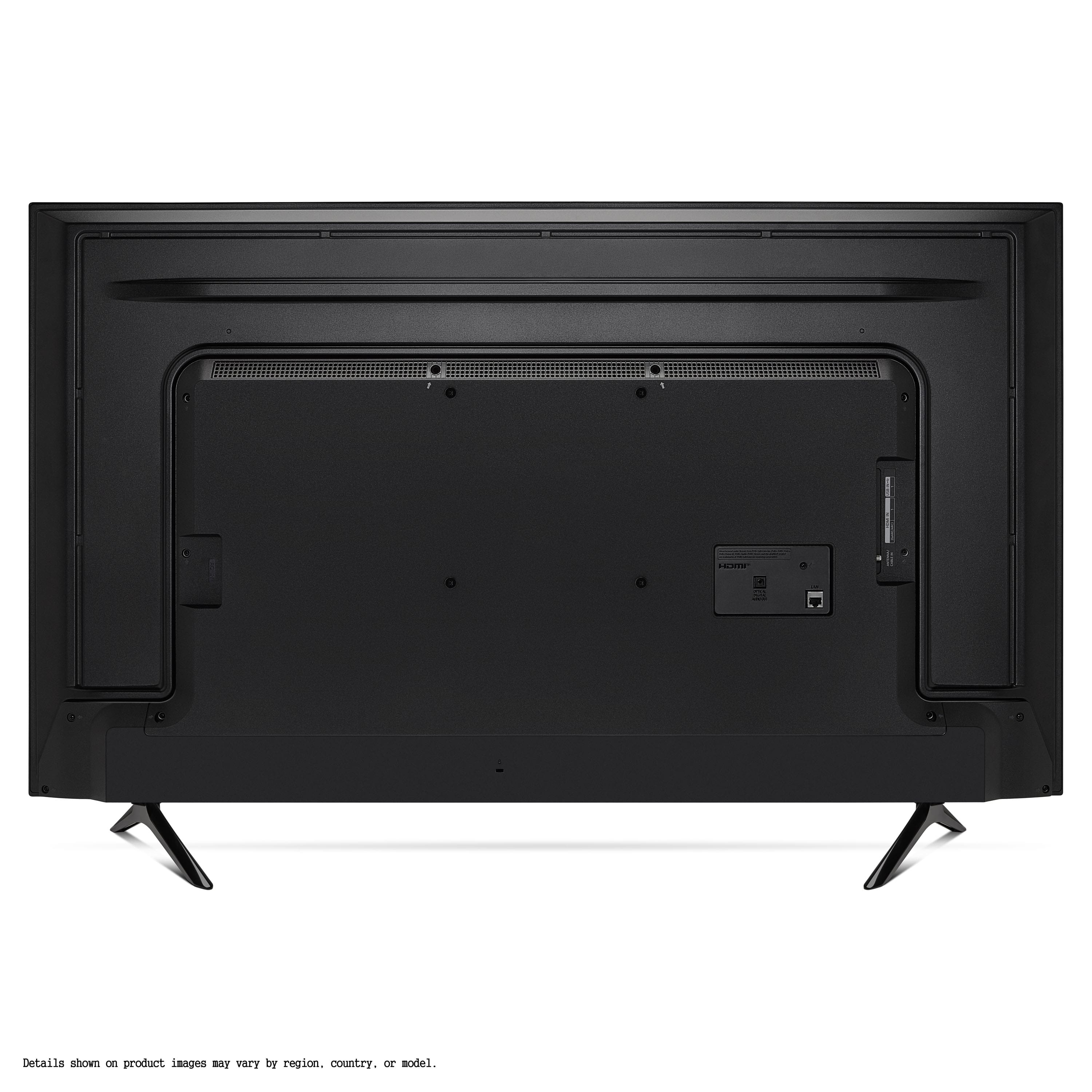
A:AnswerHi there! Thank you for your question about the 65UQ7050ZUD. Yes, this TV does have a physical power button located on the side or bottom of the unit, which you can use if the remote isn't functioning. If you have any further questions or need assistance, please send us a private message on Social Media @LGUSSupport, and our team will be happy to help you. We appreciate your engagement! —Avril
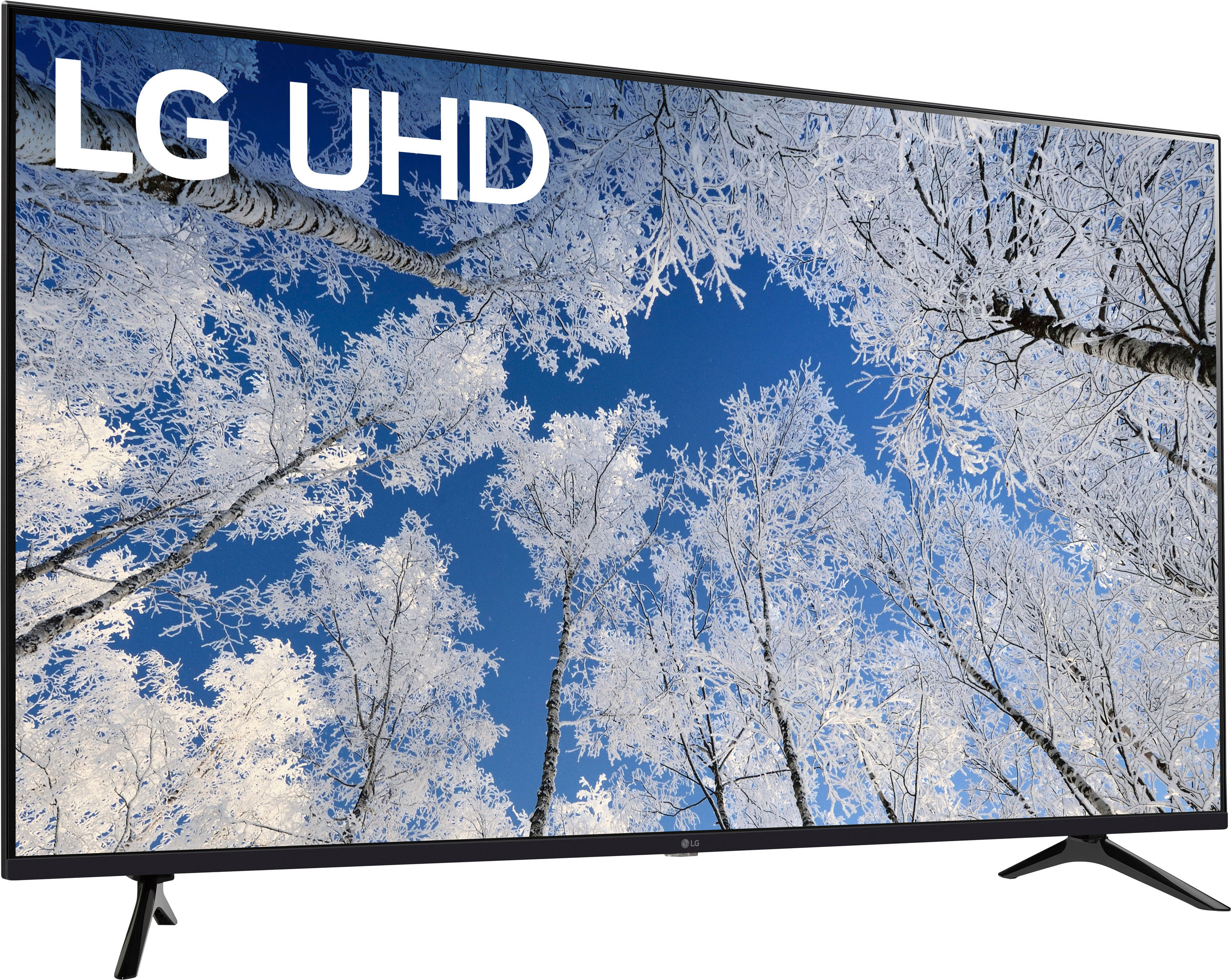
A:AnswerIt’s not a topic the line tv for gaming But if you are just looking for a basic gaming one like PS 5 your fine But the sound isn’t great for gaming
A:AnswerThank you for your interest in the LG 65UQ7050ZUD.AUS model. To watch local channels on your LG 65UQ7050ZUD TV with an antenna, simply follow these steps:
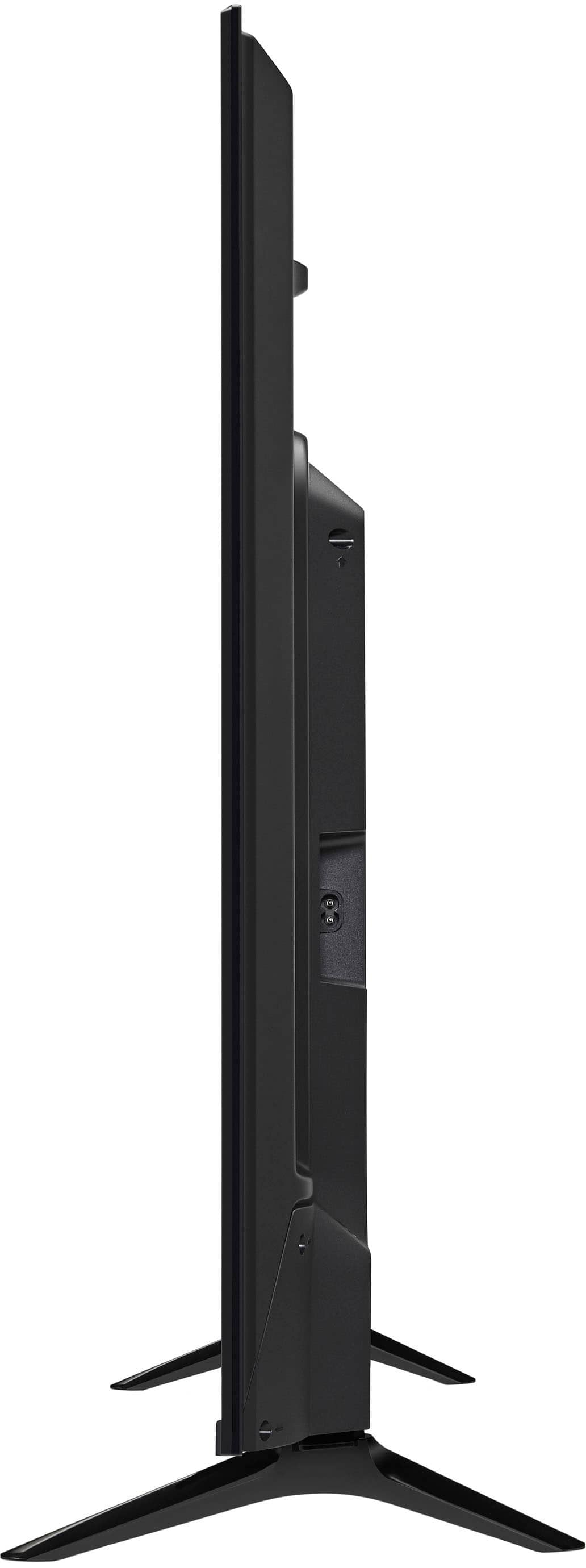
1. Find the Antenna/Cable In Port: Look for the designated Antenna/Cable In port on the back of your TV.
2. Connect the Antenna: Take the coaxial cable from your antenna and plug it into the Antenna/Cable In port.
3. Scan for Channels: Once the antenna is connected, follow these steps to scan for channels:
a. Press the "Home" button on your remote control.
b. Navigate to "Settings" and select "All Settings."
c. Choose "Channels" or "Tuner" and then select "Auto Tuning" or "Channel Scan."
d. The TV will scan for available channels and store them for viewing.
By following these simple steps, you can easily watch local channels on your LG 65UQ7050ZUD TV using an antenna without the need for an HDMI cable. You can download its owner's manual through this link for more information: https://www.lg.com/us/support/product/lg-65UQ7050ZUD.AUS. ^Cris
A:AnswerThank you for your interest in the LG 65UQ7050ZUD.AUS model The LG 65UQ7050ZUD TV is designed for use with a standard voltage of 120V and does not support dual voltage operation. You can download its owner's manual through this link for more information: https://www.lg.com/us/support/product/lg-65UQ7050ZUD.AUS. ^Cris