A:AnswerHi there. Thank you for reaching out to us. We understand your inquiry regarding the screensaver settings on your OLED77C4PUA.
On webOS 24, the traditional screensaver has been largely integrated into the Always Ready feature, or is managed under System settings. Here is how you can adjust these options:
To set a custom Screensaver (Wallpaper/Art/Clock):
- Go to Settings (Gear icon) > General > Always Ready.
- Toggle Enable the Function to ON.
- Here you can select your preferred mode: Art Piece (for paintings), Movements (videos), Moments (your photos), or Clock.
- This feature will display your chosen content when you press the power button (entering standby) or after a period of inactivity if configured.
To adjust Screensaver Timer or Promotions:
- Go to Settings > General > System.
- Select Additional Settings > Screen Saver Settings.[4]
- Here you may adjust the Screen Saver Standby Time or toggle Screen Saver Promotion (ads) On/Off.
Note: The automatic "Fireworks" screensaver is a built-in protection feature for OLED displays to prevent image retention and may automatically activate if "Always Ready" is not used.
https://www.bestbuy.com/product/lg-77-class-c4-series-oled-evo-4k-uhd-smart-webos-tv-2024/JJ8VPZQ5Z7
If you have any further questions about its features, please contact us on
lgdigitalcare@lg.sprinklrsupport.com, and our team will be more than happy to assist you. —Renzo
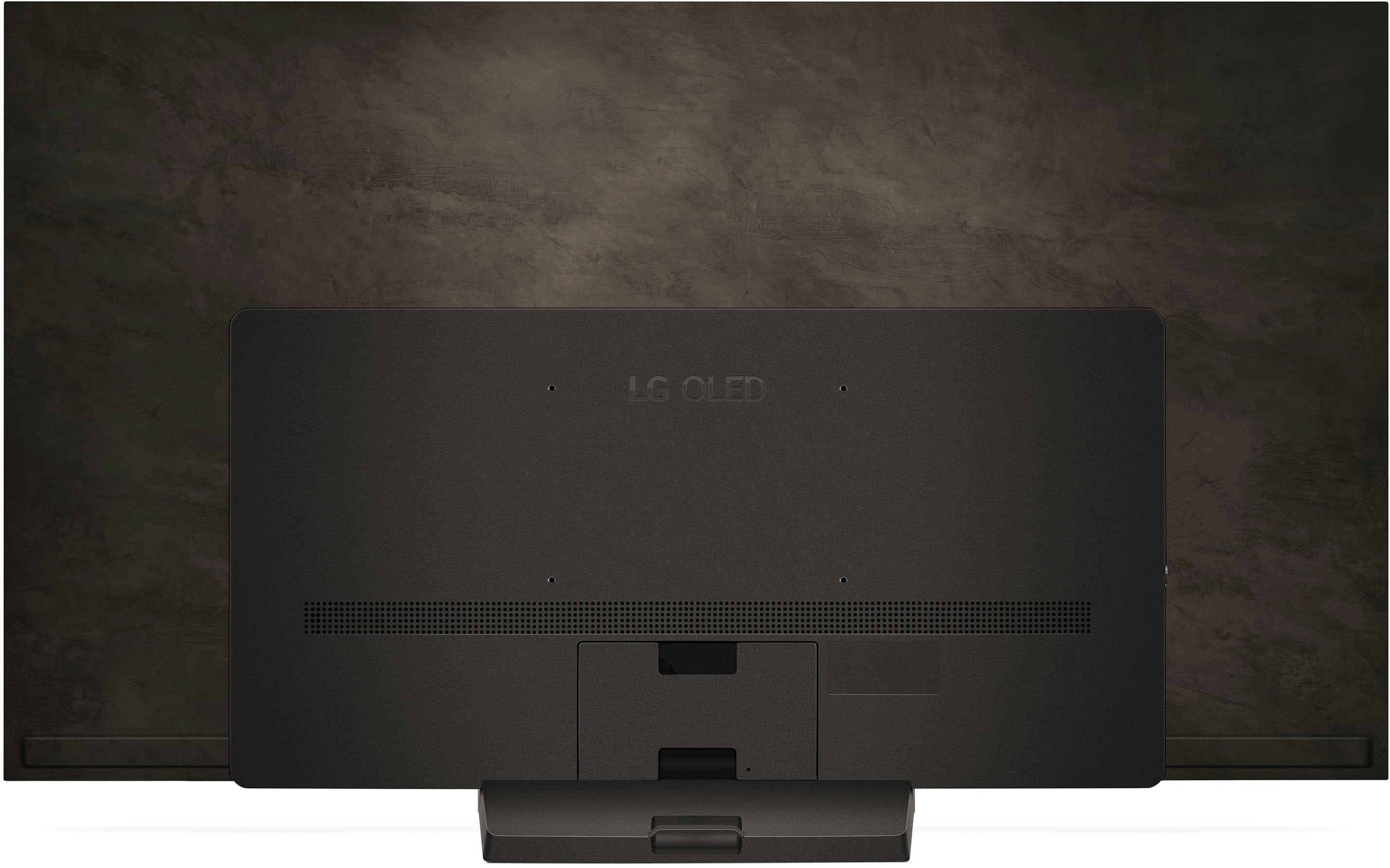
A:AnswerThe LG 77" Class C4 Series OLED evo 4K UHD Smart webOS TV (2024), Model # OLED77C4PUA, is a VESA-compliant display with a 300 x 200 mm (11.81" x 7.87") VESA Mount Pattern which can be used to mount the TV with any VESA-compliant wall mount, regardless of type, brand or manufacturer, that supports the TV's VESA mount pattern.
VESA compliance guarantees that any VESA-compliant wall mount, regardless of type brand or manufacturer, that supports a TV's VESA mount pattern can be used to mount the TV.
The LG EZ Slim Wall Mount for LG TVs (VESA - 300 X 300 / 300 X 200 / 400 X 200), Model # OLW480B, is a Full Motion Wall Mount (aka., Articulating Wall Mount) that can be used to mount the TV...^Ivan.
A:AnswerAs indicated in its header, the LG 77" Class C4 Series OLED evo 4K UHD Smart webOS TV (2024)
Model # OLED77C4PUA, is a 2024 model so some Best Buy locations may still have it in stock while other locations may not.
If the Best Buy location you have is set as your local Best Buy store, you can click on the location in the top right corner next to the cart icon and select another location to check availability...^Ivan.
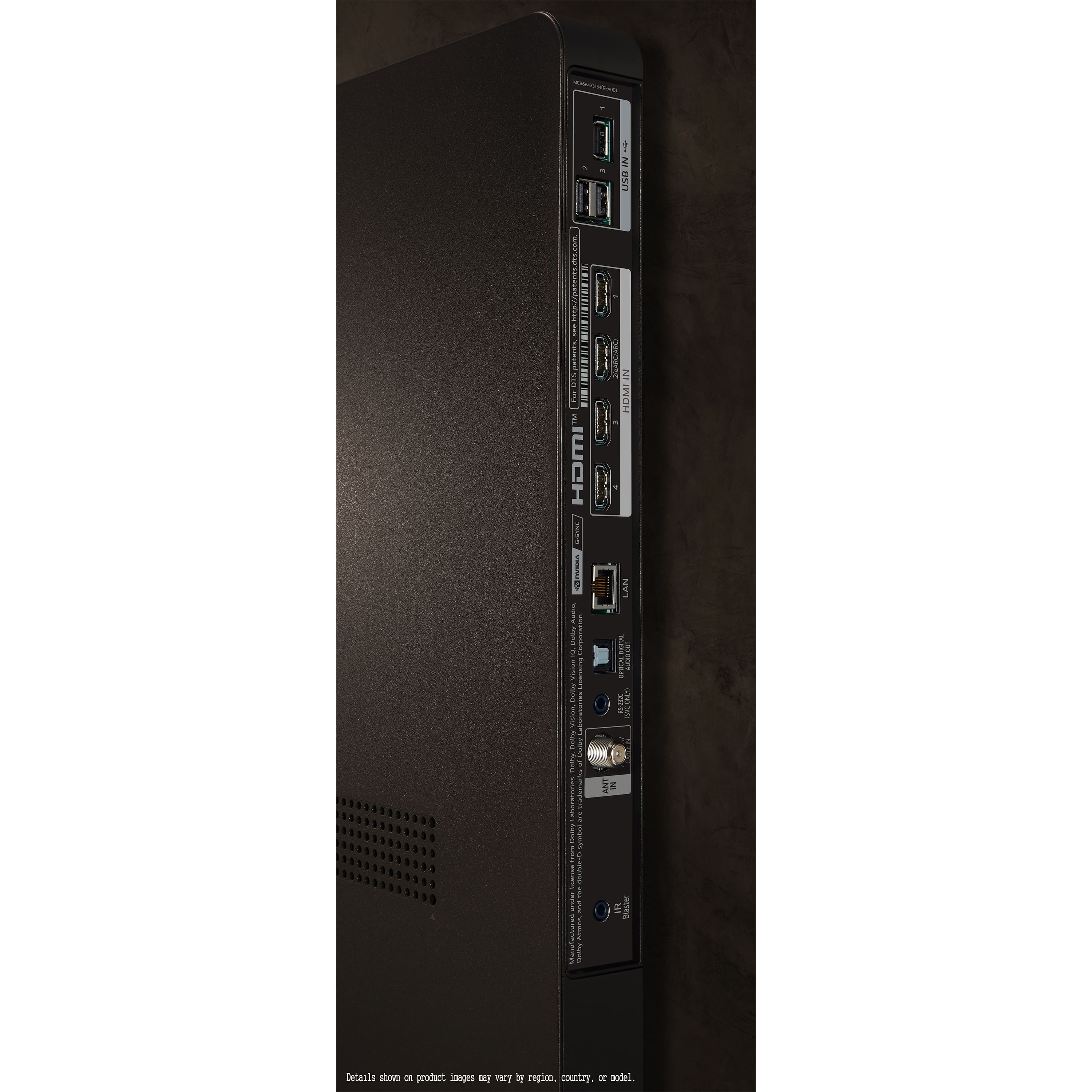
A:AnswerHello there. We appreciate you reaching out to us. We understand your inquiry about the OLED77C4PUA TV. For the best performance, especially when using features like 4K at 120Hz, we recommend using a certified Ultra High Speed HDMI 2.1 cable. These cables are designed to handle the high bandwidth required for the advanced features of your TV. If you need any further assistance, please send us a private message on Social Media @LGUSSupport and our team will be more than happy to explore possible solutions.
https://www.bestbuy.com/site/lg-77-class-c4-series-oled-evo-4k-uhd-smart-webos-tv-2024/6578044.p?skuId=6578044
We appreciate your patience. —Renzo
A:AnswerWe regret to read about the issues you are experiencing with the 77" Class C4 Series OLED evo 4K UHD Smart webOS TV (2024), Model # OLED77C4PUA, and sincerely apologize for any inconveniences.
You can try deleting then reinstalling the YouTube or Peacock apps to see if that resolves the the hanging up issues.
The TV can be reset without having to unplug it by pressing and holding the power button on the TV's control panel for 5 to 10 seconds. This method is a quick fix and does not require any additional steps or tools.
Another method is to press the power button and the volume button on the remote control simultaneously for 10 to 15 seconds. Try both the volume up or the volume down buttons.
Pressing and holding the physical power button on the TV then unplugging the TV while doing so, and continuing to hold the power button and plugging the TV back in and hold the power button from at least 10 more seconds is similar to doing a factory reset but without deleting your apps or personal settings...^Ivan.
A:AnswerHi, KC. Thanks for reaching out about your LG TV (OLED77C4PUA) model. Return and pickup options can vary depending on where the unit was purchased. If you ordered directly from LG.com, home pickup may be available as part of the return process, especially if the item was delivered via LG’s in-home delivery service.
If your purchase was made through a retailer, we recommend contacting Best Buy customer service at 888-237-8289 regarding their return and pickup policies, as each retailer may have different procedures and timeframes. For quick help, visit https://www.bestbuy.com/site/help-topics/return-exchange-policy/pcmcat260800050014.c?id=pcmcat260800050014.
To help you navigate the next steps, please send us a private message on social media @LGUSSupport and we’ll be happy to assist you further. ^Juvy
A:AnswerThe Shipping (W x H x D) dimensions for the 77-inch Class LG OLED evo C4 4K Smart TV 2024, Model # OLED77C4PUA are 76.4" x 44.5" x 9.0"...^Ivan.
A:AnswerYou cannot change the output wattage for the LG 77" Class C4 Series OLED evo 4K UHD Smart webOS TV (2024), Model # OLED77C4PUA. The TV alternates the power output depending on how you are using the TV and that is a function of the TV that cannot be adjusted...^Ivan.
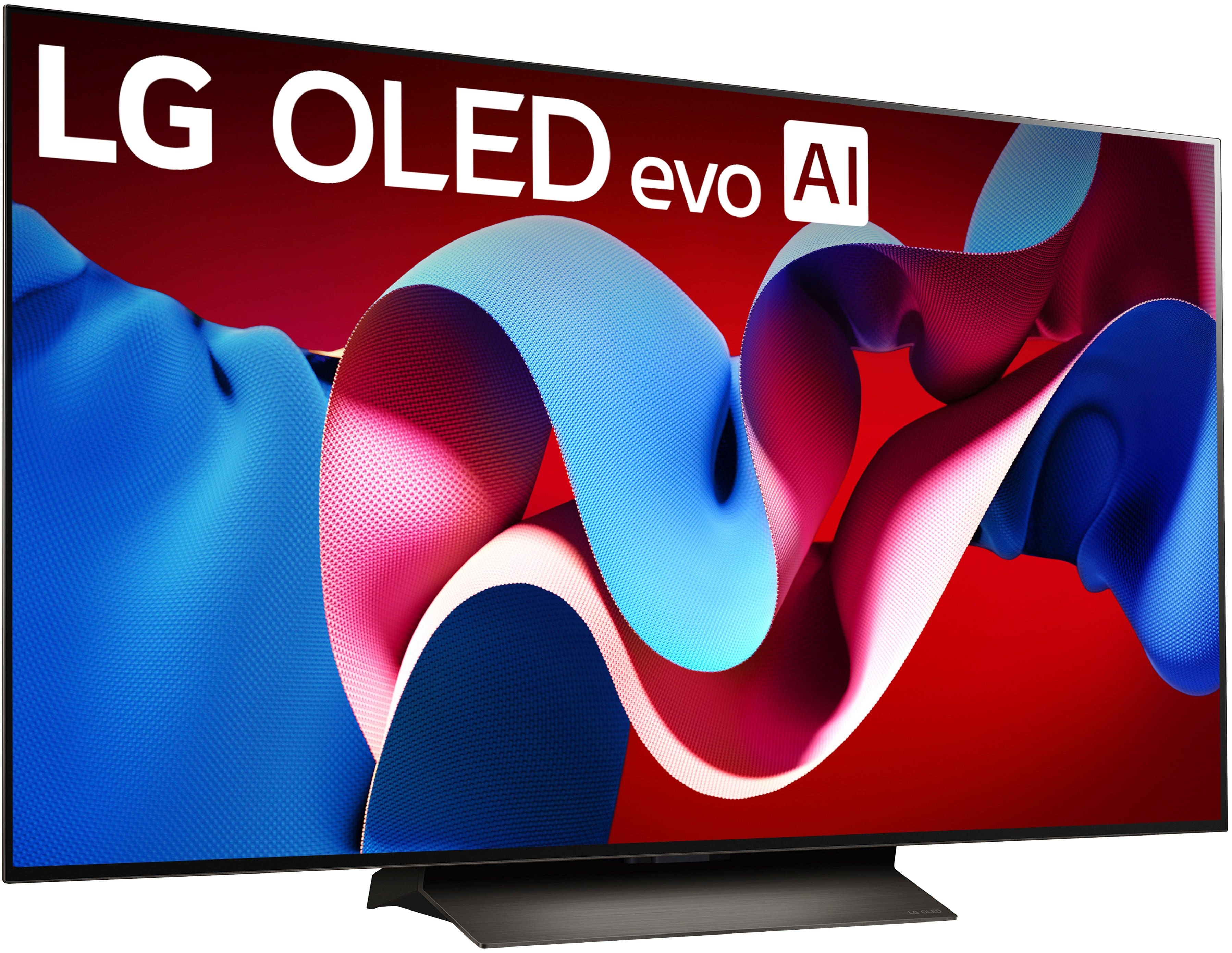
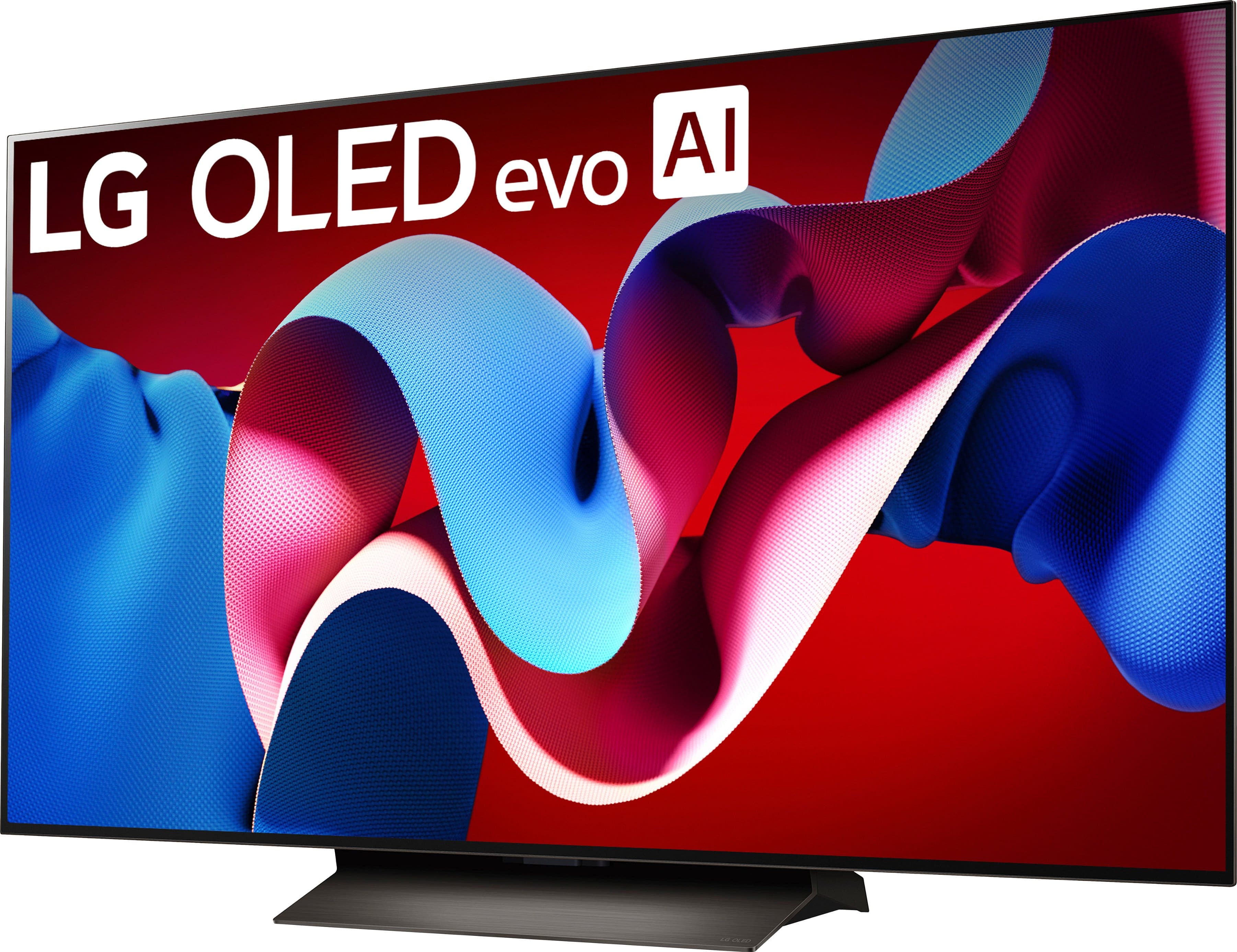
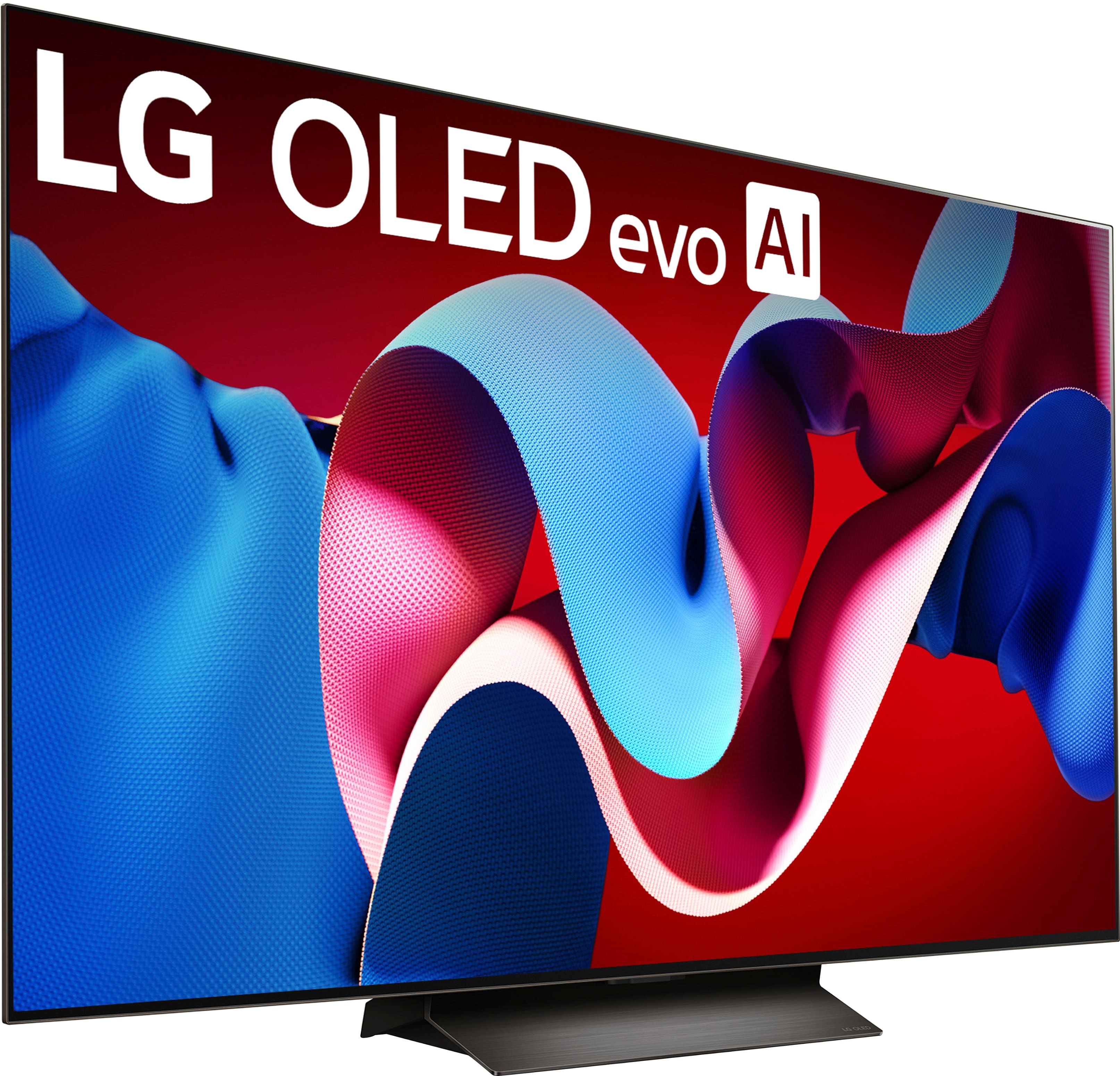
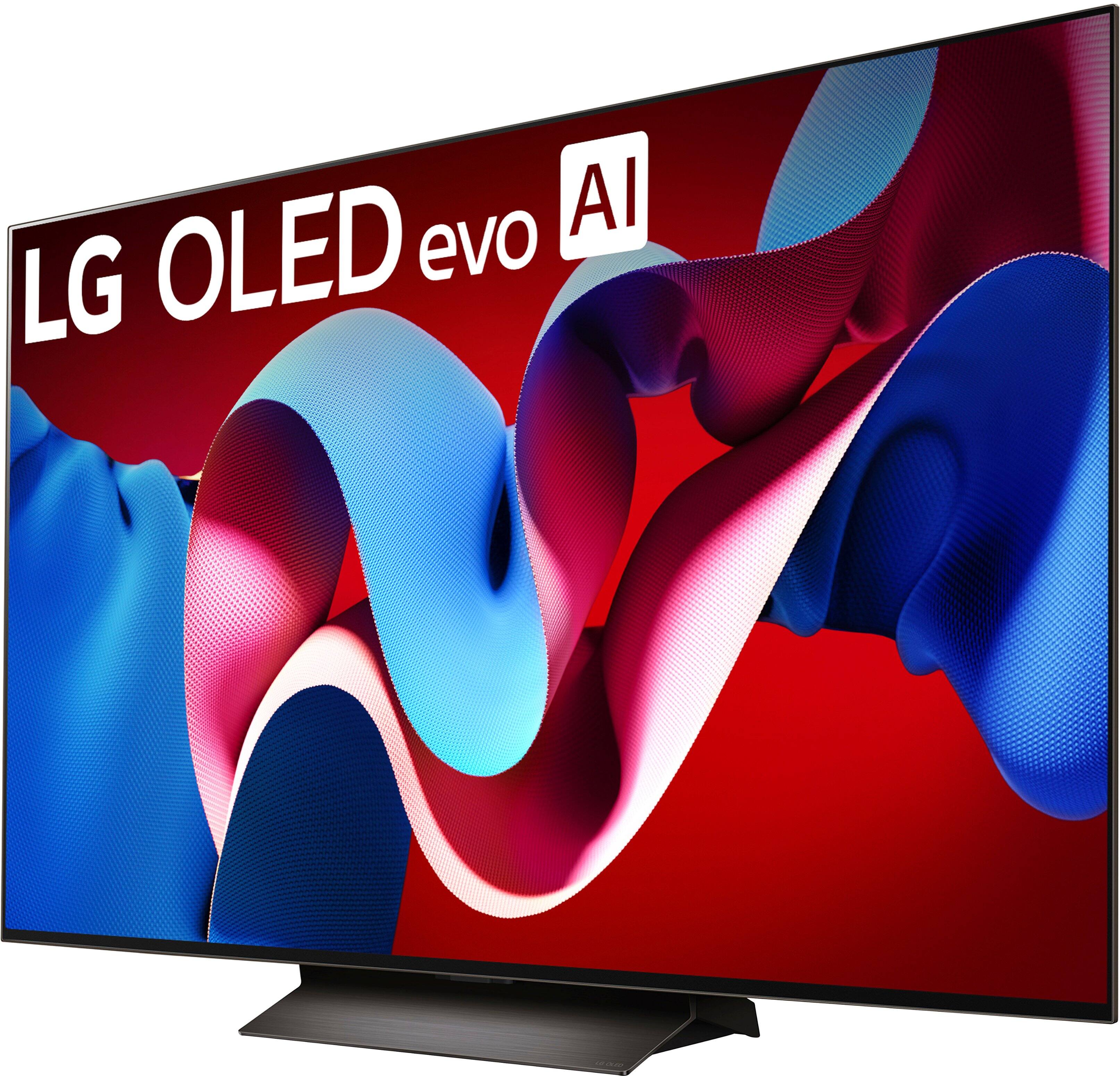
A:AnswerThe LG 77" Class C4 Series OLED evo 4K UHD Smart webOS TV (2024), Model # OLED77C4PUA only comes with an included stand (as shown in its images), unlike the OLED77G4WUA which only comes with an included wall mount and the stand has to be purchased separately...^Ivan.
A:AnswerAs with any other current TV, regardless of brand or manufacturer, the LG 77" Class C4 Series OLED evo 4K UHD Smart webOS TV (2024), Model # OLED77C4PUA can be used as a monitor...^Ivan.
A:AnswerHi there, Rick! Thank you for your question about the LG OLED77C4PUA TV!
This model is designed and supported for horizontal (landscape) orientation only. Using it in portrait mode is not recommended, as it could affect internal ventilation, image quality, and may void the warranty.
If you’re looking for a display that can be mounted in portrait orientation, we recommend checking out LG’s commercial signage displays, which are built specifically for that use.
https://www.bestbuy.com/site/lg-77-class-c4-series-oled-evo-4k-uhd-smart-webos-tv-2024/6578044.p?skuId=6578044
If you need help exploring more features or setup tips, feel free to send us a private message on Social Media @LGUSSupport. We’re here to help every step of the way. —Renzo
A:AnswerPlease accept our sincerest apologies for the issues that you are experiencing with the LG 77" Class C4 Series OLED evo 4K UHD Smart webOS TV (2024), Model # OLED77C4PUA changing inputs when you "go from the home page on the TV to one of the apps like YouTube TV" while running the TV through your Marantz receiver.
How is the TV connected to your receiver, through HDMI eARC or the Optical Digital Audio Output, and when it changes the input, is it always changing to the same input or does that vary?
We will need more detail to determine what the issue is.
Please contact our Support Center on social media using our handle @LGUSSUPPORT.
That is the quickest way to reach us and for us to respond so we can troubleshoot the issue...^Ivan.
A:AnswerYou cannot output audio simultaneously to an HDMI Soundbar and a Bluetooh® headset or speaker with the LG 77" Class C4 Series OLED evo 4K UHD Smart webOS TV (2024), Model # OLED77C4PUA.
The TV's optical digital output and HDMI eARC are deactivated when streaming audio to Bluetooth headphones or speakers...^Ivan.
A:AnswerHello there! We understand your situation wanting to know how the LG OLED C4 (2024) differs from the LG OLED C1 (2021), and we’re here to break down the key upgrades:
Picture Processor & Upscaling
C1: α9 Gen 4 AI Processor 4K
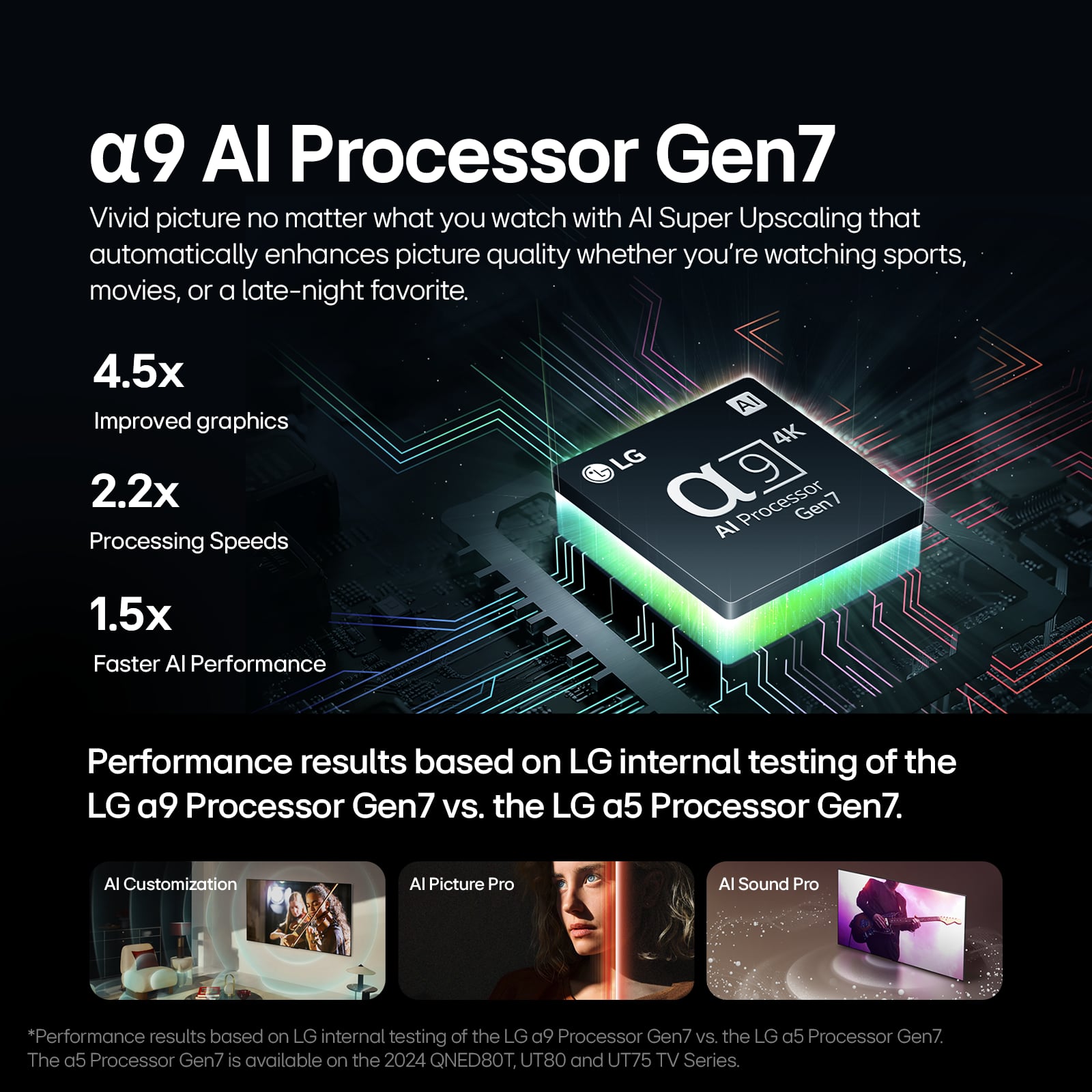
C4: α9 AI Processor 4K Gen 7, with enhanced AI Super Upscaling and Dynamic Tone Mapping Pro for more accurate color, contrast, and detail.
Brightness & Color Volume
C1: Standard OLED peak brightness (~750 nits).
C4: Brightness Booster with over 1000 nits peak in HDR and 100% color volume, delivering punchier highlights and deeper color accuracy straight out of the box.
Refresh Rate & Gaming Features
C1: 120 Hz native refresh rate, VRR, ALLM, G‑Sync
C4: 120 Hz native + support up to 144 Hz, improved Game Optimizer, FreeSync™, and Auto Low Latency Mode for a smoother gaming experience.
Smart Platform & Connectivity
C1: webOS 6.0, basic AI Sound Pro
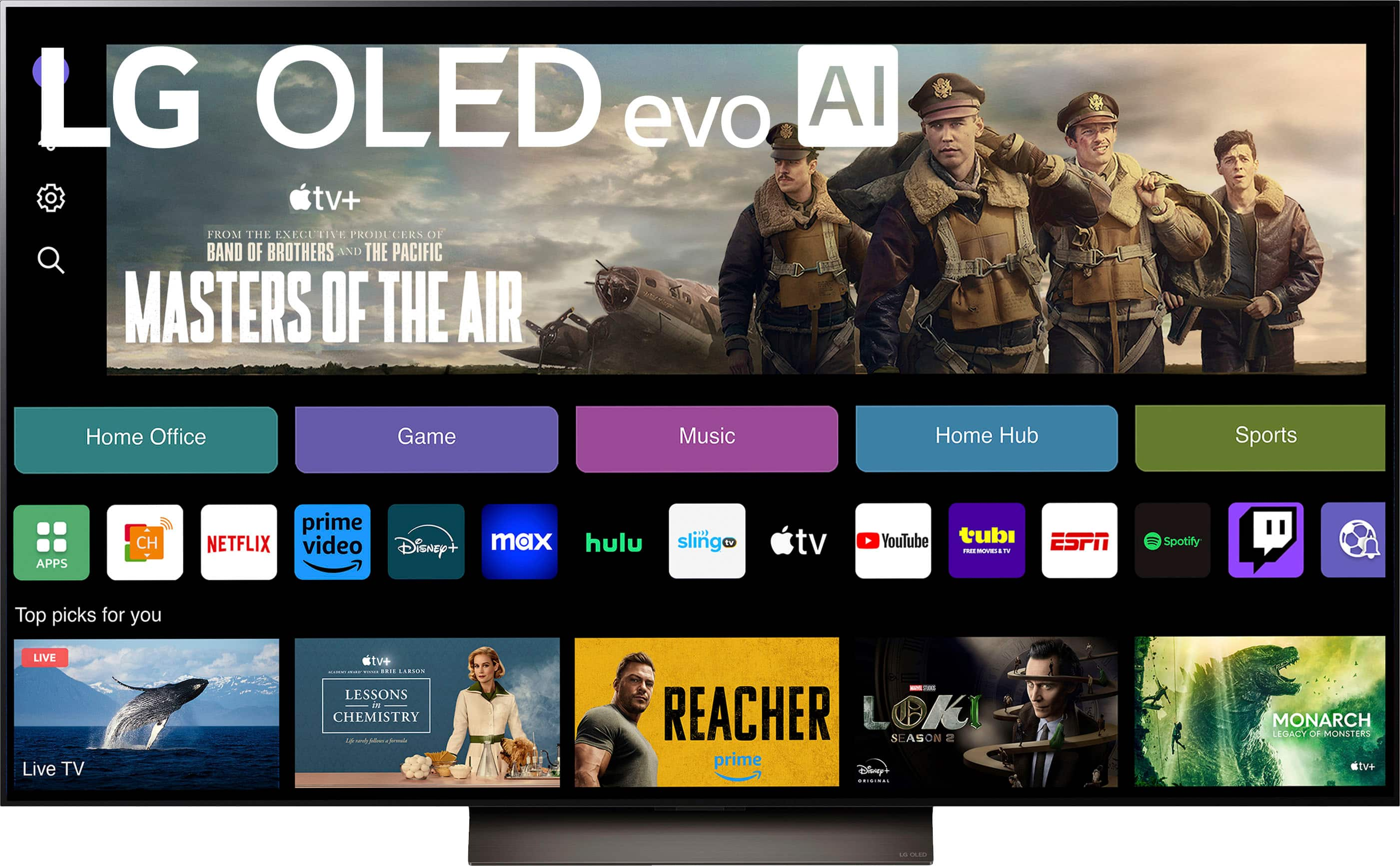
C4: webOS 24 with built‑in Matter, AI Concierge, Always Ready mode, Room‑to‑Room Share, and enhanced voice control via Magic Remote – plus USB Camera compatibility.
Design & Mounting
C1: VESA 400 × 200 mm
C4: VESA 300 × 200 mm
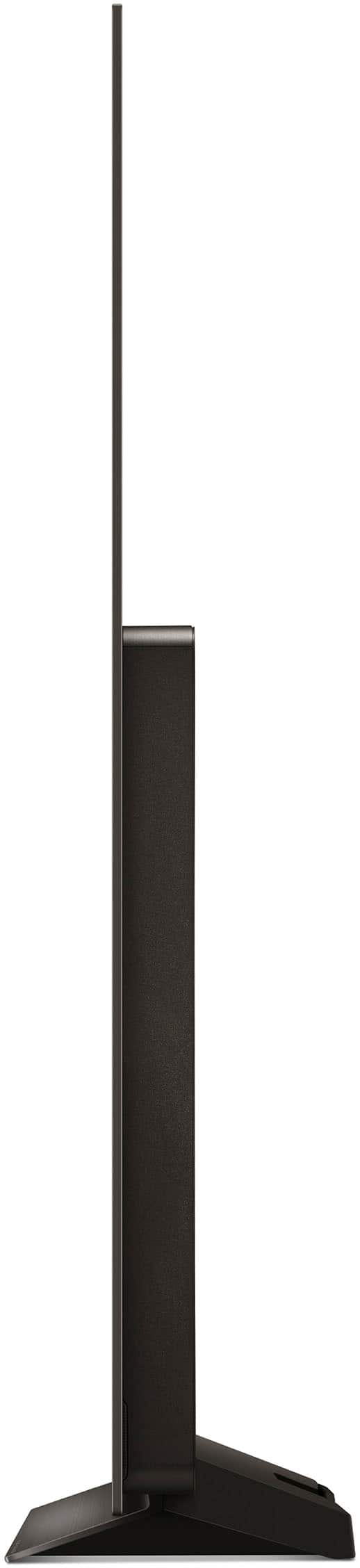
Both maintain the near‑bezel‑less OLED look, but the C4’s slimmer panel tech and updated stand design offer a slightly sleeker profile.
Troubleshooting step:
To ensure you’re experiencing all these improvements, make sure your C4’s firmware is up to date—go to Settings > All Settings > General > About This TV > Check for Updates before you dive into those new features.
https://www.lg.com/us/tvs/lg-oled77c4pua-oled-4k-tv#pdp_specs
If you’d like more details or need help with settings, please send us a private message on social media @LGUSSupport, and our team will be more than happy to explore further solutions. We appreciate your patience and hope this helps you choose the perfect OLED for your needs!
—Renzo
A:AnswerHi there. We appreciate your interest in the LG OLED77C4PUA 77” OLED evo C4 Series TV and understand your need to find a suitable stand for it.
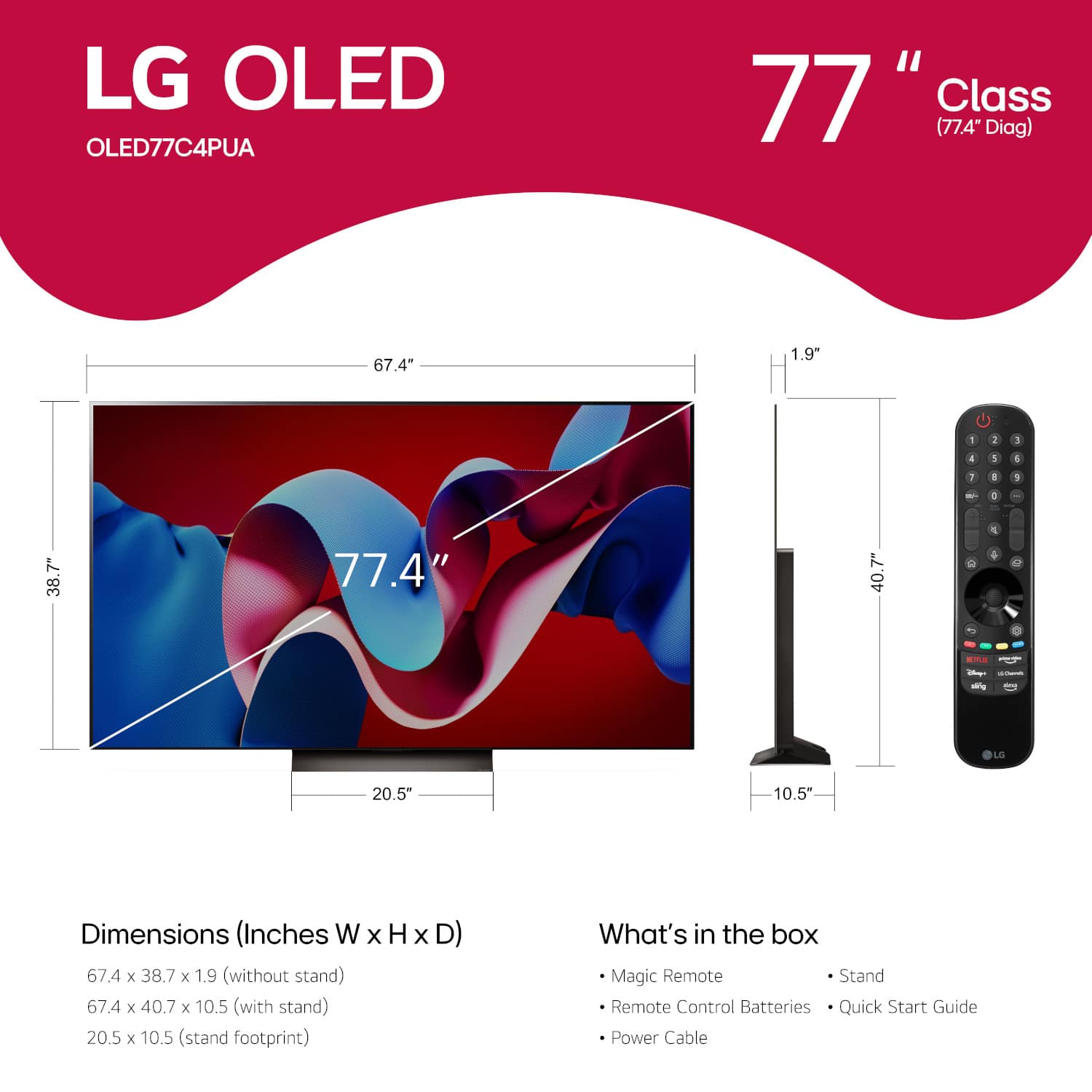
For this specific model, we recommend using a TV stand that is at least as wide as the TV’s stand width of 20.5 inches to ensure proper support and stability. However, for aesthetic balance and added safety—especially if there are kids or pets around—a stand with a width closer to or greater than the full TV width of 67.4 inches is highly suggested. This provides extra space and helps avoid tipping hazards.
The TV dimensions with the stand are 67.4" (W) x 40.7" (H) x 10.5" (D), so you’ll want to make sure your furniture can accommodate this footprint as well.
If you plan to use a soundbar or other AV components, consider choosing a wider media console to fit everything comfortably without crowding the base of the TV.
https://www.lg.com/us/tvs/lg-oled77c4pua-oled-4k-tv#pdp_specs
If you have more questions or need personalized recommendations, please send us a private message on social media @LGUSSupport. We'd love to assist you further and help you find the perfect setup. —Renzo
A:AnswerHi there, Dudley. We understand how important it is to have consistent access to your favorite content on Paramount Plus with your LG OLED77C4PUA. Since the Taylor Sheridan Collection is sometimes available but not always, we recommend the following steps:
Check for App Updates – Ensure that Paramount Plus is running the latest version. You can update it via the LG Content Store.
Restart the TV – Power cycle your TV by unplugging it for about 60 seconds, then plug it back in and turn it on.
Clear Cache – Go to Settings > General > System > Application Manager, select Paramount Plus, and clear the cache.
Check Your Internet Connection – A stable internet speed of at least 25 Mbps is recommended for smooth streaming in 4K HDR.
Reinstall the App – If the issue persists, uninstall and reinstall Paramount Plus to refresh the app.
https://www.lg.com/us/tvs/lg-oled77c4pua-oled-4k-tv#pdp_specs
If the issue continues, it may be related to regional content availability or Paramount Plus servers. Feel free to send us a private message on @LGUSSupport, and we’d be happy to assist further! —Renzo