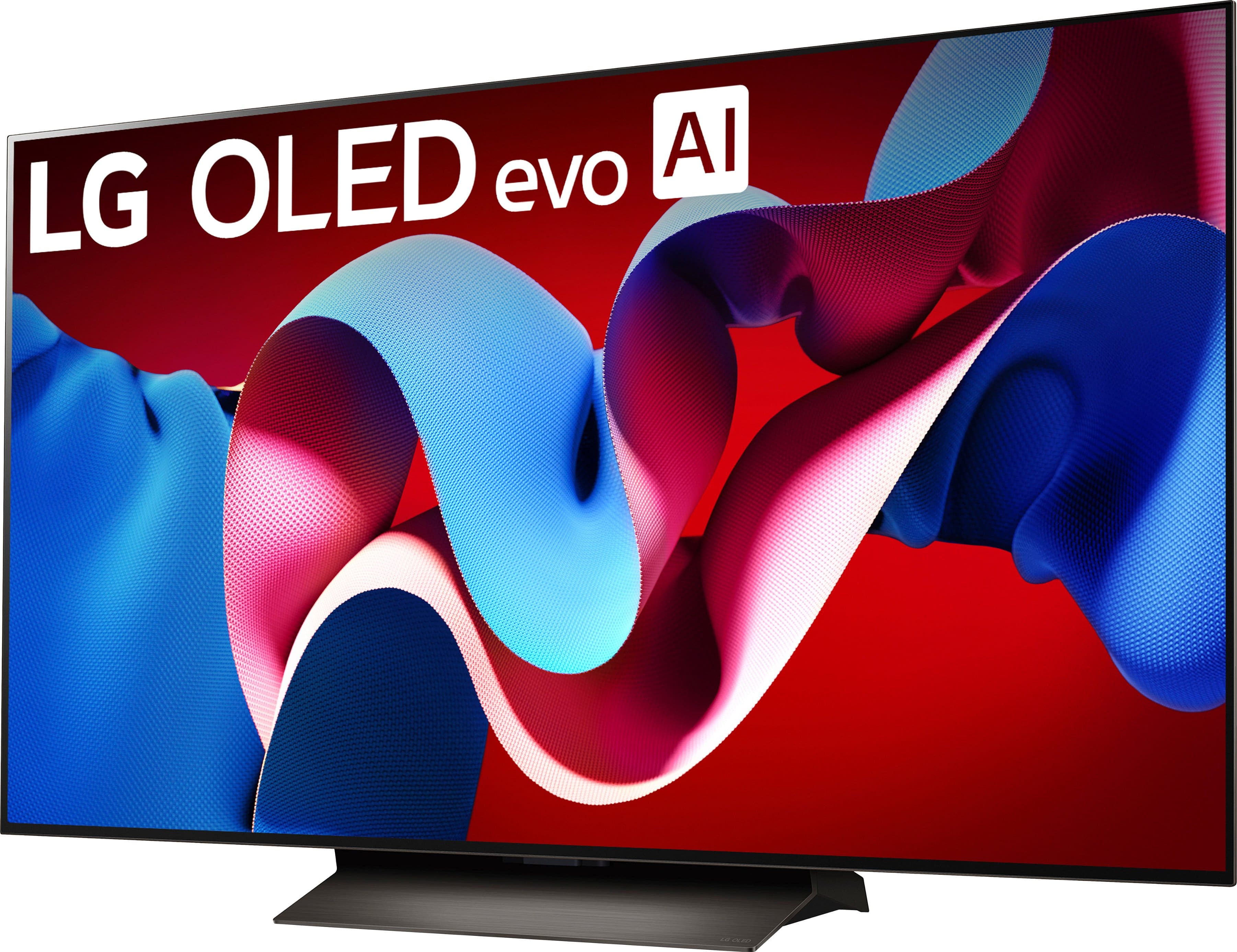
A:AnswerHi there! We understand that you wanted to know the difference between the OLED77C4PUA and OLED77G4WUA. These models are both belong to LG's premium OLED lineup, but there are key differences in terms of performance and features that influence their value:
Picture Processor:
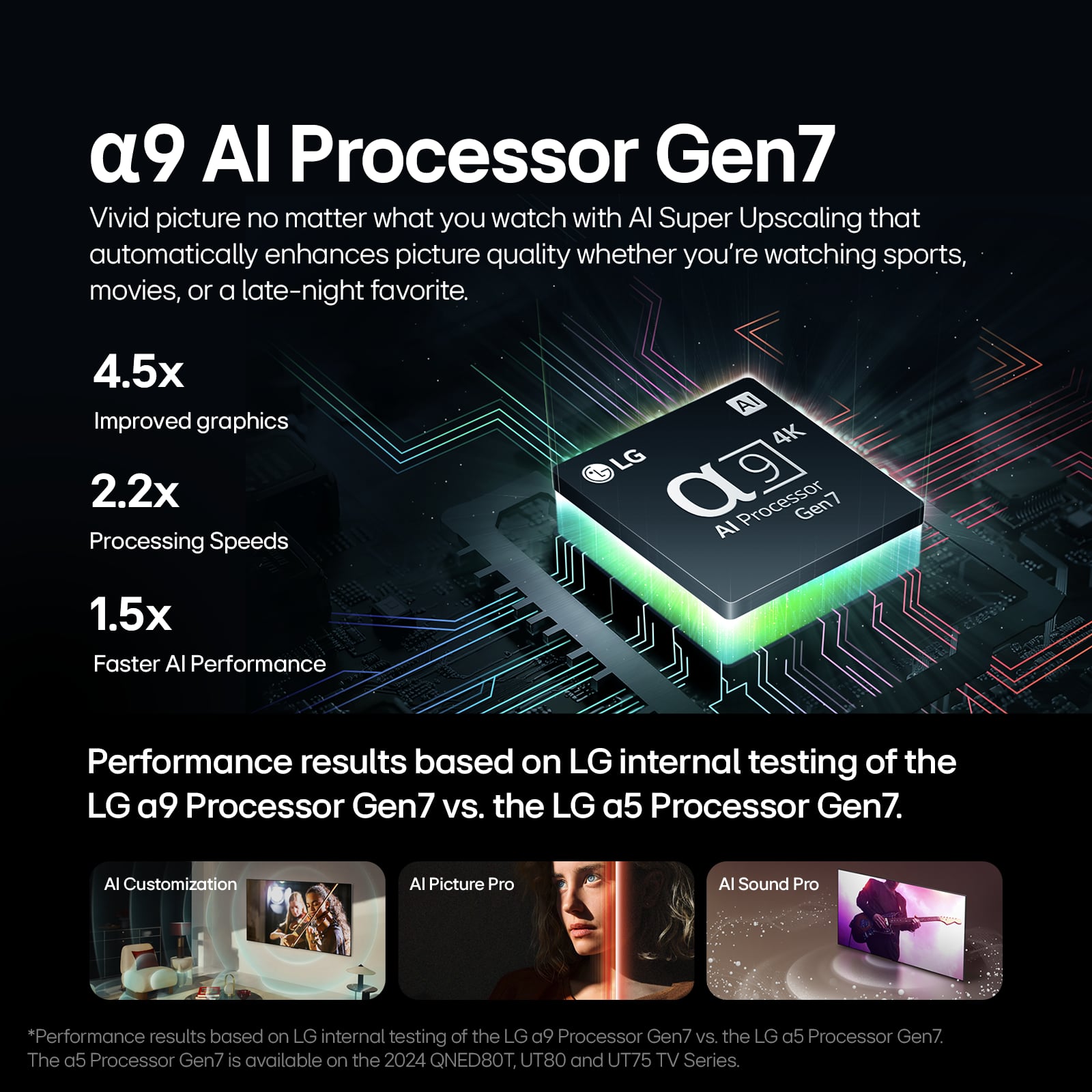
OLED77C4PUA: Features the α9 AI Processor 4K Gen7.
OLED77G4WUA: Upgraded to the α11 AI Processor 4K, offering better processing capabilities for enhanced image quality and smoother performance.
Sound System:
OLED77C4PUA: 2.2 Channel AI Sound Pro with Virtual 9.1.2 up-mix.
OLED77G4WUA: 4.2 Channel AI Sound Pro with Virtual 11.1.2 up-mix, providing more immersive audio.
Brightness:
OLED77C4PUA: Brightness Booster.
OLED77G4WUA: Brightness Booster Max, which offers enhanced brightness, particularly noticeable in bright rooms.
Gaming Features:
Both models are equipped with VRR, ALLM, and FreeSync™, but the OLED77G4WUA comes with a more advanced α11 AI processor for improved gaming performance.
Wi-Fi:
OLED77C4PUA: Wi-Fi 5.
OLED77G4WUA: Wi-Fi 6E, offering faster connectivity and better performance with modern routers.
Design & Weight:
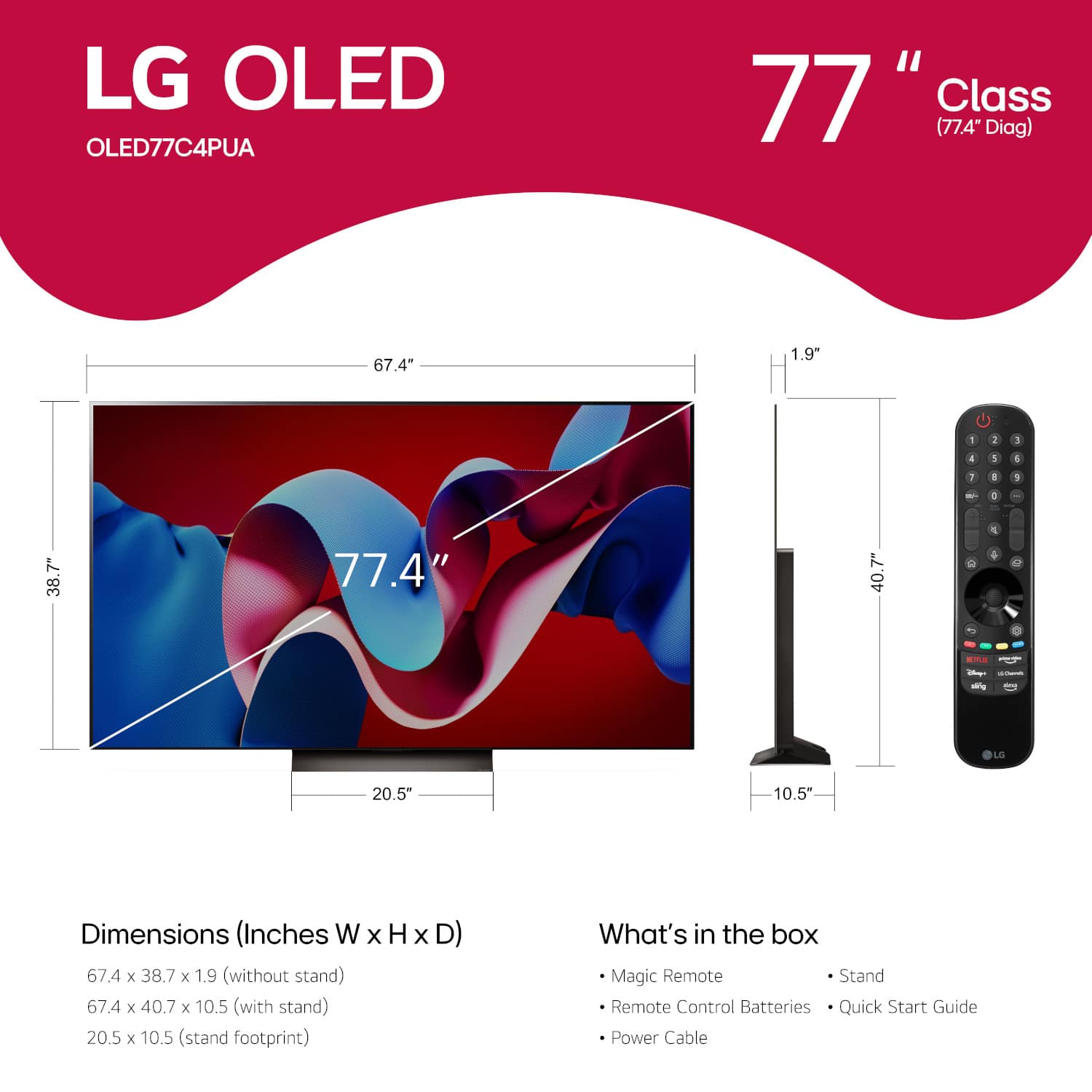
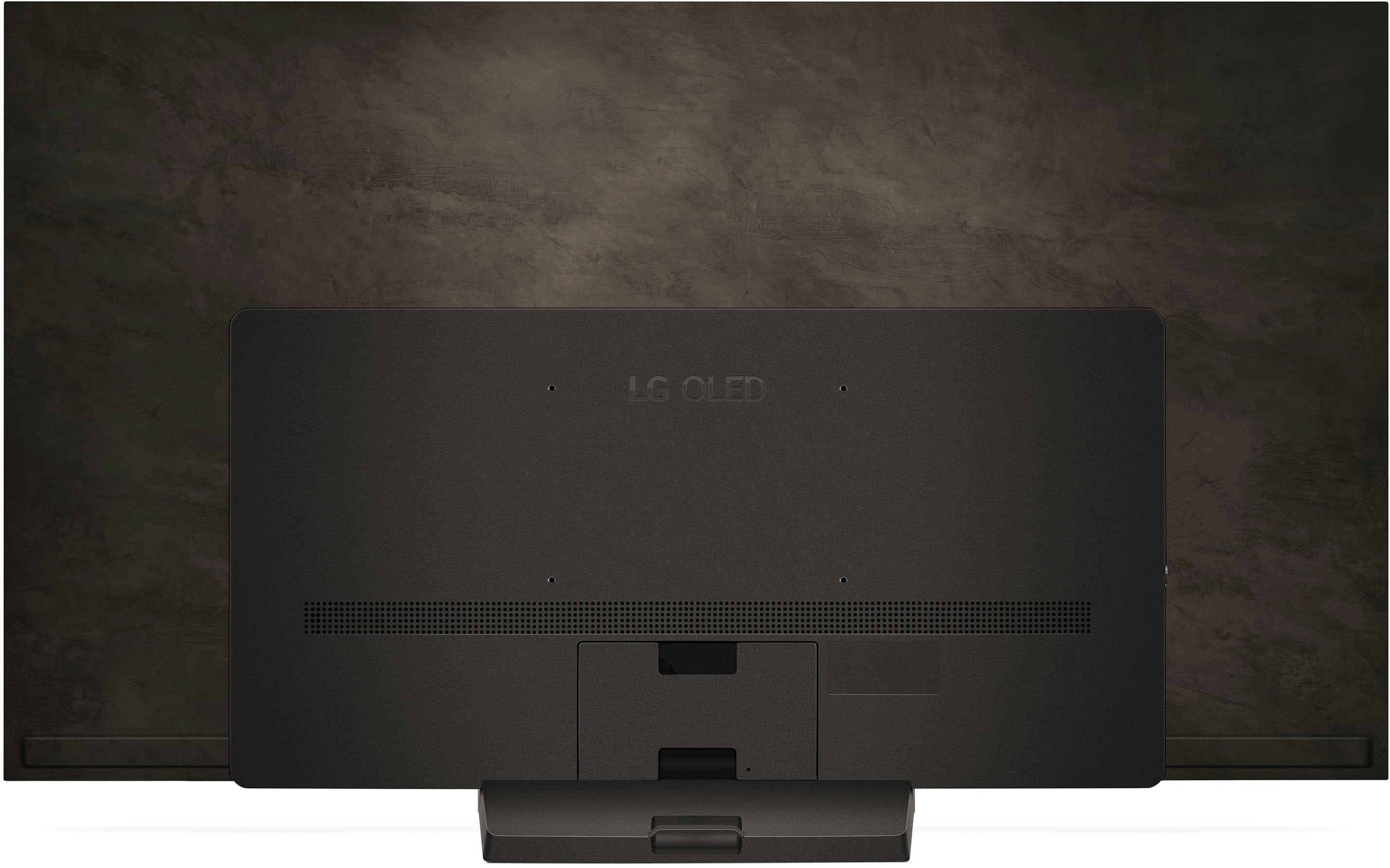
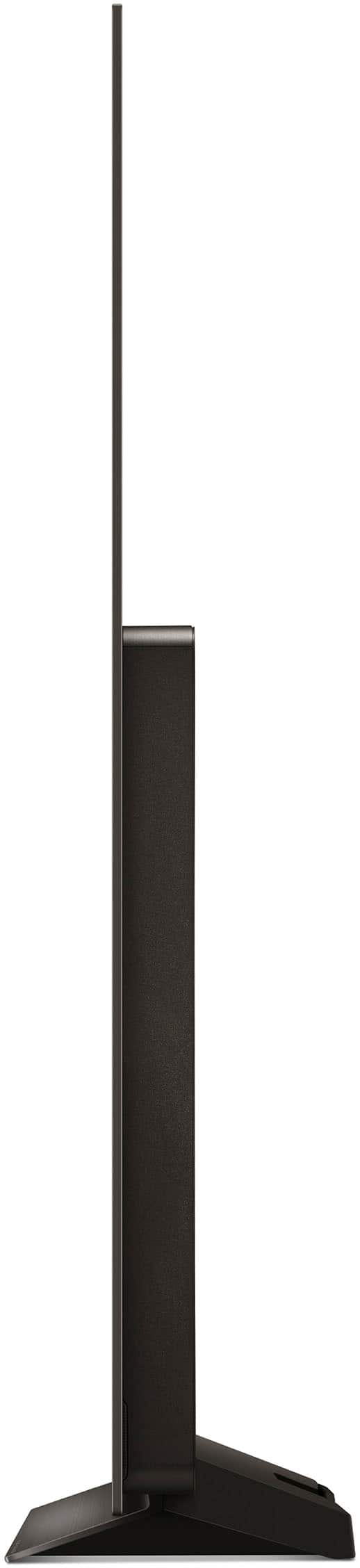
The OLED77G4WUA is slightly heavier than the OLED77C4PUA (95.7 lbs vs. 59.7 lbs) and has a wall-mount-only design, unlike the OLED77C4PUA, which includes a stand.
Warranty:
OLED77G4WUA offers a 5-year panel warranty (limited), which is beneficial for long-term protection.
Price Difference:
Due to these enhanced features, the OLED77G4WUA generally commands a higher price than the OLED77C4PUA. The value difference primarily stems from the upgraded processor, superior sound system, higher brightness capabilities, and the inclusion of Wi-Fi 6E.
If you need further assistance, please feel free to send us a private message on Social Media @LGUSSupport, and we'll be happy to guide you through the process. —Renzo
A:AnswerHi there! The LG OLED77C4PUA TV features a 40W speaker system. It includes a 2.2 channel setup with Dolby Atmos support for an immersive audio experience.
https://www.lg.com/us/tvs/lg-oled77c4pua-oled-4k-tv#pdp_specs
If you need further details or have any other questions, feel free to reach out via private message on Social Media @LGUSSupport. We're happy to help!
—Renzo
A:AnswerHello there! Thank you for your question about the LG OLED77C4PUA TV. We understand you're asking about the Bluetooth version supported by this model. The LG OLED77C4PUA supports Bluetooth version 5.1, not 5.3. It is Bluetooth Surround Ready, meaning you can connect compatible Bluetooth devices for a surround sound experience.
https://www.lg.com/us/tvs/lg-oled77c4pua-oled-4k-tv#pdp_specs
If you have any more questions, feel free to send us a private message on Social Media @LGUSSupport, and our team will be happy to assist further!
Thank you for choosing LG!
—Renzo
A:AnswerYou should have also received a Quick Guide with the LG 77-inch Class LG OLED evo C4 4K Smart TV 2024, Model # OLED77C4PUA, which shows what is included with the TV, and has some illustrated diagrams for unboxing the TV, attaching a wall mount to the TV, and how to attach the stand to the TV...^Ivan.
A:AnswerHi there. Thank you for sharing your experience with us. We understand your inquiry regarding how to achieve the optimal visual and audio experience on your LG 77" Class C4 Series OLED evo 4K UHD Smart webOS TV (2024). To get the most crisp and vibrant picture similar to what is seen in stores, we recommend selecting the "Vivid" or "Filmmaker" picture mode and ensuring that the "AI Picture Pro" and "AI Brightness" settings are enabled in the General settings menu. For audio, enabling "AI Sound Pro" will allow the TV to automatically adjust the sound output based on the content type for a more immersive experience. We understand that you want to enjoy the full potential of your OLED evo display in your home environment.
https://www.bestbuy.com/product/lg-77-class-c4-series-oled-evo-4k-uhd-smart-webos-tv-2024/JJ8VPZQ5Z7
For further assistance and any specific concerns you may have, please contact us on lgdigitalcare@lg.sprinklrsupport.com, and our team will be more than happy to assist you. —Renzo
A:AnswerHi there! Thank you for reaching out about the issues with your LG OLED77C4PUA TV and Magic Remote. We understand how important it is for your TV and remote to work seamlessly, and we're here to help.
There are a few common reasons why the Magic Remote may unpair or fail to pair:
Battery Issues: Ensure that the batteries in the remote are not depleted and are inserted correctly.
Interference: There could be interference from other devices that might disrupt the communication between the remote and TV. Try moving other electronics away from the TV to minimize interference.
Remote Not Registered: The Magic Remote may need to be re-paired with the TV. This can be done by following the steps in the troubleshooting guide How to Troubleshoot Your LG Magic Remote.
LG TV - How to Troubleshoot Your LG Magic Remote - https://www.lg.com/us/support/help-library/lg-tv-how-to-troubleshoot-your-lg-magic-remote--1427121727809
If the issue persists after troubleshooting, please send us a private message on Social Media @LGUSSupport, and we’ll be happy to assist you further to get everything working smoothly!
—Renzo