Deals Worth GiftingShop now

Main Content

Questions & Answers

Your price for this item is $3,009.99
Clearance
The comparable value price is $4,299.99
Page Showing 1-12 of 12 questions
  • QuestionHow much does the TV weigh

    Asked by Daniel.

    • Answer 71 lbs without stand. 91 with stand.

      Answered by rshacklef0rd

  • QuestionWhat are the dimensions of the stand (width X depth) and how high up does the stand hold the TV? Thank you.

    Asked by Wonderland.

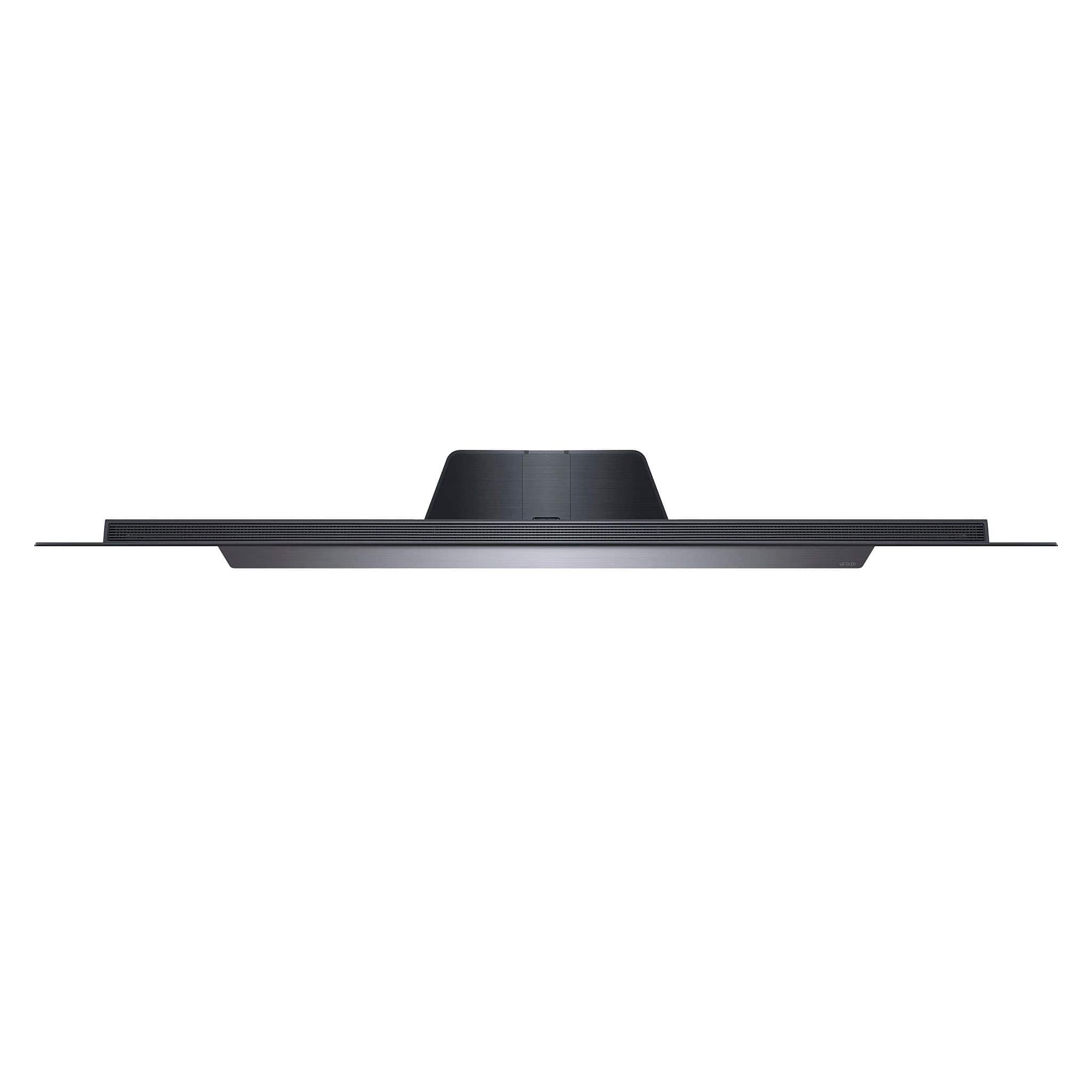
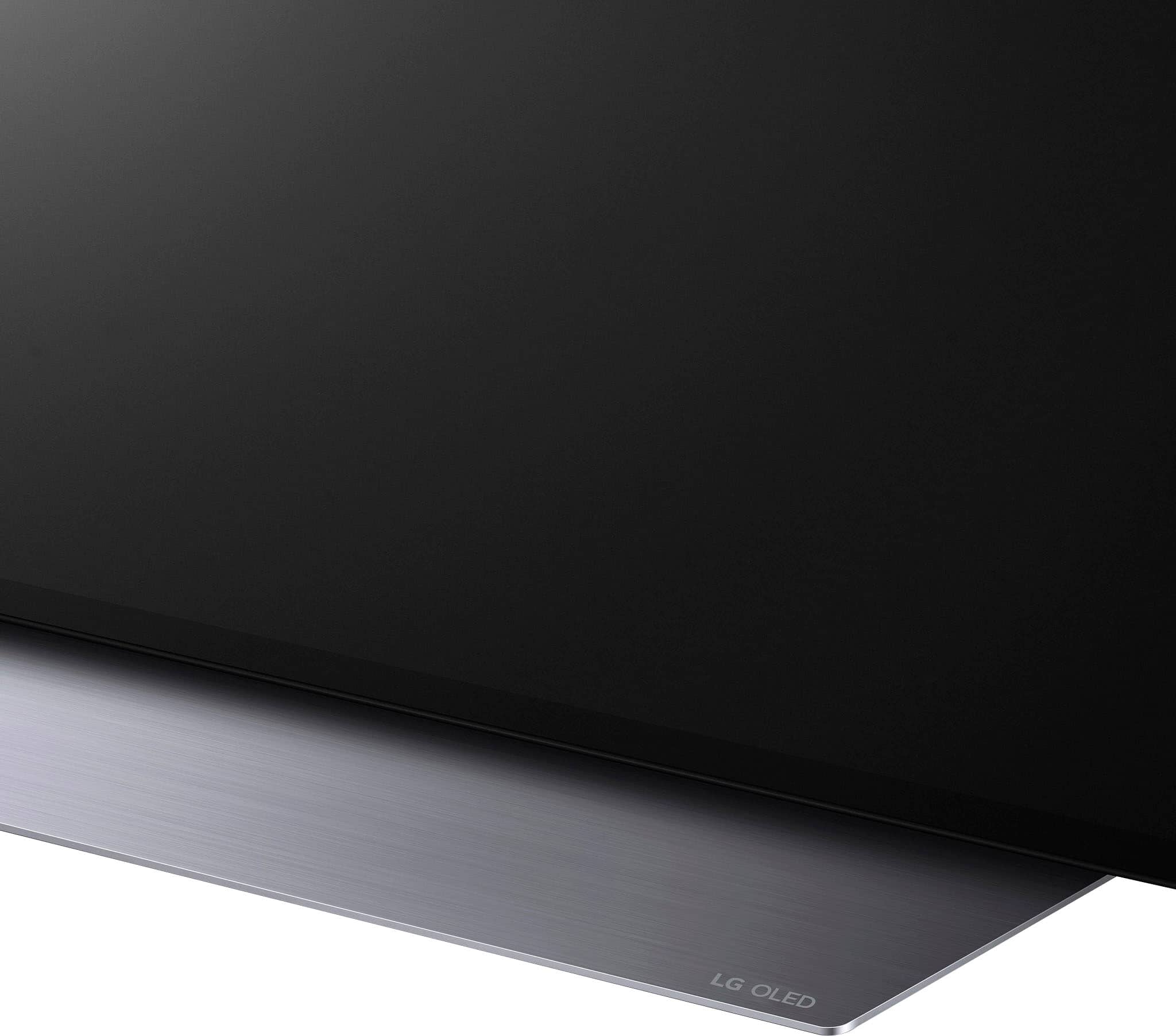
    • Answer Thank you for your interest in the LG Smart webOS TV (OLED83C3PUA) model. The LG OLED83C3PUA TV has a stand width of 35.4 inches, a stand depth of 12.2 inches, and the stand raises the TV 2.8 inches off the surface. You can download its owner's manual through this link for more information: https://www.lg.com/us/support/product/lg-OLED83C3PUA.AUS. ^Cris

      Answered by LG Digital Customer Care

  • QuestionDoes this TV wall mount or comes with the stand?

    Asked by Kevin.

    • Answer Both ! A stand weighing 20.5 pounds "is" included with the TV but the TV can also be wall mounted. (The wall mount must be purchased separately). NOTE: The TV weighs 71.2 pounds so make sure the wall mount you select is rated to handle that amount of weight.

      Answered by eltonnoway

  • QuestionI have a Google Mesh network (In my house 1700 sq. ft.) Upstairs I have the 1st device hardwired to my smaller TV. The 2nd device is in my basement where my LG 83" resides. Must I have a ethernet line tied into both the device and TV?

    Asked by Winelover.

    • Answer Thank you for your interest in the LG Smart webOS TV (OLED83C3PUA) model. You do not necessarily need to have an Ethernet line tied into both the Google Mesh device and the TV. Google Mesh devices, including Nest Wifi Pro, Nest Wifi, and Google Wifi, are typically connected wirelessly, but they can also be hardwired using Ethernet cables if you prefer a wired backhaul. Each Google Mesh device has two Ethernet ports. One is the "WAN" port, which is used for connecting to the internet, and the other is the "LAN" port, which is used for connecting to wired devices. If you want to hardwire your TV to the Google Mesh device, you can connect an Ethernet cable from the TV to the LAN port on the Google Mesh device. You can download its owner's manual through this link for more information: https://www.lg.com/us/support/product/lg-OLED83C3PUA.AUS. ^Cris
      Answered by LG Digital Customer Care

  • QuestionLG 83" dimenions without stand

    Asked by Anonymous.

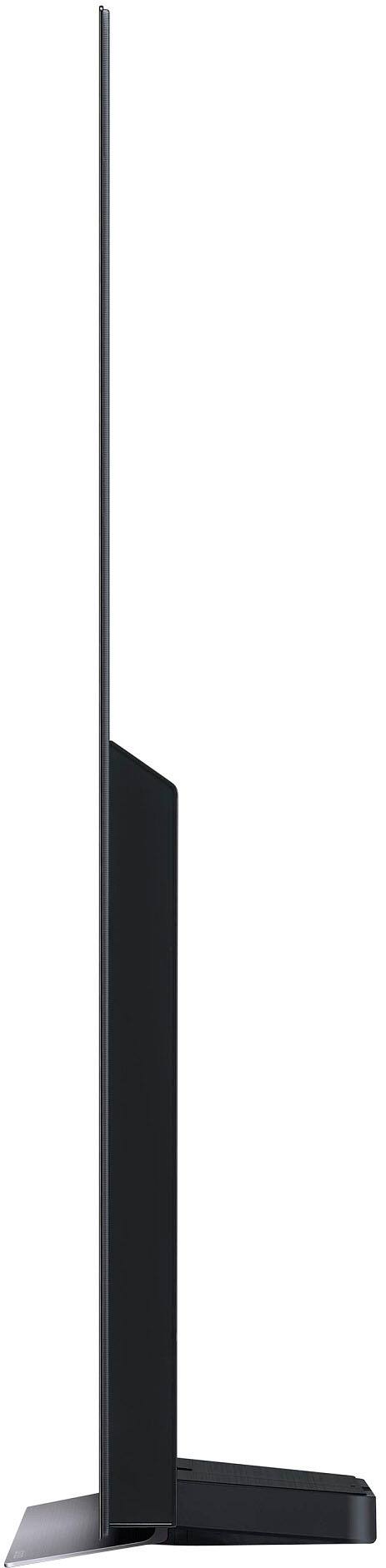
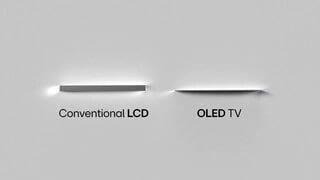
    • Answer Ref: LG 83" C3 series OLED - Per the official LG website the display itself "without" the stand measures - 72.9" wide x 41.6" tall x 2.2" thick (Note: While the sides and top edge of the screen are very thin (about the thickness of a US quarter)... the electronics section on the back / bottom edge of the display measures 2.2" thick.

      Answered by eltonnoway

  • QuestionDoes this model have a record capability?

    Asked by Gary.

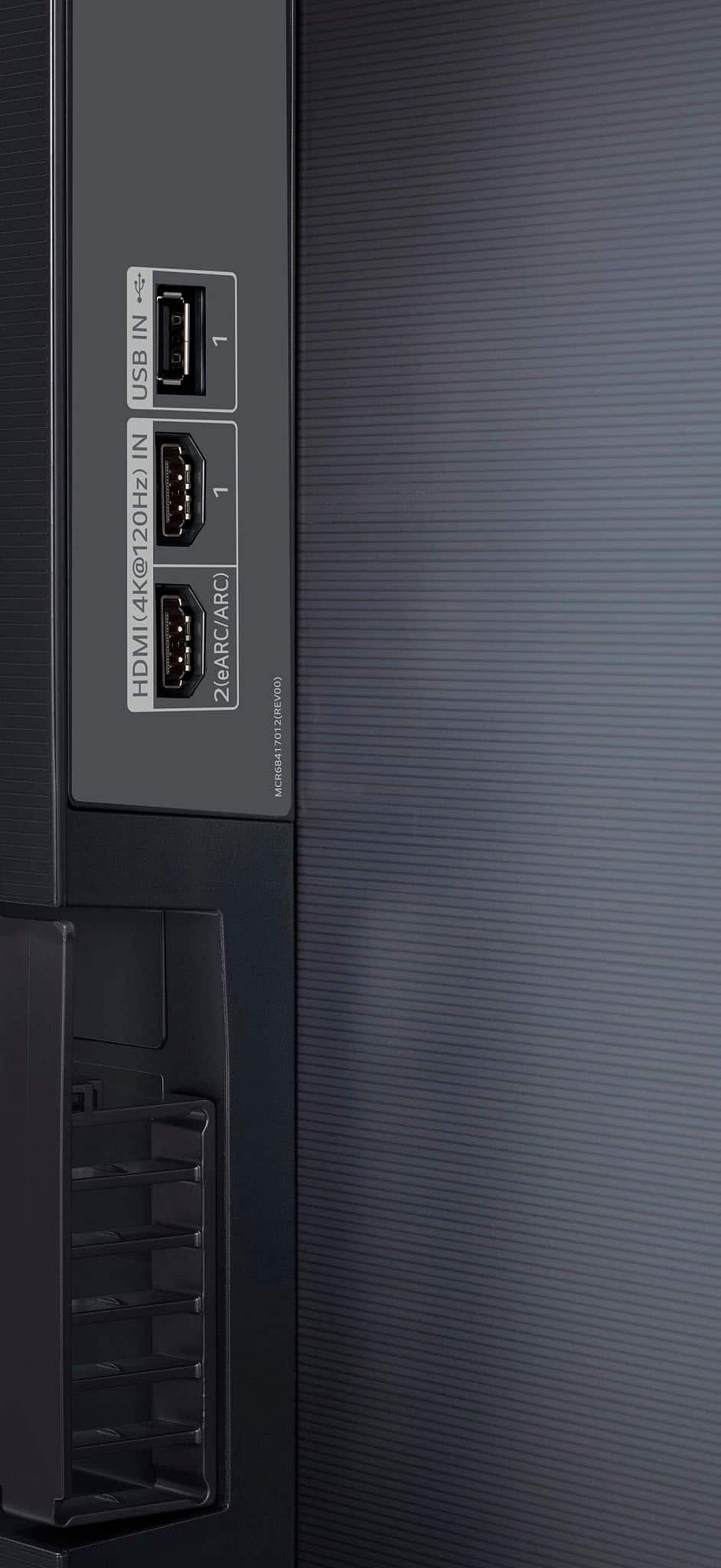
    • Answer Hi there. Thank you for your question about the LG OLED TV, model OLED83C3PUA. We understand you're curious about its recording capabilities. This model does not come with built-in recording functionality. However, it supports external devices that can provide recording features through HDMI or USB connections, such as DVRs or compatible media players. For further assistance or to explore options, please send us a private message on social media @LGUSSupport, and we’d be more than happy to help. We appreciate your patience. —Renzo

      Answered by LG Digital Customer Care

  • QuestionCan you add apps to the TV?

    Asked by T.

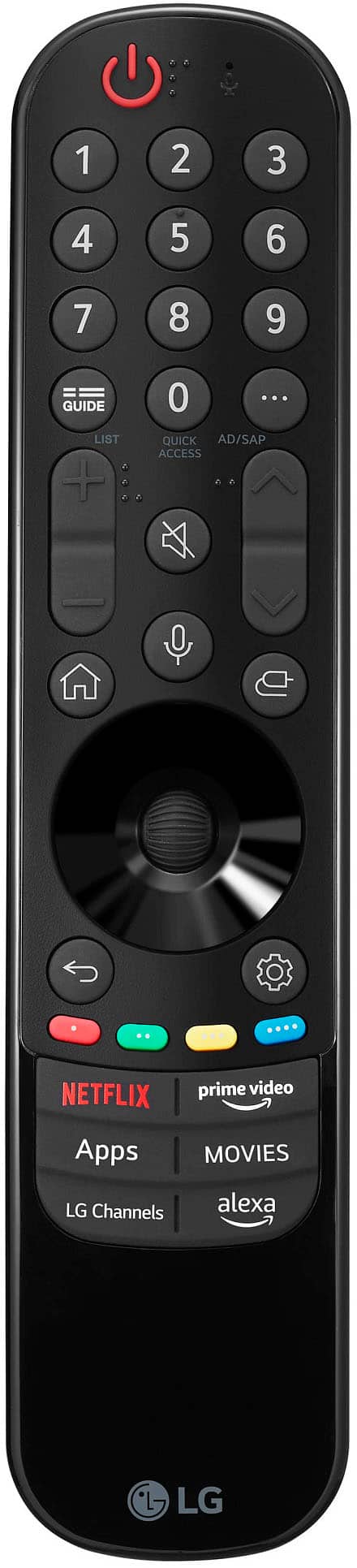
    • Answer Hi there. Thank you for your review of the OLED83C3PUA. Yes, you can definitely add apps to your TV! Simply press the Home button on your remote, navigate to the LG Content Store, and from there, you can browse and download a wide variety of apps. If you run into any issues or need further assistance, feel free to send us a private message on Social Media @LGUSSupport, and we'll be happy to help. —Avril

      Answered by LG Digital Customer Care

  • Questionis this TV ship free? can I order it even if it shows unavailable nearby?

    Asked by Roy.

    • Answer Thank you for your interest in the LG Smart webOS TV. You can order the LG OLED83C3PUA from several retailers. With regards to your shipping fee concern, you can coordinate them for further assistance. You can visit our website for more information: https://www.lg.com/us. ^Cris

      Answered by LG Digital Customer Care

  • QuestionI see an open box is available for this TV via a link that reads "Open-Box: from $2,886.99" (the link doesn't work). How do I inquire about this TV? Does it ship, or does it need to be picked-up? Can a warranty be applied to it? I'd like to find out more.

    Asked by JIMBODAVIS.

    • Answer Hi there. Thank you for your interest in the LG OLED83C3PUA TV. We understand you have questions about the open-box option available for this model. To inquire about this TV, including whether it ships or needs to be picked up and the warranty options, we recommend contacting the retailer directly. They will provide the most accurate information regarding availability, shipping, pickup, and warranty application for open-box items. Please send us a private message on Social Media @LGUSSupport if you need further assistance or have additional questions. We appreciate your patience. —Renzo

      Answered by LG Digital Customer Care

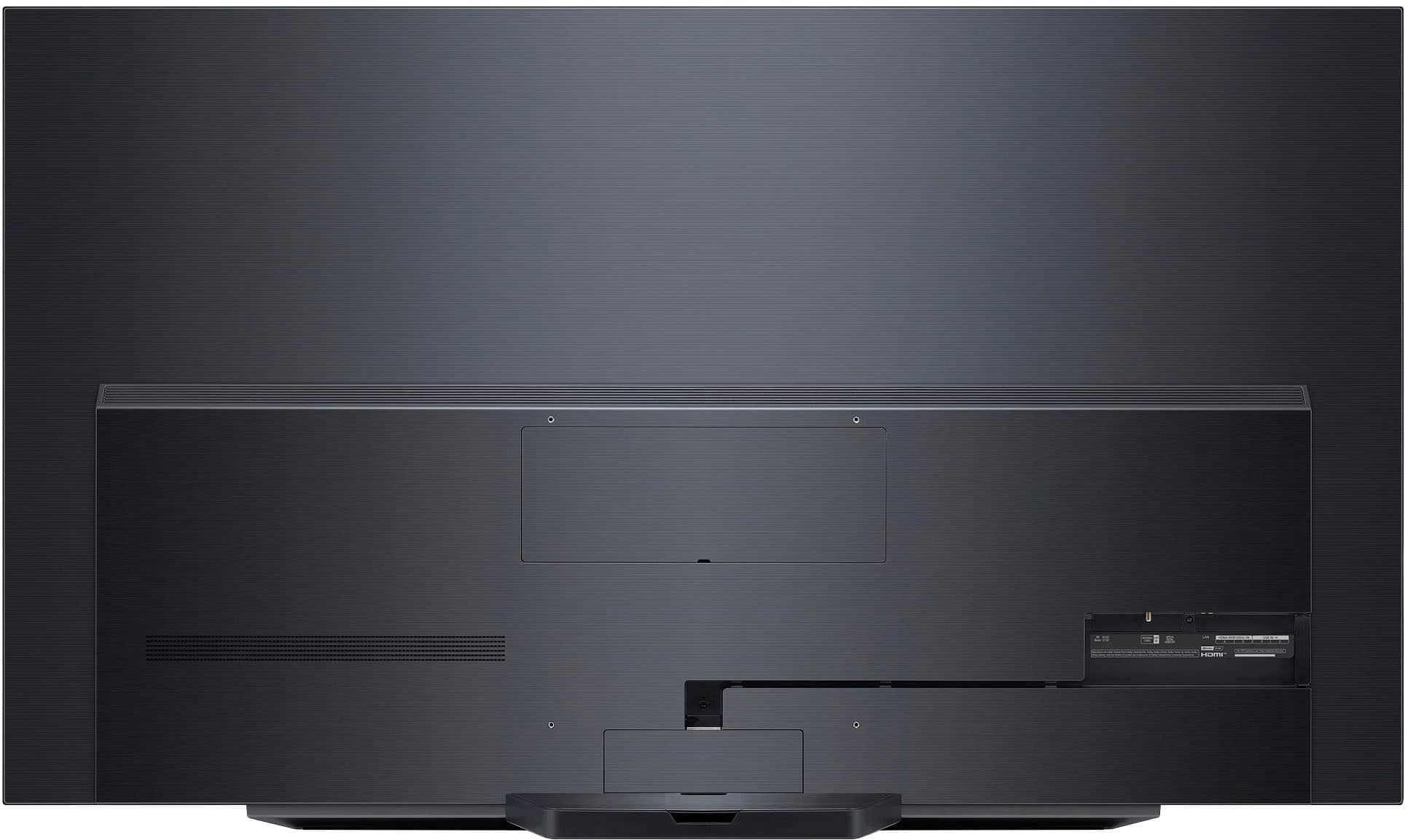
  • QuestionDoes the LG C3 83" have the screw openings so a TV safety strap can be used? From the photos, it appears there are two small openings above the panel opening to wall mount the TV. Are these the screw openings needed to use a TV safety strap?

    Asked by Ocean.

    • Answer Thank you for your interest in the LG Smart webOS TV (OLED83C3PUA) model. the LG OLED83C3PUA 83-inch C3 OLED TV does have the necessary screw openings above the panel opening to allow for the use of a TV safety strap, in addition to the VESA mounting points for wall installation. This provides a secure way to mount and stabilize the large 83-inch display. You can download its owner's manual through this link for more information: https://www.lg.com/us/support/product/lg-OLED83C3PUA.AUS. ^Cris
      Answered by LG Digital Customer Care

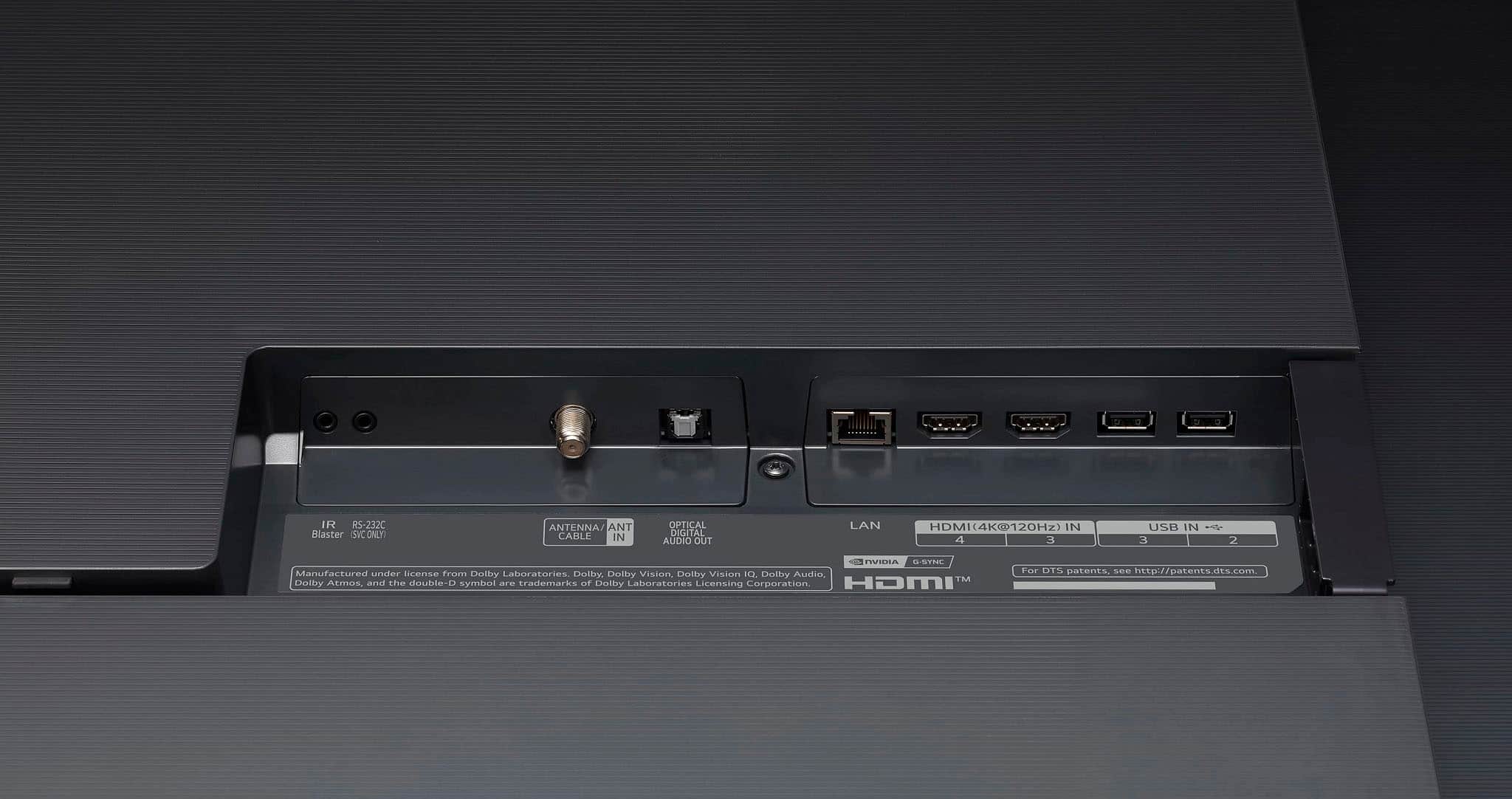
  • QuestionDoes the C3 83" have the correct hardware on the back to use a TV safety strap?

    Asked by Ocean.

    • Answer Thank you for your interest in the LG Smart webOS TV (OLED83C3PUA) model. The LG C3 83-inch OLED TV (OLED83C3PUA) does not have specific hardware on the back to use a TV safety strap. You can download its owner's manual through this link for more information: https://www.lg.com/us/support/product/lg-OLED83C3PUA.AUS. ^Cris
      Answered by LG Digital Customer Care

  • QuestionDo you need a separate Roku box to work with Roku and channels subscribed through Roku?

    Asked by alan.

    • Answer Thank you for raising your concern regarding LG Smart webOS TV (OLED83C3PUA) model. To connect a Roku device to your LG Smart TV, you need to follow these steps: •Plug the Roku device into an HDMI port on your LG Smart TV. •Connect the Roku device to Wi-Fi and follow the onscreen setup prompts. •Use your TV remote to select the HDMI input where the Roku is connected. •Power on the Roku device and follow the initial setup instructions to pair your remote, connect to Wi-Fi, and perform software updates if necessary If problem persist, please reach out to us on social media @LGUSSupport so we can help you further. ^Cris

      Answered by LG Digital Customer Care