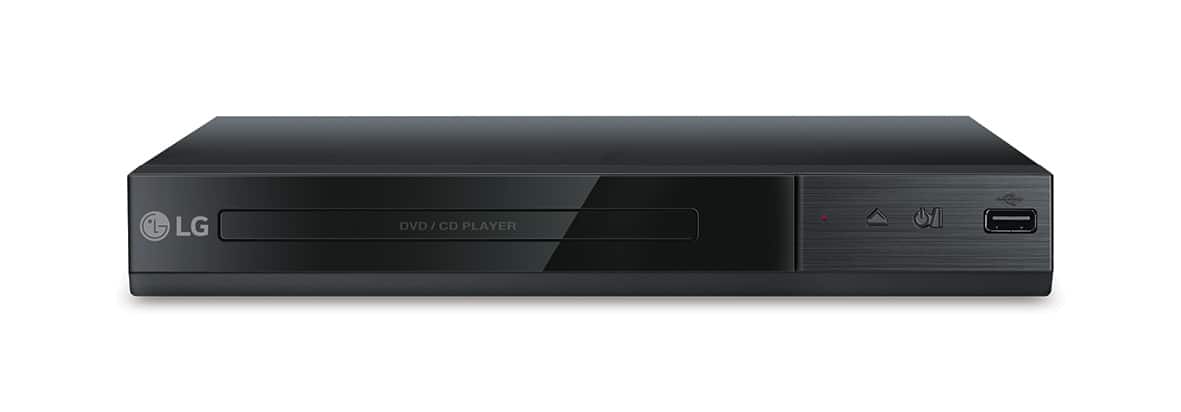
A:AnswerYes, the DVD player comes with a remote/batteries. I don't understand "does it play region 2," so I can't answer that portion of your question. Hope this helps.
A:AnswerThis is a DVD player, what type of connectivity and/or purpose would require use of a Chromebook. This unit supports USB device with FAT16 or FAT32 format. A USB device which requires additional program installation when you have connected it to a computer, is not supported. The USB port of the unit cannot be connected to PC. ^Daphane
A:AnswerPlease reach out to our support team via private message on Facebook @LGUSSupport and use #VOC in your first message to our social media support team or call at 800-243-0000 to verify. Also, be sure to provide your contact information, model/serial numbers and date of purchase. ^Daphane
A:AnswerPlease reach out to our support team via private message on Facebook @LGUSSupport or call at 800-243-0000. Please be sure to provide your contact information, model/serial numbers and date of purchase. ^Daphane
A:AnswerThe DVD Player with USB Direct Recording - Black, Model # DP132 will play DVD discs coded for Region 1 or those coded as "All" or as "0". ^Daphane
A:AnswerNo, you will not be able to save files from a laptop via the USB drive. You can only record audio files of disc in the player via USB direct recording. ^Daphane
A:AnswerLG does not offer a DVD player for the car. Even our external drives will require a computer and operating system such as Windows or iOS. I would recommend you try Audio Visual store for auto DVD installations. ^Daphane
A:AnswerManufacturers of DVD and Blu-ray Players and player software are required by their licenses to include region coding functionality. The LG DVD Player with USB Direct Recording, Model # DP132 is coded for region 1. The region code will be stamped on the back of the unit or on the carton that it is shipped in. ^Daphane