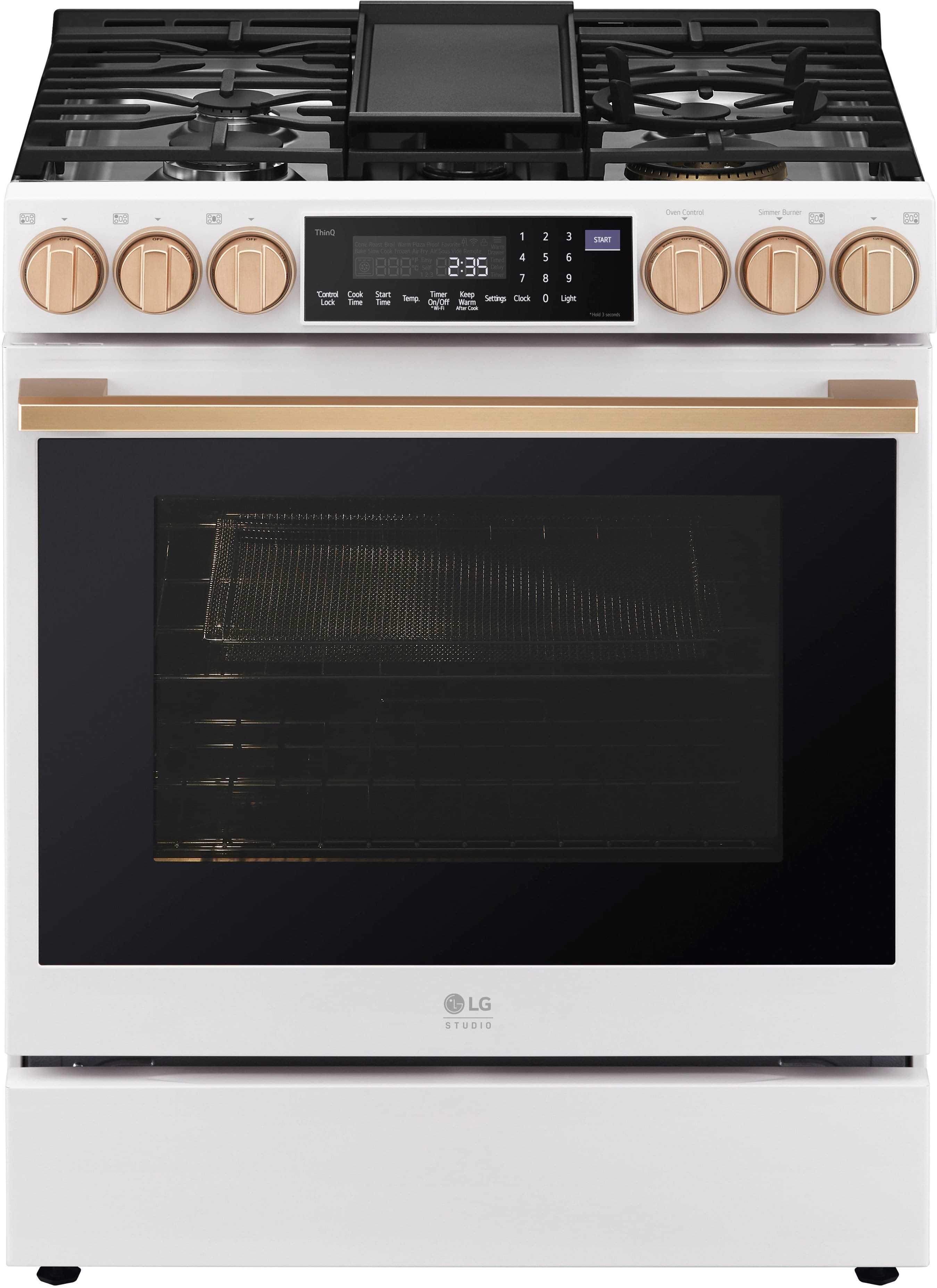
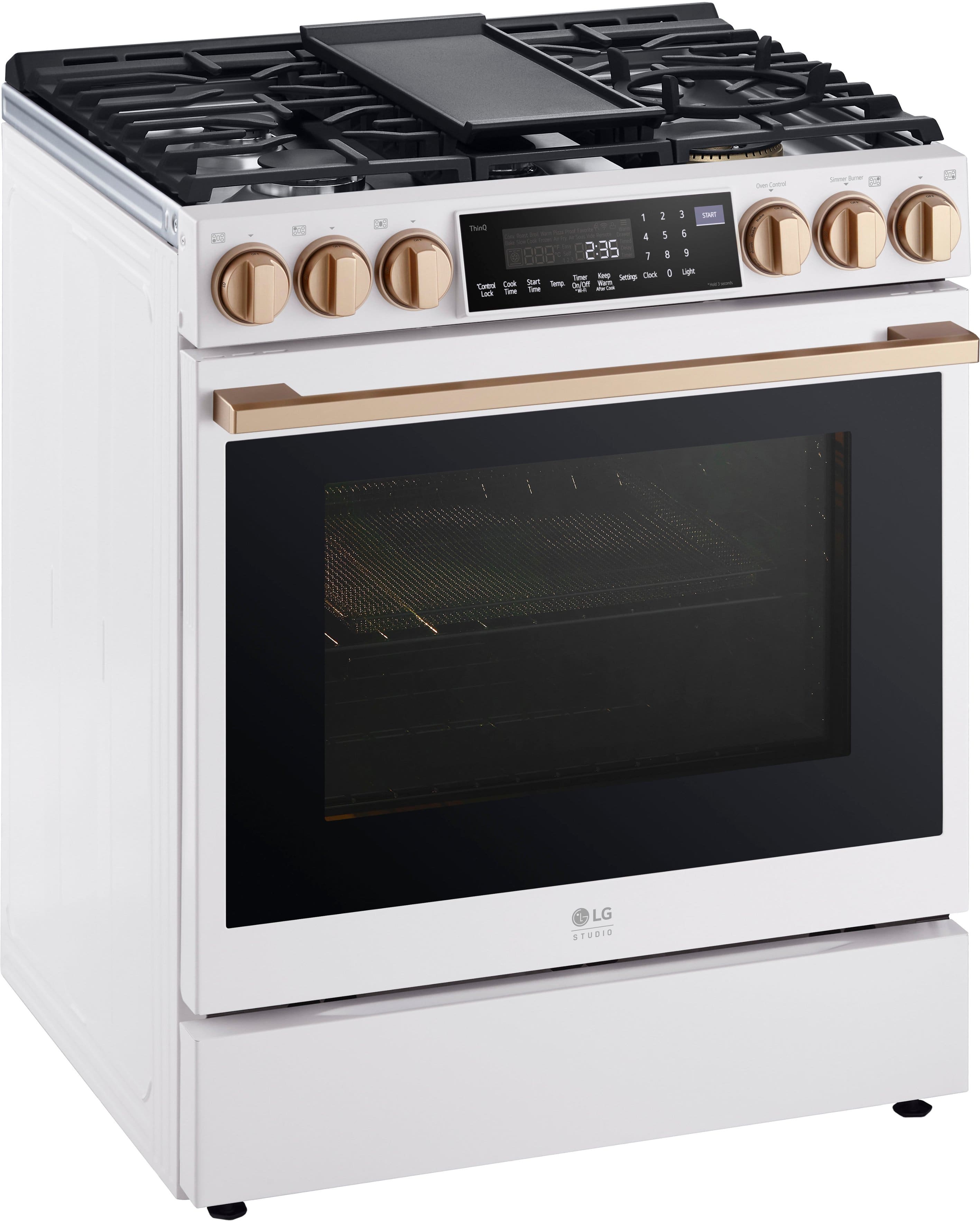
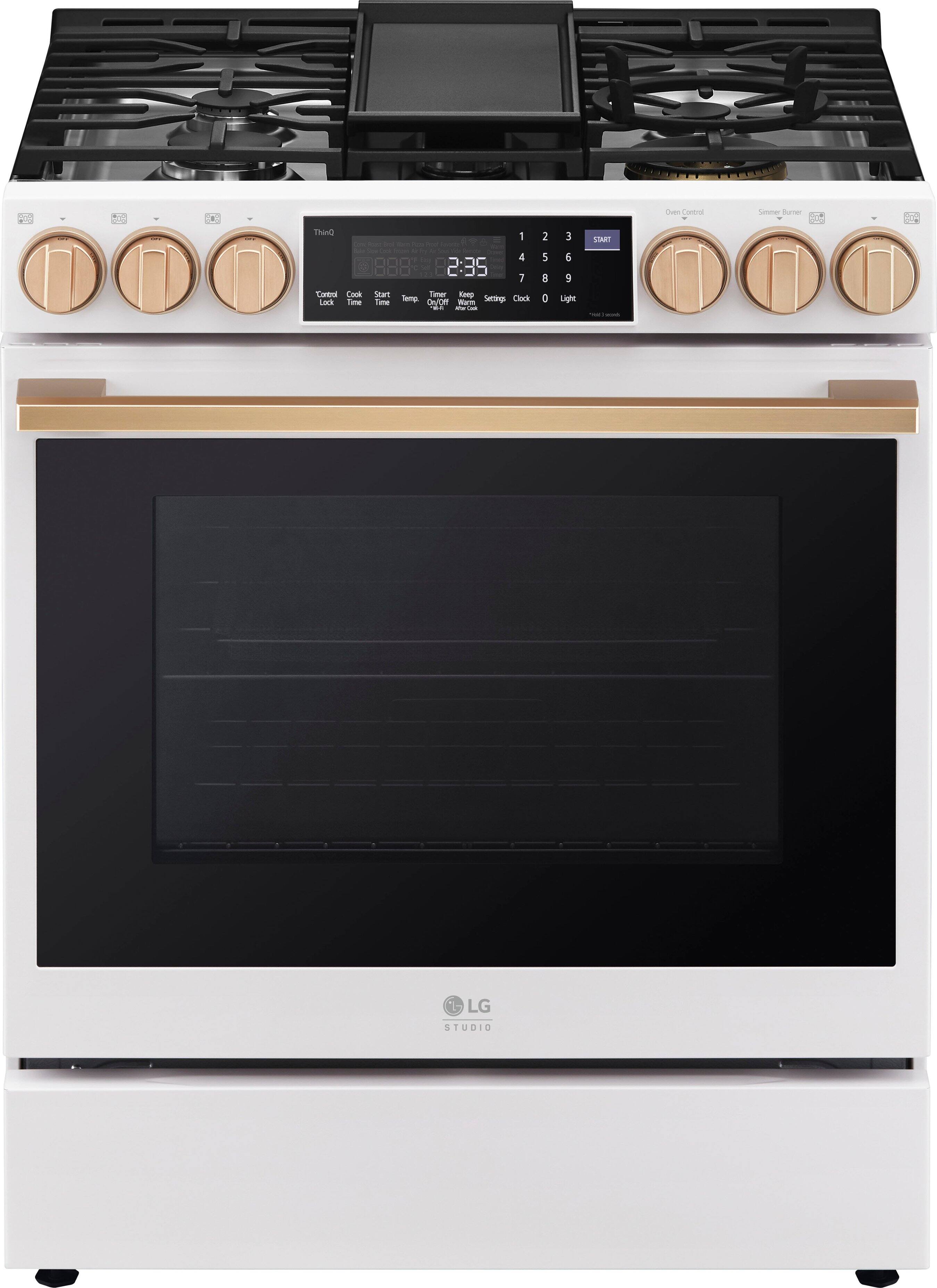
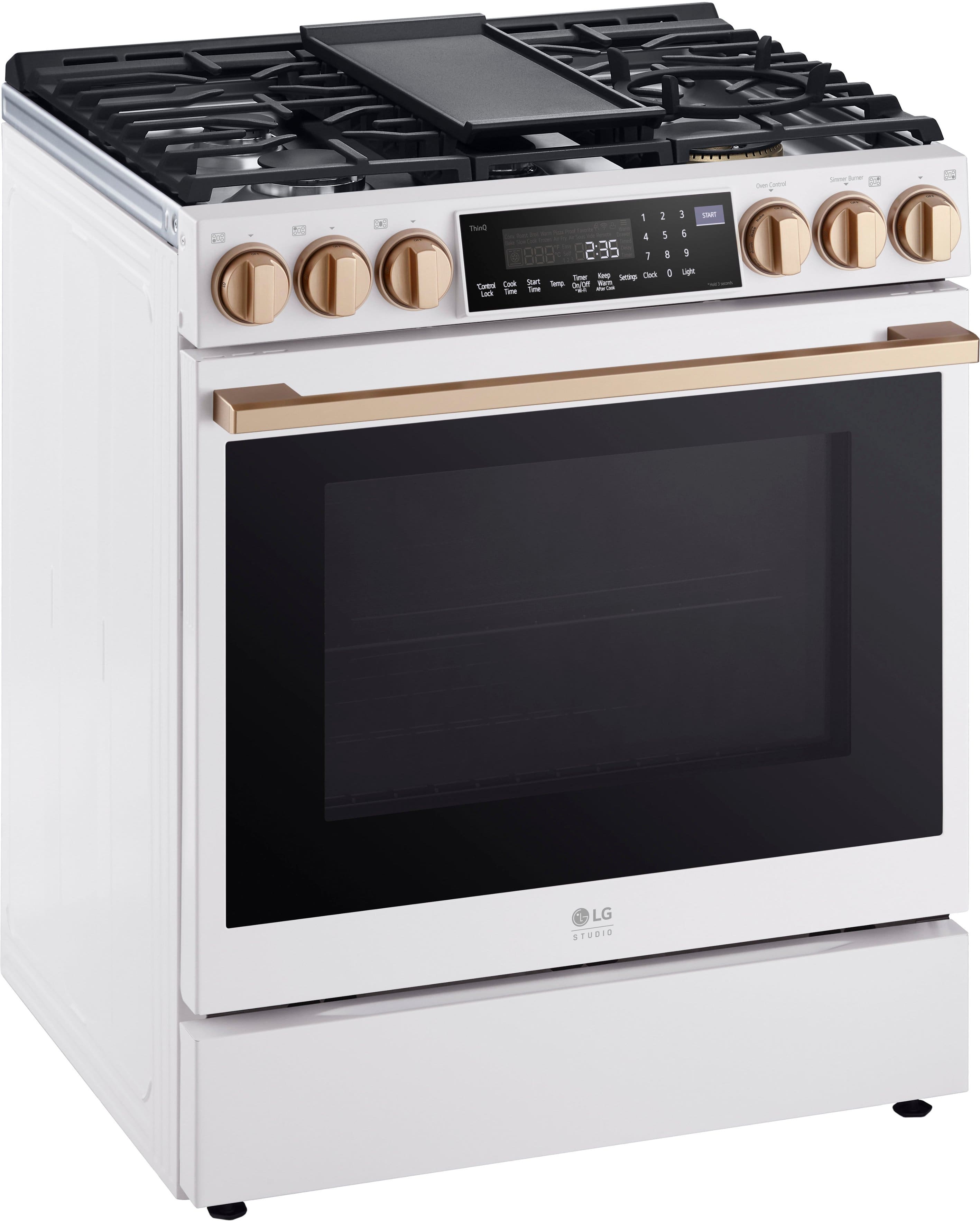
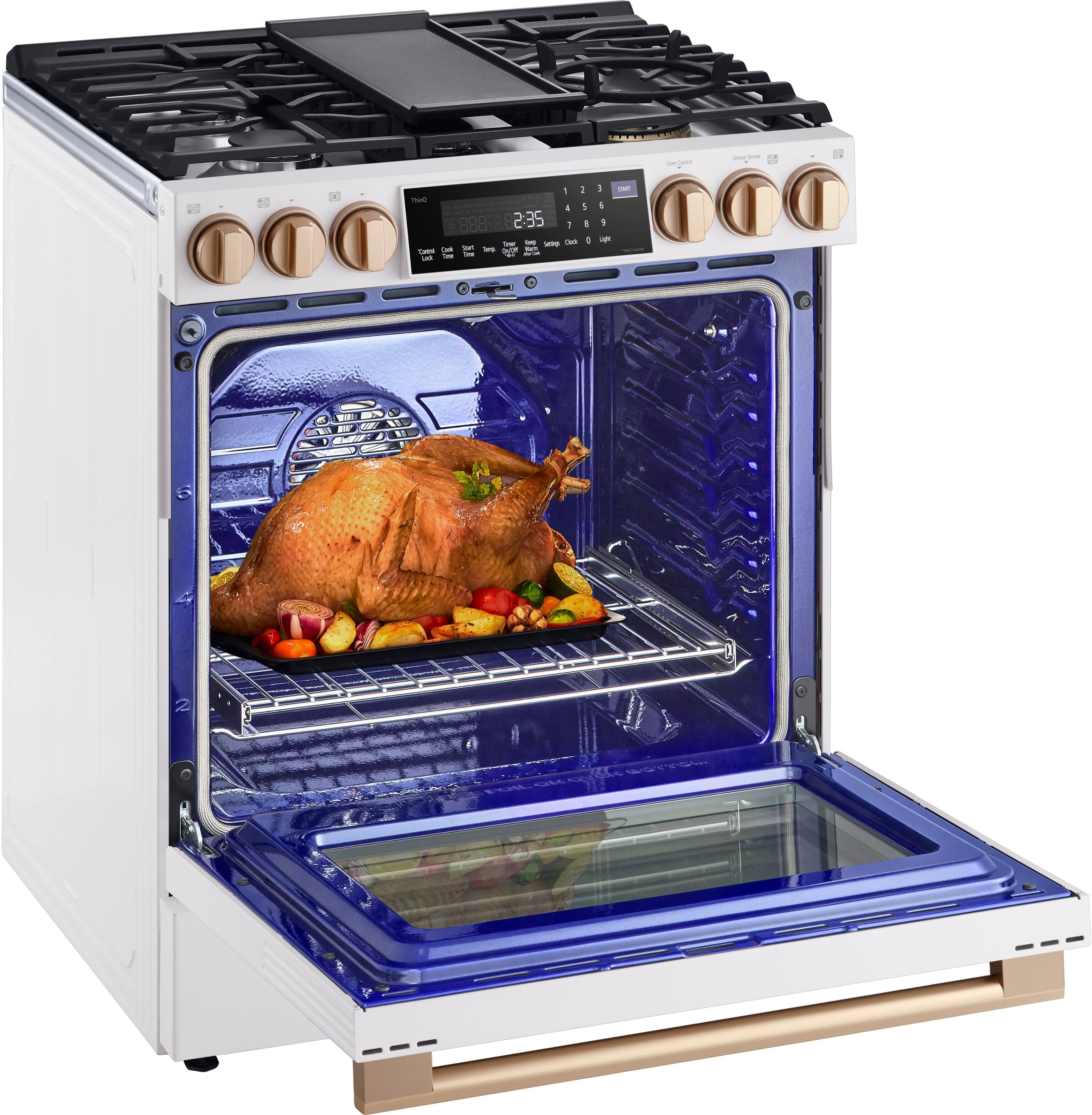
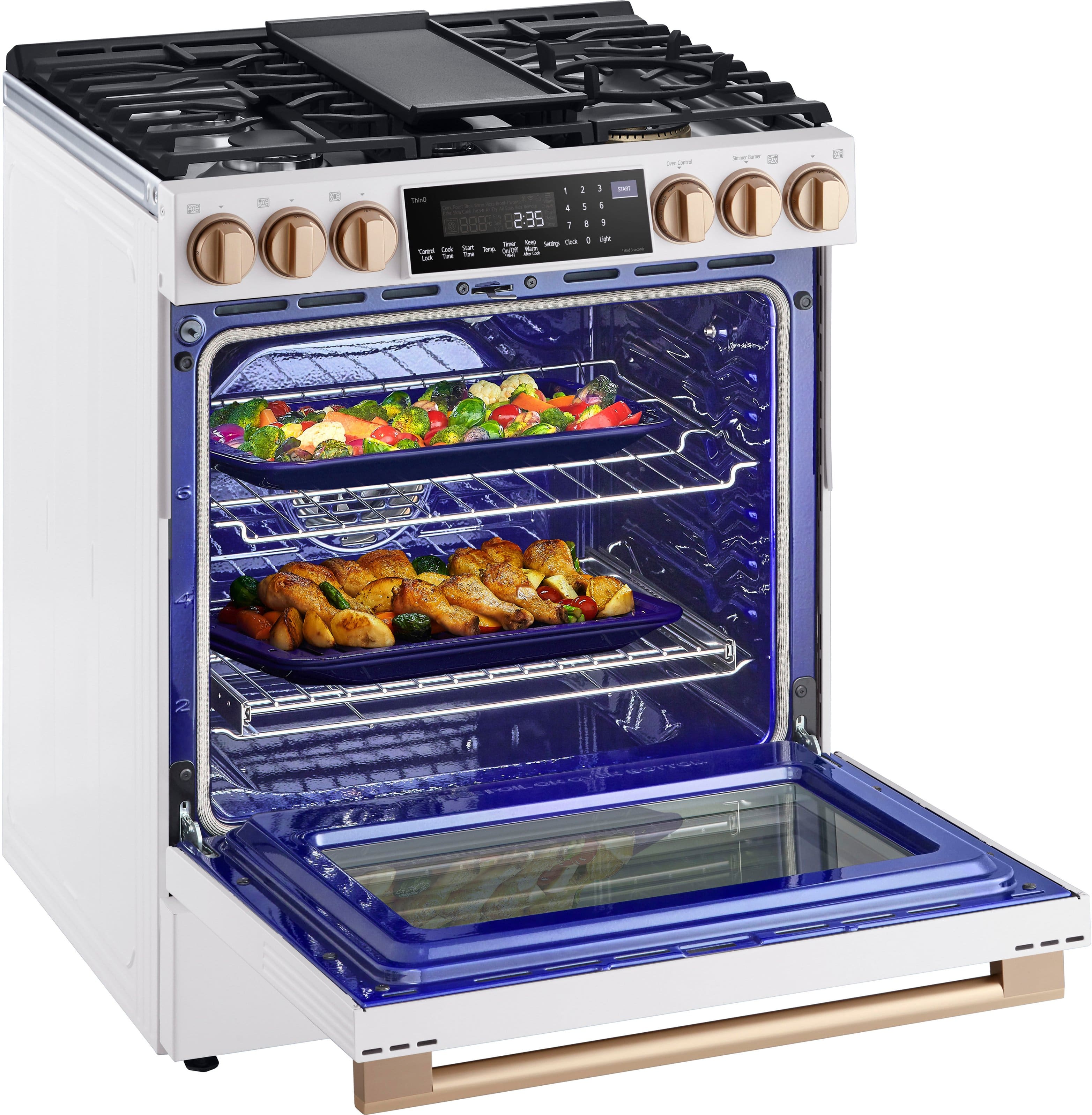
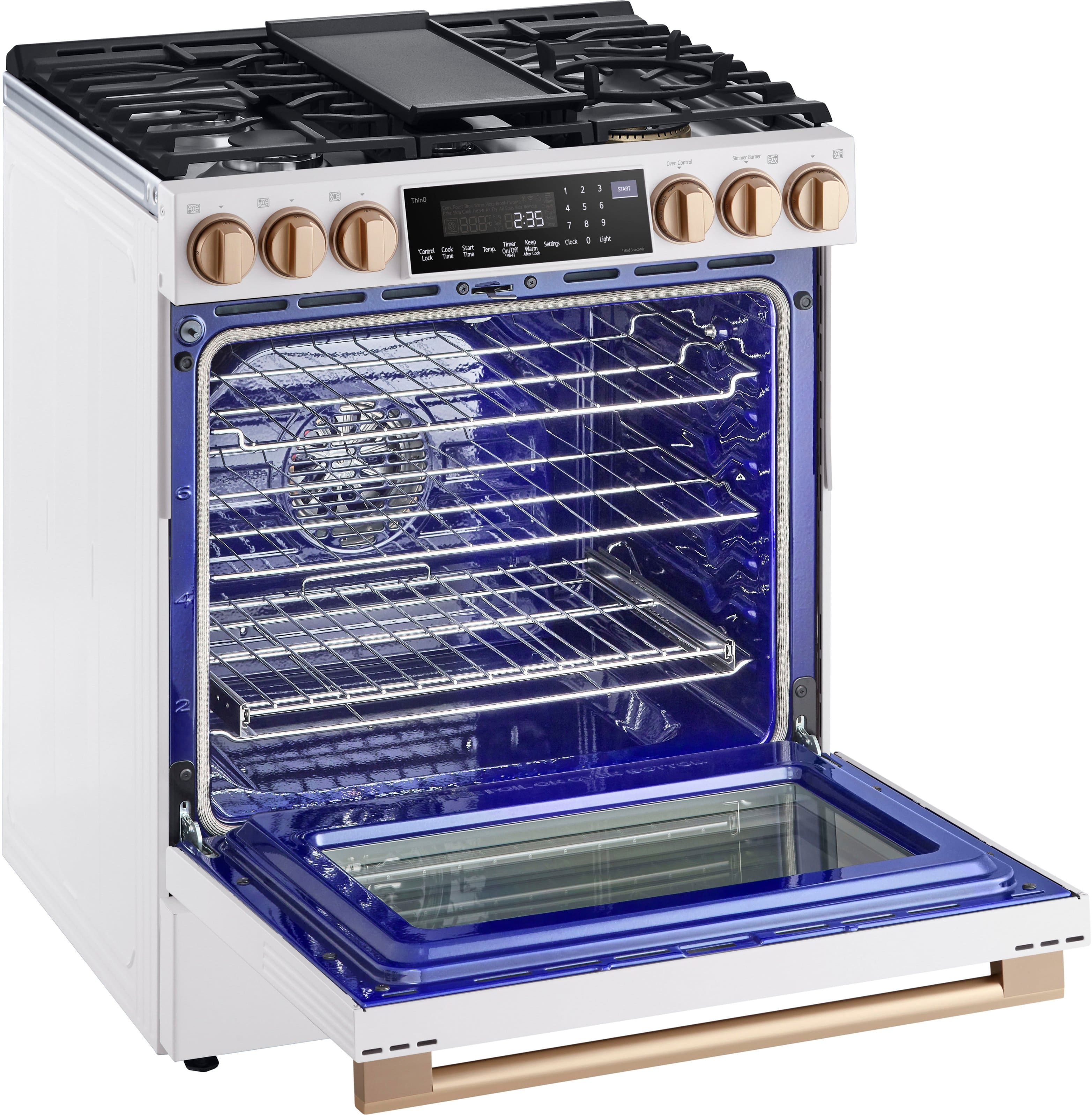
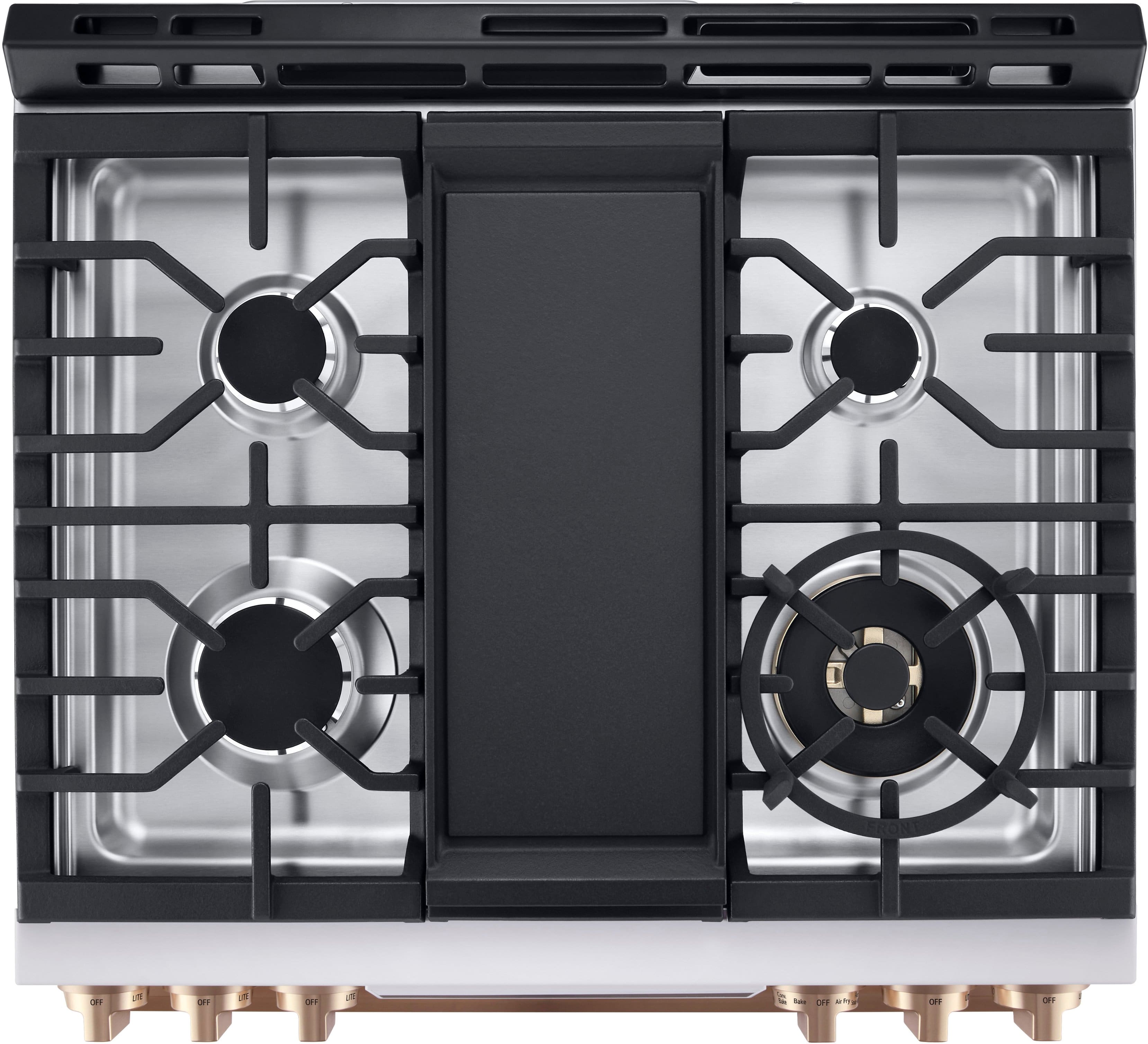
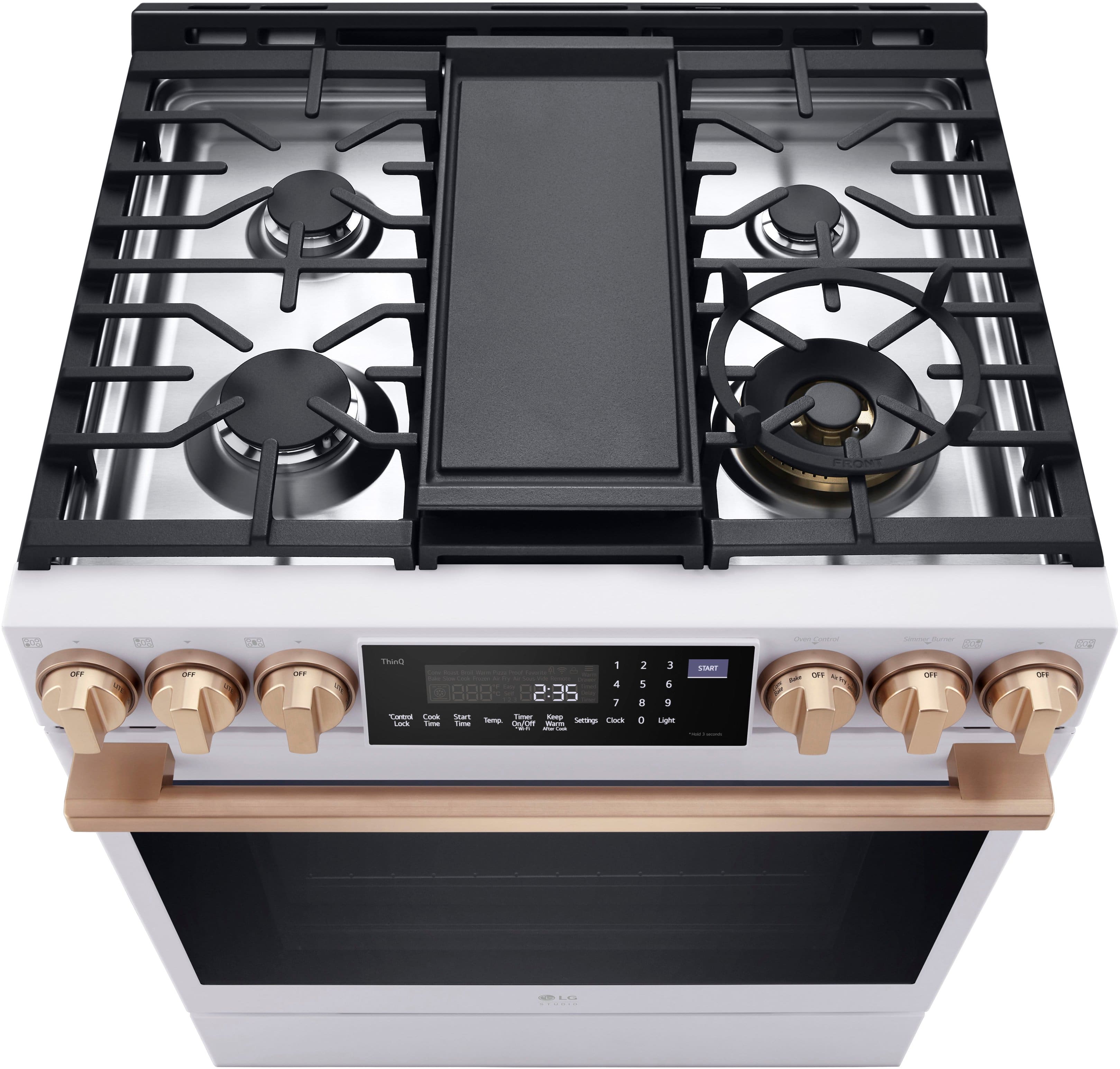
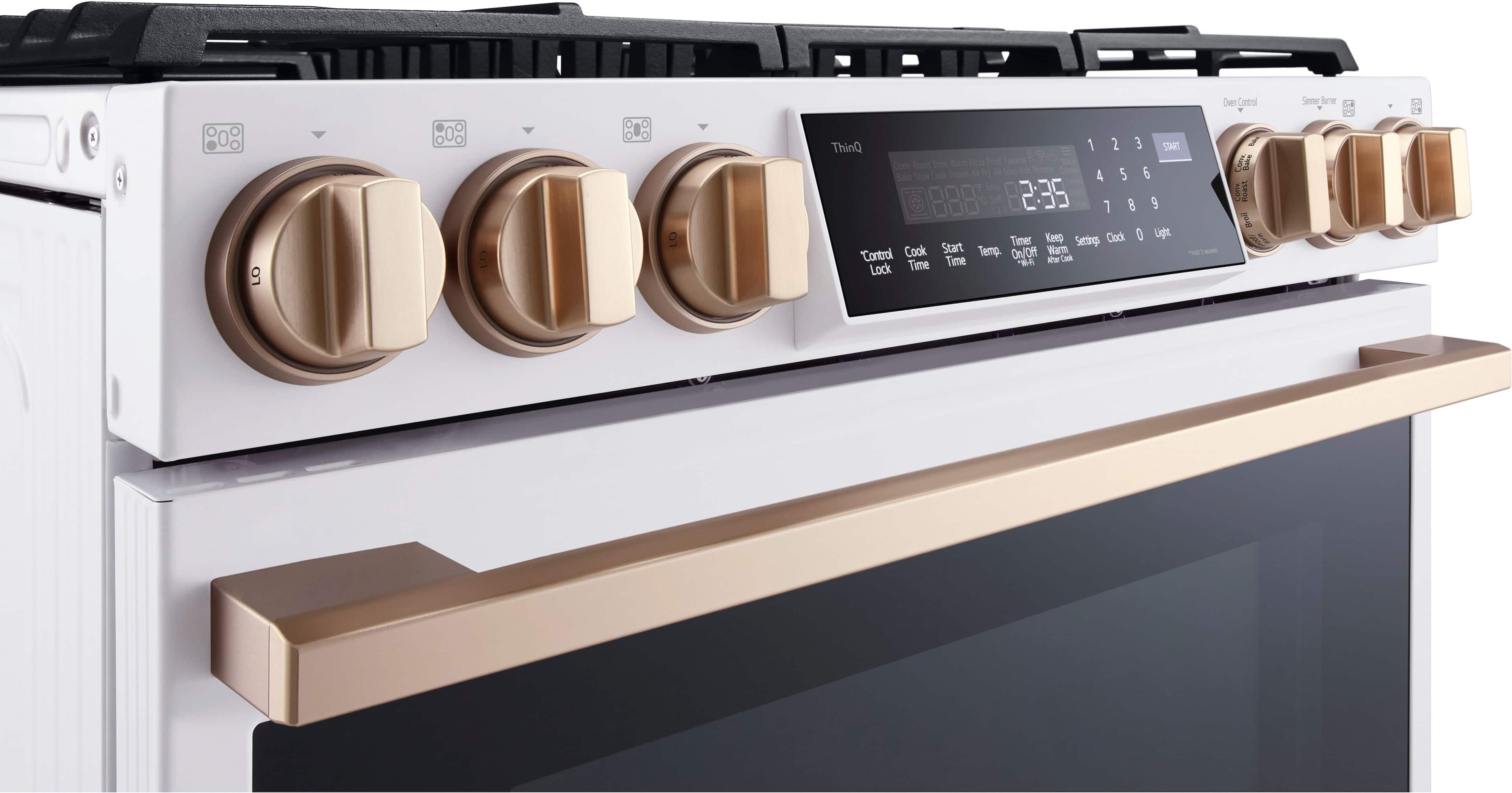
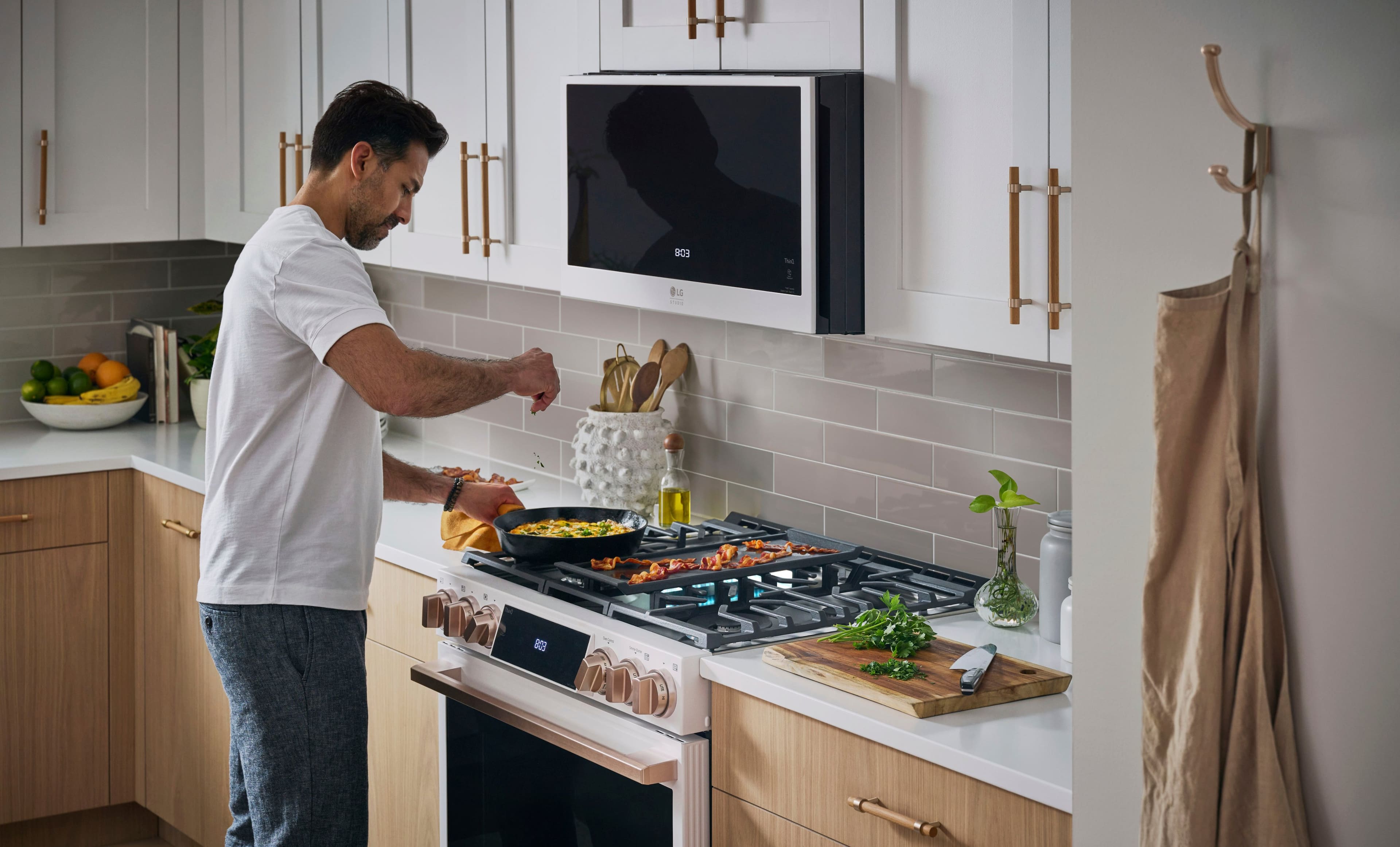
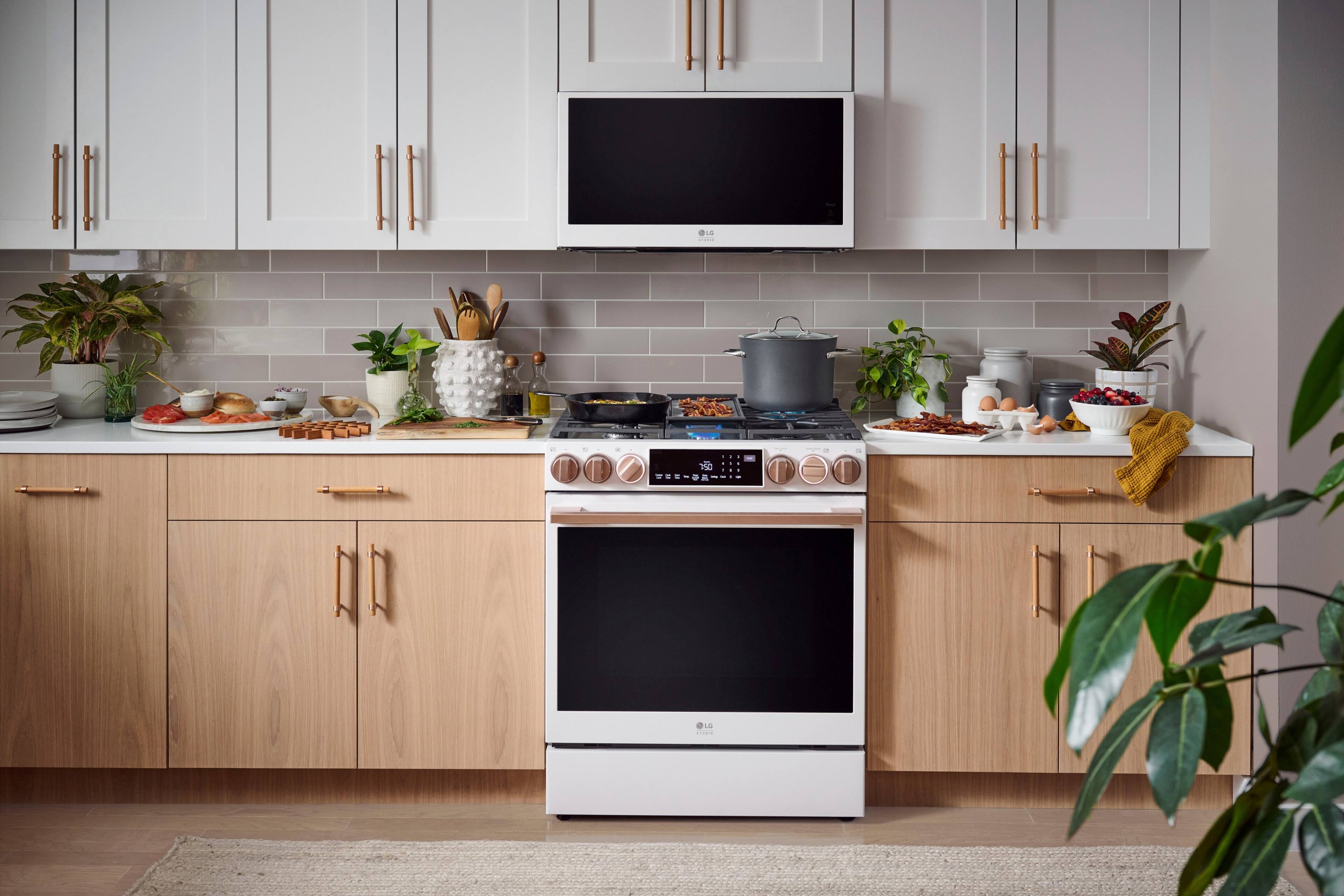
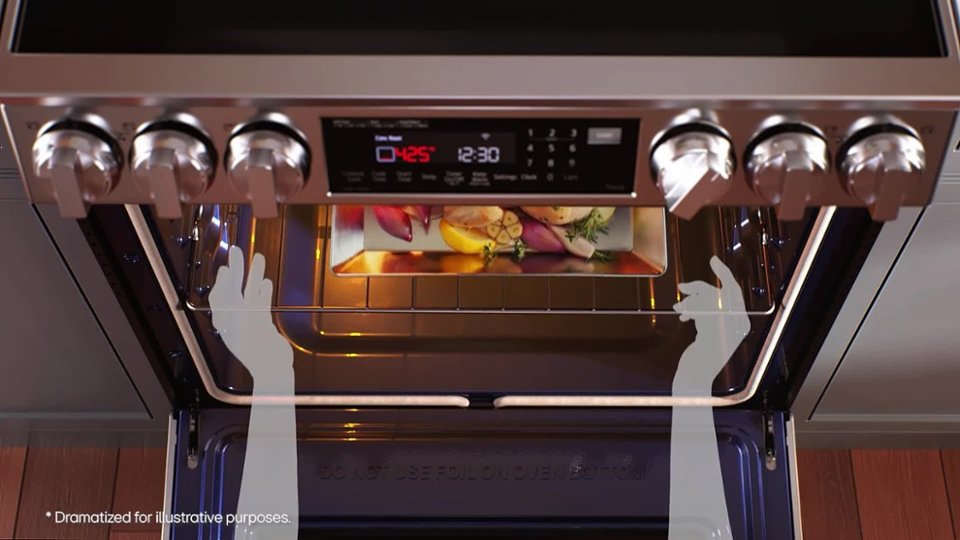
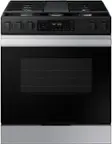
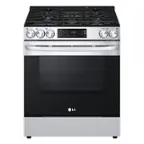
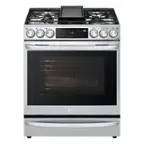
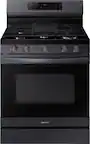
A:AnswerHi there. Thanks for reaching out. For the LG STUDIO 6.3 cu. ft. Slide-In Gas True Convection Range w/EasyClean and Sous Vide the Griddle can be removed. *NOTE: When placing or removing the Griddle, always wear oven mitts. `Jai.
A:AnswerCheck out this link for some troubleshooting steps; https://www.lg.com/us/support/video-tutorials/oven-heating-issues-lg-range-CT00000303-20150161479085. ~Rita
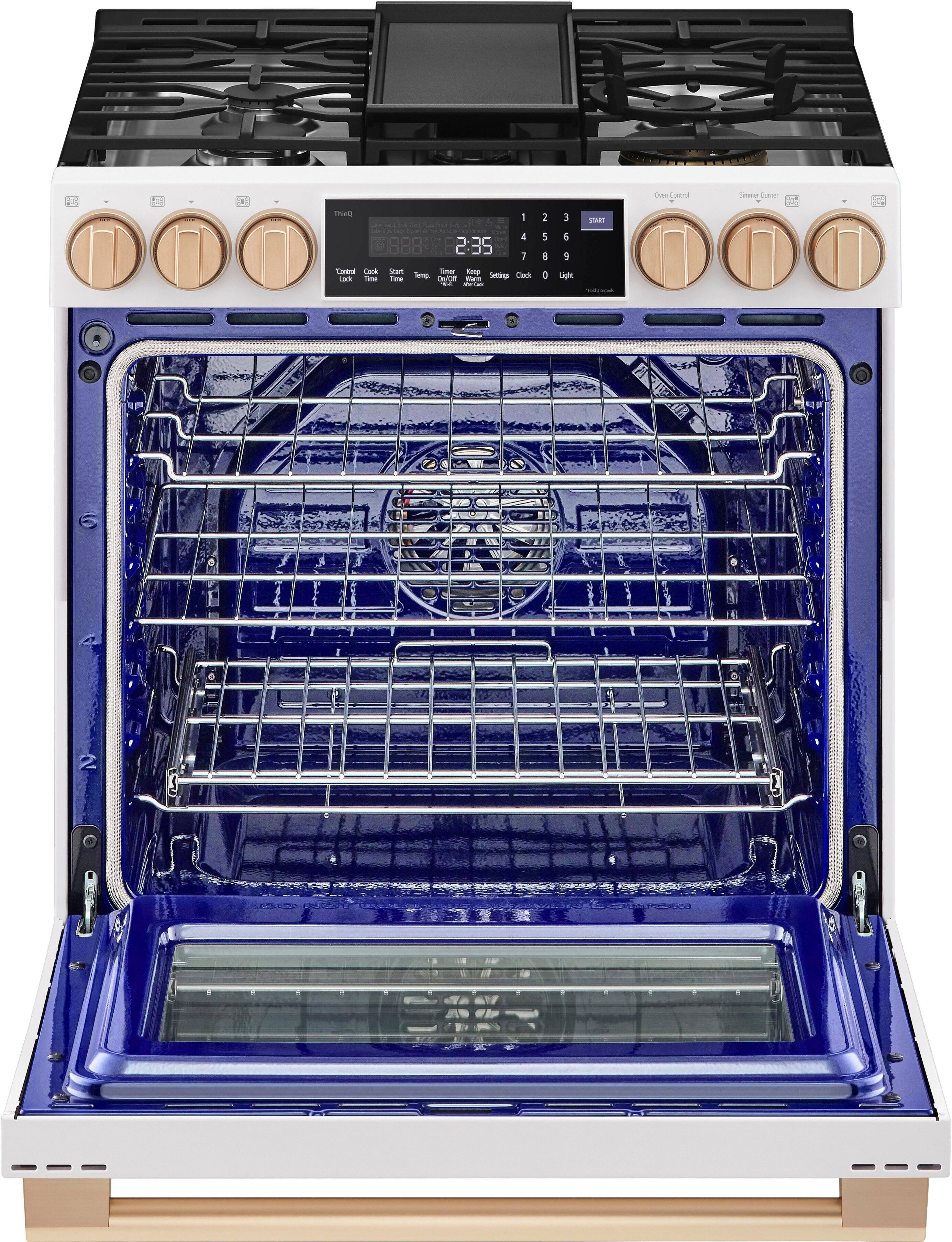
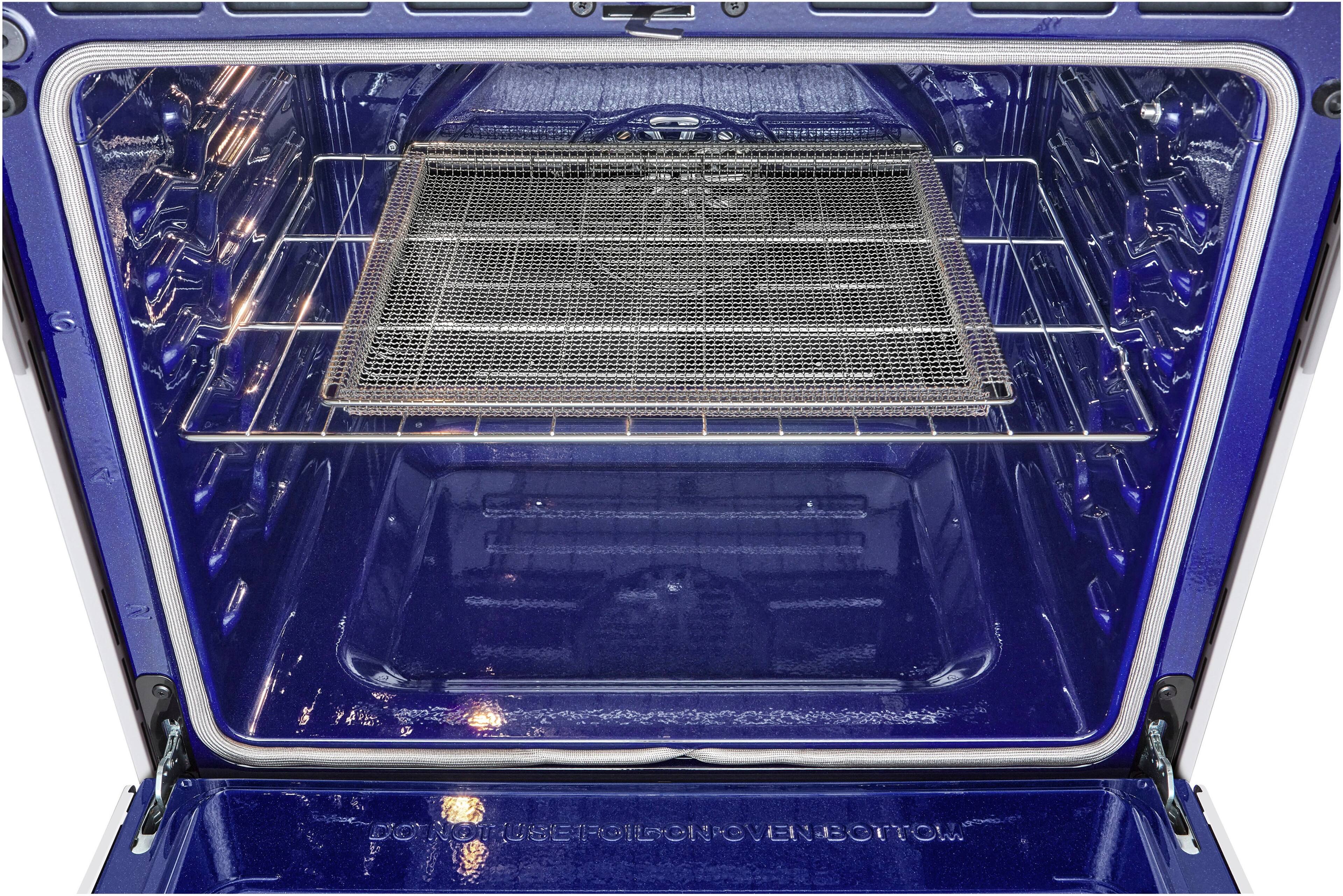
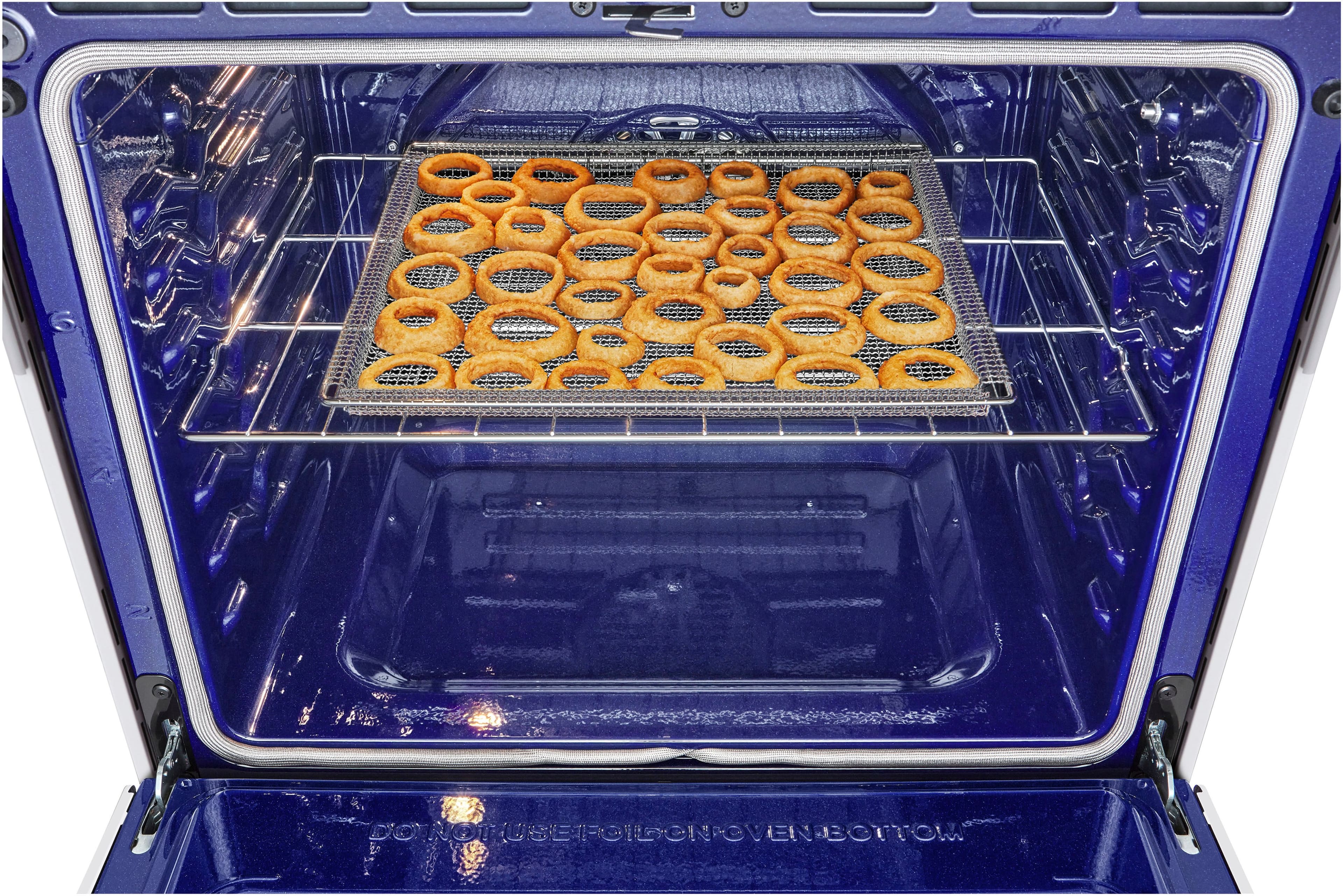
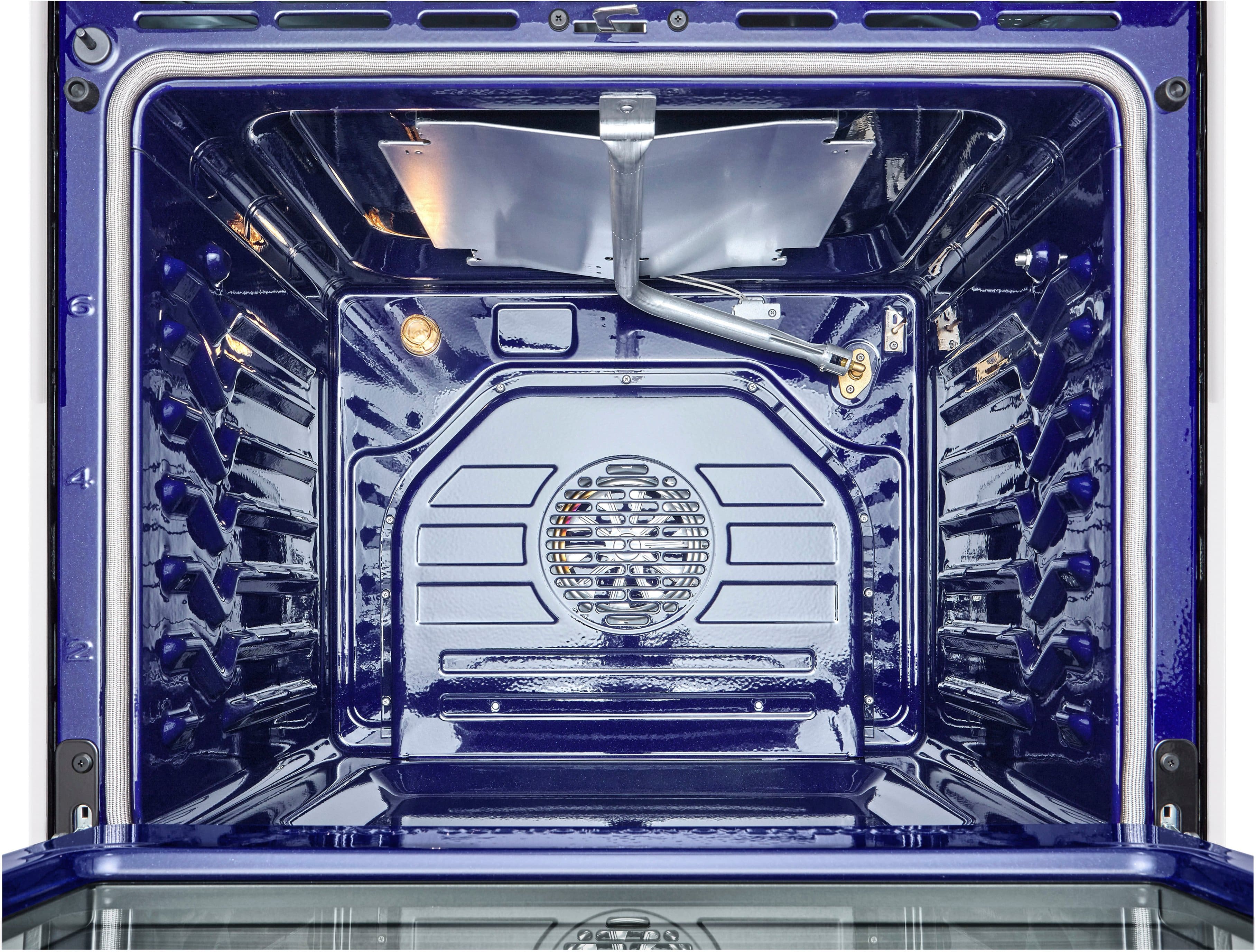
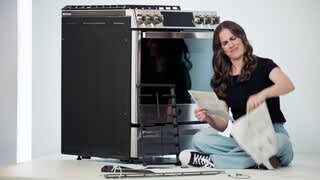
A:AnswerHi there, thank you for reaching out with your question. We understand that you're having trouble getting the gliding rack in and noticing that the blue coating seems to be missing in some spots.
It sounds like the rack may not be properly aligned with the oven's gliding tracks, which can sometimes cause this issue. One potential troubleshooting step is to ensure that the rack is inserted at the correct angle and slid gently into place. You can also check the oven’s gliding tracks for any debris or buildup that could be obstructing the smooth movement of the rack.
Based on the Owner's manual page 32:
• Avoid cooking extremely greasy foods as grease
spillover can occur.
• The griddle can become hot when surrounding
burners are in use.
• Do not overheat the griddle. This can damage
the non stick coating.
• Do not use metal utensils that can damage the
griddle surface. Do not use the griddle as a
cutting board.
• Do not place or store items on the griddle.
Based on the Owner's manual page 54:
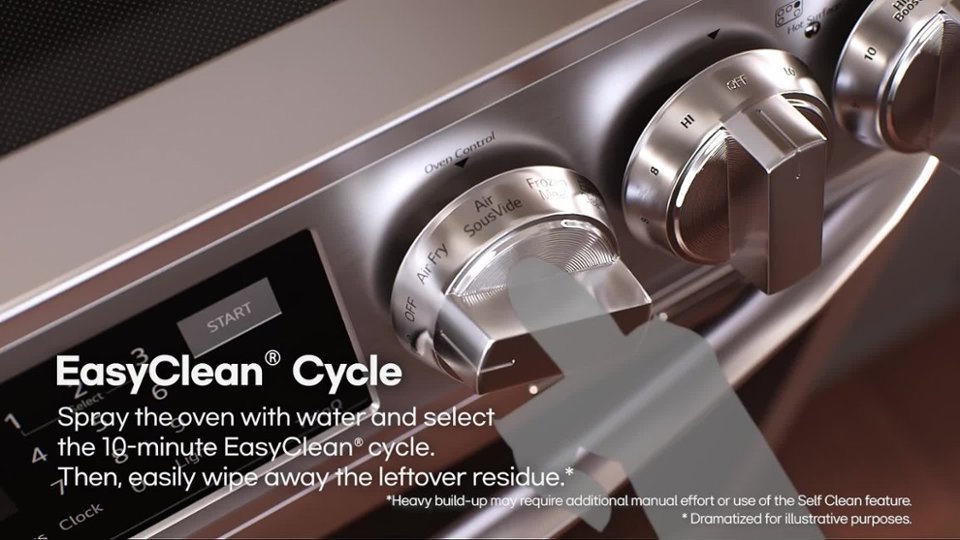
Cleaning the Cooktop Surface:
The EasyClean coating makes cleaning the cooktop
easier. Even heavy grease stains can be removed
using only warm water.
Based on the Owner's manual page 57:
• Do not use oven cleaners. Commercial oven
cleaner or oven liner protective coating of any
kind should not be used in or around any part of
the oven.
https://www.lg.com/us/support/product/lg-LSGS6338F.BRSESTD
If the issue persists, we recommend sending us a private message on Social Media @LGUSSupport, where our team will be happy to provide further guidance and explore potential solutions to assist you. We appreciate your patience and look forward to assisting you further!
—Renzo