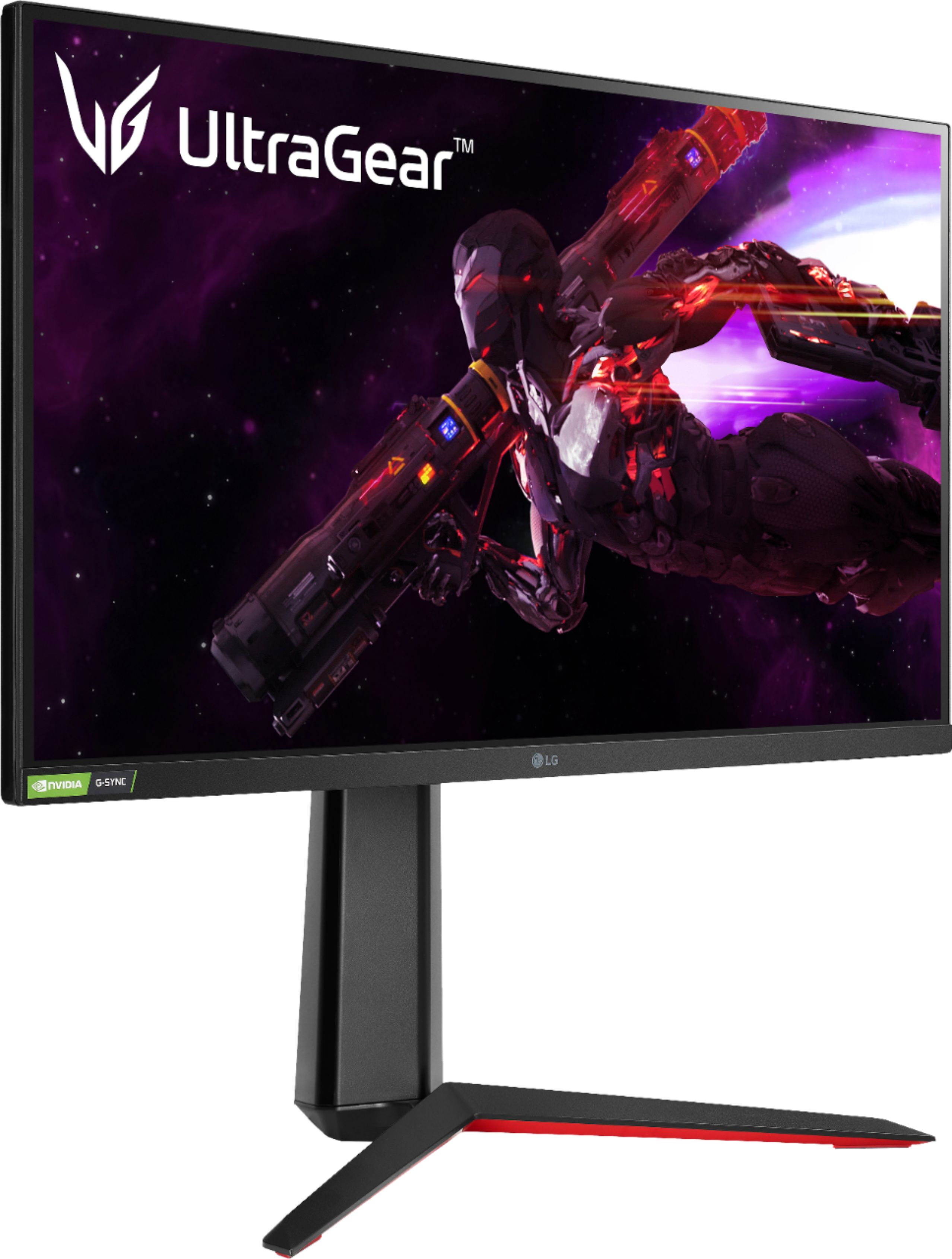
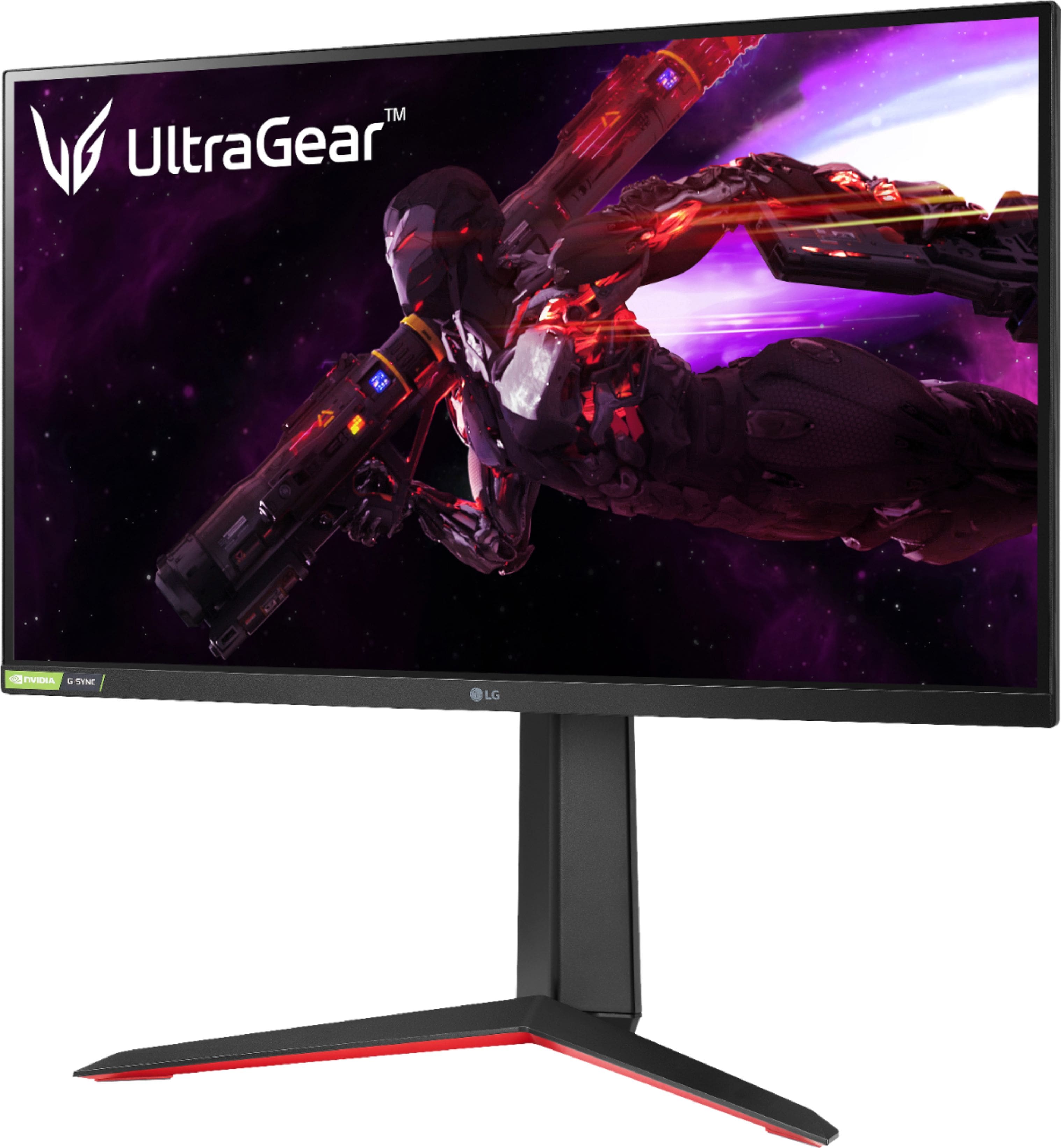
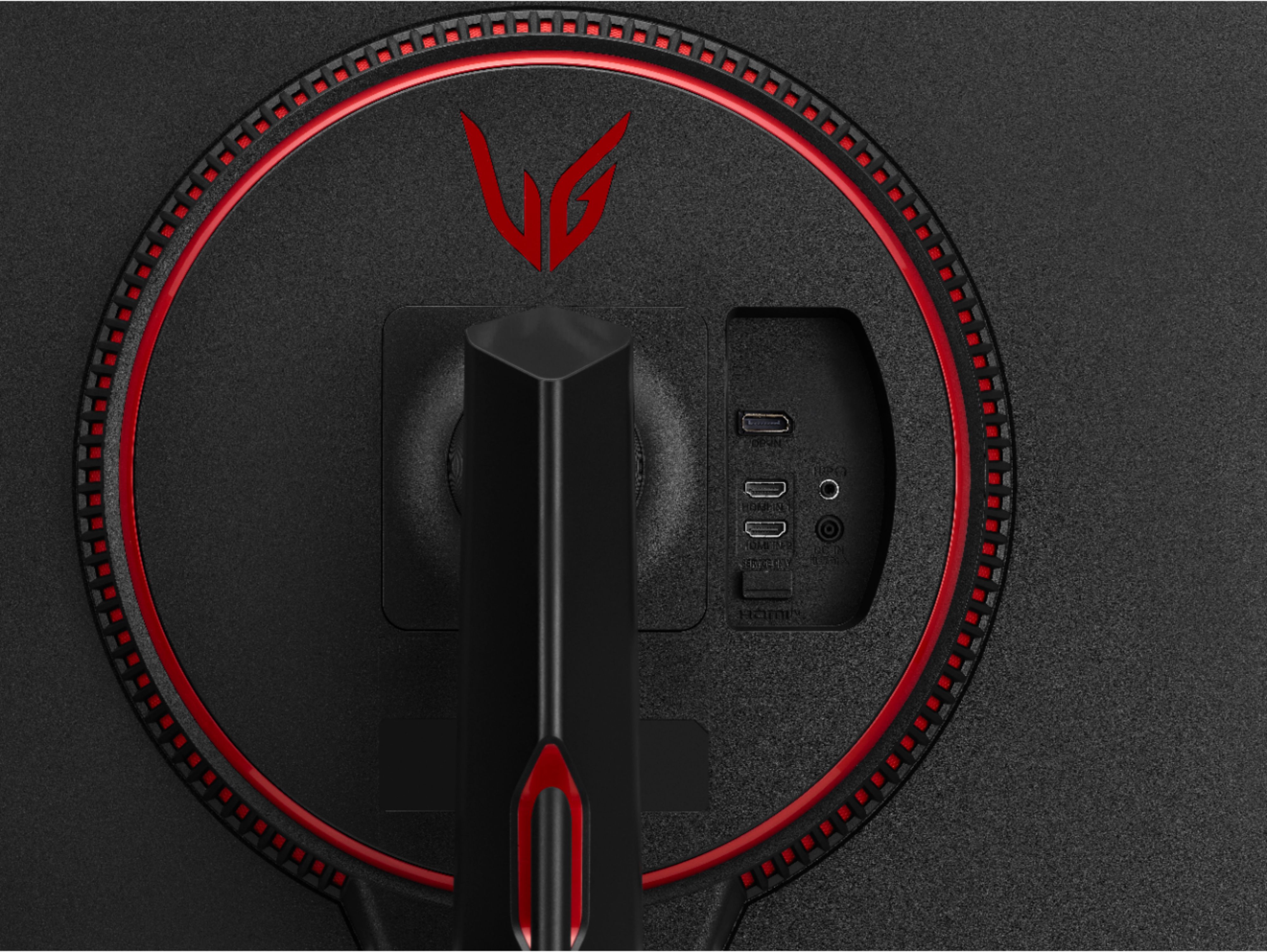
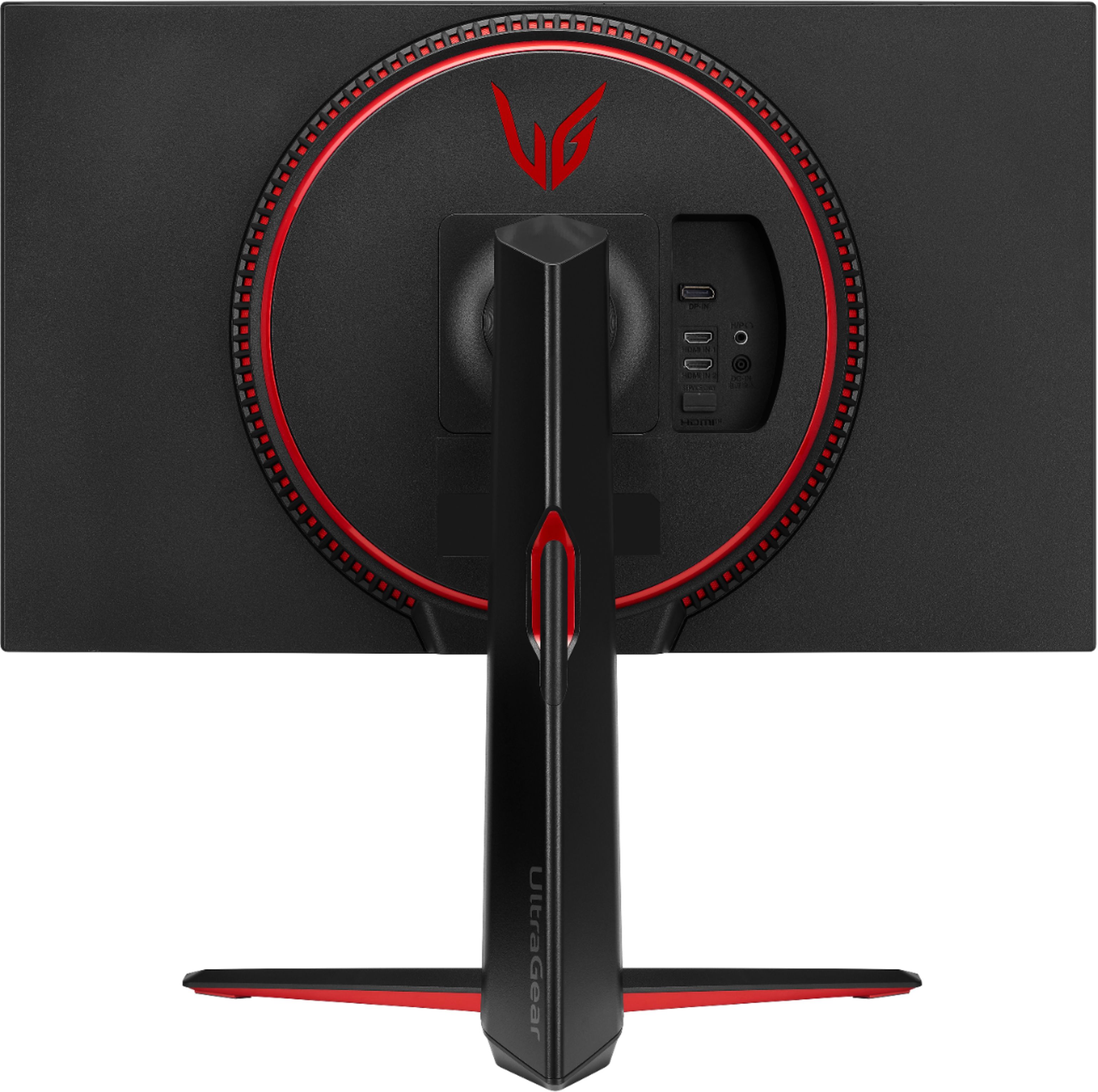
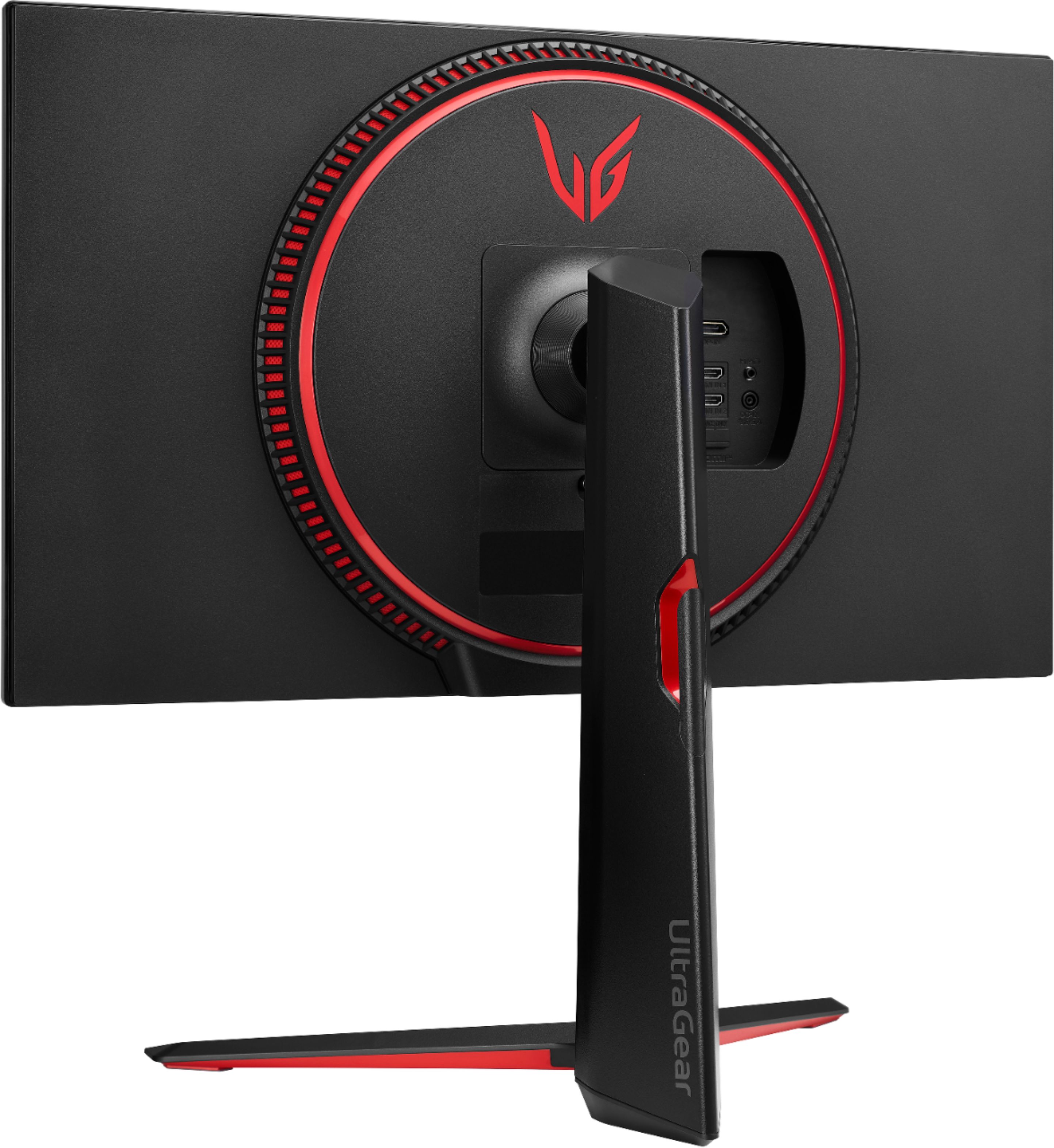
A:AnswerThe LG 27” UltraGear QHD Nano IPS 1ms 165Hz HDR Monitor with G-SYNC Compatibility, Model # 27GP83B-B is a VESA Compliant display that has a VESA Mount Pattern of 100 x 100mm.Any VESA Compliant Dual Monitor stand that supports that patter, regardless of brand or manufacturer can be used to mount the monitor(s)...^Ivan
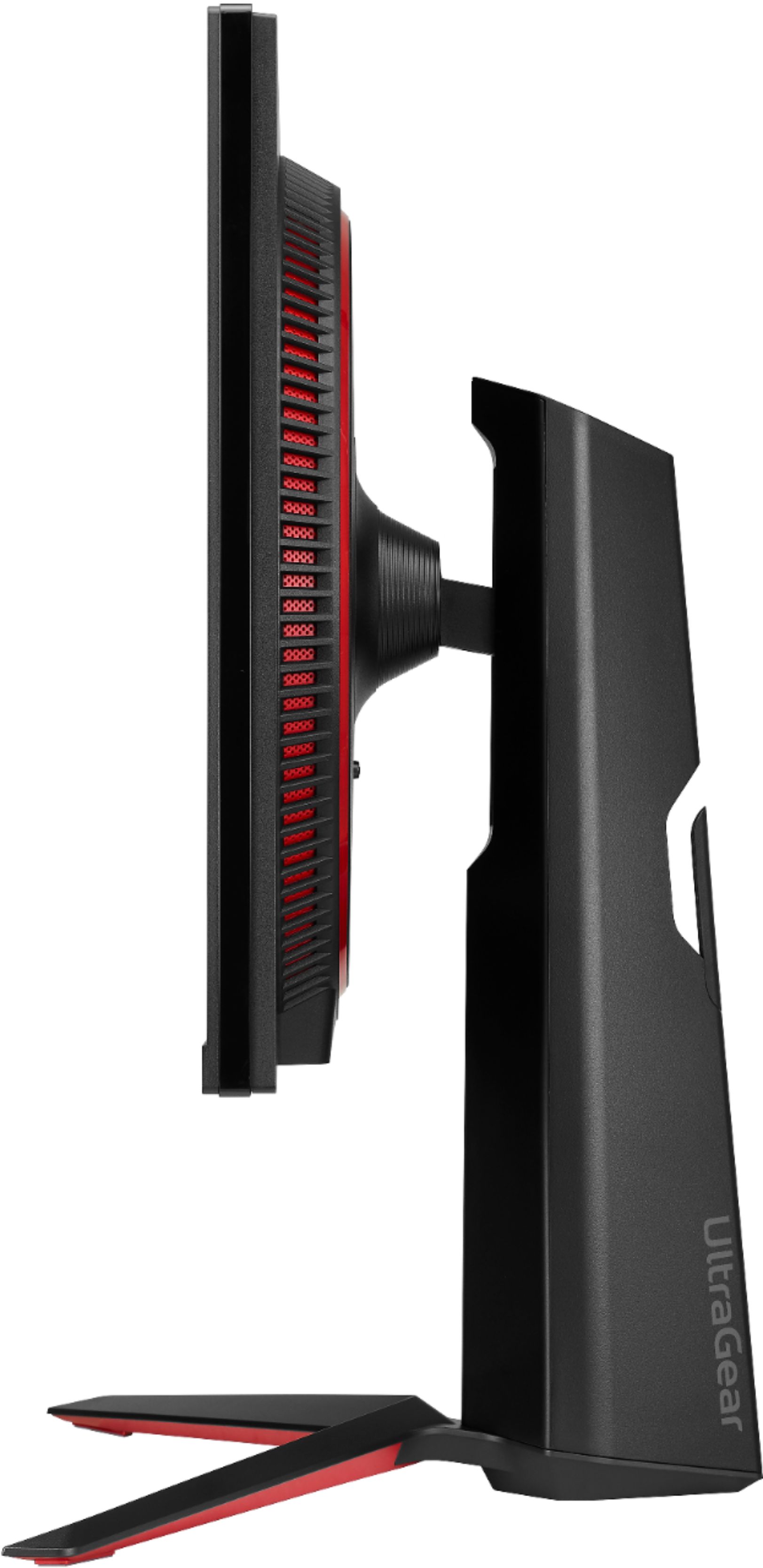
A:AnswerHi, Model 27GQ40W-B Dimension with Stand 24.2" x 17.9" x 7.9" while model 27GP83B-B dimension with stand is 24.2" x 22.7" x 11.5"(UP) 24.2" x18.3" x 11.5"(Down). ^Vanessa
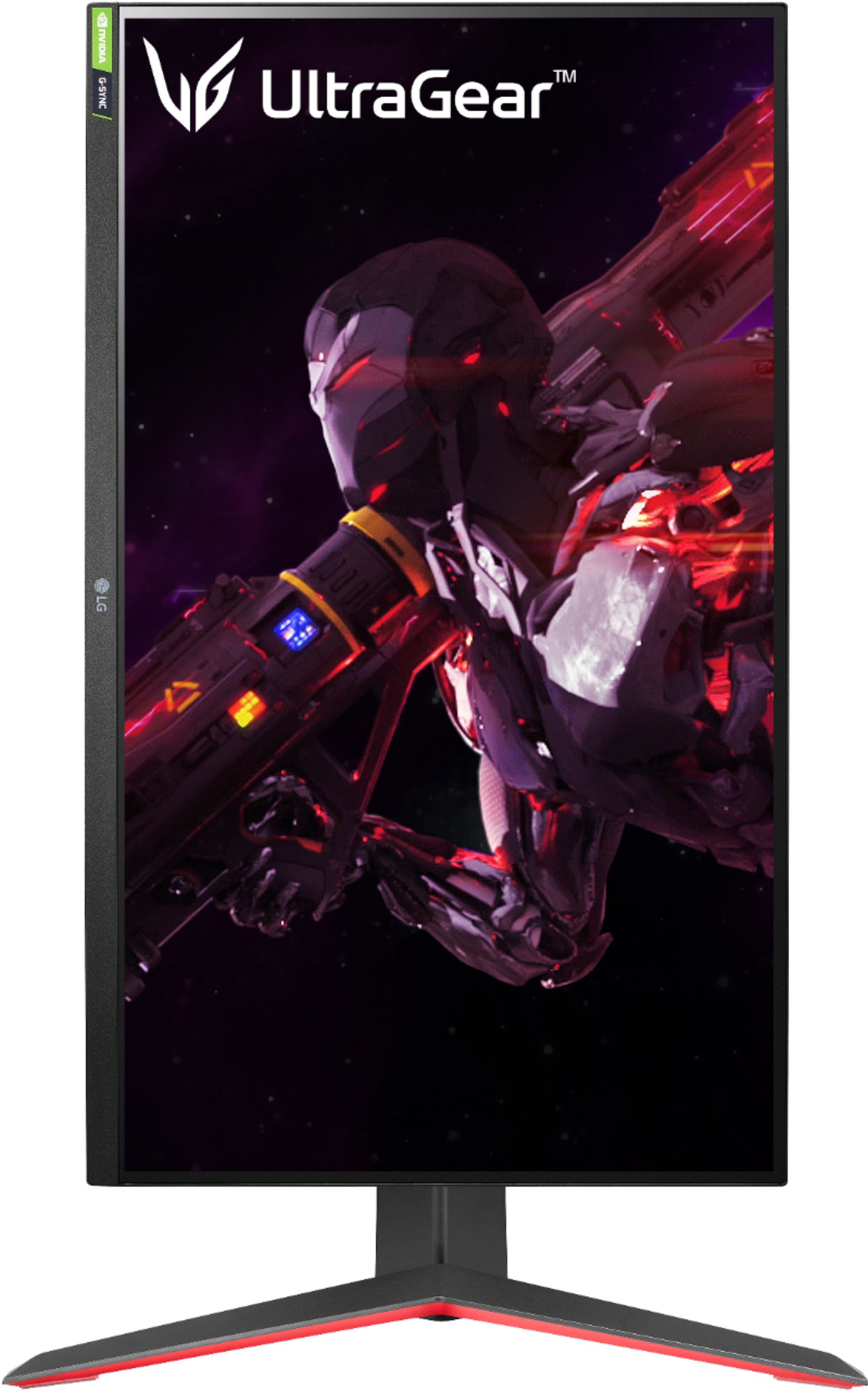
A:AnswerHi, The 165Hz refresh rate monitor combined with a 1ms response rate offers smoother, clearer action while reducing blur and ghosting. Both unit (27GP950-B)has no VRR. This model 27GP83B-B has a 165 HZ
27GP950-B - 4K & VRR Up to 120Hz from HDMI 2.1 NVIDIA G-SYNC® Compatible. ^Vanessa
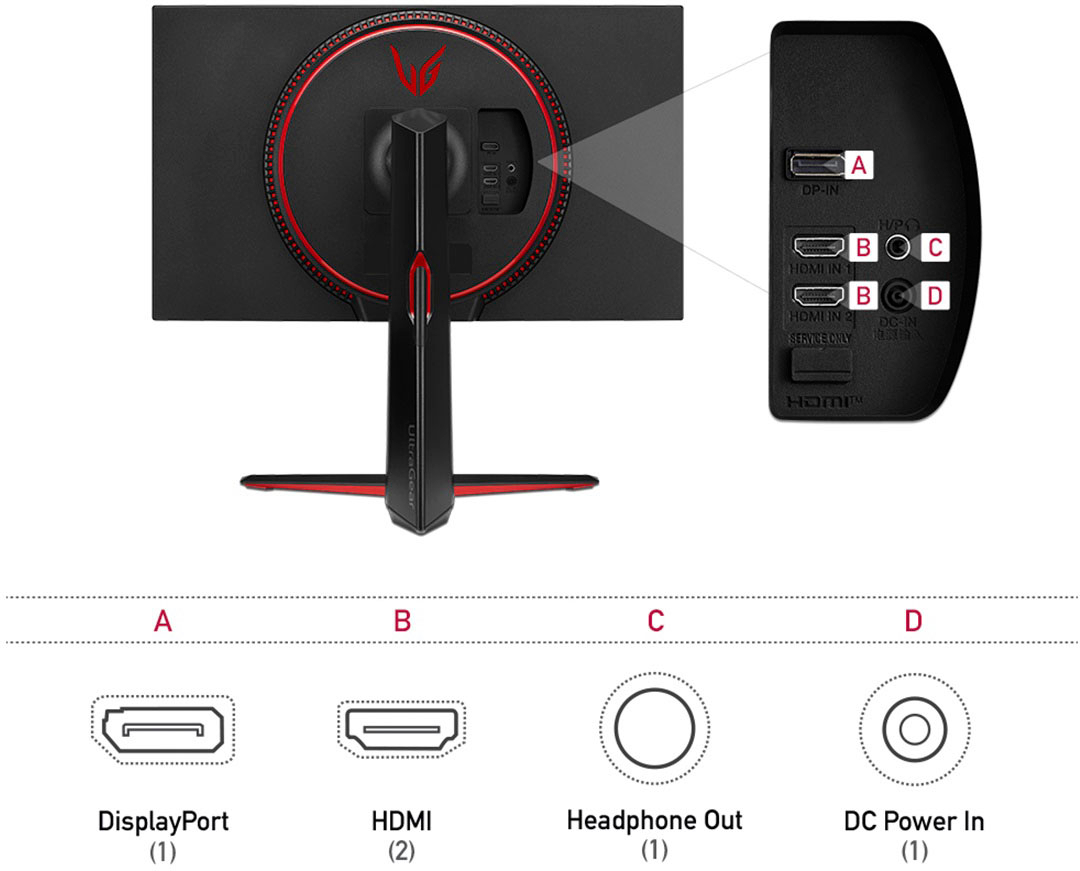
A:AnswerHi, Justots. Thanks for reaching out to us. The LG Monitor (27GP83B-B) model does not have built-in speakers, so if you're not getting sound, you may need to check your external audio setup. Here are a few troubleshooting steps: If you're using HDMI or DisplayPort, ensure your PC’s sound output is set to the correct external speakers or headset. Go to Sound Settings (Windows: Right-click the speaker icon in the taskbar → Sound Settings → Output Device).Ensure your speakers or headset are properly connected to your PC, as the monitor does not output sound.
Try using a different audio source (another PC or device) to confirm if the issue is with the speakers or the connection. For more help, you may visit https://www.lg.com/us/support/help-library/lg-monitors-troubleshooting-no-audio-or-low-volume--20150872235266. If you need further assistance, please send us a private message on social media @LGUSSupport. We’d be happy to help. ^Juvy
A:AnswerHello there! Thank you for reaching out about the 27GP83B-B.AUS monitor. This monitor is designed to transmit audio from your connected device to its built-in speakers or headphone jack for audio output. However, it doesn't have a built-in microphone or support for microphone input. To communicate with others during gaming, you'll need to use a separate microphone connected directly to your computer or gaming console. If you need further assistance or have more questions, please send us a private message on Social Media @LGUSSupport, and we'll be happy to assist you further. Happy gaming! —Renzo
A:AnswerHi there, Edgar! Thank you for your question about the LG 27GP83B-B.AUS monitor. Yes, this model is VESA-compatible, which means you can use a different mount as long as it meets the VESA 100mm x 100mm standard. This allows you to mount the monitor on various stands, arms, or wall mounts for more flexibility in positioning.
If you need more assistance, please send us a private message on Social Media @LGUSSupport. We’re here to help!
—Avril
A:AnswerThank you for reaching us regarding LG Monitor. Yes, the LG 27GP83B-B monitor is compatible with the Steam Deck OLED. You can download its owner's manual through this link for more information: https://www.lg.com/us/support/product/lg-27GP83B-B.AUS. For additional assistance, please reach out to us on social media @LGUSSupport so we can help you further. ^Cris
A:AnswerThank you for reaching us regarding LG Monitor. The LG 27GP83B-B monitor does not support Variable Refresh Rate (VRR) for the PlayStation 5. You can download its owner's manual through this link for more information: https://www.lg.com/us/support/product/lg-27GP83B-B.AUS. For additional assistance, please reach out to us on social media @LGUSSupport so we can help you further. ^Cris
A:AnswerThank you for reaching us regarding LG Monitor. The LG 27GP83B-B monitor has different refresh rates depending on the connection type. If you connect it via HDMI, it supports up to 144 Hz at a resolution of 2560 x 1440 pixels (QHD). With DisplayPort, it can go up to 165 Hz at the same resolution. You can download its owner's manual through this link for more information: https://www.lg.com/us/support/product/lg-27GP83B-B.AUS. For additional assistance, please reach out to us on social media @LGUSSupport so we can help you further. ^Cris
A:AnswerHello there! Thank you for your inquiry about the 27GP83B-B.AUS monitor. We understand how disruptive blackouts during fast-paced games can be. The 27GP83B-B is designed for gaming and features a high refresh rate and response time, which helps minimize issues like screen flickering or blackouts.
While every monitor can experience occasional connectivity issues based on settings, cable quality, or GPU performance, it's always a good idea to ensure that you're using high-quality cables and that your graphics card drivers are up to date.
If you have further questions or need assistance, please send us a private message on Social Media @LGUSSupport, and our team will be more than happy to help you. We appreciate your interest in our products! —Avril