Black Friday is hereShop new DoorbustersShop now

Main Content

Questions & Answers

Page Showing 1-4 of 4 questions
  • QuestionDoes this speaker work with Google Chromecast?

    Asked by davidsco.

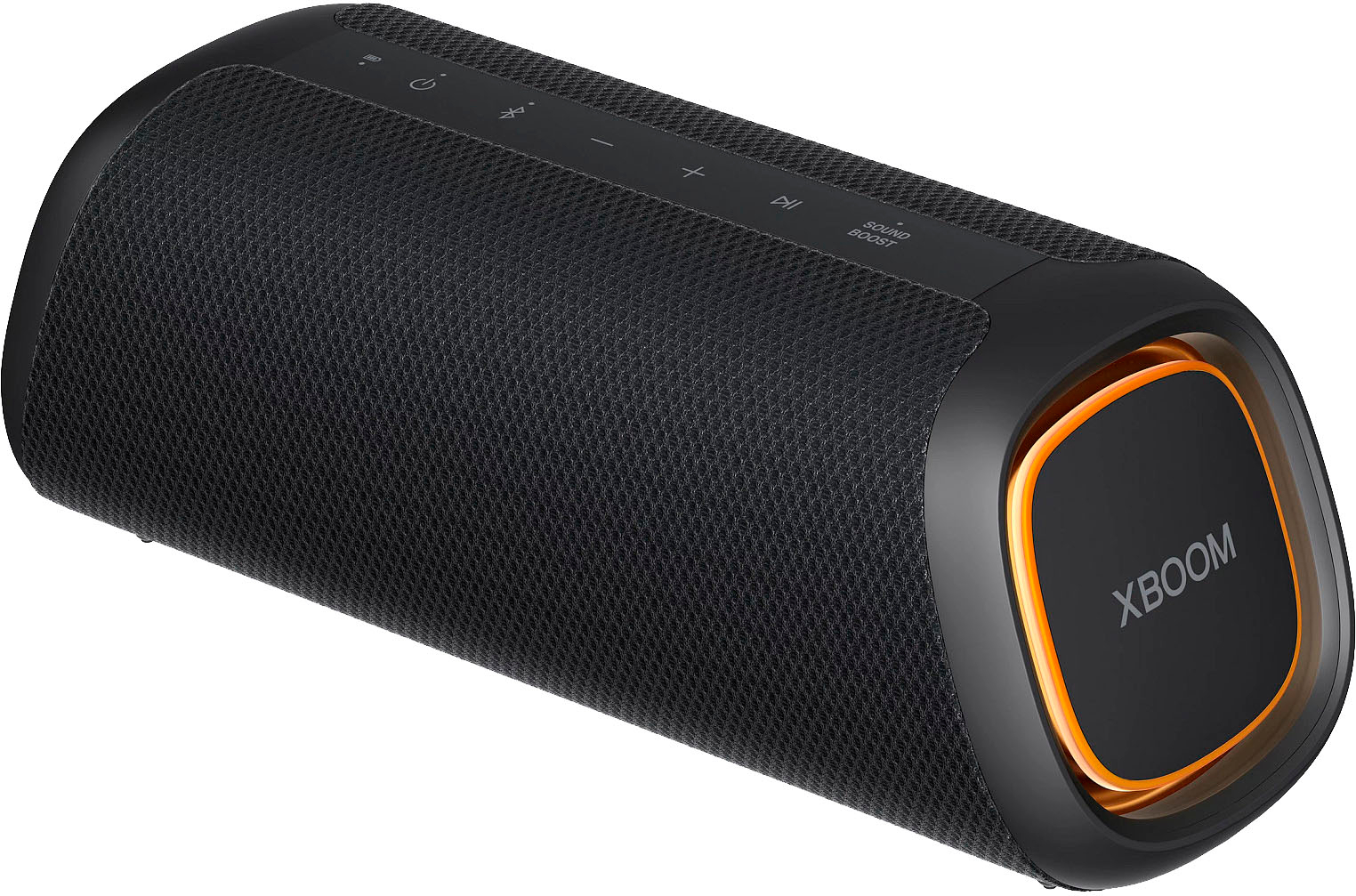
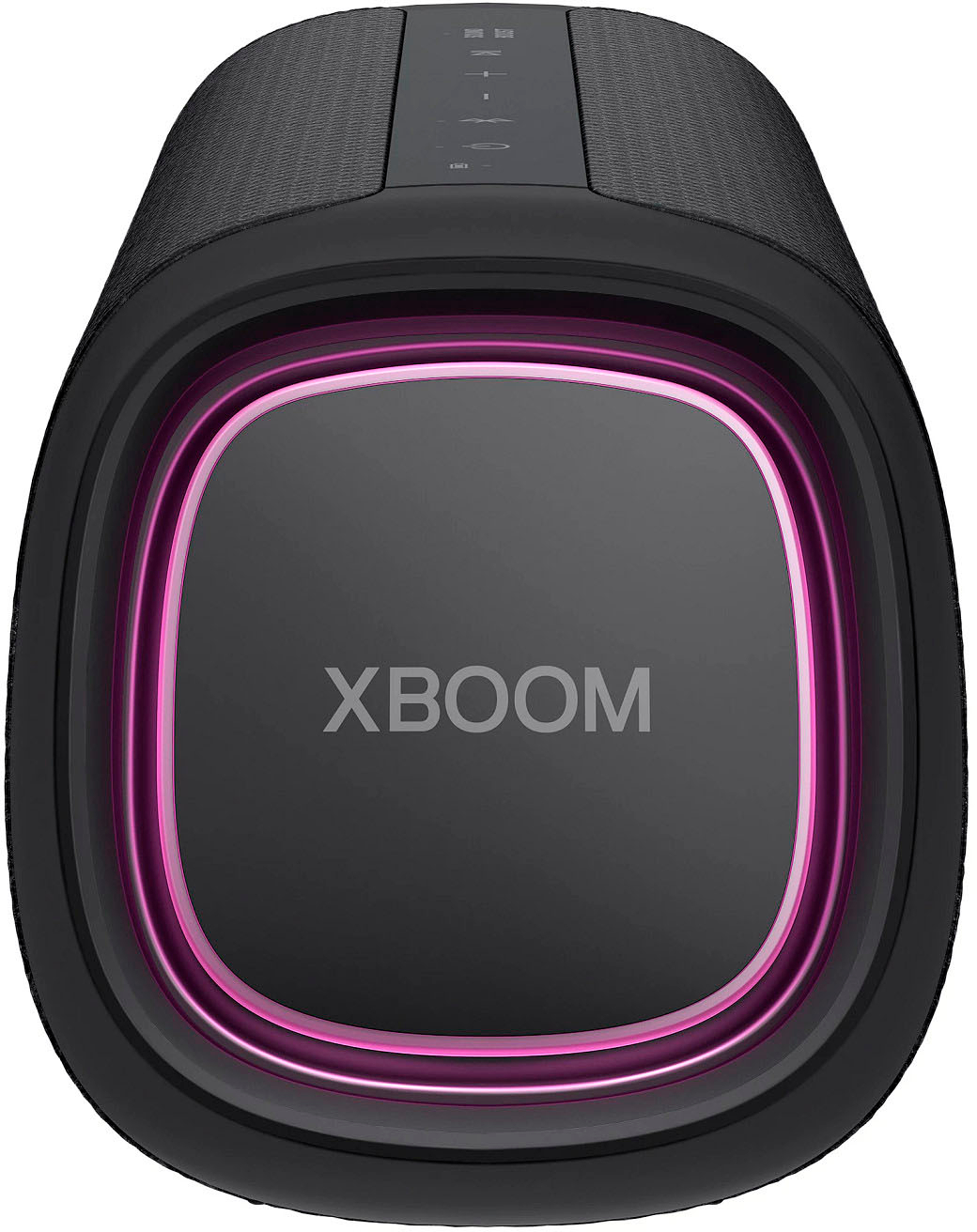
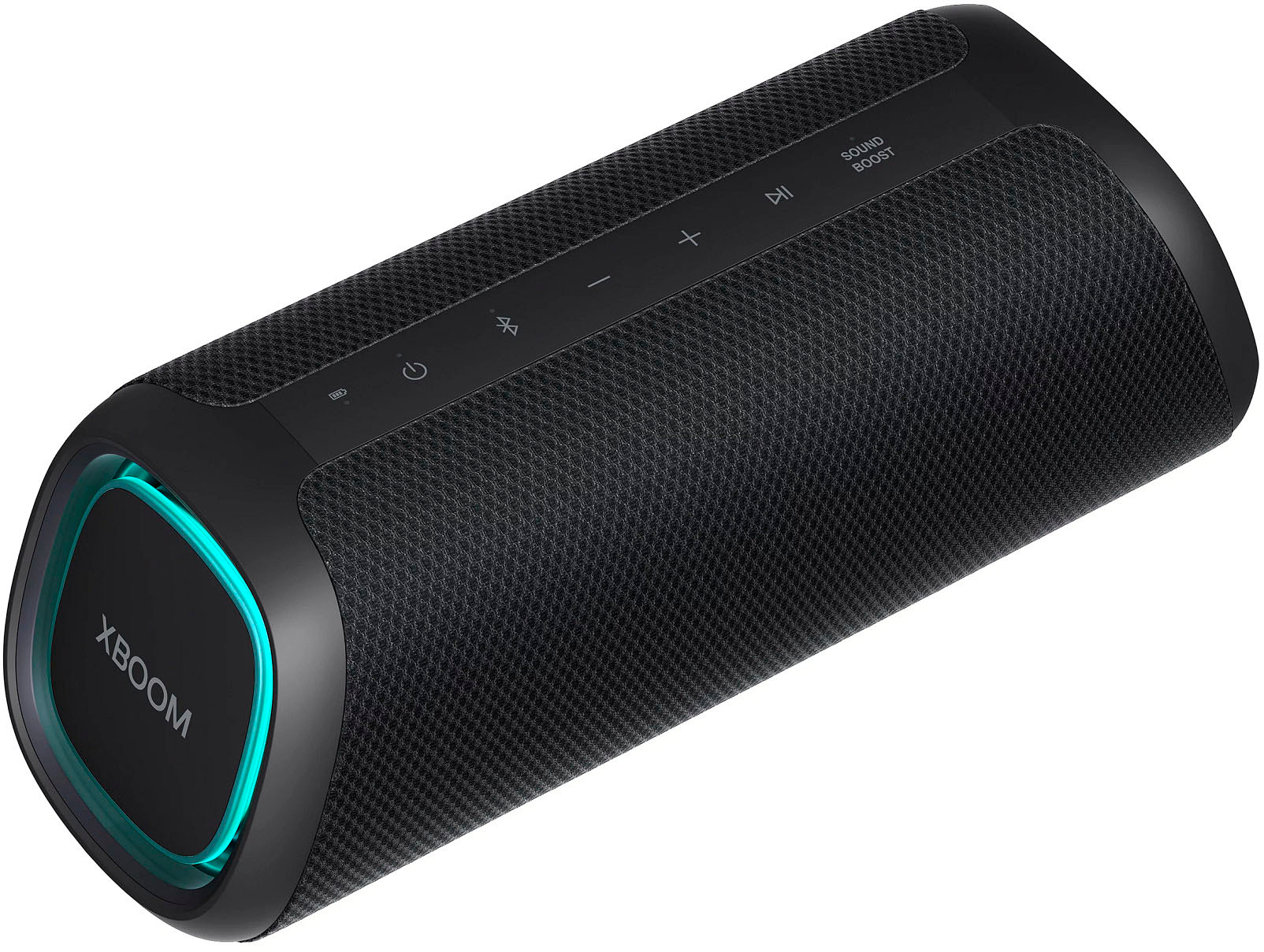
  • QuestionIs there a way to turn off the LED lights? This would be useful, or even necessary, in case I need to use the device in a work meeting.

    Asked by Ike.

    • Answer Thank you for your interest in the LG Speaker (XG5QBK) model. Yes, there is a way to turn off the LED lights on the LG XG5QBK portable Bluetooth speaker, which would be useful in situations like work meetings where the lights may be distracting. The steps involve accessing the speaker's settings menu and finding the option to disable or turn off the LED lighting. You can download its owner's manual through this link for more information: https://www.lg.com/ae/support/product/lg-XG5QBK. ^Cris

      Answered by LG Digital Customer Care

  • Questionwill the xboom stay on if plugged in and no music is streaming?

    Asked by garry.

    • Answer Hi, Garry. Thank you for choosing LG XBOOM for your sound/music streaming needs. The LG Can stay powered on even when no audio is streaming. Yes, the LG XBOOM Go XG5 Portable Bluetooth Speaker can stay on without music streaming. This speaker offers a long-lasting battery life of up to 18 hours, allowing it to remain powered on even when not actively playing music. ~Bridge

      Answered by LG Digital Customer Care

  • QuestionIs this compatible with a Samsung phone?

    Asked by Angie.

    • Answer Thank you for your interest in the LG XBOOM Go XG5QBK Portable (XG5QBK) model. The LG XG5QBK is a portable Bluetooth speaker that offers features such as multipoint connectivity, wireless party link, and voice command support for Google Assistant, Siri, and Alexa. You can download its owner's manual through this link for more information: https://www.lg.com/ae/support/product/lg-XG5QBK. ^Cris

      Answered by LG Digital Customer Care