Questions & Answers
- Model:
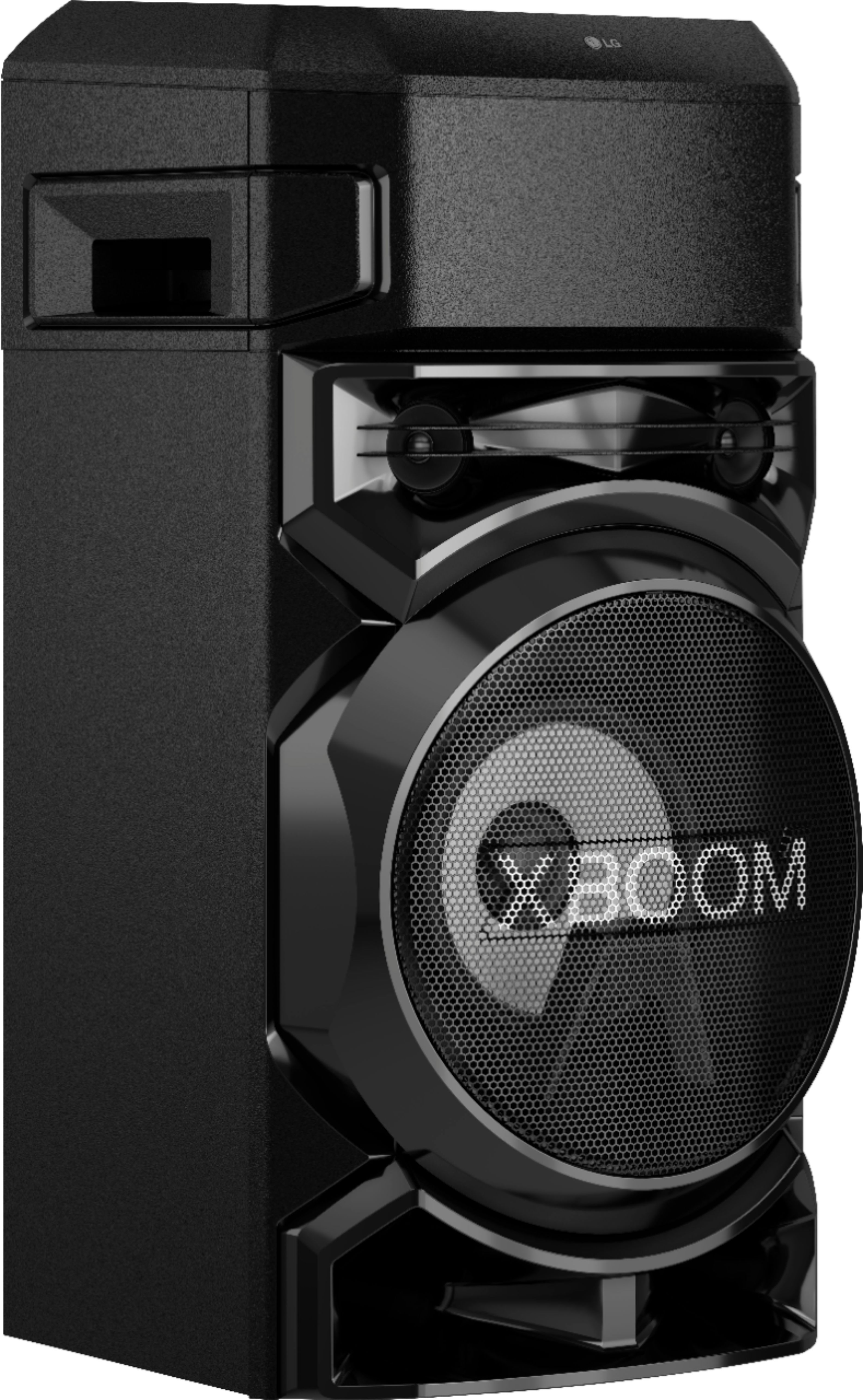
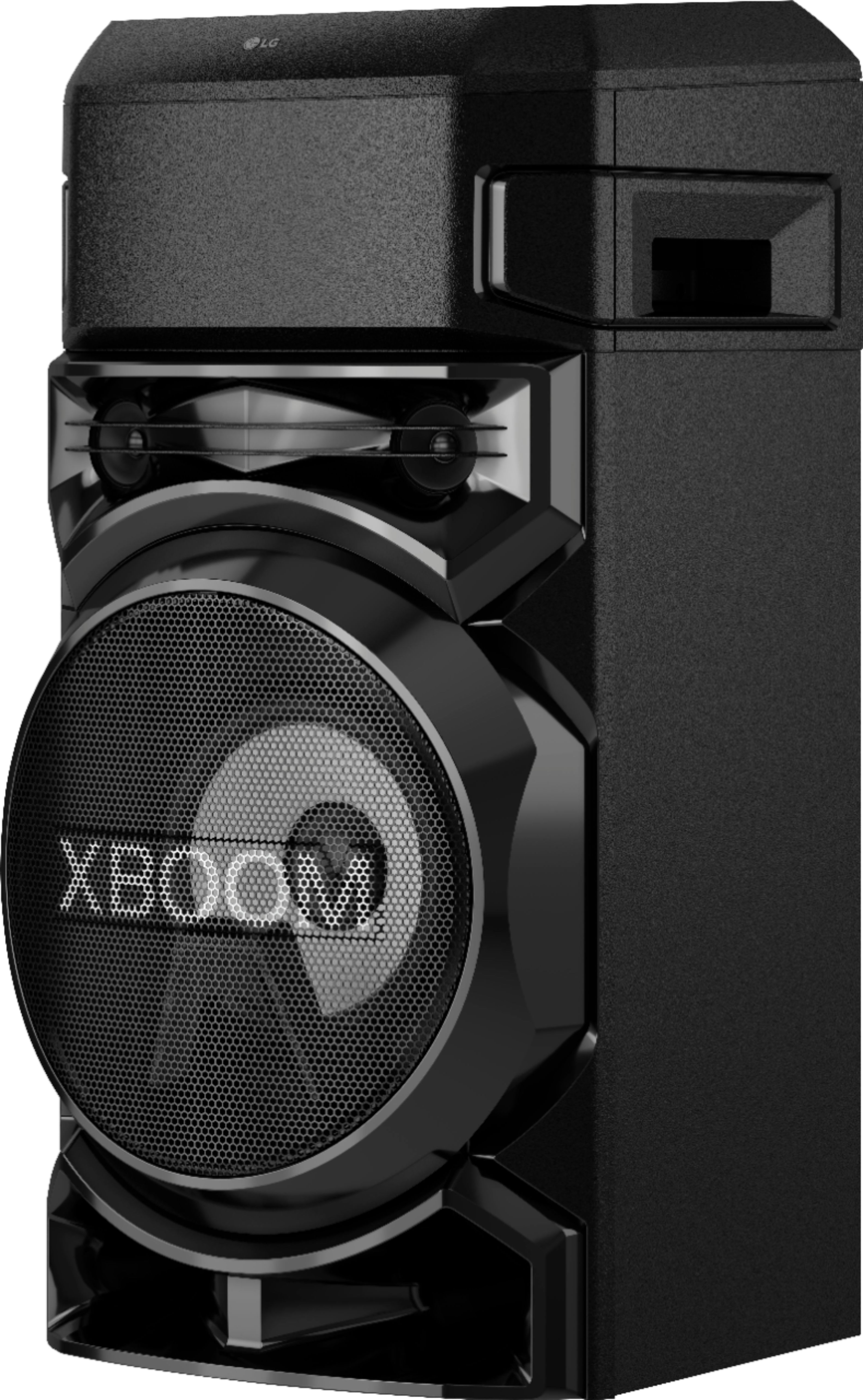
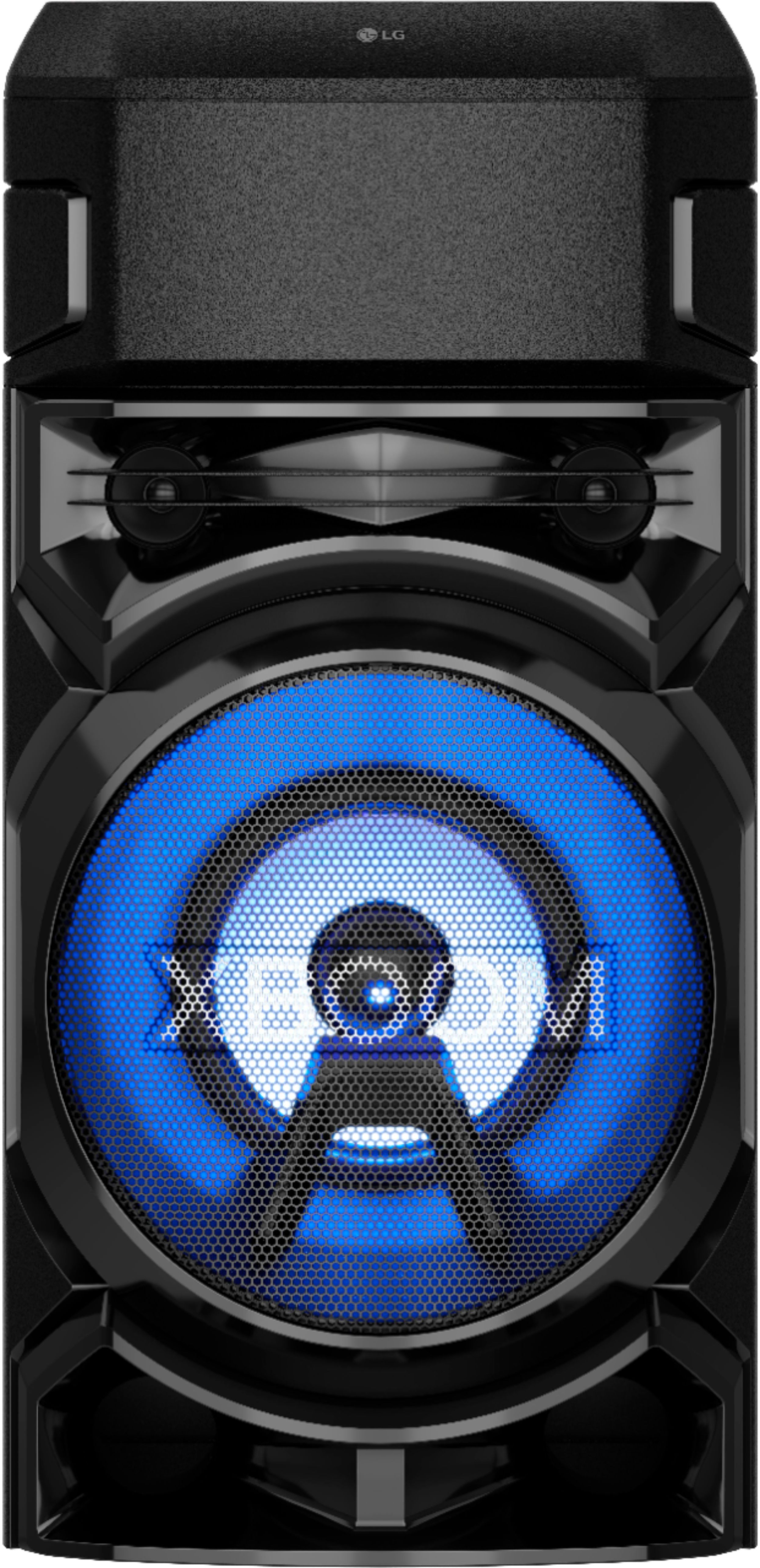
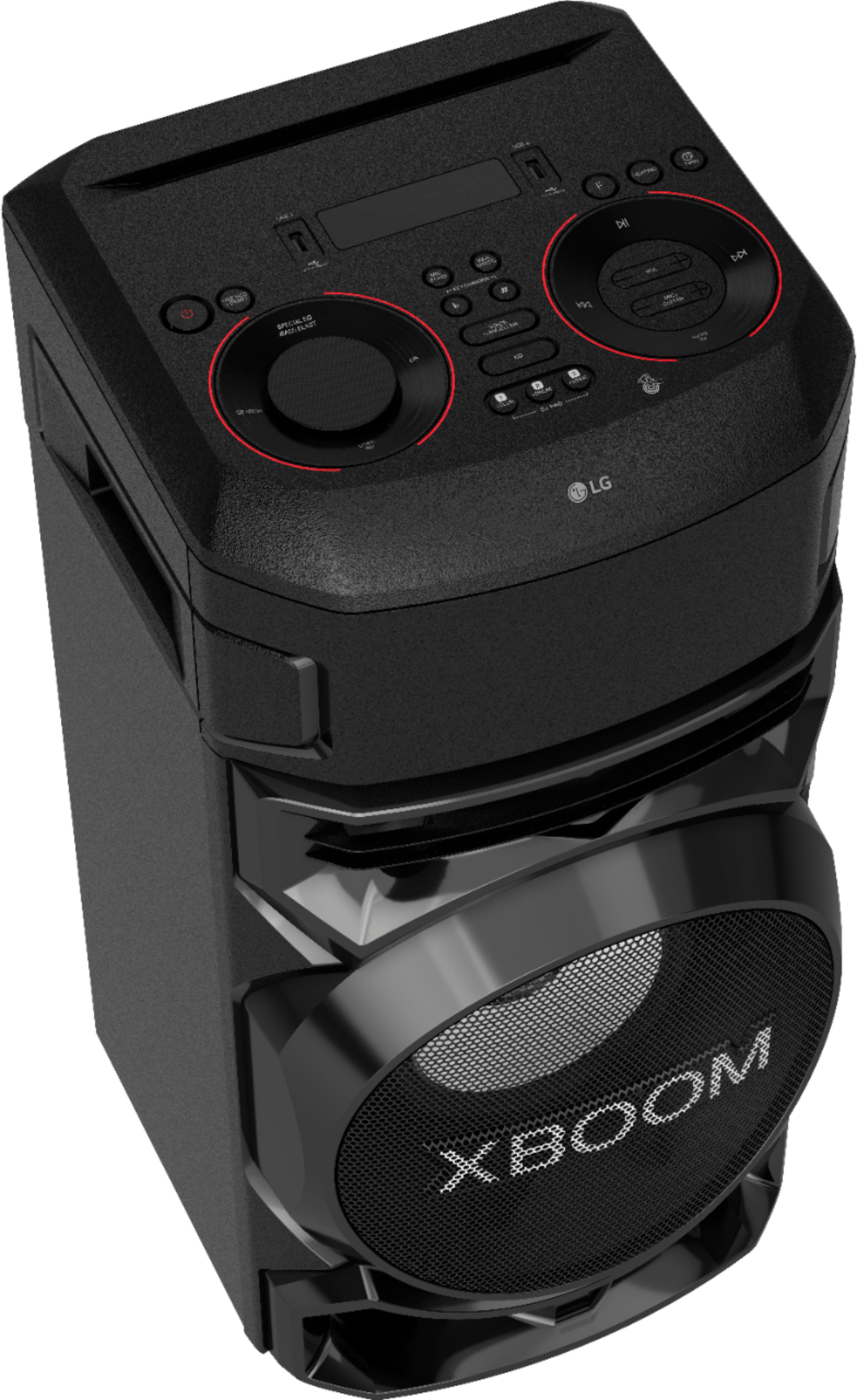
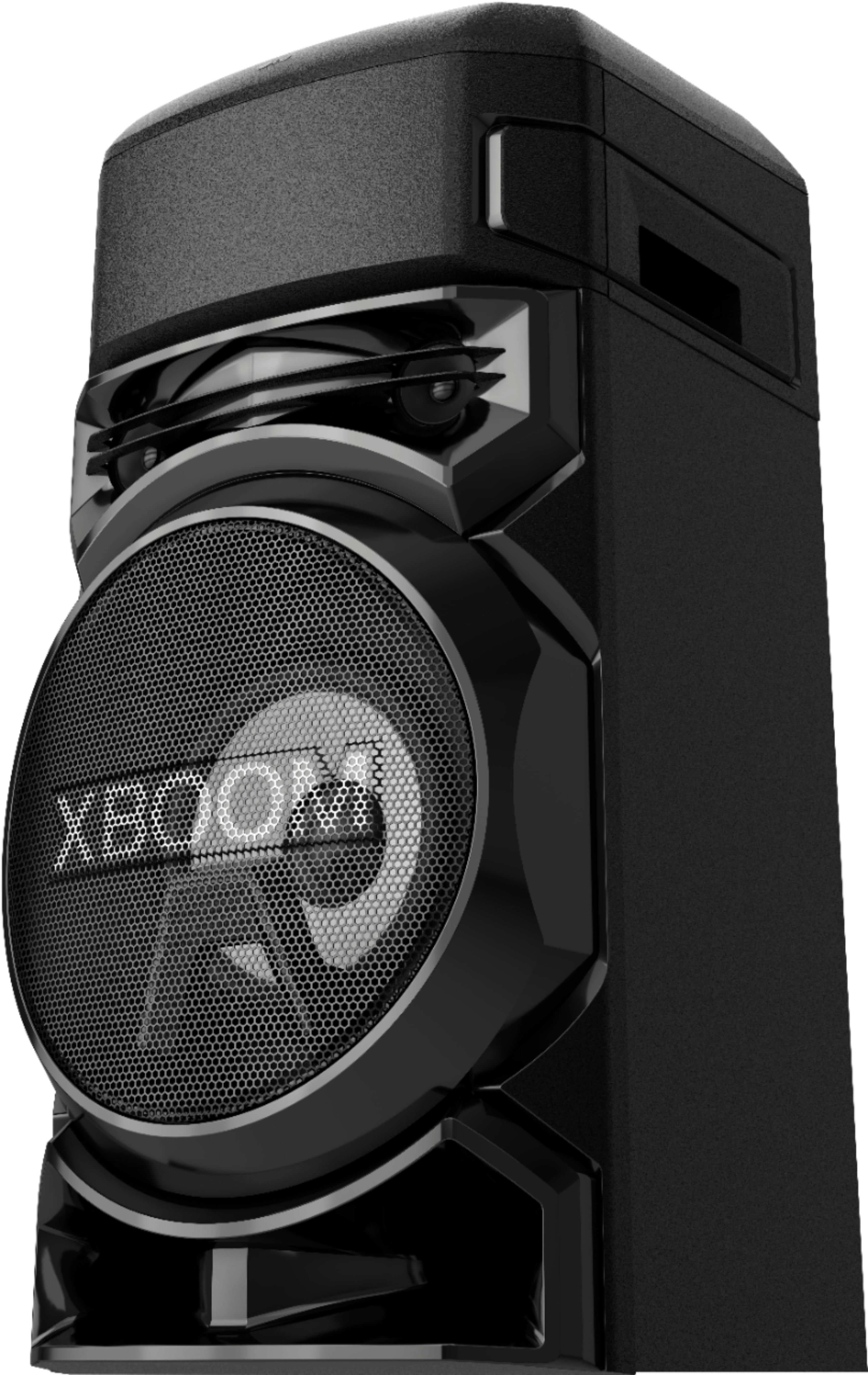
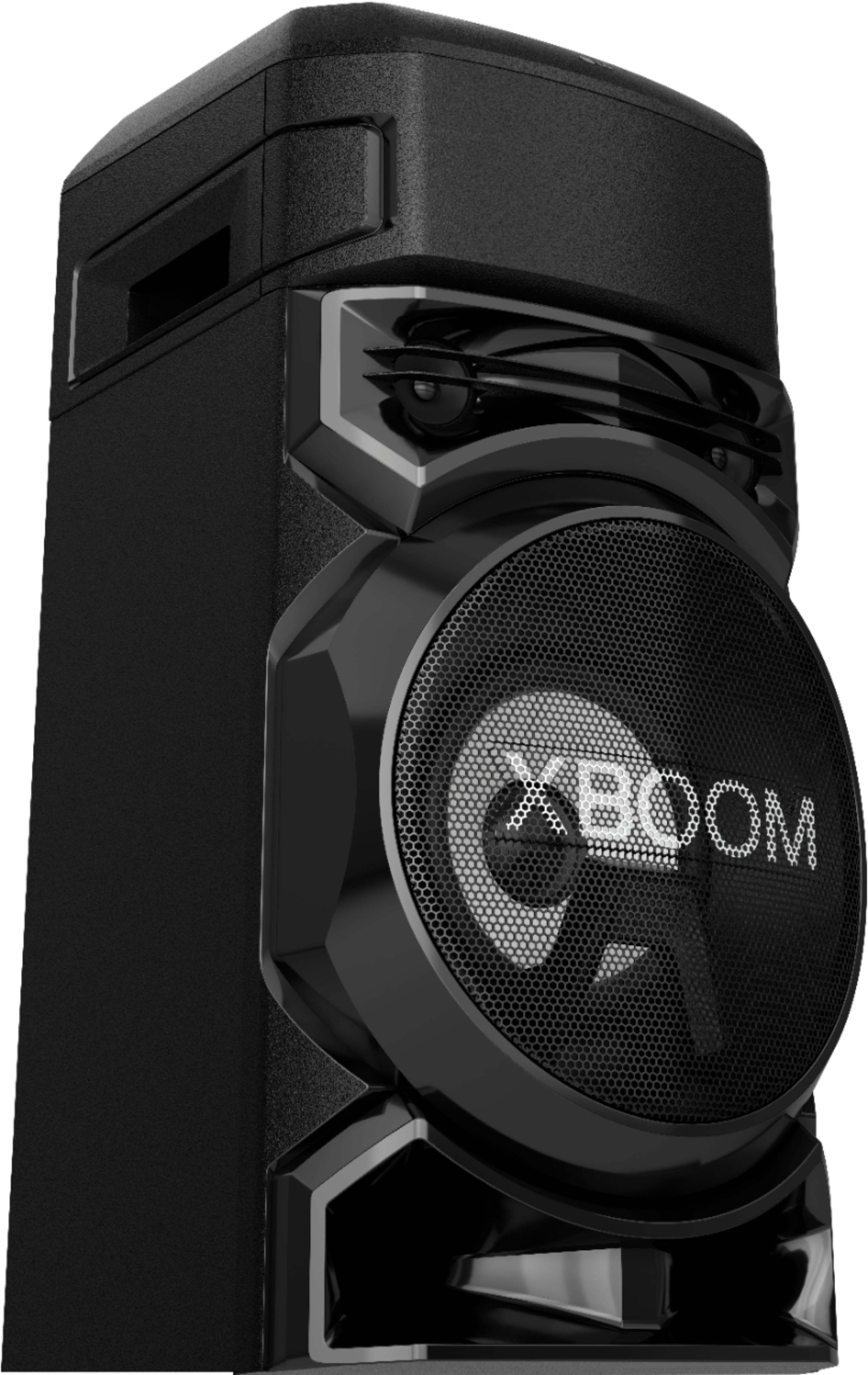
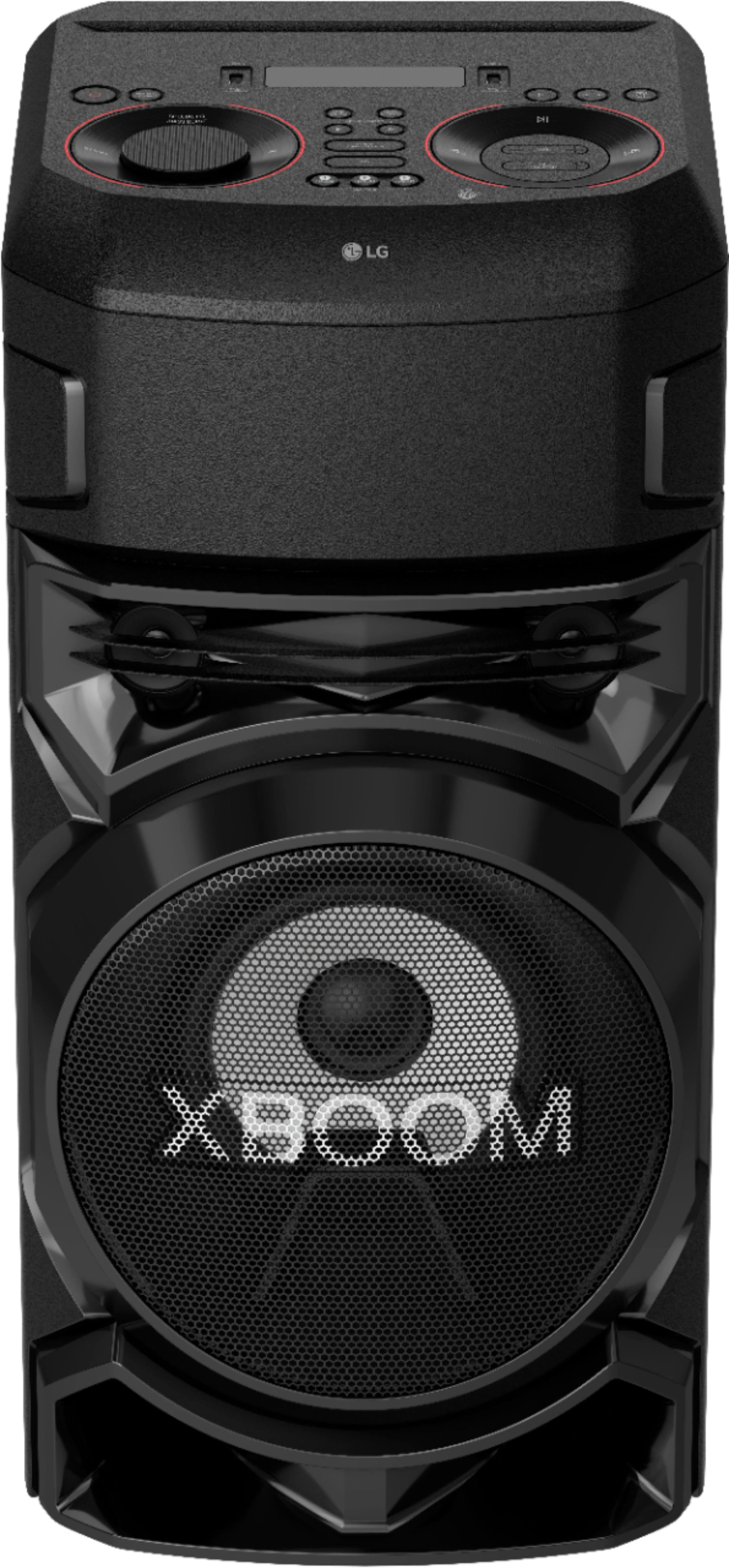
- LG RN5 XBOOM
- |
- SKU:
- 6402204
Q: QuestionHow many XBoom speakers can you link together?
Asked by Mar1.
- A:Answer How can I hook up to LG x Boom speakers together
Answered by Anonymous
Q: QuestionDoes the lg xboom RN5 rechargeable or is it electrical ??
Asked by Danny.
- A:Answer The LG XBOOM Audio System with Bluetooth® and Bass Blast, Model # RN5 has to be plugged into an outlet...^IFV
Answered by LG Digital Customer Care

Q: QuestionHow long does the battery last on a full charge when outdoors?
Asked by Bones.
- A:Answer This speaker is not battery powered. Connect the power cord to wall outlet directly if possible. Or when you use an extension cable, it is highly recommended to use an extension cable of 110V/15A or 230V/15A, otherwise the unit may not operate properly because of the lack of power supply. ^Daphane
Answered by LG Digital Customer Care

Q: QuestionIs this lg rn5 xboom compatible with android phones or is it only iphone and ipod.
Asked by princess.
- A:Answer This unit is compatible with both Android (OS Ver 5.0 or later) and iOS (OS10 or later). ^Daphane
Answered by LG Digital Customer Care

Q: QuestionAny option to connect a tv to it ?
Asked by Brian.
- A:Answer Connect via Bluetooth there may be other options i don’t use mine for that purpose
Answered by Karaokeconcertauditorium
Q: QuestionDoes it have a cd player and bluetooth capability?
Asked by sandy.
- A:Answer No, a CD player is not included with this unit. It does feature Bluetooth. ^Daphane
Answered by LG Digital Customer Care

Q: QuestionMicrophone included?
Asked by Azul.
- A:Answer nope, just the speaker and power chord is included. if you ur going to use it as a karaoke i recommend you buying an optical chord for your TV.
Answered by lolo
Q: QuestionI have 4 model RN5 speakers and I’m trying to sync them all together for an event that I’m hosting. How do I connect them? Everything that I’ve read online says there is a Party Sync feature in the app, but no such function exists.
Asked by Justaguy.
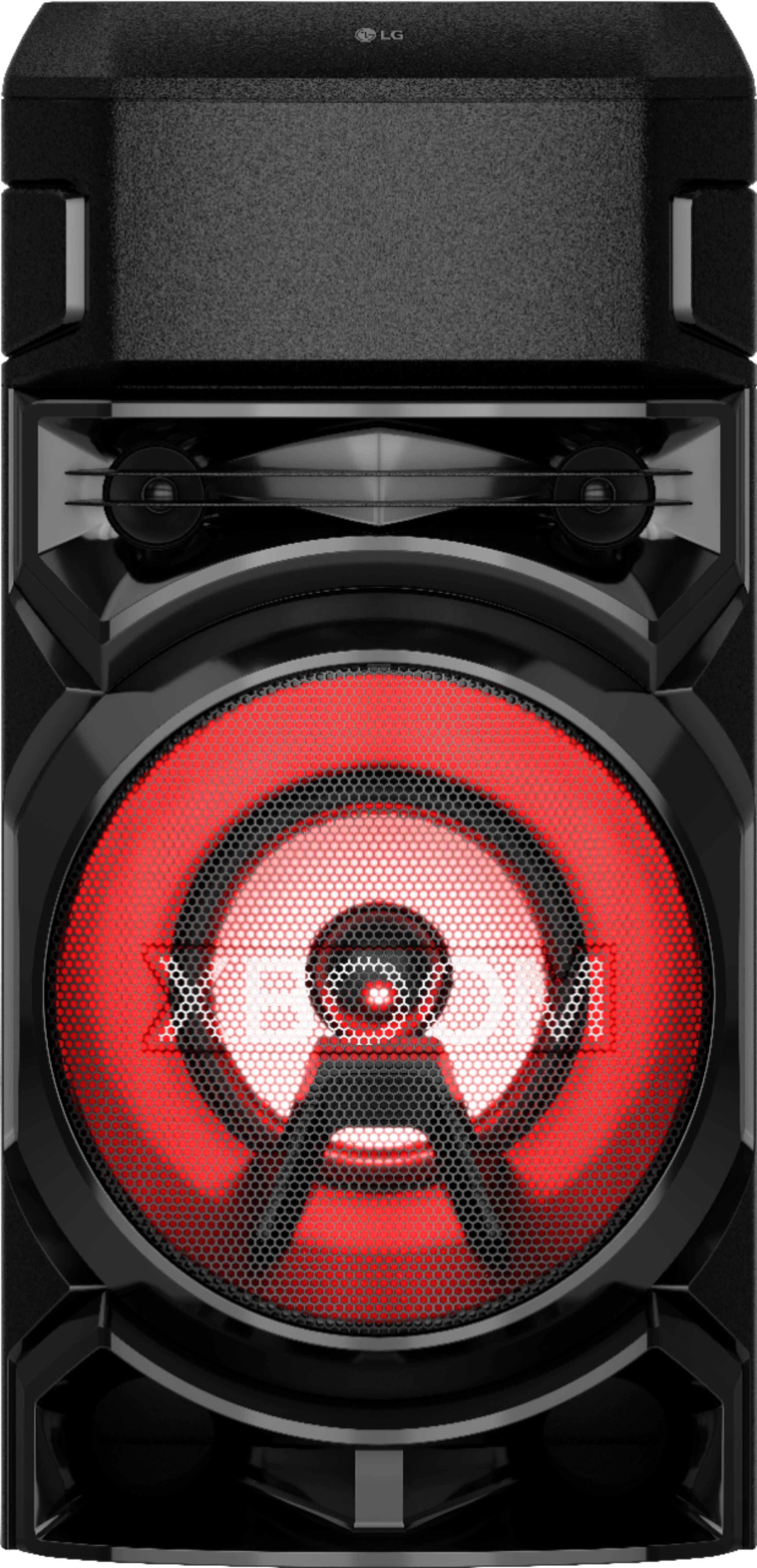
- A:Answer Hi there, Derick. Thank you for reaching out and for sharing your experience with us. We understand that you're trying to sync all four RN5 speakers for your event. Based on the information provided, the Wireless Party Link feature should be what you're looking for. This allows you to connect multiple LG XBOOM devices, such as the RN5 speakers, to sync the audio across all of them. To get started, follow these steps: Ensure all your RN5 speakers are powered on and in Bluetooth mode. Open the XBOOM App (available on Android or iOS). In the app, look for the Wireless Party Link option to connect the speakers. This will sync them together for a multi-speaker experience. Once paired, you can control the audio and lighting settings for all the connected speakers. Please note that Party Sync specifically may not appear in the app, but the Wireless Party Link will serve the same purpose for syncing multiple devices. LG TV – How to Use LG Wireless Sound Sync - https://www.lg.com/us/support/help-library/lg-tv-how-to-use-lg-wireless-sound-sync--20150637961106 For further assistance, please send us a private message on Social Media @LGUSSupport, and we’d be happy to guide you through the setup or explore other solutions. We appreciate your patience and are excited to help make your event a success! —Renzo
Answered by LG Digital Customer Care

Q: QuestionI had a drink spilled on my rn5 is there a fuse or safety feature for that
Asked by Wally.
- A:Answer If the liquid from the drink that was spilled on your LG XBOOM Audio System with Bluetooth® and Bass Blast, Model # RN5 spilled into the unit's ciruit board and shorted it out, the circuit breaker for the outlet that the unit was plugged into would have tripped. There is no fuse or safety feature against spilled drinks...^IVan
Answered by LG Digital Customer Care

Q: Questionhow many watts output is the speaker
Asked by workaholic.
- A:Answer Around bout 500 max
Answered by Freezer
Q: QuestionHow do the color work
Asked by Chrissy1.
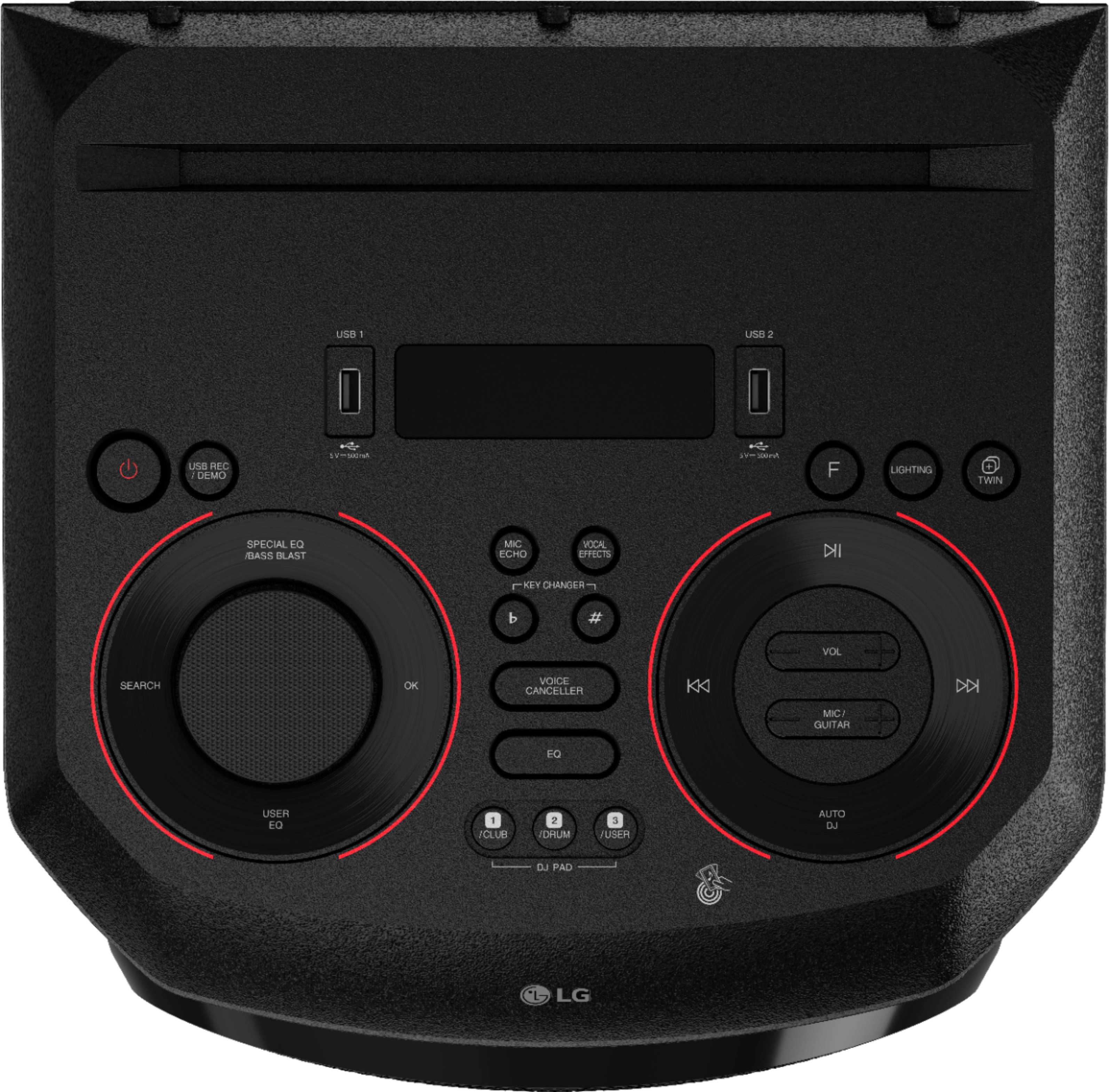
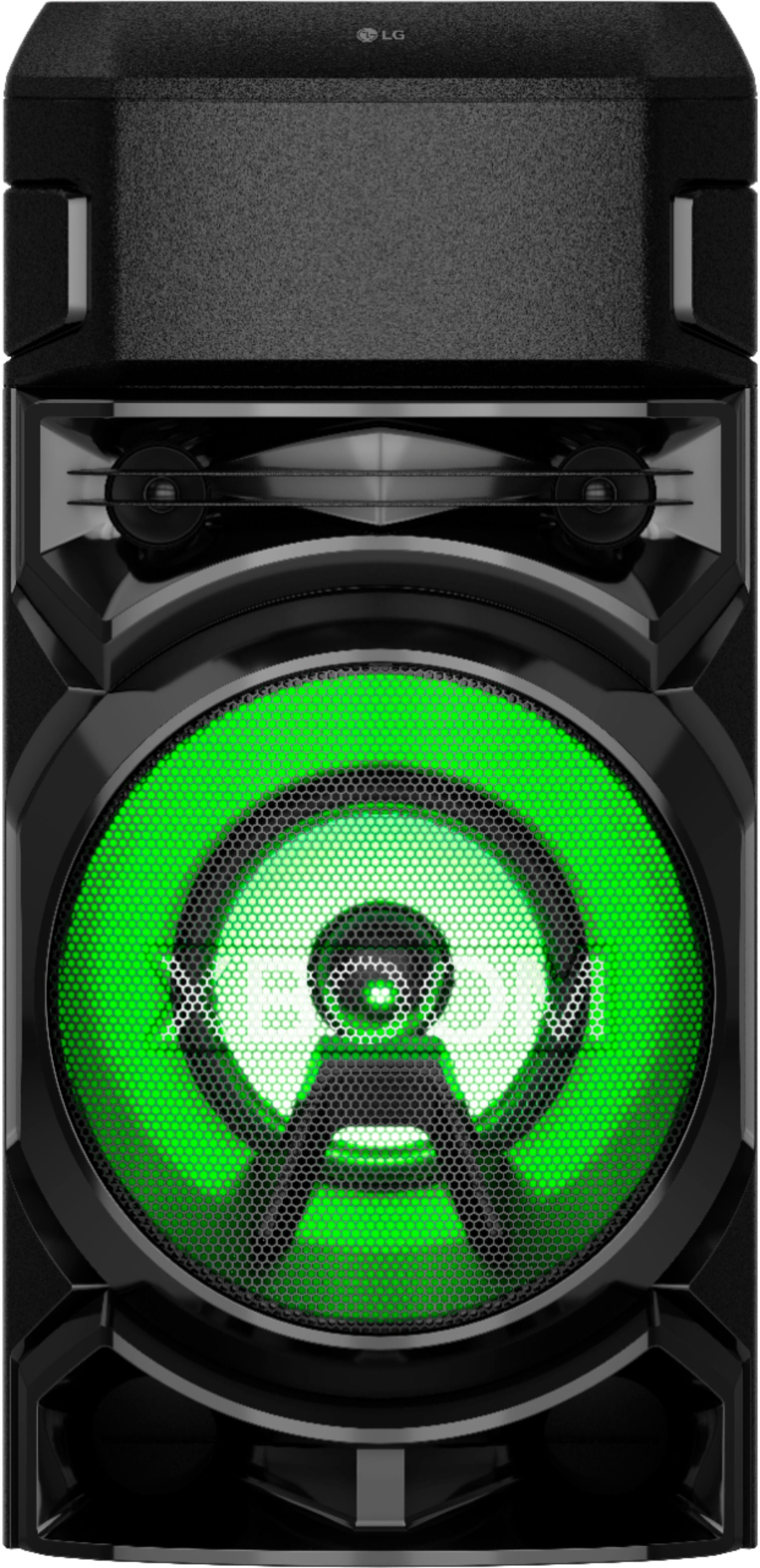
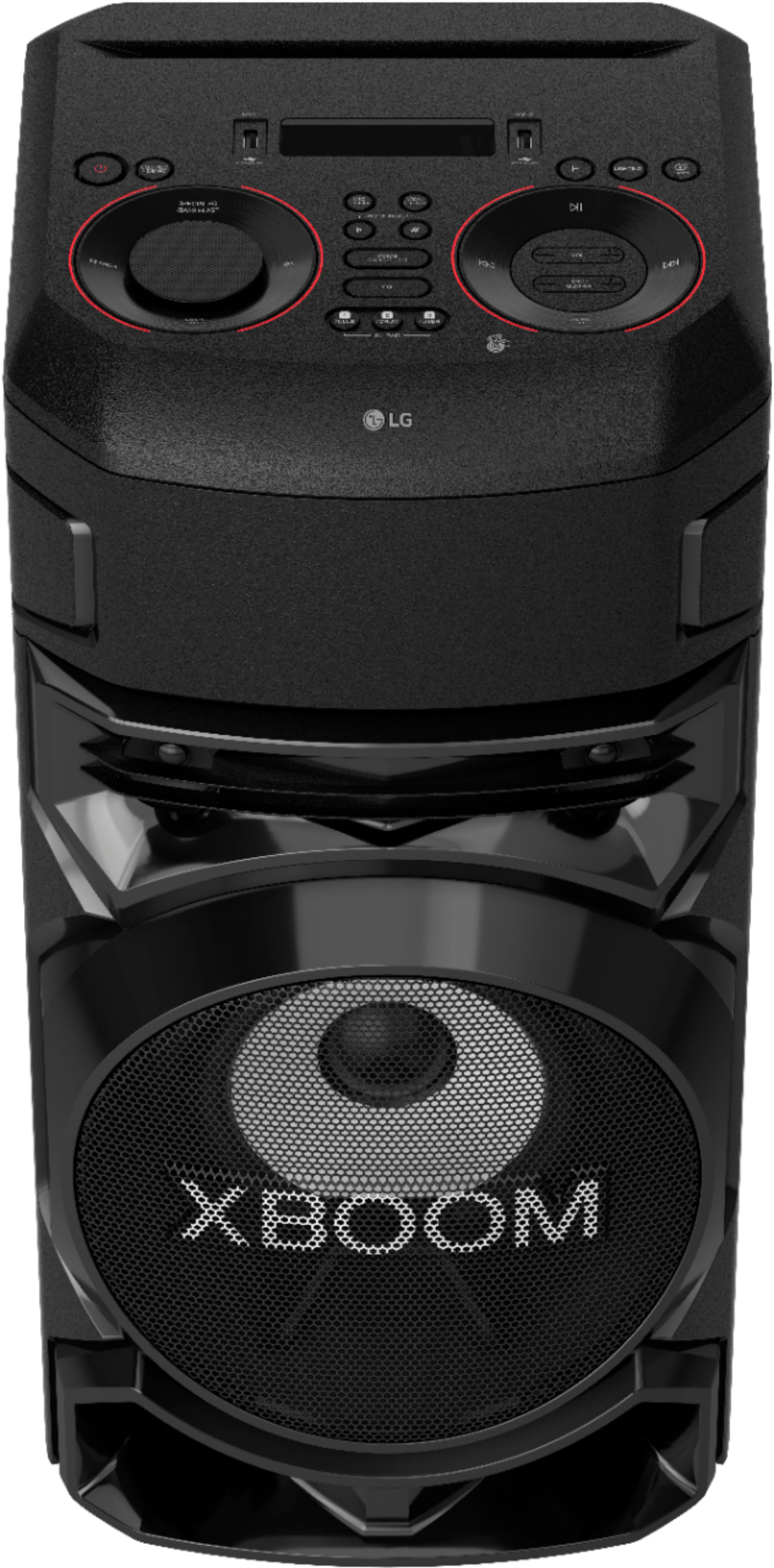
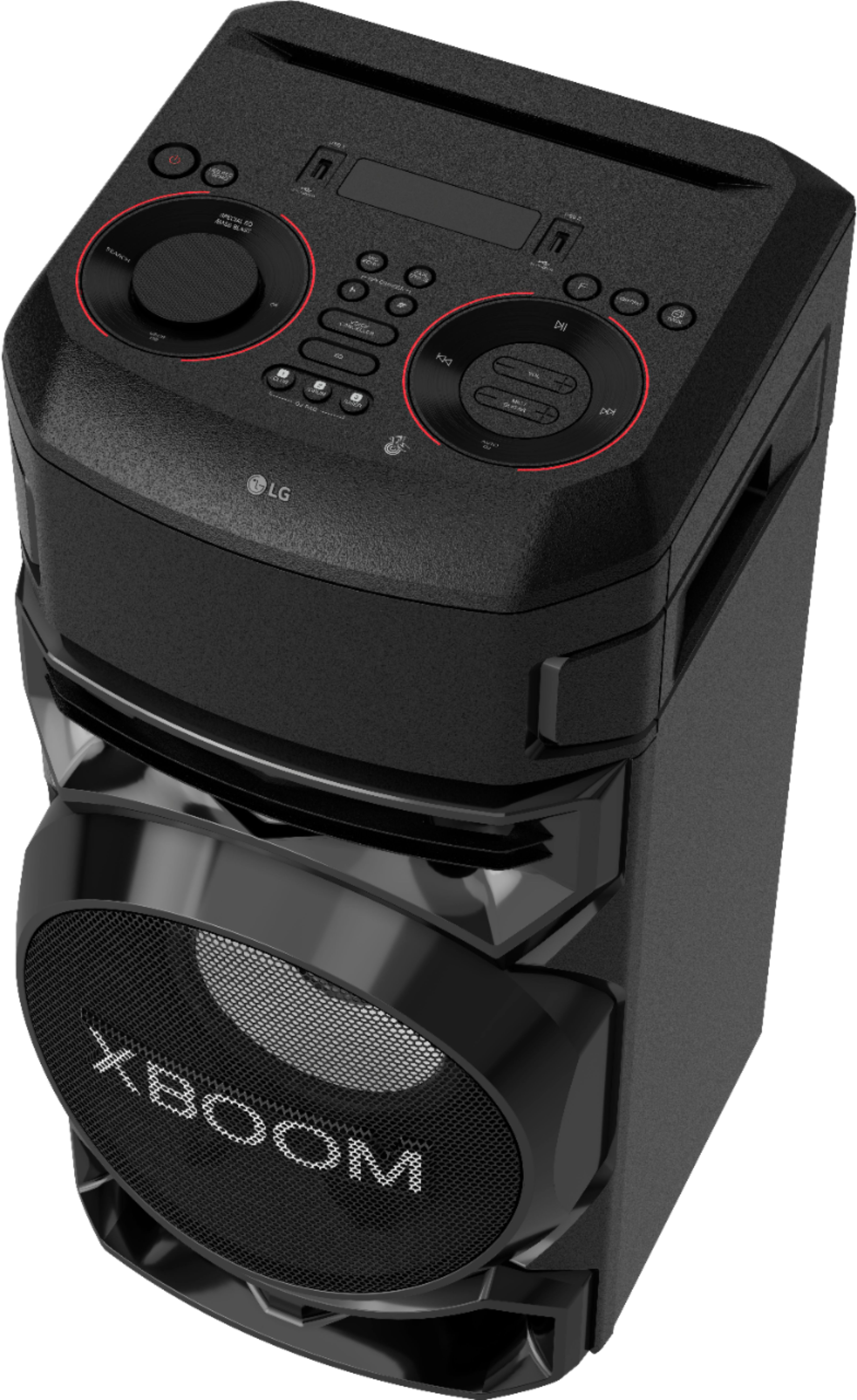
- A:Answer You can either have the color set to stationary or go through all the colors randomly. The Lighting button the remote or on the speaker let's you choose different colors and patterns.
Answered by Anonymous
Q: QuestionHello does this have a aux input..if not can we use another port for aux input exactly?thanks
Asked by Randika.
- A:Answer Yes it has aux as well as a guitar plug.
Answered by Wildbill
Q: QuestionMay an external bass speaker be connected to boost bass and or plus a midrange speaker to pump up the loudness?
Asked by James.
- A:Answer Please reach out to our support team on Facebook at @LGUSSupport and use #VOC in your first message to our social media support team. Please be sure to provide your name, phone number, address, email, model/serial numbers, and date of purchase and we will be happy to assist you. There are policies and procedures in place to ensure resolutions are consistent and fair. I am confident that we will work to provide an agreeable resolution.^Venette
Answered by LG Digital Customer Care

Q: QuestionI just bought my 2nd Rn5 how do I link it to my other Rn5?
Asked by Curt.
- A:Answer Let us help you with that! Please send us a private message on Facebook or Twitter using @LGUSSupport and include #VOC, your contact info and we can expedite a resolution for you. Thank you. ^Venette
Answered by LG Digital Customer Care

Q: QuestionHow do I connect the two xboom RN fives with each other
Asked by Nathan.
- A:Answer Please reach out to our support team on Facebook at @LGUSSupport and use #VOC in your first message to our social media support team. Please be sure to provide your name, phone number, address, email, model/serial numbers, and date of purchase and we will be happy to assist you. There are policies and procedures in place to ensure resolutions are consistent and fair. I am confident that we will work to provide an agreeable resolution.^Venette
Answered by LG Digital Customer Care

Q: QuestionCan this speaker be used outside??
Asked by JJ.
- A:Answer HI, yes it can be.^Venette
Answered by LG Digital Customer Care

Q: QuestionCan you use a 2 wireless microphone with this as a karaoke?
Asked by Aa.
- A:Answer Only one mic input
Answered by Anonymous
Q: QuestionWill it go on a speaker tripod stand?
Asked by Lorenzo.
- A:Answer I don't really have an answer for that, never used a stand but the speaker is usable with the app.
Answered by Efra
Q: QuestionCan this XBoom be used with a lap top ?
Asked by Ed.
- A:Answer Yes. Via Bluetooth or 3.5mm
Answered by Anonymous
Most-viewed items
- $29.99Your price for this item is $29.99$39.99The comparable value for this item is $39.99
- $149.99Your price for this item is $149.99
- $22.49Your price for this item is $22.49$29.99The comparable value for this item is $29.99
- $19.99Your price for this item is $19.99$29.99The comparable value for this item is $29.99
- $29.99Your price for this item is $29.99
- $149.00Your price for this item is $149.00
- $22.99Your price for this item is $22.99$29.99The comparable value for this item is $29.99
- $20.99Your price for this item is $20.99$25.00The comparable value for this item is $25.00
- $19.99Your price for this item is $19.99
- $49.00Your price for this item is $49.00
- $22.49Your price for this item is $22.49$39.99The comparable value for this item is $39.99
- $299.00Your price for this item is $299.00
- $45.00Your price for this item is $45.00
- $22.49Your price for this item is $22.49$39.99The comparable value for this item is $39.99
- $18.74Your price for this item is $18.74$24.99The comparable value for this item is $24.99
- Clearance$16.99Your price for this item is $16.99
- $399.00Your price for this item is $399.00
- $74.99Your price for this item is $74.99