A:AnswerAs long as your 3 printers are connected via a cable to the new switch, the uplink to the router will be connected using that single cable in the wall.
A:AnswerYou can plug into this switch using an RJ-45 CAT-6 cable but this switch only will support up to 1 GB speed. Therefore if you have needs for throughput faster than 1 GB that's downstream of the switch, then this switch isn't for you.
A:AnswerI have a router connected to cable company router. I have two of these little boxes. One for the living room and one for the bedroom, each of them connected to my router. Each box needs a lan cable to plug in from the router. After that, you have four slots left for devices.
A:AnswerThis is exactly why I bought this product in college. Worked perfectly as my dorm only had 1 ethernet port and I had my Xbox and my roommate had a ps4 and a gaming laptop that both needed an ethernet connection. Just make sure you get a long enough ethernet cable to connect to each device.
A:AnswerAre you asking if you can power the switch with a battery? If so, I would say with the right power conditioning you should be able to for a short period of time. Battery back-up, right? v/r Steve
A:AnswerI am using the Linksys switch with a new Eero Pro. I needed more Ethernet connections than the Eero router provided. I was formerly using an Apple Airport Extreme router which had more ports than the Eero. The switch seems to work fine. I don't have a Google wifi system so I don't know how many ports they have. The switch has a power cord.
A:AnswerYes they will just not have as much bandwith as the cat6 so if ur having poor loading speeds iwould replace them with cat6 cables otherwise they will work fine
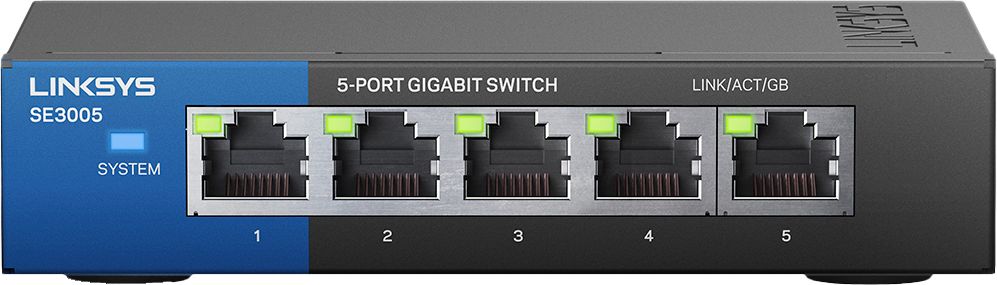
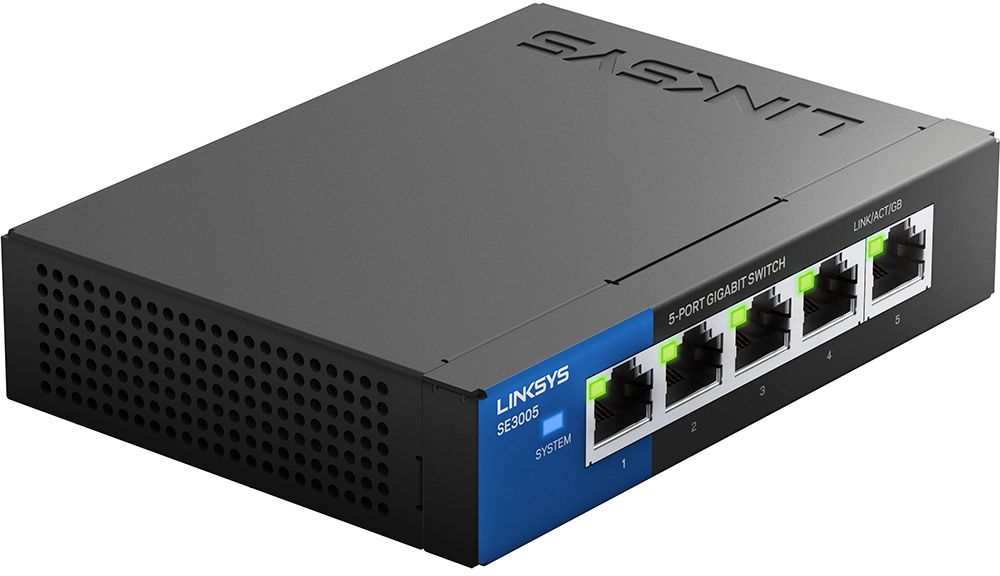
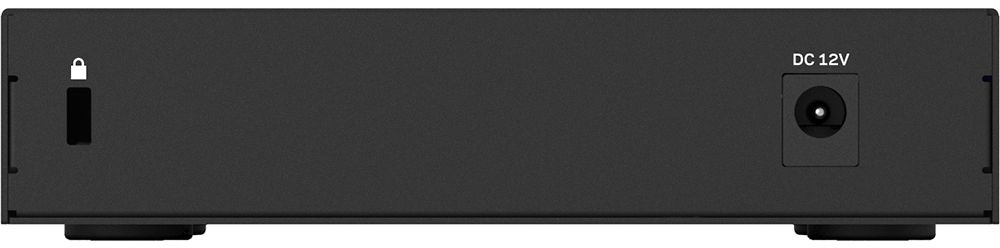
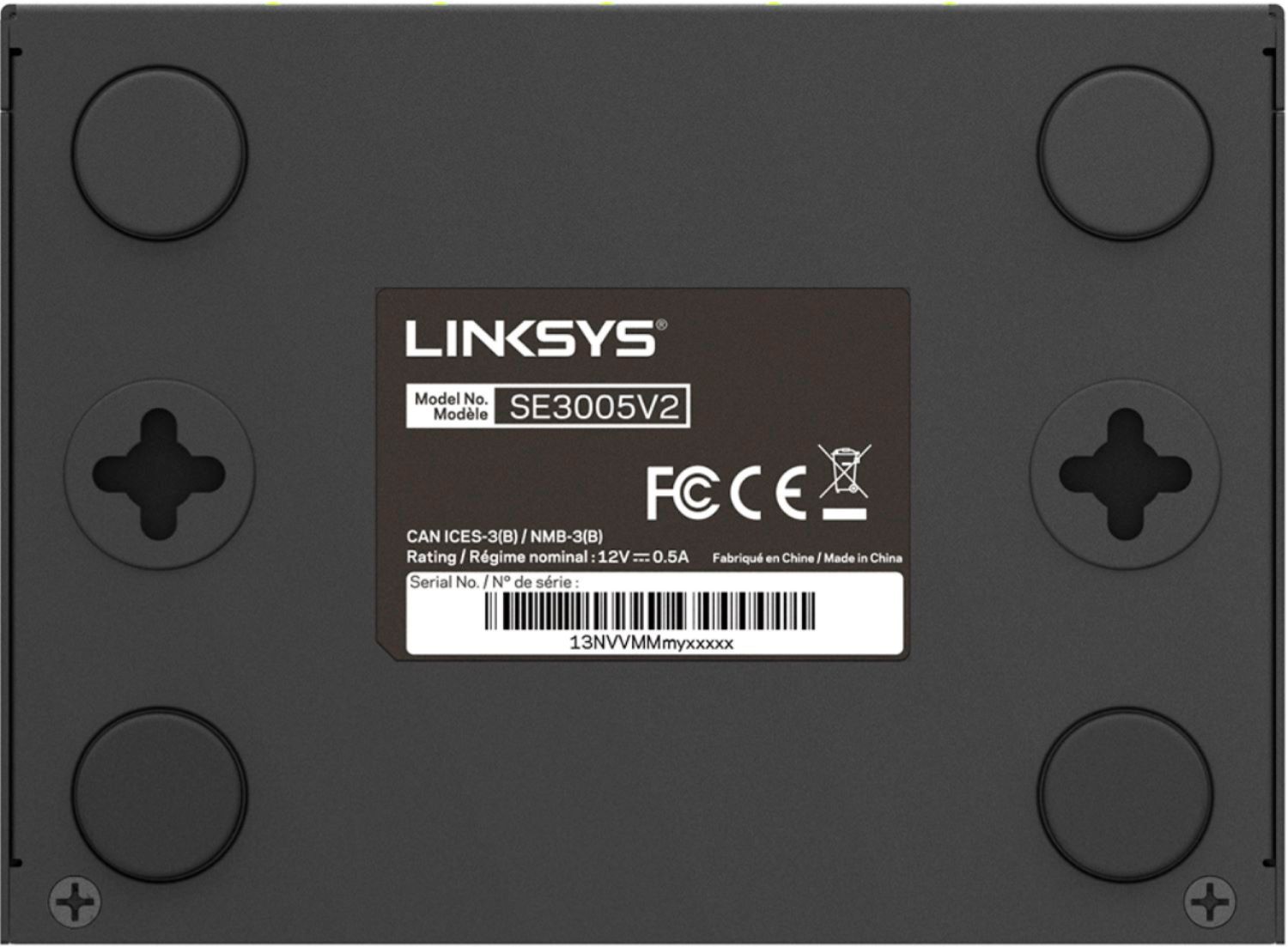
A:AnswerThe SE3005 that I bought from Best Buy has ports and lights on the front of the device.which is NOT what is shown online. I believe it is a SE3005 V2 which uses a 12 volt power supply. The box just says SE3005 but shows the correct picture.
A:AnswerI connect my modem to my wireless router and then connect the router to this switch via Ethernet to provide hardwired connections to several devices.
A:AnswerThat has to do more with the Network Discovery setting on each computer than the use of this switch. You also should make sure each computer is in the same workgroup.
A:AnswerTake a look at the Google Mesh Routers/wifi, I currently use the mesh router to receive the wifi signal from a google access point then into the linksys switch. You would then hook up to your computer, printer etc from the switch