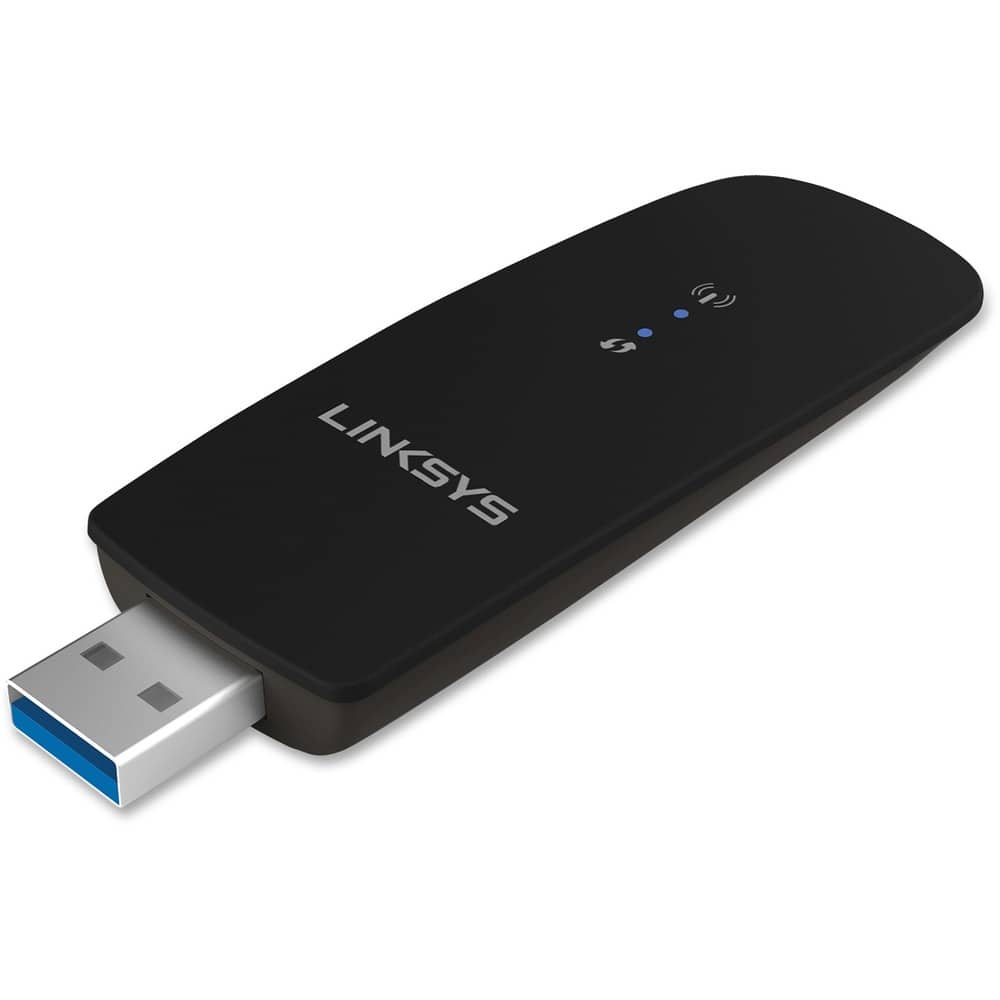
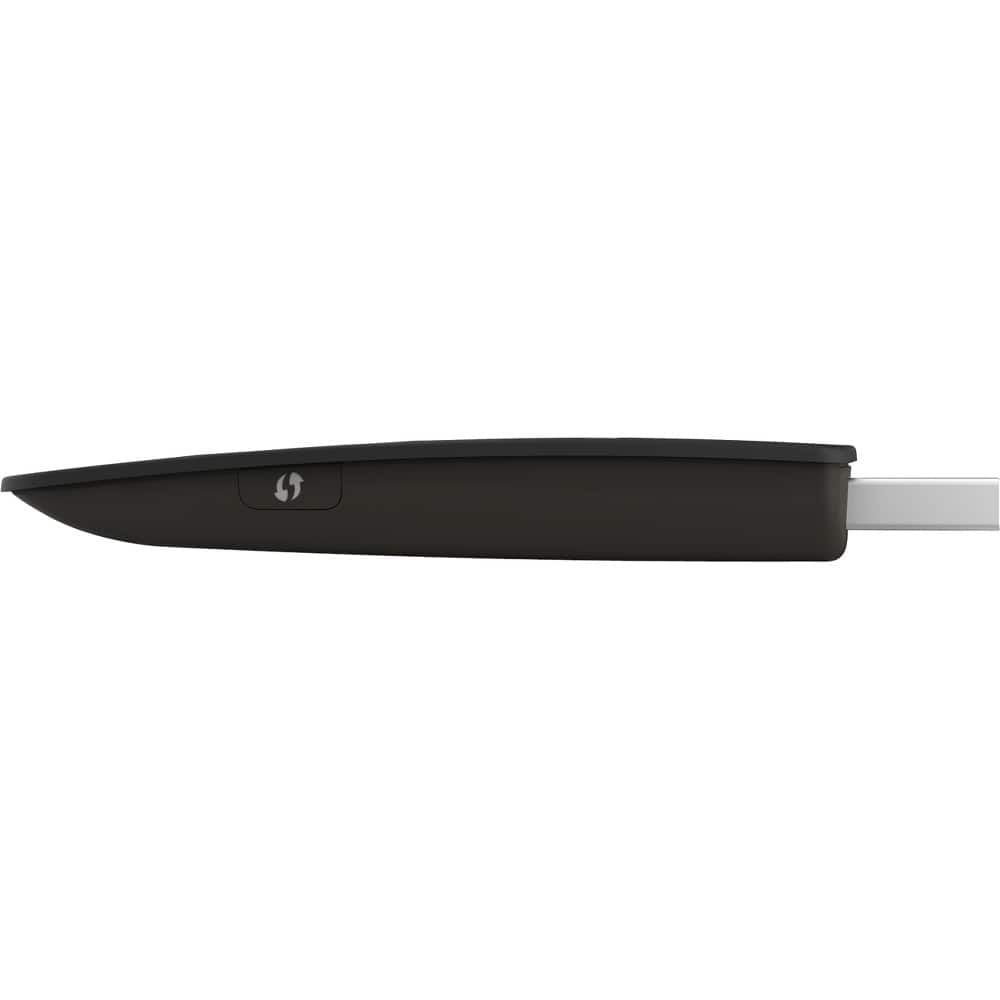
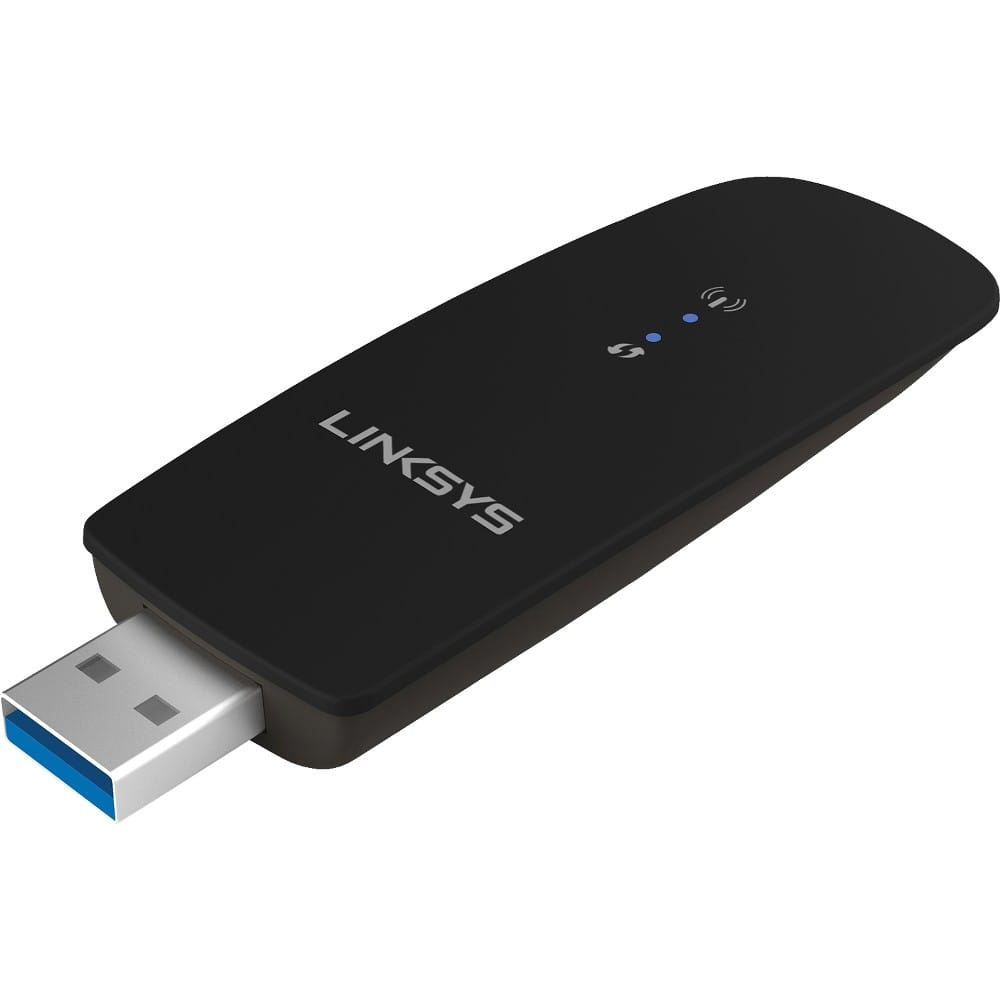
A:AnswerThis is an upgrade to your computer's built-in network adapter which, on old computers, does not support 5ghz or has other limitations. For example my wife's old computer was only getting download speeds of 16 mbps and this device boosted it to over 190 mbps.
This is not a self contained wifi router. You need your own home internet wifi to be in place and this upgrades the computer only.
A:AnswerHi Tm. The Linksys WUSB6300 is designed to provide Wi-Fi capability to computers. It has not been tested with a smart TV. For more details, please check out the FAQs: https://www.linksys.com/us/support-article?articleNum=138212#hi4.
A:AnswerYes. You have to download the software for it first before you move the computer to your new location. After you insert the device into the computer, you have to use your router login and password to connect to the internet. The sign in may not show up automatically so you may have to go to internet options on your computer and create a new internet connection.
A:AnswerNo. It needs drivers installed. Get one that is made for your car. Example: BMW makes a bluetooth adapter for older models which connects to a USB and connects with a phone.
A:AnswerYour computer already has a built-in network adapter which may very well be inadequate by today's standards. This device essentially replaces your built-in adapter. This is not a wifi amplifier. If your wifi is weak in a certain area this will not amplify it. It will, however, allow your computer to receive wifi in 5ghz and will extremely boost your speed, provided your wifi setup is adequate.
For example I had a mesh node within feet of my wife's old desktop and speeds capped out at 16mbps. After installing this adapter, downloading the software and driver, and disabling the built-in adapter, speeds now reach over 190mbps. My wife's desktop is over 10 years old and the built-in adapter is obsolete by today's standards. Hope this helps.