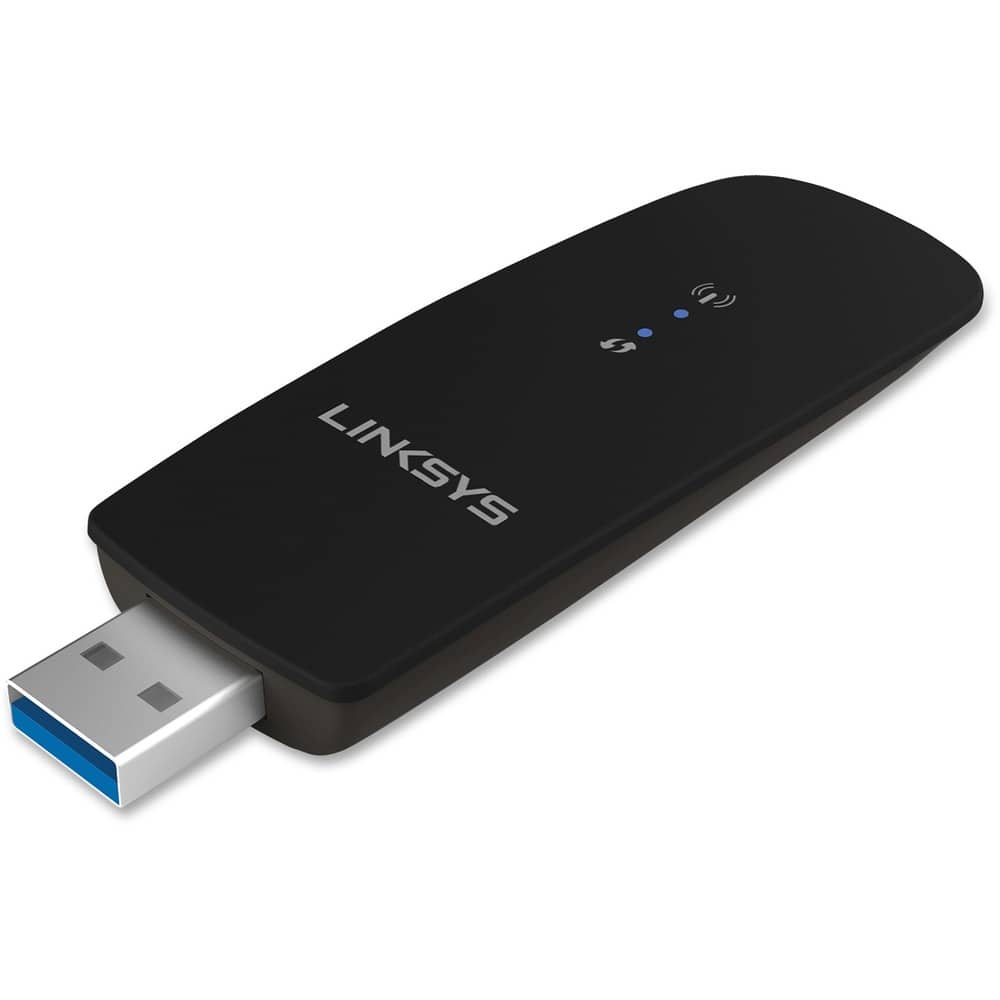
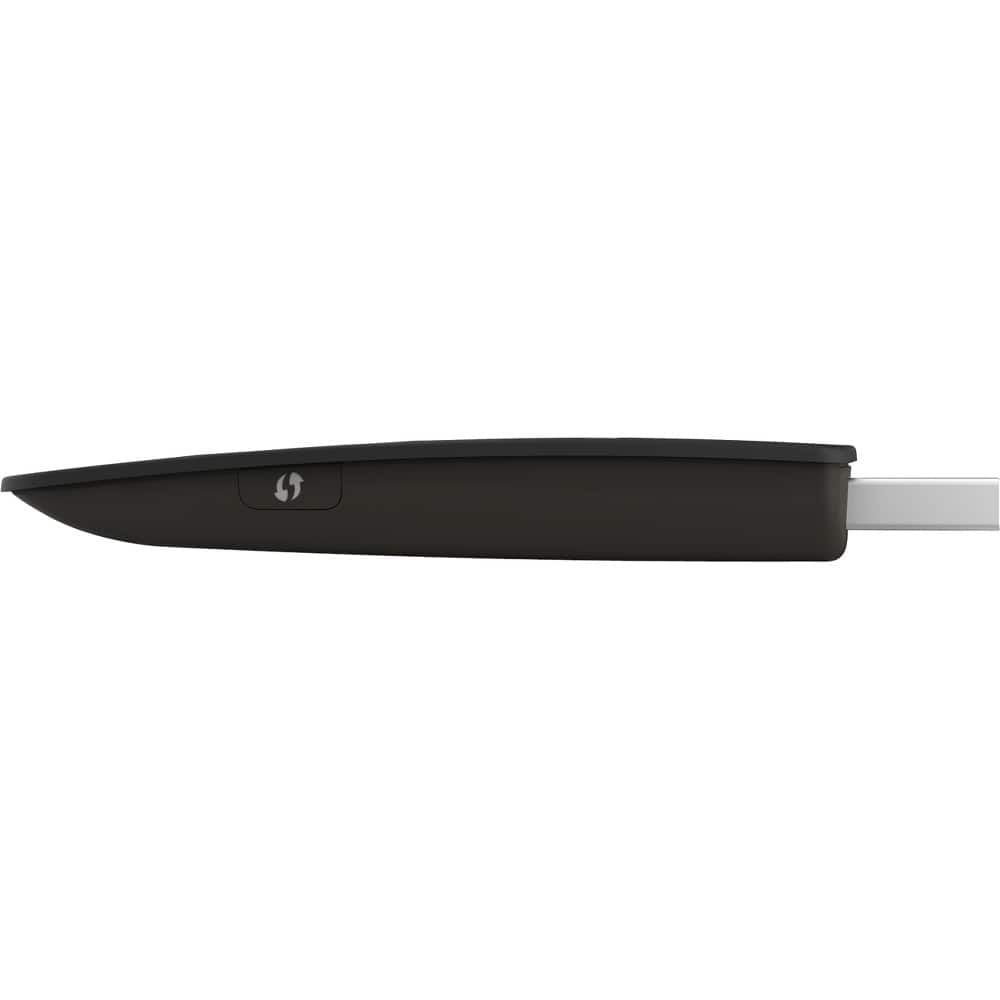
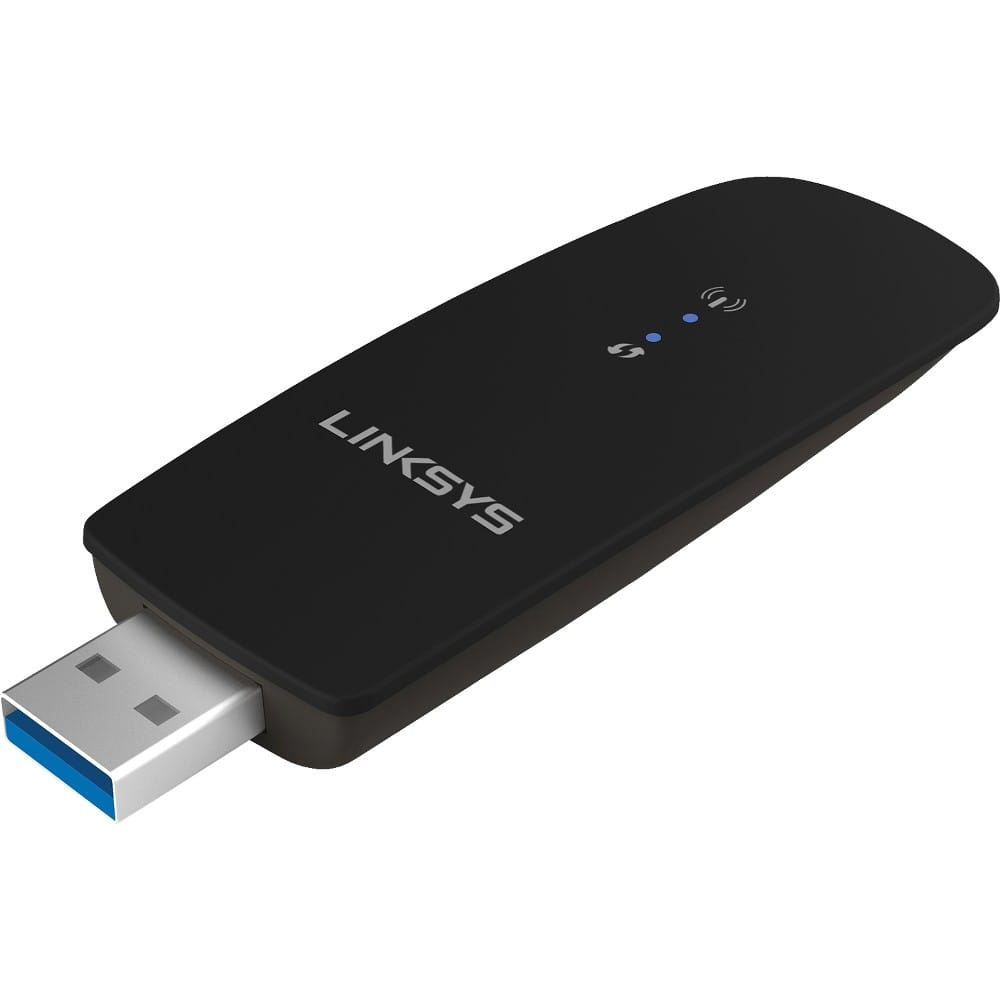
A:AnswerThis device just allows computers that do not have a built in WIFI adapter (such as a desktop) to connect to an existing WIFI network - it does not "create" a WIFI network. In your case you would need something additional to connect to a service provider and generate a WIFI signal. You might want to check with your cellular provider and check your cell phone's capabilities. Your cell phone may be able to act as a WIFI "hotspot" in which case this unit should allow you to connect. Your cell phone might also support "USB Tethering" which will allow you to connect your cell phone to your computer's USB port and use it as a cellular modem. This is what I do on a regular basis and it works quite well. However, make sure your cellular plan has unlimited data, otherwise you will use up your monthly data allocation very quickly!
A:AnswerHi GoodKnight. The Linksys WUSB6300 supports 802.11a, 802.11b, 802.11g, 802.11n, and 802.11ac standards, and may or may not work with mobile hotspot.
A:AnswerHi, Brenda. IT may not work as the Linksys WUSB6300 has only been tested to be compatible with Windows XP, Windows Vista®, Windows Vista® 64-bit, Windows 7, Windows 7 64-bit, Windows 8, Windows 8 64-bit, and Windows 10 64-bit.
A:AnswerHi, Tim. No. The Linksys WUSB6300 AC1200 Wireless-AC USB Adapter only works with the following platforms:
Windows XP
Windows Vista
Windows 7
Windows 8
Windows 8.1
A:AnswerHi there. The Linksys WUSB6300 is compatible with Windows XP, Windows Vista®, Windows Vista® 64-bit, Windows 7, Windows 7 64-bit, Windows 8, Windows 8 64-bit, and Windows 10 64-bit. It also utilizes the USB 3.0 standard. However, this is also backward compatible with USB 2.0 ports. It also works with a wireless printer.
A:AnswerHi, Desan88. The Linksys WUSB6300 adds or upgrades wireless connectivity to your Windows-based computers. It supports 802.11a, 802.11b, 802.11g, 802.11n, and 802.11ac standards, and it may or may not help you with the concern that you have. However, you may try extending your network by using a network extender.
A:AnswerHi, PCPlan. We can manually install the Linksys - AC1200 Dual-Band USB 3.0 Adapter. You can check this link (https://www.linksys.com/us/support-article?articleNum=140560) to download the WUSB6300 Setup Wizard and the driver and view the manual installation guide
Feel free to send us an email at LinksysCares@linksys.com with your contact details and the link to this post should you need our help.
A:AnswerHi, Ron. No, the Linksys WUSB6300 AC1200 Wireless-AC USB Adapter allows your computer to connect to a to the next-generation 802.11ac standard.
A:AnswerHi Reamer. It is best to use the Linksys WUSB6300 adapter to connect to a router that supports the Wireless-AC standard to achieve the maximum connection speed.