A:AnswerHi. The Velop system can support up to 245 devices, both wired and wireless. Please note that wireless interference can affect connectivity that can limit the number of devices that can connect at the same time.
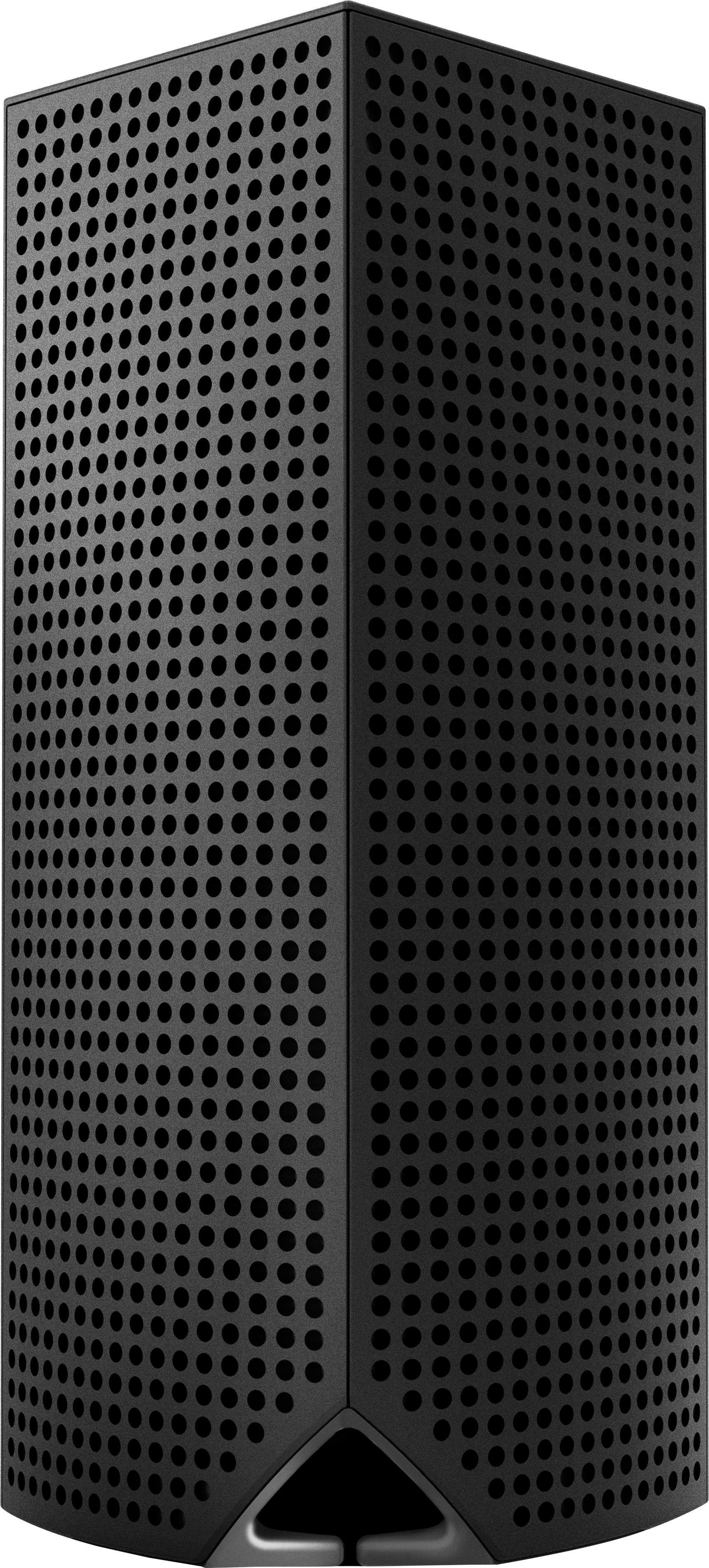
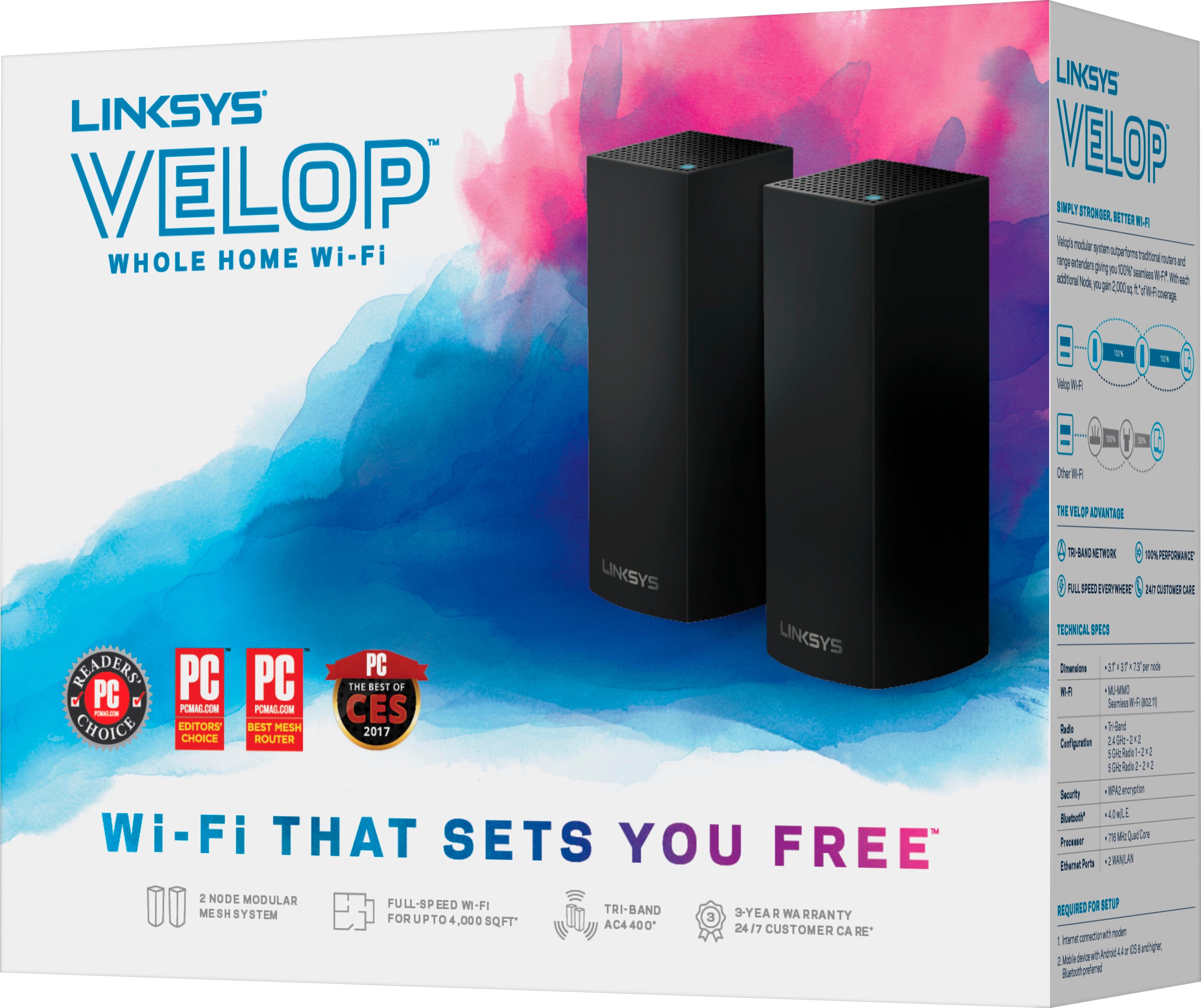
A:AnswerThe Velop system is a Tri-Band AC2200 (867 + 867 + 400 Mbps) and provides a range up to 2,000 sq ft, Caged. But, actual ranges will vary depending on wireless obstructions, operating environments and building material.
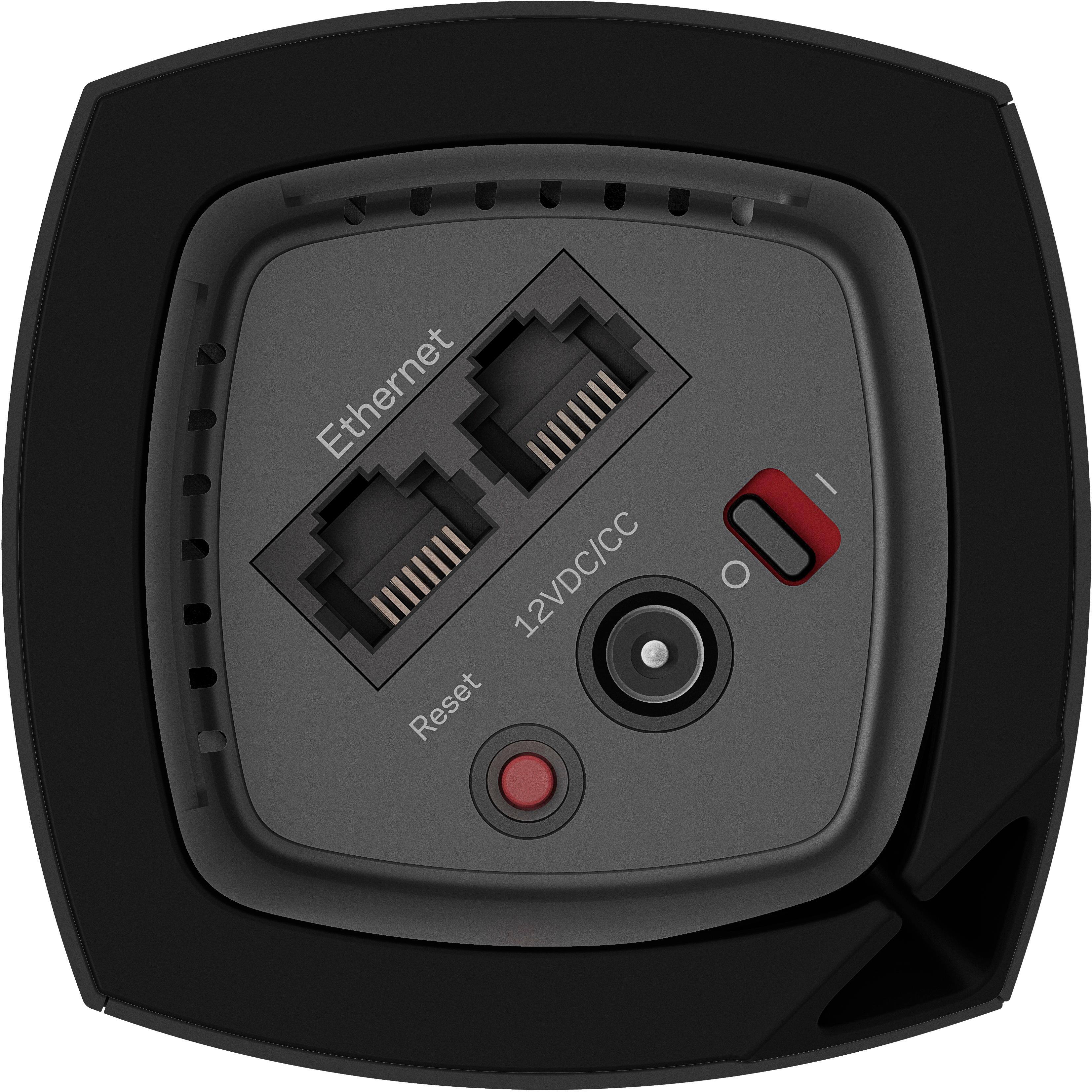
A:AnswerYes. You have one open ethernet port on the "main" node that is ethernet connected to your router. Then the one I have in the living room has two open ethernet ports in addition to the wireless service, and the same for the third node in the Kitchen area.
A:AnswerYou can hook up each pod directly to an ethernet cable which goes directly into whatever device you want the signal to go to which is a nice feature
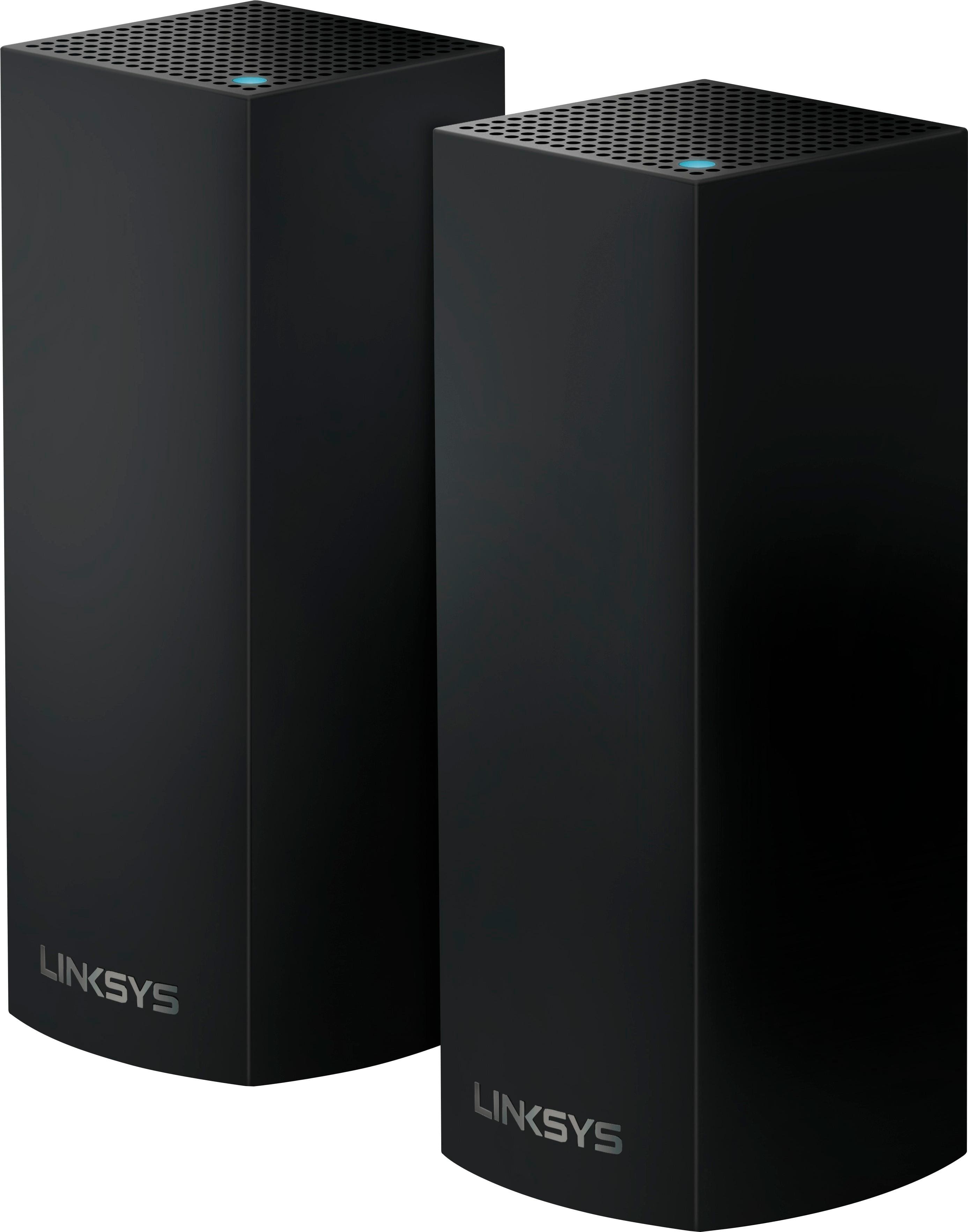
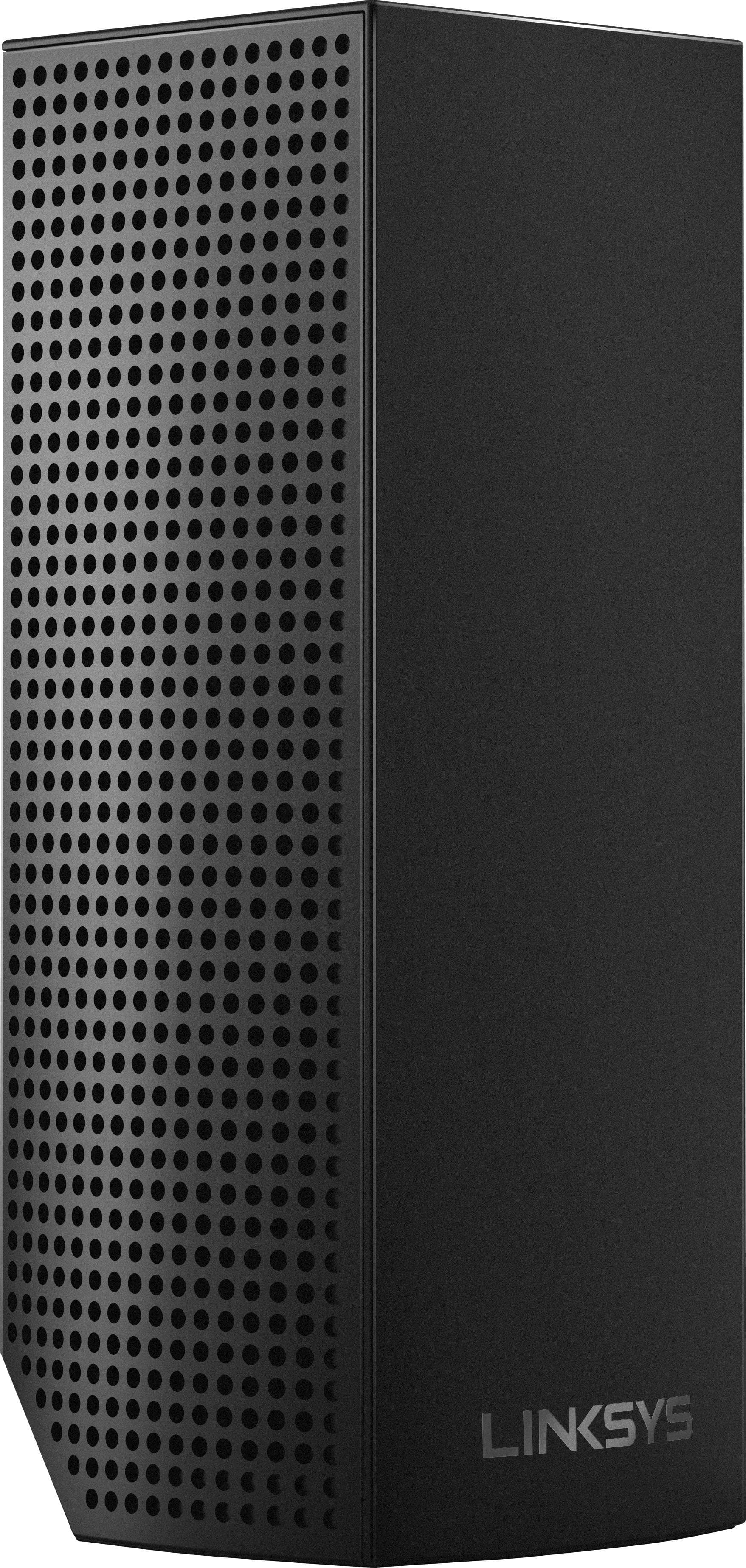
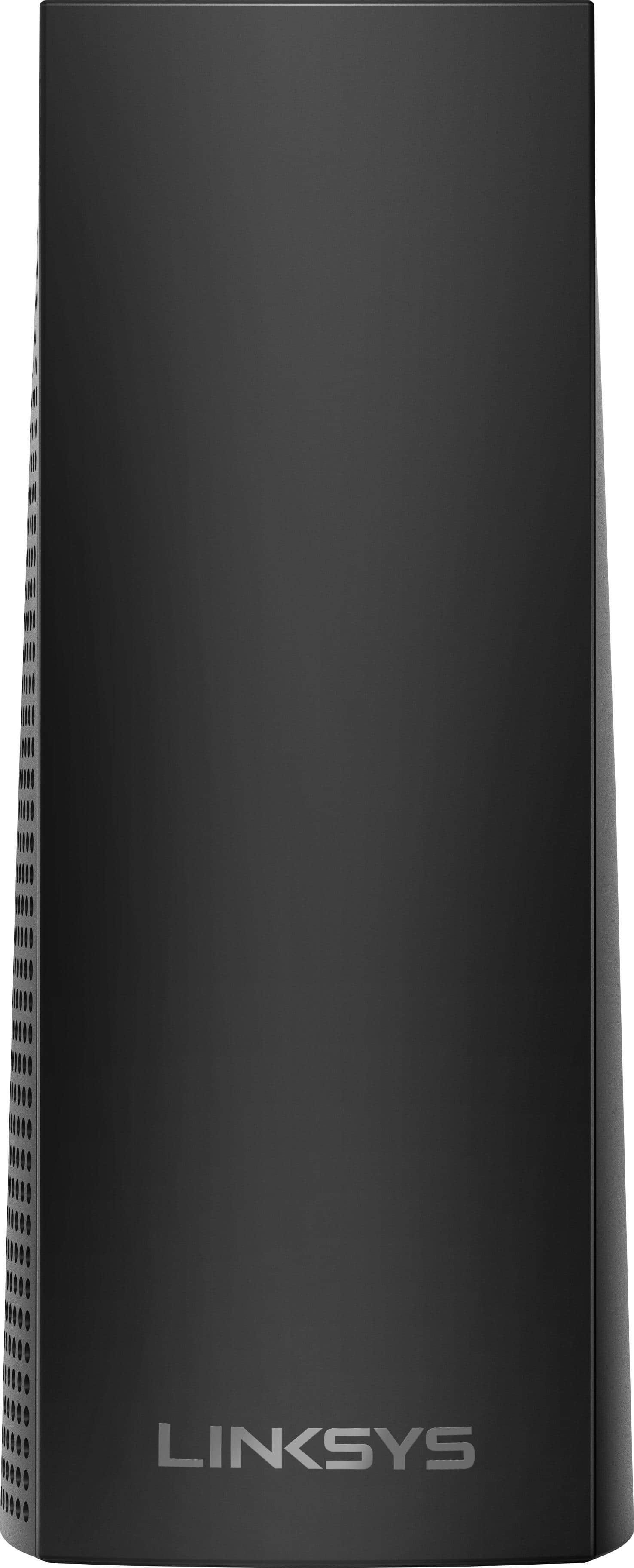
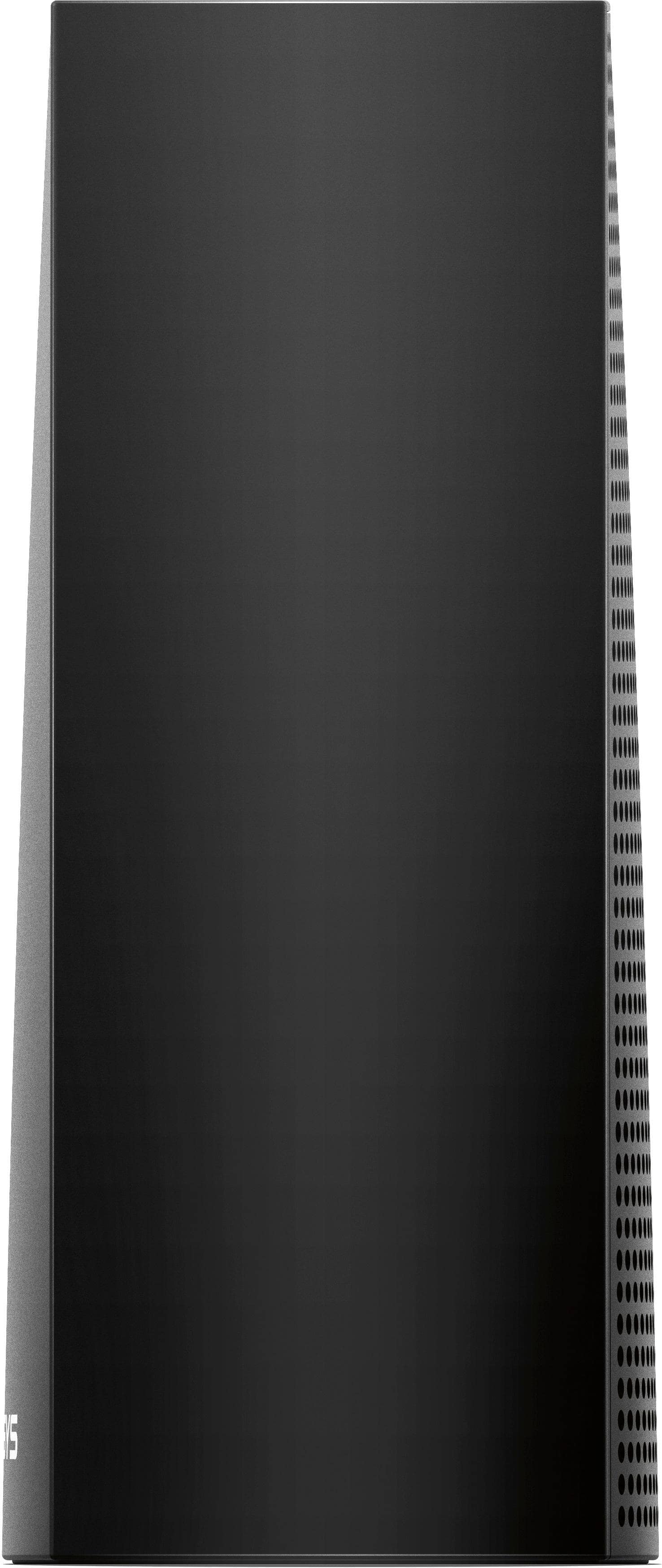
A:AnswerThe Velop is a wireless mesh system with modular nodes that act like a router/extender combo. It provides a strong and seamless wireless connectivity for any type of home. It's tri-band which means it uses three bands/frequencies to accommodate even more devices on your mesh network.
A:AnswerBased on our experience, a 2 pack would be sufficient. I would definitely start there first & not unnecessarily overspend ($100 more for 1 more tower).
You can alway return/exchange (while not ideal) for the 3 pack. But this sounds like our setup & the 2pk was perfect.
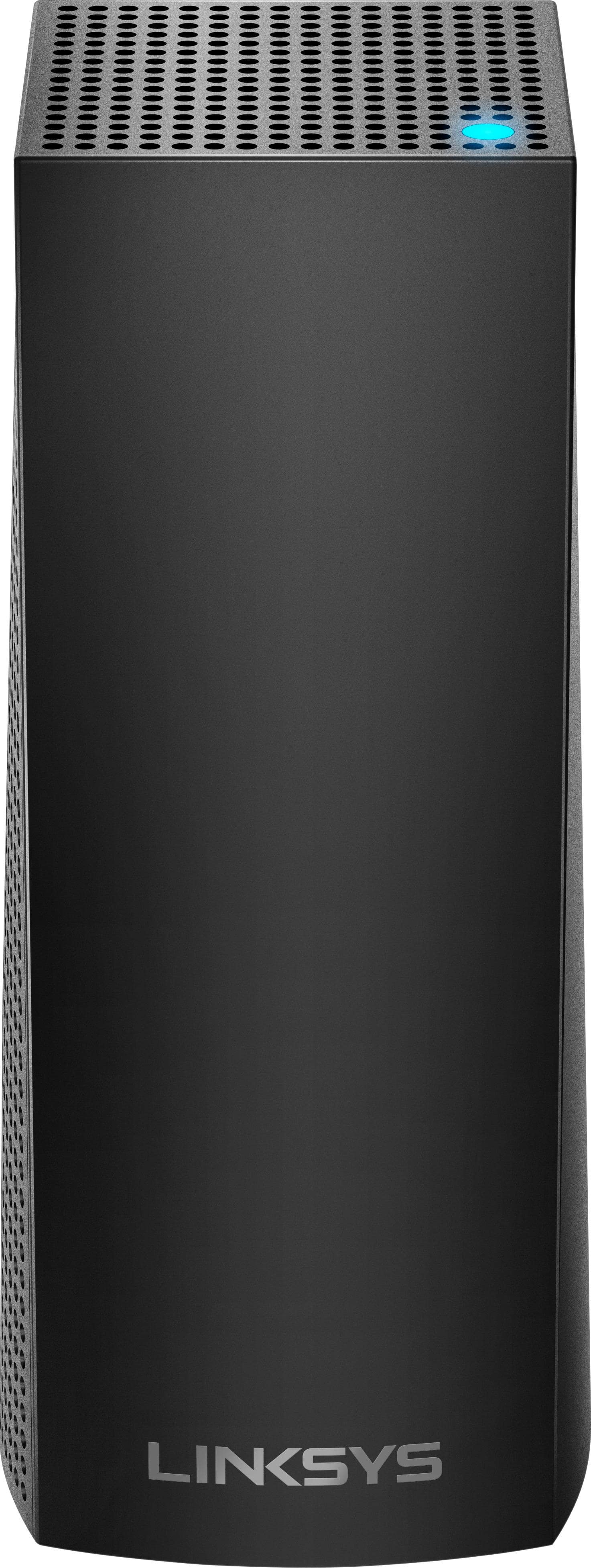
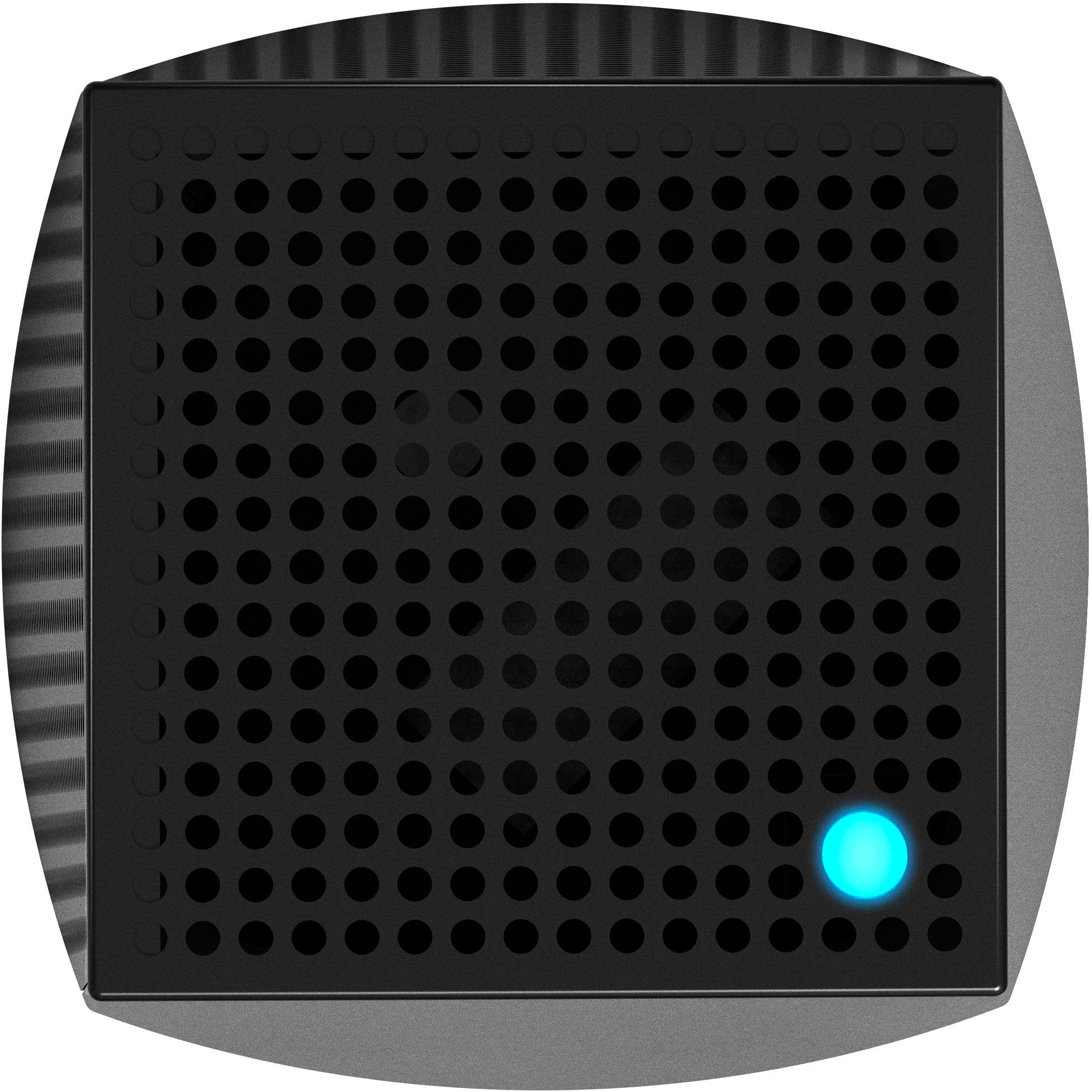
A:AnswerHi, Lulu. The light status on each node should show a solid blue light. It signifies that the nodes are connected to the internet after the initial set up. To learn more, click here: https://www.linksys.com/us/support-article?articleNum=217443.
A:AnswerHi, Sammy. The Linksys WHW0302 Velop System is compatible with any Velop model, and you can use the Velop model WHW0103 to extend the WiFi coverage of the existing Velop network.
A:AnswerHi Mikey. Yes, you can add another Velop WHW0301 node to your current setup. Connecting your devices wired to the node will help stabilize the connectivity.
For further questions, you can email us at LinksysCares@linksys.com, with the link to this post so that we can assist you.
A:AnswerYes, Itsme. You can add as many nodes as you can, it just depends on the number that your household needs. You may also use the Velop configurator on our website so you’ll have an idea on how many nodes need to be considered based on your household layout: https://www.linksys.com/us/design-your-velop/
A:AnswerNot sure about 300 feet but we use it to access a camera in our garage which is about 100 feet. I’ll have my husband take a farther walk and check it out.
A:AnswerYes, RK11. However, we don't recommend doing so as it will defeat the Mesh capability of the Velop System. The Velop should be configured as the main router to enjoy its full potential. For more details, please drop us an email at LinksysCares@linksys.com.
A:AnswerYes! It works great. I have a HomePod and numerous devices on the network. (switches, outlets, TVs Etc.) It takes a little time to set it all up but it all works great and this Mesh system is FAST! As long as you have good speeds coming in!
A:AnswerI bet it will. Look at how far away is the kitchen location from either bedroom. If you put one node in the second bedroom, and the 2nd in or near the master bedroom, then the 3rd in or near the kitchen downstairs, you should have great coverage throughout your house!
A:AnswerHi, Karl. Each node of the Linksys Velop system can support a total of 64 wireless devices for 2.4 GHz and another 64 wireless devices for the 5 GHz, which includes combined guest and main networks. For further questions, feel free to reach out to us at LinksysCares@linksys.com with the link to this post for our reference.
A:AnswerHi, JMH. Setting up the Linksys WHW0303 is easy using the Linksys app. Make sure to download the latest version of the Linksys app for iOS or Android™. Also its supported operating system are iOS 11.4 or higher (for iOS) and Android 6.0.1 or higher (for Android). You may also check out this link for the setup process: https://www.linksys.com/us/support-article/?articleNum=316842 (iOS), and https://www.linksys.com/us/support-article/?articleNum=217435 (Android).