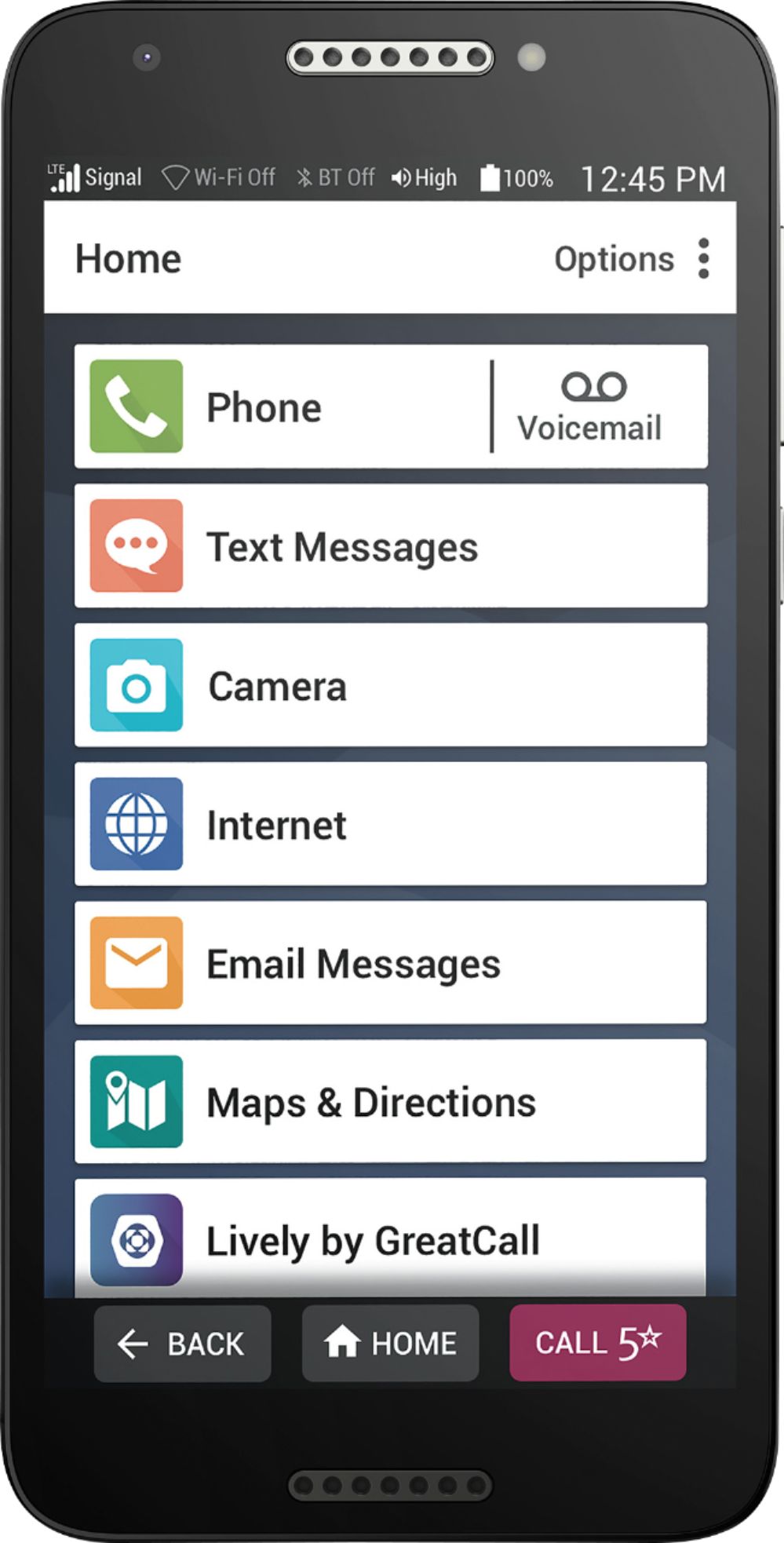
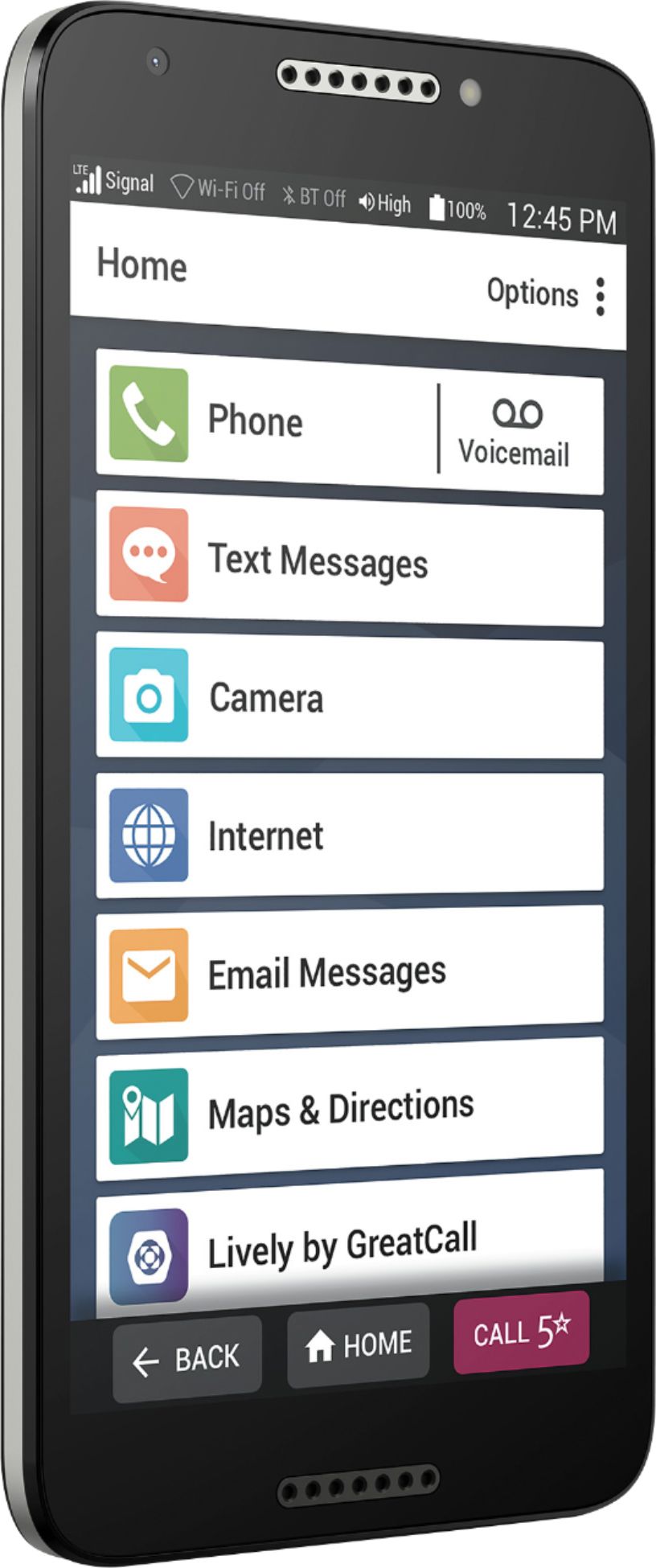
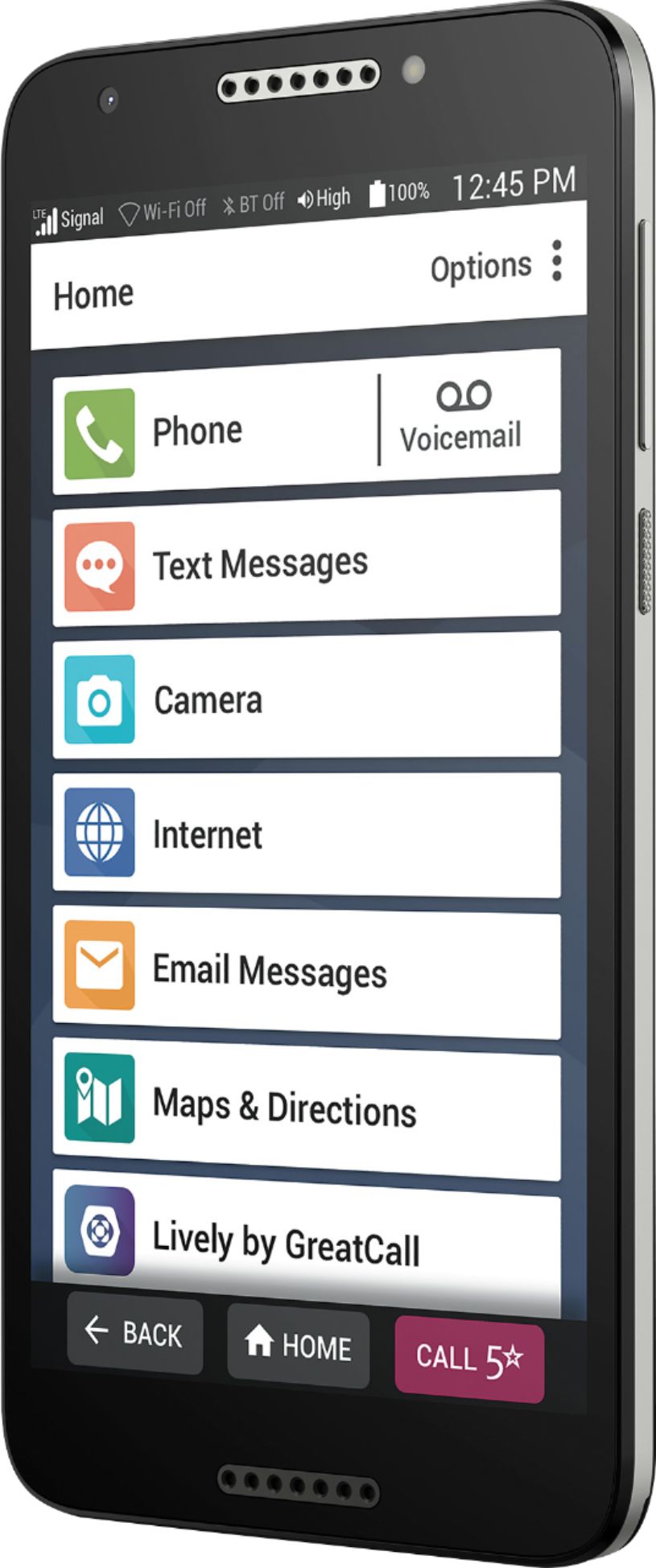
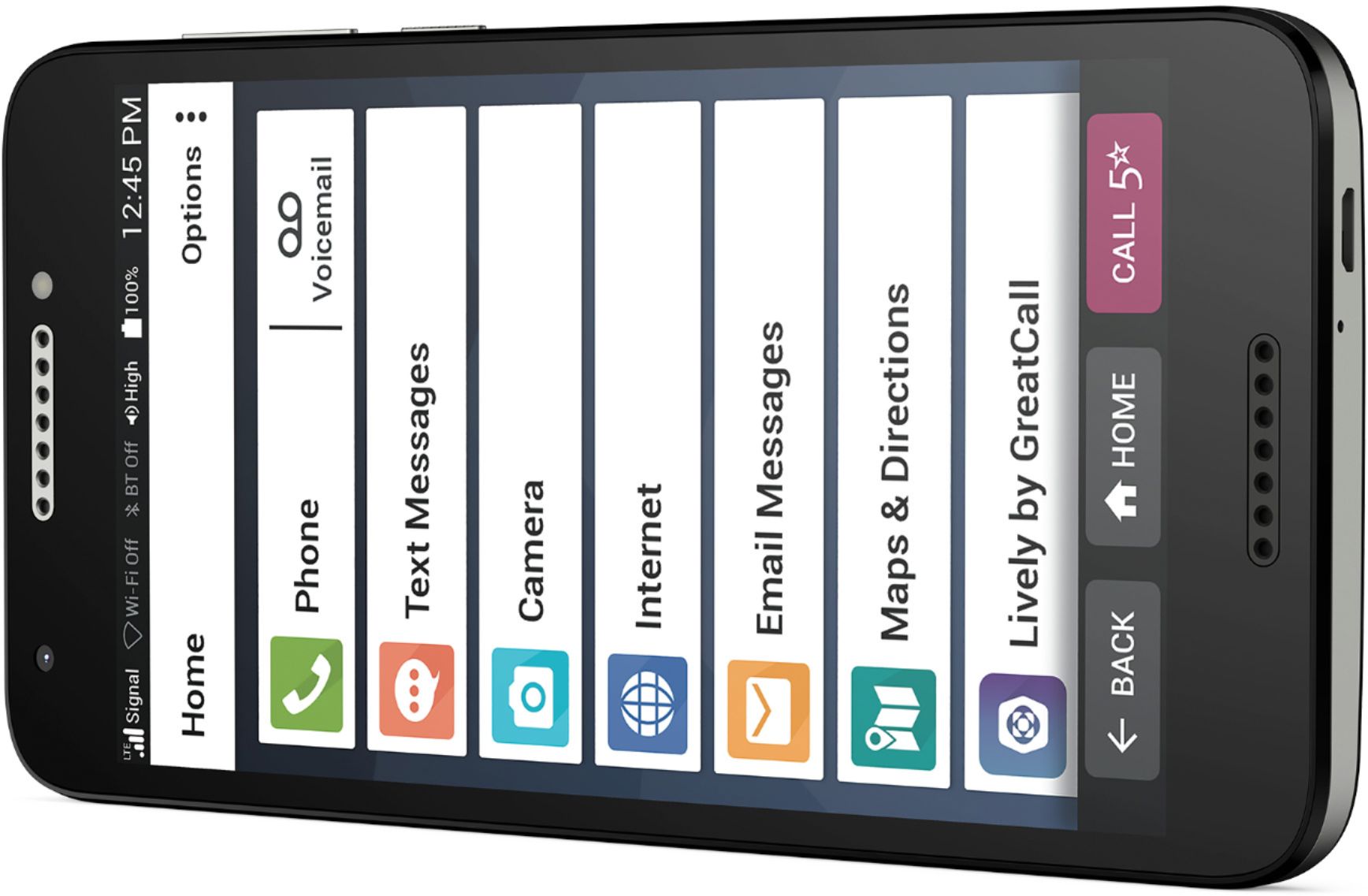
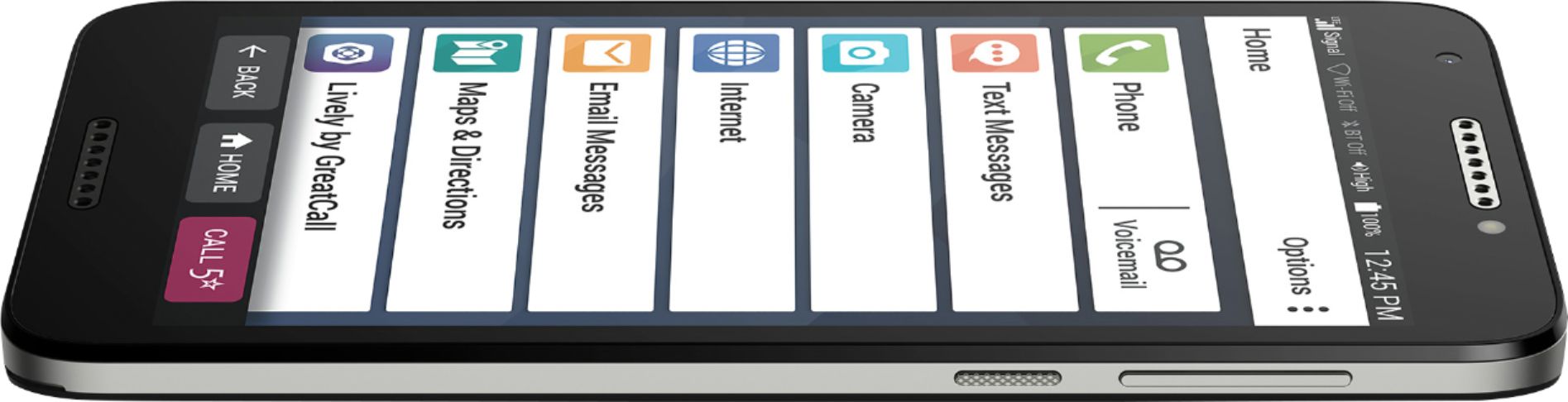
A:Answer As a device that is designed for the elderly, it is surprisingly difficult to access certain features. Accessing voicemail is not that bad with a good size icon next to the phone button on the main menu. Generally all buttons are difficult for shaky fingers. The phone coming loaded up with full vocal commands enabled would be much better. GPS works for directions also. We have not tried downloading apps that are not specifically for Lively, so don't know yet. It would be difficult for my Mom to delete calls, so we will dial 0 and see if they can help with that. A warning here, the microphone button for activating voice texts is miniscule. There is no way anyone I know who is over 70 would be able to see it.