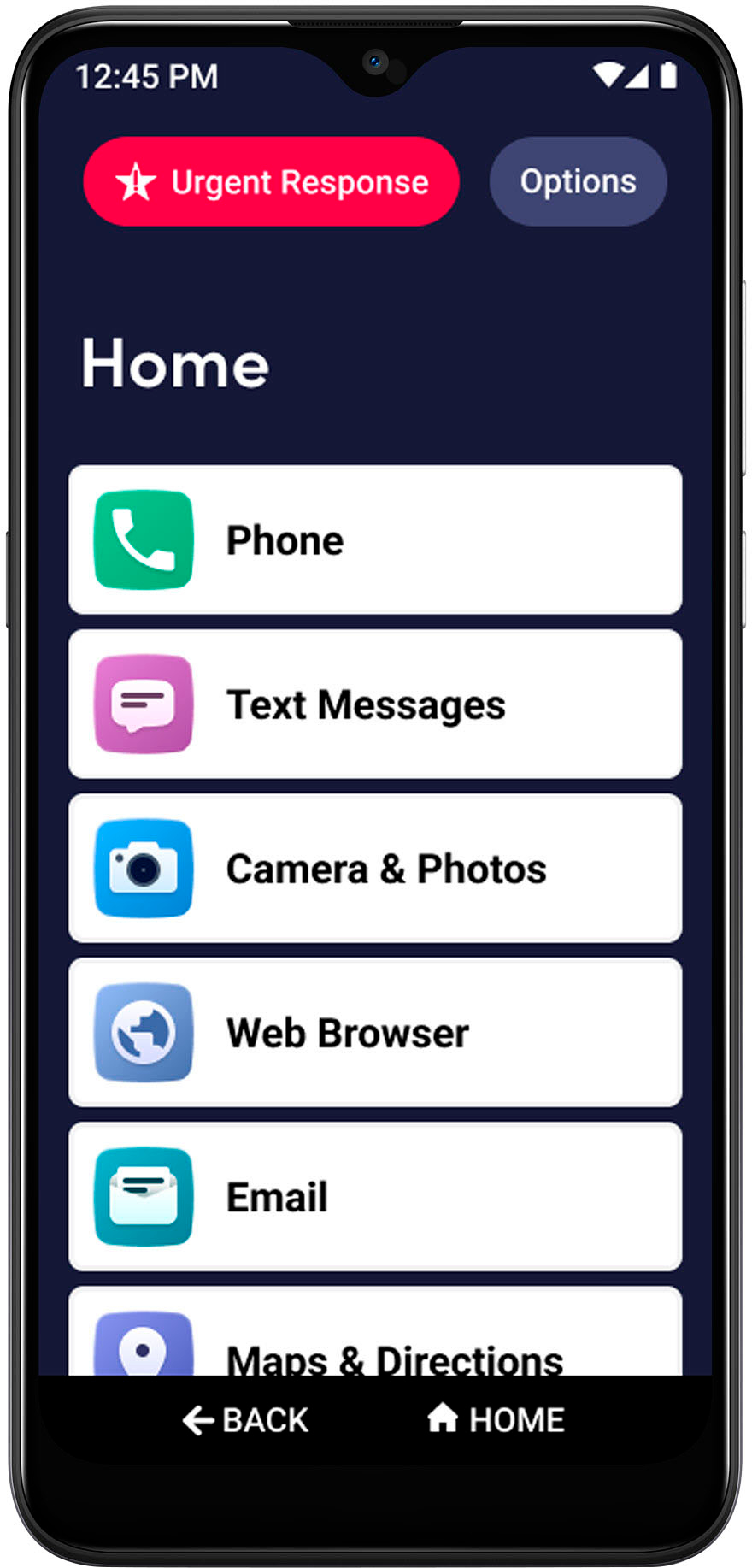
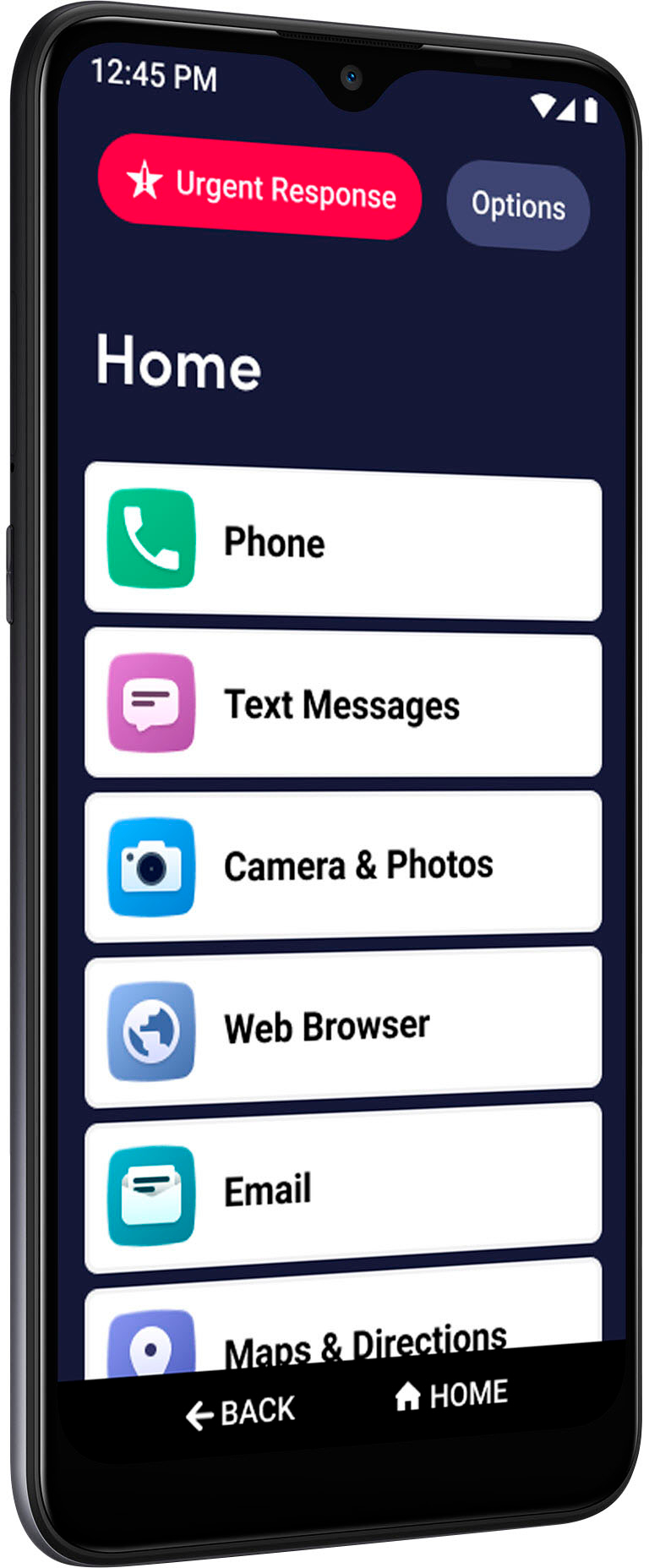
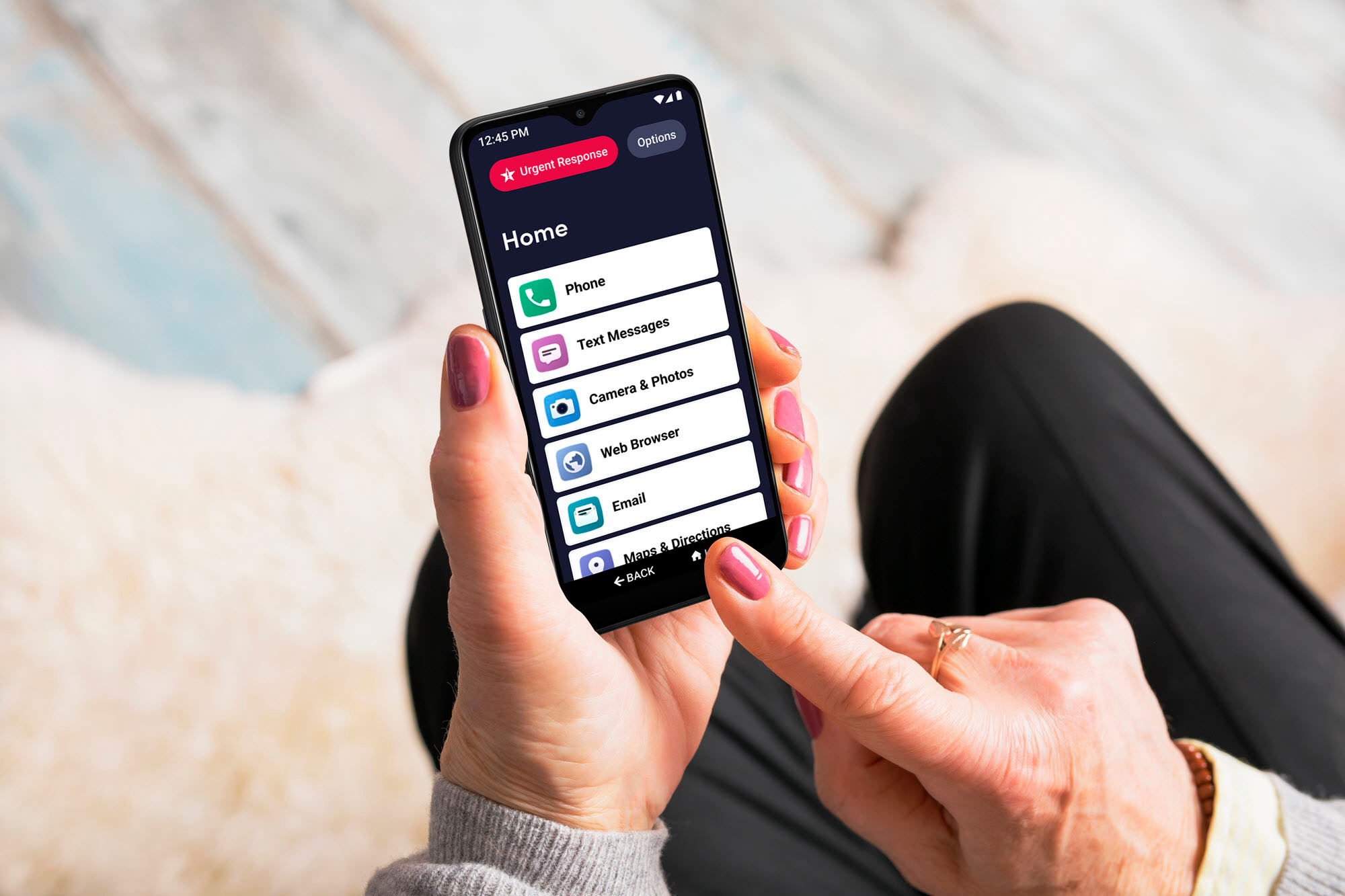
A:Answer Hello, great question. On the Jitterbug Smart3, to create a new message you will need to go to the Text Messaging app. However, if you receive a new message, there will be a notice of the message on the top left of the home screen. From the top, drag down and this will open your notifications. If you have a Text or other message, you can tap on it to open. You will see the message and you can reply to it. If you need any further assistance, please contact our friendly Customer Service from 5am to 6pm Pacific time.