A:AnswerGreat question! If your mother already has a Jitterbug phone she can keep the same number and if you are using a Google account on your current smartphone and have backed everything up, once you log into your Google account on your Jitterbug Smart3 phone, those items should be available.
A:AnswerDo a search: "is the jitterbug phone an android" The answer comes up: yes. Should work. Call Verizon and ask. Verizon may ask for your phone "imei number". Look in the instruction book or search: "the imei number jitterbug phone".
A:AnswerYes you can as long as your Smart3 phone is unlocked. TMobile is GSM and use mine on H2o wireless network that uses AT&T towers. Did a factory reset, set up in Advanced mode and looks like my old broken Samsung S8+ did. Hate the large buttons. Unlocked just put my H2o SIM in and store contacts as USIM so they are there too. NO Cloud for me. Power on and calls work, contacts too. Made fonts smaller per Samsung. Called H2o, gave them IMEI, 3 updates later am VoLTE 4G capable. Great phone now.
A:AnswerThank you for your question. The Lively network is powered by the nation's most reliable wireless network (Verizon). We suggest you visit our website at Lively.com/coverage to enter your zip code and check coverage in your specific area.
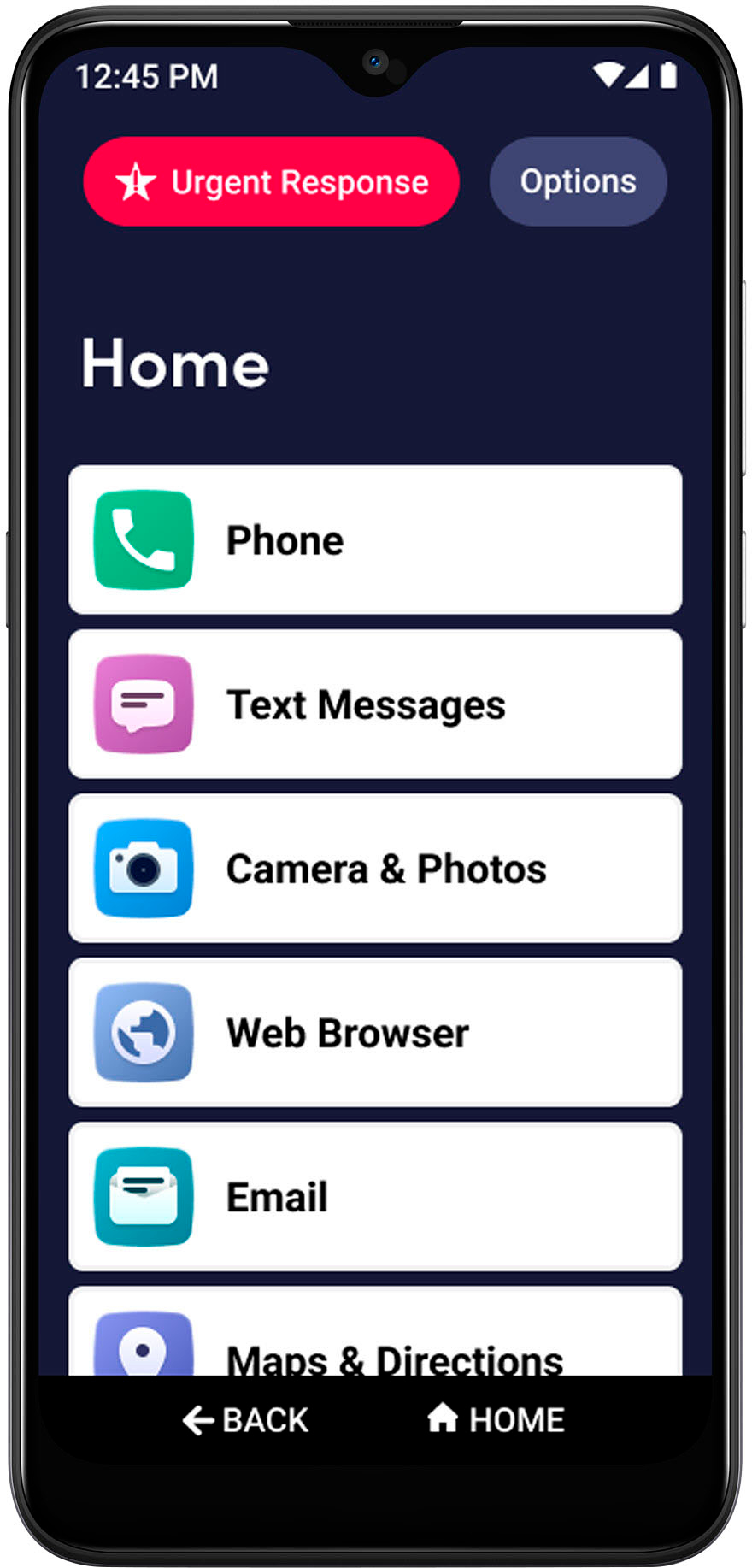
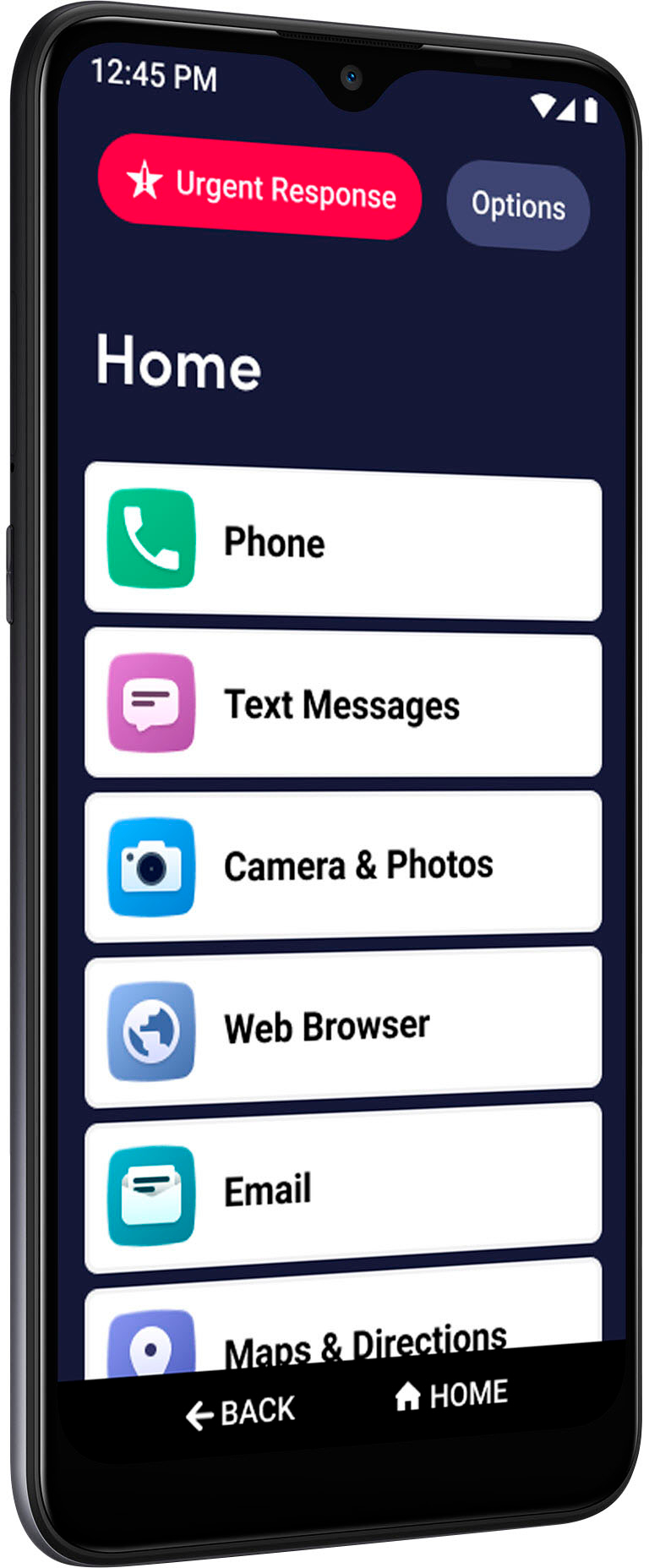
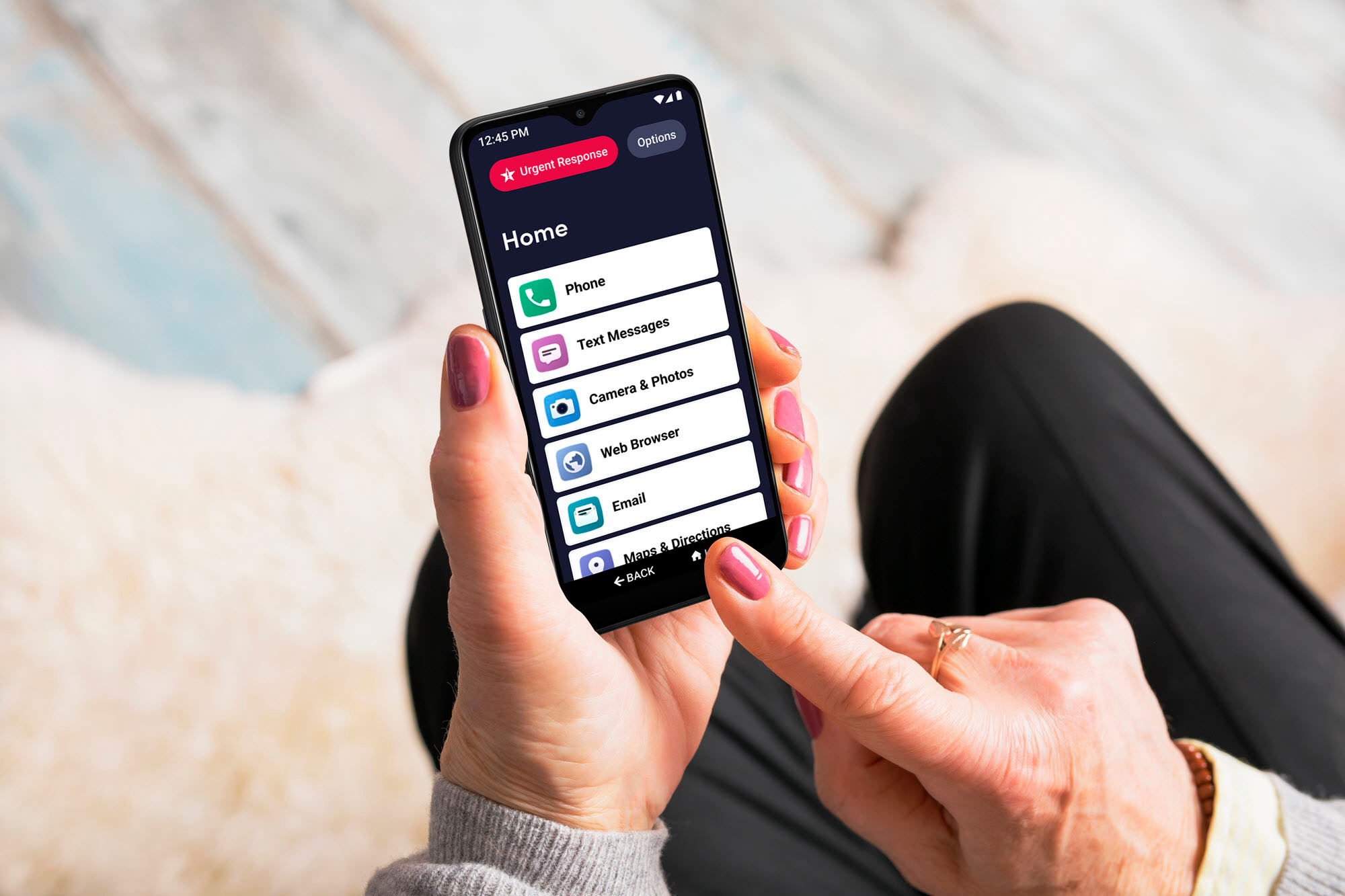
A:AnswerGreat question! The Jitterbug Smart3 is our newest Smart phone. With its easy-to-navigate menu, voice typing and video chat, you’ll enjoy staying connected to friends and family with the Jitterbug Smart3. For more details on the Lively Smart, please visit our website.
A:AnswerHi, great question! When you purchase a Jitterbug Smart3 phone, it will include the phone, AC Charger, USB type-C cable, Activation guide, Porting Guide, User Guide, and a Small metal pin (used to access the Micro SD memory card slot).
A:AnswerI spoke with customer service at Lively this week and the guy checked with a manager and told me that the phone works wherever it has access to Verizon cell phone towers, which includes Canada. So it should work in Canada, or at least Ontario. Not sure about other countries.
A:AnswerHello Chris, thank you for your question. The photos and videos will not automatically transfer. You may sync your personal information to your google account. For more information on how to do this, please contact our Customer Service.