A:AnswerAs far as I have explored, the Lively phone has apps such as weather, calculator, FB, google maps & directions, personal operator for Lyft ride share and others. I have no knowledge nor discovery that there is Bluetooth.
A:AnswerAll apps are a third party features available on the Jitterbug Smart3, applications are not a part of your rate plan and are available to the public with a variety of pricings per application.
A:AnswerGreat question! here are the specifications for the Jitterbug Smart3 Height: 6.25 in (158.7 mm), Width: 2.93 in (74.6 mm) ,Depth: 0.32 in (8.15 mm) we hope you find this helpful.
A:AnswerThank you for asking! The Jitterbug Smart3 gives users the ability to set up a data limit. If the data limit is reached, the data connection will be disabled. Other settings, such as Airplane Mode, can interrupt data connection as well. For support with your data connectivity and phone settings, please contact our Customer Service at 1-800-733-6632.
A:AnswerHello, great question! All Lively cell phones are unlocked per nationwide standards, but we cannot control which carriers choose to accept or activate our phones, nor do we guarantee our phones are compatible with other networks. We apologize for any inconvenience this may have caused.
A:AnswerGreat question. The Jitterbug Smart3 phone has the Google Play store available where you can download apps such as YouTube, WhatsApp and a variety of other apps.
A:AnswerHello there is a one time activation fee for $35.00. Lively allows you the option to transfer your cell or home phone number at no cost, as long as your number is still available. There are instructions on how to do so included with the box -- just make sure you do not cancel your previous service until the transfer is complete. To enjoy exclusive features that are only available on the Lively network, activate with Lively by phone or on the Lively website.
A:AnswerHello in order to change the password on the lock screen please follow the following steps by accessing your Settings>Advanced Settings> Screen Lock then it will give the option for None to select.
A:AnswerHello, great question! With the Jitterbug Smart3 you can send group text messages. Here is how: 1. On the Home screen, TAP Text Messages. 2. TAP Create a New Message. 3. TAP Create a Group Message. 4. TAP Add People, then TAP either Choose Contact or Enter Phone Number. 5. Compose your message using the On-Screen Keyboard or with Voice Typing. 6. TAP Send. These instructions can be found in the user guide packaged with the phone on page 77, and the user guide can also be viewed on the “Support” page of our website.
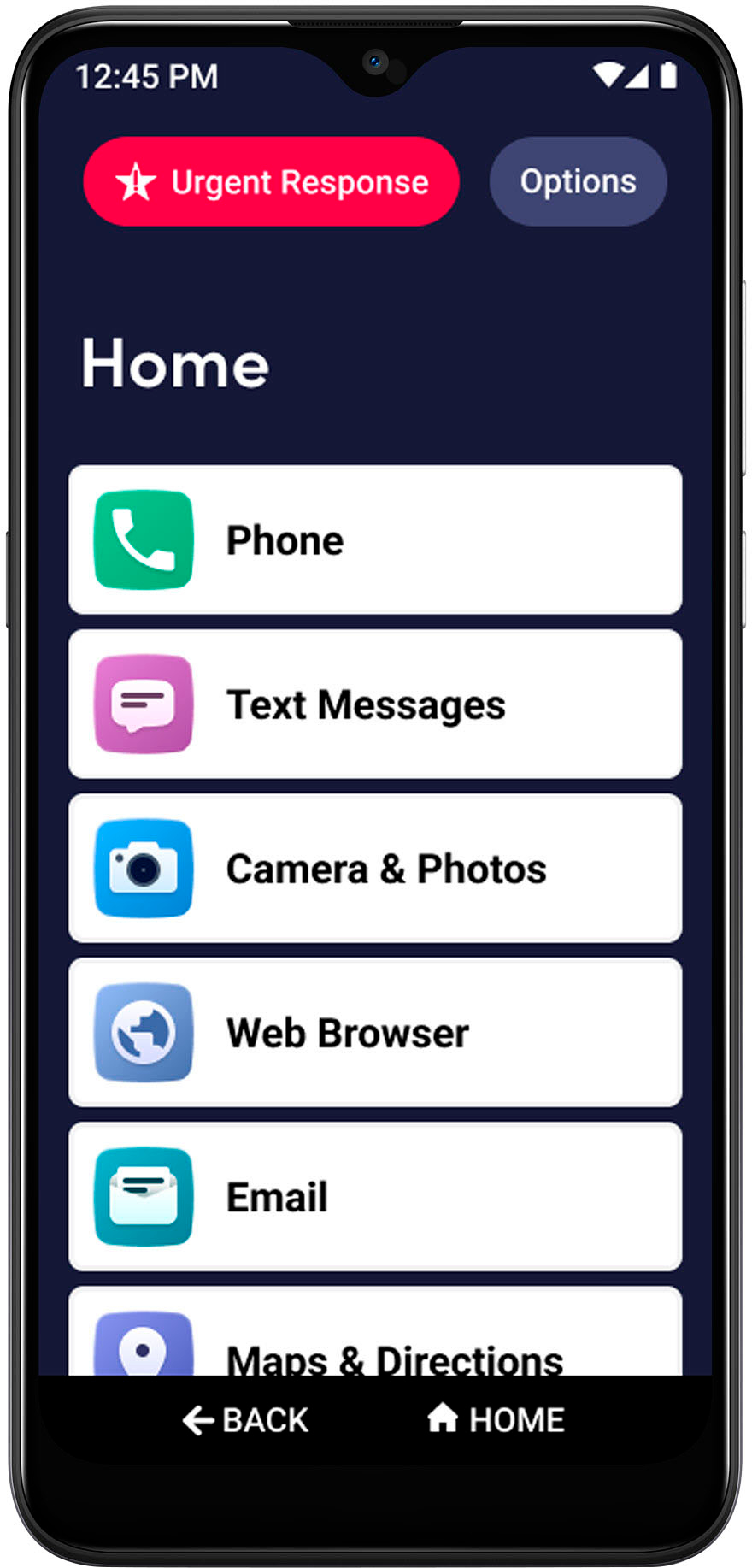
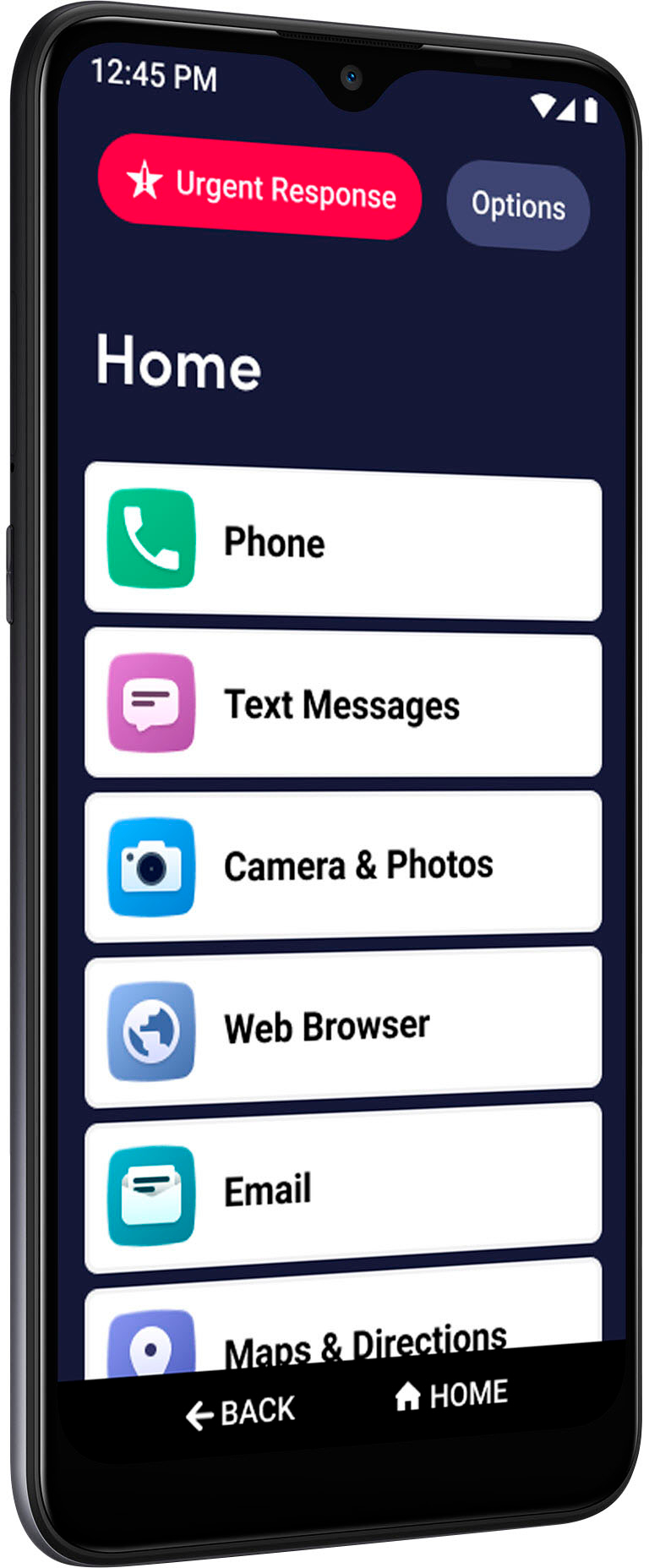
A:AnswerGreat question! In order to get to the Home screen, you can select the Home button on bottom of the screen. If any further assistance is needed, please contact our Customer Service at 1-800-733-6632, between the hours of 6:00am and 6:00pm Pacific Time, seven days a week.
A:AnswerYou can use any app that is available from the Android Store. Then you can add it to be displayed in the simplified interface that Lively provide.