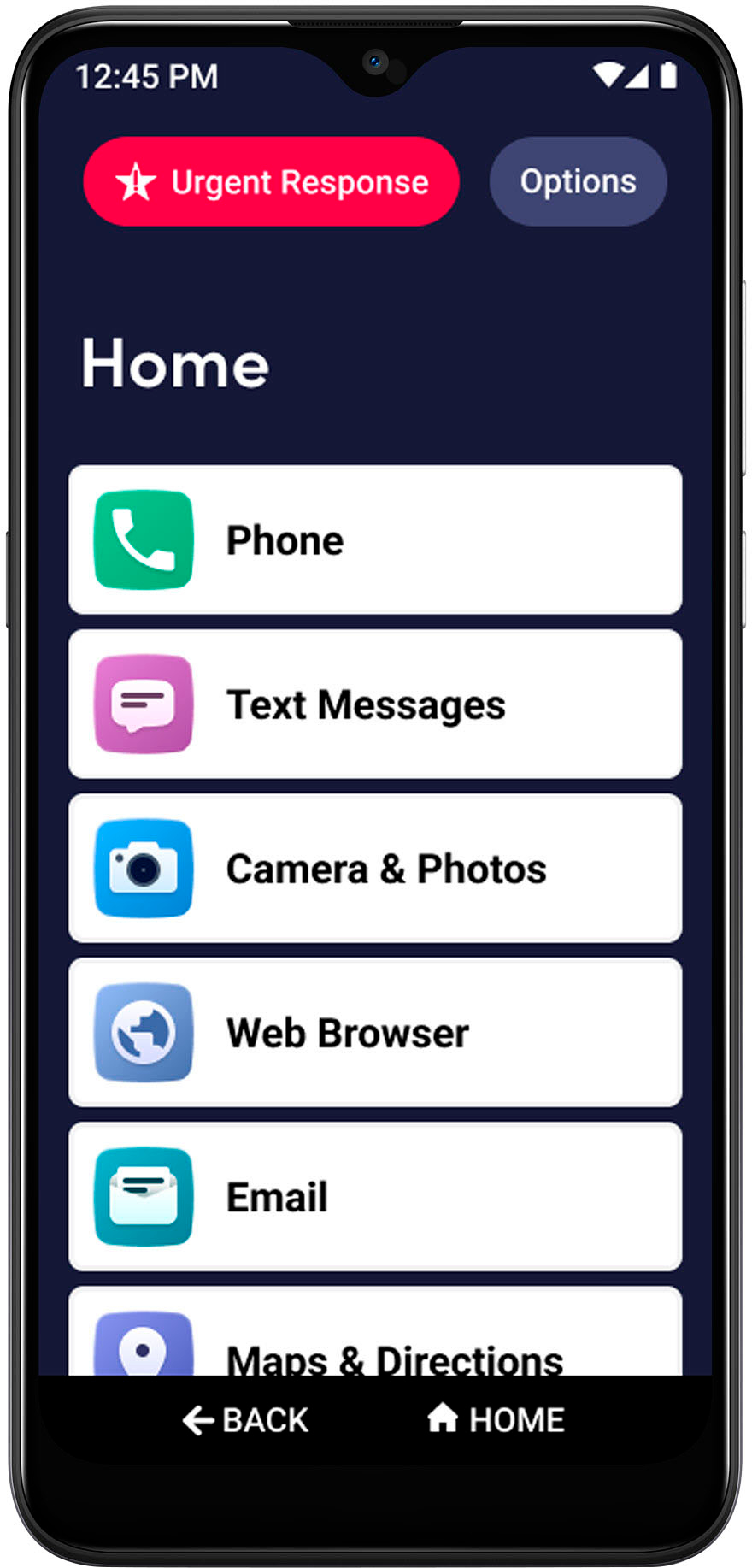
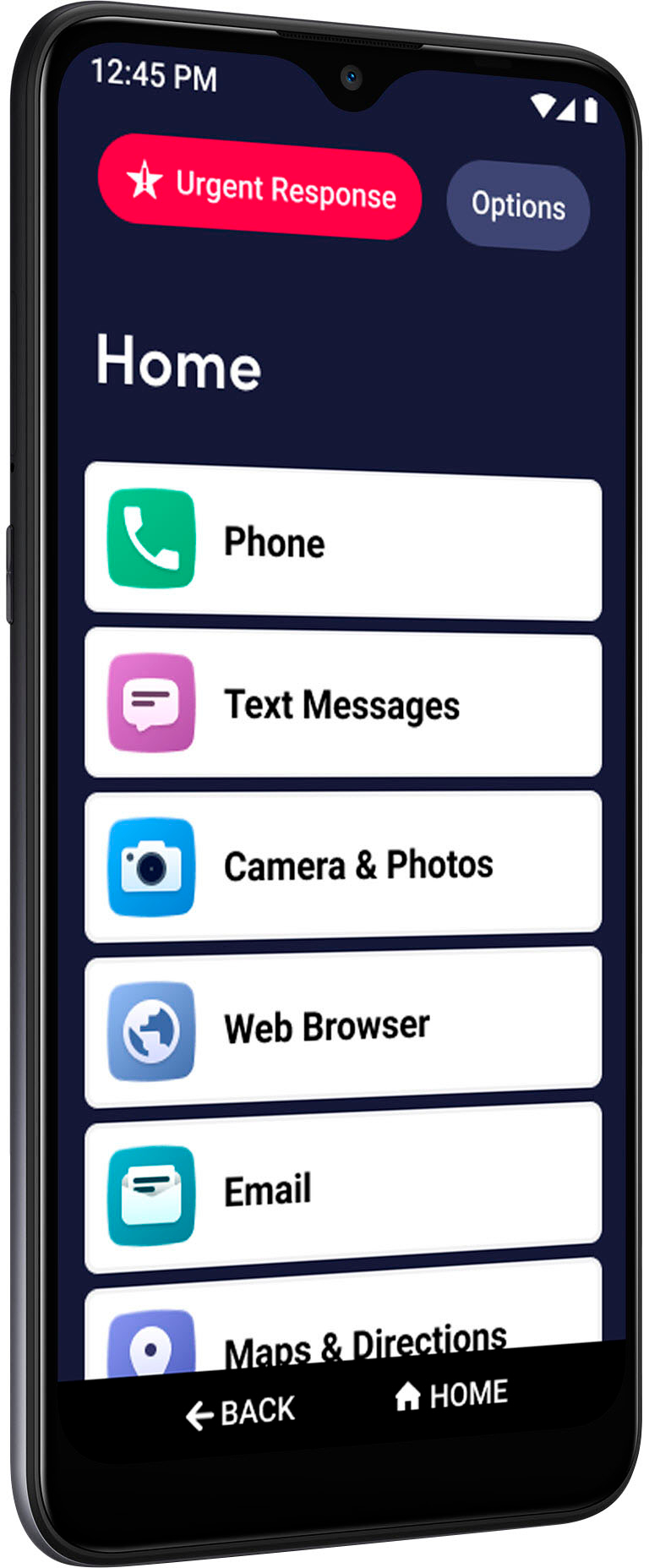
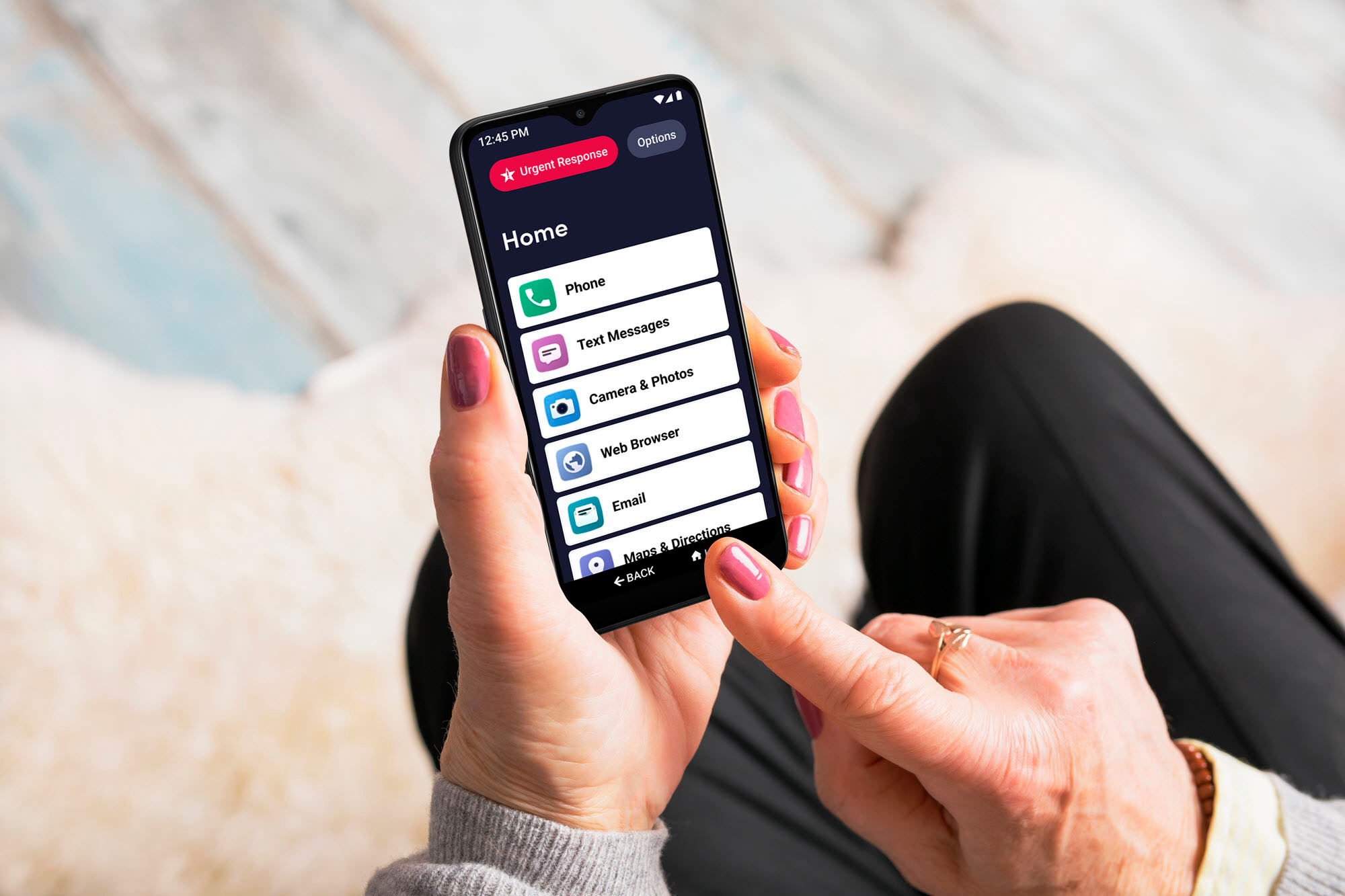
A:AnswerYes, the Jitterbug Smart3 is an Android based smartphone that gives users access to Google applications such as, Google Play, G-Mail and YouTube. For more details on the Jitterbug Smart3, please visit the Support page on our website.
A:AnswerHello, great question! On the right side along the edge of the phone you will see the volume control buttons. Once you are able to locate them you will see there is a top and bottom portion to the button, the top portion controls how high you would like the ringtone, and the bottom portion controls how low you want the ringtone. If you continue to select the bottom portion of the button it will go into a vibrate mode and you will feel a vibration upon it being set. We hope you find this helpful thank you.
A:AnswerGreat question! The Jitterbug Smart3 does not support Hot Spots. We suggest you look for free Wi-Fi locations for internet access when not using mobile data.
A:AnswerWe advise you to review the application requirements and/ or reach out to the developer to confirm compatibility. The Jitterbug Smart3 is an Android based smartphone operating on Android 10. For more details about the Jitterbug Smart3, please visit the Support page of our website.
A:AnswerGreat question. The Lively Jitterbug Smart3 is an Android v10 and like other android phones, there are some applications that do charge for use, but they should be clearly marked. Activation and set up can be completed in the store, online or by calling Lively and the instructions are included in the package.
A:AnswerGreat question. The Lively Jitterbug Smart3 can be connected to any available Wi-Fi for internet access. For more information, please visit the “Support” page of our website or our Customer Service team stands ready to help and can be reached at 1 800-733-6632, between 6am and 6pm Pacific time.
A:AnswerOne of the nicest things when I got my Smart 3 is that I could set it next to my Smart 2 on my home wifi and all contacts, apps, photos, and settings transferred automatically in about 30 minutes.
A:AnswerGreat question! The Lively Smart is perfect for taking and sharing pictures and videos! It has dual rear cameras, a 13 MP with auto focus and a 5 MP fixed focus with flash, and a 5 MP front-facing camera. You will have to confirm, but it looks like the Samsung Galaxy J7 has a single 8MP rear camera and a 5MP front-facing camera with flash.
A:AnswerGreat question! There is a one-time $35 activation fee to get started. If you activate the phone online, you can save $10. The activation fee is due at the time of activation and can be paid using a debit or credit card.
A:AnswerWe’re glad you asked! The Lively Smart comes with a user guide in the box and we also make a digital version available to you on our website. www.lively.com/support
A:AnswerGreat question! iTunes is exclusive to Apple and not available on Android devices however, the Lively Smart does have pre-installed applications to play music such as Play Music and Radio. You can also download music apps from the Google Play store. The Lively Smart phone does come with a 1-year manufacture warranty. We suggest you contact your current carrier for more information about your phone contract.