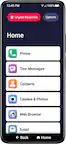
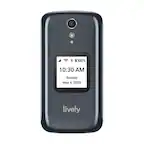
A:AnswerWe are so glad you asked. Jitterbug phones were specifically designed to work on the Lively network which is powered by the nation’s most reliable wireless network. To enjoy exclusive features that are only available on the Lively network, activate with Lively by phone or on the Lively website. Lively has a variety of plans so you can choose the one that works best for you.
A:AnswerI have an iPhone 11 and the voicemail is on my phone. Depending on your phone it sounds like you will have to dial *86 then press “call”. A voice will tell you whether you have any messages and how to listen, how to store them and/or delete them once you have listened. Our landline uses a system lie this. If you have questions drop by your local Verizon store or Bedt Buy and they can explain and demonstrate.
A:AnswerWe are sorry to hear that you do not have a SIM card installed in your Jitterbug Smart3. Please contact our Customer Service team for support at 1-800-733-6632.
A:AnswerWe are sorry to hear that you are having trouble with receiving text messages on your Jitterbug Smart3. Please contact our Customer Service team, so that we may complete the necessary troubleshooting to resolve this issue. We can be reached at 1-800-733-6632, between the hours of 6am and 6pm PT seven days a week.
A:AnswerThank you for asking! To transfer your existing services and phone number to your new Jitterbug Smart3, please contact our Customer Service team at 1-800-733-6632, so that we can complete a swap of your existing information.
A:AnswerHello, the Jitterbug Smart3 does offer an alarm and time function. To access them you go to apps>clock> top left corner will be the option for alarm and you will see a list of different icons across the screen for different options offered such as a timer, stopwatch, etc. We hope you find this helpful.
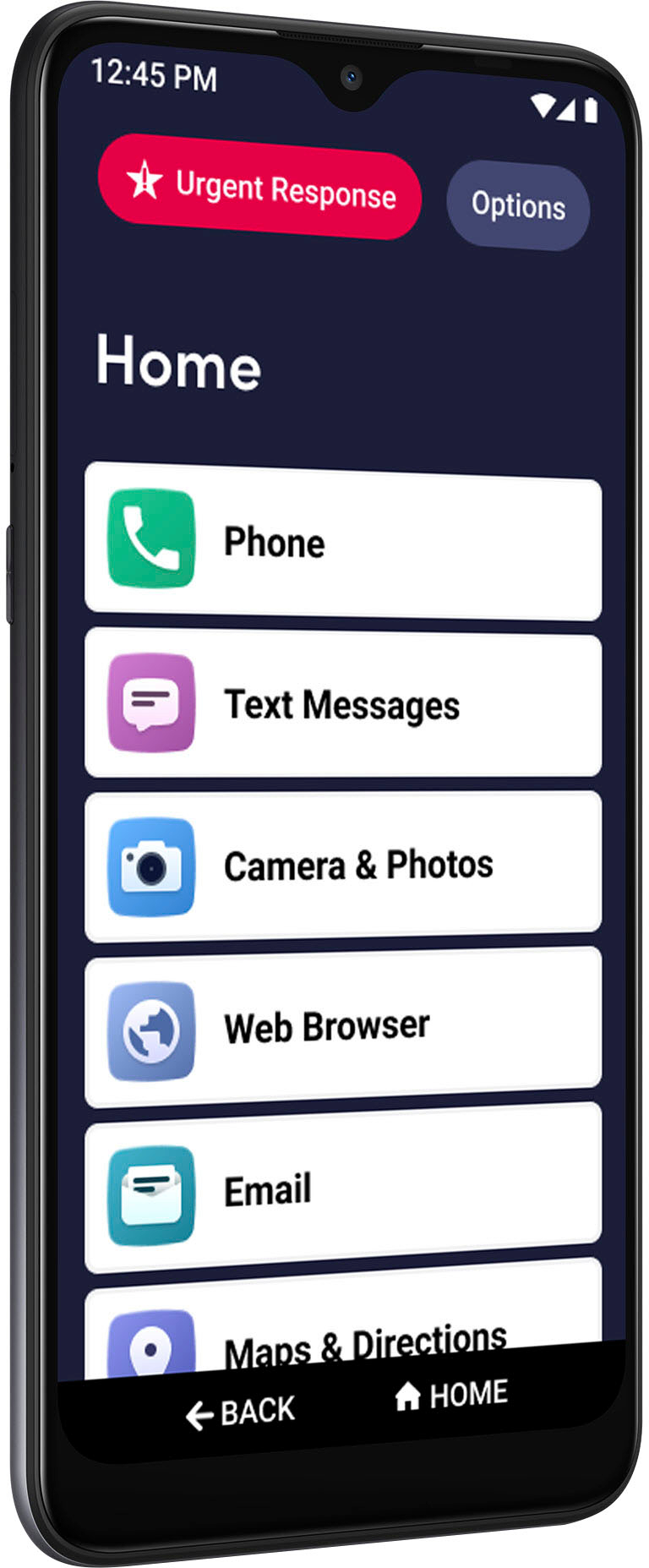
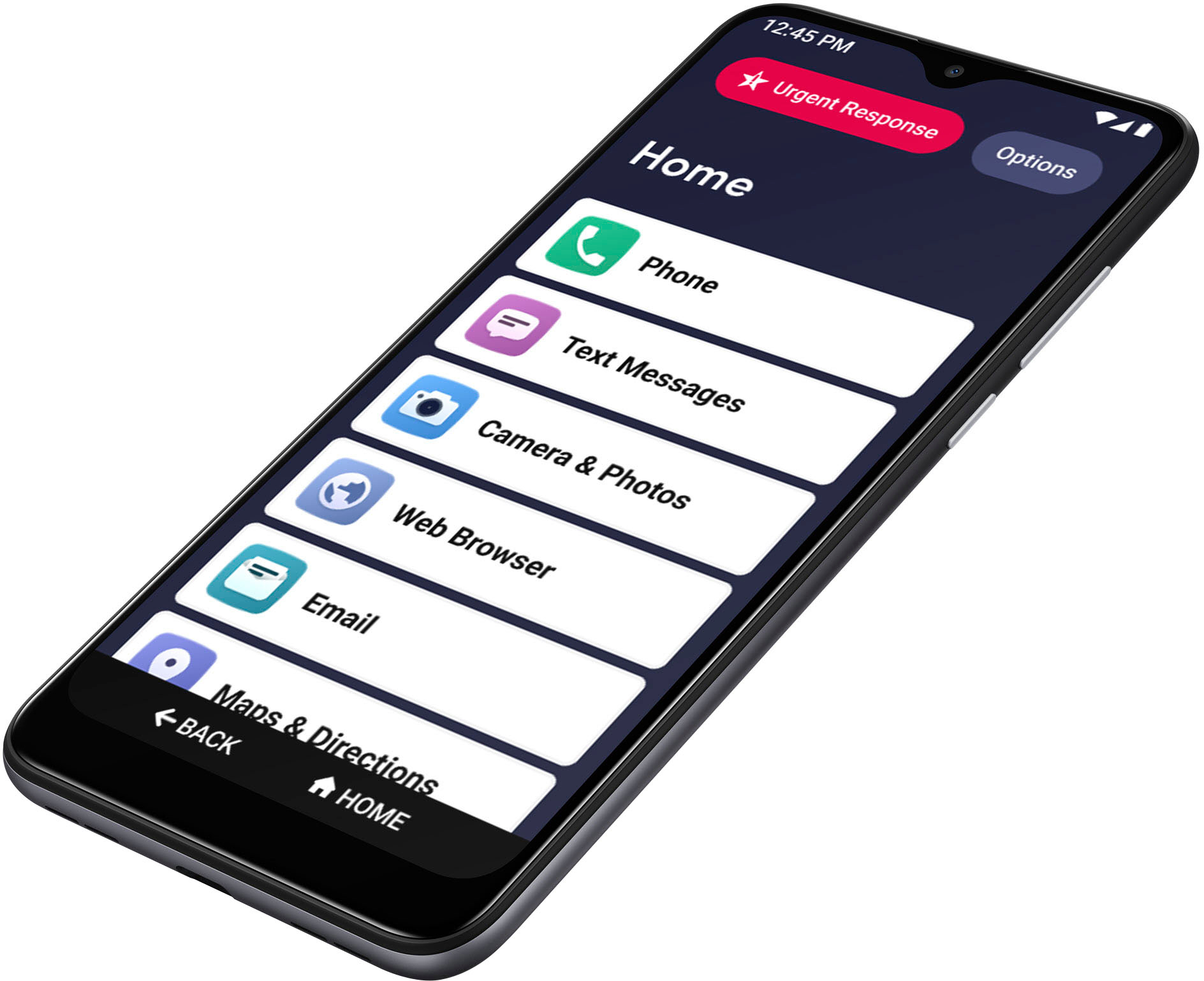
A:AnswerGreat question, the Jitterbug Smart3 in comparison to the Jitterbug Smart2 offers a larger screen – 6.22 with V-notch feature, therefore the keyboard is slightly bigger. We hope you find this information helpful.
A:AnswerHello, I’m sorry to hear you are experiencing volume issues with your phone. This issue could stem from a variety of reasons. If you are still experiencing issues please contact us for assistance at 1 800-733-6632, between the hours of 5am and 7pm Pacific Time. We look forward to your call. Thank you.
A:AnswerHello, all Jitterbug cell phones are unlocked per nationwide standards, but we cannot control which carriers choose to accept or activate our phones, nor do we guarantee our phones are compatible with other networks. We apologize for any inconvenience this may have caused.
A:AnswerGreat question! Lively allows you the option to transfer your cell or home phone number, as long as your number is still available. There are instructions on how to do so included with the box -- just make sure you do not cancel your previous service until the transfer is complete. To enjoy exclusive features that are only available on the Lively network, activate with Lively by phone or on the Lively website.
A:AnswerHello, Unfortunately there are no specific recommendations that we can provide, but if you access your play store and look up communication apps you will see a variety of choices to choose from. We hope this was helpful.
A:AnswerGreat question! Yes, you can transfer your existing number to the Jitterbug Smart 3. Give us a call at your earliest convenience at 1-800-733-6632, between the hours of 6am and 6pm Pacific Time for further assistance.