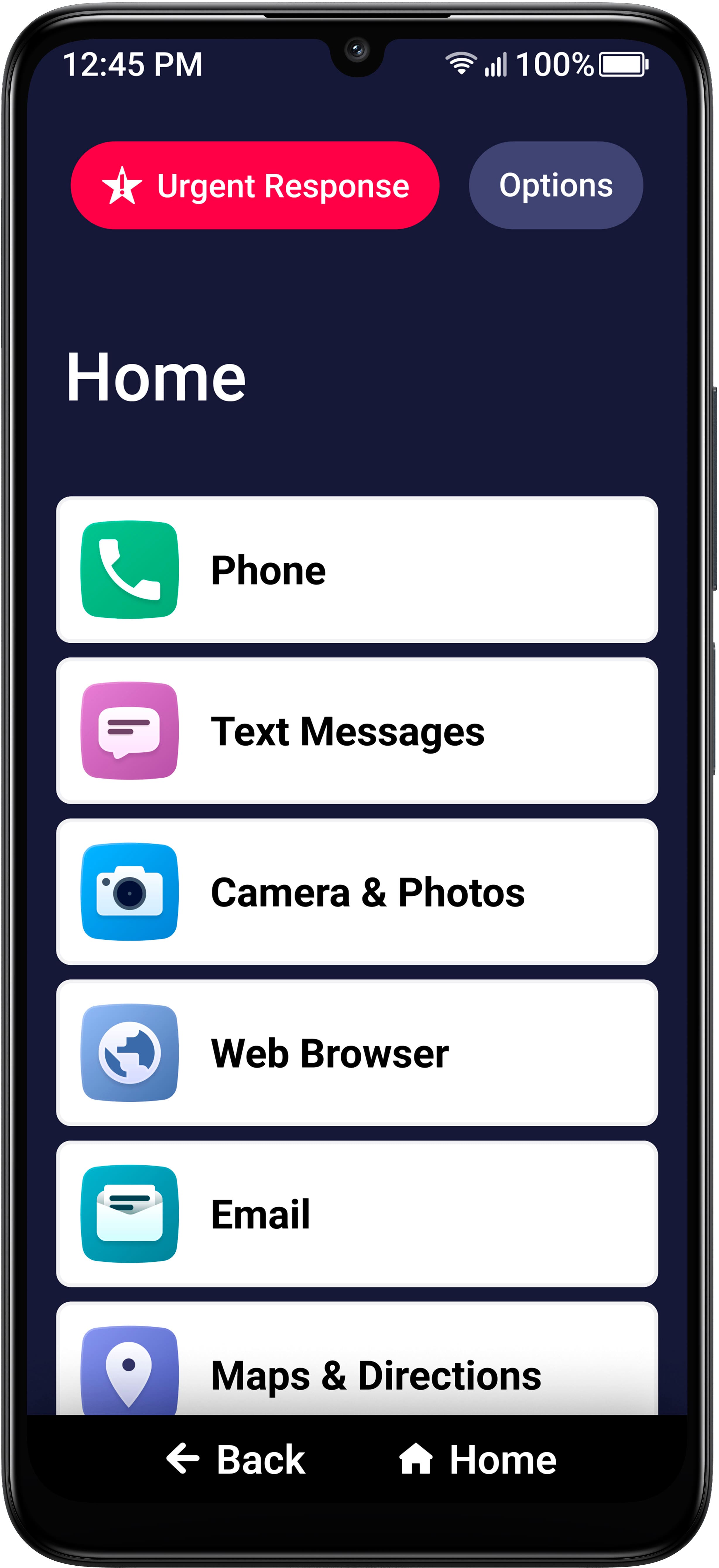
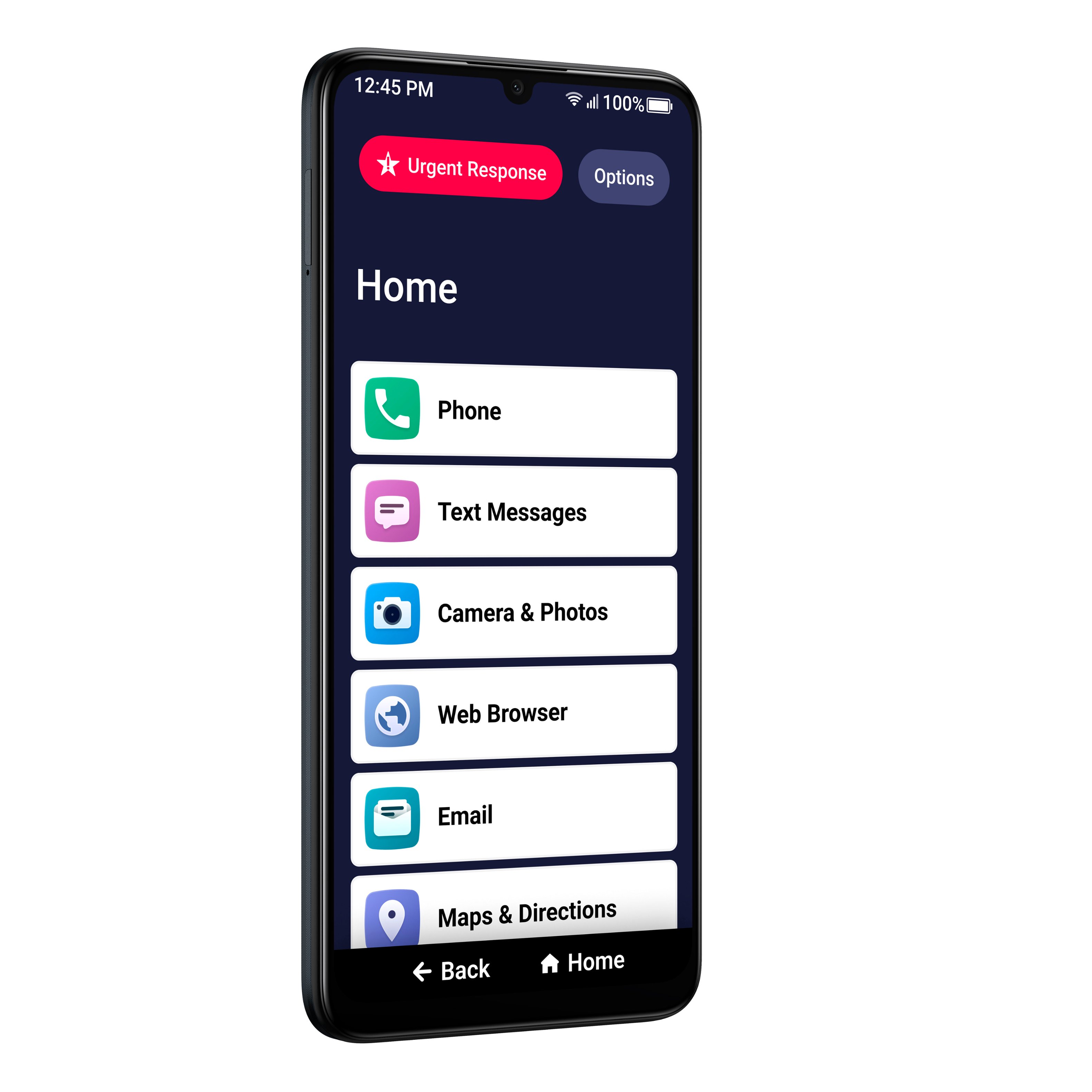
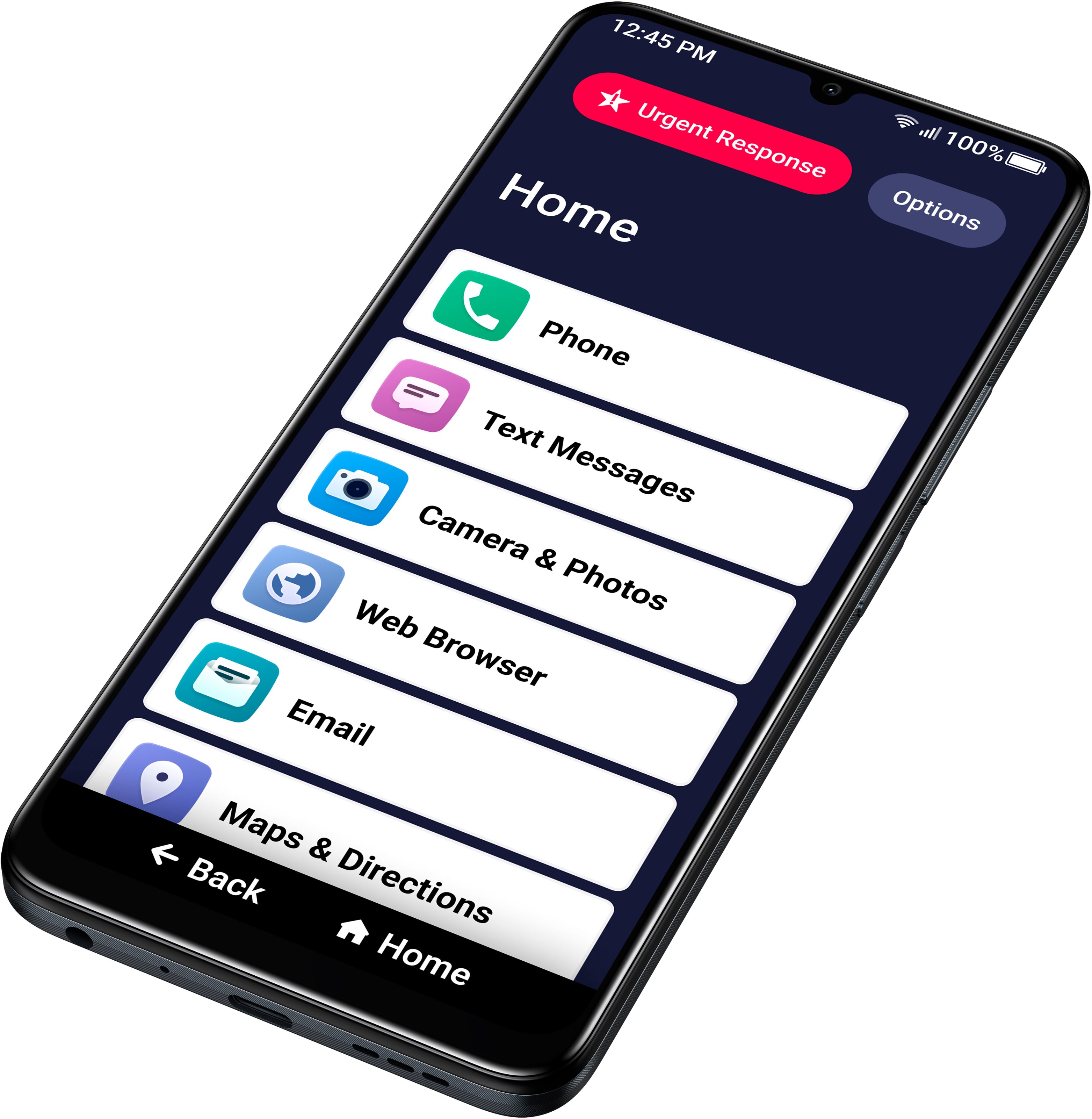
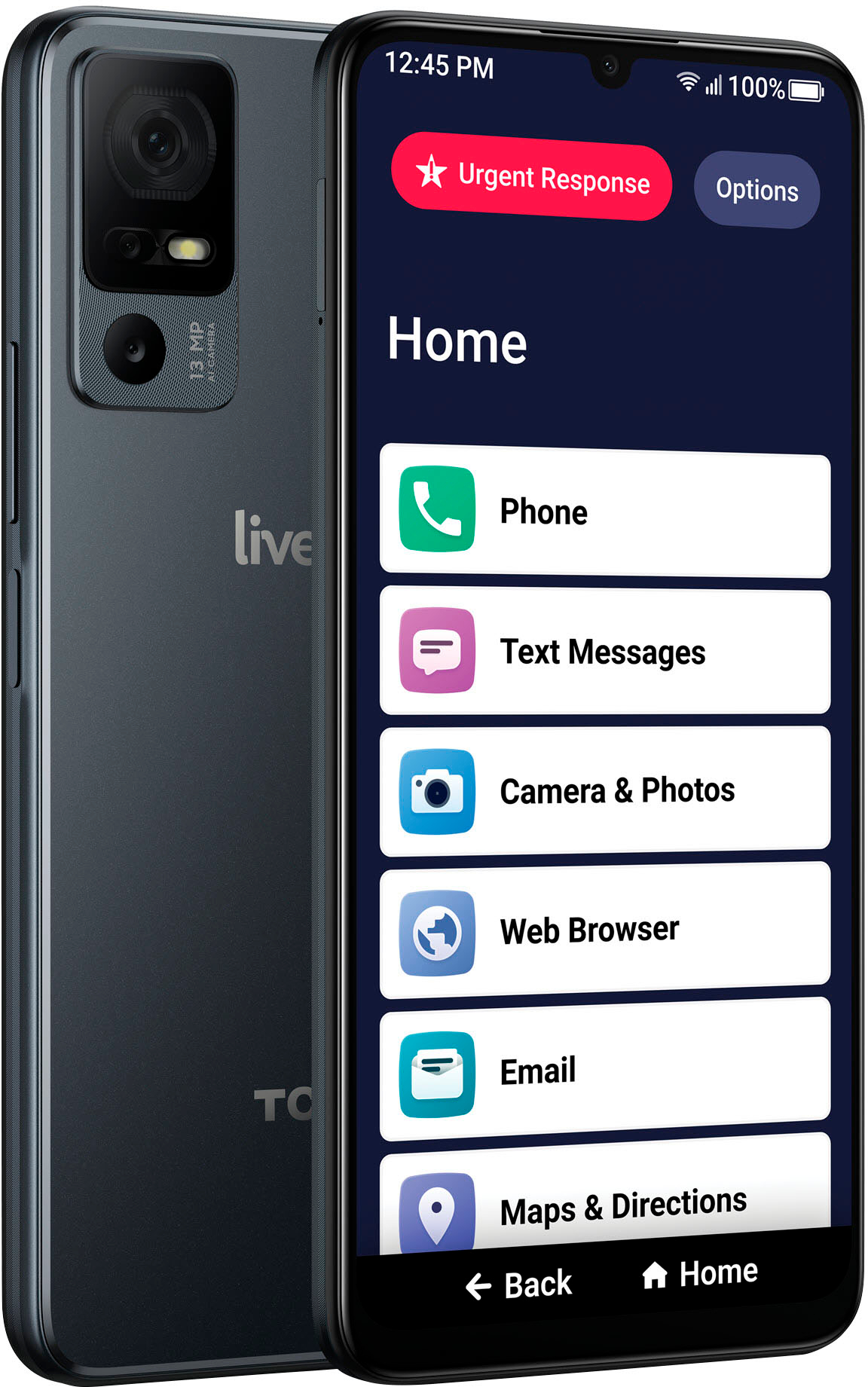
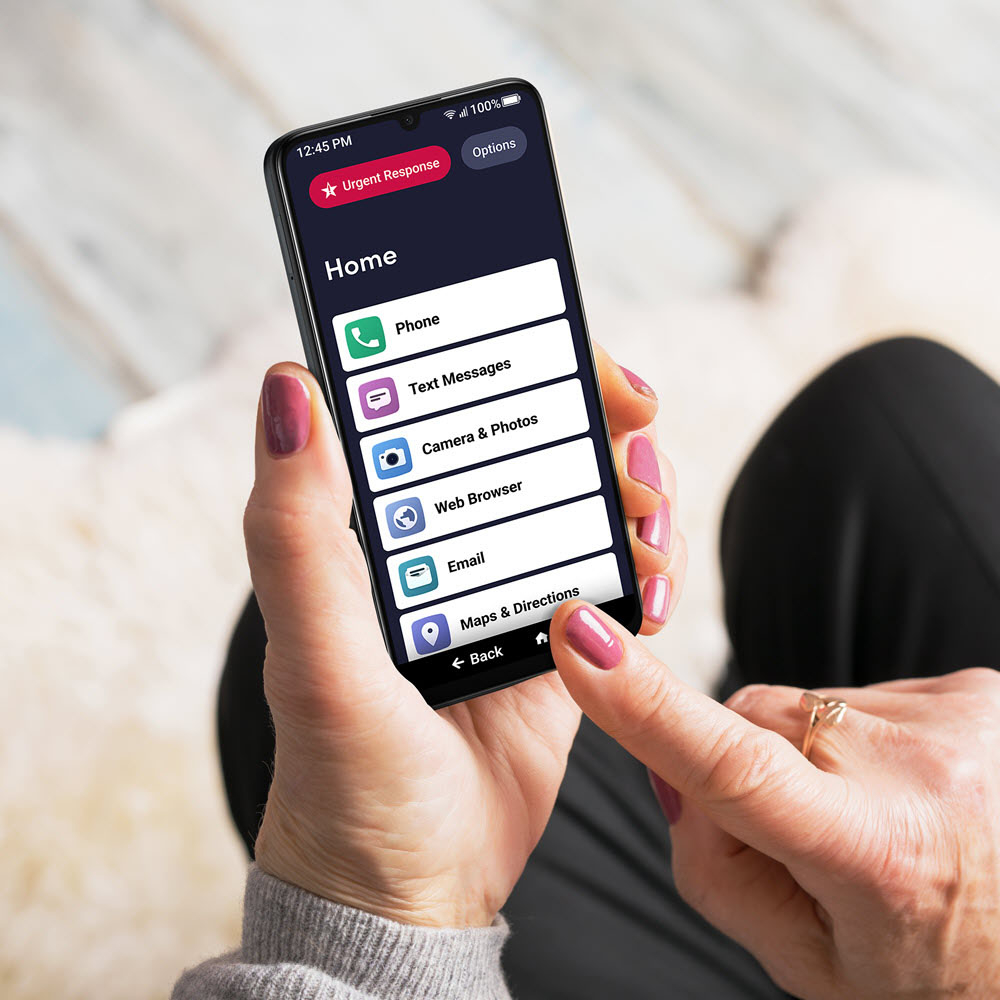
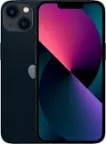
A:AnswerThank you for your question. The Jitterbug Smart4 is an Android phone, and the WhatsApp can be downloaded from Google Play. Yes, it does have a Home button and you can customize the Home page with her favorite items.
A:AnswerBest Buy "set up" my mother's phone for $45.... but it never worked until i called the L!VELY customer service. Skip BBuys geek-squad for this and just call the company for IT help.
A:AnswerLively offers value rate plans including several different data plans. 1 gigabyte is free, 5 gigabytes is $5, 10 gigabytes is $15, and unlimited is $30 a month. Unlimited talk and text is $19.99 (paperless billing.)
A:AnswerThere is no built-in function to limit call time on an Android phone--which the Smart4 is. A google search mentions that third party apps could be installed from Google Play Store provide that function.