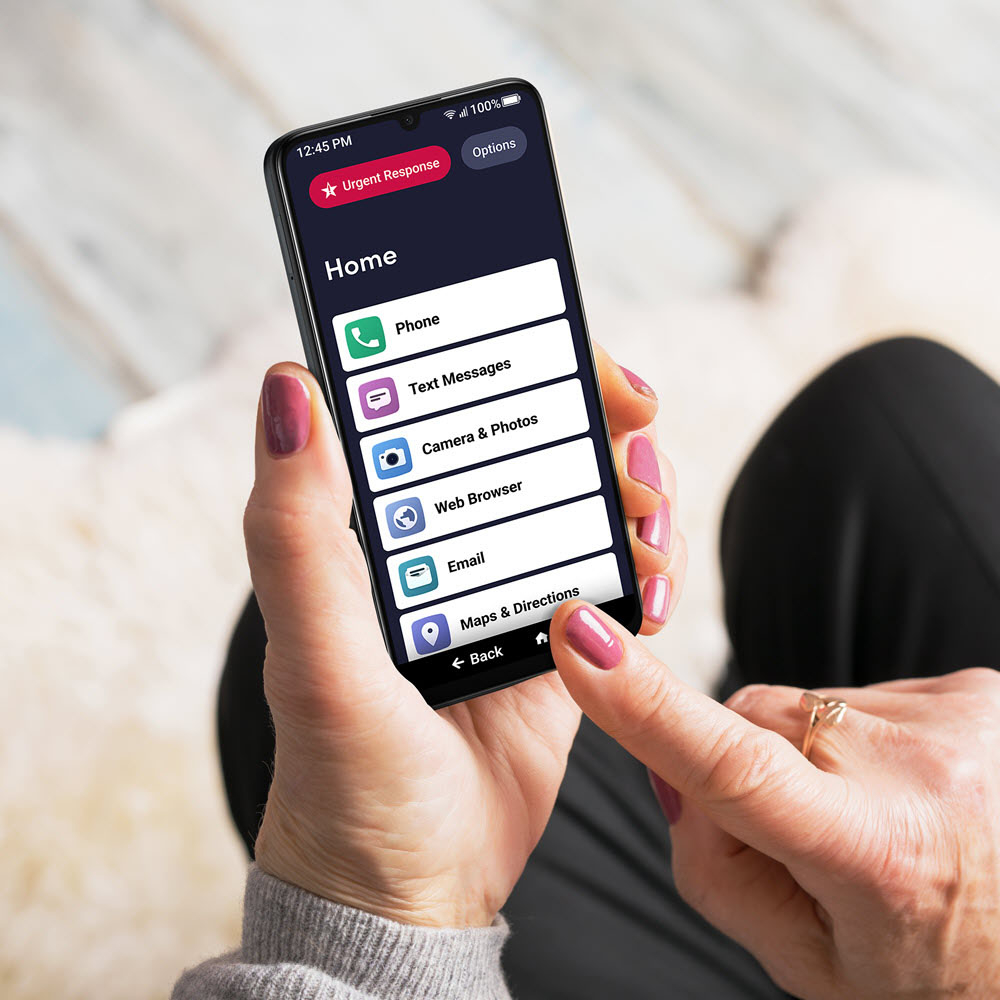
A:AnswerMost times I would say yes but jitterbug needs to furnish more product information for the technician so they don't have to call lively to fix a problem.
A:Answerwe have a smart 5 our new flip phone coming in end of june this year ..... by far best fkip phone and smart we have made and with a sdmemory card you can extend to 256 correct