A:AnswerProbably you can attach it permanently using double sided glue tape. But you need to extend USB cable (there are limits on length) and it does need additional light. I would rather search for cheap wifi security camera you will need only provide power.
A:AnswerYes, I was able to connect two of these cameras to a single laptop and use the laptop camera also. I did have to use additional software to give it to all work smoothly together at the same time and that might be the direct result of the laptop not having enough muscle to capture all three cameras.
It should be no problem to connect the camera and use it as the primary or in conjunction with your laptop camera.
A:AnswerIt will show you and whatever is in the background. It actually seems to enlarge whatever is in the camera view so I could see more of the background than I did with my other camera.
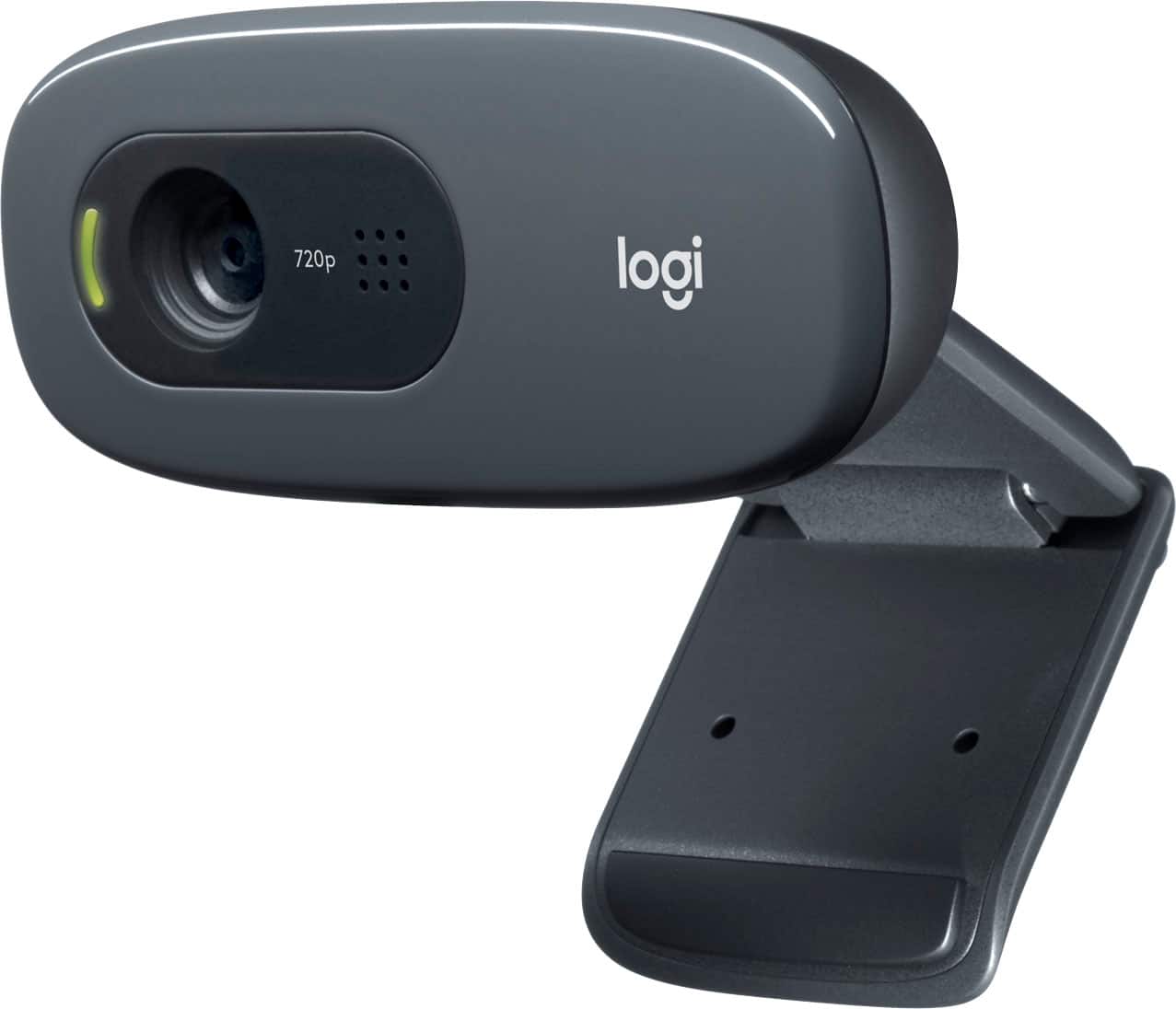
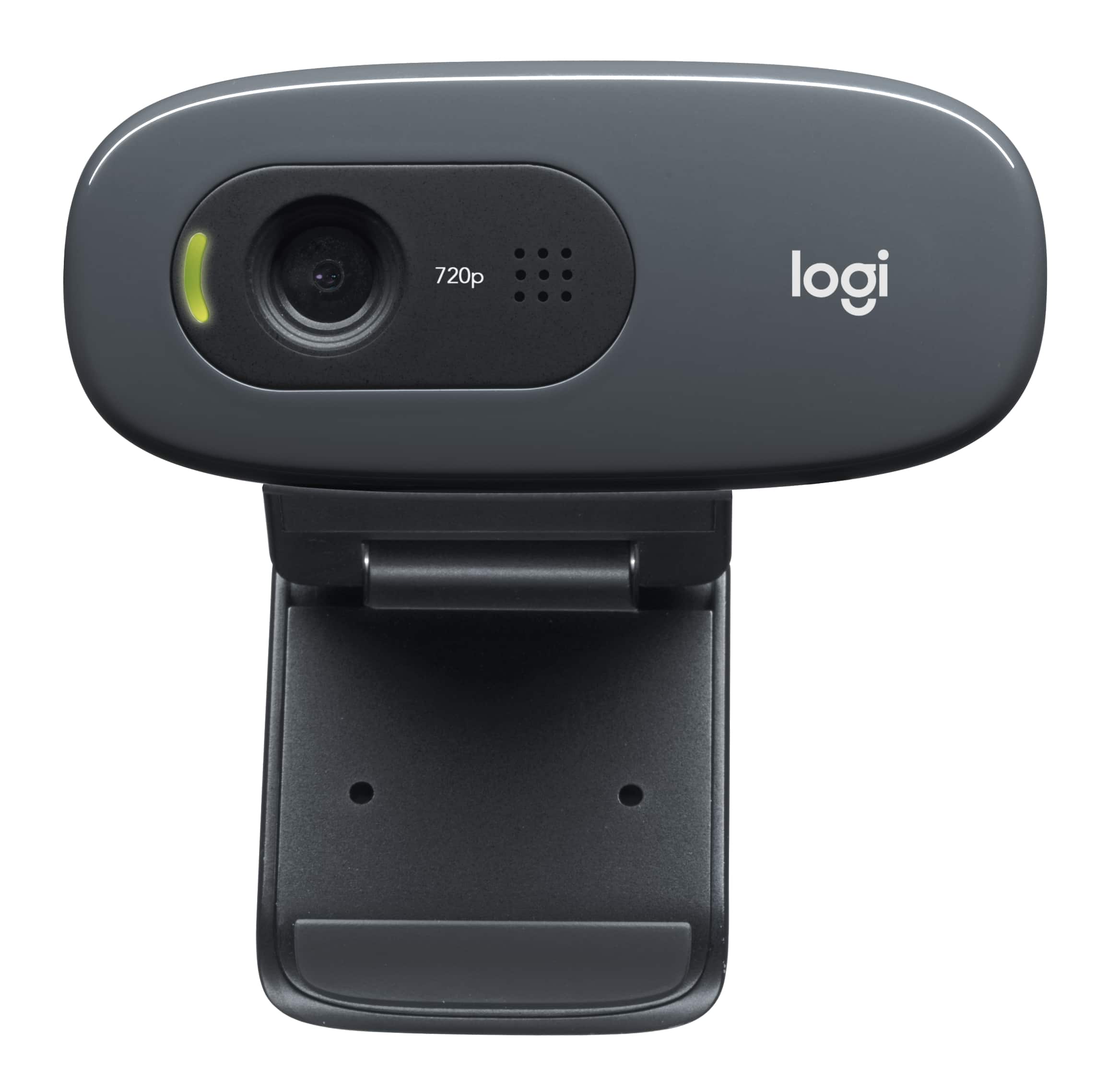
A:AnswerThere is a a green ( shaped LED that lights-up when I make a Video call my Skype or Google Hang-Out, but not if you are only using the Microphone for an Audio call.