Questions & Answers
- Model:
- 960-000694
- |
- SKU:
- 9928354
Q: QuestionWill this webcam work on an iPad?
Asked by John.
- A:Answer If the Ipad has a usb drive then yes, if not then you may need an adapter (micro usb to usb 2 or 3) to properly hook up the camera to the ipad.
Answered by domainwarrior
Q: QuestionMy laptop doesn't have a camera, can it be used on laptops?
Asked by Eric.
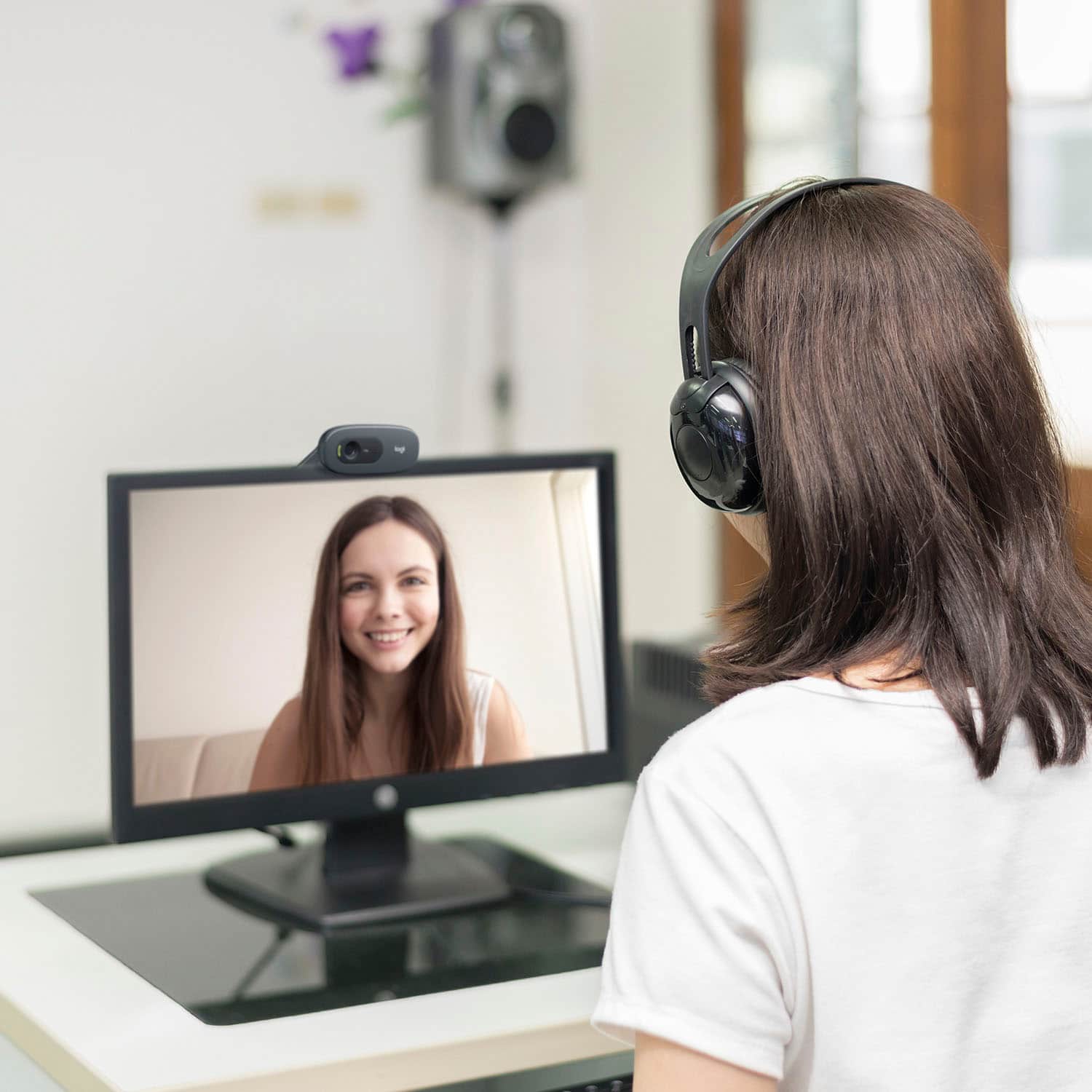
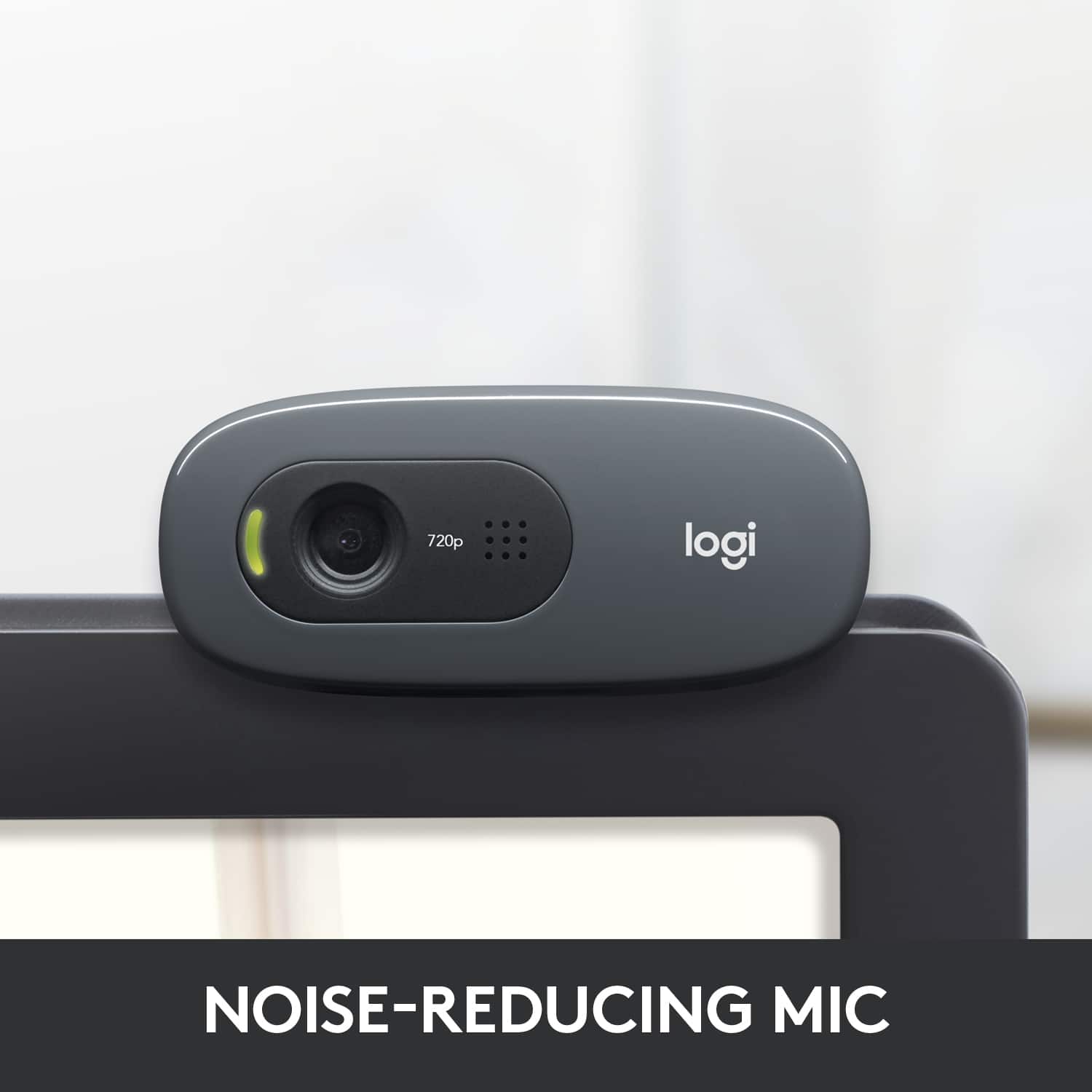
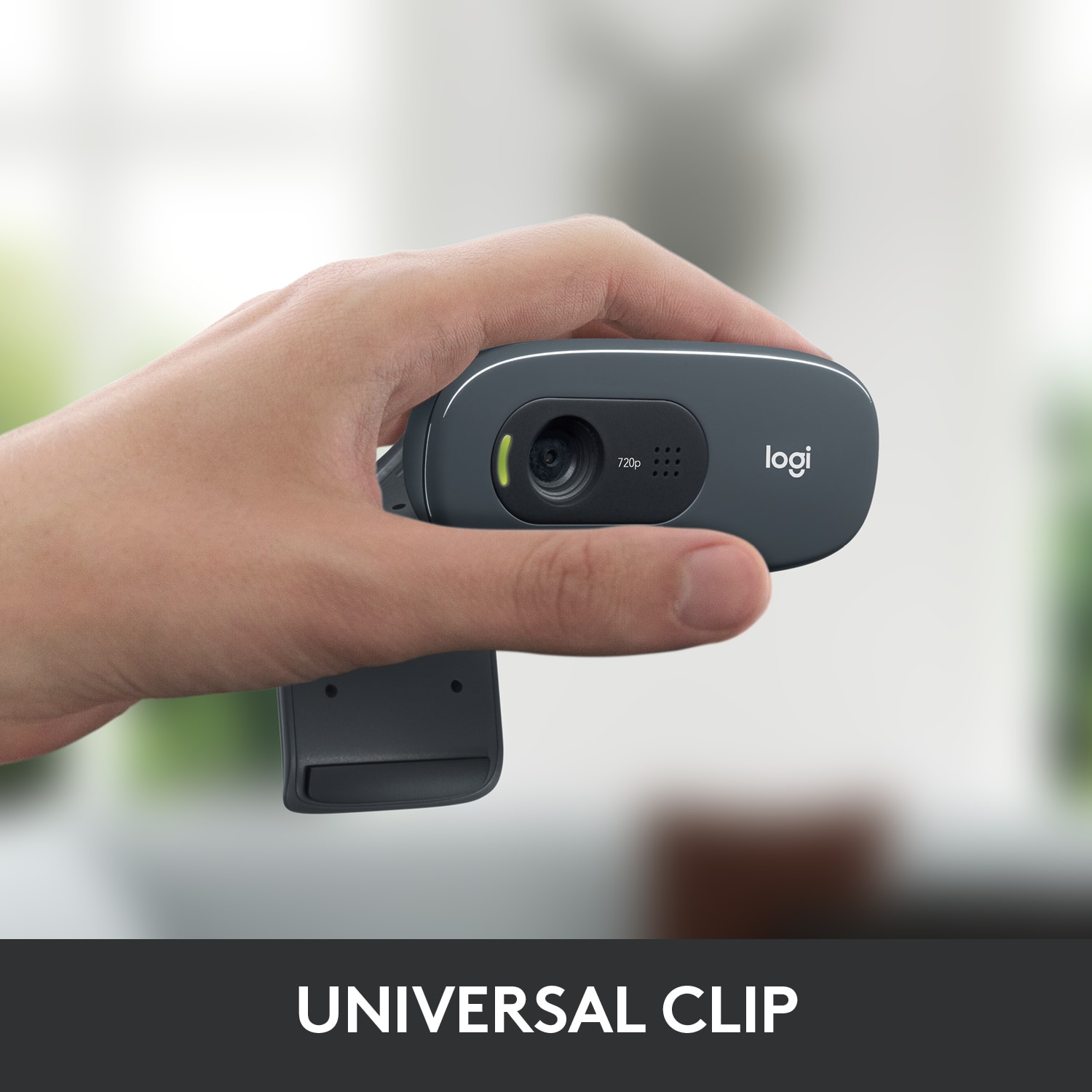
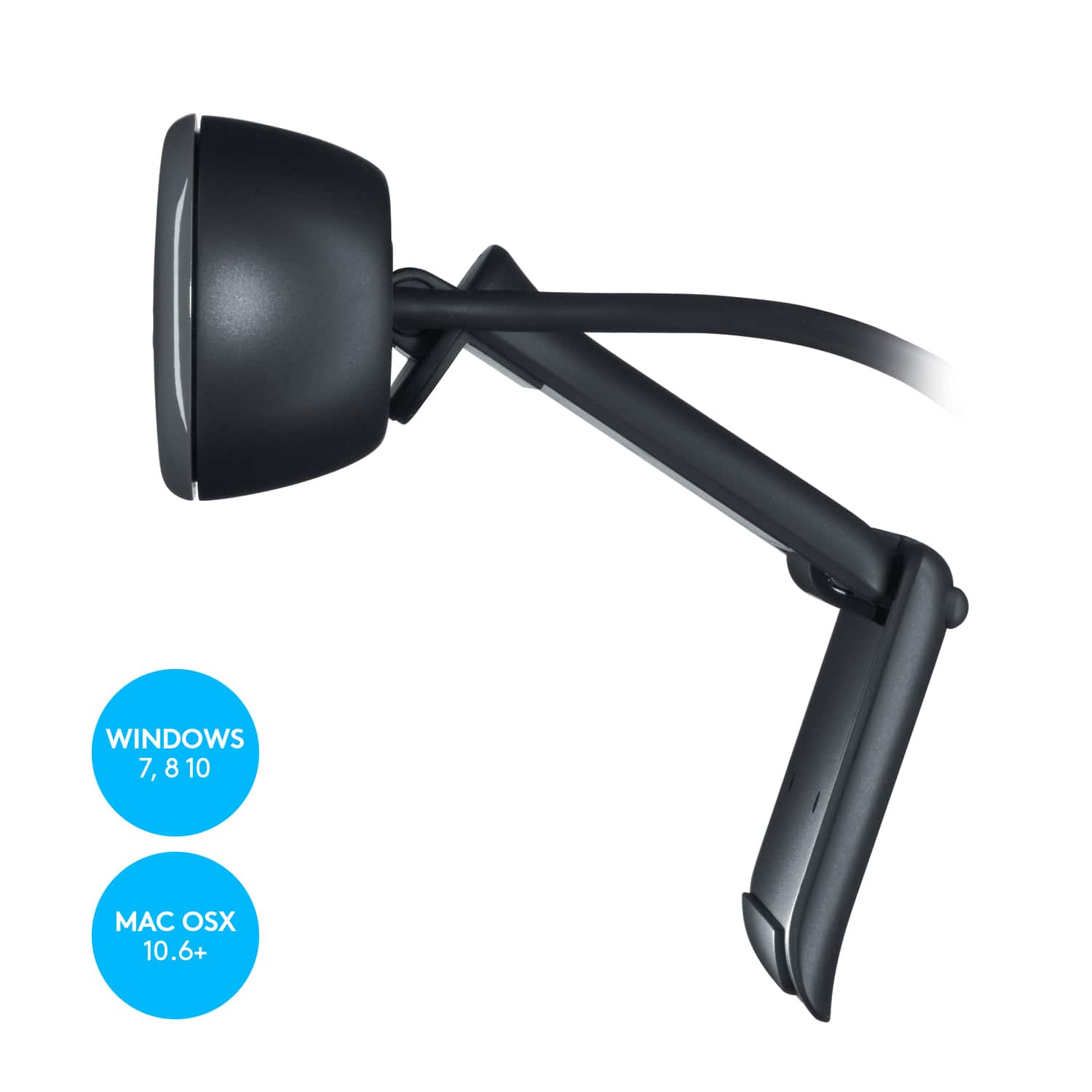
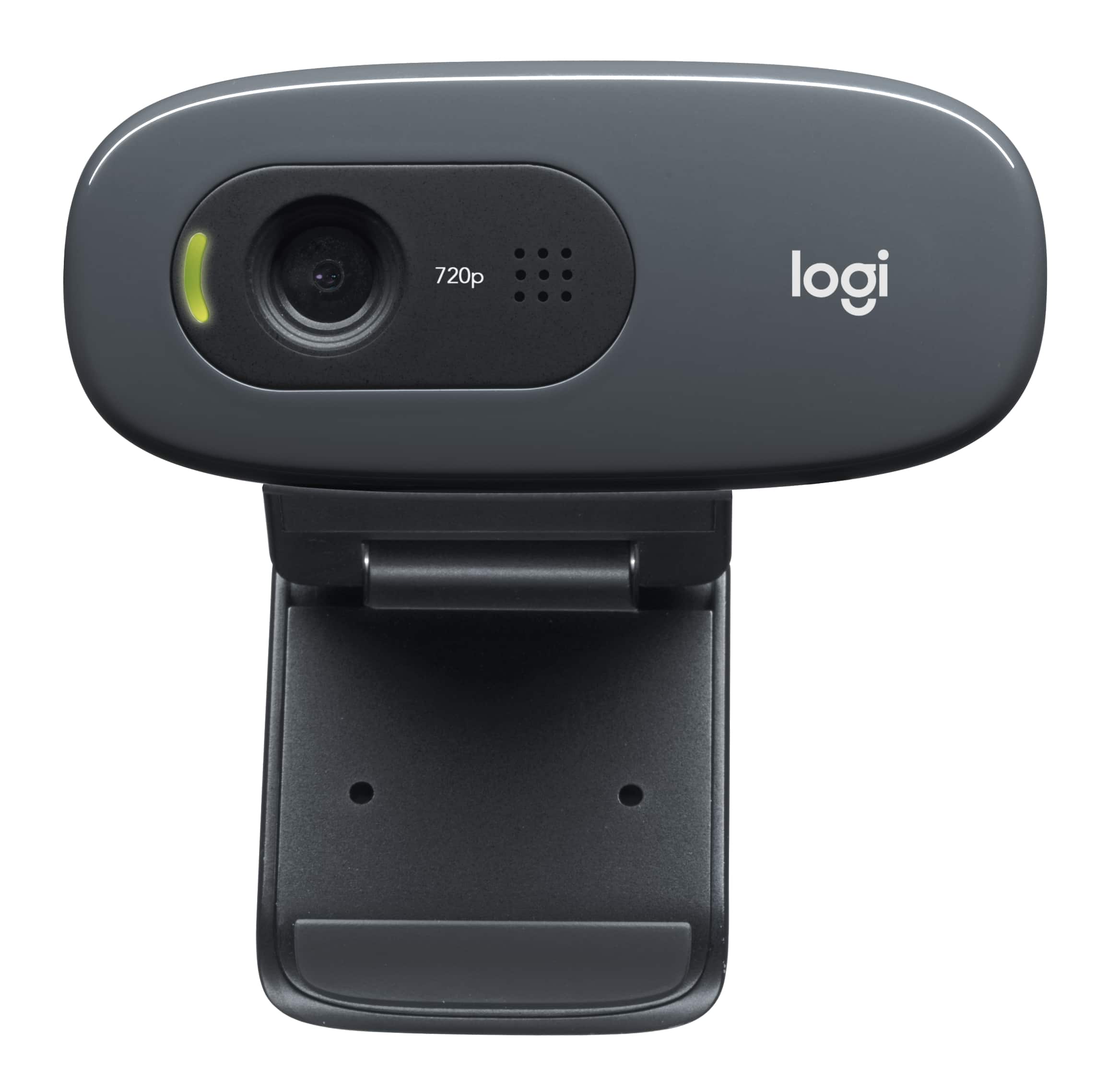
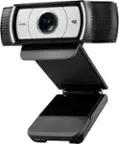
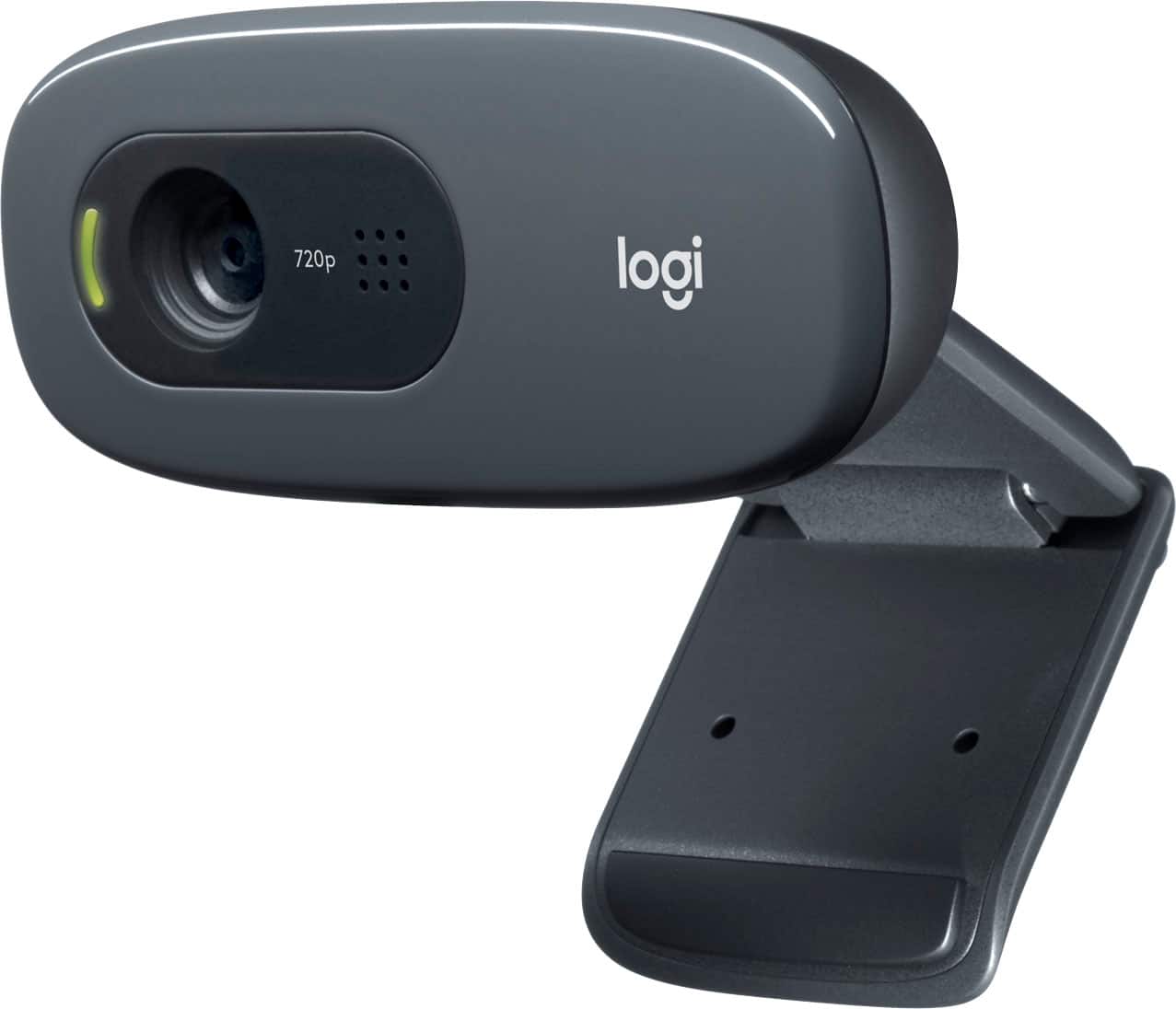
- A:Answer I have to limit my comment to laptops running Windows 10, as that is the context for my experience. Indeed, this camera should work quite well for your laptop, if it uses Windows. The hinged mount sits securely on the top lip of the screen, and the camera is then adjustable in terms of angle. The camera has a built-in mic and both the camera and the mic use a single USB cable. There is an indicator light that glows when the camera is in use, but I'd probably unplug it or cover it when you're not using it. Logitech makes great cameras... this one is inexpensive but does a fine job with Zoom, etc.
Answered by James
Q: QuestionWill it work on Xbox?
Asked by Charly.
- A:Answer Yes ,this item will work on Xbox.
Answered by CommunityAnswer
Q: QuestionDoes it work with Lenovo desktop?
Asked by wellogard.
- A:Answer Yes. No reason it won't unless you have really old USB ports.
Answered by BetterUnderWater
Q: QuestionWill this work with Apple MacBook Pro?
Asked by Noodles.
- A:Answer I would think so, but not sure, purchased for a pc desktop, works flawlessly.
Answered by Marko
Q: QuestionWill it work with my iPhone XR?
Asked by Anonymous.
- A:Answer No, it will not work with iPhone XR.
Answered by CommunityAnswer
Q: QuestionI need 4 of these webcams. Are they available or expected any time soon
Asked by mrJohn.
- A:Answer call Best Buy and get on a waiting list as I did if they do not have them in stock
Answered by notechgrandma
Q: QuestionHow does the audio work?
Asked by Irene.
- A:Answer Mine works very good. We had Zoom on our computer and after I plug it into the computer I tried it out and it worked. It also works with Cortana on Windows 10 with no problems.
Answered by Folrus
Q: QuestionDoes this webcam work with PlayStation 4?
Asked by SolidSnake.
- A:Answer No, this will not work with Playstation 4.
Answered by CommunityAnswer
Q: QuestionDoes this still work with Windows XP? Will it need any additional accessories? Thanks
Asked by Cookie.
- A:Answer yes excellent easy perfect choice
Answered by JARS
Q: QuestionWill this work with Windows 8?
Asked by Ethansco.
- A:Answer Yes, this will work with Windows 8.
Answered by CommunityAnswer
Q: QuestionHow long is the USB Cord?
Asked by wildanne.
- A:Answer The USB cord is 5 ft. long.
Answered by CommunityAnswer
Q: QuestionHow long is the attached USB cable?
Asked by Frustrated.
- A:Answer About 4 feet.
Answered by gimli
Q: QuestionDoes it have microphone built in with it?
Asked by jj.
- A:Answer Yes, this product has a built in microphone.
Answered by CommunityAnswer
Q: QuestionI plan on using this with my laptop. Is there a way to attach it to the laptop screen on top?
Asked by DocBunner.
- A:Answer should just sit on top
Answered by scot
Q: QuestionDoes it come with a privacy cover?
Asked by Djess.
- A:Answer No, I just unplug mine when not in use.
Answered by Icecaster417
Q: QuestionWill it give better quality for Zoom virtual backgrounds even though my Mac doesn’t meet the requirements to use virtual backgrounds without a green screen?
Asked by Anonymous.
- A:Answer NO. I believe the key to whether you can use the virtual background is a function of your computer processor. In my case, my processor is fine (Intel i7) but it only has a 3rd generation chip. When I had trouble getting on Virtual Background I did some research and it turns out that for an i7 you need at least a 6th generation chip or, if you have a green screen, then at least a 4th generation chip. So you could have the greatest webcam int he world and it wouldn't help you use the Zoom virtual background. But I have to say that I am happy with this webcam. It is a very reasonable price and it seems to really do the job.
Answered by HelenofTroy
Q: QuestionI have a tv for monitor, will it work on the tv?
Asked by Anonymous.
- A:Answer Has nothing to do with the monitor other than you might want to place the webcam on top. But you can put it anywhere the USB cable reaches.
Answered by BetterUnderWater
Q: QuestionHas the soft ware been updated for windows 10?
Asked by Anonymous.
- A:Answer Driver auto detects, not sure there is any software for it. Mine works fine for Teams, Zoom, and Facebook with just the default driver.
Answered by Icecaster417
Q: QuestionCan this webcam clamp to the side of a flat screen monitor?
Asked by 12345.
- A:Answer No, this webcam is not recommended to clamp to the side of a flat-screen monitor.
Answered by CommunityAnswer