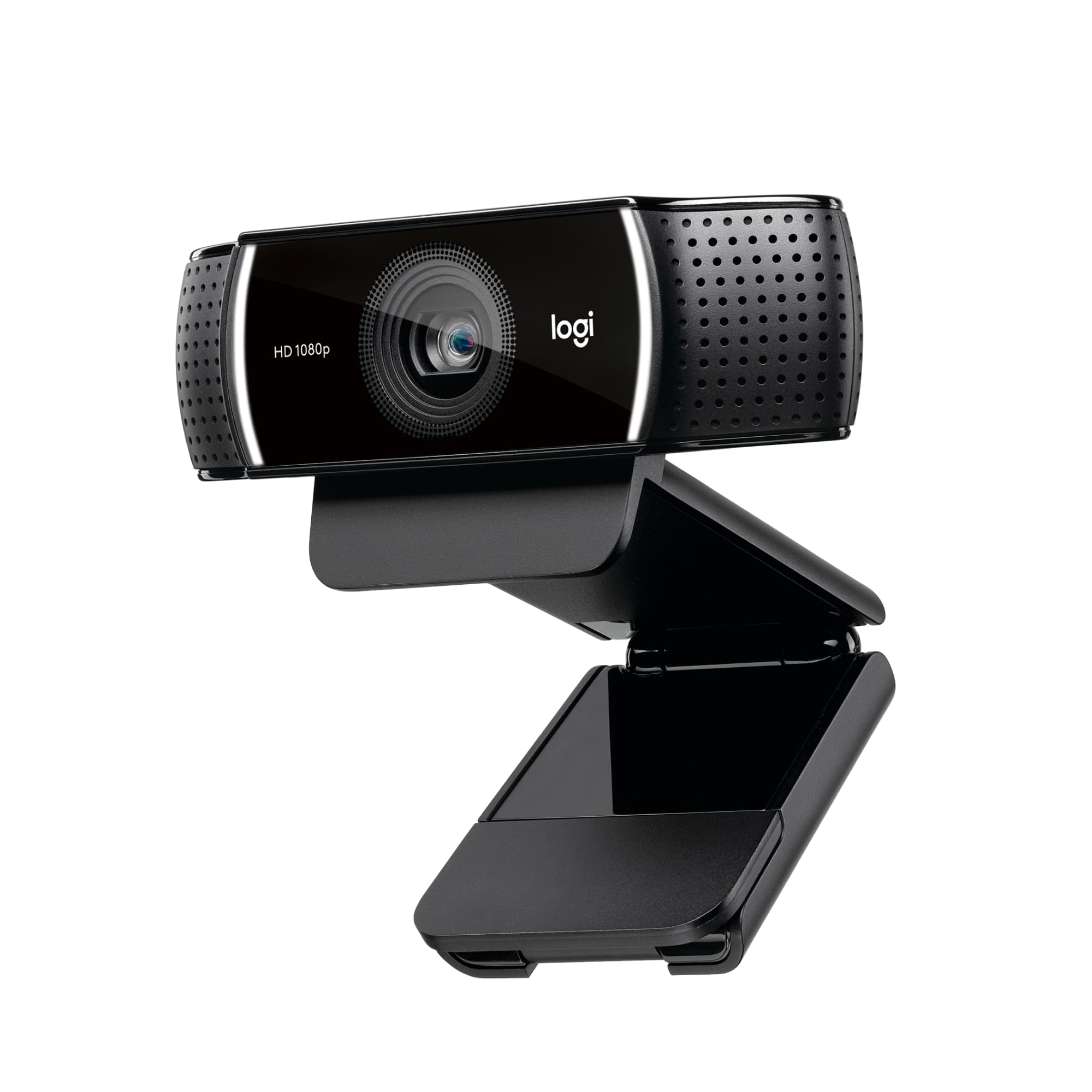
A:AnswerThe Logitech C922 Pro Stream webcam works with Windows 8 or later, macOS 10.10 or later, and ChromeOS via USB. It’s not officially compatible with PlayStation 5.
A:AnswerRegarding zoom functionality and vertical orientation: Yes, this webcam supports zoom, and it should be possible to switch to a vertical orientation, depending on the software you're using.
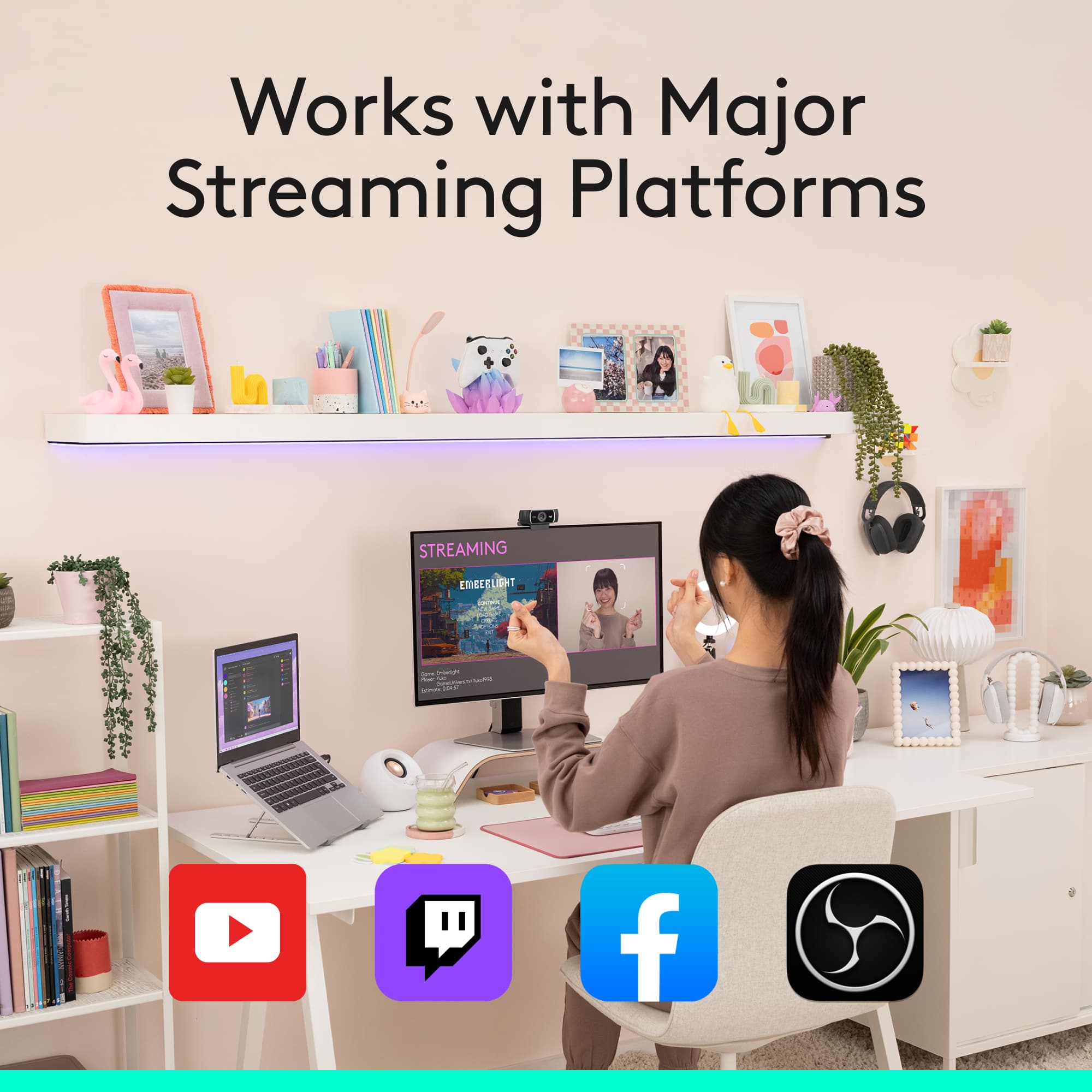
A:AnswerHey! No, the Logitech C922 Pro Stream Webcam does not have a monthly fee. Once purchased, you can use it freely with compatible software like OBS Studio, XSplit, or your computer’s built-in camera apps.
A:AnswerYes, the Logitech C922 Pro Stream Webcam is compatible with Windows 8 or later macOS 10.10 or later ChromeOS USB - A port. Works with popular calling and streaming platforms including OBS (Open Broadcasting Software) and XSplit Broadcaster.
A:AnswerThat's unexpected! In order to help you effectively, please provide your information to our support team via email at socialcare@logitech.com with your
- Name:
- Email Address:
- Country:
- Product Name:
- Brief description of issue:
A:AnswerYes, the Logitech C922 Pro Stream webcam is compatible with macOS 10.10 or later, so it will work with your MacBook Pro 14-inch.
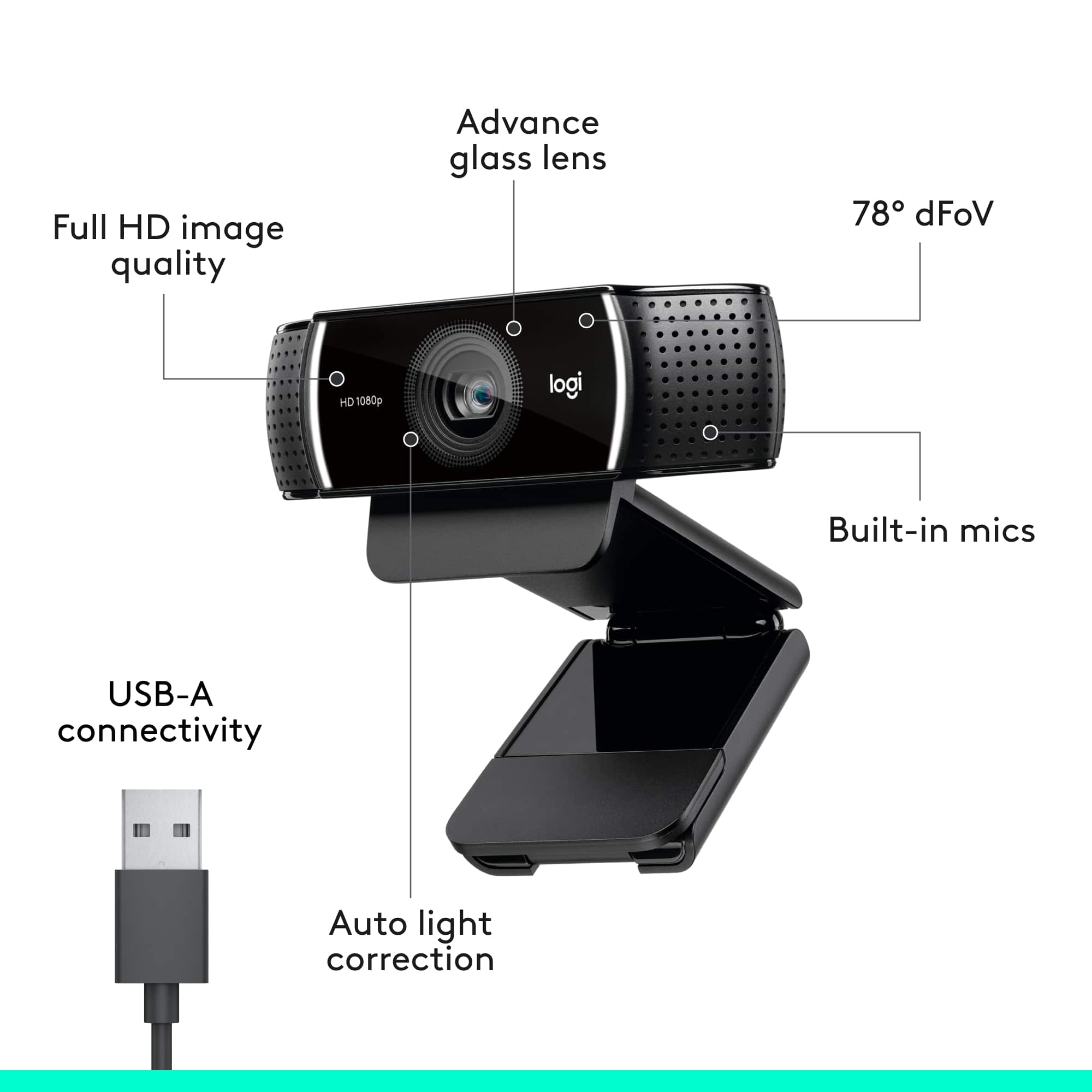
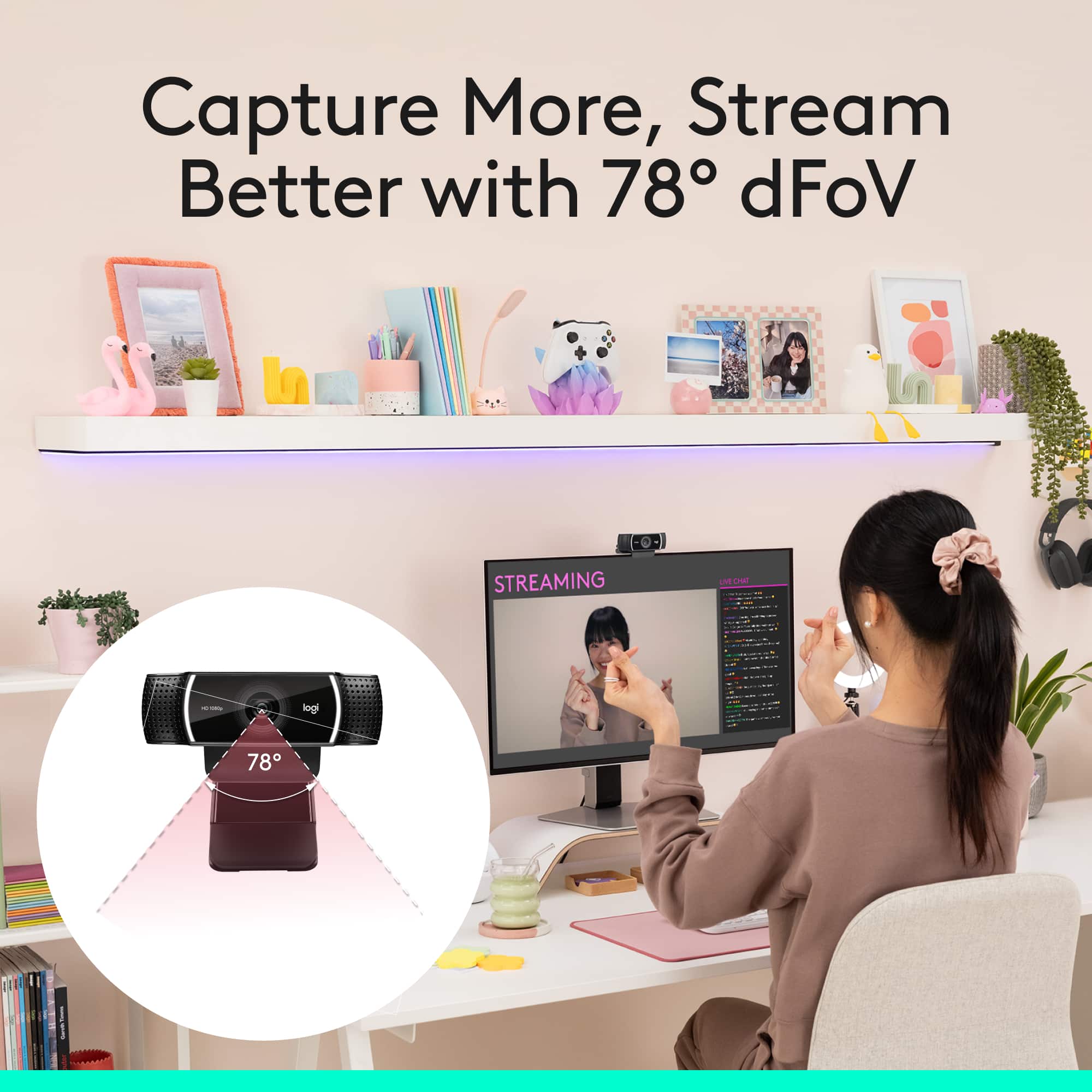
Regarding its ability to focus on a driver's license for Honorlock: The C922 has autofocus, which should help it focus on close-up objects like a driver's license. The glass lens and Full HD resolution (1080p) will contribute to a clearer image compared to webcams with lower resolutions or plastic lenses. The 78° field of view is also wide enough to capture both your face.
A:AnswerHey! No, since Gamechanger app is currently available for iOS devices with iOS 15.2 or higher and Android devices with 8.0 and above Logitech - C922 Pro Stream 1080 is not compatible with it as it works only on Windows and macOS.