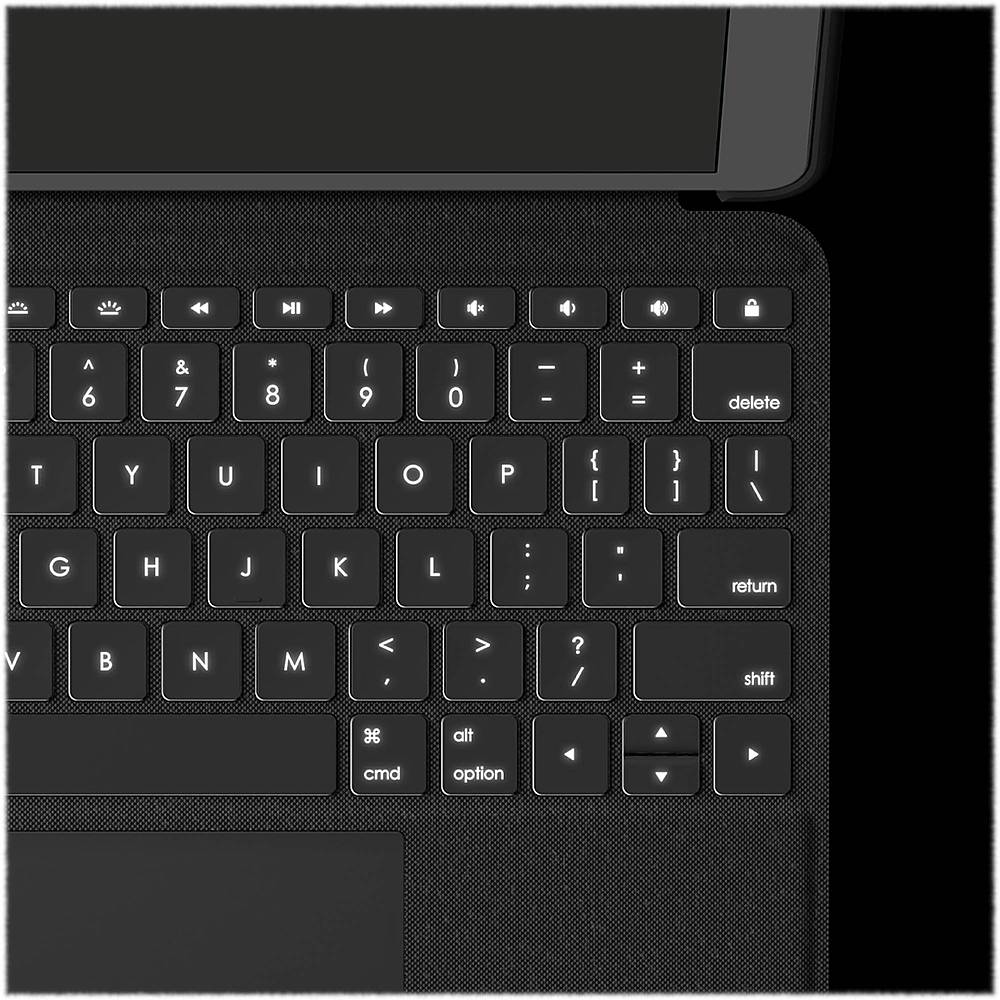
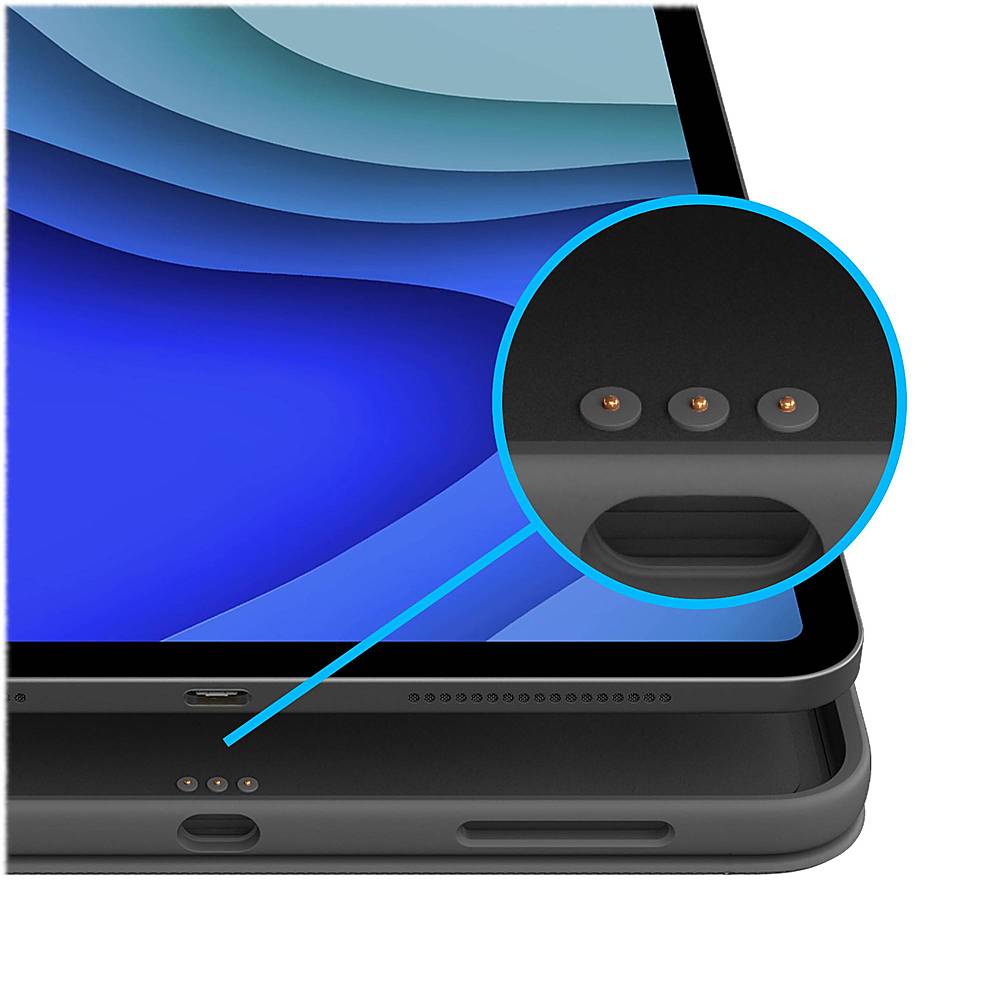
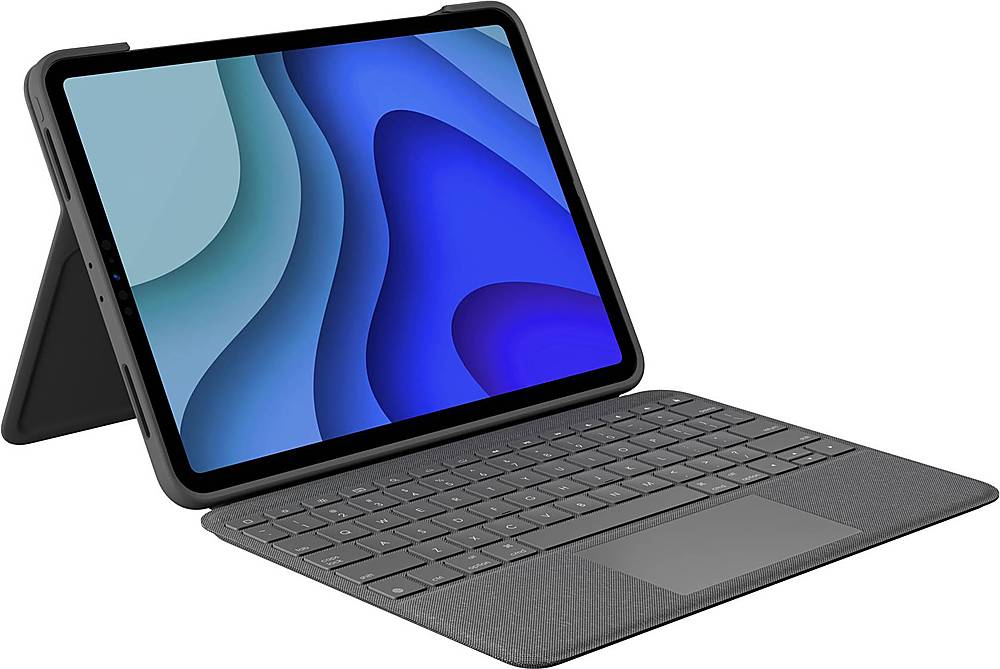
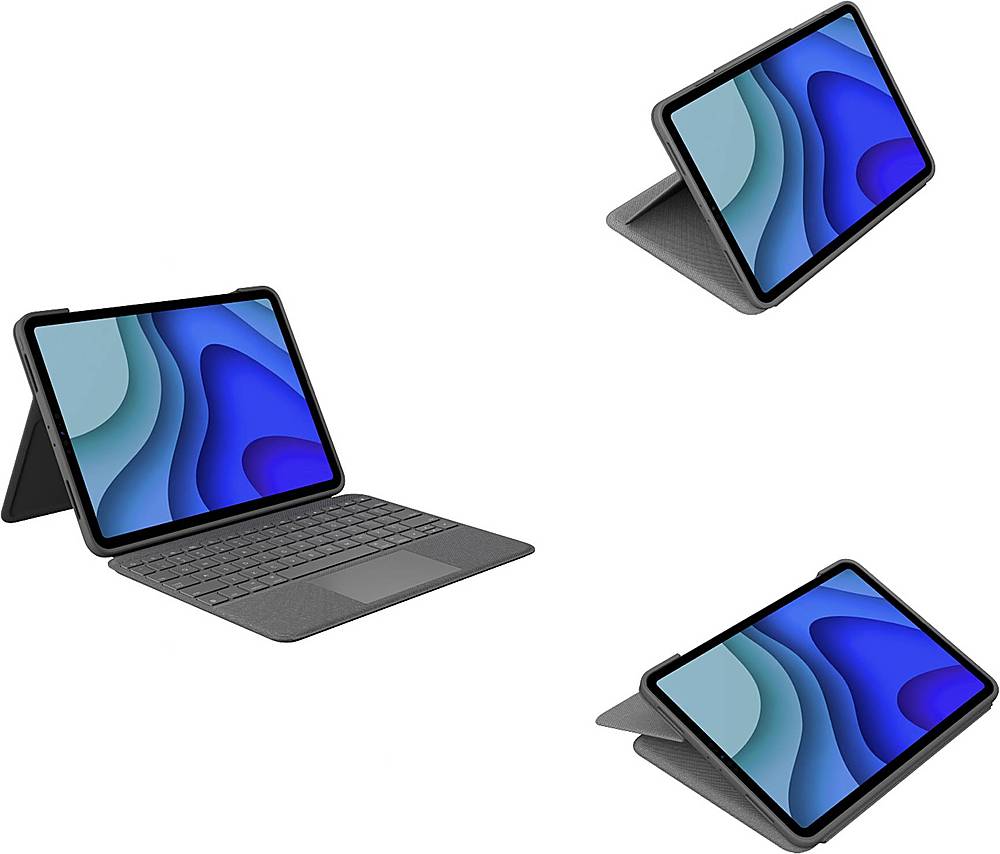
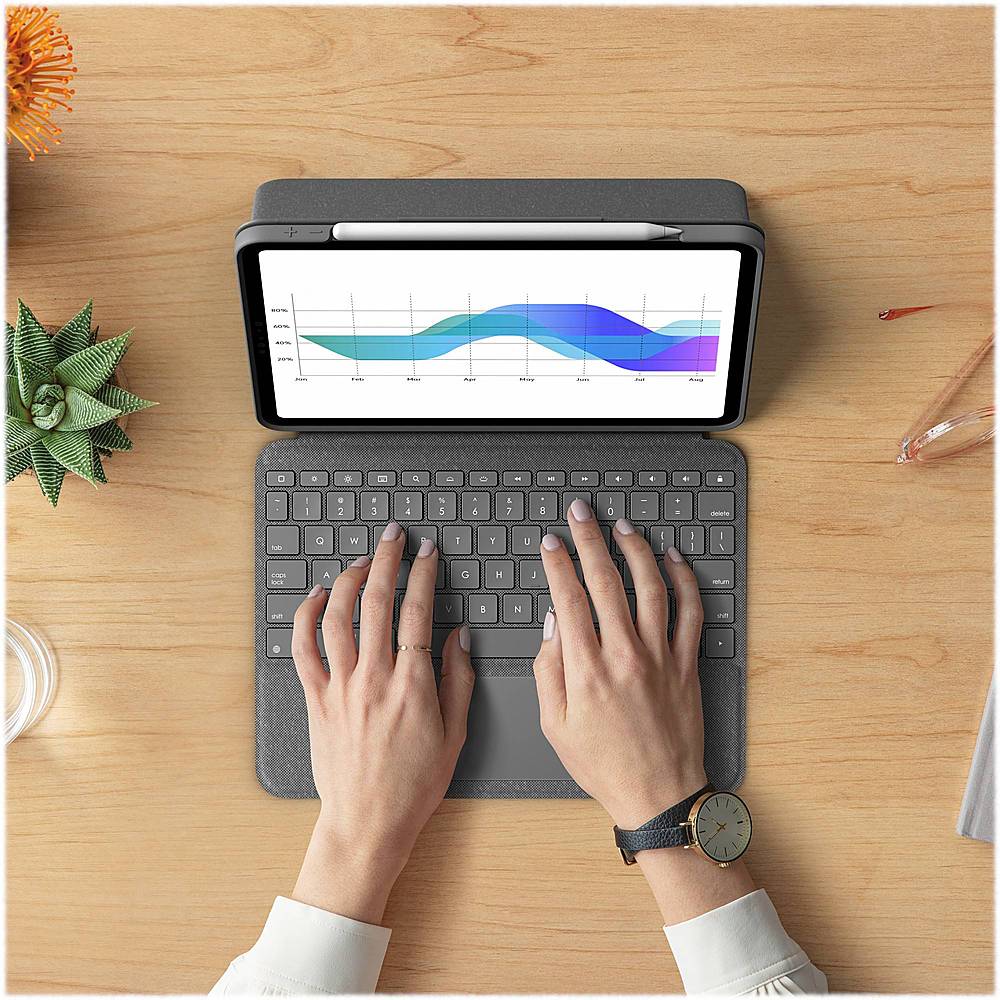
A:Answer Yes and no. You can disable the trackpad, and the keyboard, completely at any time by flipping it backwards against the stand. It shuts off so that you can easily hold it that way without hitting buttons. However, when you have it, flip forward both the keyboard and the trackpad remain active.
So, if you were going to use an external mouse while you had the keyboard flipped underneath then the mouse will be the only input to the iPad. On the other hand, if you have it flipped forward into keyboard mode then touching the trackpad will also move the cursor. However, I find it’s not necessarily in the way at that point.

![Q W E R T Y U I O P { [ } ]
A S D F G H J K L : : . . rett Z X C V B N M < > . ? / sh iri alt option x cmd 3 cmd alt option A A](https://pisces.bbystatic.com/image2/BestBuy_US/images/products/6424/6424436cv16d.jpg)