A:AnswerNo! this model not offer that feature like the G430. I add the link for the manual of this product.
https://www.logitech.com/assets/65644/3/g432.pdf
A:AnswerI can't answer specifically to Apple laptops, but this headset works wonderfully with the computers I use to communicate over the internet. On my gaming computer, I use it along with the Logitech software to chat with my friends online while playing and on my work computer, just plugging it in and using the Microsoft default drivers (I do not have permission to install other software) it works great with Jabber for phone calls (both voice and video) as well as WebEx (I've heard stories of people using Zoom with it as well, but it has recently been banned from use at work due to security concerns).
SO, I'll assume as long as your laptop has USB ports, this should work fine with your setup.
A:AnswerI have not had any problems with the mic when I plug these into my iPad. They work great and I have not needed to change any settings, even when using these on Garageband
A:AnswerI have had 3 of these, and all of them started doing that within a month. I just dont think the wires/connections are very durable. You can contact logitech and they will replace it if it's still under warranty but thats not what you were wanting to do obviously. I won't buy these ever again
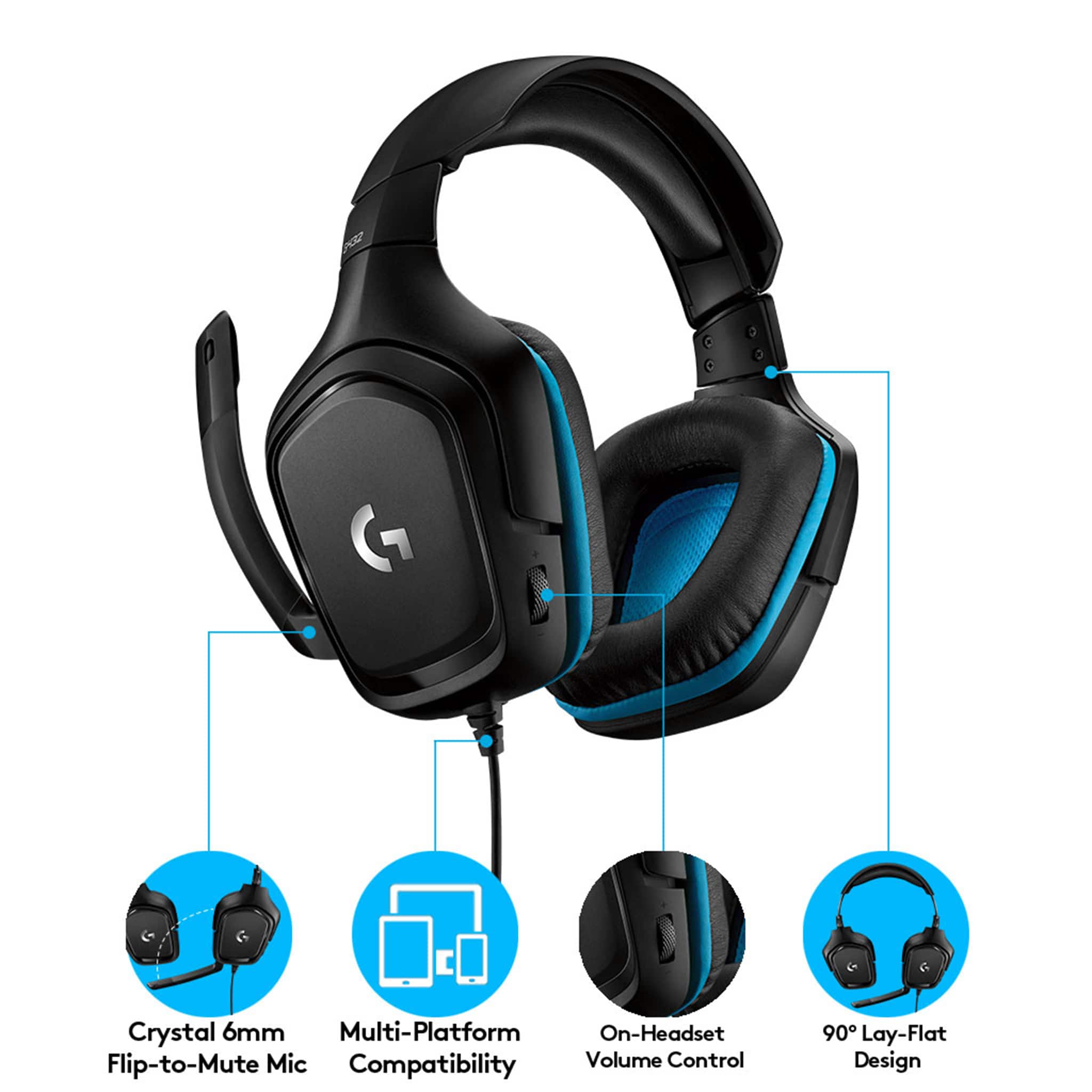
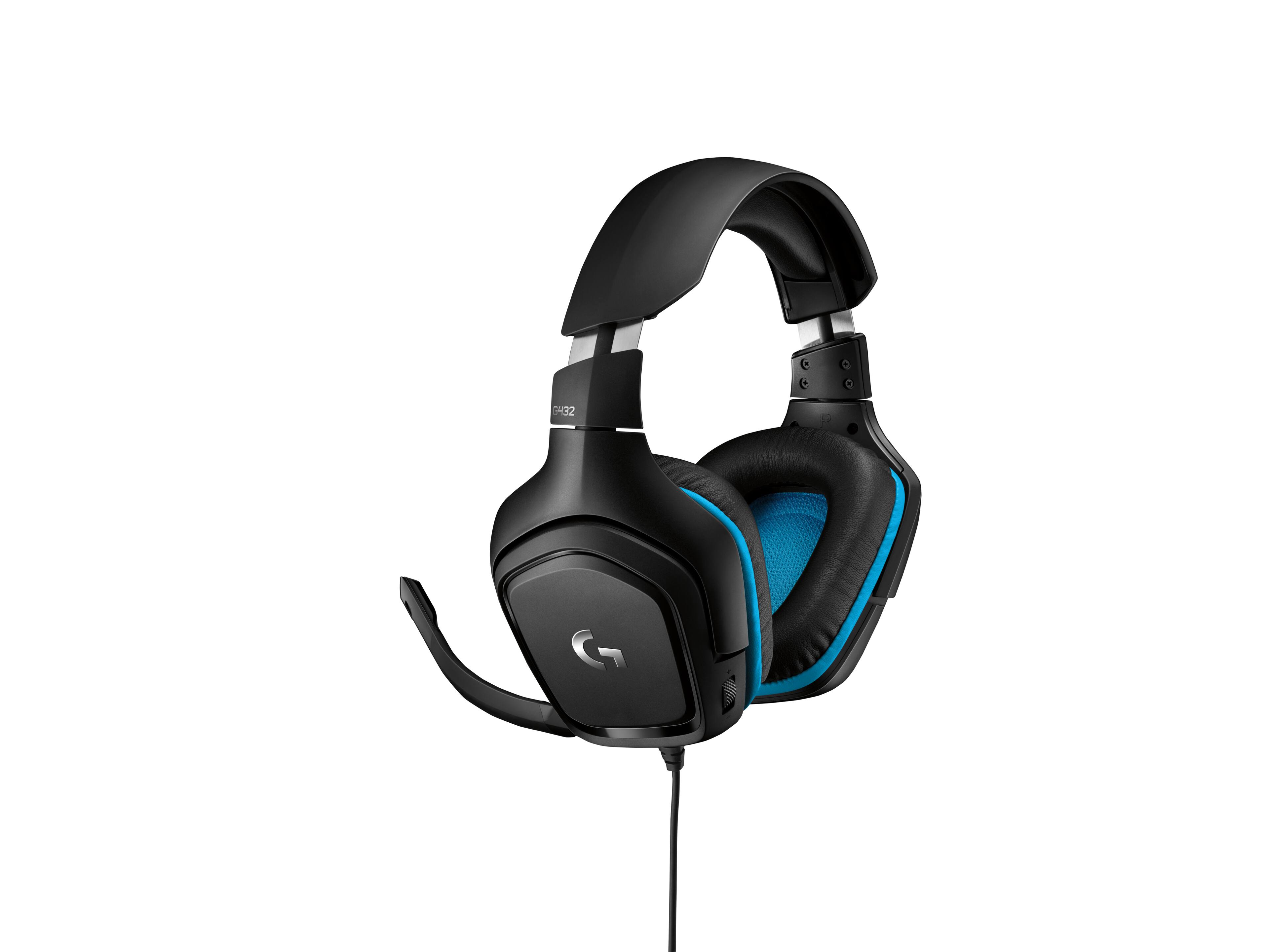
A:AnswerHi, the G432 will work using the USB 2.0 port or higher for PCs, Mac, Nintendo Switch, PlayStation 4; 3.5 mm audio port for console or mobile devices. You can access additional features using Logitech's G HUB software that requires Internet access for software installation and runs on 64-bit Windows 7, Windows 8, Windows 10 or later, or the most recent version of macOS X.
A:AnswerHi Willie, The G432 would be serviceable, but if you're wanting something closer to a DC headset, the Logitech Pro X, either the wired or wireless, would be optimal. Hope that this helped and that all is going well. Best Regards, Richard from Logitech
A:AnswerYES! I have used it on a Macbook Pro and on an MSI Laptop as it comes with a single jack for mic and headphones (Good for MAC) and a splitter to separate the input and output (Good for other laptops where you have mic and headphones). Also include the usb.
A:AnswerUnlike most mics, when you first plug it in it will not automatically play back your voice to you, but if you need it to, you can go to your device properties if you're on windows and turn on microphone listening.
A:AnswerHello Shawna,
Yes, the G432 headset is compatible with Nintendo Switch Lite via 3.5mm input. The Nintendo Switch Lite features a 3.5mm headphone/mic input (4 pole-stereo CTIA standard). Enjoy!