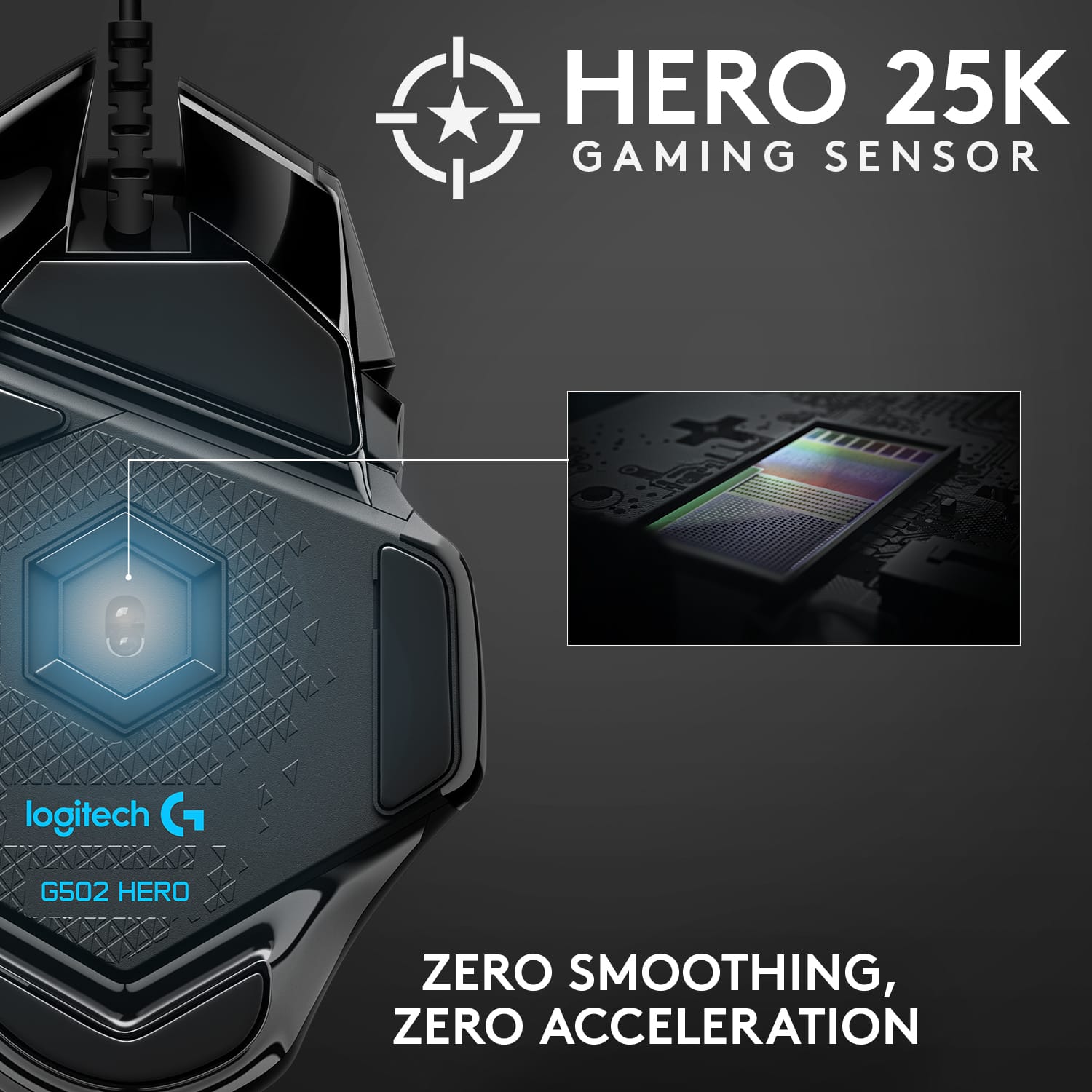
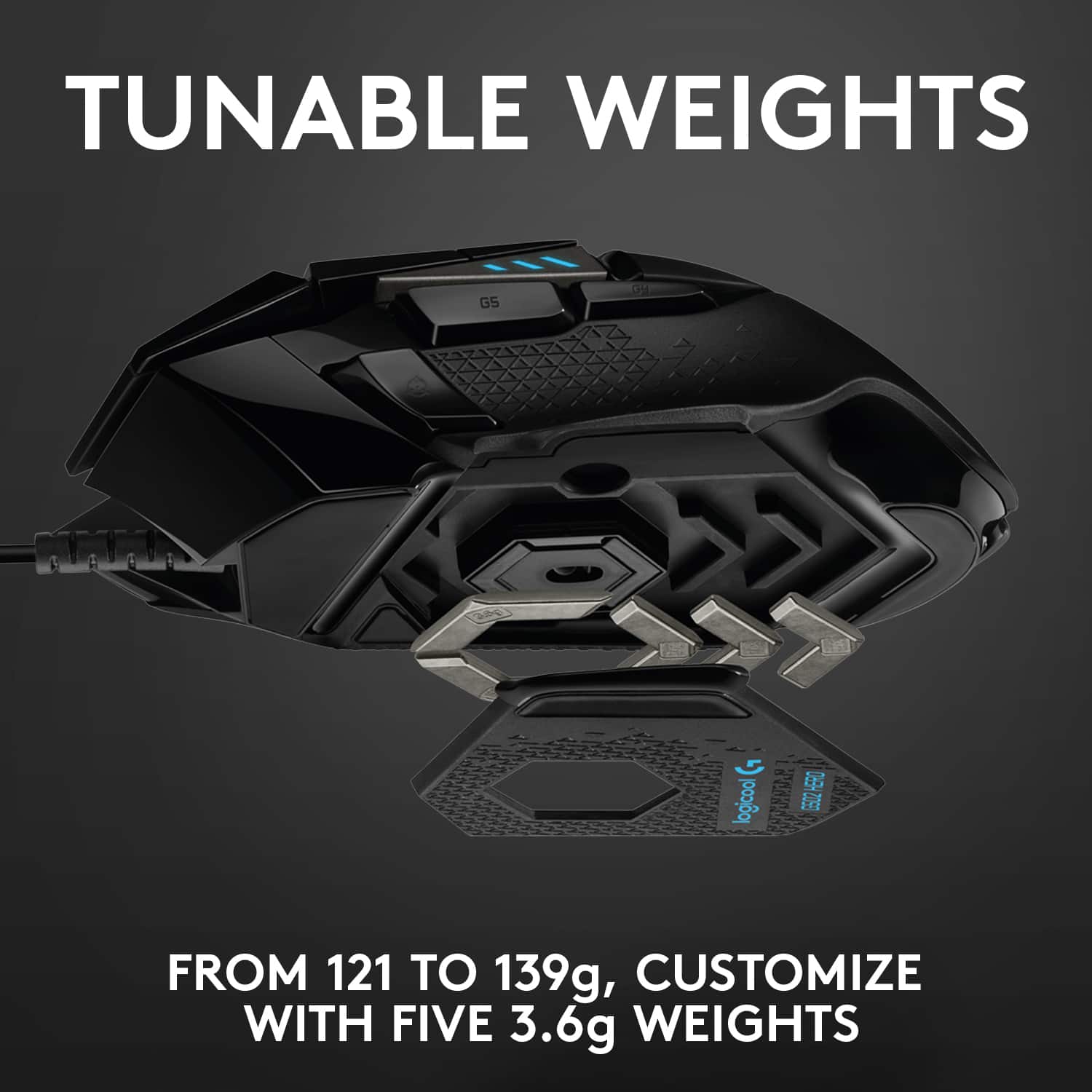
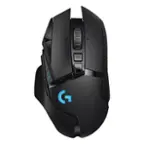
A:AnswerThere’s really no way to tell, so it probably doesn’t matter. It’s fast period. I mean, maybe if you're trying to get the fastest input possible, like for esports or something, I would go with a Glorious model O or something, cause the weight of the g502 could slow you down, but it’s just a matter of preference. All in all, if you need that extra 0.5 seconds, I would go with a different mouse for reasons other than just response times.
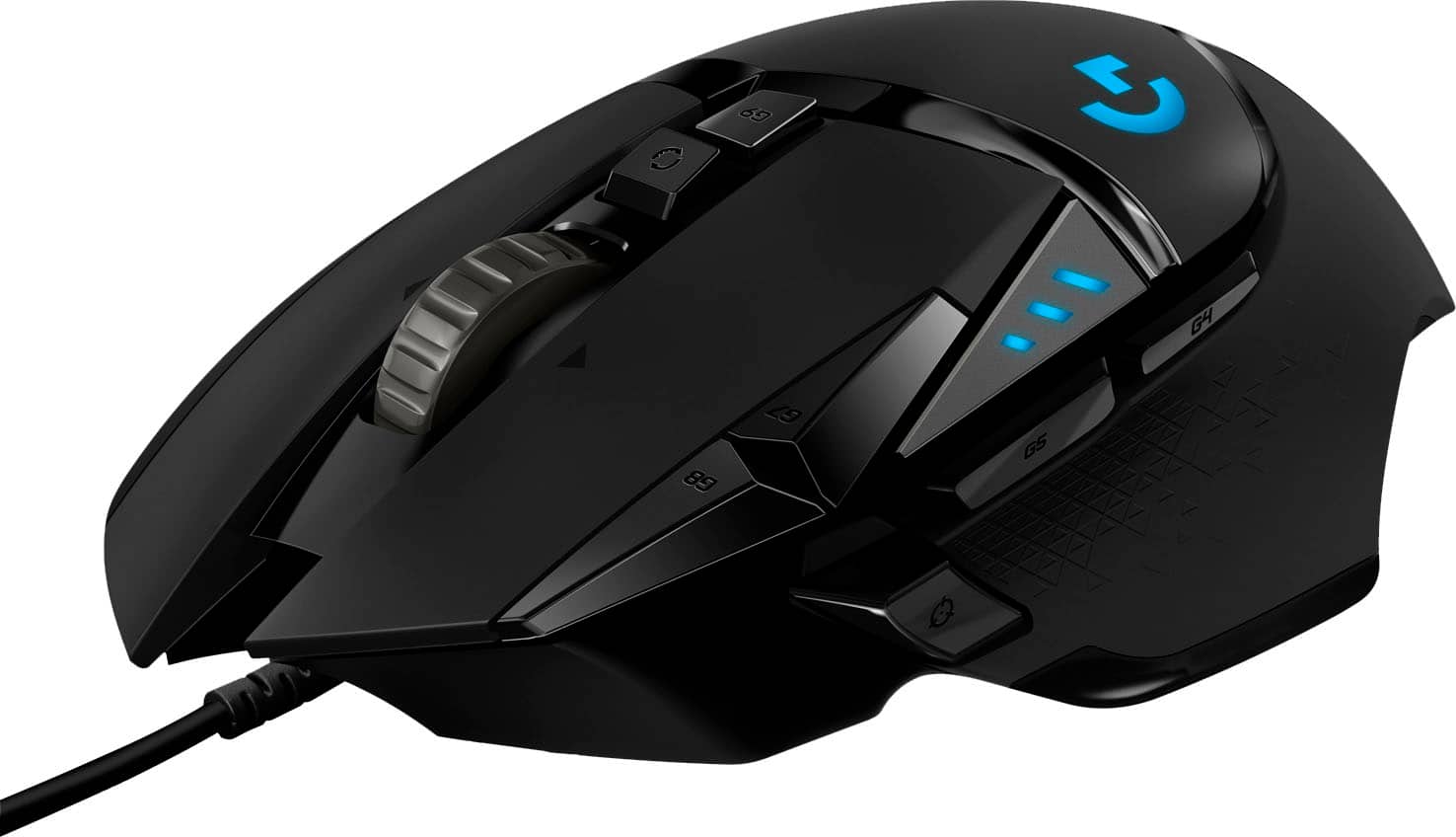
A:AnswerHello, you are able to plug this mouse into your PS4 via USB port. Note, not all games are compatible with mice, please check with the developer.
A:AnswerHello Grass0212! Mice (like the G502 HERO Wired Otpical Gaming Mouse) won't work out of the box on a Nintendo Switch unfortunately, you'll need to use a separate computer and adapters like a Cronusmax in example to reassign the buttons of your Nintendo Switch Joycons to the mouse, etc.
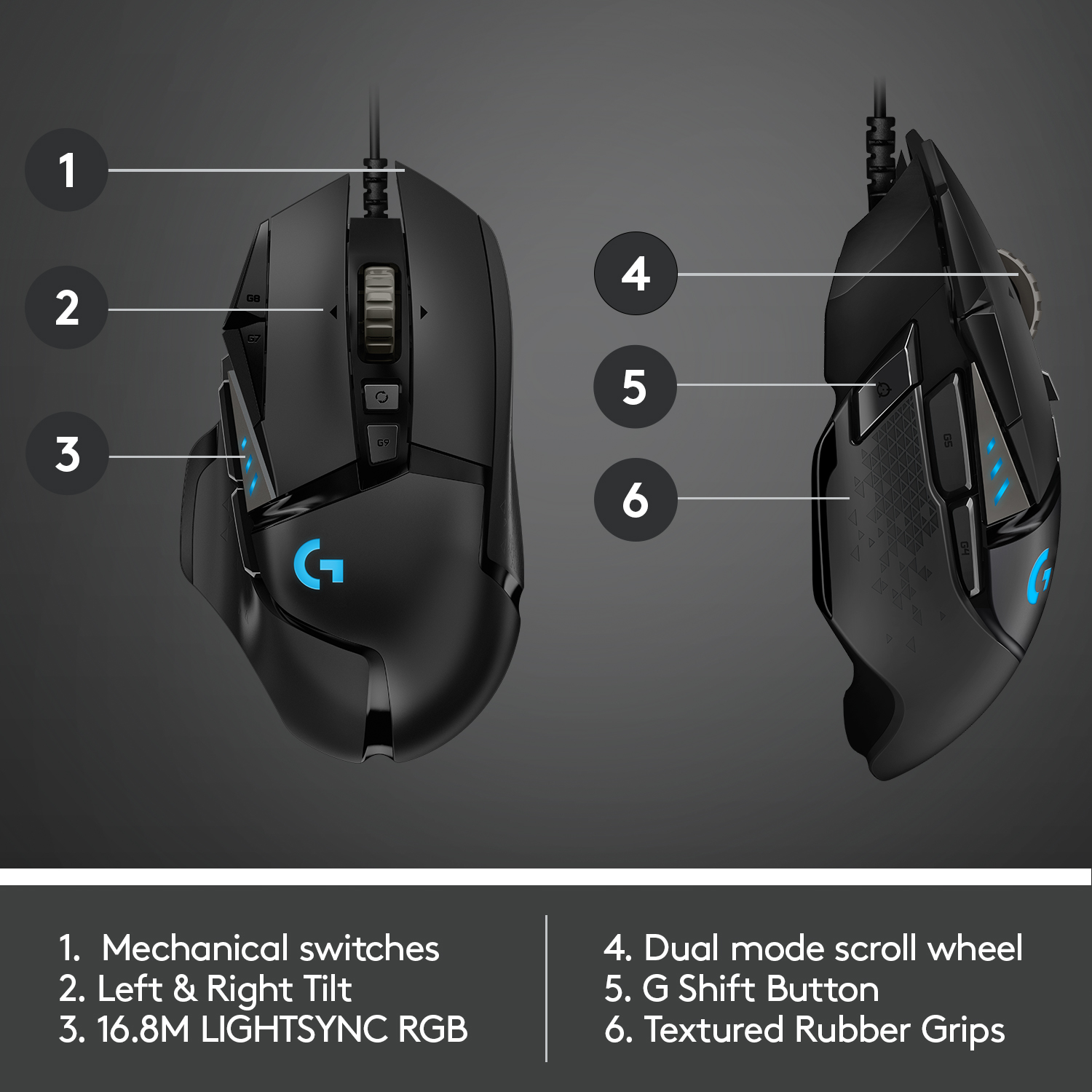
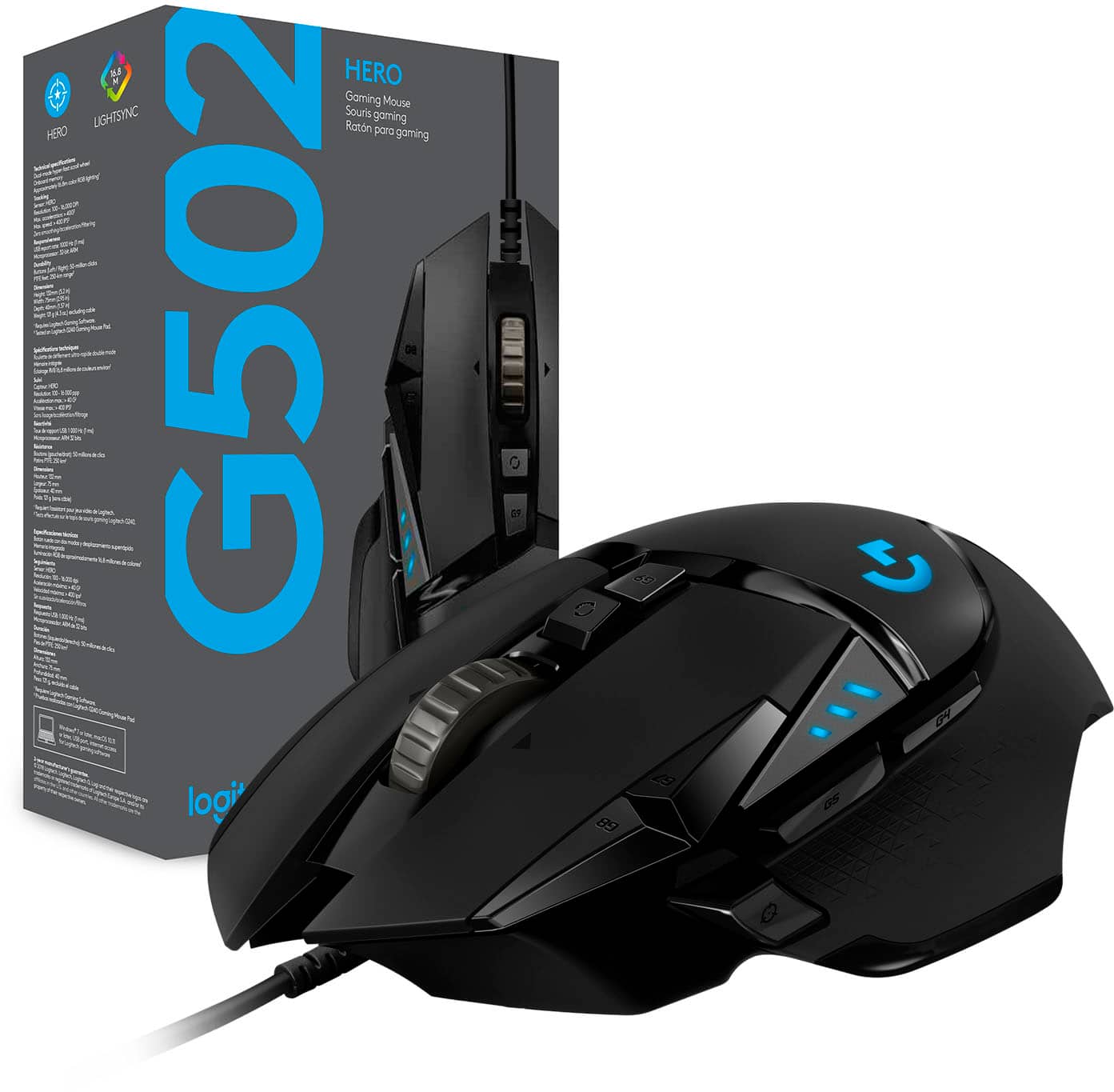
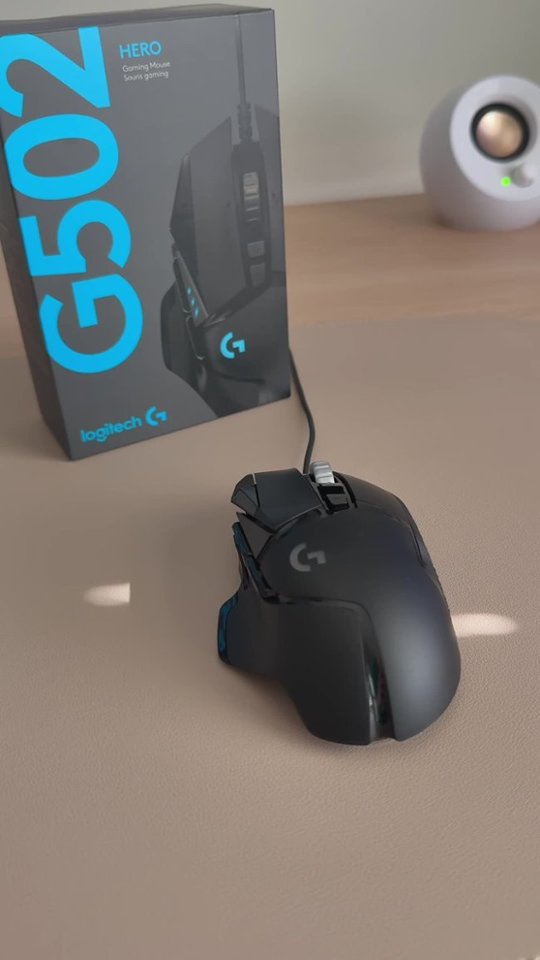
A:AnswerThis mouse is 5 inches long, 3 inches wide and about 1-3/4 inch tall. I’m a pretty big guy and have big hands too and it fits very nicely in my hand. I have a small wireless mouse for my laptop that is very small but I use the logitech G502 HERO wired mouse for my pc for gaming and it is much larger and very comfortable. Hope this helps!
A:AnswerBoth, if you want. The mouse does have onboard memory. You have to install the drivers for it on at least one computer to set up your profile, but you can save it to the mouse and have it persist across multiple computers. Also, if you want to change anything on it, you'll have to hook it back up to the PC with the drivers installed.
A:AnswerFrom the logitech website: Cable length: ~7 ft (2.10 m)
https://www.logitechg.com/en-us/products/gaming-mice/g502-hero-gaming-mouse.html#product-tech-specs
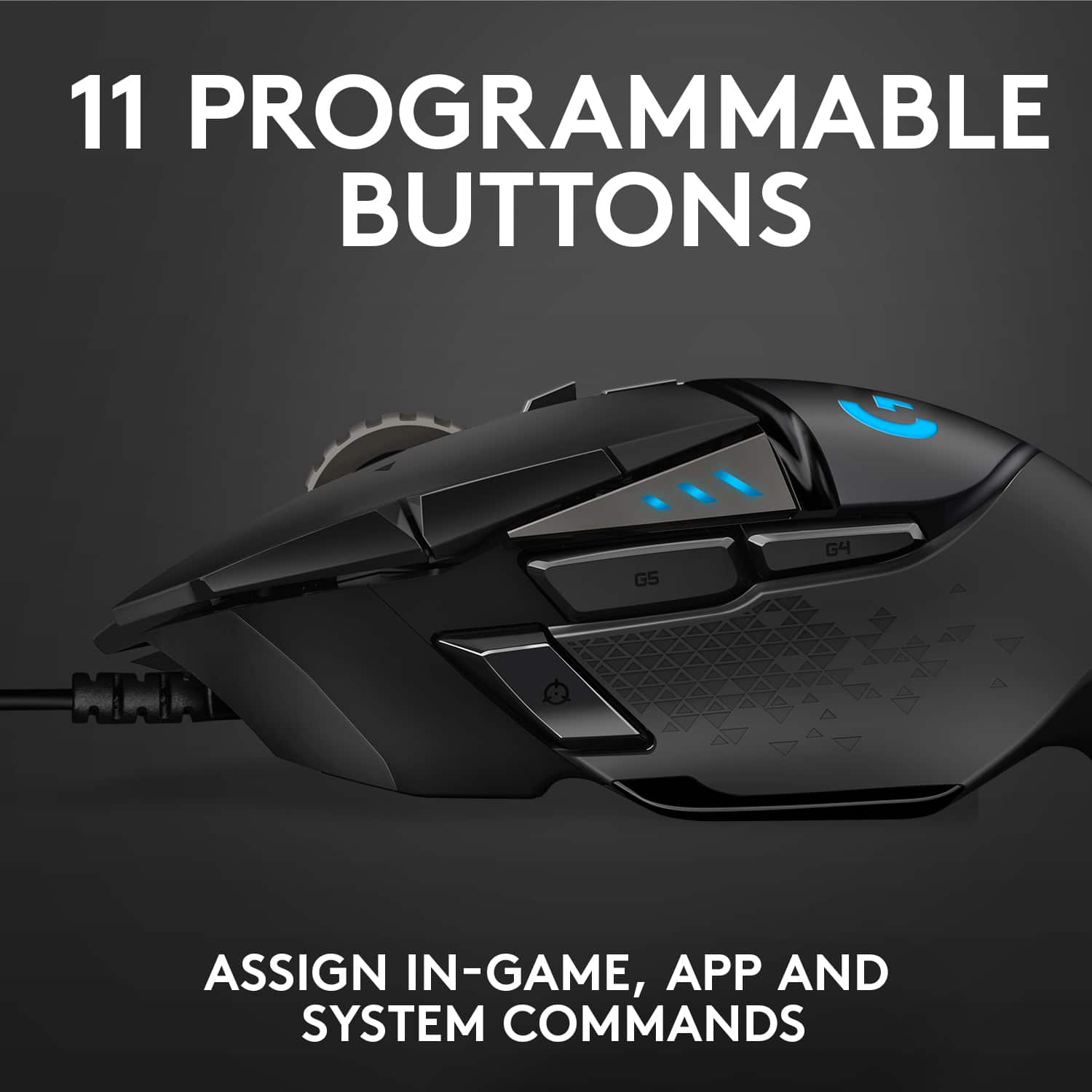
A:Answerif you go to the Logitech website and look for the G Hub software, it will allow you to modify the buttons on the mouse as well as the lighting. I am not sure how I did it, but I came across the one for the 64bit windows 10 version as oppose to the 32bit.