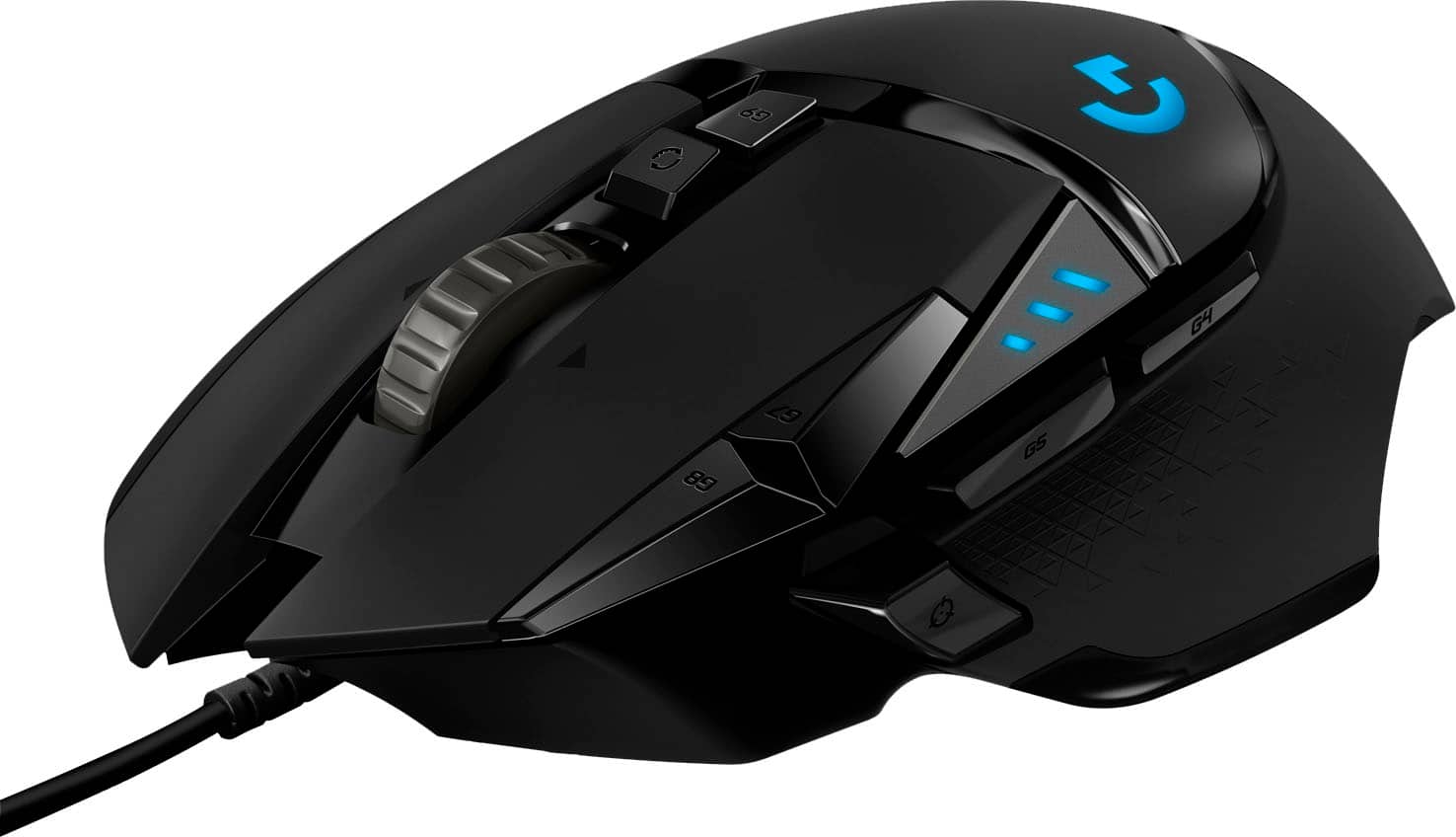
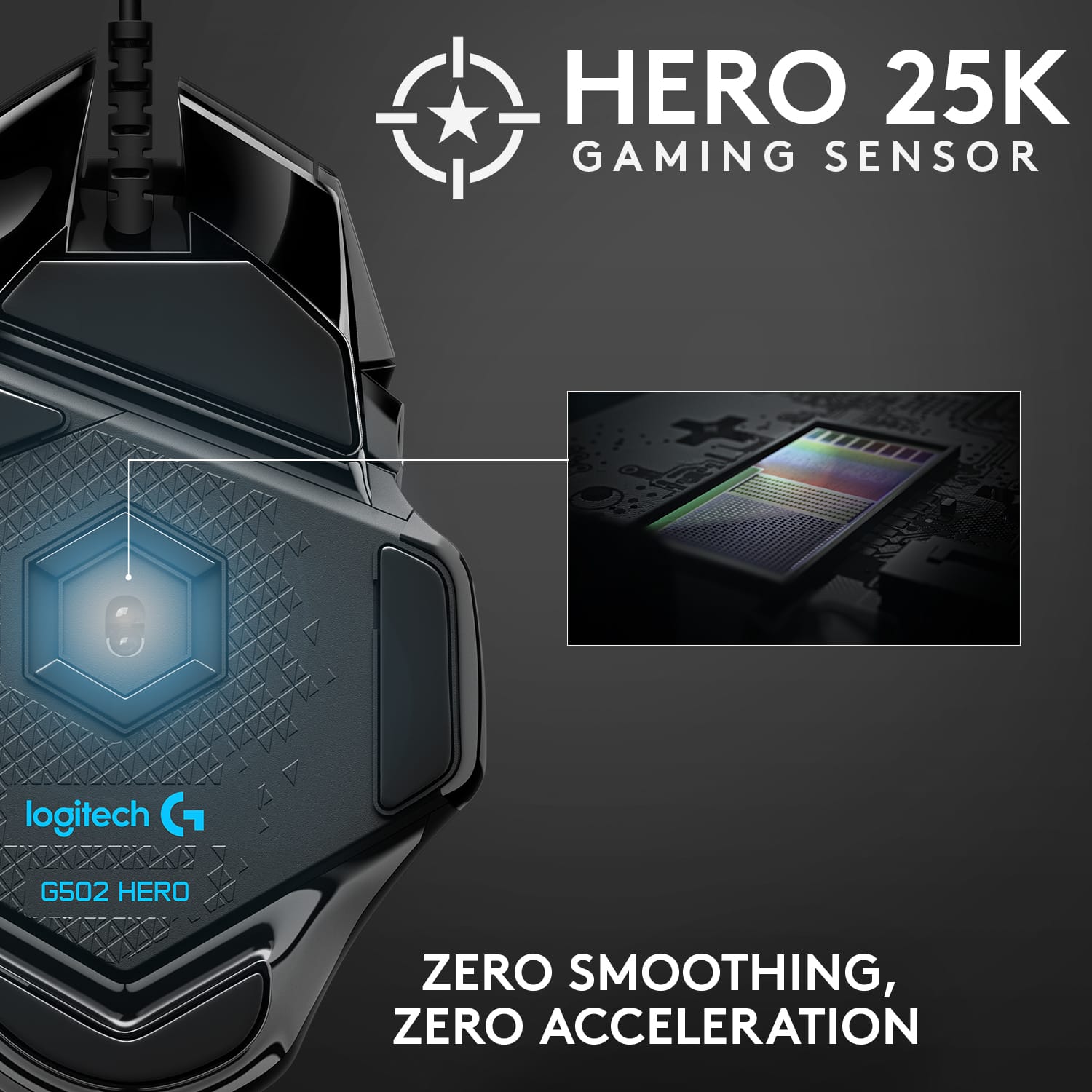
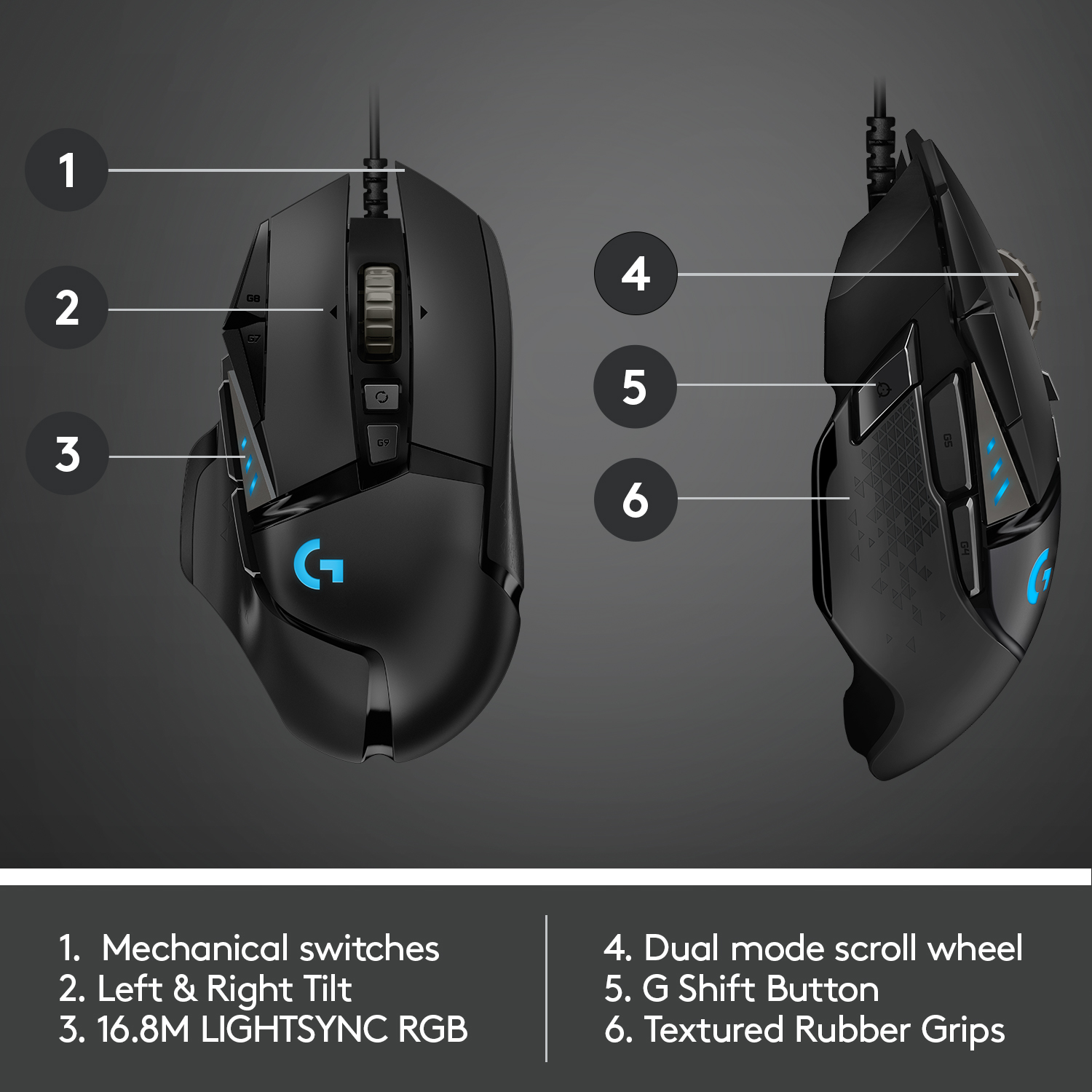
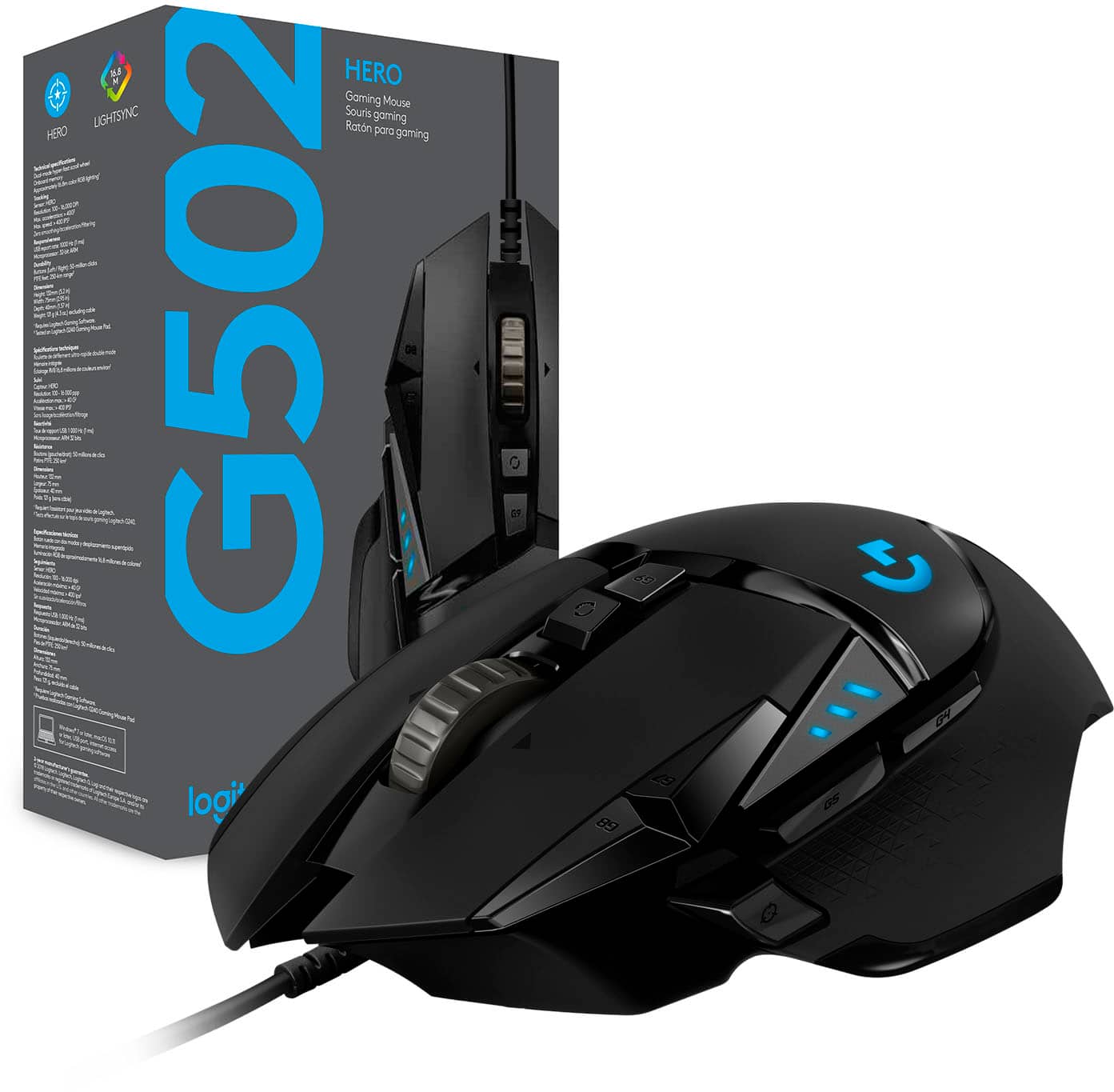
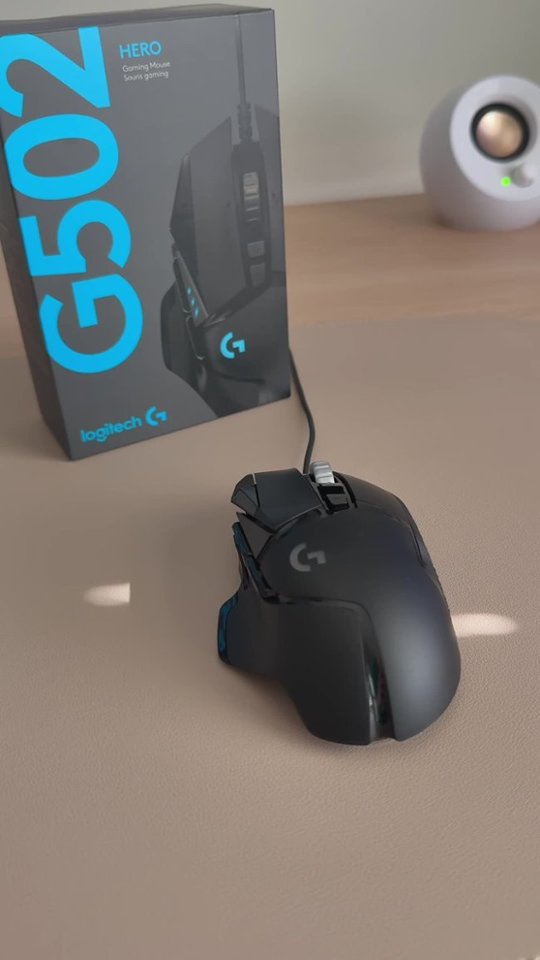
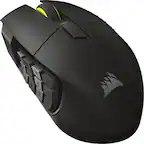
A:AnswerG502x offers more customization features than the G502. But you pay more for those features. Also, it can be used wired or wireless where as the Hero is wired only. Most serious gamers only want to game with a wired mouse. But you can do that with both models. I own the G502x & I love it. But I have to use a wireless mouse in my current setup, so I was stuck with that choice.
A:AnswerThe measurements of this mouse are 5 inches long, 3 inches wide and about 1-3/4 inch tall. I have big hands and this mouse fits very nicely in mine. The palm of your hand typically grips the very back of the mouse so I think 6.5 inch hands would work very nice for this mouse. Hope this helps!
A:AnswerHere are the specs:
https://support.logi.com/hc/en-us/articles/360023303534-G502-HERO-Gaming-Mouse-Technical-Specifications
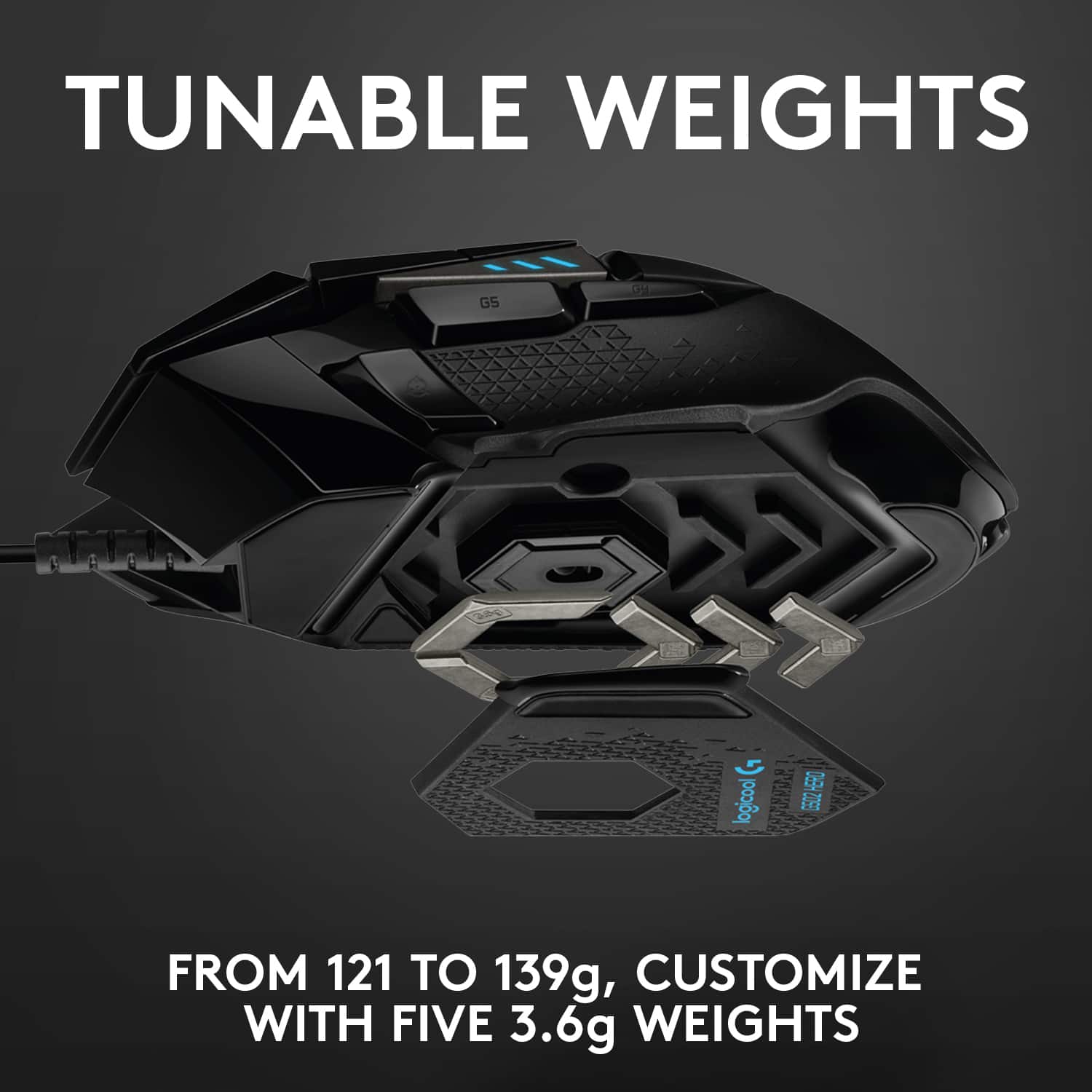
I believe the mouse came with additional weight if you prefer the heavier feel.
A:AnswerYes You Can Please Read!!!
Log into Logitech G Pro
Click On The Mouse Logo
Click The + sign(assignments button) . If you have trouble finding it. It is on the left bar below the diamond symbol.
Click where it says dpi up on the physical mouse and right click. Then hit disable. Repeat for the dpi down.
Please Read it is possible !!!!