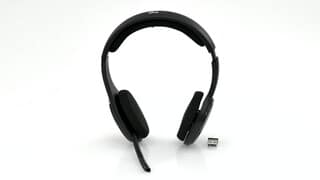
A:AnswerThe Logitech website has a complete set of instructions for the H800; I had to go to the site to get the proper instructions to pair my headset with both my computer and iPhone. Website says "six hours of reliable wireless audio" but I think that I have lasted two full days before recharging.
A:AnswerThe H800 headset works with my iPhone X. You need to first pair the headset with the BT-enabled phone, which you find out how to do by download in the User's guide from the Logitech website. The paring information is not found on the shipping packaging. Per the website, "While your wireless headset can store up to seven devices, it will only connect to and stream audio from one device at a time."
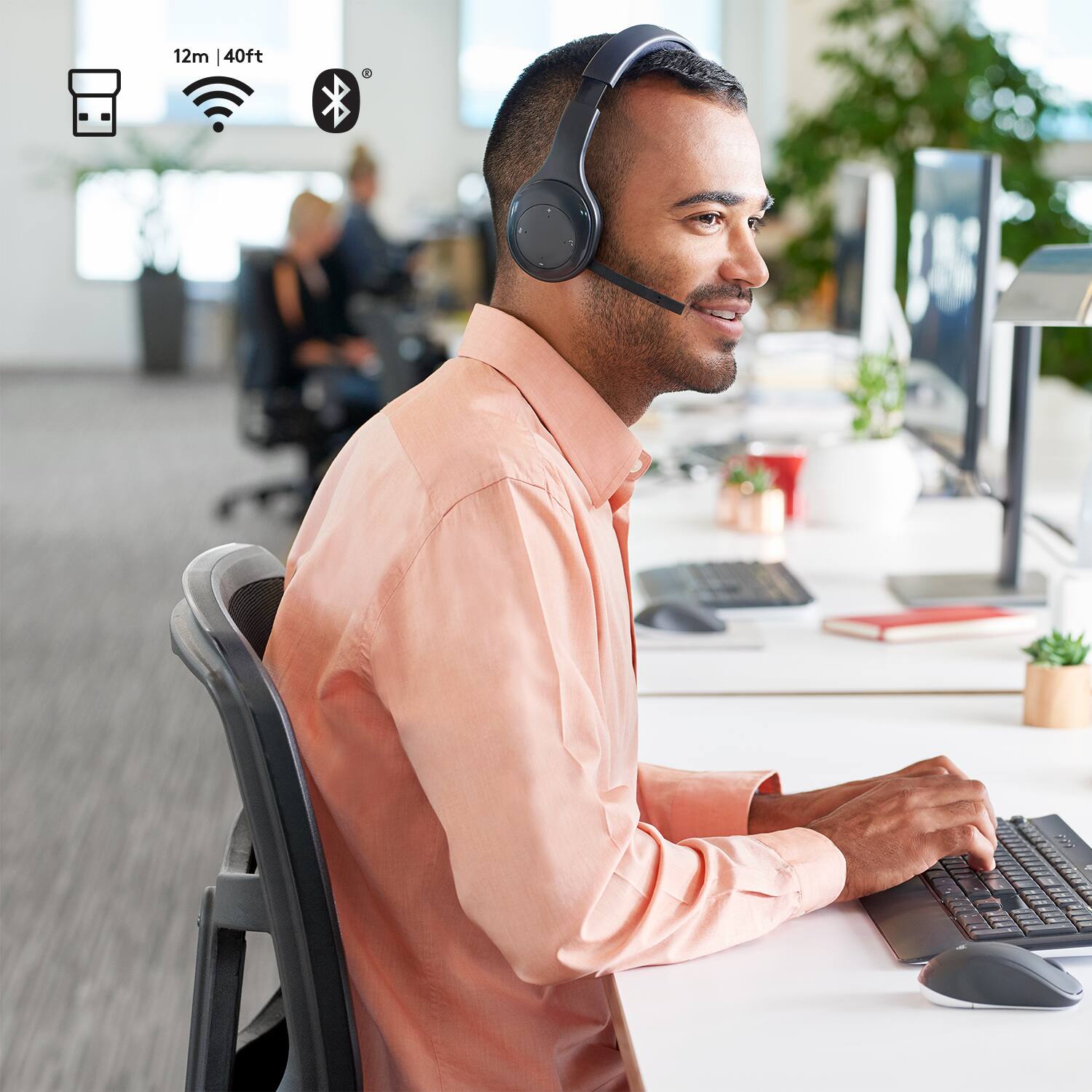
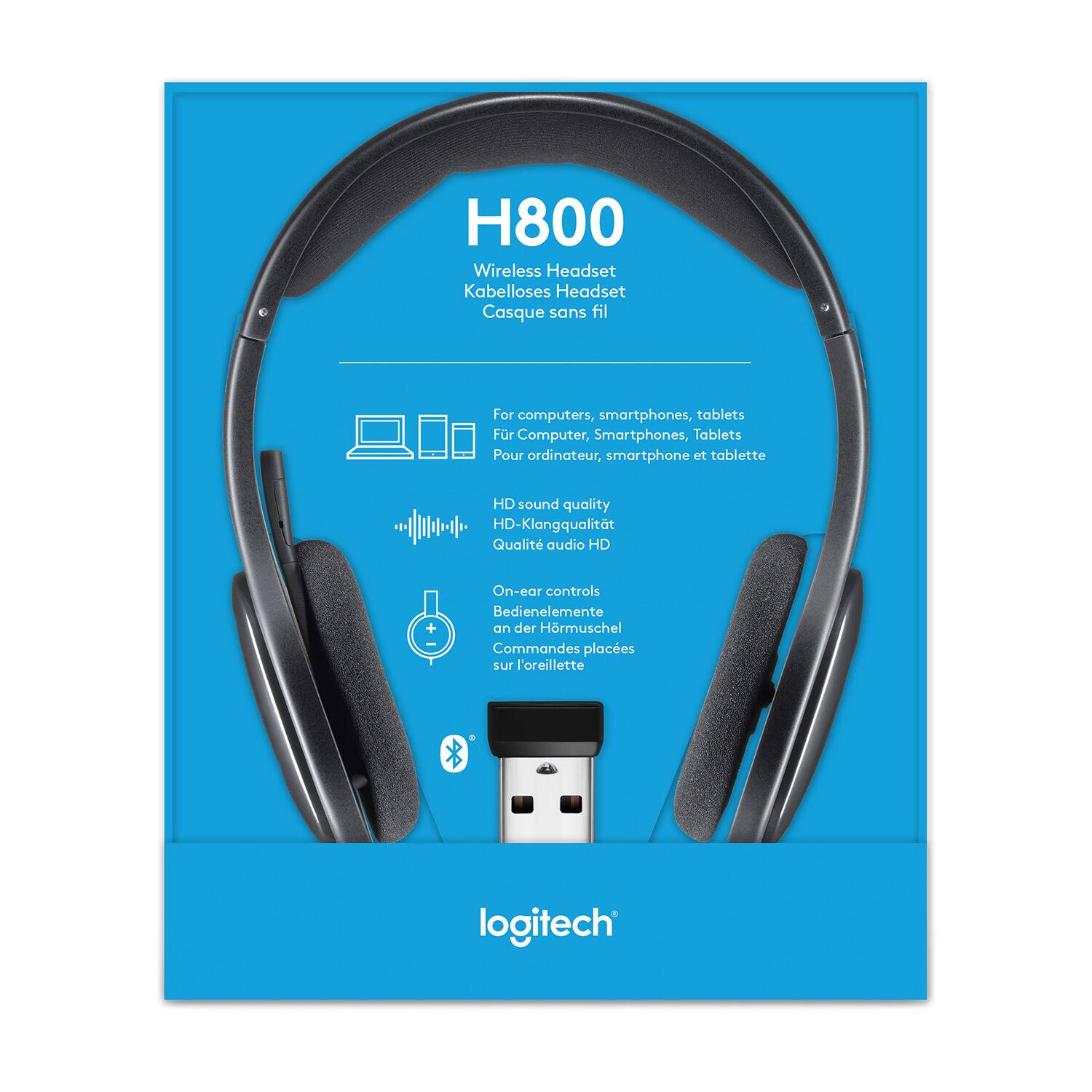
A:AnswerHard to answer this question. the H-800 uses bluetooth, or a usb nano to be detected and communicate with laptops (windows or mac), and phones (iPhone and Android) If you can connect the H-800 to your device, there's little reason you shouldn't be able to get it to work with Skype. If its not working check your audio settings to make sure it picks up the pairing of the H-800 and that it is using it as the audio device.
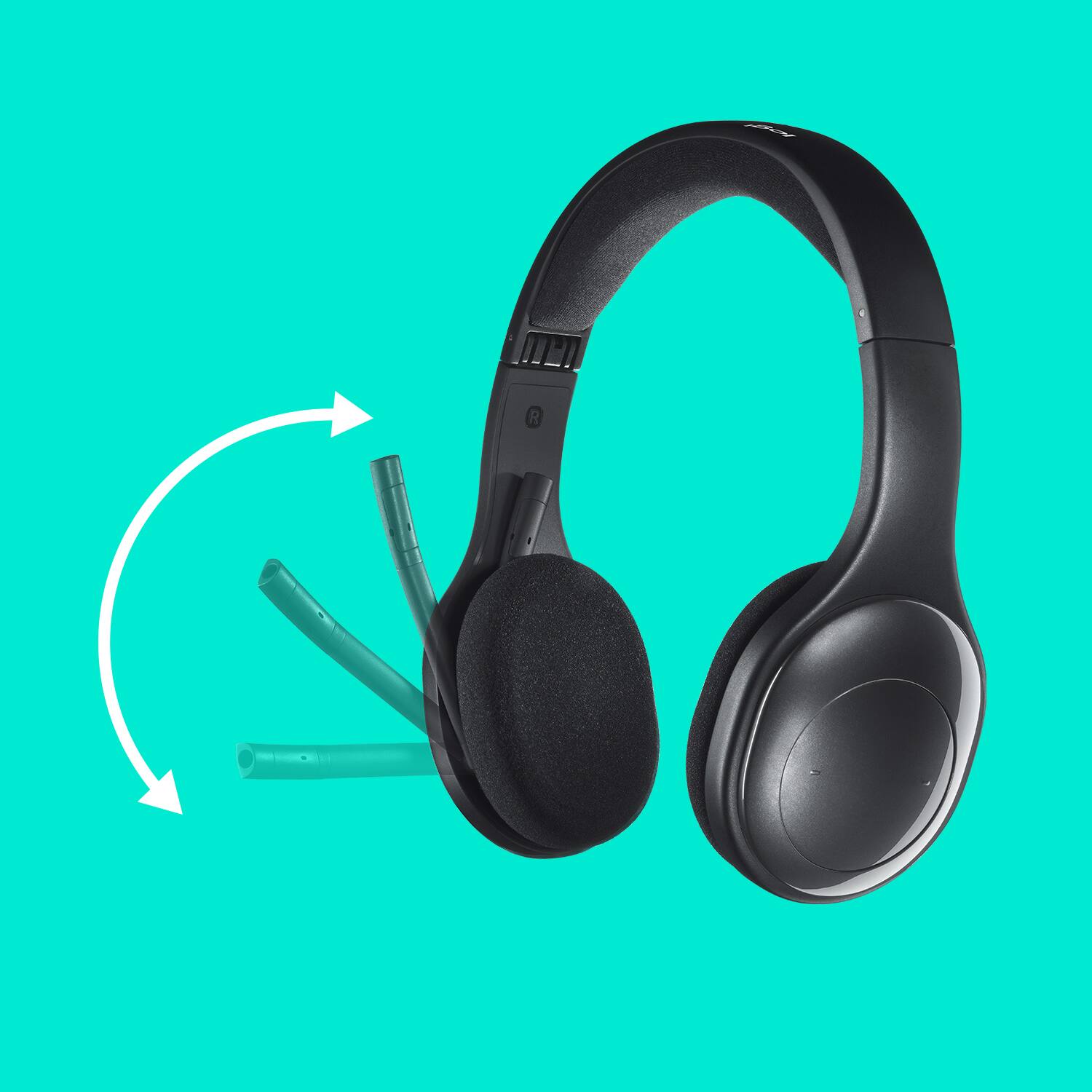
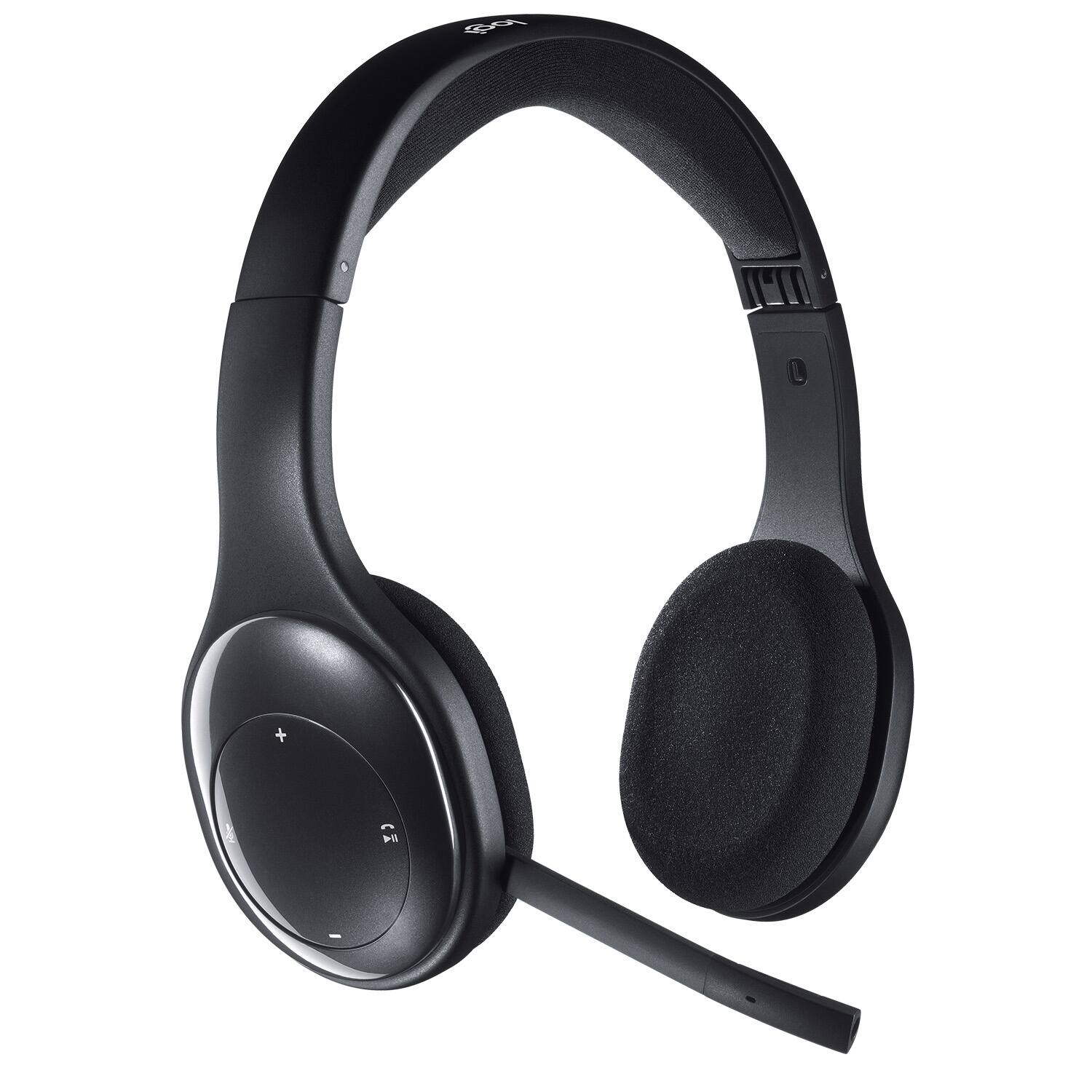
A:AnswerYes, the microphone rotates around the right circular earpiece and becomes concealed. Don't know if headset automatically mute itself when you "retract."
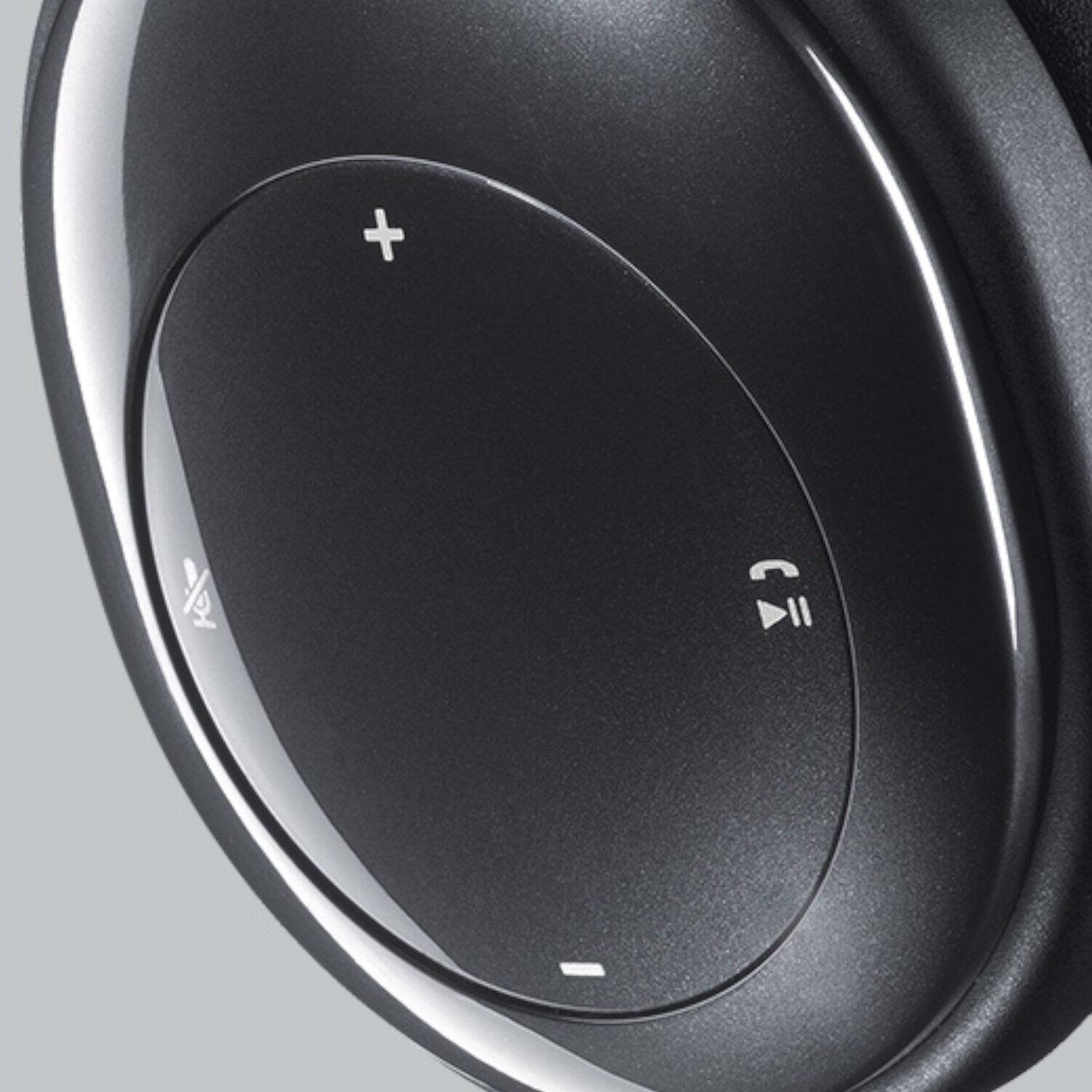
A:AnswerIt has a mute button that works on some cell phones, but on my laptop, this function does not work. It could be the software but I don't know.
I used it for around 3 hours without interruption. After this time, I started to hear the beep for low battery.
A:AnswerYes you can. I have to use the phone to answer and disconnect, but the audio is great as is the mic. Volume controls work well with my android phone too.
A:AnswerIt only partially supports HSP. I found this out because I ordered a Panasonic telephone that was HSP compatible, but I could never get it to connect to my H800. I contacted Logitech support tonight, and they said that it supports HSP, but ONLY for a select few devices. So really its a hit-or-miss on whether or not this unit will support your HSP device.
To be clear, I have two H800s and I TOTALLY LOVE THEM and use them 20-30 hours a week for my conference calls (work from home.) The fit is great, the audio is great, I love the volume control buttons and mute button, and I often switch between my PC (USB dongle) and phone (bluetooth), and so I absolutely love this product; I'm just disappointed that I tried connecting it to a landline phone that is HSP compatible, just to find that the H800 wouldn't connect.
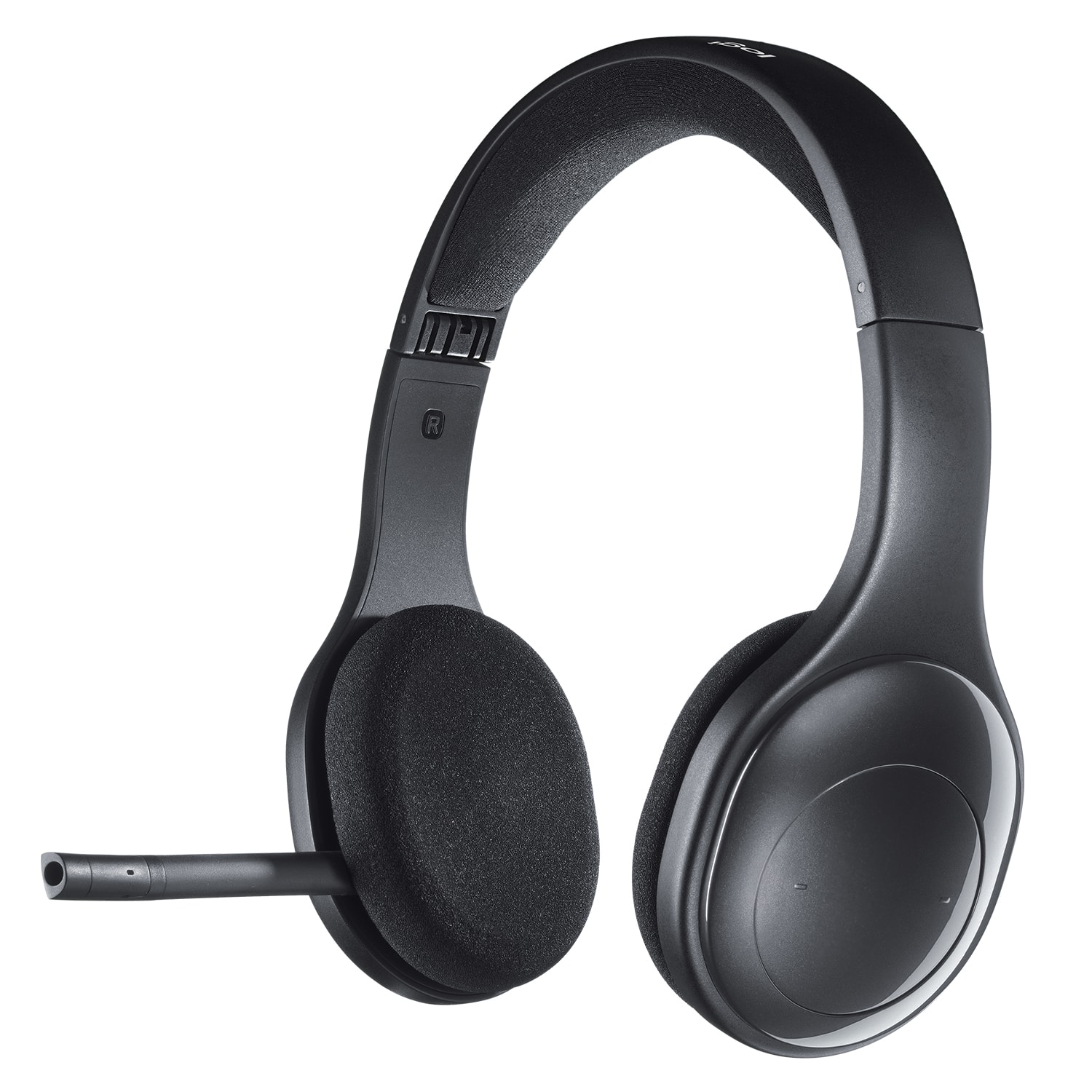
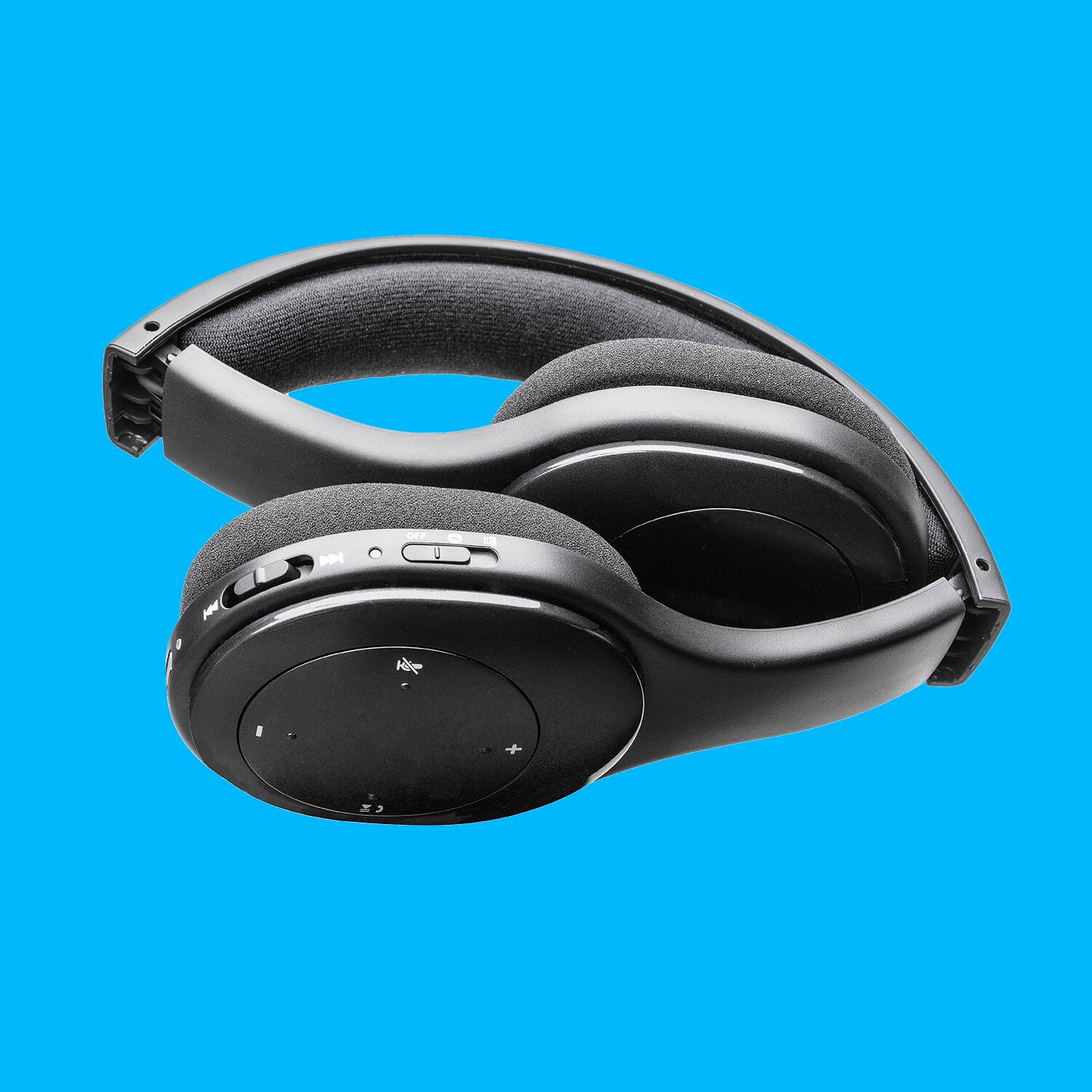
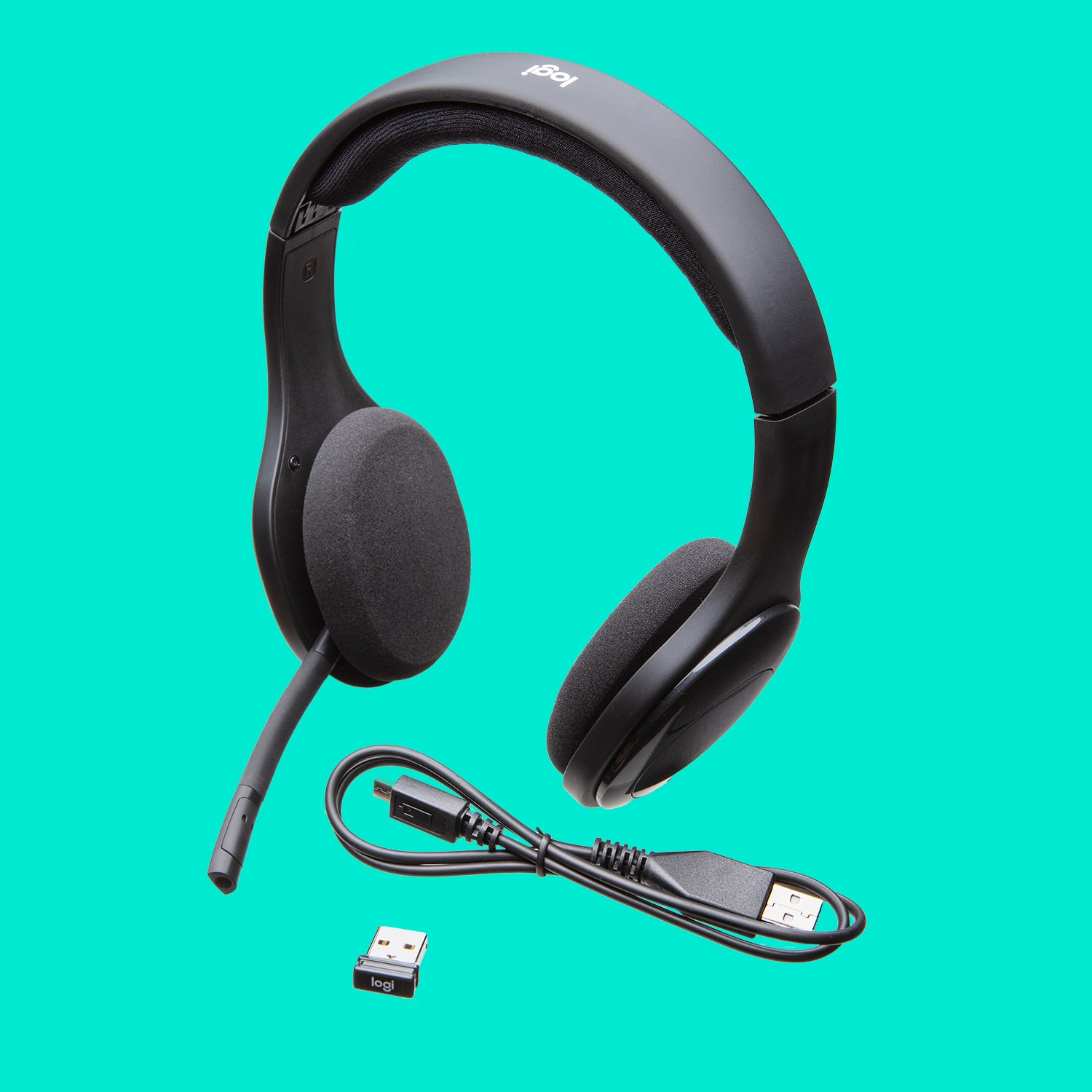
A:AnswerYes, it has to be charged: the location of where to charge it is on the underside of the right earpiece (where the control buttons are located).
Hope this helps!
A:AnswerYes you can pair it without having to use the USB dongle provided . I have it paired with my tv which is my large monitor. I originally had it paired with the laptoop, but decided to go through the tv instead so that I could use them for both. Couldn’t be happier including my wife who complained about the loudness when I watched something she didn’t care to.