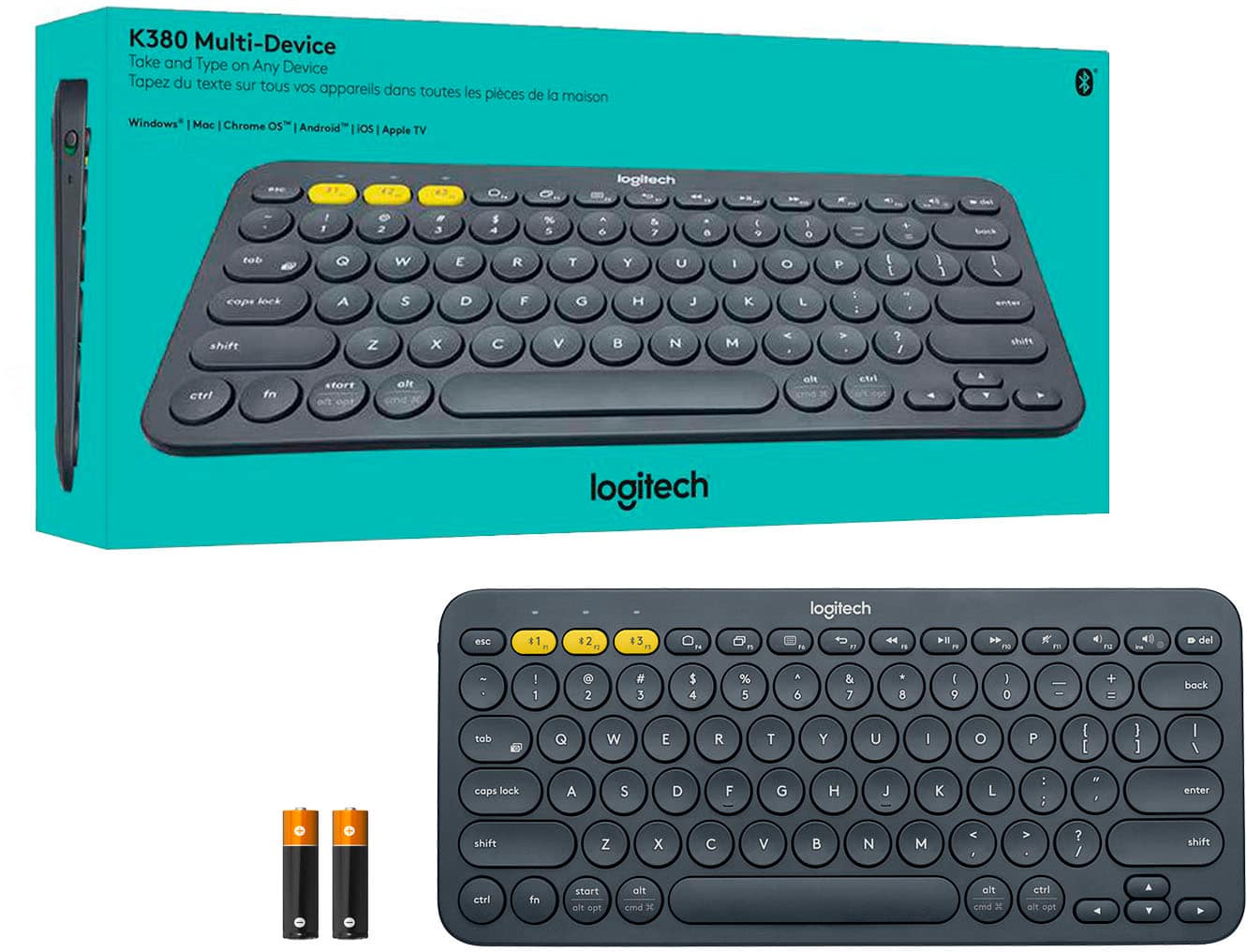
A:AnswerThe K380 TKL works with both Chromebook and HP desktops. You will need to enable Bluetooth. Almost all our mice will work on both systems.
Regards,
Logitech
A:AnswerI would guess it is "supply and demand". Less demand on some of the color models; therefore, considering an economy of scale, it is less expensive to put out more of a high demand color (black or white) as opposed to any other color requested because they would not be able to produce as many cases in that other color since higher production of almost anything will reduce the unit cost. (Economics 101).
A:AnswerI use a logitech mouse that comes with a usb to connect it to my iPad with a USB-C adapter. It works pretty well, it’s just a matter of practice to navigate the mouse on your tablet to not have to touch the tablet yourself. It’s easy enough though. There’s no need for a bluetooth connection or a verification. :)
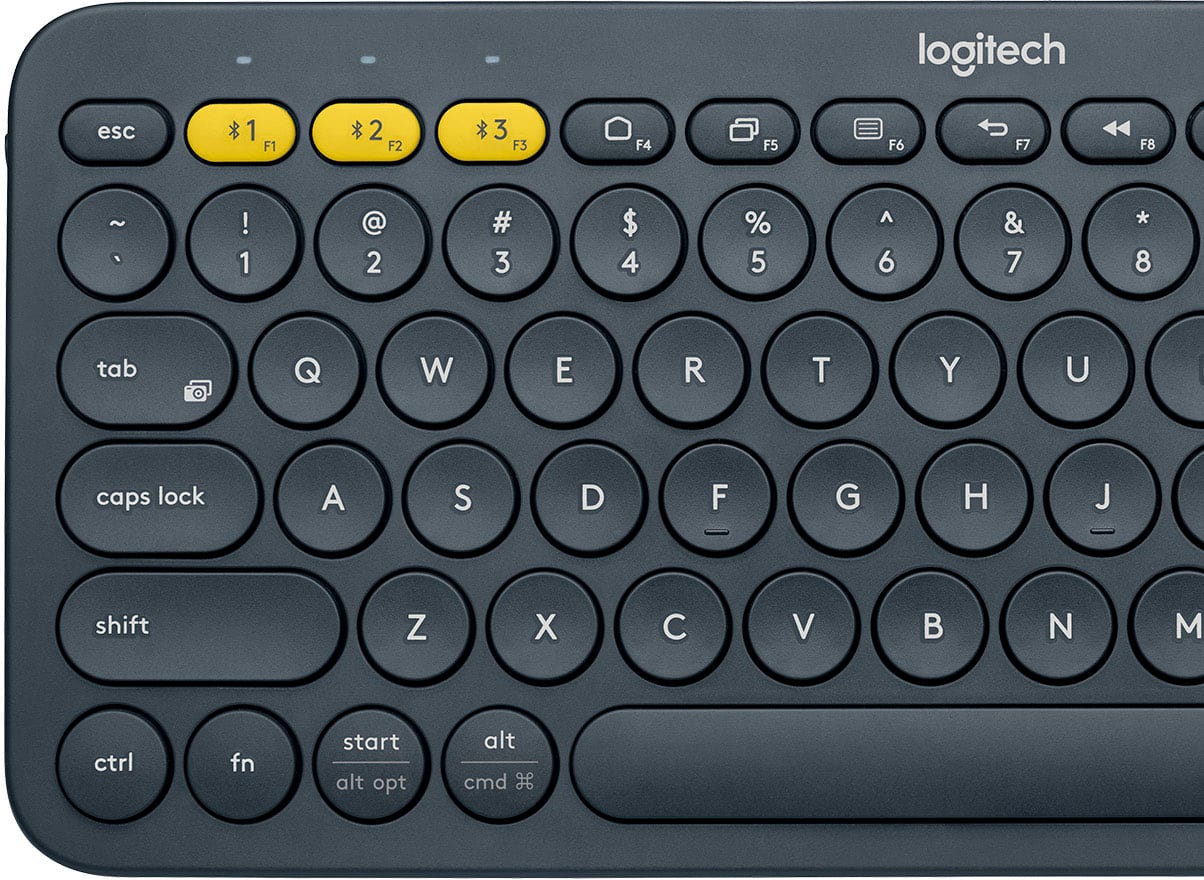
A:AnswerI just paired my K380 keyboard to my HP Laptop and found that the "Start" key does exactly like the Windows key does. This is the bottom row left, 3rd key to the right.
A:AnswerHi Trinah, the K380 Bluetooth Keyboard comes with a 1 year limited warranty. If you need to file a claim, you can do so here: https://support.logi.com/hc/en-us/articles/360024926254-Warranty-K380-Multi-Device-Bluetooth-Keyboard. Hope that helps. -N from Logitech
![esc logitech $1 $2 $3 1 2 3 4 5 6 7 8 9 0 - = backspace tab Q W E R T Y U I O P [ ] \ caps lock A S D F G H J K L ; ' enter Z X C V B N M , . / shift shift alt cmd fn alt start ctrl](https://pisces.bbystatic.com/image2/BestBuy_US/images/products/4415/4415400_sd.jpg)