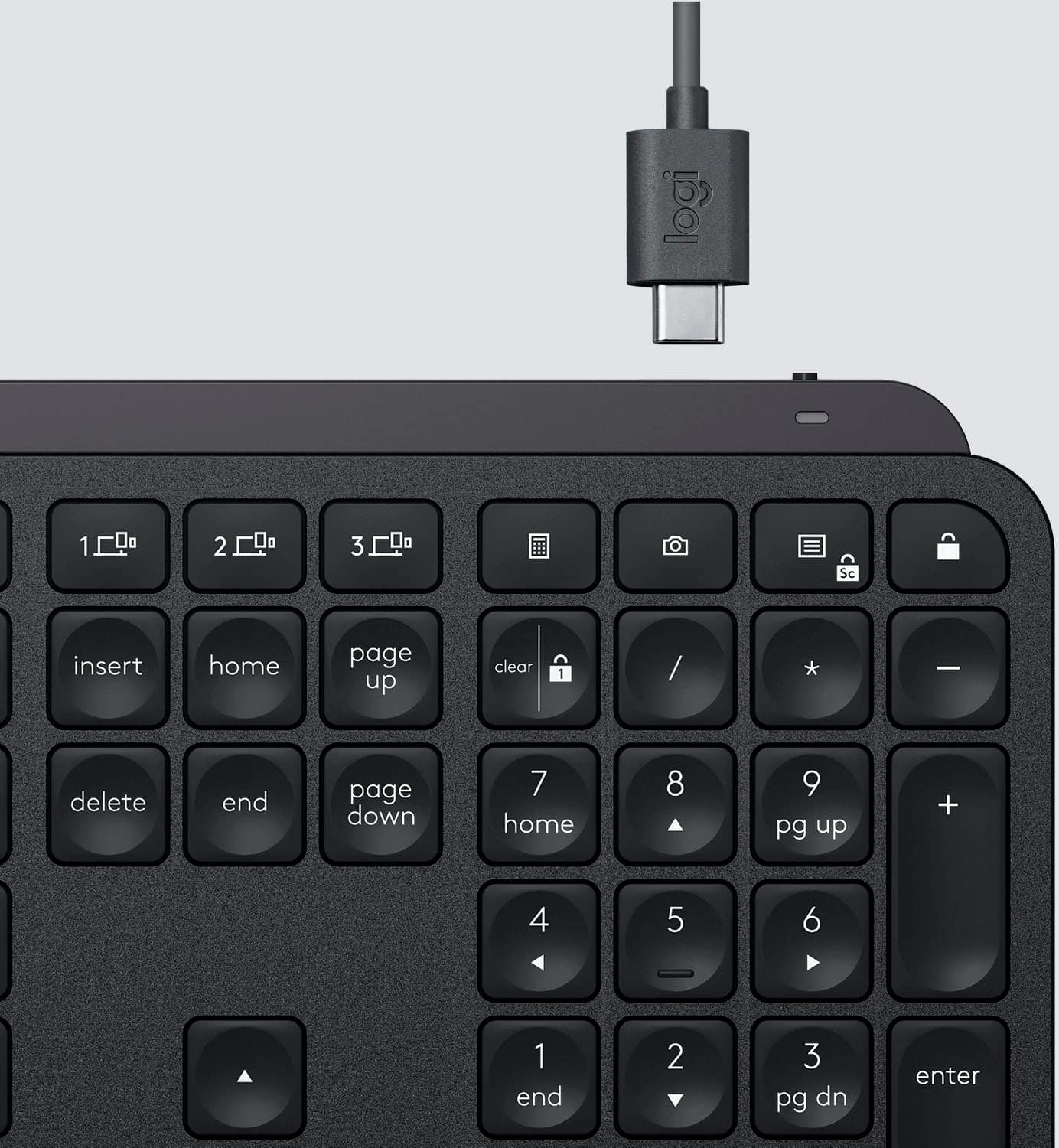
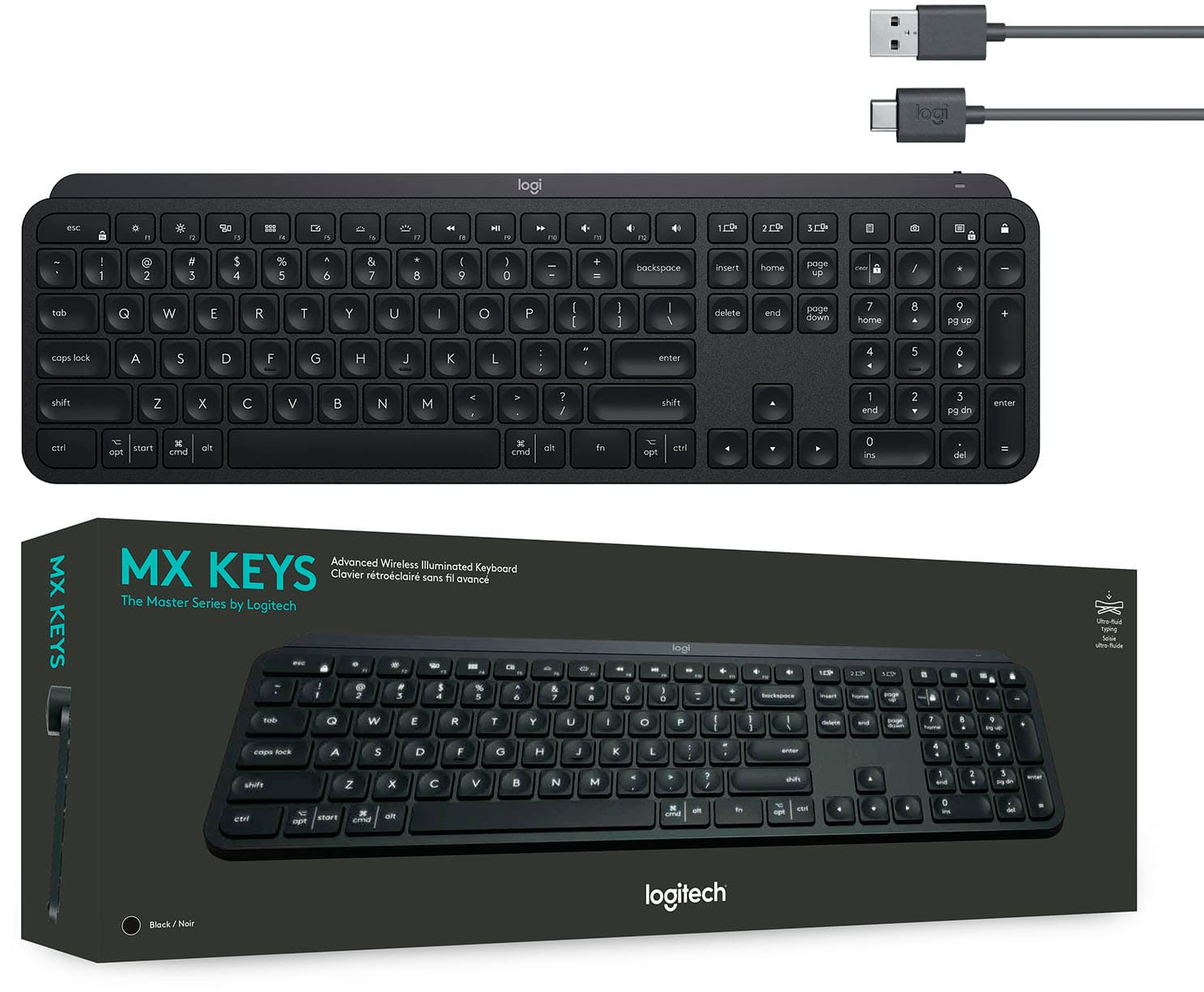
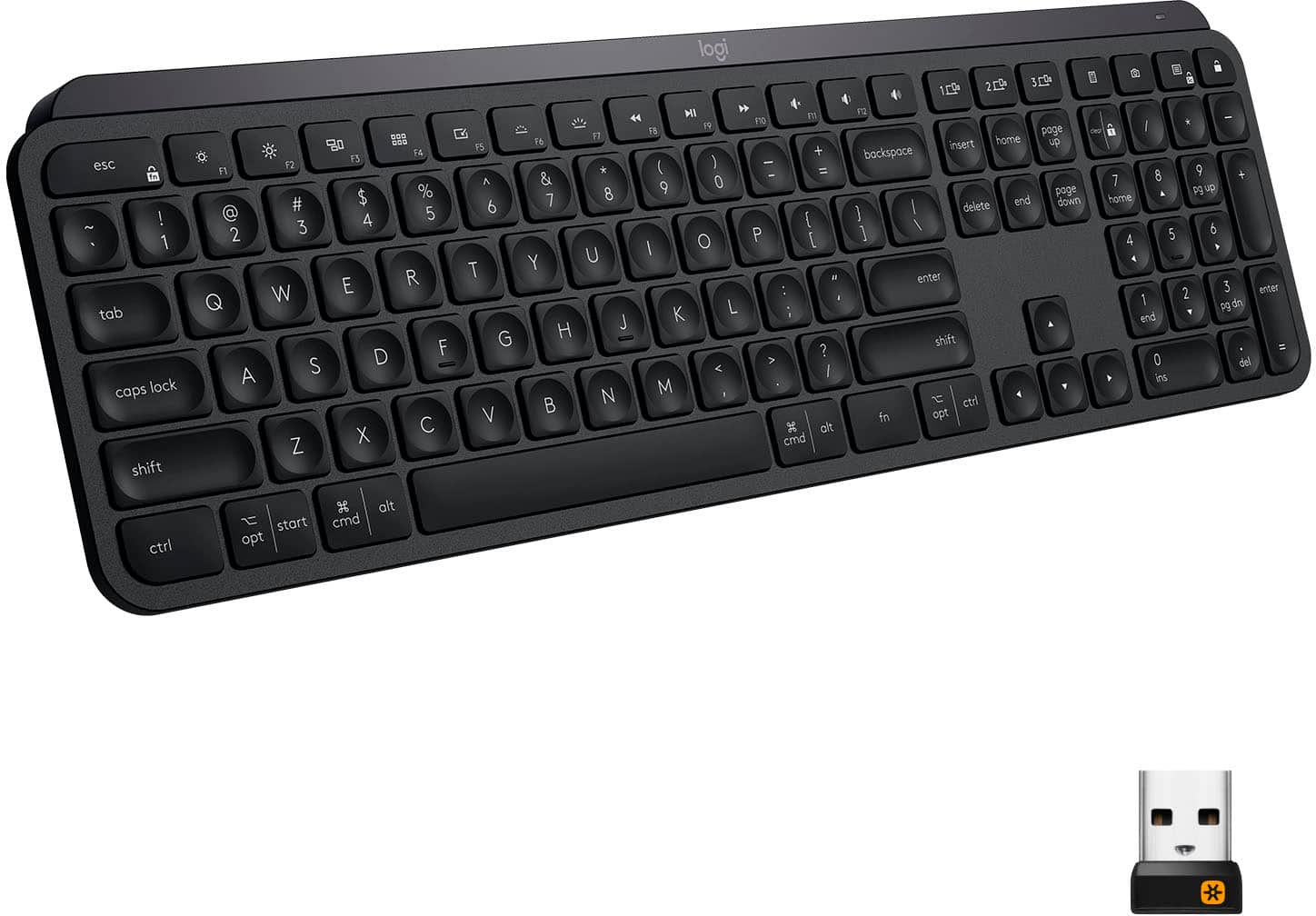
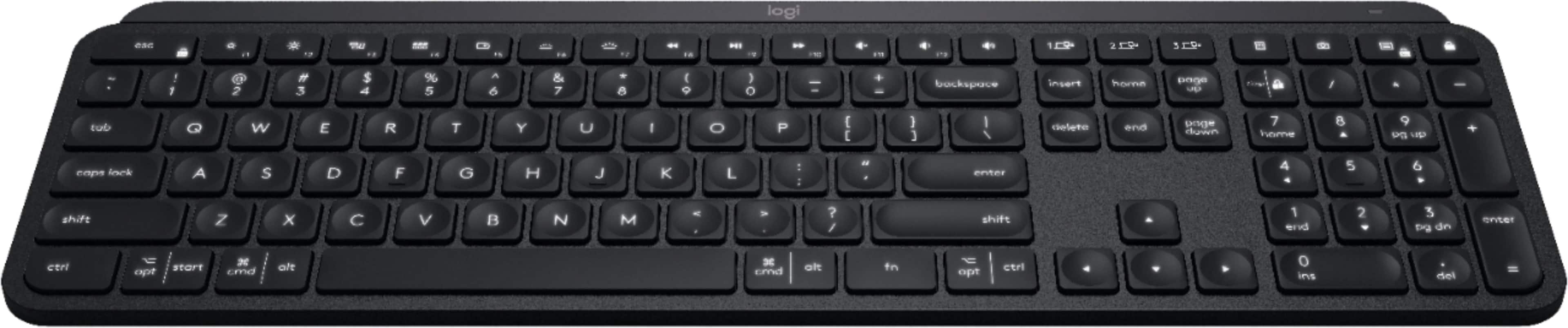
A:Answer It has both Mac and Windows labeled on the keys. For example, OPT (which is Mac) and START (which is Windows) is on a single key.
The reason for Logitech providing both labels is cost reduction and flexibility. If they had to produce Mac and Windows key separately, that would increase the cost which would be passed on to us. Providing both labels on the same keyboard also allows for flexibility. A buyer can use the keyboard for either a Mac or Windows PC. Or in my case, both. I also use a second Logitech keyboard model labeled similarly for iOS and Android. Definitely makes life easier.

![The text on the image is grouped and corrected as follows:
1. F10, F11, F12: These keys are located in the top row of the keyboard, and they are used to access function keys.
2. 1, 2, 3: These are the number keys in the top row of the keyboard.
3. Sc - - + =: These are the arrow keys in the top row of the keyboard.
4. Backspace, Insert, Home, Page Up, Clear: These keys are located in the bottom row of the keyboard.
5. 1 / - P { [ } ] I / delete: These are the function keys that are used to navigate and modify text.
6. 7, 8, 9: These are the number keys in the bottom row of the keyboard.
7. Page Up, Page Down: These keys are located in the middle row of the keyboard and are used to navigate through documents.
8. Home, End, Page Up, Page Down: These keys are also located in the middle row of the keyboard and are used to navigate through documents.
9. Shift, Ctrl, Alt, Fn, Windows, Opt, Ctrl: These are the function keys that are used to access various system functions and shortcuts.
10. 0, Ins, Del: These are the number keys in the bottom row of the keyboard.
The image shows a close-up view of a black keyboard with the keys labeled, making it easier to identify and understand their functions.](https://pisces.bbystatic.com/image2/BestBuy_US/images/products/6366/6366560cv15d.jpg)