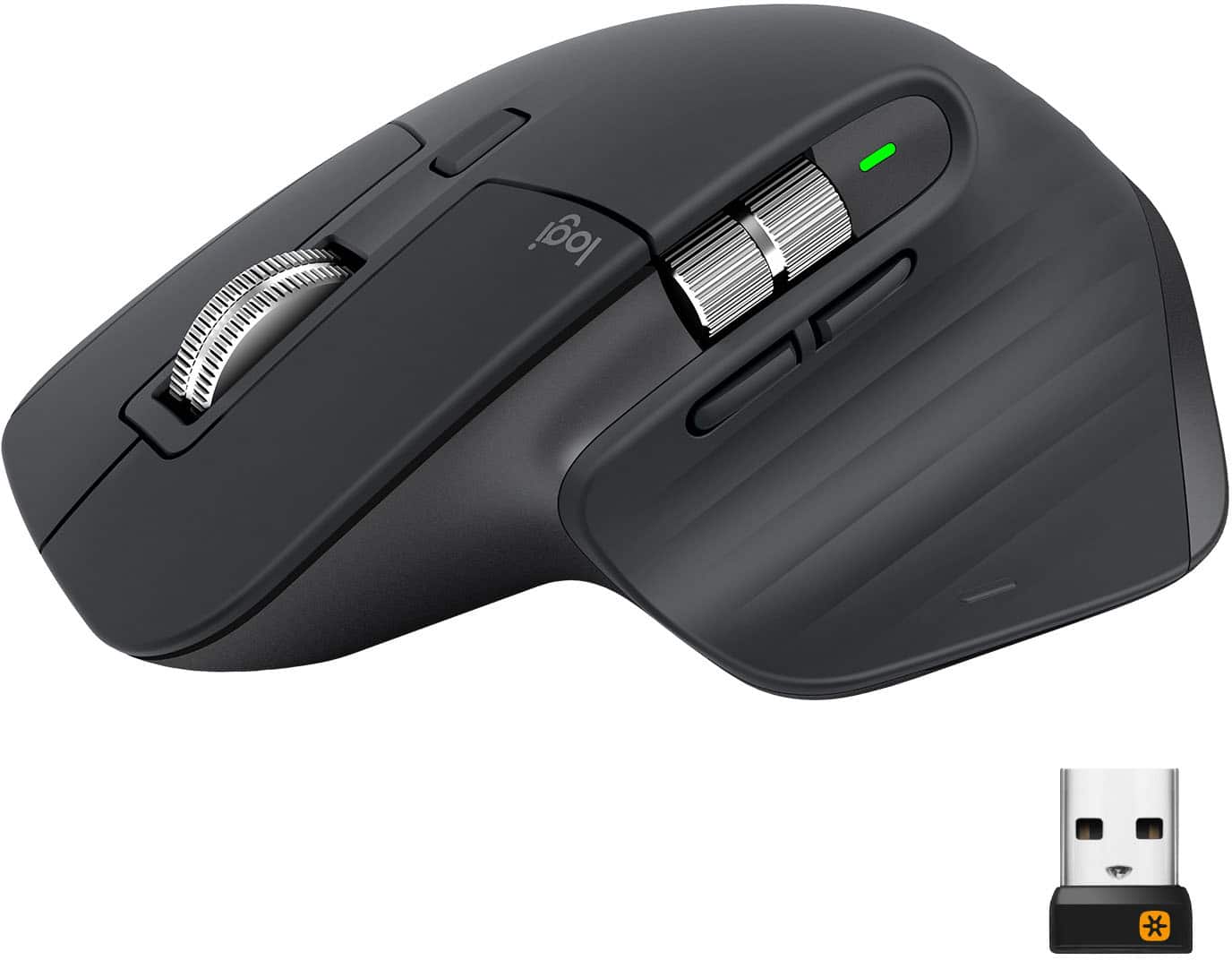
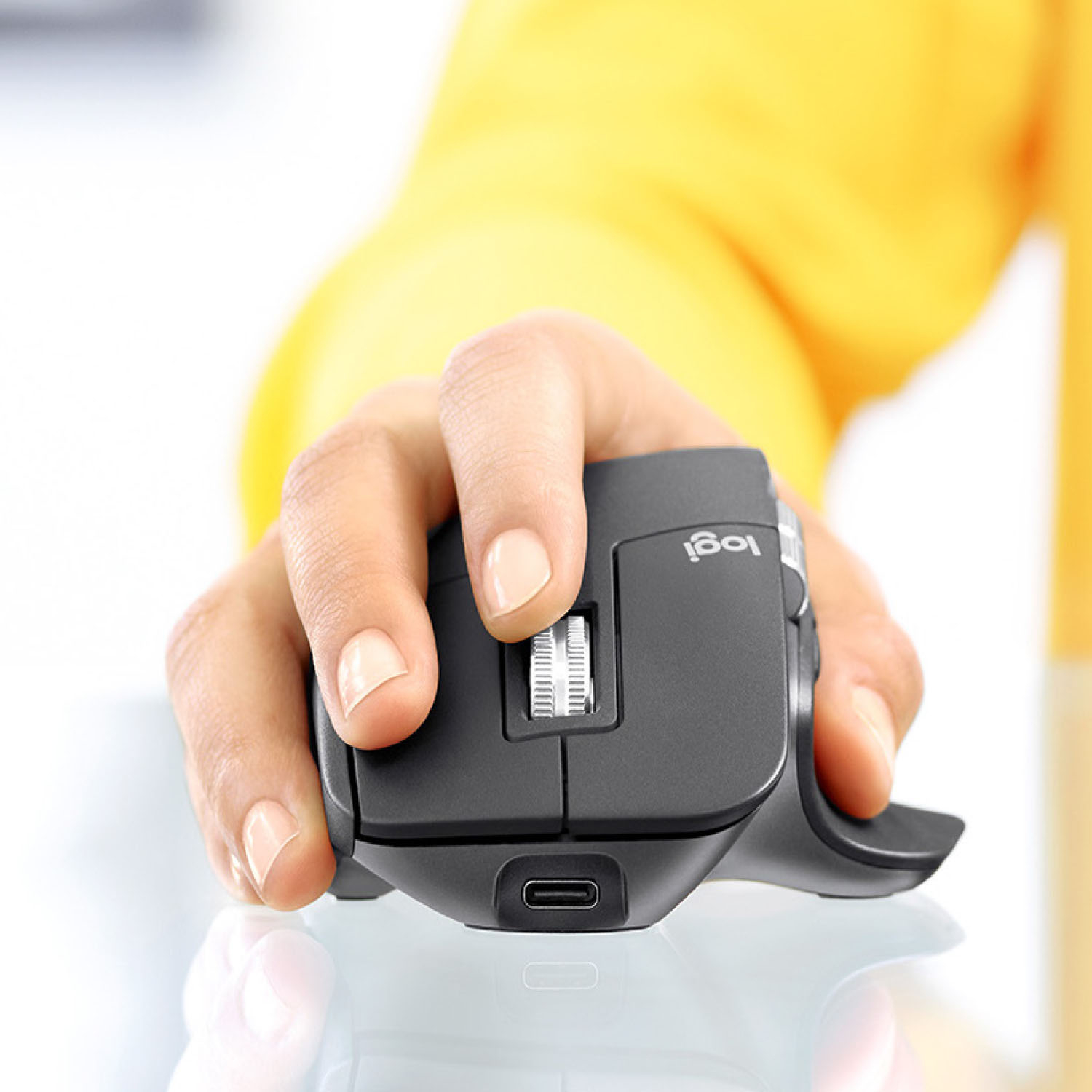
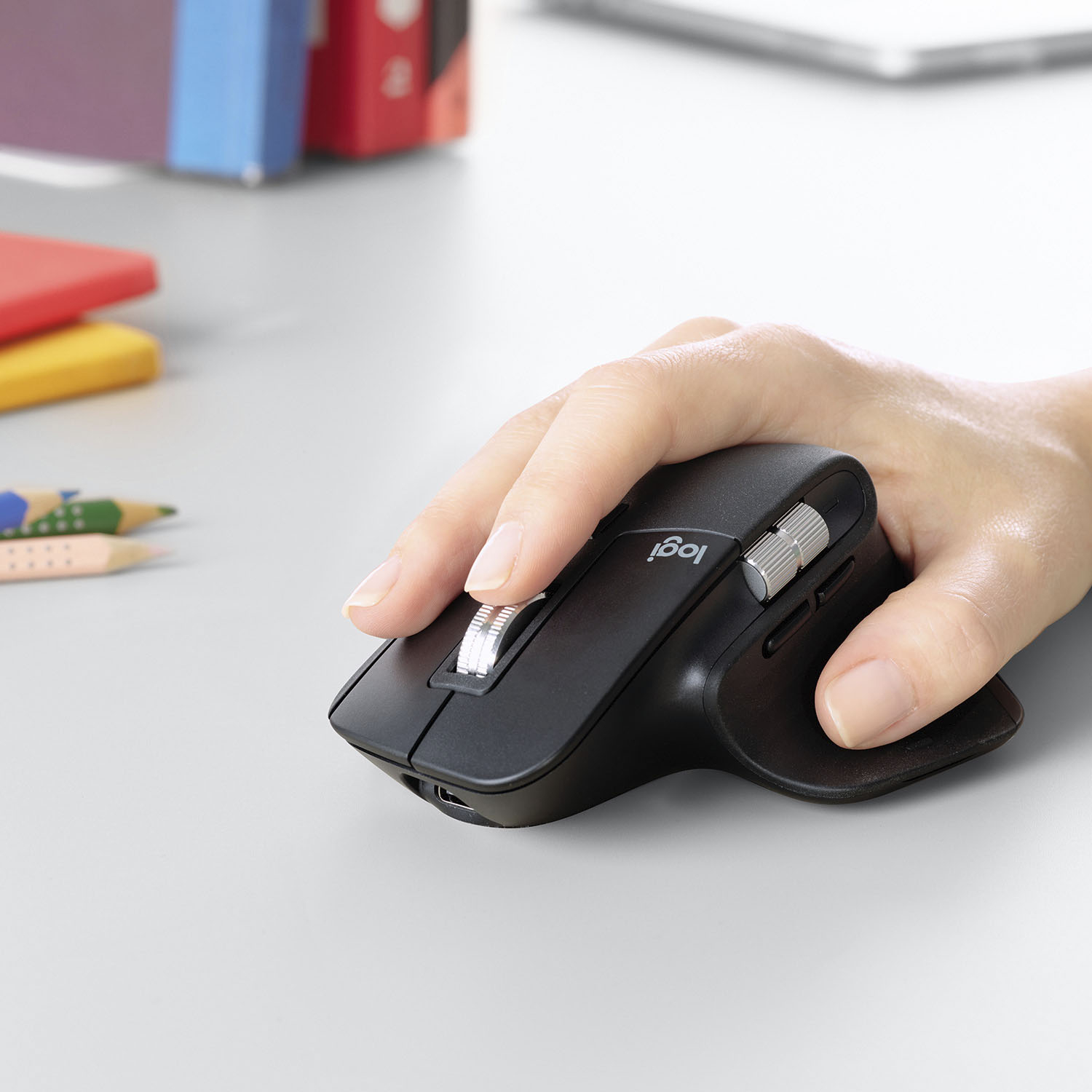
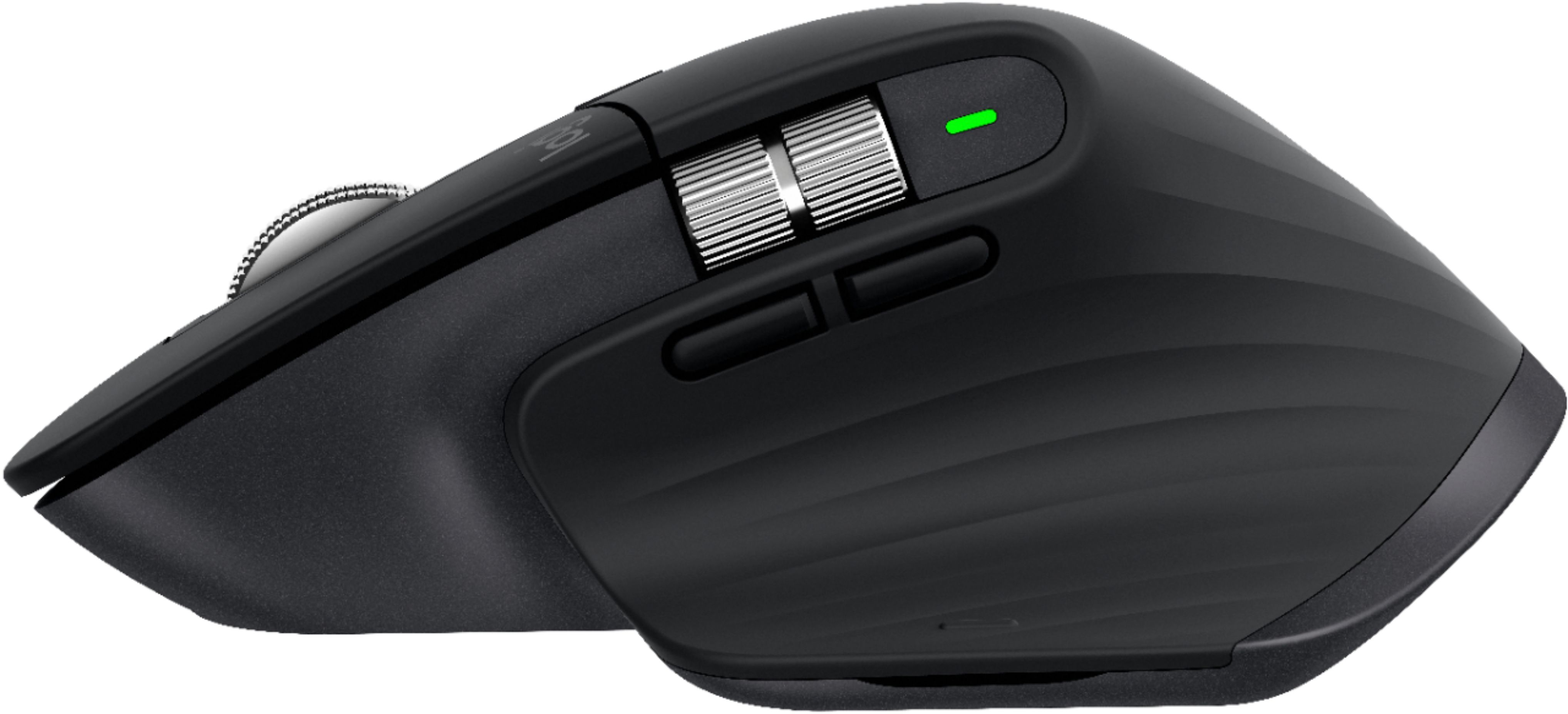
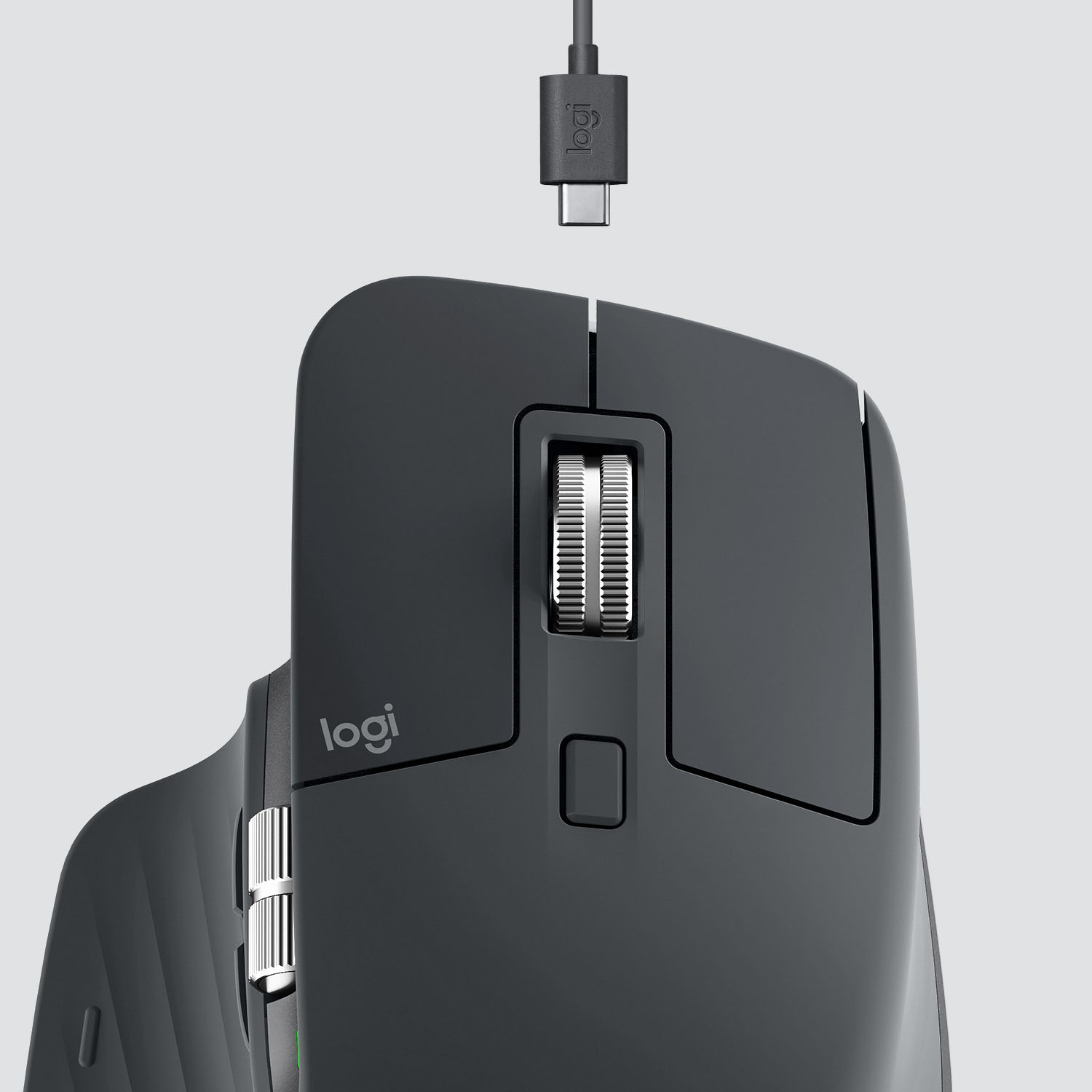
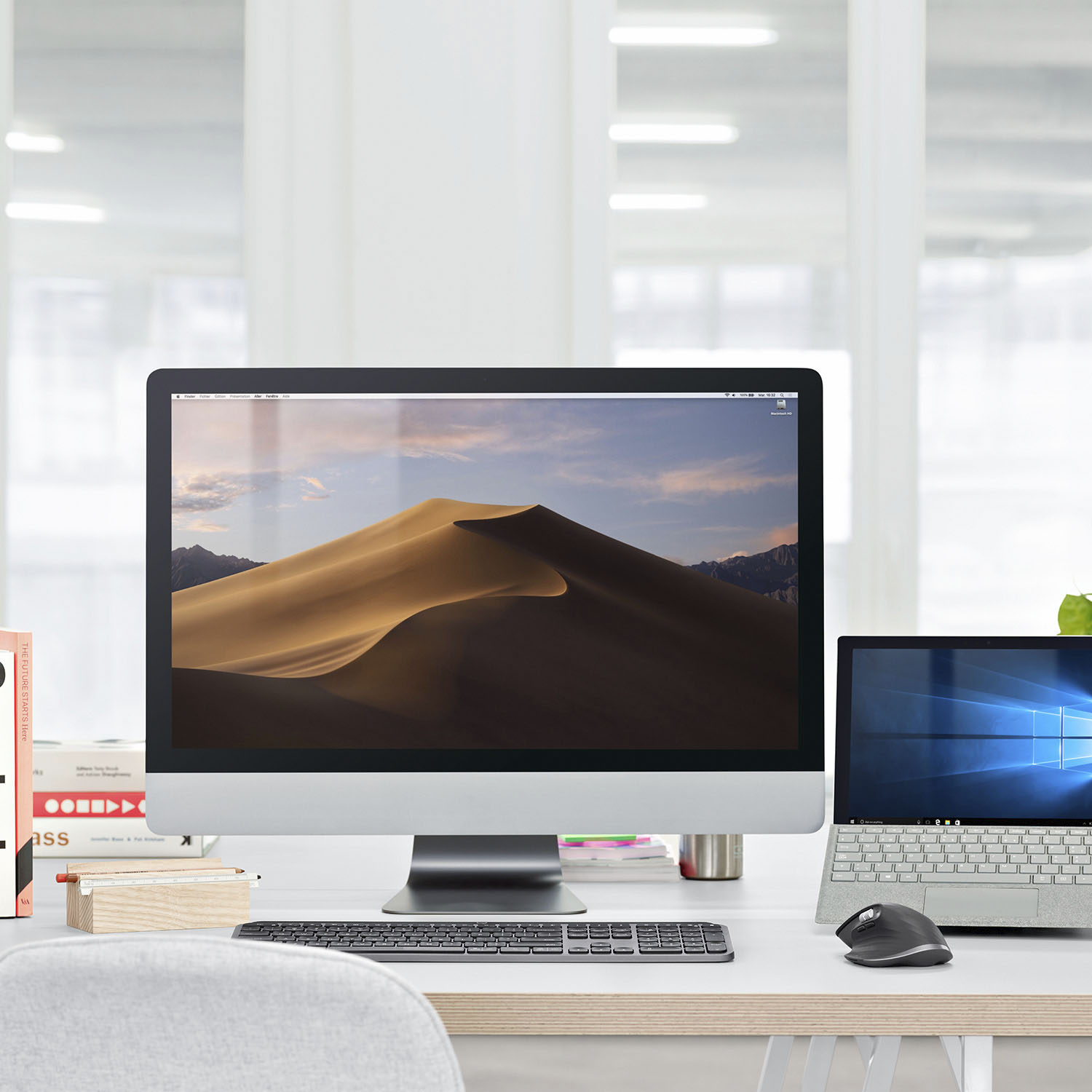
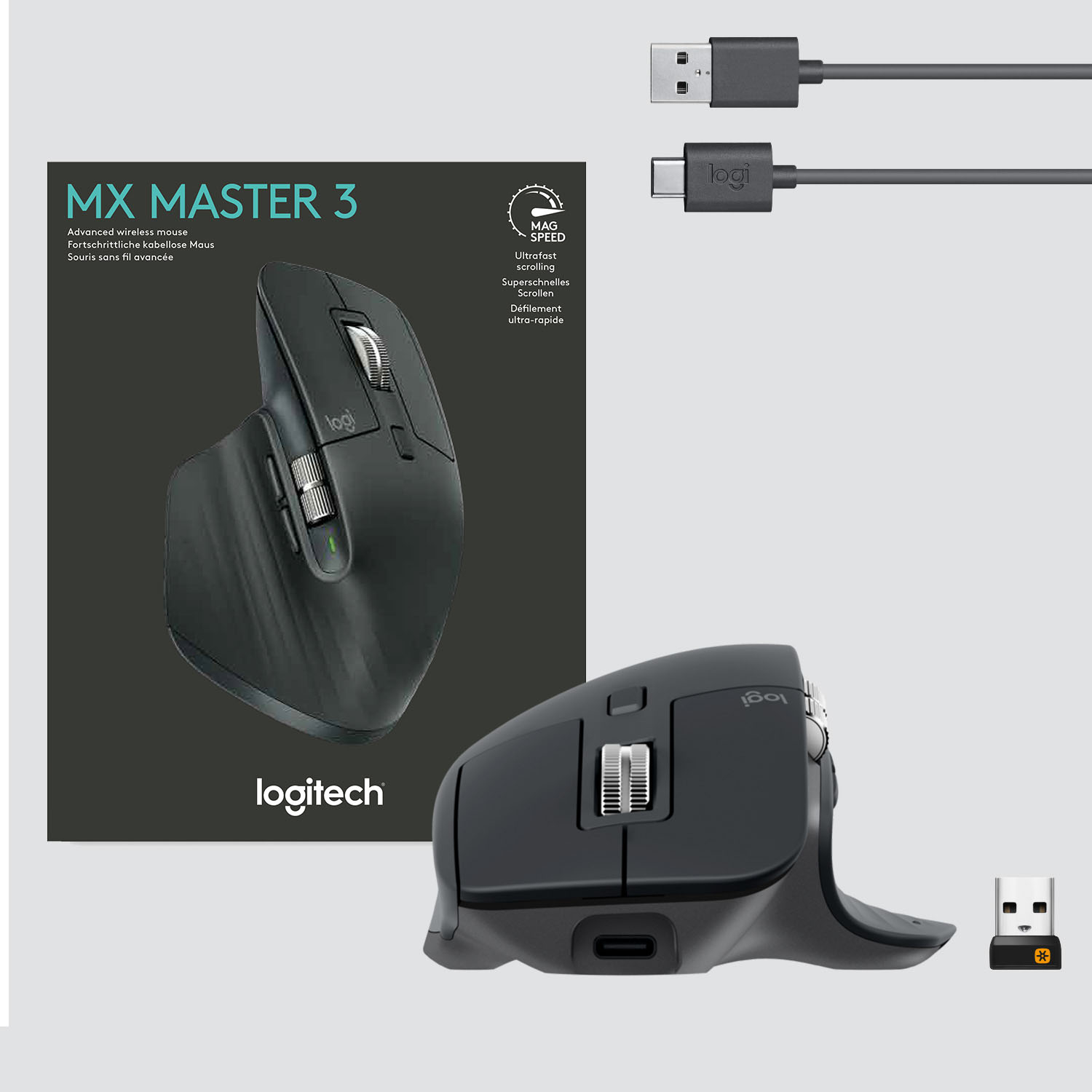
A:Answer It’s precise and there is a ton of settings to switch between for each application. So my settings for photoshop is different than illustrator and different for web browsing. Also, button is on the bottom and you can switch between computers. I would have liked it better if you didn’t have to flip the mouse over but it’s easier than switching out a USB plug, so pretty easy, question is what’s your level of laziness, mine is high…