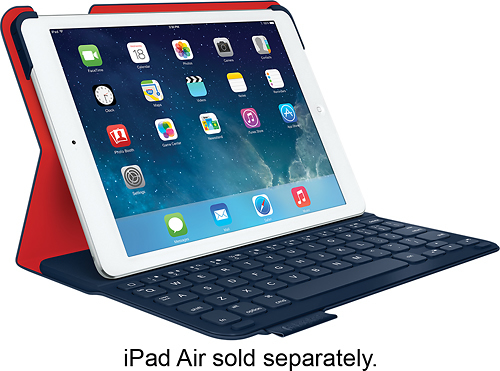
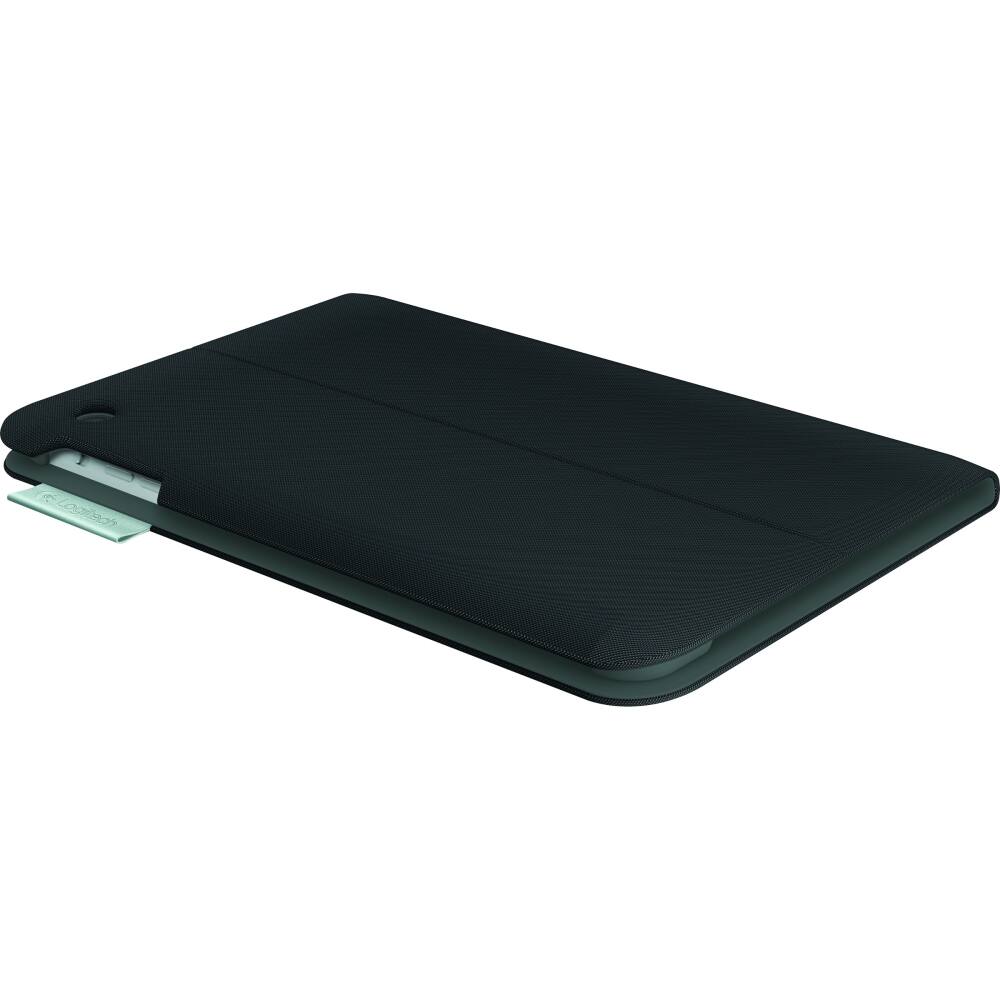
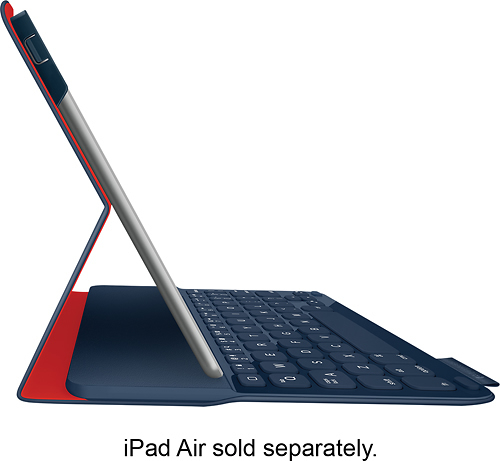
A:AnswerI have the rugged folio case and it took about 3 hours to charge initially. The literature says normal charge time is 2-4 hours.
There are indicators for the remaining battery life. You can push the battery button and it will either flash green, yellow, or red depending on the remaining battery life. I have been using mine regularly for approximately 2 months and the battery indicator is green.
The literature says you can use the keyboard for up to two years on a charge. That is long time but based on my use I think it will last several months at least.
A:AnswerMy first one broke out at the corners and I didn't take out the warranty with Best Buy so I called the company and they replaced it, but it took awhile. I have bought four of them now and all had the same problem, but I now take out the warranty. I love the product, but not the problem with corners breaking out.
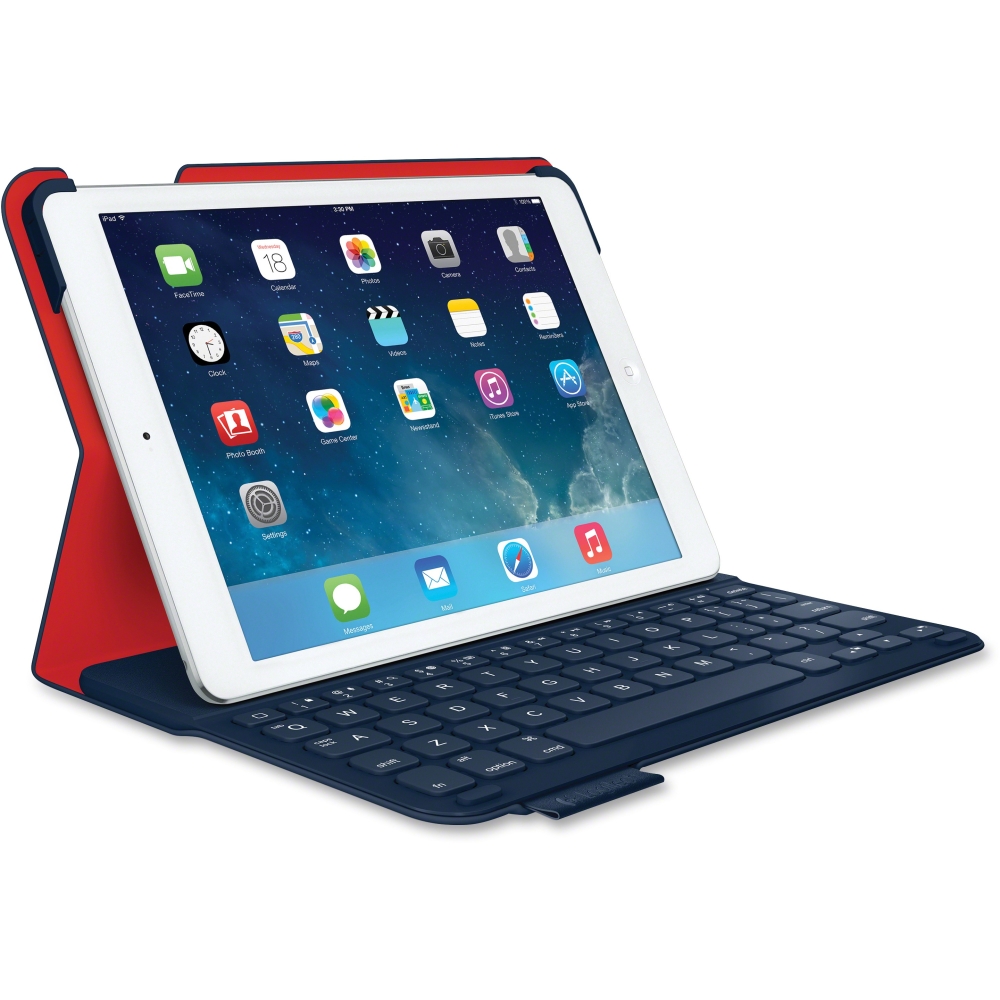
A:AnswerCall Logitech, provide a receipt, and they will replace the case. It has a two year warranty. Request that the case be replaced with a different model than the broken one. They will likely ask for pictures of the damage as well as serial numbers.