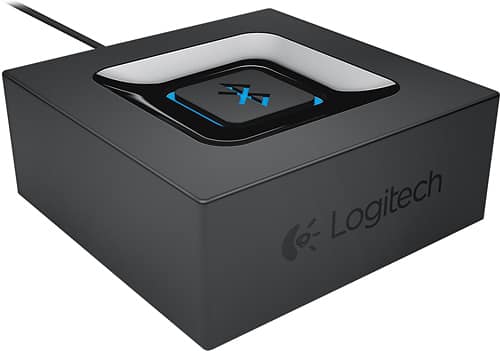
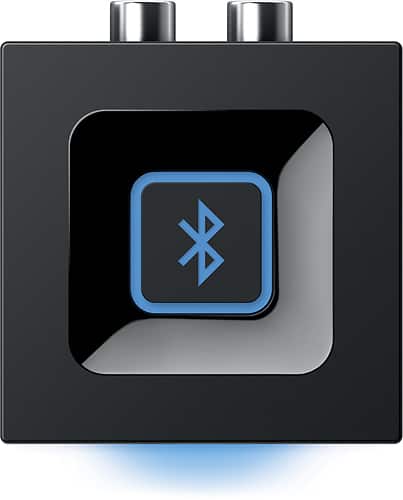
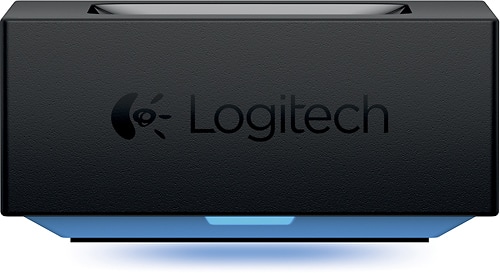
A:AnswerThe Logitech Wireless Bluetooth Speaker Adapter is designed to be plugged into an existing speaker system. It does not have wall mounting capabilities and does not need to be placed on the floor. It plugs into the audio input of your existing speakers.
A:AnswerFor casual use like YouTube, audio latency should be minimal. However, with video playback like movies, a slight audio delay may be noticeable due to inherent Bluetooth latency. Connects to speakers via 3.5mm.
A:AnswerThe Logitech Wireless Bluetooth Speaker Adapter is designed to connect one Bluetooth device to one set of speakers at a time. It does not have the capability to pair two separate speakers simultaneously.
A:AnswerThe Logitech Wireless Bluetooth Speaker Adapter is designed to connect one Bluetooth device to a wired audio system. It cannot simultaneously connect multiple Bluetooth devices or an additional wired device like an iPod.
A:AnswerThis is a receiver only so it won't work for your application. I am using it to send music from my phone to an old receiver, so you need a device that does the opposite. Look for a bluetooth transmitter like this: MEE audio - Connect Hub TV Bluetooth Audio Transmitter and Receiver for Headphones and Speakers - Black
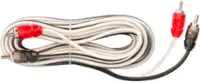
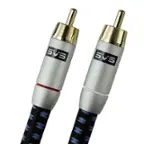
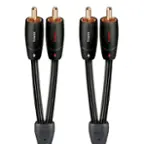
A:AnswerHey! Yes, you can connect a Logitech Wireless Bluetooth Speaker Adapter to a turntable with a built-in preamp by connecting the transmitter to the turntable's RCA output. You can then pair the turntable with a Bluetooth-connected speaker or amp.
A:AnswerHey there! No, Logitech - Wireless Bluetooth Speaker Adapter works with most computer speakers and home stereo systems via the 3.5 mm input only.
A:AnswerHey! This is an audio receiver, convenience of wireless streaming to most speakers or home stereo systems with the Logitech Bluetooth® Audio Receiver. Easy set-up, automatic reconnect and multipoint Bluetooth.
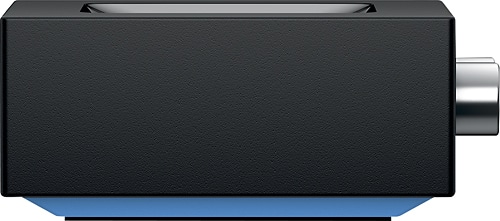
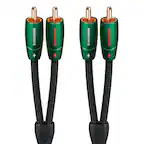
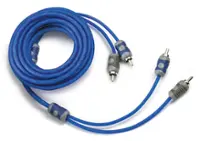
A:AnswerHey! The Logitech Wireless Bluetooth Speaker works with any device with either a headphone jack (3.5 mm) or RCA inputs including most computer speakers, home stereo systems, AV receivers.
A:AnswerHey! No, you won't be able to listen on headphones and stereo at the same time. Pair two Bluetooth enabled devices such as your smartphone and computer and switch between devices to stream audio wirelessly.
A:AnswerThe device is a receiver only, not a bluetooth transmitter, so you will not be able to hear your TV through this.
The device needs to be contently powered via an outlet.
A:AnswerIf your speakers have AV input, then this should work for your setup. Your computer should connect to this adaptor via bluetooth. You will just need to make sure your Speakers have either a 3.5mm headphone jack or AV input to connect this device to the speaker.