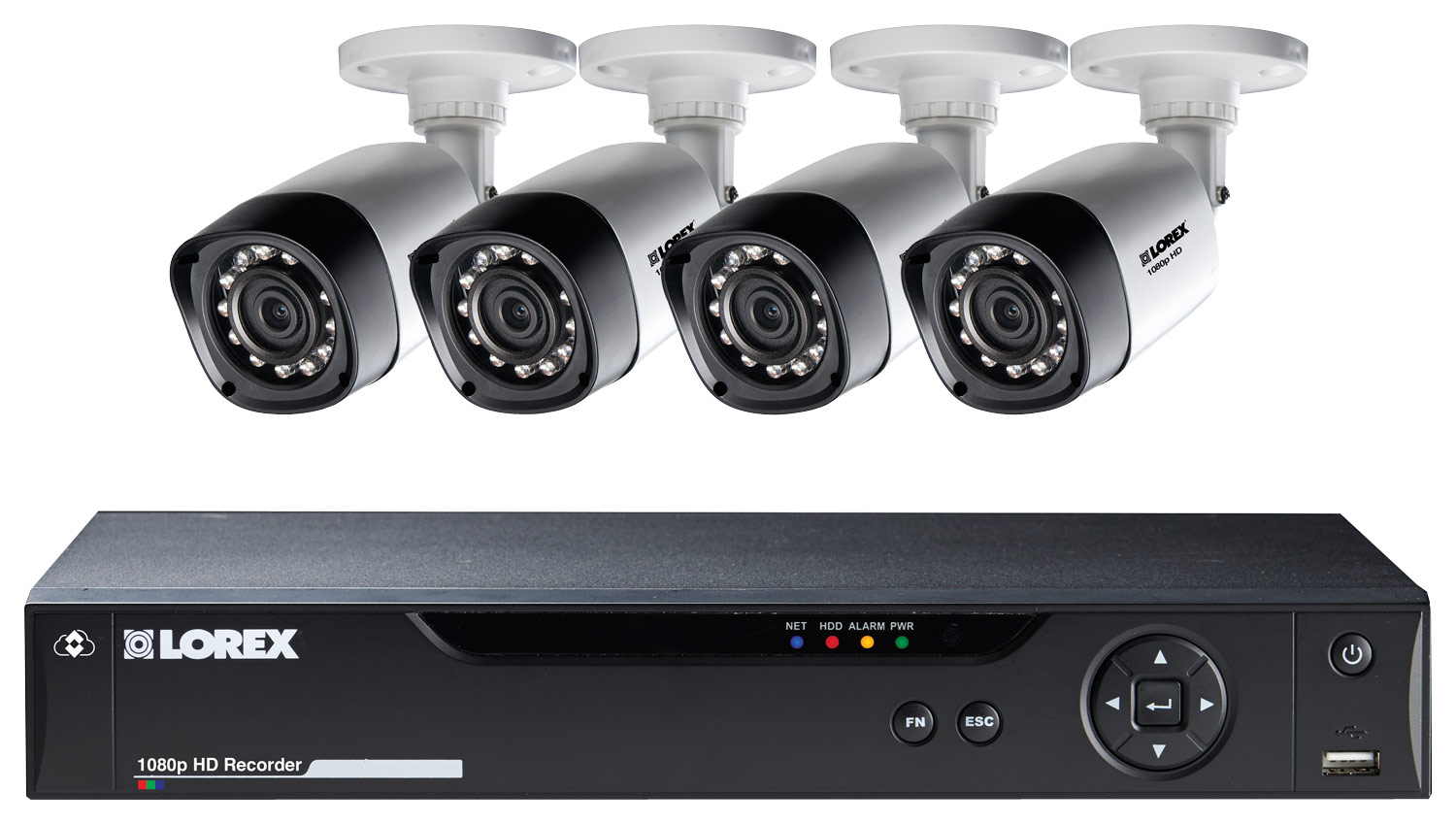
A:AnswerYou can extend the cable run for your camera depending on the cable type used. The extension cable must be a single stretch of cable between the DVR and camera and you cannot connect
multiple extension cables to each other. You can use ‘RG59’ or ‘Coax’ or ‘Coaxial BNC’ Siamese (Video and Power) up to 300ft, or you can use ‘RG59’ or ‘Coax’ or ‘CoaxialBNC’ (Video Only) up to 800ft.
A:AnswerHello,
The DVR can be set up for continuous recording, and an indicator symbol will be displayed next to a "C" on each of the channels to indicate that they are recording.
Thanks, Lorex
A:AnswerHello,
Please check with Best Buy customer service for the availability of additional cables, or contact Lorex customer service for assistance with additional cable needs.
Thanks, Lorex
A:AnswerYou will need to be able to hook it up to a monitor or TV in order to access all the system settings but you can view your system via your computer as well.