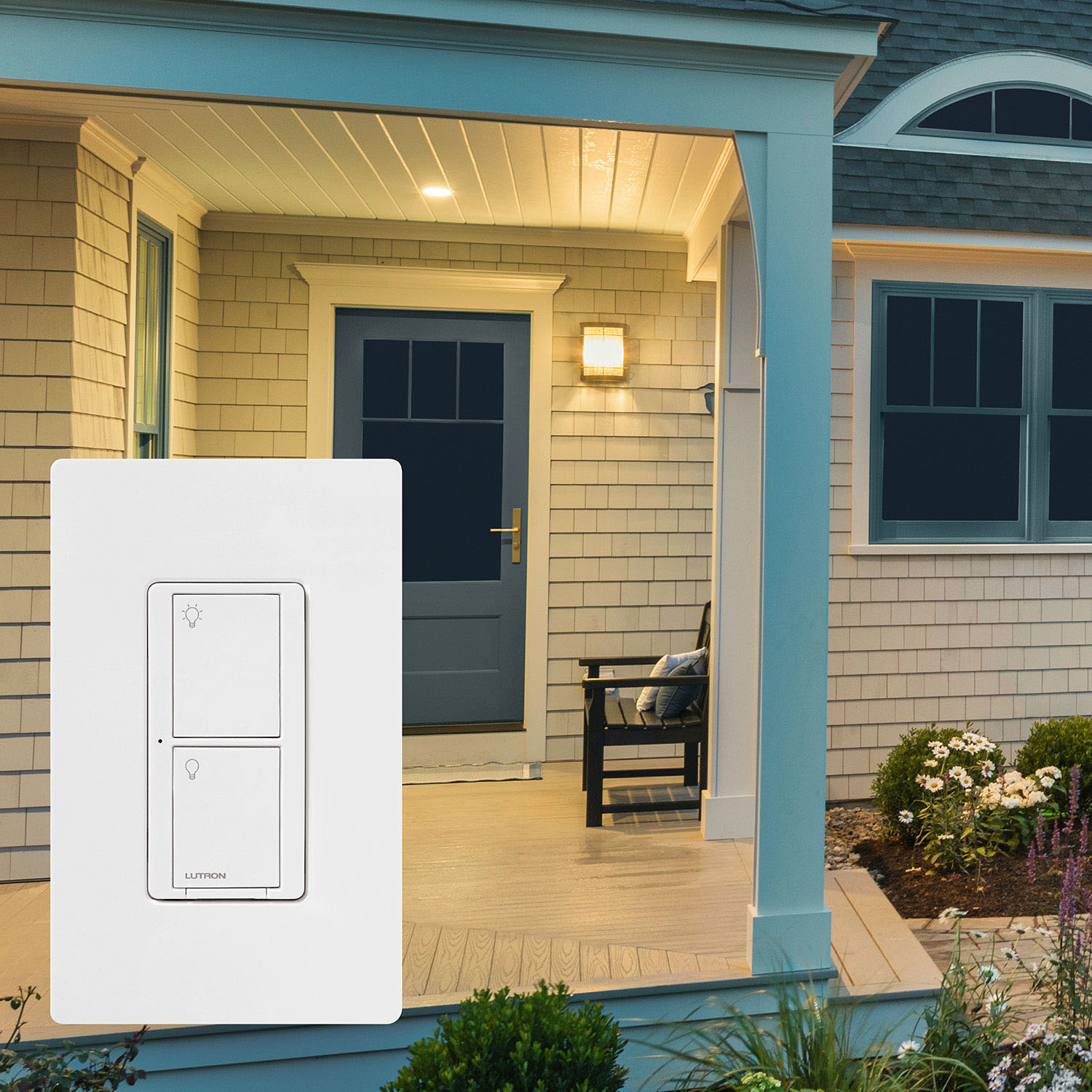
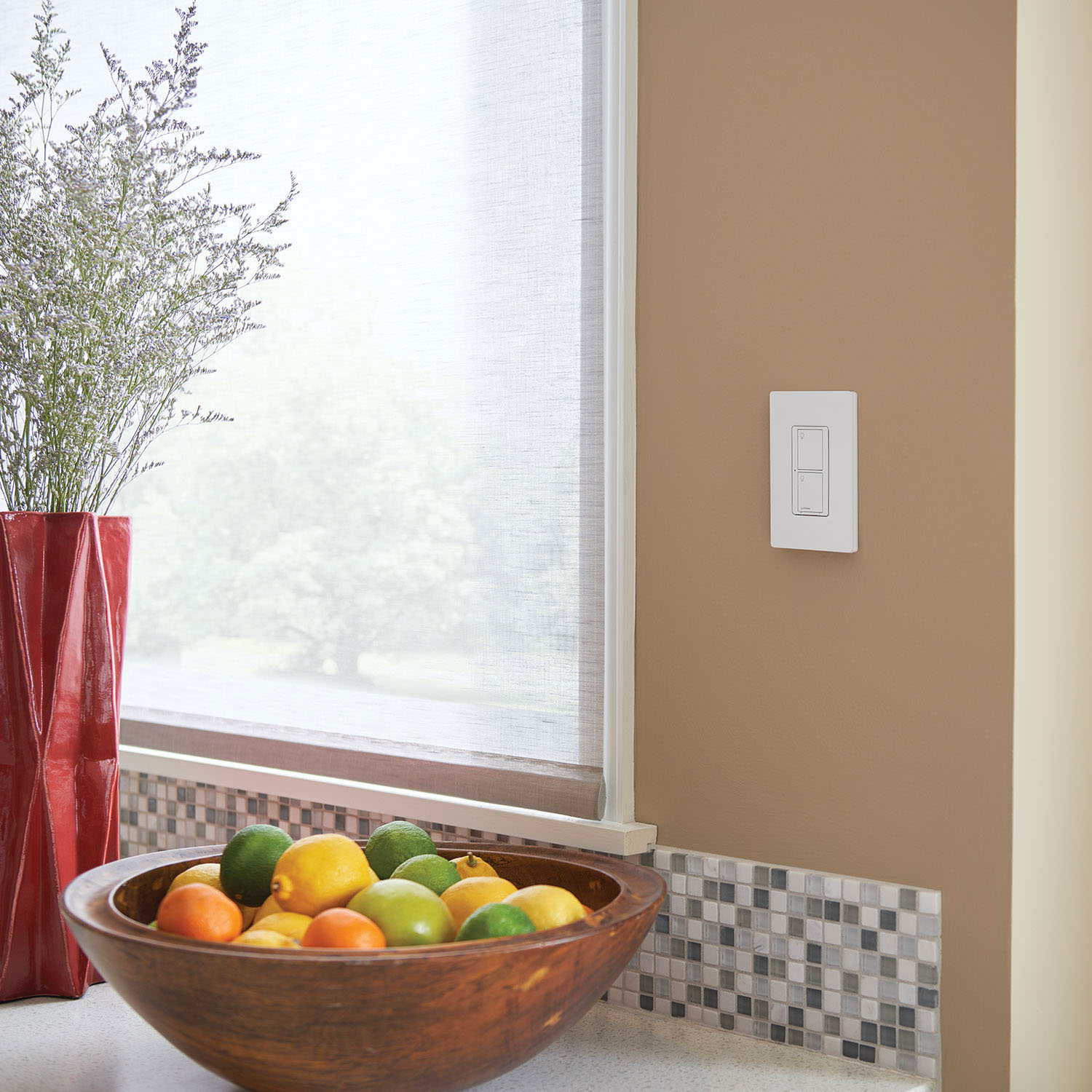
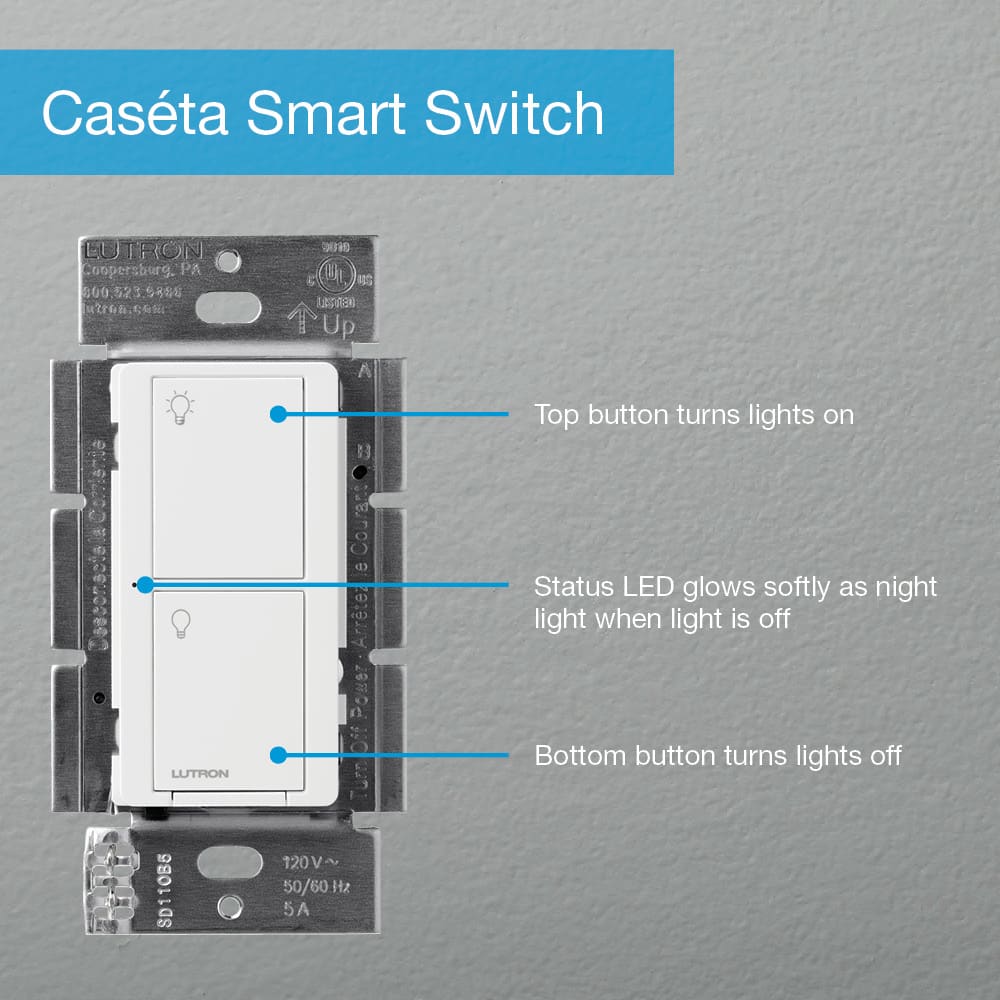
A:AnswerThe PD-5ANS will require a connection to neutral. Since one is not available, Lutron does have other options that may suit your needs. Please reach out to our Support Team at [email protected] or by phone at 1 (844) 588-7661 for additional assistance.
A:AnswerThe Caseta Wireless Smart Bridge will produce its own radio frequency to communicate with the Caseta dimmers and switches. These devices do not communicate over a 2.4 or 5 GHz Wi-Fi frequency. If half of the yard is not within 30 feet of the Smart Bridge, Lutron does have a potential solution to get the remaining devices to pair with the system. Please reach out to our Support Team at [email protected] or by phone at 1 (844) 588-7661 for additional assistance.
A:AnswerThe Smart Bridge allows you to control your Caséta Wireless controls and Lutron Serena® remote controlled shades from anywhere with your smartphone, using the free Lutron App for Caséta Wireless. The bridge provides multiple benefits over Wi-Fi products: It is ultra-fast and reliable ensuring your lights react instantly every time you adjust them from the app or Pico remote control. The bridge prevents the cluttering of your Wi-Fi network by acting as the single point of connection to the cloud. It is also easier to set-up and enables more local control/integrations with other smart home products. For more information about the Lutron bridge, please visit: http://www.lutron.com/TechnicalDocumentLibrary/3685682_why_a_bridge.pdf
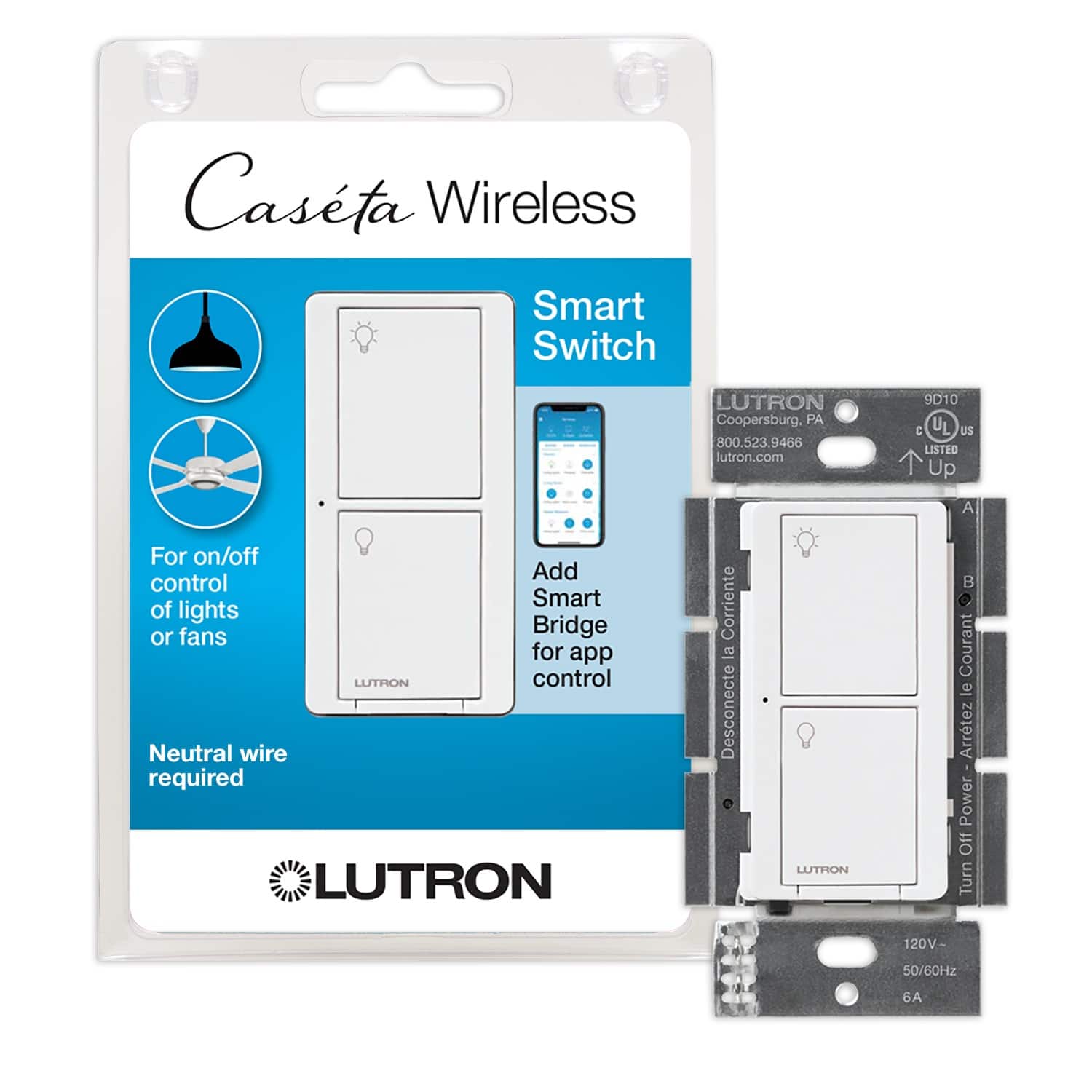
A:AnswerThe PD-5ANS can be installed for single pole or multi-location wiring. You can reference the install guide here for additional information: http://www.lutron.com/TechnicalDocumentLibrary/0301799_WEB.pdf. Or, contact our 24/7 Tech Support team by email at [email protected] or by phone at 1 (844) 588-7661 for additional assistance.
A:AnswerWe are sorry to hear about the issues you are having. Please reach out to our Support Team at [email protected] or by phone at 1 (844) 588-7661 for assistance with your inquiry.