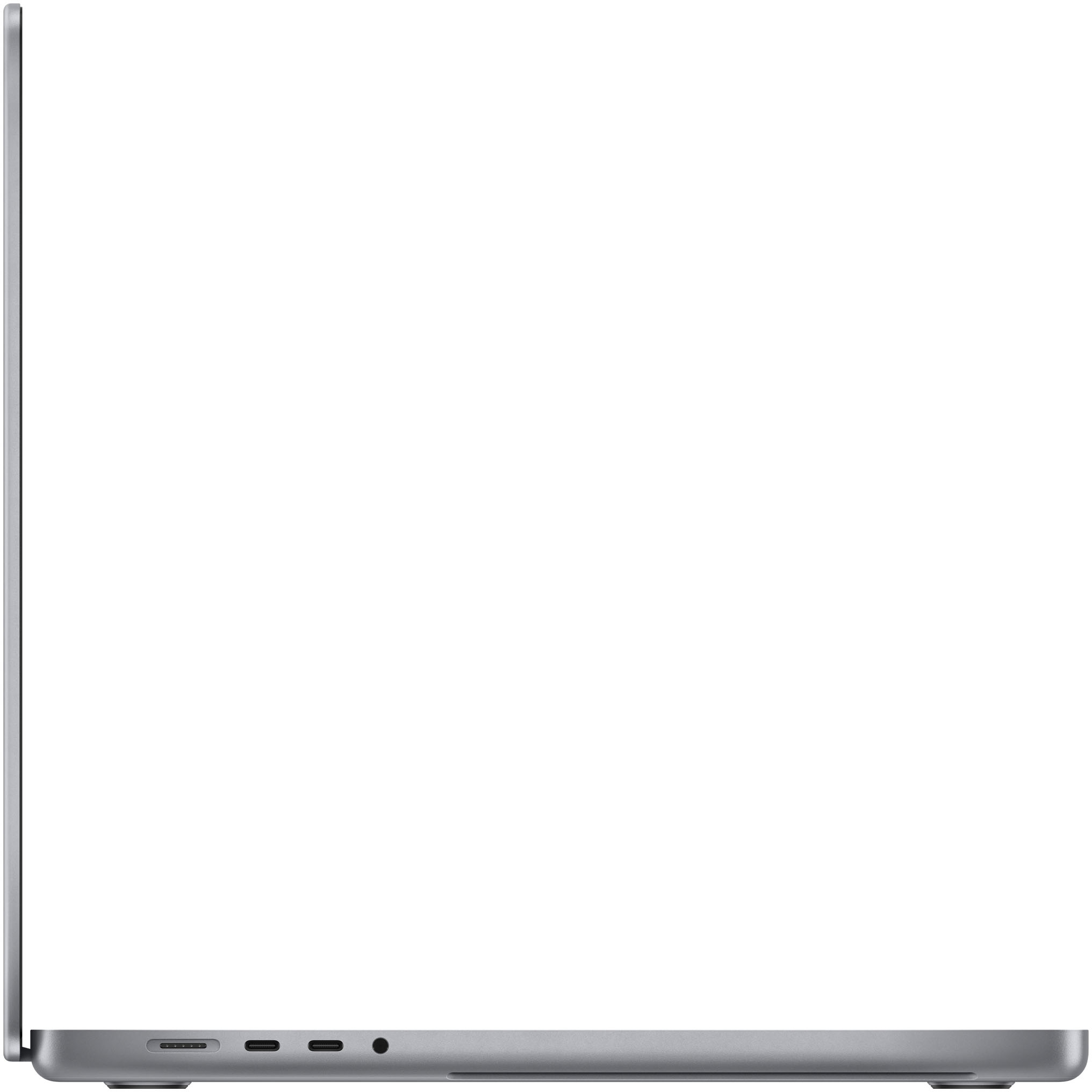
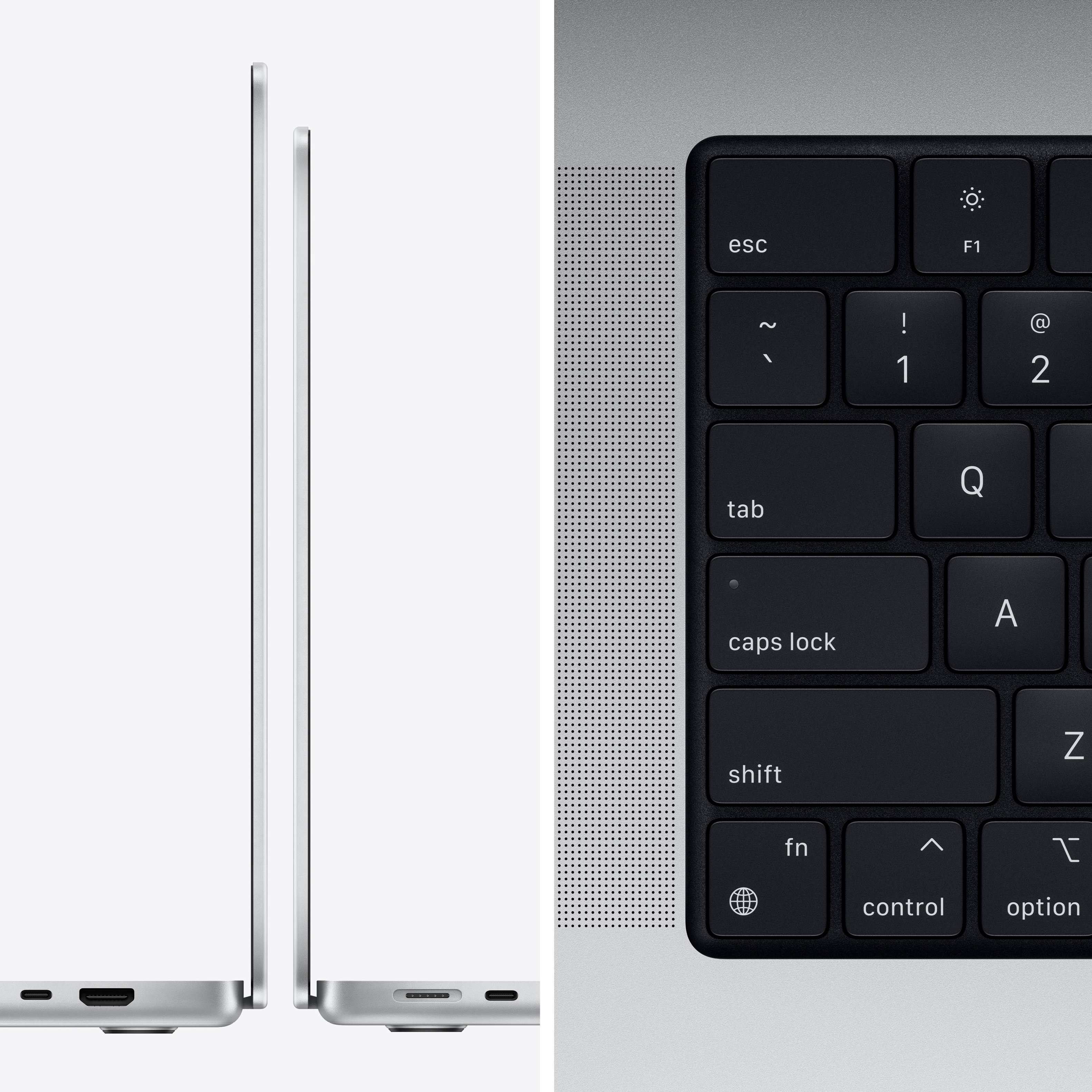
A:AnswerThis MacBook comes with the MagSafe fast charger. You can also charge the laptop using any of the Thunderbolt 4 ports with a USB-C type charger if you have one.
A:AnswerWhat's Included
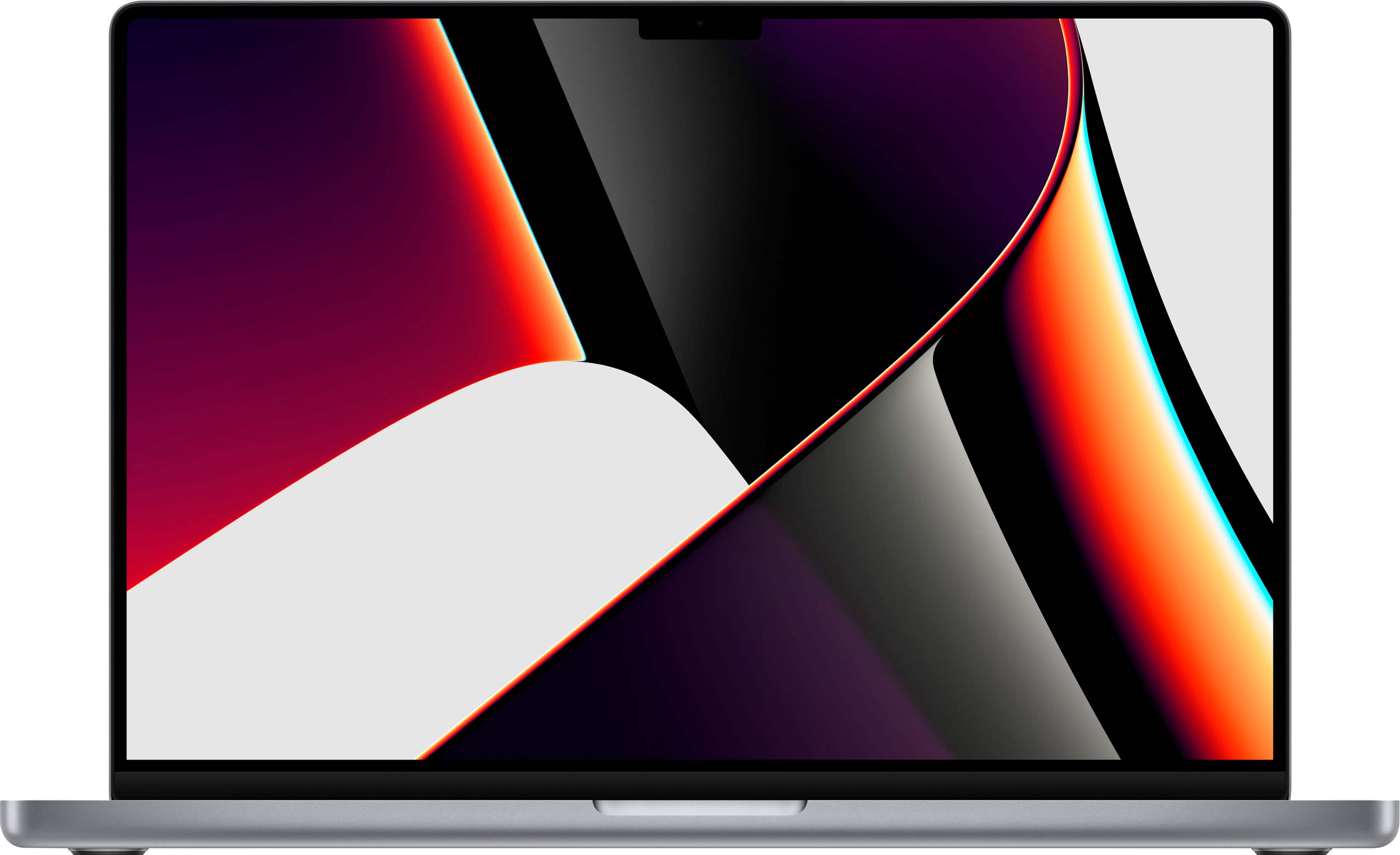
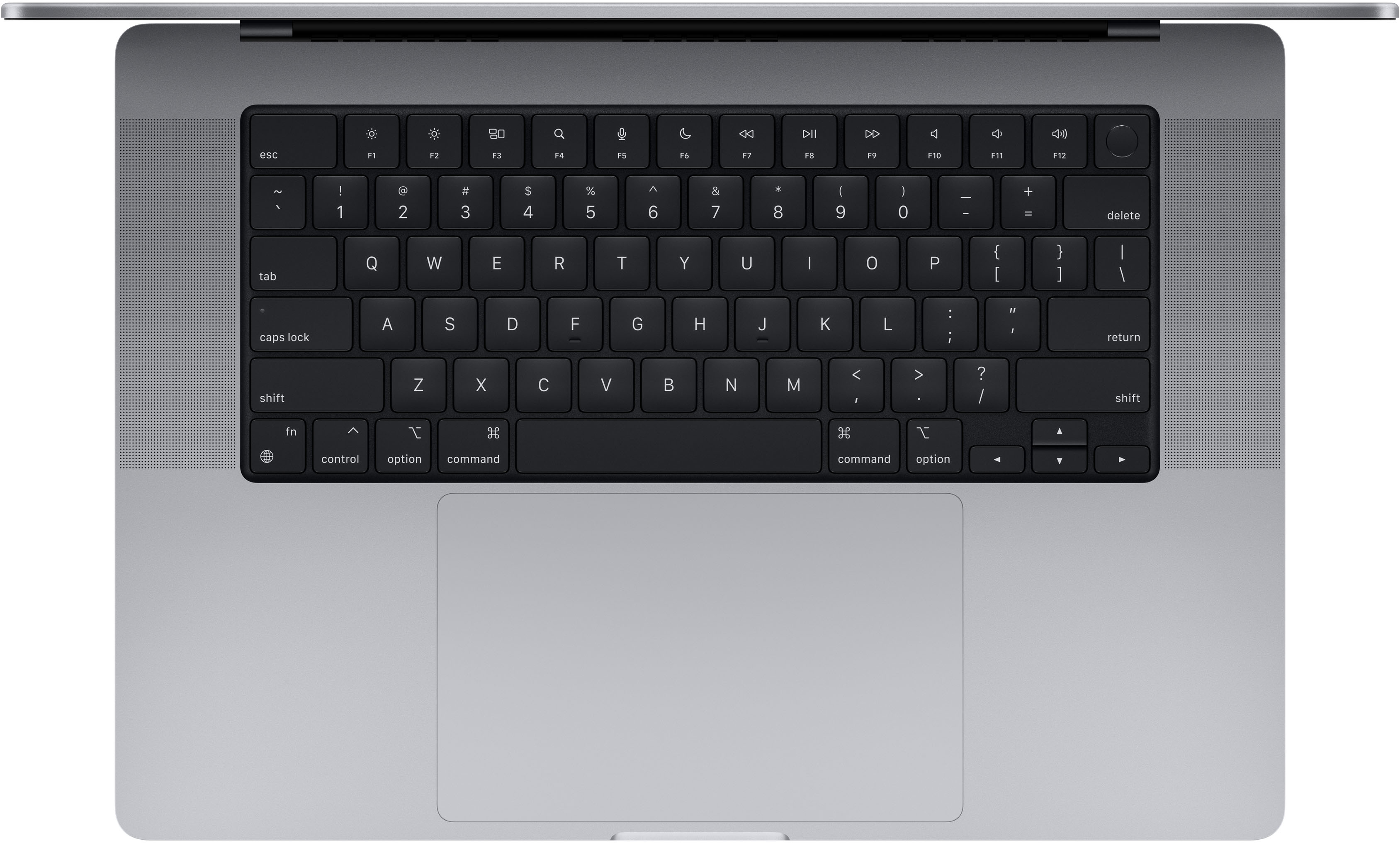
MacBook Pro 16" Laptop - Apple M1 Pro chip - 16GB Memory - 1TB SSD (Latest Model)
140W USB-C Power Adapter
USB-C to MagSafe 3 Cable (2 m)
A:AnswerAll-in-one printers are handy if you can live with the low quality. I use a Lexmark C2425dw color laser printer and a separate Epson ES-500W scanner. This self feeding scanner can scan both sides of a page in one pass, and a double sided 300dpi scan takes about 2 seconds. To send and receive faxes I use an efax service. This gives me the fax in PDF format and has the added benefit of allowing me to delete SPAM faxes.
A:AnswerNo it doesn’t get hot like the intel version. If I was working it hard, my intel version fans would sometimes sound like a jet at takeoff. But you'll probably never hear the the new M1 MacBook Pro fans kick on at all. The cooling system, as well as the whole computer is far better on the new M1’s. The only time you might hear the fans would be if you had a fully optioned M1 MacBook Pro with very high performance applications being pushed to the maximum. But unless you do a lot of big video or music editing you’ll never hear the fans.
A:AnswerYes, this Macbook Pro performs very well with programs such as Adobe Premier Pro and Adobe After Effects thanks to the M1 Pro chip. Export times are also great! Overall, this machine is excellent for content/media creation.