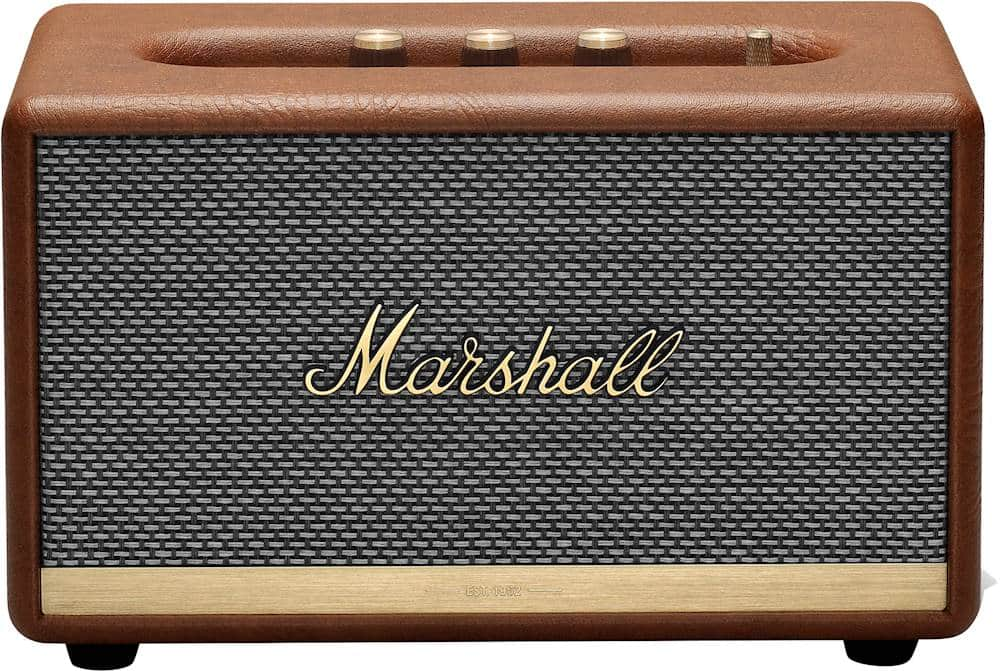
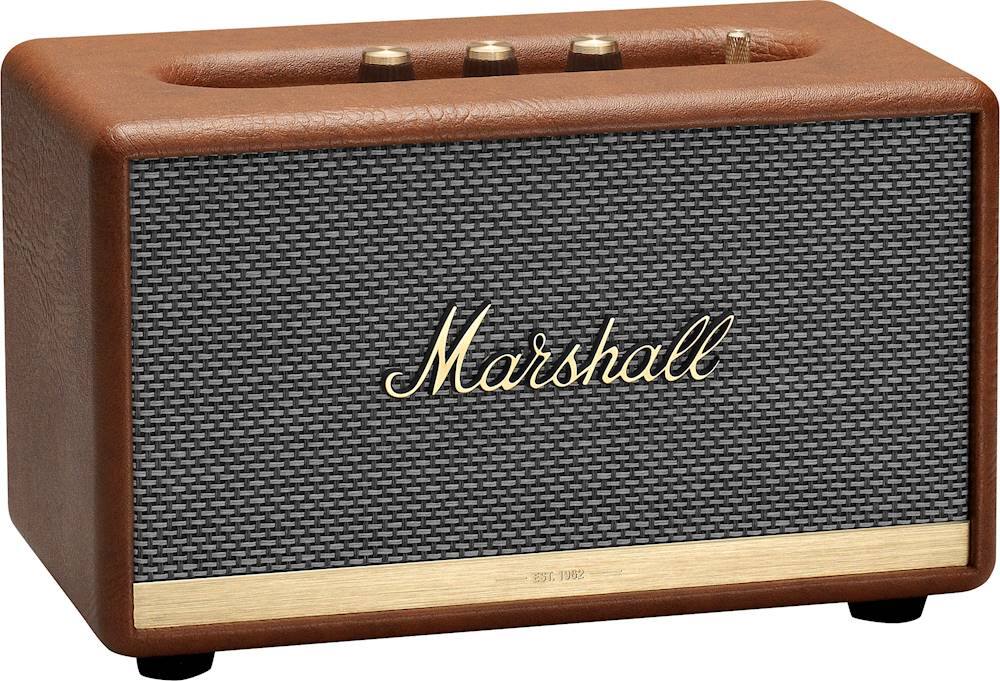
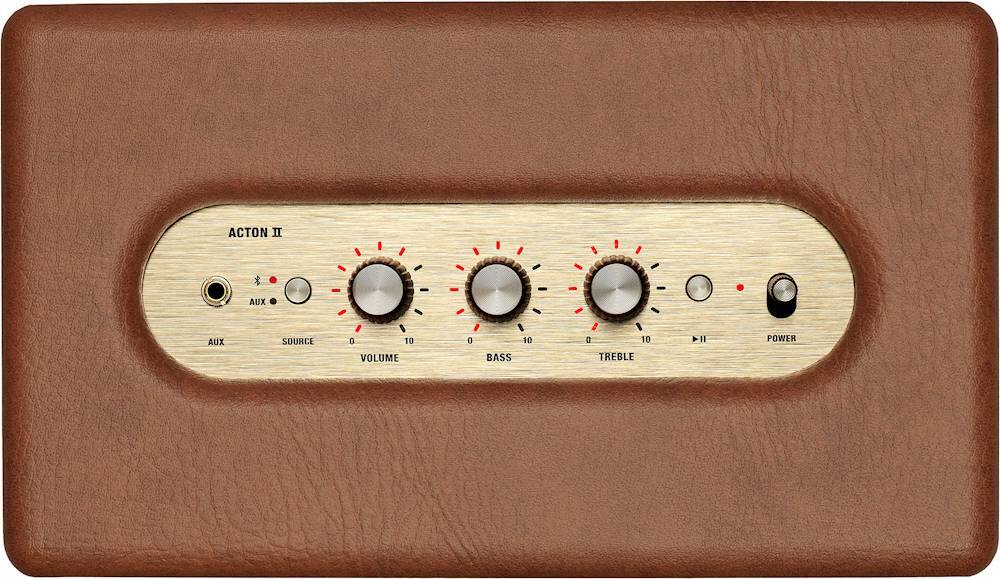
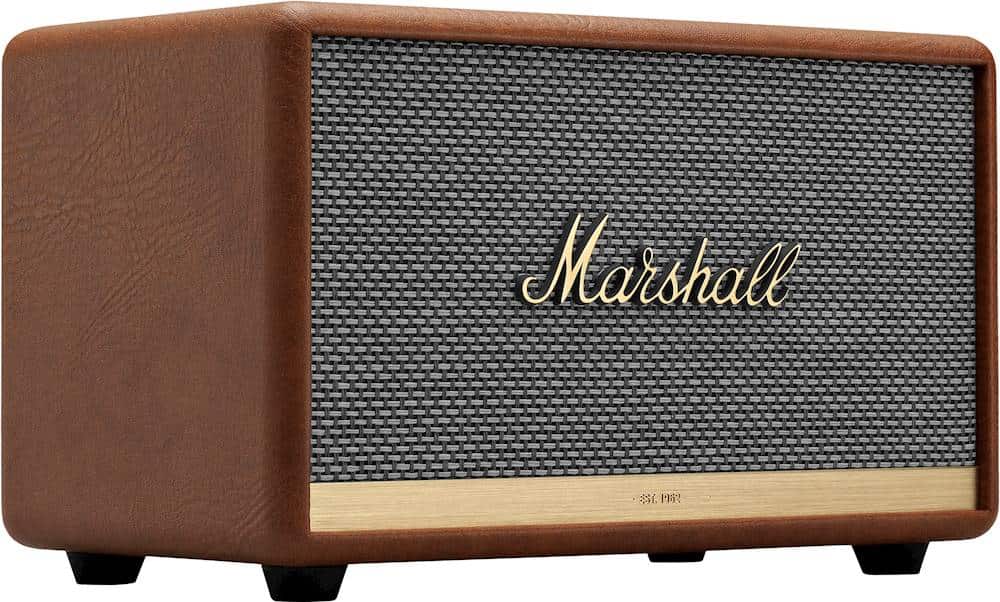
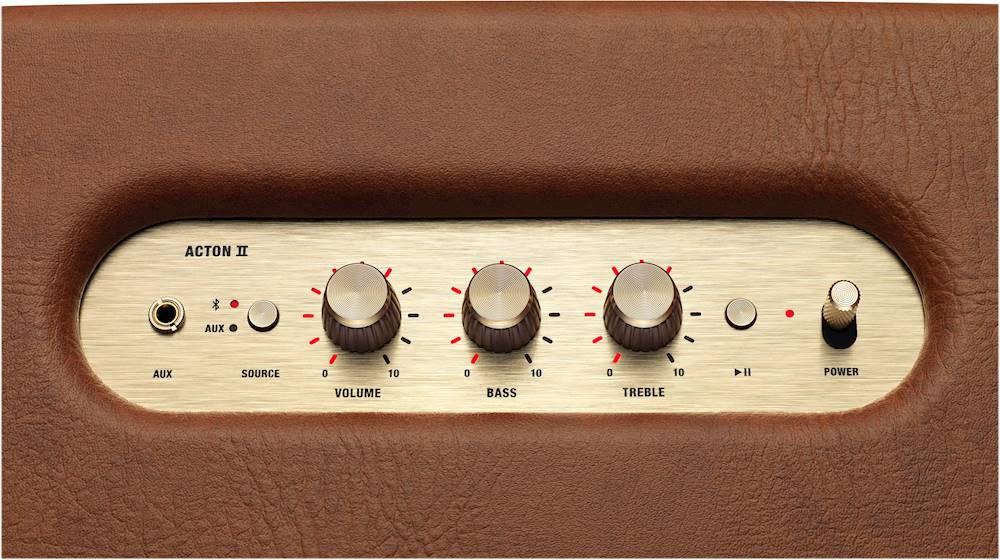
A:Answer Hello Heath, thank you for your question. When connecting a Marshall II speaker to Alexa, the speaker will first need to be deleted from the the phones Bluetooth settings. Next you will need to go into the Alexa and select your prefered Alexa device, then go into the settings to add an external speaker as the output for the Alexa device. When pairing the Acton II Bluetooth, you will first need to push and hold the source button on the speaker for 2-4 seconds. The LED will start to flash. After this, pair in the Alexa app.