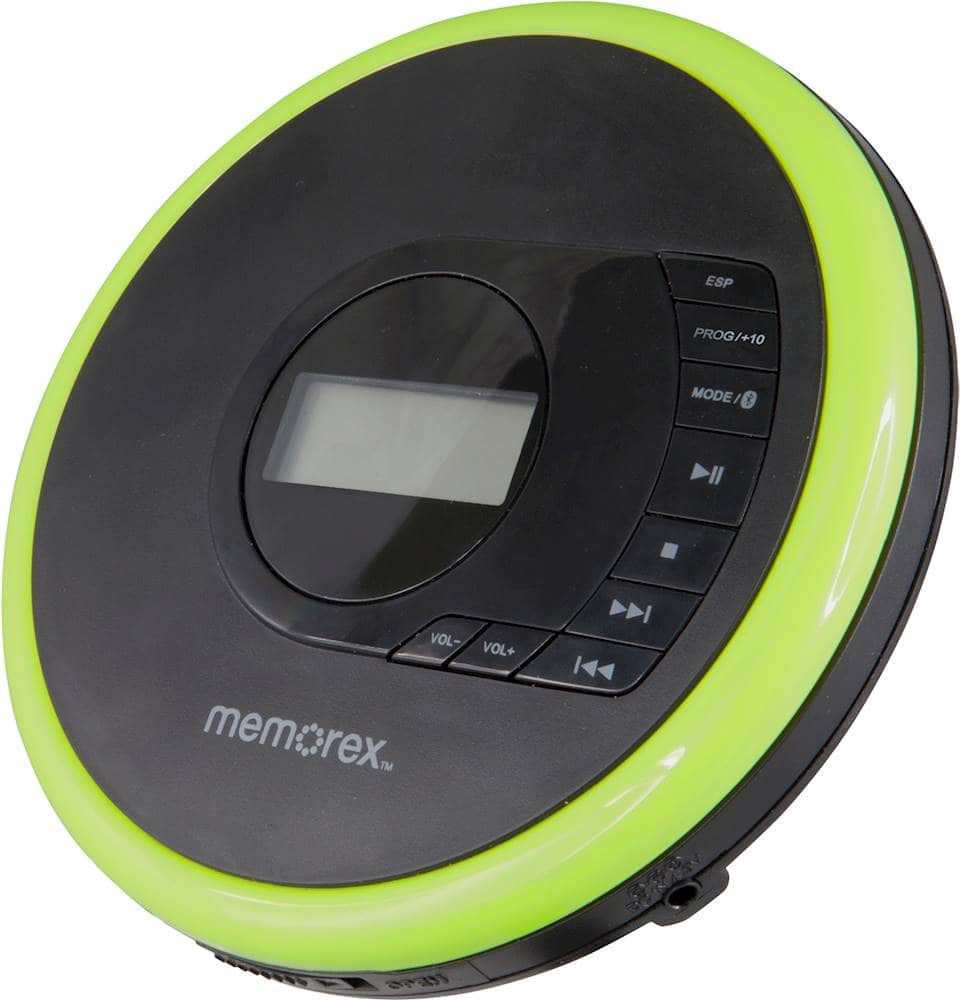
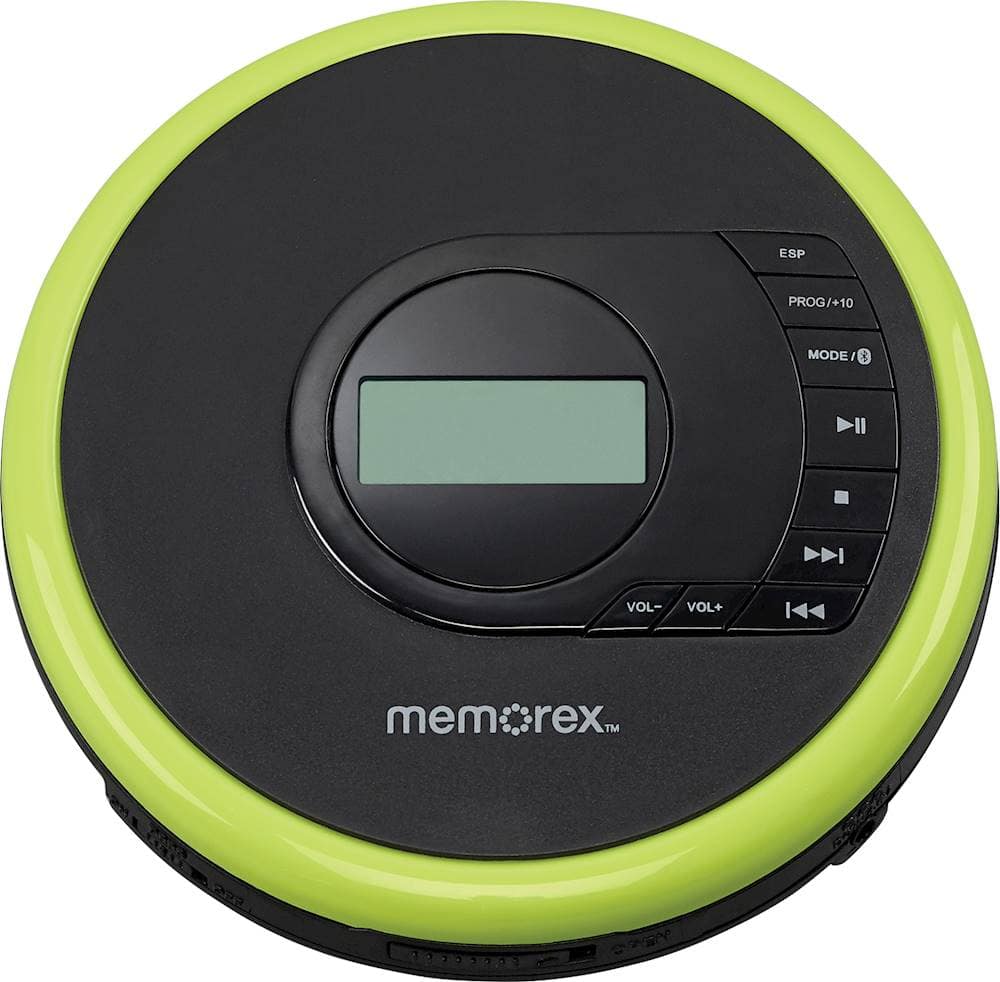
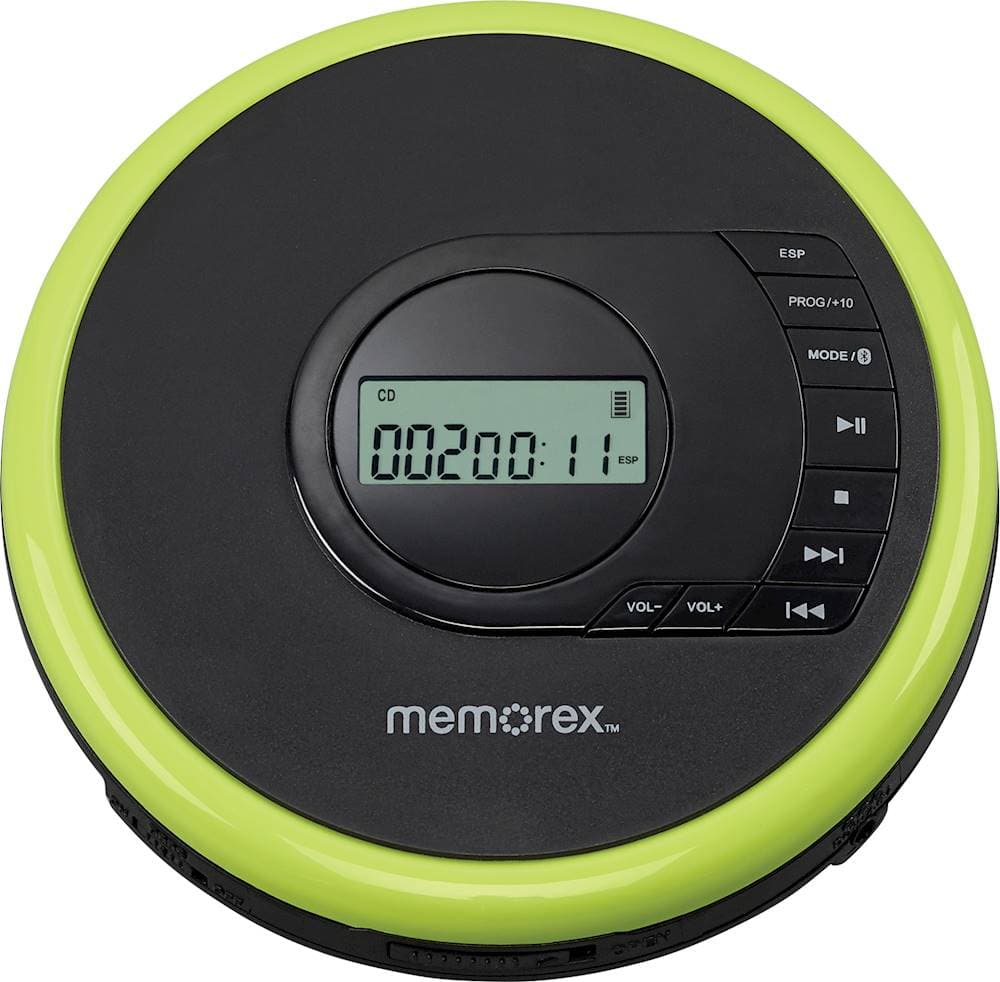
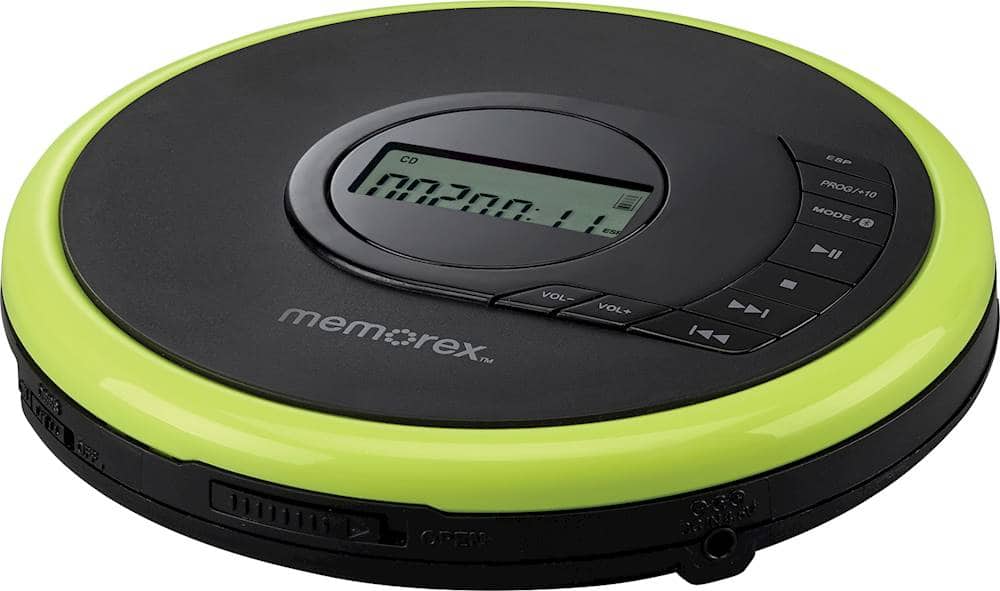
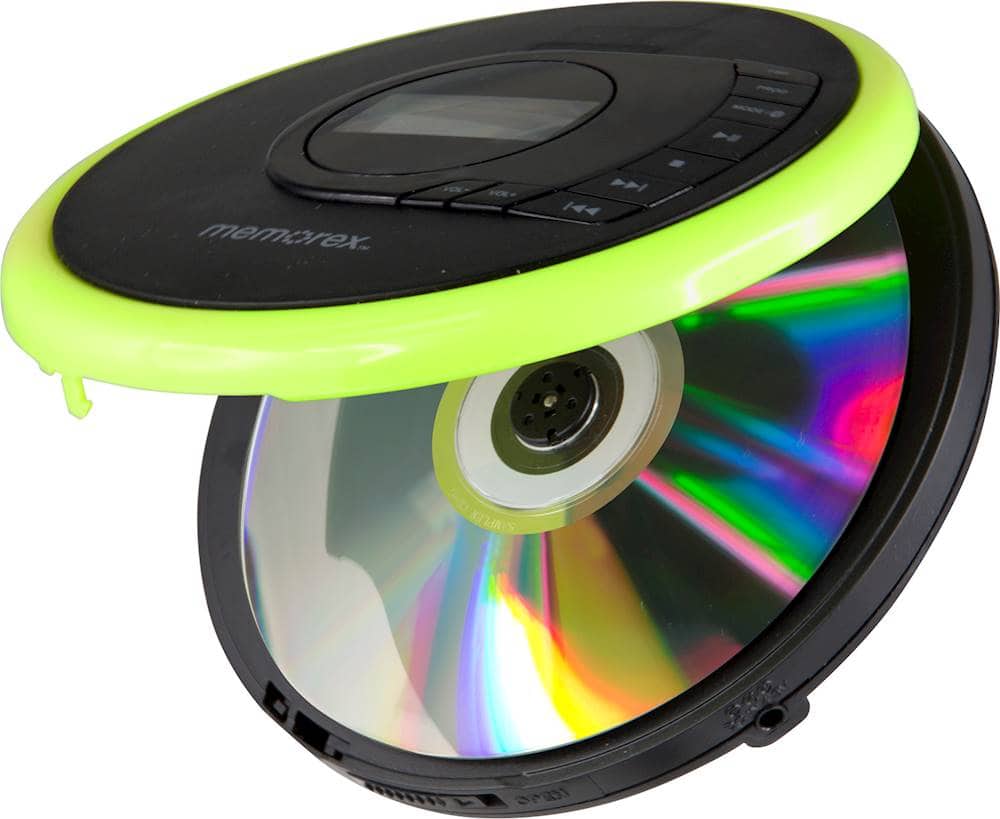
A:AnswerYes, using either Bluetooth or using a standard 3.5 mm cable between the earphone jack on the CD player and the line (mic) input jack on the laptop. If the laptop doesn't have a Bluetooth or a 3.5 mm audio input, USB Bluetooth and USB 3.5 mm audio adapters are available.
A:AnswerIt can if you buy one of these Bluetooth transmitters just plug into the CD player and hook your hearing aids to the signal. Cheaper versions exist then the one below but it was the first that appeared when I searched for them.
https://www.bestbuy.com/site/aluratek-bluetooth-audio-transmitter-black/6332920.p?skuId=6332920&ref=212&loc=1&ref=212&loc=1&gclid=Cj0KCQjwiNSLBhCPARIsAKNS4_fJWjJMcIbE4Y8HgjKVhMm8lv4M_edtU1ABLK_-GqB5rLRnyUjtjnEaAuu9EALw_wcB&gclsrc=aw.ds
A:AnswerNo not unless it can pick up and play from Bluetooth signals and even then you will need a Bluetooth transmitter like below to send out a Bluetooth signal to hook up to. For the record cheaper versions of these exist but this was the first that came up when I searched for them.
https://www.bestbuy.com/site/aluratek-bluetooth-audio-transmitter-black/6332920.p?skuId=6332920&ref=212&loc=1&ref=212&loc=1&gclid=Cj0KCQjwiNSLBhCPARIsAKNS4_fJWjJMcIbE4Y8HgjKVhMm8lv4M_edtU1ABLK_-GqB5rLRnyUjtjnEaAuu9EALw_wcB&gclsrc=aw.ds
A:AnswerNo this can only play CDs not convert them. You need an external CD drive like in the link below for that.
https://www.bestbuy.com/site/lg-8x-external-usb-2-0-double-layer-dvdrw-r-ram-cd-rw-drive-black/5581020.p?skuId=5581020
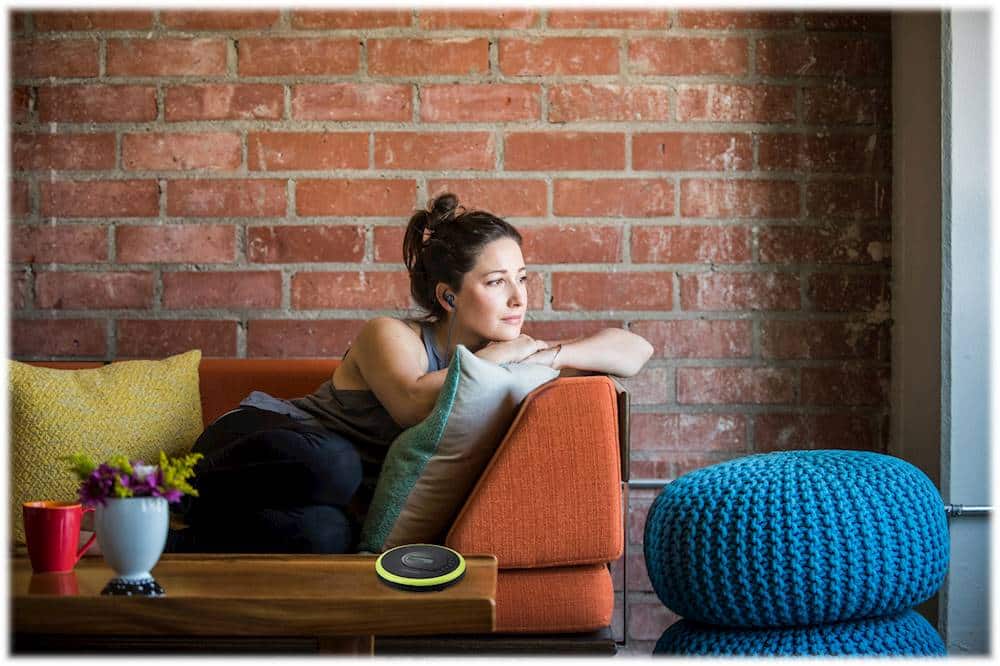
A:AnswerYou need the earphones that it comes with to hear this CD player it does not have speakers on the outside of the player. I am not sure what other accessories you would need. Hope this helps!