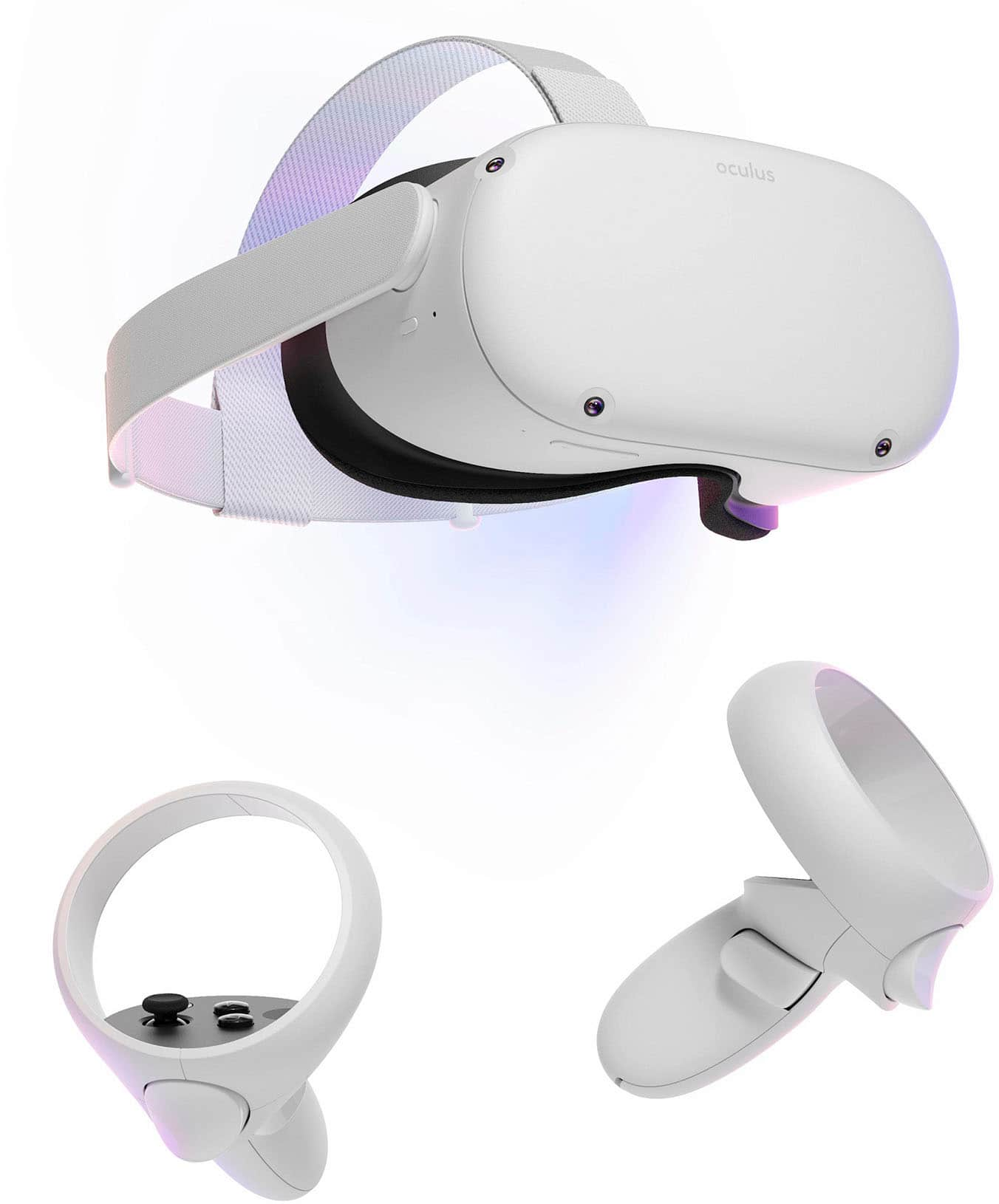
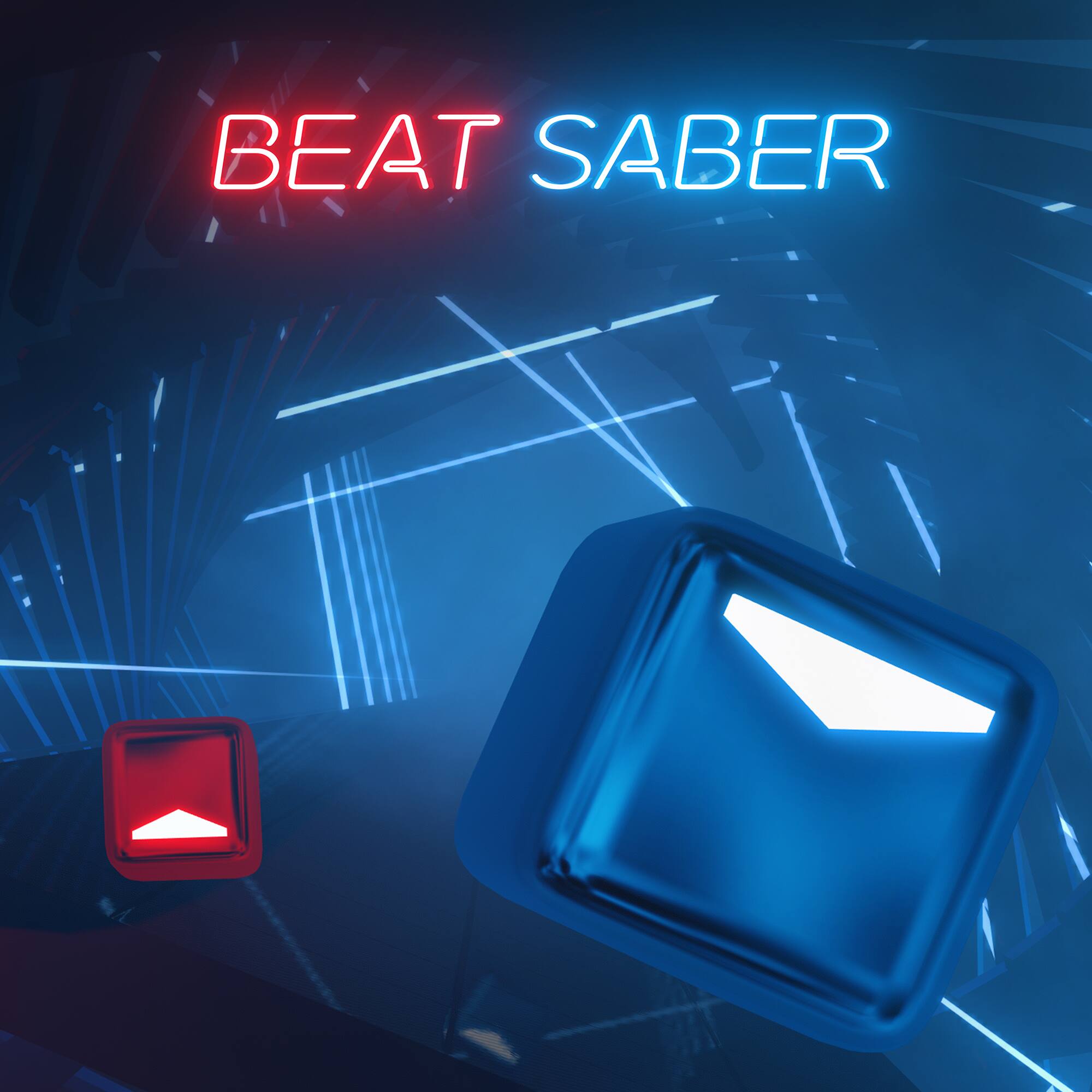
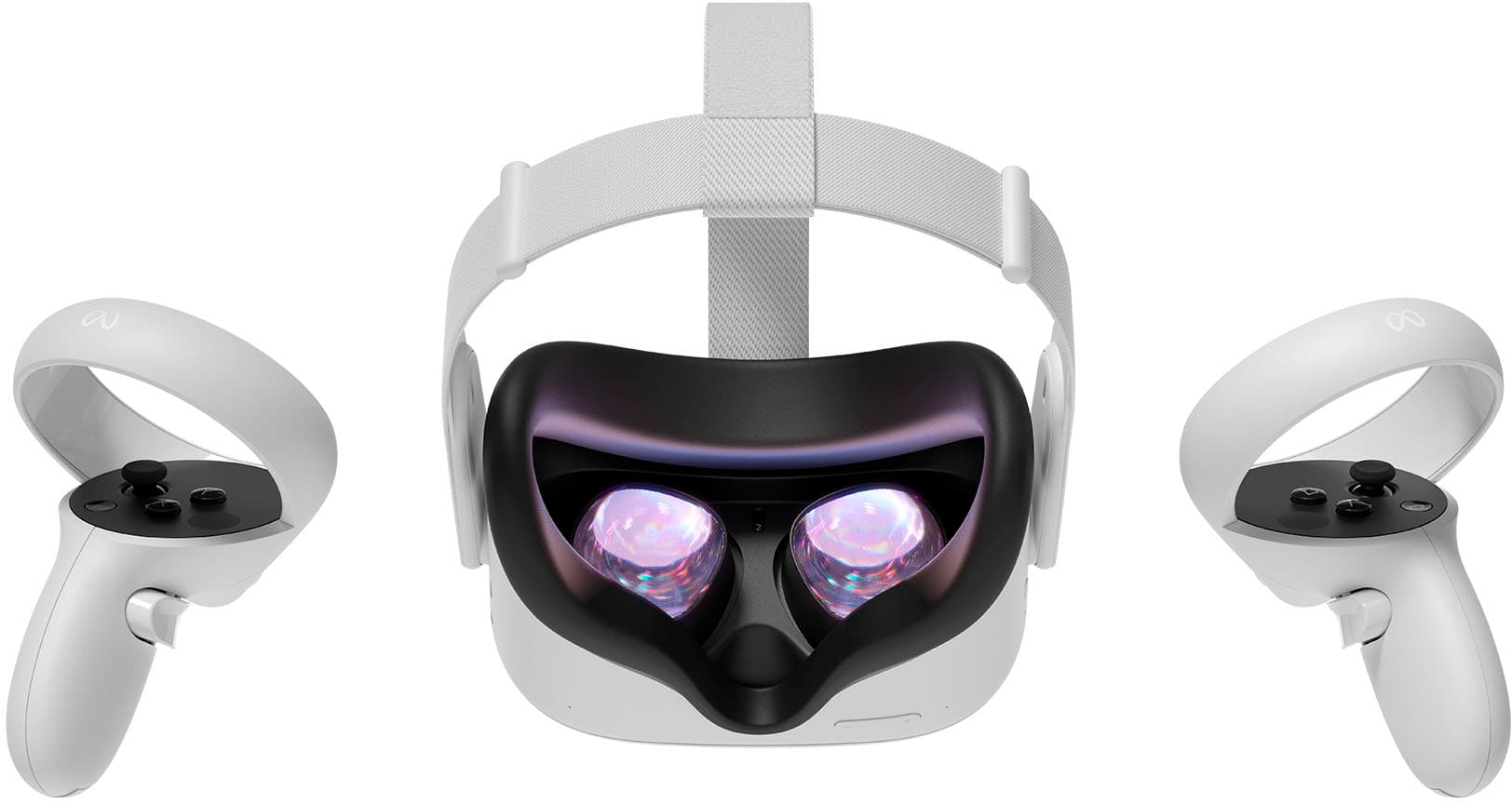
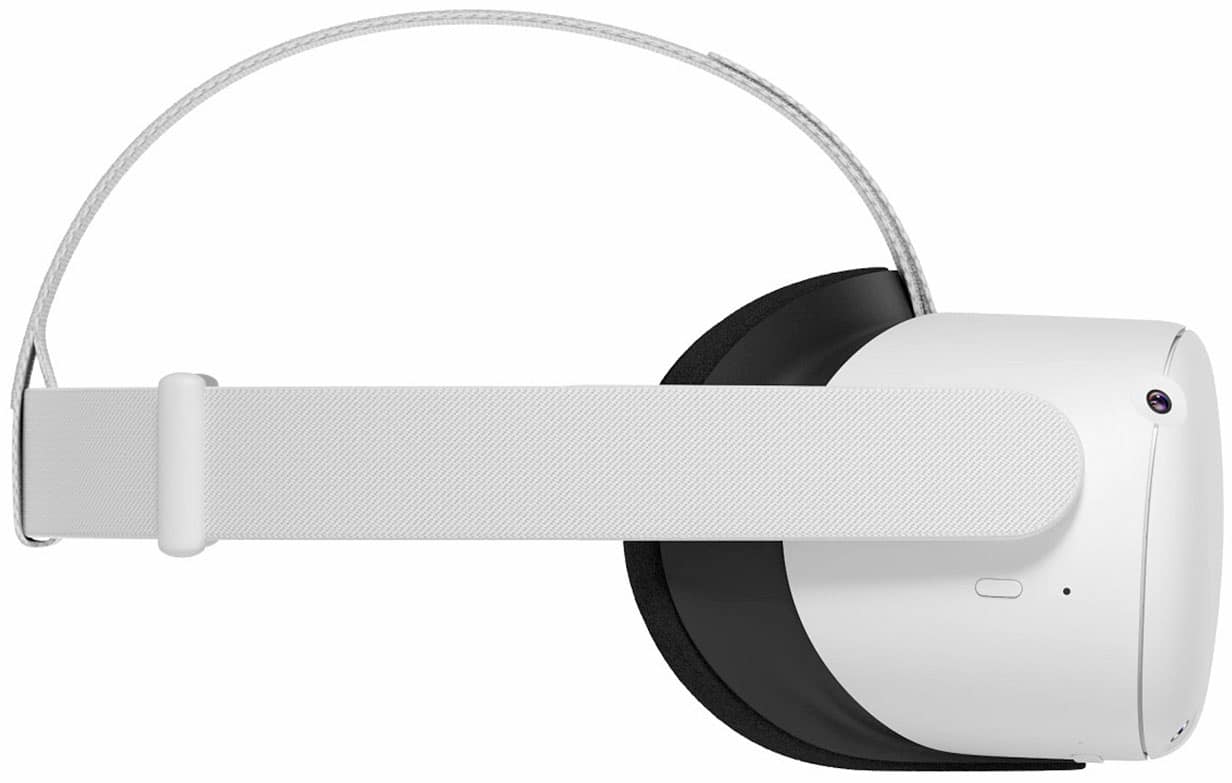
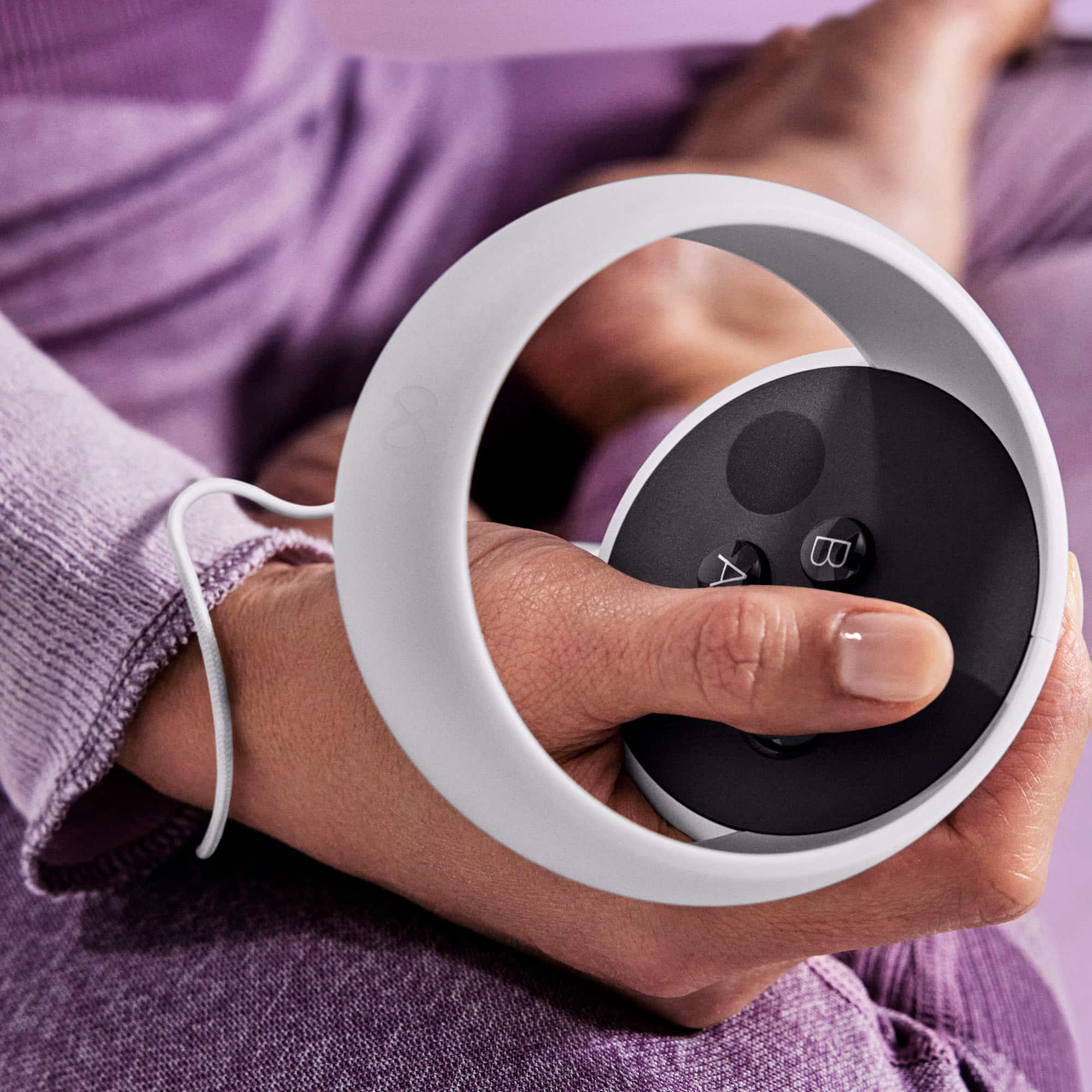
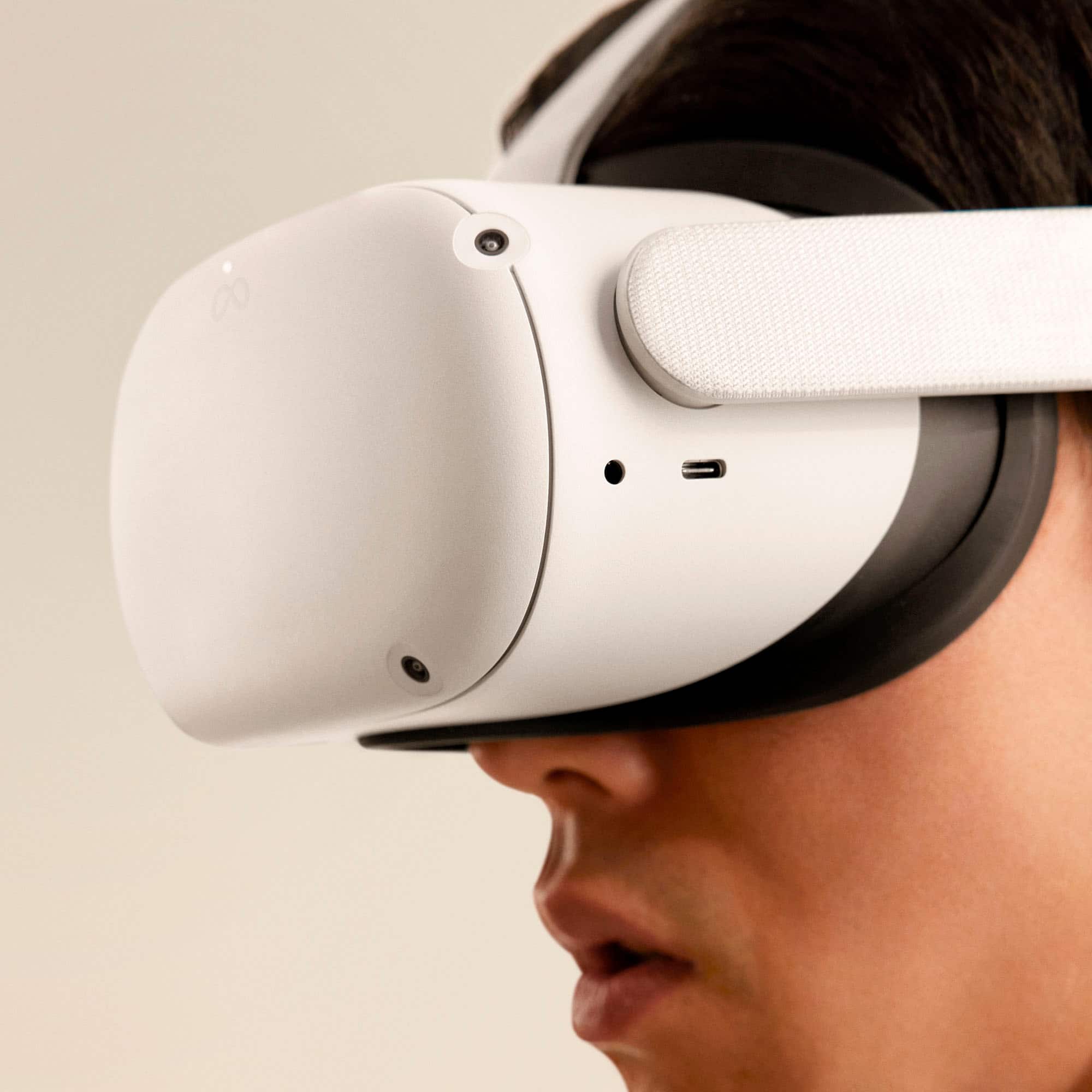
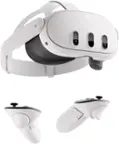
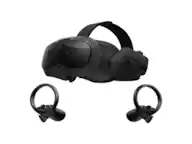
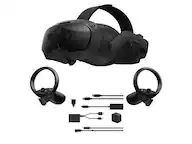
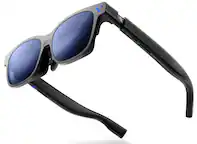
A:AnswerThere is a phone app that connects to this so you do need a smart phone.... In that app there are free games which can be added to the unit as well as paid games (sometimes those are the better depending on preferences as more time is usually spent developing them). There are also optional comfort devices some people use for playing longer stretches of time. For example a silicone comfort strap or silicone controller add ons. I dont use any of them as an hour is long enough for me to play in a stretch which is about how long the battery lasts before needing to be plugged in to charge. Some people will play with the charger connected to go longer....
A:AnswerThe oculus is a standalone platform, so everything is right in the headset. No computers or other gaming systems required. Just visit the oculus store already installed on the headset and make purchases thru there. You can hook up to computer to get stuff off of steam as well if you'd like to but it's not required.
A:AnswerSo, because the Quest 2 is a stand alone, the only way to play games with gift cards or cd would to connect the quest to a compatible computer and just use steam for the games.
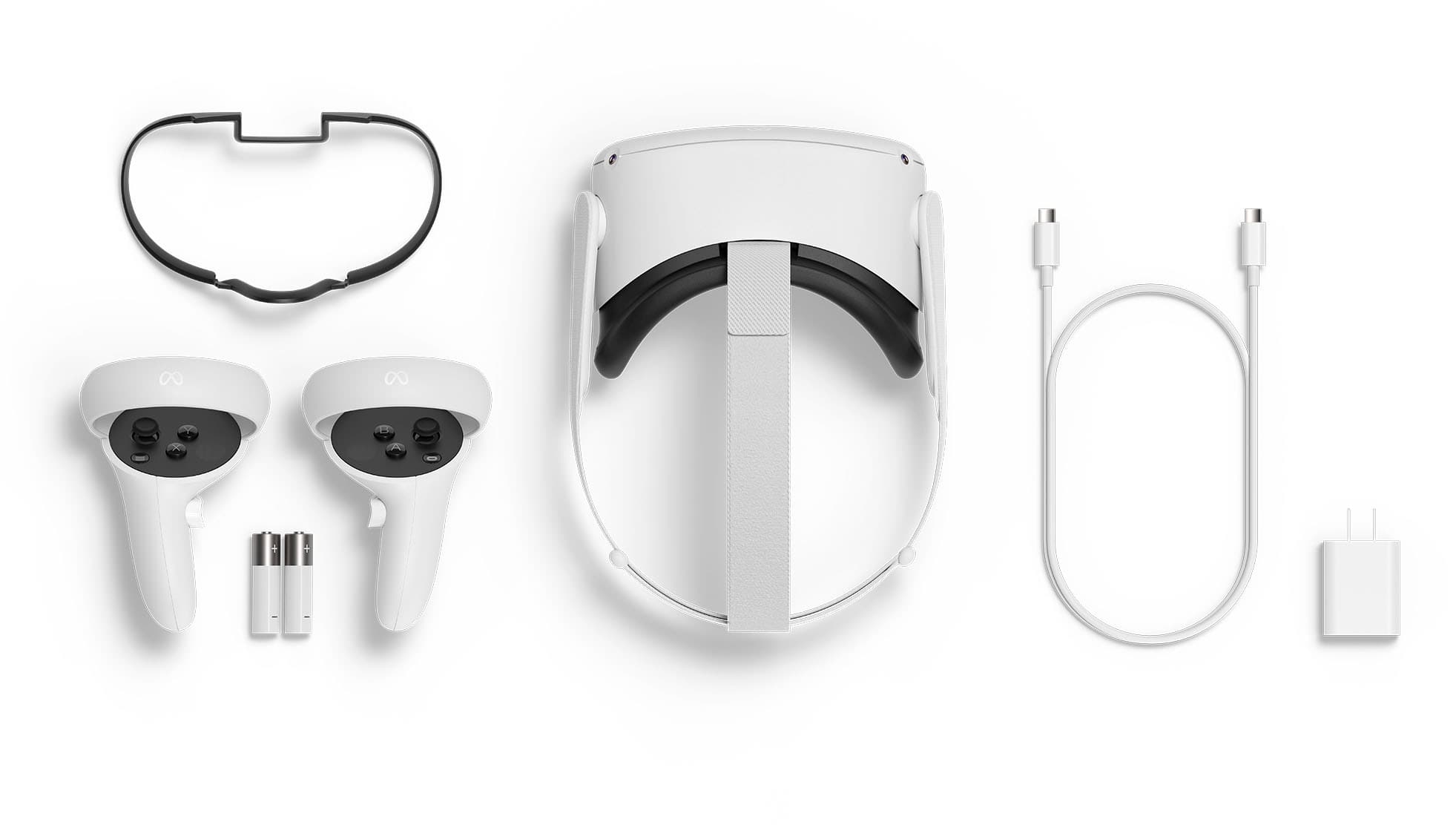
A:AnswerNothing at all. Everything is included in the system. Only thing you gotta do is connect it to your Facebook account to sign in and visit the in game store to make purchases of other games, experiences, concerts, shows, ect..
A:AnswerYes, apps like Netflix, showtime, red bull TV, YouTube and many more are available for download inside the oculus store. Download the oculus app on your phone to check out everything the system has to offer.