A:AnswerOrdered Wednesday, received Thursday. So we discovered that ‘renewed’ means a large crack down the middle and across the bottom of the screen. UNACCEPTABLE.
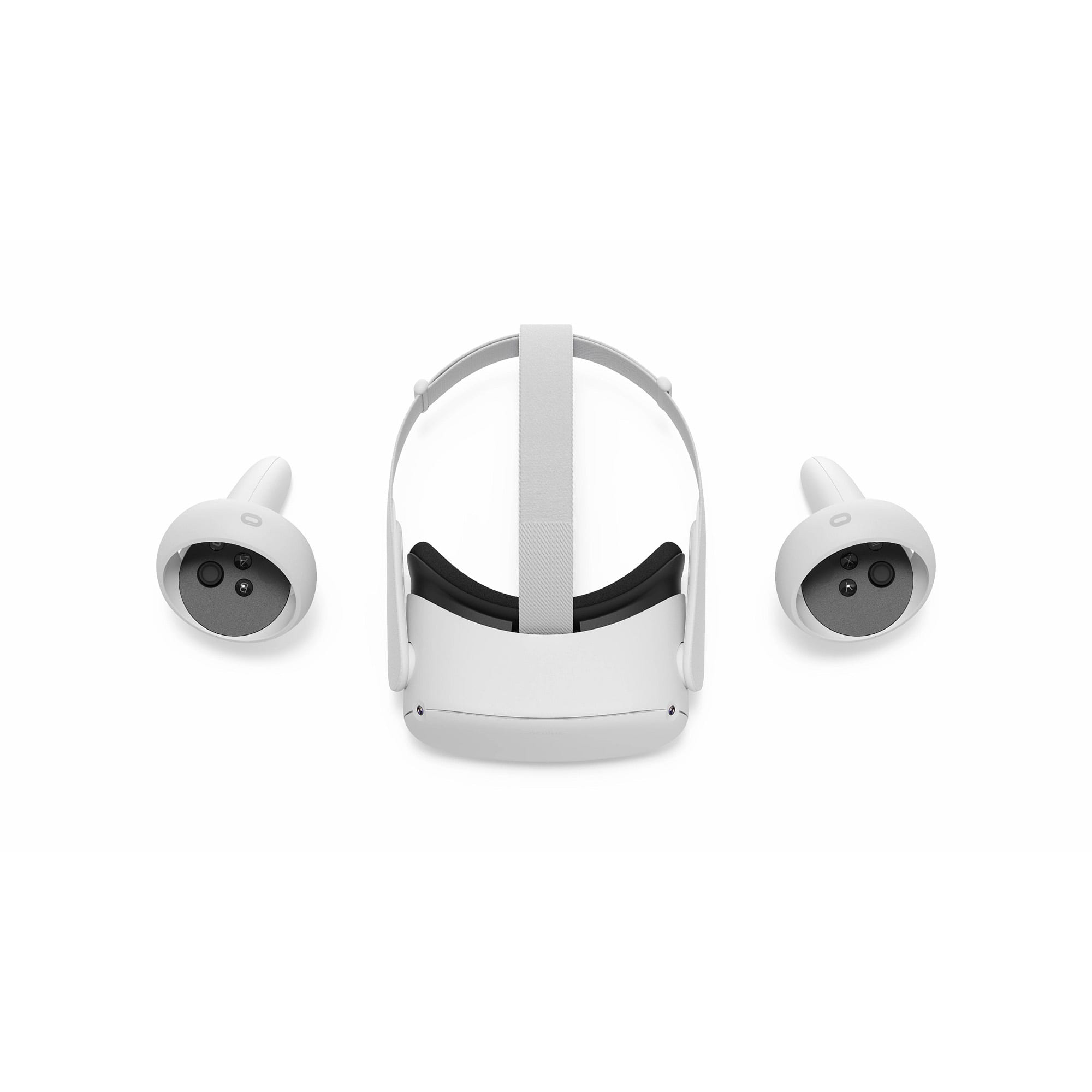
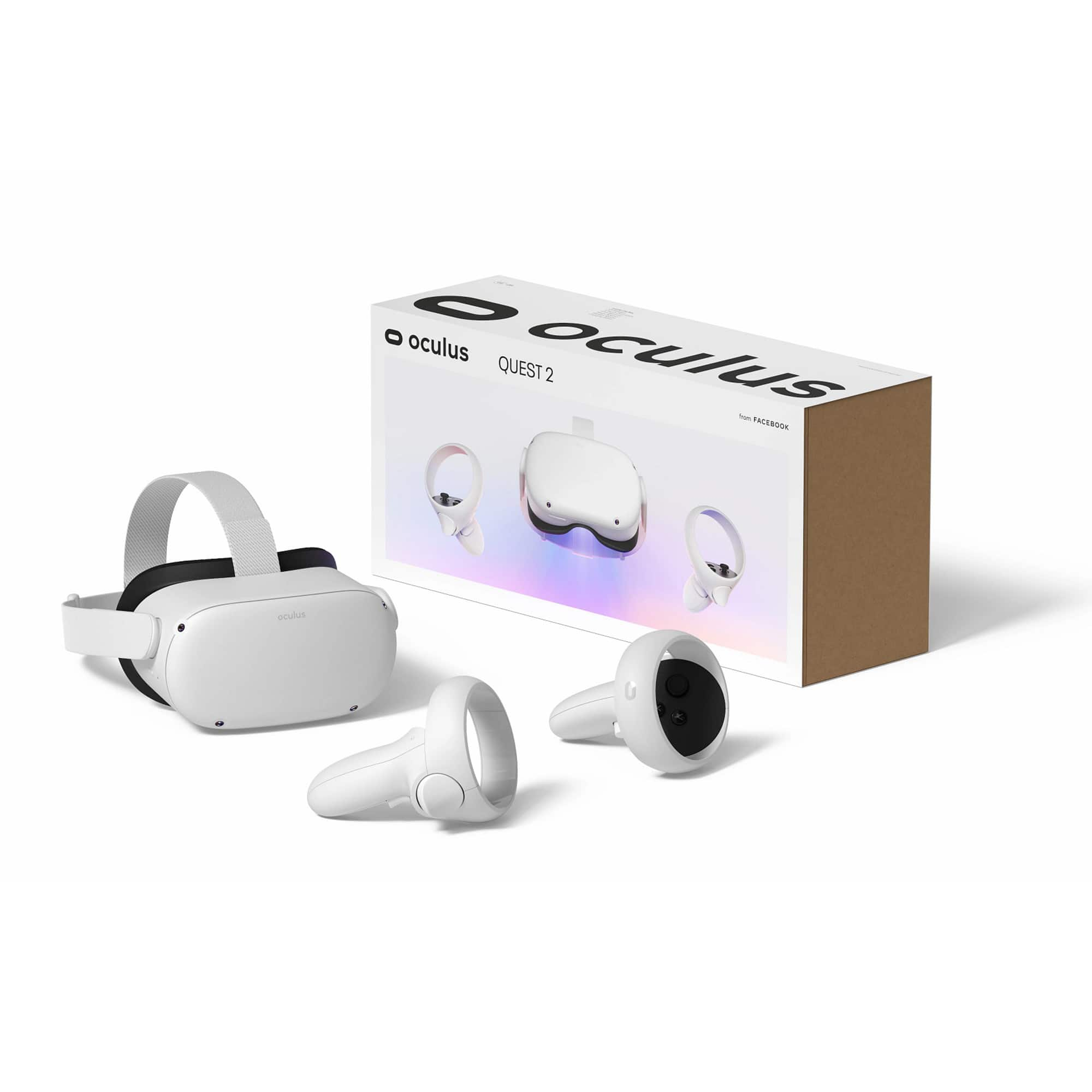
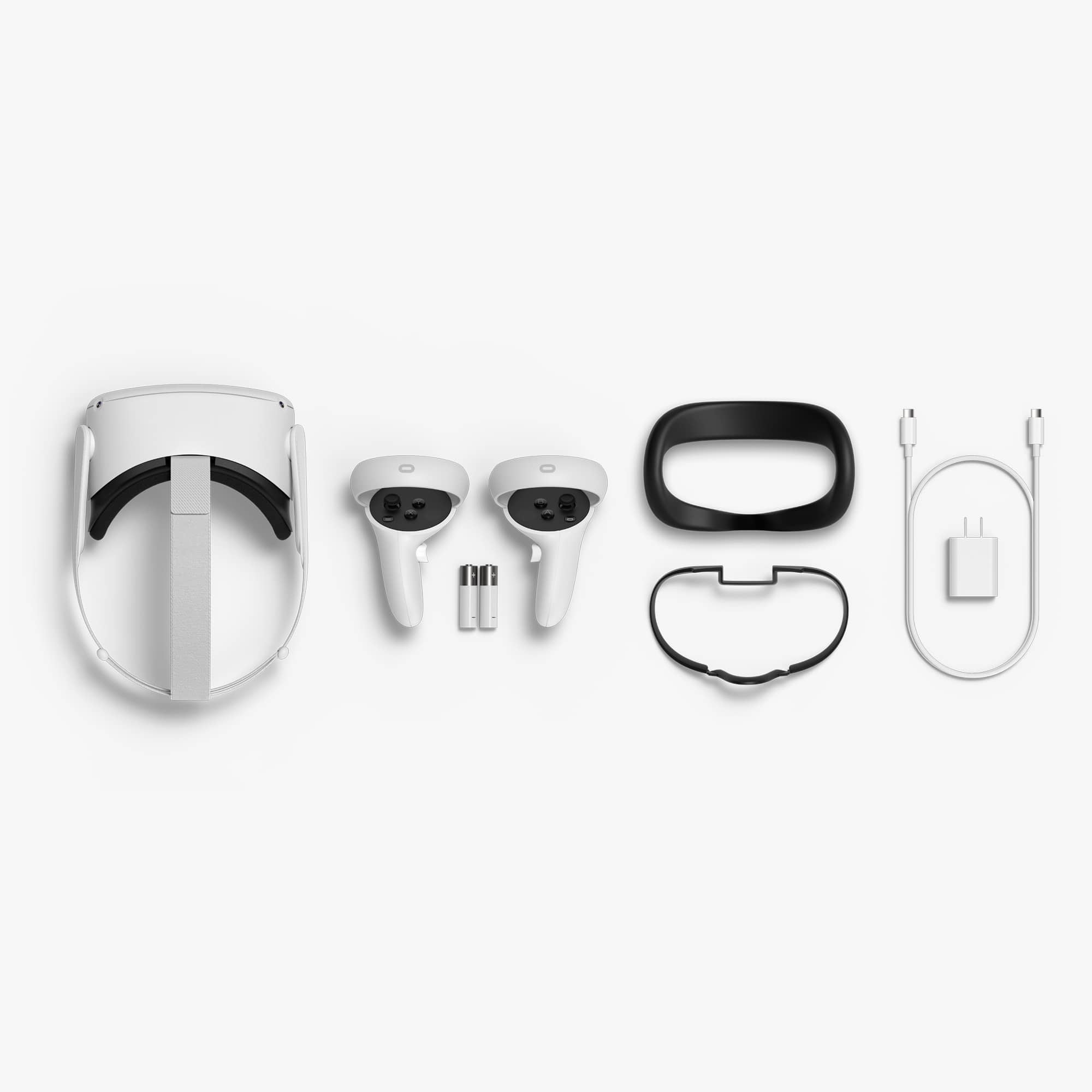
A:AnswerHey, Joe! We love to clarify this question. The Quest 2 is a standalone headset. The device connects with your phone through Bluetooth. You can also use PCVR by purchasing an official Link cable that connects to your PC. It's compatible with both, but it doesn't require you to be connected to a PC.
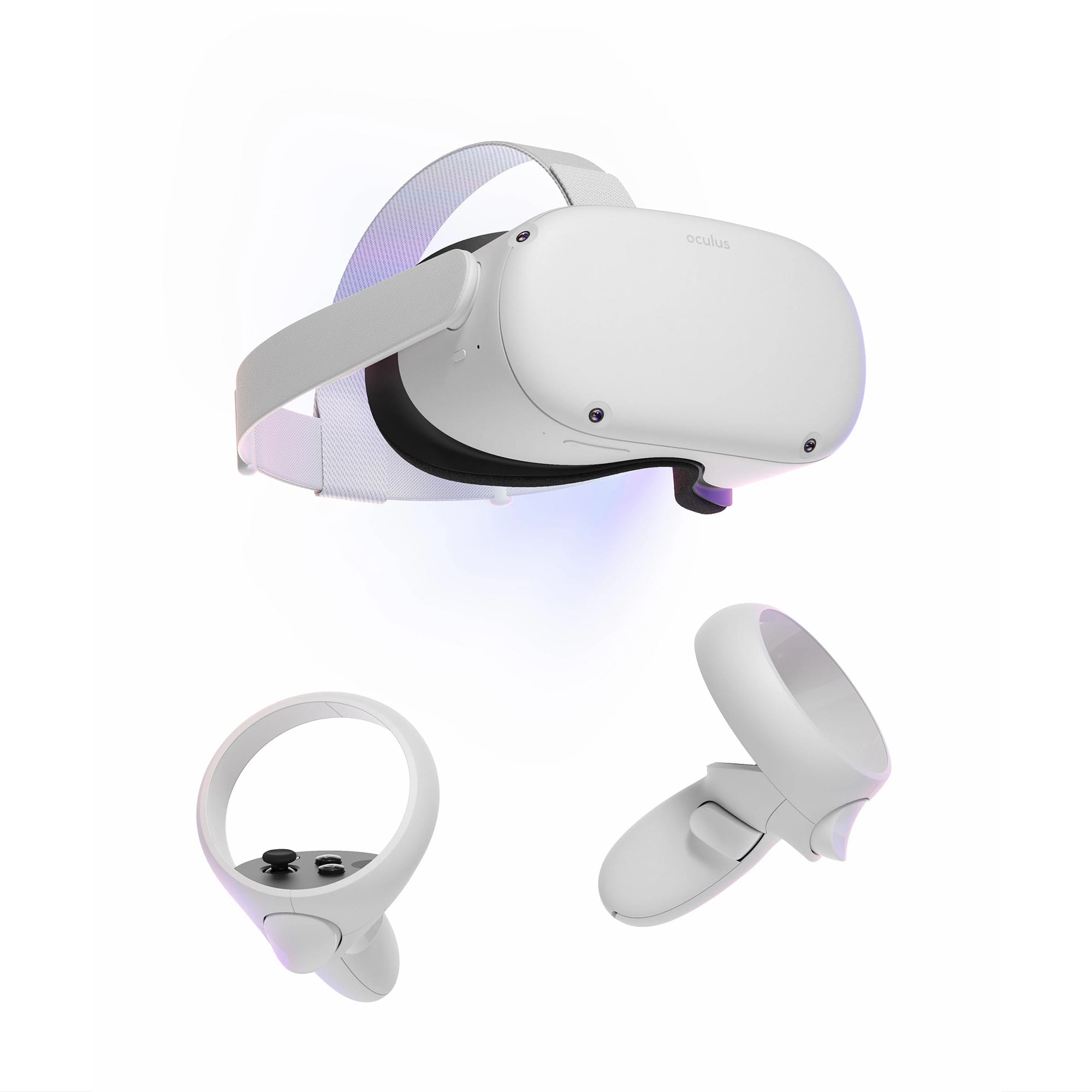
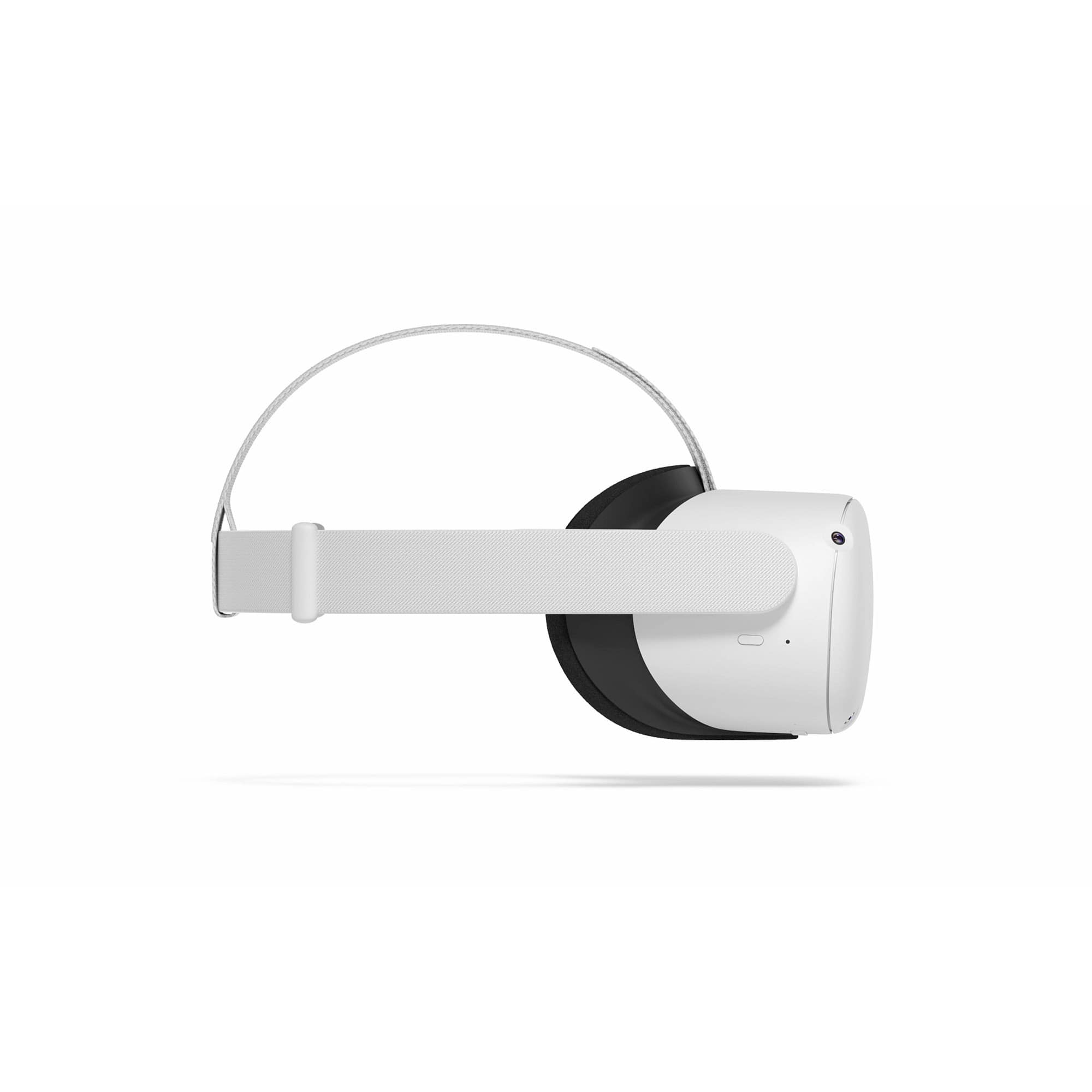
A:AnswerHi there Butterfly! The Meta Quest 2 has an adjustable head strap, so you can find a fit that's suitable for you by following these instructions: http://bitly.ws/Hbgy. If you have any extra questions, don't hesitate to reach out to our wonderful support team at https://metaque.st/Support
A:AnswerGreat question! You can adjust the depth of the headband by using the front pad adjustment wheel in order to have the best fit while wearing your glasses.
A:AnswerI bought this set for a Christmas gift, so it hasn’t been opened yet! I looked it up on google and it seems to be compatible with the Microsoft flight simulator. I hope this helps!!!
A:AnswerThe unit we got looked almost brand new. Pretty sure these are refurbished by the manufacturer. If there were any marks, they were not obvious. My sons was quite happy and appreciated saving some money.
A:AnswerThe Meta Quest 2 is a Stand Alone VR Headset that you can play games on, You need a phone to download the app and setup your account, you can also link the headset to your PC to play even more games on the headset. You need a Meta Account and possibly a Meta Horizons Profile to use your Meta Quest 2 Headset.