A:AnswerWhat state do you live in. Each state has different sale tax rates.
But what you do is take the purchase price and multiply by the percentage rate (6%= 0.06 5%= 0.05 and so on) to figure out Tax then add it to total.
For example if one were to purchase in FL. The sales tax rate is 6% so 6% of $500 is $30. So if we add $30 FL sales tax and $500 purchase price. The total comes out to $530.
A:AnswerIf you are talking about steam link or any other vr games that require a pc, I’m pretty sure you need a good PC to run those. Apart from that the Meta has a full library of games that don’t require a pc to run
A:AnswerHi Felix!
The game should be available to download after you have registered the headset with your account.
If you need further assistance, please get in touch with us via our Help Center or Community Forums.
A:AnswerHi there!
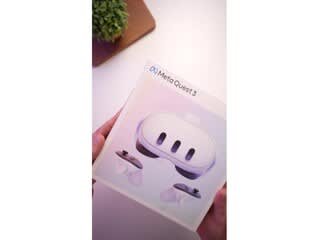
Yes! Our VR Headsets such as the Meta Quest 3, are appropriate for anyone aged 10+, even older users!
Check out some of our apps, that include travelling, museums etc.: https://www.meta.com/experiences/view/777073612853145
A:AnswerWhile It is possible to use outdoors, it is not recommended. You need to be mindful of the heat as the headset will get quite warm on its own, and the sunlight im sure could cause damage. As well as you ABSOLUTELY cannot let sunlight get into the lenses you look through on the inside as it can permanently damage them easily.
However I have heard reports and seen people use them outside carefully with no issues
A:AnswerHey there DSA! The Meta Quest 3 is compatible with Bluetooth earphones. If you have any other questions, don't be shy to contact our wonderful support team at meta.com/help/support/quest/, we'll be glad to give you a hand!
A:AnswerCan not be upgraded. If you got the 128GB that's all you got. There are no SD Slots to add more room. If you play PCVR the 128GB should be good. That's what I got. But if you DON'T do PCVR then get the 512GB.
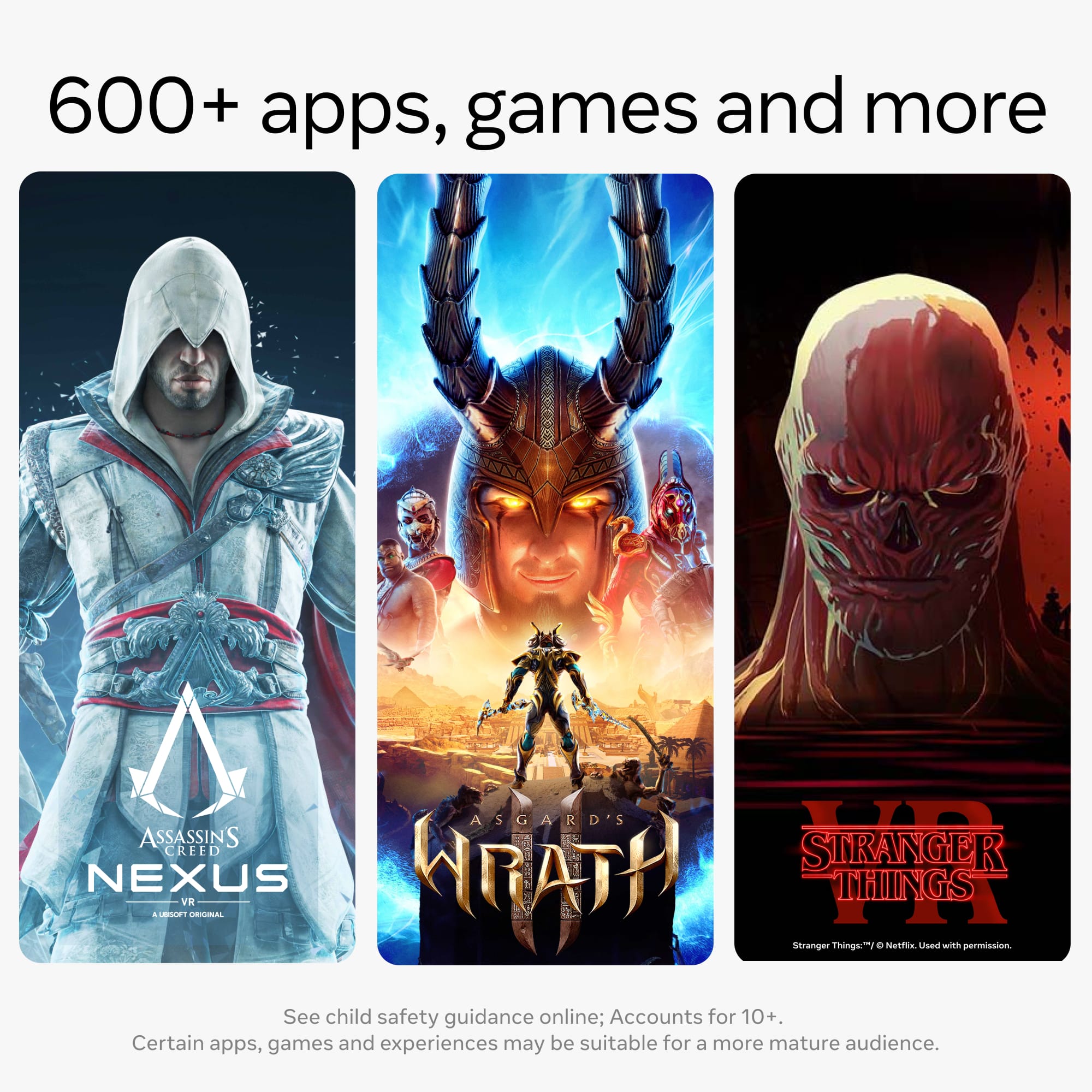
A:AnswerYes you do, Pop 1 is free to play now though and Assguard doesnt drop til December but youll be the first to have it and it is one of the more expensive games at the Meta Store